
Proverb Tile Generator - make your own
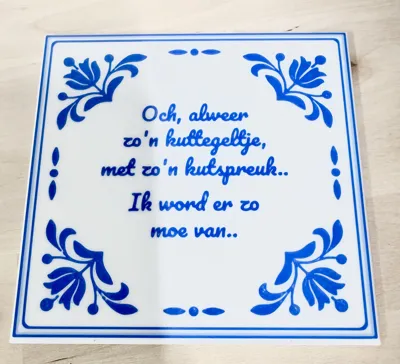
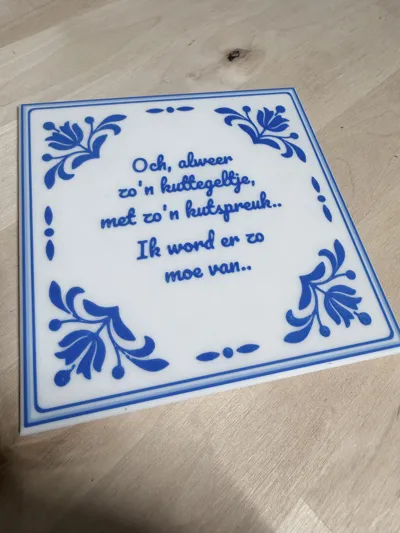
Print Profile(1)





Description

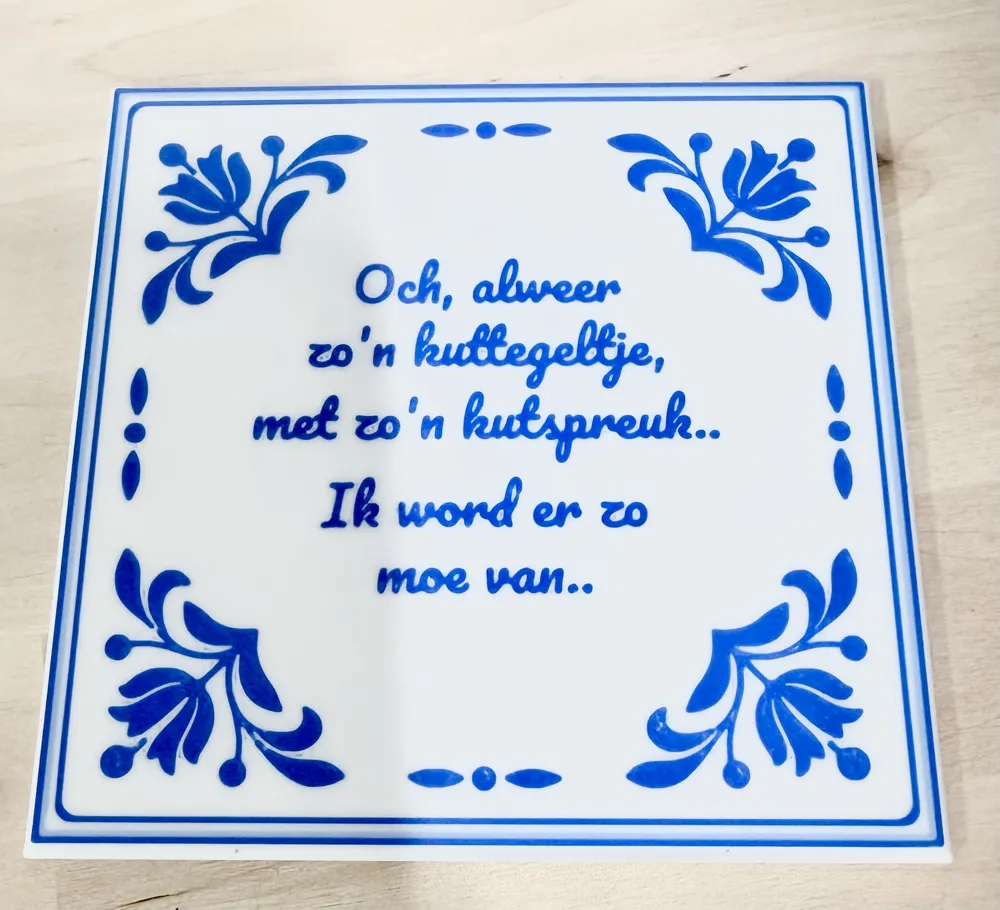
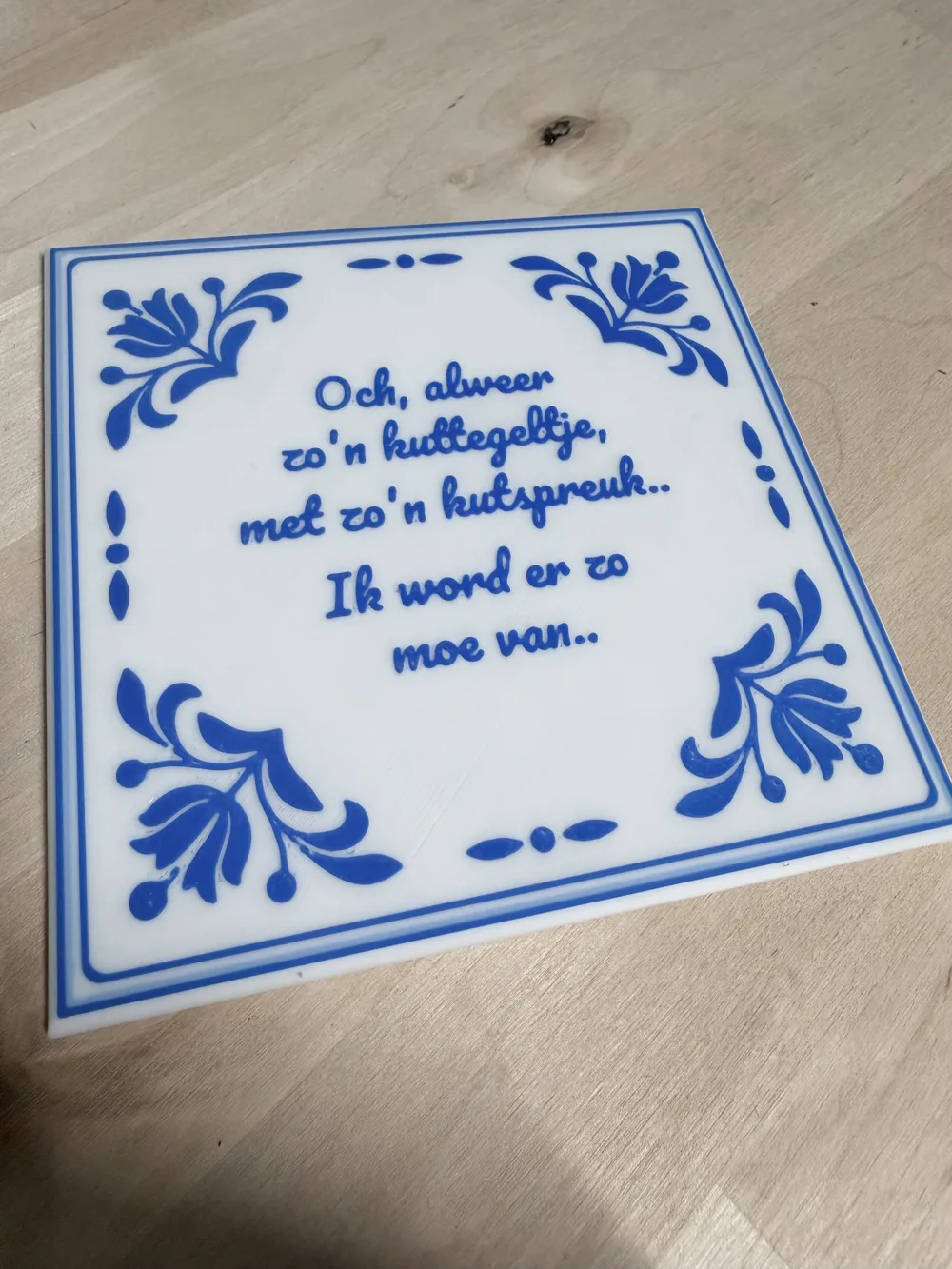
Customizable Dutch “Tegeltjeswijsheid” Kitsch Generator
Create your own personalized wisdom tile, quote tile, or inside joke in the classic Dutch style.
Whether it’s a meaningful quote, a family saying, workplace humor, or something a friend said after a few drinks, you can turn it into a custom decorative tile in just a few clicks.
Perfect as a gift, a conversation piece, or simply as decoration for your home, office, workshop, or hobby room.
Remember that ridiculous thing your friend said last weekend? Put it on a tile and gift it back to them.
Enjoy creating your own unique tegeltjeswijsheid and turning memorable quotes, jokes, and life lessons into something that lasts a lot longer than the conversation that inspired them. Would love to your creations, comments with pictures are highly appreciated.
Features
Fully Customizable Text
The tile supports up to 5 lines of text.
- Enter your own text on each line.
- Leave any line empty to create extra spacing.
- Create short quotes, long sayings, names, dates, or personalized messages.
Tile Customization
Adjust the appearance to match your needs:
- Tile width
- Tile height
- Tile thickness
- Font size
Designs
Includes 11 designs to get started quickly.
Font Selection
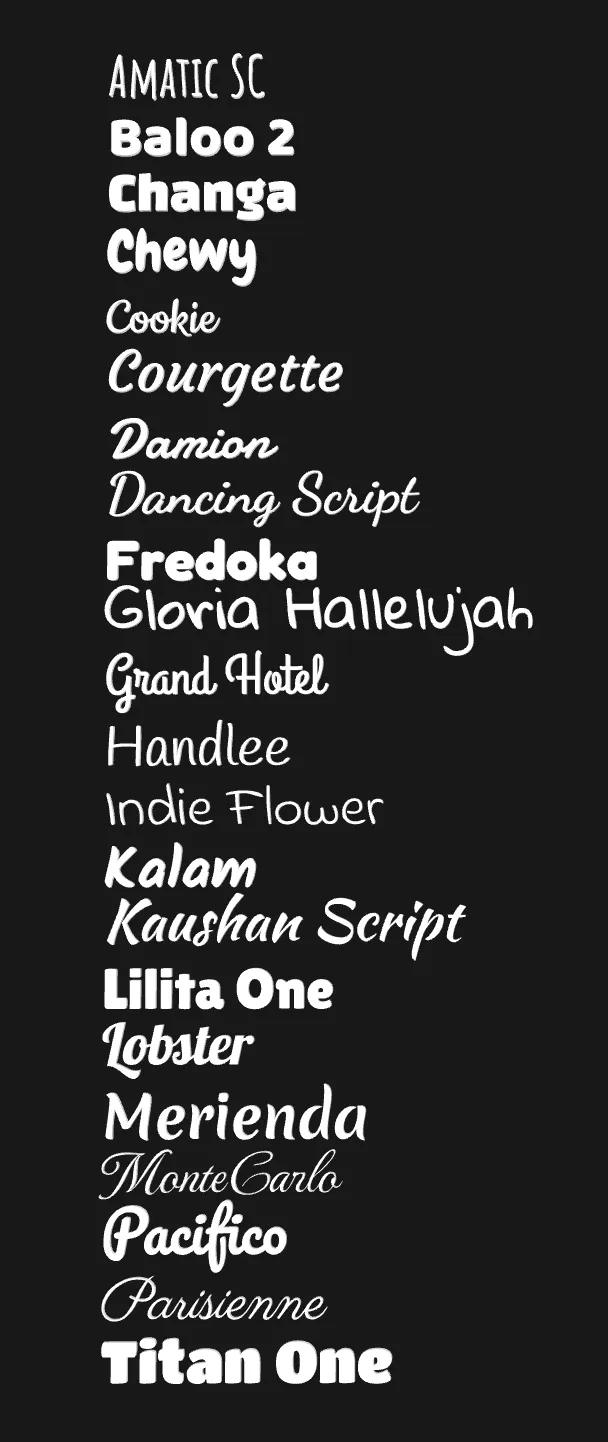
A curated collection of decorative and "handwritten"-style fonts is included.
The image below shows the available fonts:
Bambu Studio Colour Matching
The colour presets are based on common Bambu PLA filament colours, making it easier to match the rendered preview with your actual print.
Boost Me (for free)
Making parametric models like this and printing drafts – that allow you to make your own custom models – takes a lot of time and material. Please consider boosting this model. Thanks!
Advanced Settings
Colour Layer Approximation
The Layers setting allows you to approximate how many coloured layers are printed on top of the tile.
This is useful when:
- Matching a specific layer height
- Adjusting text visibility
- Optimizing colour changes
- Reducing or increasing colour thickness
The setting is intended as a visual approximation and may require adjustment depending on your slicer settings and layer height.
Printing Recommendations
Layer Height
For the best results, print at:
- 0.12 mm layer height (recommended)
The model’s rounded edges and text details are designed with this layer height in mind.
Using 0.12 mm also provides the best correspondence with the Layers parameter used to define the coloured text depth.
Larger layer heights may reduce detail quality and make the coloured text appear different from the preview.
Font Considerations
Some fonts are naturally more difficult to print than others.
Keep in mind:
- Smaller font sizes reduce readability.
- Narrow fonts may contain very thin features.
- Fine details can disappear depending on nozzle size and print settings.
- Some decorative fonts are more demanding than others.
Always Check the Slice Preview
Before printing:
- Slice the model.
- Inspect every text line in the preview.
- Verify that all letters are actually being generated.
- Check thin strokes, punctuation, and small details.
If parts of the text are missing:
- Increase the font size.
- Choose a bolder font.
- Increase line spacing if needed.
- Consider using a smaller nozzle for extremely fine fonts.
Recommended Print Settings
- 0.4 mm nozzle (works well for most fonts)
- 0.12 mm layer height
- Adequate top layers for a smooth surface
- Inspect colour changes in preview before printing
Nozzle Size
The model is optimized for a standard 0.4 mm nozzle, which works well for most combinations of font and text size.
However, some fonts contain very fine details, thin strokes, or decorative elements that may become difficult to reproduce accurately, especially at smaller font sizes.
If you want to use particularly delicate fonts or fit more text onto a tile, consider printing with a 0.2 mm nozzle. A smaller nozzle can reproduce finer details and improve the appearance of narrow characters, decorative flourishes, and small text.
Keep in mind that:
- Smaller nozzles increase print time.
- Not every font requires a smaller nozzle.
- Always inspect the sliced preview to confirm that all letters and details are being generated correctly.
- Increasing the font size is often a simpler solution than switching nozzle sizes.
When in doubt, the slice preview is the best indication of how well a particular font and text combination will print.
Personal Use Only
Feel free to print this model for yourself, your family, your friends, and as gifts.
You may not sell, distribute, market, or otherwise commercially exploit either the digital files or any physical prints made from them without my explicit written permission.
Want to sell prints? Contact me for a commercial license.
Unauthorized commercial use is prohibited.
License

You shall not share, sub-license, sell, rent, host, transfer, or distribute in any way the digital or 3D printed versions of this object, nor any other derivative work of this object in its digital or physical format (including - but not limited to - remixes of this object, and hosting on other digital platforms). The objects may not be used without permission in any way whatsoever in which you charge money, or collect fees.


Comment & Rating (1)