
Taxidermy Fleshing Beam Radius Guide
Print Profile(1)
Description
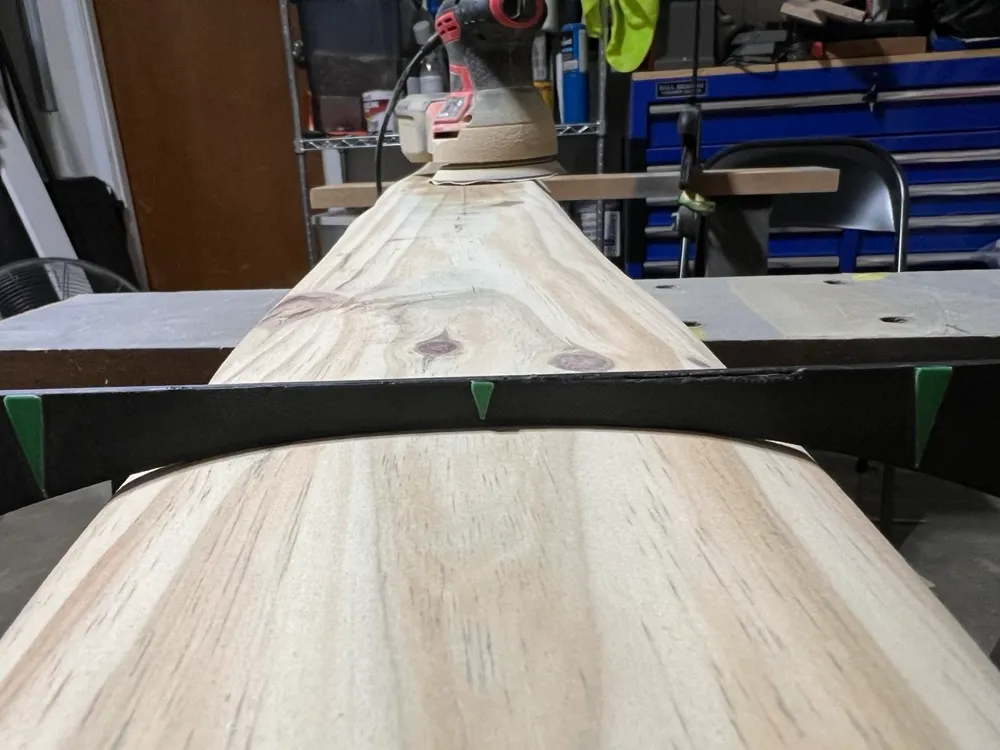
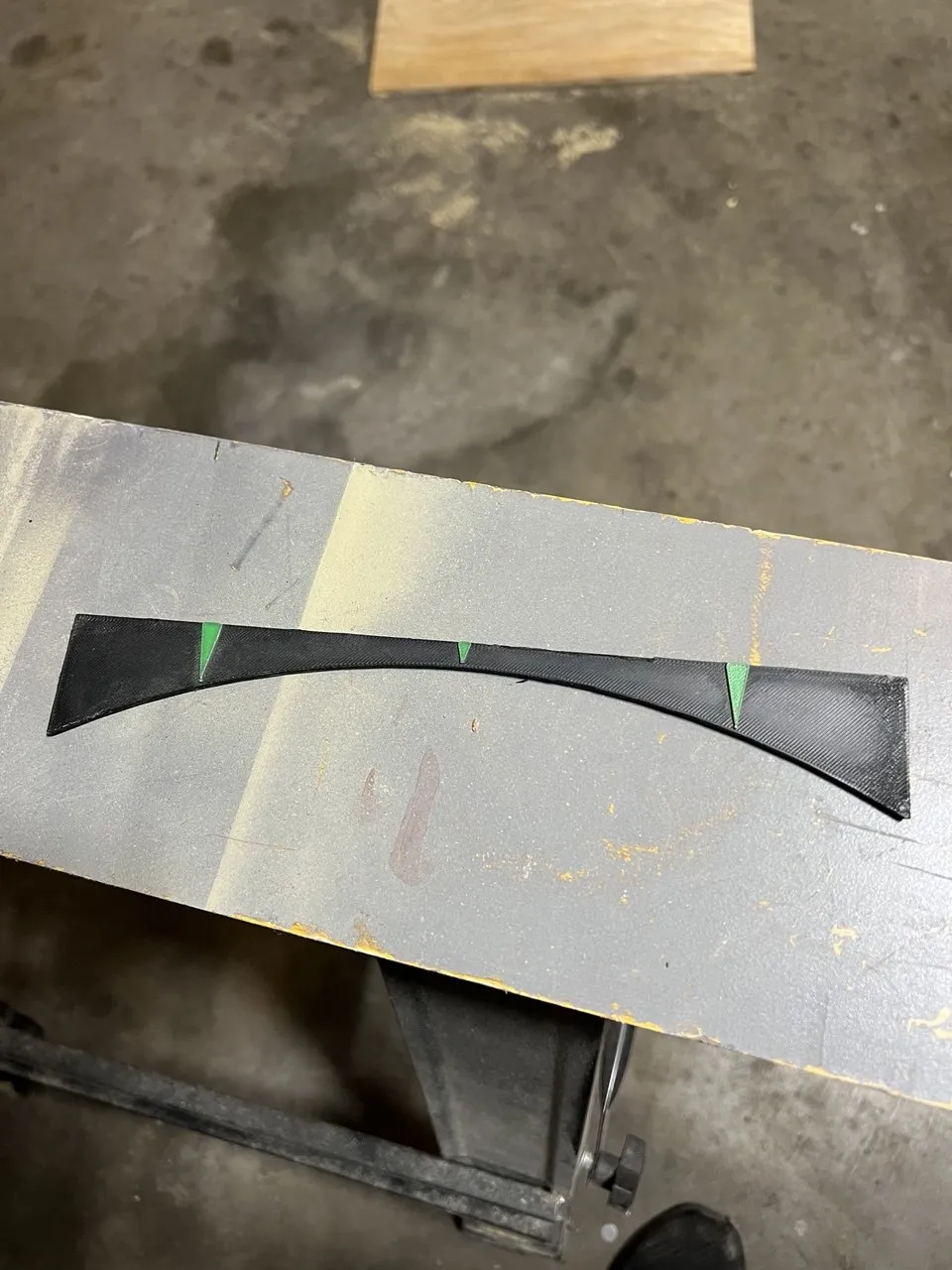
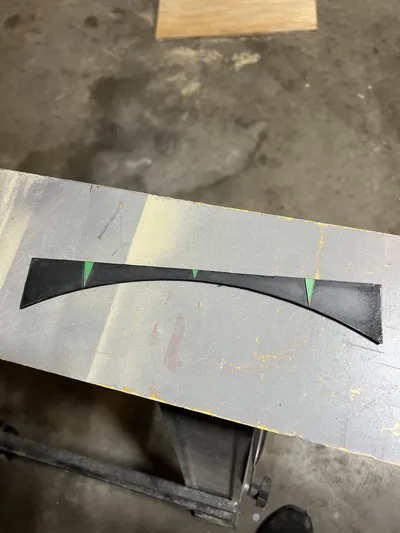
This is a simple, quick-to-print tool designed to help you maintain a consistent 10-degree curve across the working surface of a fleshing beam. Whether you are shaping a new log or tuning up a beam you've been using for a while, this guide gives you a reliable physical reference to keep your scraping edge uniform and prevent accidental gouges.
Features
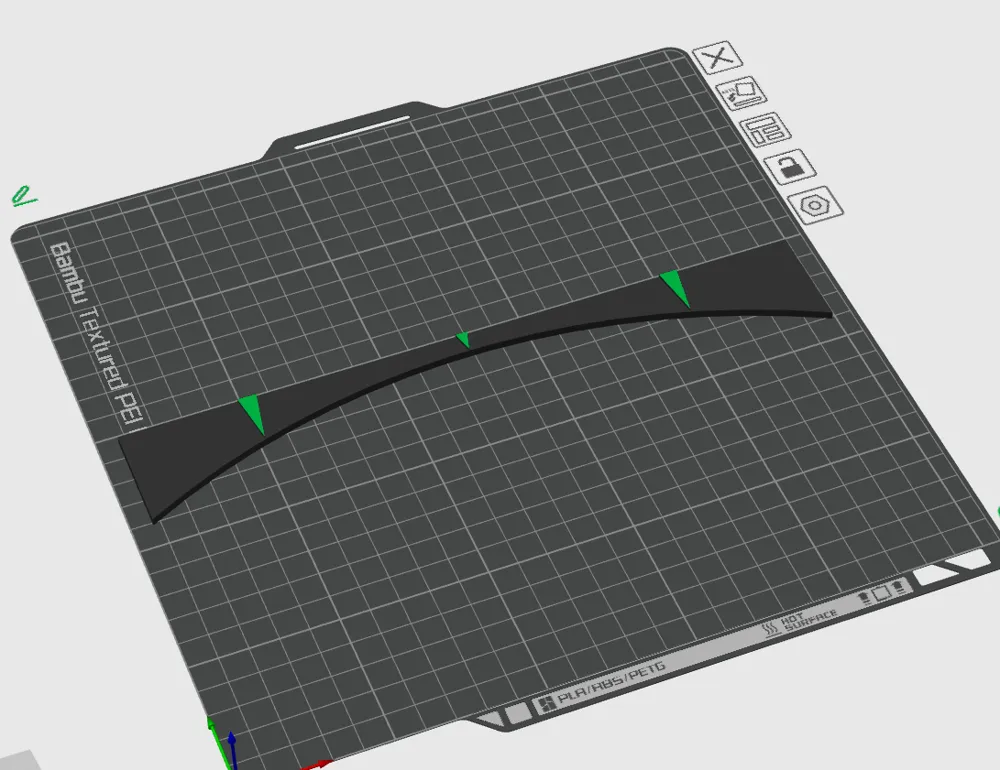
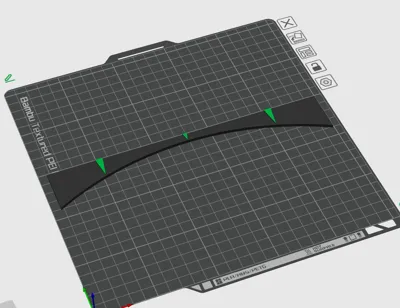
- Alignment Marks: Includes a clear centerline mark for centering the tool, along with 6-inch marks to help you gauge the width and symmetry of your beam.
- Fast Print Time: Optimized to print efficiently, taking less than 30 minutes
- Color Options: Designed with extruded guide marks, so it works great as a quick single-color print, or you can easily run it as a 2-color print to make the alignment lines stand out.
Print Tips and Settings
- Material: PLA works fine, but PETG is a good choice if it's going to toss around a workshop.
- Infill: 10%, gyroid
- Layer Height: 0.24mm
- No Supports, Prime tower optional
- Multi-color: If you aren't using an ams, you can just slice the model and add a manual filament change at the layer height where the text and marks start.
License

You shall not share, sub-license, sell, rent, host, transfer, or distribute in any way the digital or 3D printed versions of this object, nor any other derivative work of this object in its digital or physical format (including - but not limited to - remixes of this object, and hosting on other digital platforms). The objects may not be used without permission in any way whatsoever in which you charge money, or collect fees.


Comment & Rating (0)