
Print Profile(1)

Description
GardenForge - Plant Stake Label Generator
Version: 1.0.0
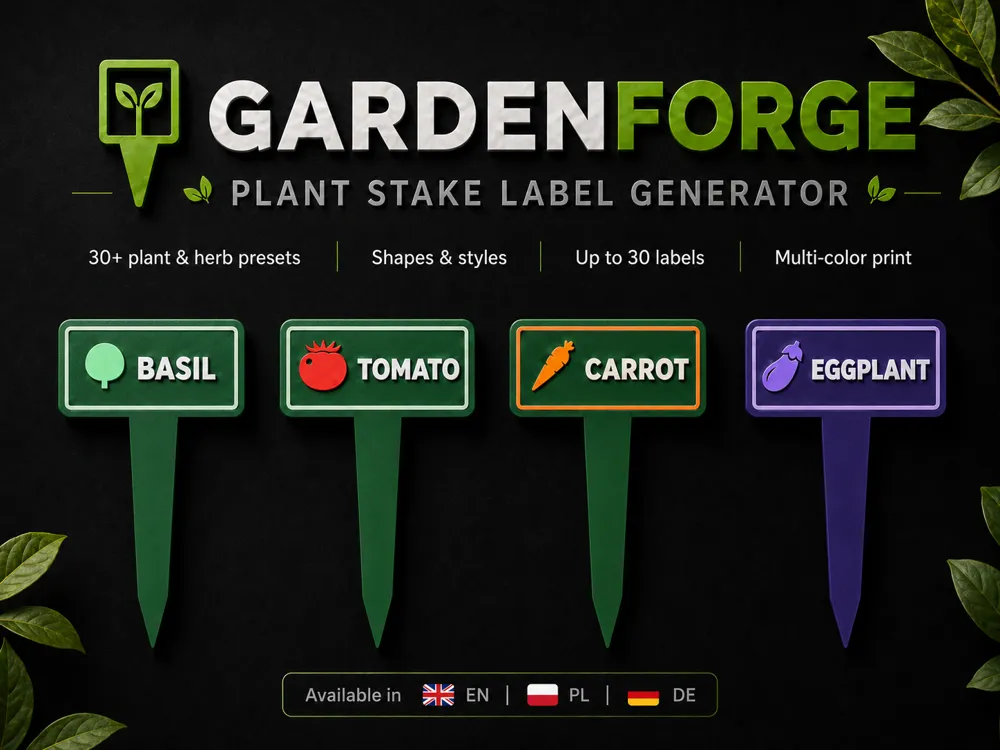
GardenForge is a parametric MakerWorld customizer for creating printable plant stake labels for vegetable beds, herb pots, seed trays, greenhouse rows, balcony planters, and garden organization.
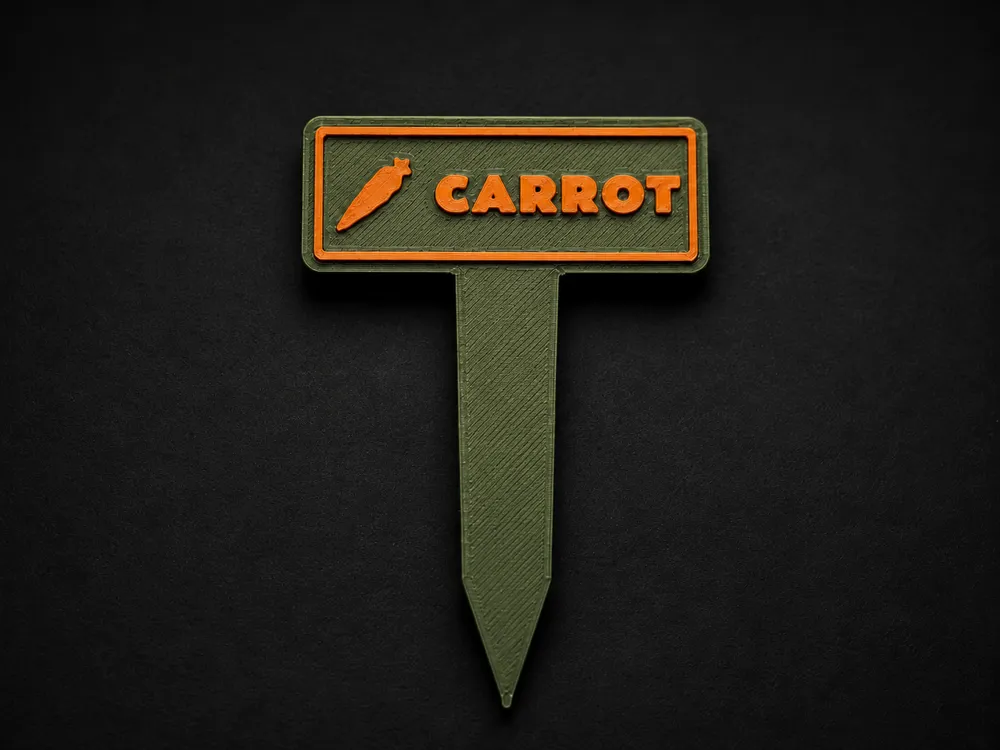
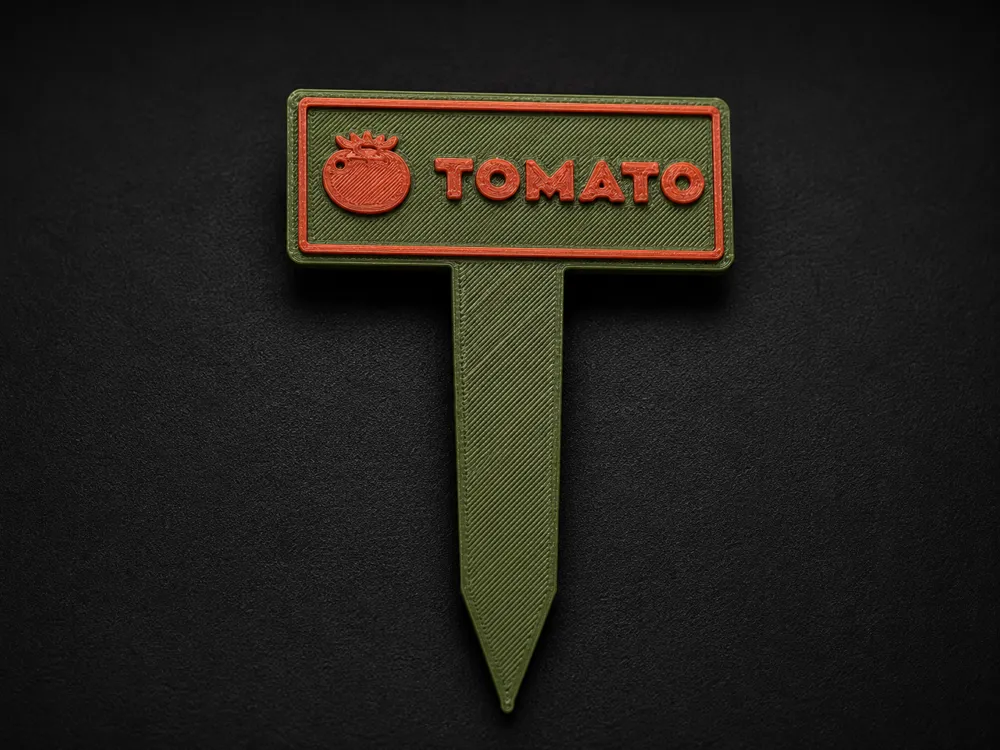
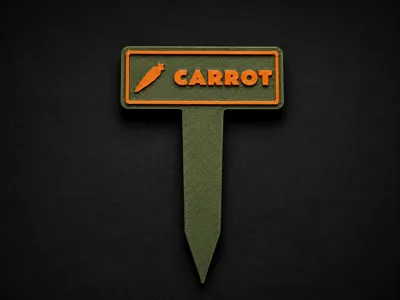
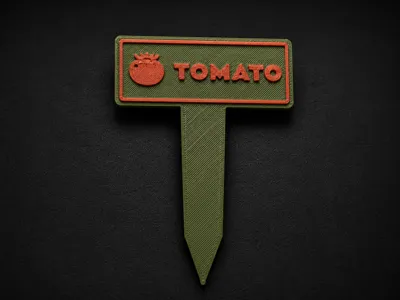
It generates small labeled garden markers with a flat label plate, soil stake, readable text, optional frame, and matching vegetable or herb icon. The goal is simple: make garden labels that are easier to read than handwritten sticks and easier to customize than one fixed STL.
More Customizable Generators
If you like this style of customizer, you may also want to check out my other generators:
- WhistleForge - Whistle Keychain Generator: https://makerworld.com/en/models/2854048-whistleforge-whistle-keychain-generator
- KeyForge - Multi-Keychain Generator with SVG Support: https://makerworld.com/en/models/2828084-keyforge-multi-keychain-generator-svg-support
Boost Me (for free)
If GardenForge helped you make cleaner plant labels for a garden bed, herb shelf, greenhouse row, or seed tray, a Boost would really help this generator reach more makers and keep future presets growing.
What You Can Customize
- Up to 30 plant stake labels in one generation batch
- MakerWorld multi-plate output, with 4 labels per plate by default
- Three included customizer language versions: English, Polish, and German
- Single-line or multi-line text using | as the line separator
- Google Font picker support
- Ready-made presets for vegetables, herbs, and blank labels
- Optional per-text preset selection, so every generated stake can use the global preset or its own preset
- Rounded rectangle, rectangle, or arched label plate
- Plate width, height, thickness, corner radius, and stake dimensions
- Raised, engraved, or disabled front text
- Text size, line spacing, alignment, offsets, scaling, and fitting mode
- Visual-center or baseline multi-line text layout
- Built-in icons for tomato, carrot, cucumber, lettuce, pepper, chili pepper, eggplant, onion, spring onion, leek, potato, radish, beetroot, beans, peas, basil, parsley, dill, mint, chives, garlic, broccoli, cauliflower, zucchini, celery, salad, pumpkin, spinach, strawberry, and herbs
- Raised, engraved, recessed-plate, or disabled icon modes
- Adjustable padding between icon and text
- Raised, engraved, or disabled frame
- Separate colors for body, text, icon, and frame
- Color mode for either separate object colors/AMS or manual layer-change printing with one shared accent color for text, icon, and frame
- Grid layout for generating multiple plant labels at once
- Debug view for checking all preset variants
Style Presets
Presets are meant as practical starting points, not locked templates. Choose a preset first, then adjust text, colors, size, icon behavior, frame style, or grid layout as needed.
You can also override the preset per text item. For example, one batch can contain tomato, basil, garlic, broccoli, pumpkin, and strawberry labels without changing the global preset for every item.
Current presets include:
- Tomato
- Carrot
- Cucumber
- Lettuce
- Pepper
- Chili pepper
- Eggplant
- Onion
- Spring onion
- Leek
- Potato
- Radish
- Beetroot
- Beans
- Peas
- Basil
- Parsley
- Dill
- Mint
- Chives
- Garlic
- Broccoli
- Cauliflower
- Zucchini
- Celery
- Salad
- Pumpkin
- Spinach
- Strawberry
- Herbs
- Blank label
- Custom manual settings
Text Tips
For a practical first print, start with short labels:
- TOMATO
- BASIL
- GARLIC
- CUCUMBER
- CHERRY|TOMATO
- HOT|PEPPER
- HERBS
- SEEDLINGS
Use | to split text into multiple lines. Short labels usually work best because garden markers need to stay readable from a distance.
Multi-Color Printing
The preview supports separate colors for:
- Body and stake
- Front text
- Front icon
- Frame
The generated 3MF keeps the colored parts assigned as separate printable objects, so AMS users can prepare a clean multi-color garden label directly from the customizer output.
For non-AMS printing, switch the color mode to manual layer change. In that mode, the front text, icon, and frame use one shared accent color so they can be printed after a single filament swap above the base layer.
The model can also be printed in one color if you only need simple functional plant markers.
Print Notes
Print flat on the bed.
For real outdoor garden use, PETG, ASA, or another outdoor-friendly material is a better starting point than PLA. PLA can work for indoor seed trays or short-term labels, but direct sun and heat may deform it over time.
For cleaner text and icon details, use a profile with good small-feature quality and a clean top surface. Avoid scaling the whole model in the slicer; use the customizer controls for plate size, stake length, text size, and icon size instead.
Changelog
1.0.0 - 2026-05-31
- Initial MakerWorld-ready release.
- Added a parametric plant stake label generator for vegetable beds, herb pots, seed trays, and greenhouse rows.
- Added batch generation for up to 30 plant labels.
- Added MakerWorld multi-plate output with 4 labels per plate by default.
- Added English, Polish, and German customizer versions.
- Added per-label preset selection for mixed garden label batches.
- Added presets and icons for common vegetables, herbs, and blank labels.
- Added single-line and multi-line text using | as the line separator.
- Added Google Font picker support and automatic text fitting.
- Added configurable plate shape, plate size, stake dimensions, text, icon, and frame options.
- Added separate color controls and manual layer-change color mode.
- Added AMS-ready colored 3MF output where supported by MakerWorld.
License

You shall not share, sub-license, sell, rent, host, transfer, or distribute in any way the digital or 3D printed versions of this object, nor any other derivative work of this object in its digital or physical format (including - but not limited to - remixes of this object, and hosting on other digital platforms). The objects may not be used without permission in any way whatsoever in which you charge money, or collect fees.


Comment & Rating (0)