
2026 World Cup Tournament Tracker Bracket - Remix
Print Profile(4)
Description
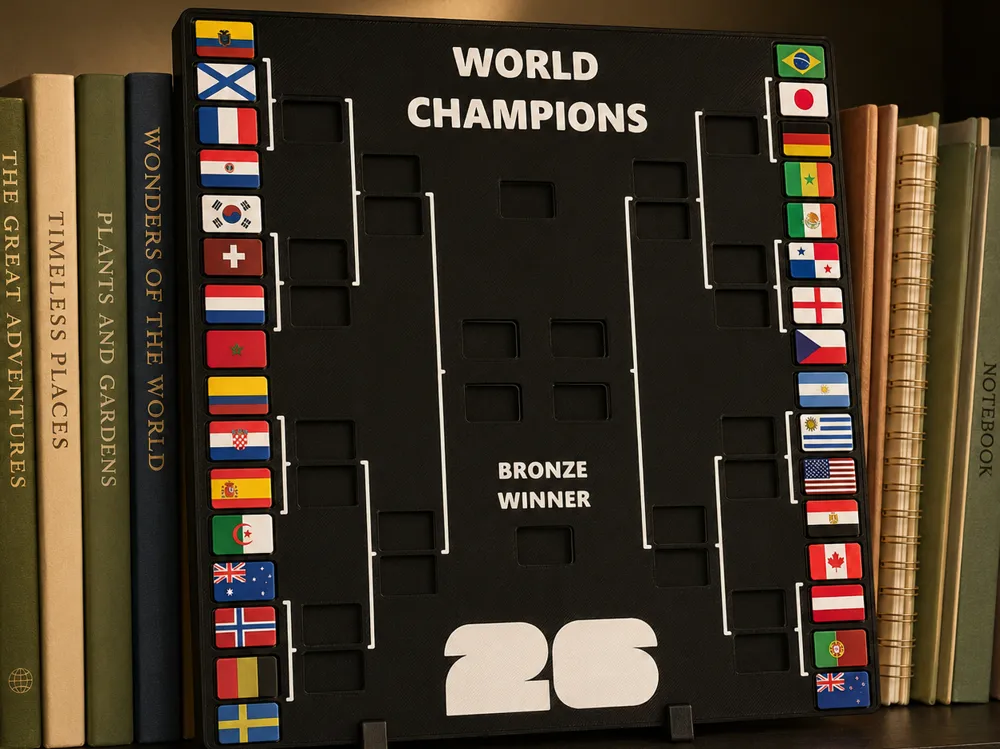
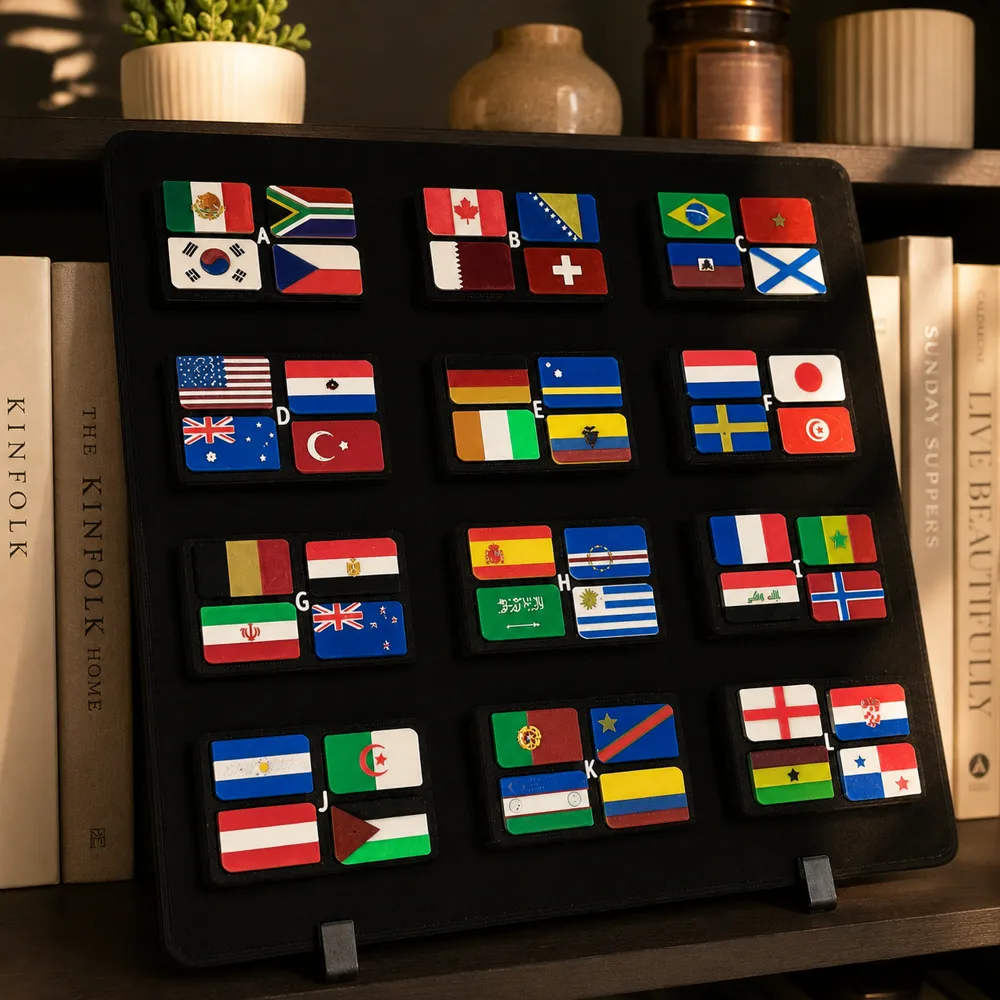
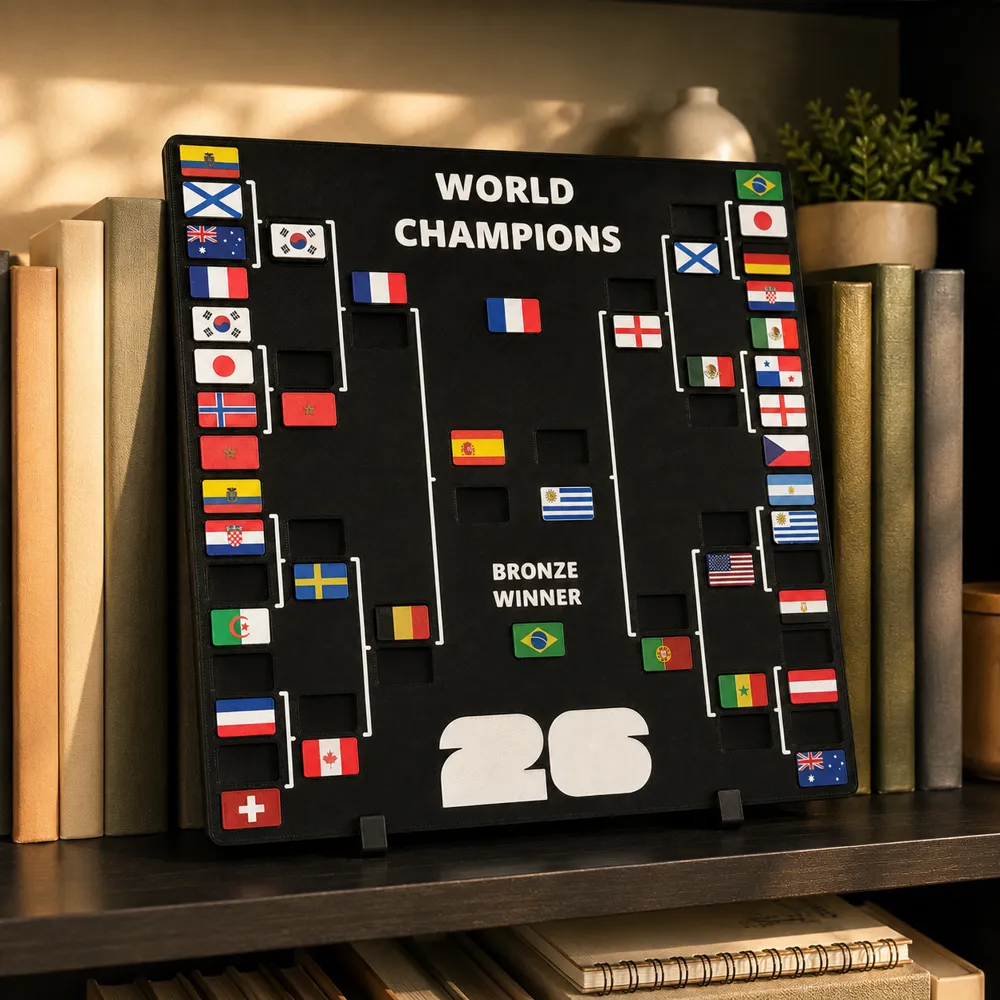
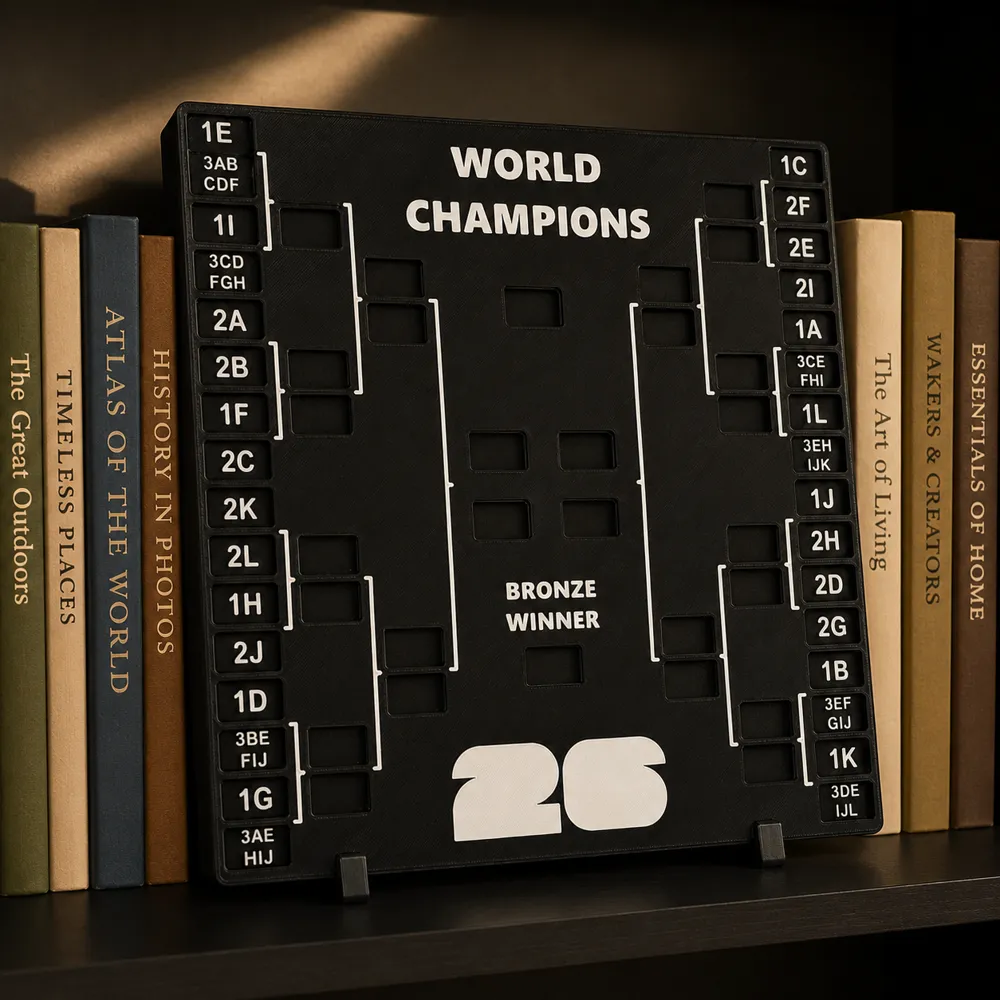
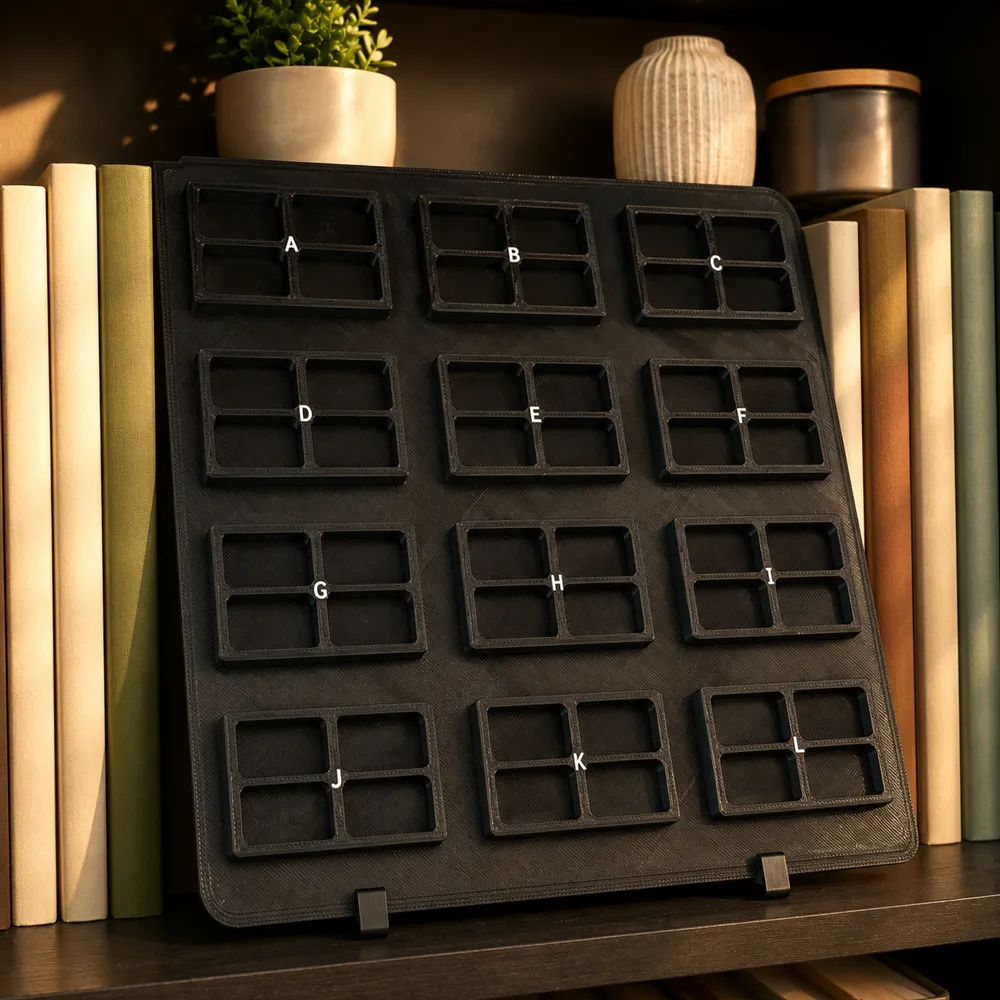
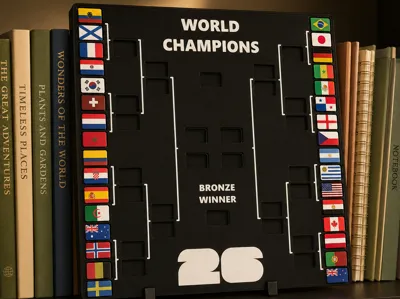
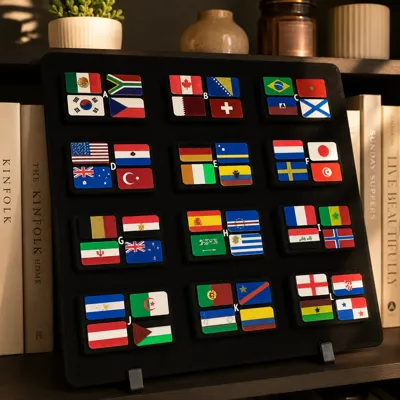
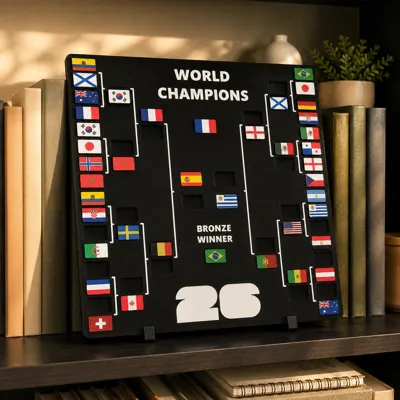
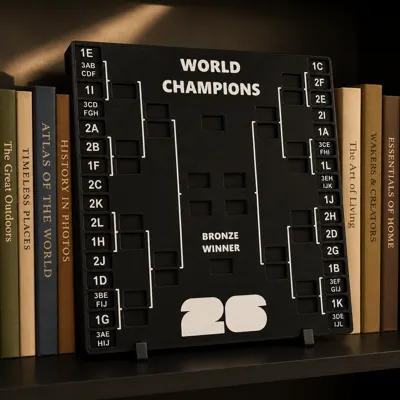
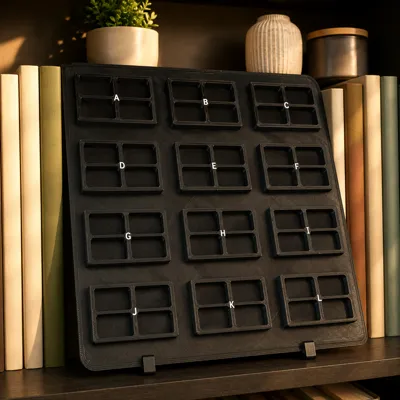
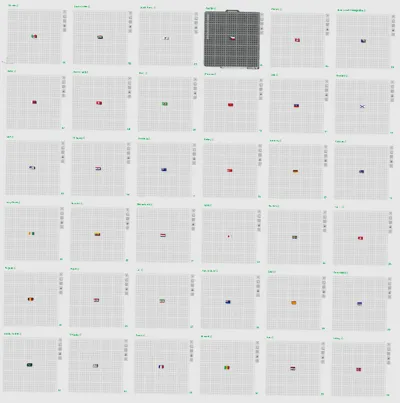
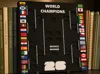
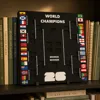
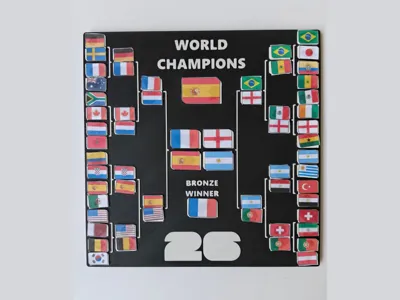
Shout out to YGG for the original idea and design. I created and added actual flags you can 3D print instead of just paper, making a cool project and tracker of the World Cup. Plus, if you are up for a challenge, the model does not require an AMS; there will just be a lot of pauses (built into the profile). Also, not only are there flags, but there is now a group stage piece as well. I found the tolerances a bit tight on the original design, so I increased the tolerance so it is generally loose, and easy to use without falling out (if on a stand).
Boost Me (for free)
This was my longest project so far; everything new was designed from scratch. Support by boosting! Thanks!
Notes:
- Sorry A1 Mini users, this version is not directly compatible with the smaller build plate size, but you can try scaling everything down and see if it works.
- I tried my best to get the details correct on the flags; some were just too small and won't slice perfectly. The settings in the print profile are optimized to get the best quality possible.
- This project took me a lot of work, so if there are any problems, please be kind and let me know. I will try to fix any issues.
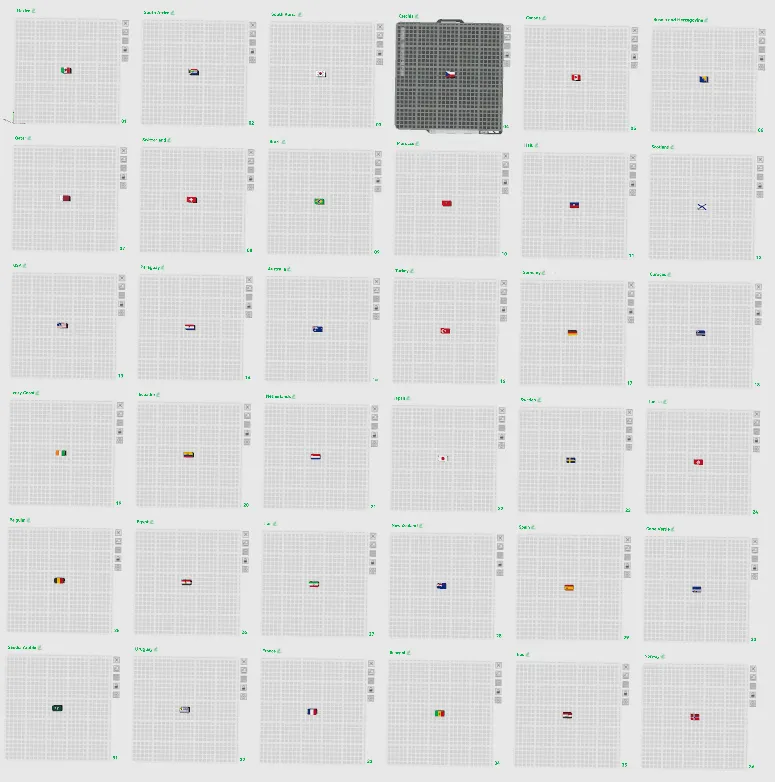
- There is a limit to the number of plates per Bambu Studio 3MF, so there are 2 profiles for the flags, per technique.
- Because of how thin the flag color layers are, there is some “color mixing” illusion on some flags. This is really only visible from far away; it looks fine up close. I tried my best to address this issue. Also, because of different filaments and other circumstances, you might get different results.
Operation/Use Instructions:
Choose the brackets that work best for best for you.
- Initially, insert flags into the group stage bracket (flags are organized in order according to the groups, in the print profile).
- Once knockout games begin, move the winning flags to the corresponding square.
- When a country moves on, you can insert a blank black flag to fill the vacant spot to keep everyone neat.
Printing Instructions:
Before I get more in-depth, you will have to pick what multicolor technique you will be using (Note: You can do single color, just set everything to 1 color and remove/ignore pauses). AMS users should pick the AMS options; everyone else should choose the automatic pauses profile, a new feature recently added to Bambu Studio. This new feature will automatically pause the print at each color change, allowing you to manually insert the next color. Personally, I recommend the automatic version. For a clean look, all flags have a black base, but you do not have to do this if you want it to make printing go faster.
Note: All print profiles have the appropriate optimized settings. If you have a recommendation to improve quality, please let me know. Also, this has only been tested on the A1.
AMS:
Printing with AMS is fairly simple, and even better with multiple AMS's. AMS will automatically print the entire object and switch colors without input. Just make sure all colors are mapped correctly before printing.
- Add appropriate colors to AMS.
- Print the bracket first; there is no room for a purge tower, so filament is flushed at the color swap and in actual print.
Print flags; I have grouped similarly colored flags together to reduce waste.
Automatic Pauses (NON-AMS):
This is a rigorous project, as you will have to spend time swapping out colors. Instead of having to add pauses to the G-code, Bambu Labs' new feature will automatically pause the print to unload and load the next color. Similar to the other pausing techniques, you will still have to manually load the next color in. This also allows multiple colors per layer without an AMS. Purge tower greatly increases print time, and is really just a hassle; all filament is flushed at the color swap. It is recommended not to start without understanding the process first.
0. Print the brackets first, then move on to the flags.
1. Start the print with black or your choice, flags, or brackets. (Note: For some reason, the printer may unload the filament before it starts printing,even though a color change is not needed. The reason is unknown, just follow the instructions and reload the filament to start.)
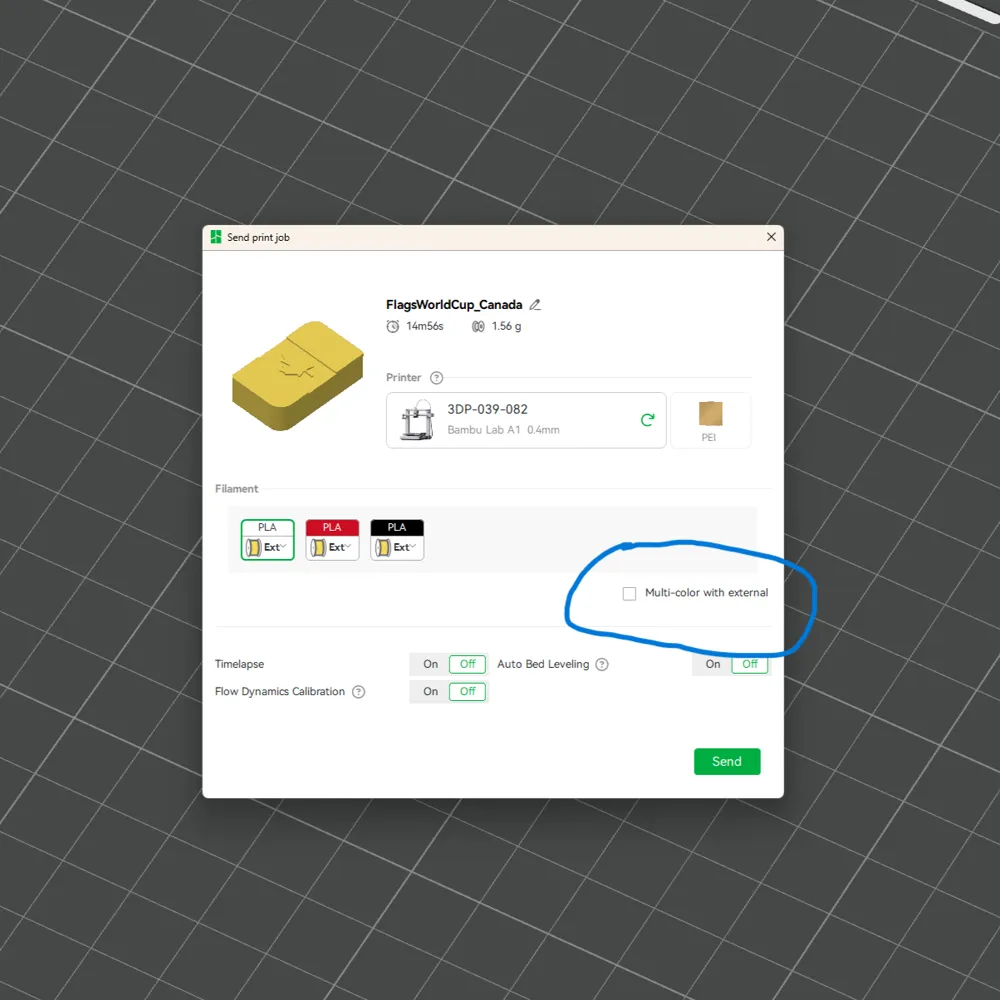
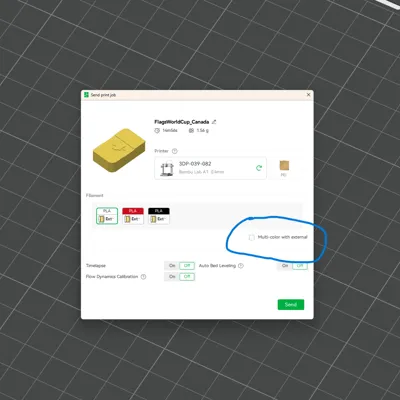
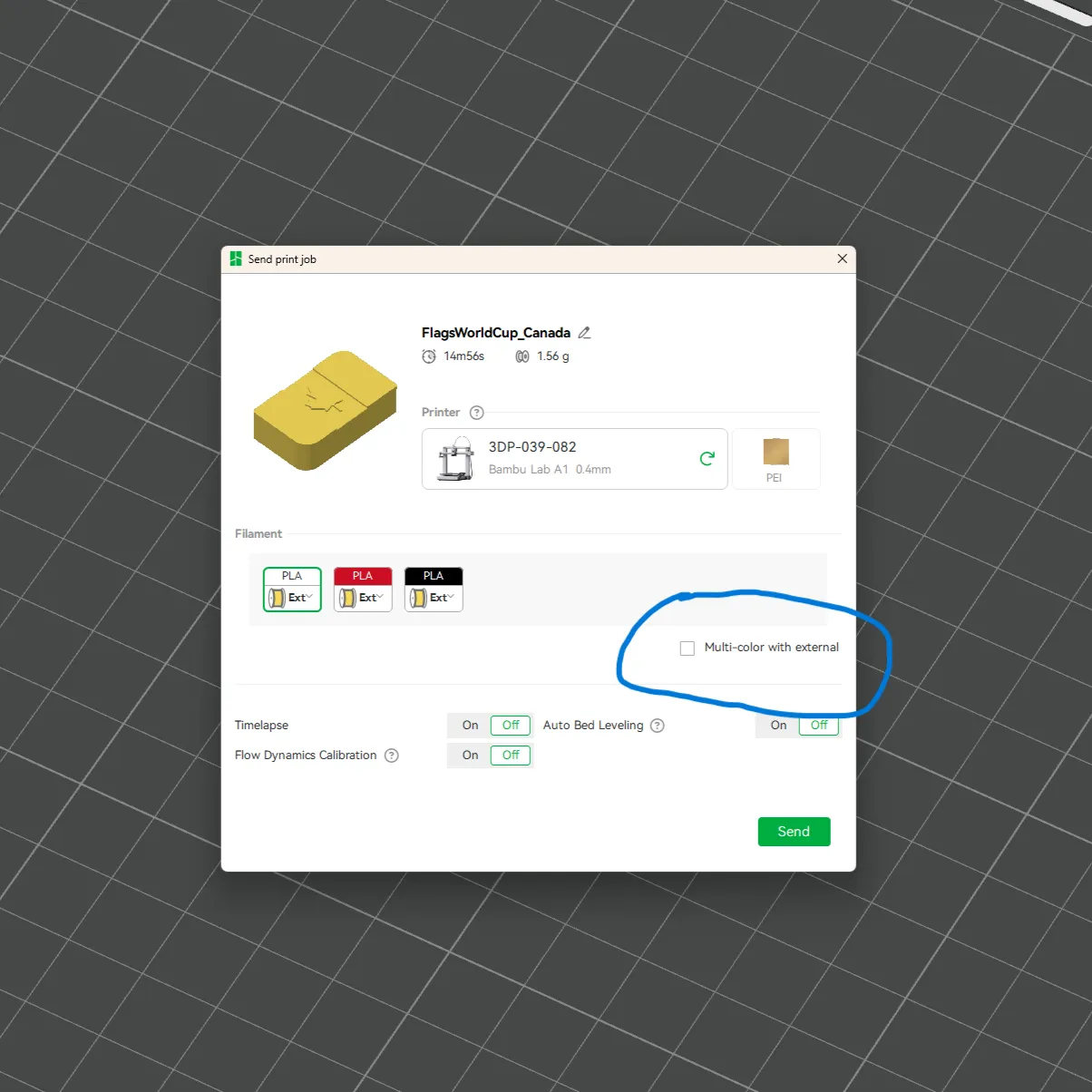
2. BEFORE SENDING THE PRINT! Click the check box next to “Multi-color external.” This will cause the printer to pause at each color change. if this button is not clicked, the multi-color system will not work.
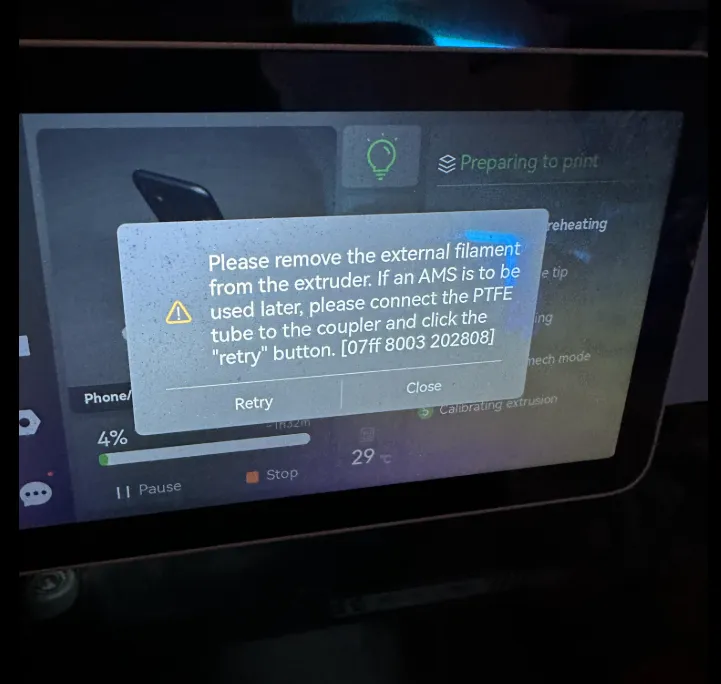
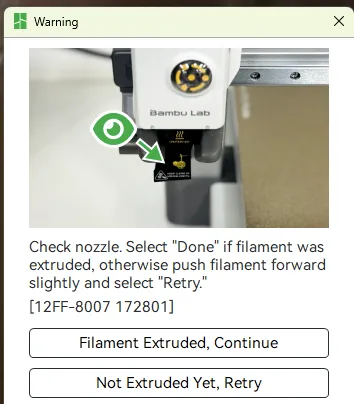
3. At each color change, follow the printer instructions. It will automatically cut the filament and unload, pull out the spool, and insert the next color (see Bambu Studio to confirm what color is next). Complete the prompts that follow, and the printer will then purge and continue printing until the next color change.
 That's All!
If I left anything out, you have questions, recommendations, feedback, or other comments, comment below!
Again, huge thanks to YGG's original model; this would not be possible without you!
This remix is based on

License

You shall not share, sub-license, sell, rent, host, transfer, or distribute in any way the digital or 3D printed versions of this object, nor any other derivative work of this object in its digital or physical format (including - but not limited to - remixes of this object, and hosting on other digital platforms). The objects may not be used without permission in any way whatsoever in which you charge money, or collect fees.


Comment & Rating (13)