
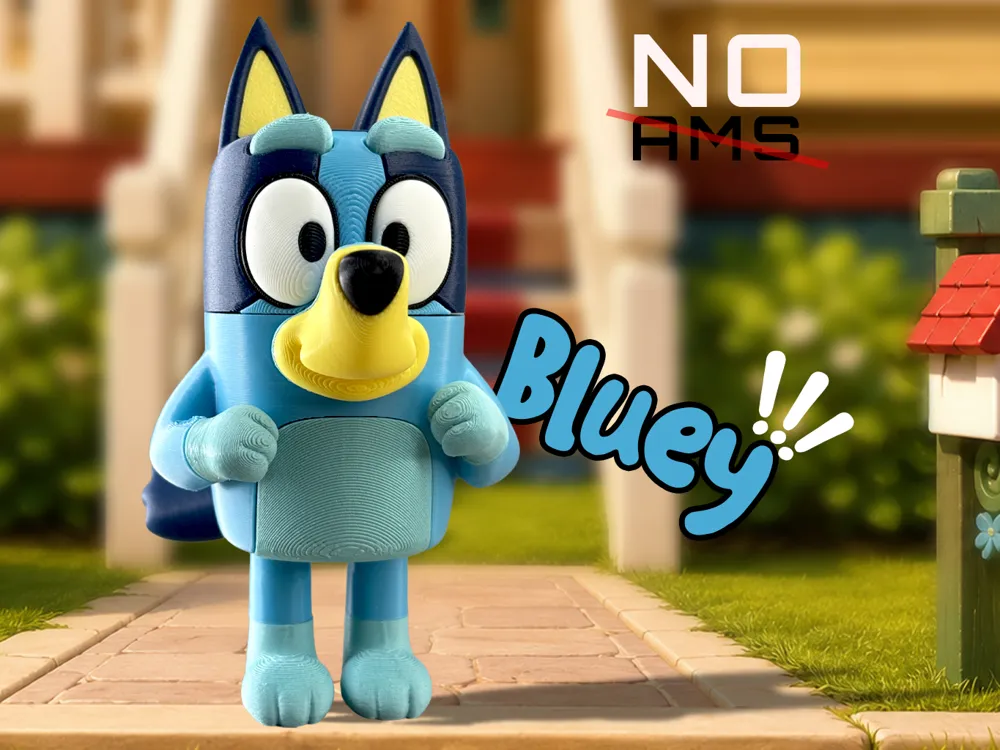
Bluey (NO AMS)
Print Profile(1)
Description
Boost Me (for free)
💙 Enjoyed Bluey?
Consider giving this model a Boost! Every bit of support helps, and it may help bring Bingo to the collection a little sooner. 🐾🧡
🧩 Usage Policy (Please Read)
Free for This is a free, fan-made 3D model created for personal, non-commercial use only.
Join my patreon for more premium 3D arts and commecial memberships.
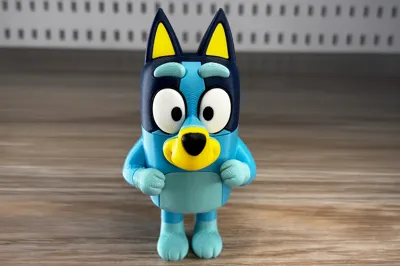
💙 Bluey
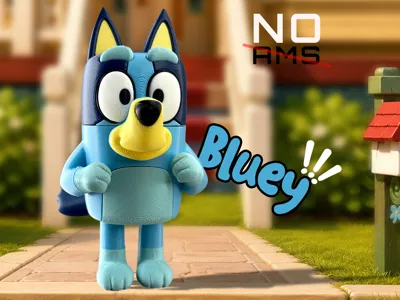
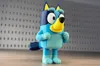
Meet everyone's favorite energetic blue heeler pup! 🐾
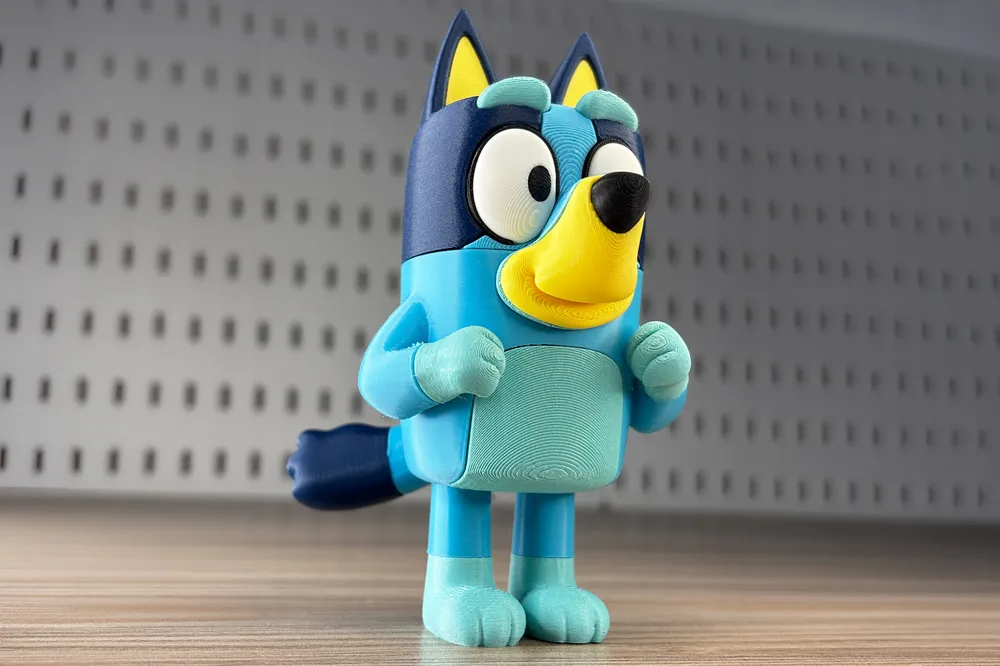
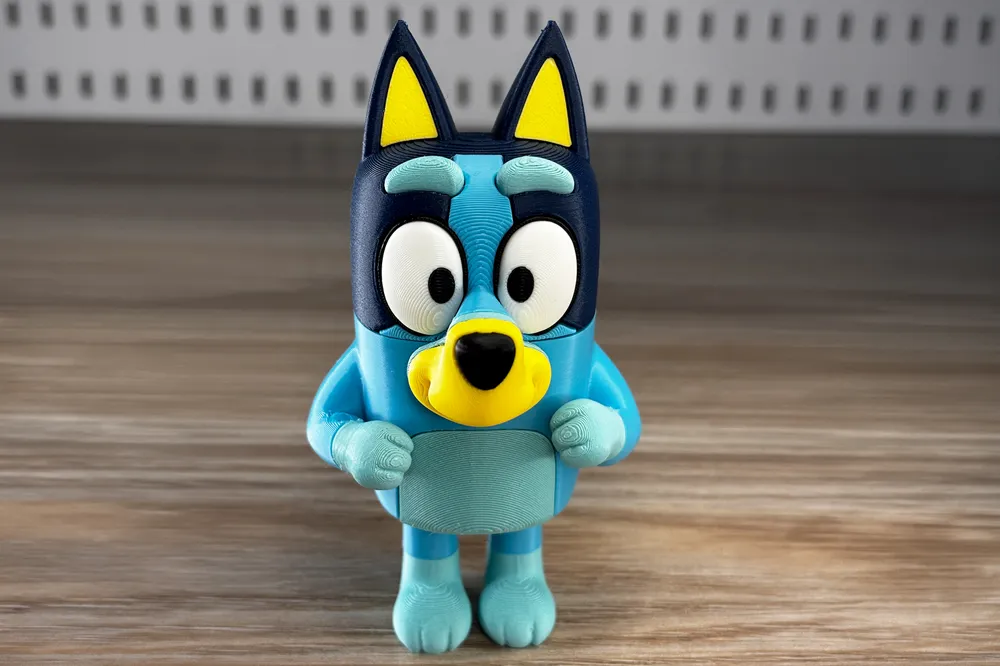
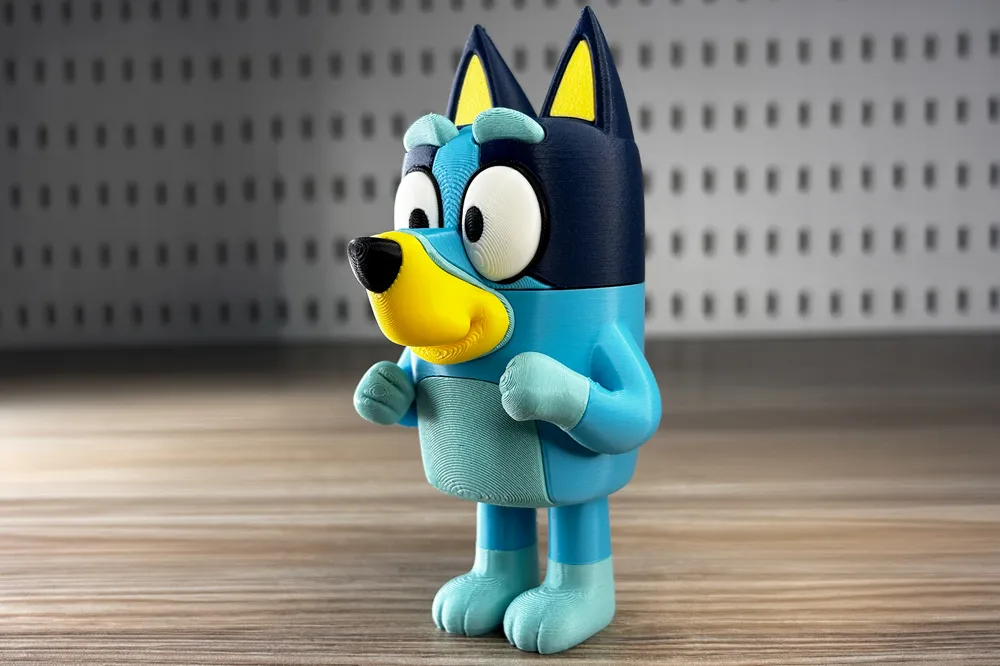
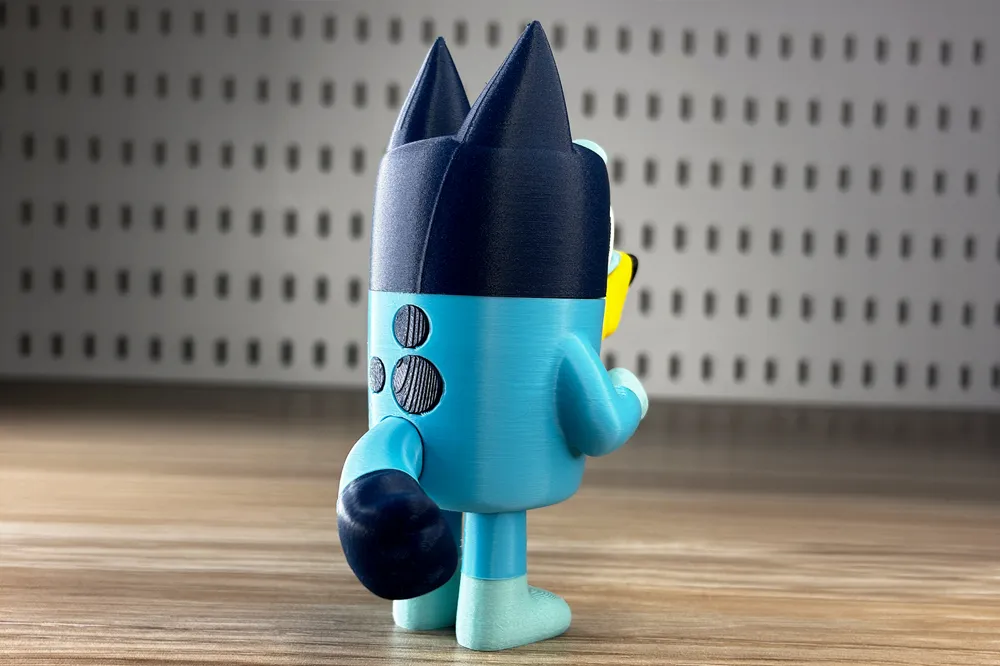
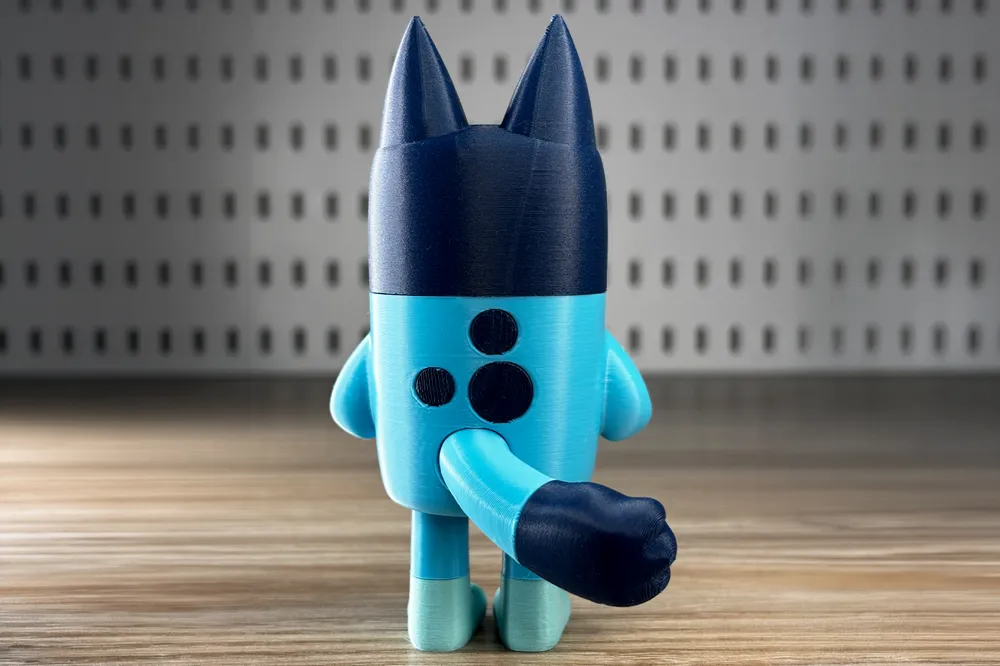
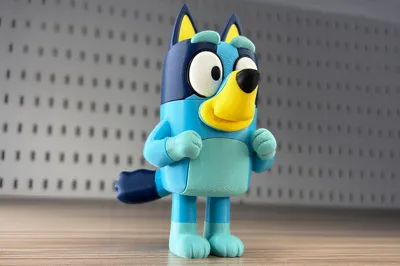
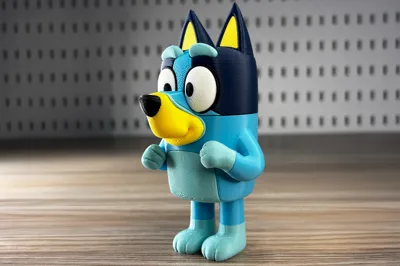
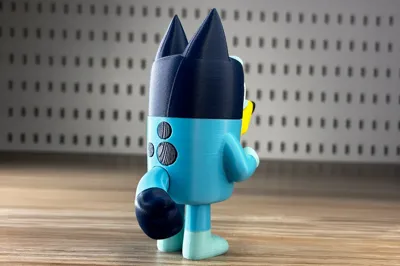
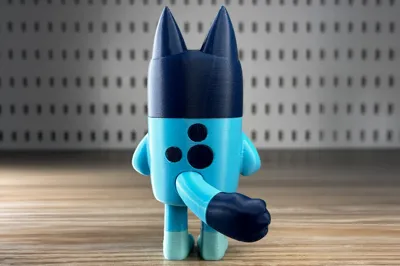
This is my 3D Printed Bluey Fan Art, designed with clean shapes, separate color parts, and an easy-to-assemble structure for enjoyable printing.
Whether you're a fan of the show or looking for a fun display piece, Bluey brings a playful and cheerful touch to your desk, shelf, or collection.
🎄 Model Features
- Height: ~120mm
- Total Parts: 27
- No-AMS Needed: All pieces print separately for clean colors
- Easy-fit joints and slots, use glue where needed.
- Minimal supports
- Beginner-friendly assembly
🖨 Recommended Print Settings
- Material: PLA / PLA+
- Layer Height: 0.20mm
- Walls: 2
- Infill: 10%
- Supports: Only where needed
💛 Colors used (PLA+) 🖤
- elegoo- White
- elegoo- Black
- elegoo - light blue
- Panchroma- Arctic Teal
- Panchroma- Army Blue
Panchroma- Savannah yellow
⭐ If you enjoy this model, please consider leaving a like, rating, boost and sharing your print photos. It helps support the creation of more fan art characters and original designs.
Happy Printing! 🐾💙
Important,🔧 Eye Assembly

Hold the eye pieces at an angle as shown above. Hook one side into the black part first, and press gently until fully seated.⚠️ Important: Do not push the eye piece straight into the frame. Use the angled insertion method shown in the GIF.
- assmebly guide video attached below
|
|
License

You shall not share, sub-license, sell, rent, host, transfer, or distribute in any way the digital or 3D printed versions of this object, nor any other derivative work of this object in its digital or physical format (including - but not limited to - remixes of this object, and hosting on other digital platforms). The objects may not be used without permission in any way whatsoever in which you charge money, or collect fees.


Comment & Rating (0)