
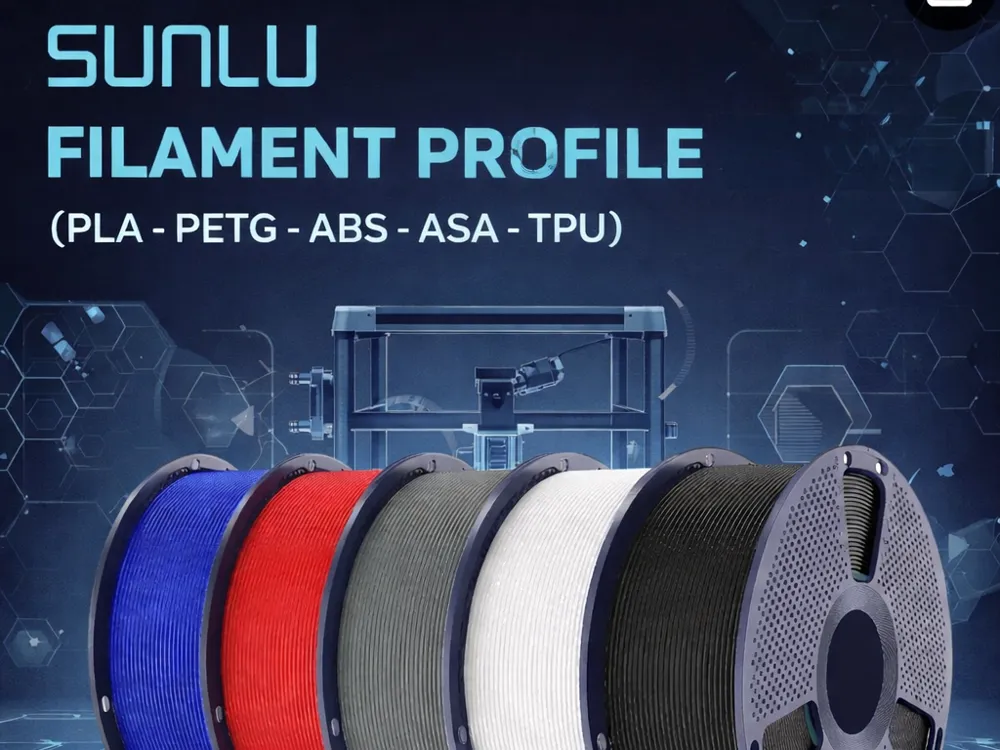
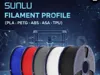
SUNLU filament profile (PLA-PETG-ABS-ASA-TPU)
Print Profile(1)
Description
As requested by some users, here are my calibrated profiles for the Sunlu filaments I’ve been able to test.
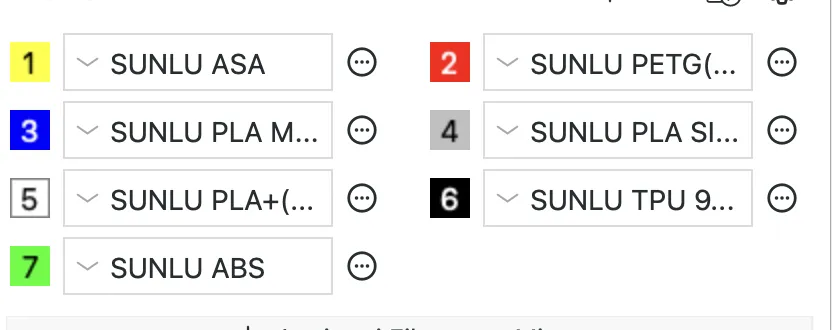
Tested filaments:
SUNLU PLA Plus
SUNLU PLA Matte
SUNLU PLA Silk
SUNLU PETG
SUNLU TPU 95A
SUNLU ABS
SUNLU ASA
Instruction:
1. Open the 3MF file you downloaded by clicking the “Download STL” button (do not click “Download 3MF” or “Open in Bambu Studio” directly)

2. In the left panel find Project Filaments
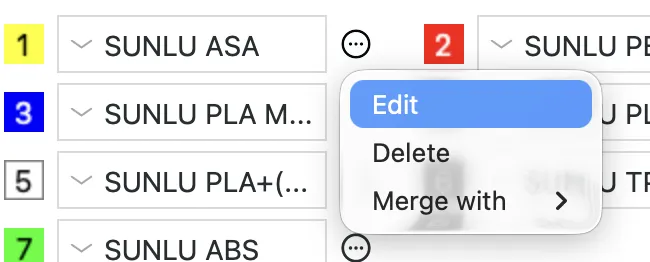
3. Click the three dots next to a filament and choose Edit
4. Click the Save (disk) icon in the filament settings window

5. Choose User Preset (this is what Bambu calls a “personal profile”)
6. Give it a unique name and click OK
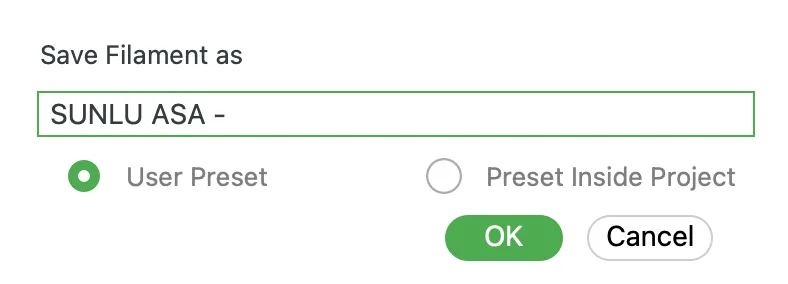
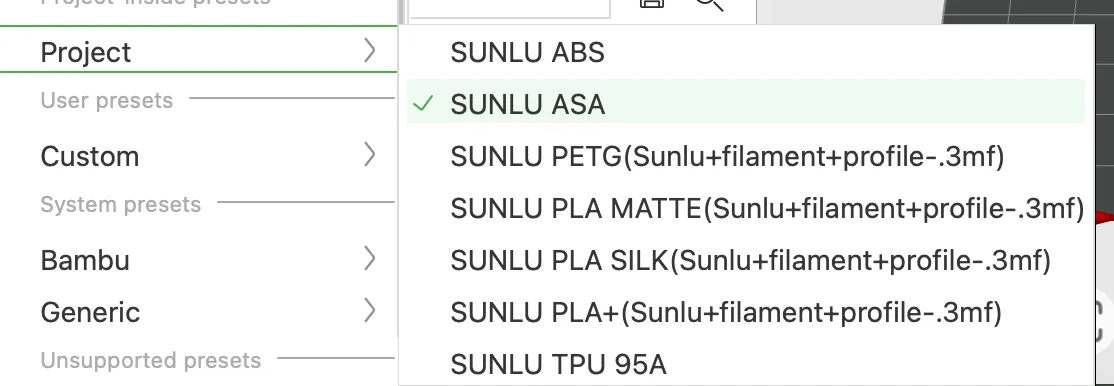
To use it later: Go to the filament dropdown and select it under User presets, or Add it via + Add Filament → User presets
This list may be updated over time if I get the chance to try other filaments
If you’d like, you can support me with a like and, if you can, with a boost
You can also support my work by making a donation to: https://www.paypal.com/donate/?hosted_button_id=AX6U9AD8NP4EE
Thank you so much if you decide to do so ❤️
Enjoy!
Boost Me (for free)
License

You shall not share, sub-license, sell, rent, host, transfer, or distribute in any way the digital or 3D printed versions of this object, nor any other derivative work of this object in its digital or physical format (including - but not limited to - remixes of this object, and hosting on other digital platforms). The objects may not be used without permission in any way whatsoever in which you charge money, or collect fees.


Comment & Rating (19)