
Parametric Bubble Wand Generator - Fun For Summer
Print Profile(1)
Description
Calibrix Custom Bubble Wand Generator
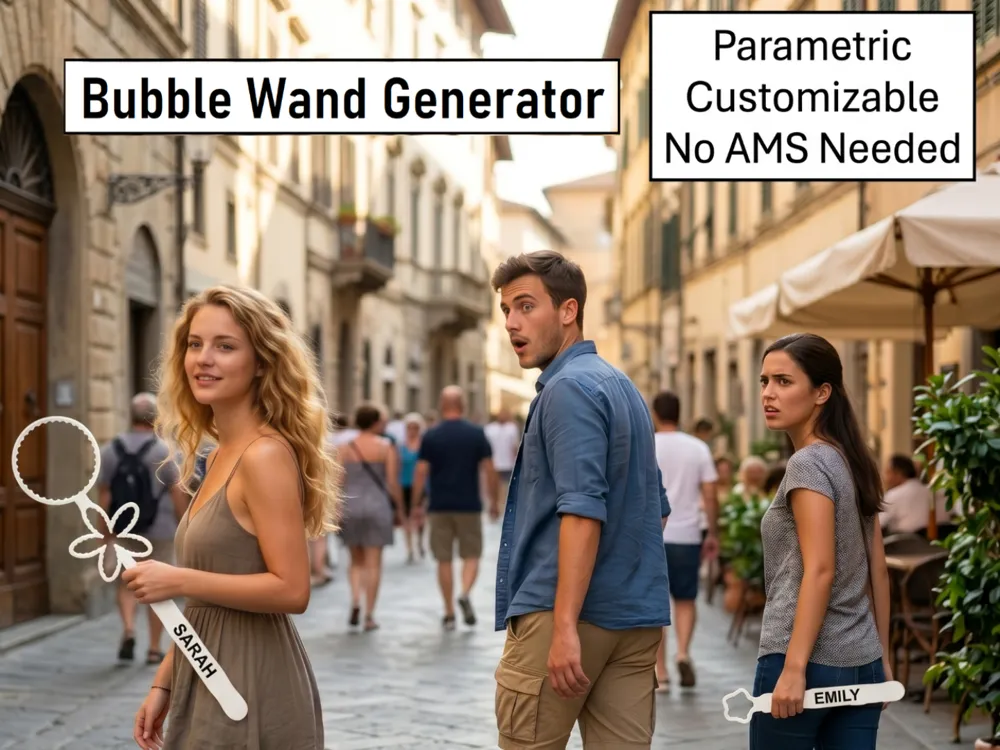
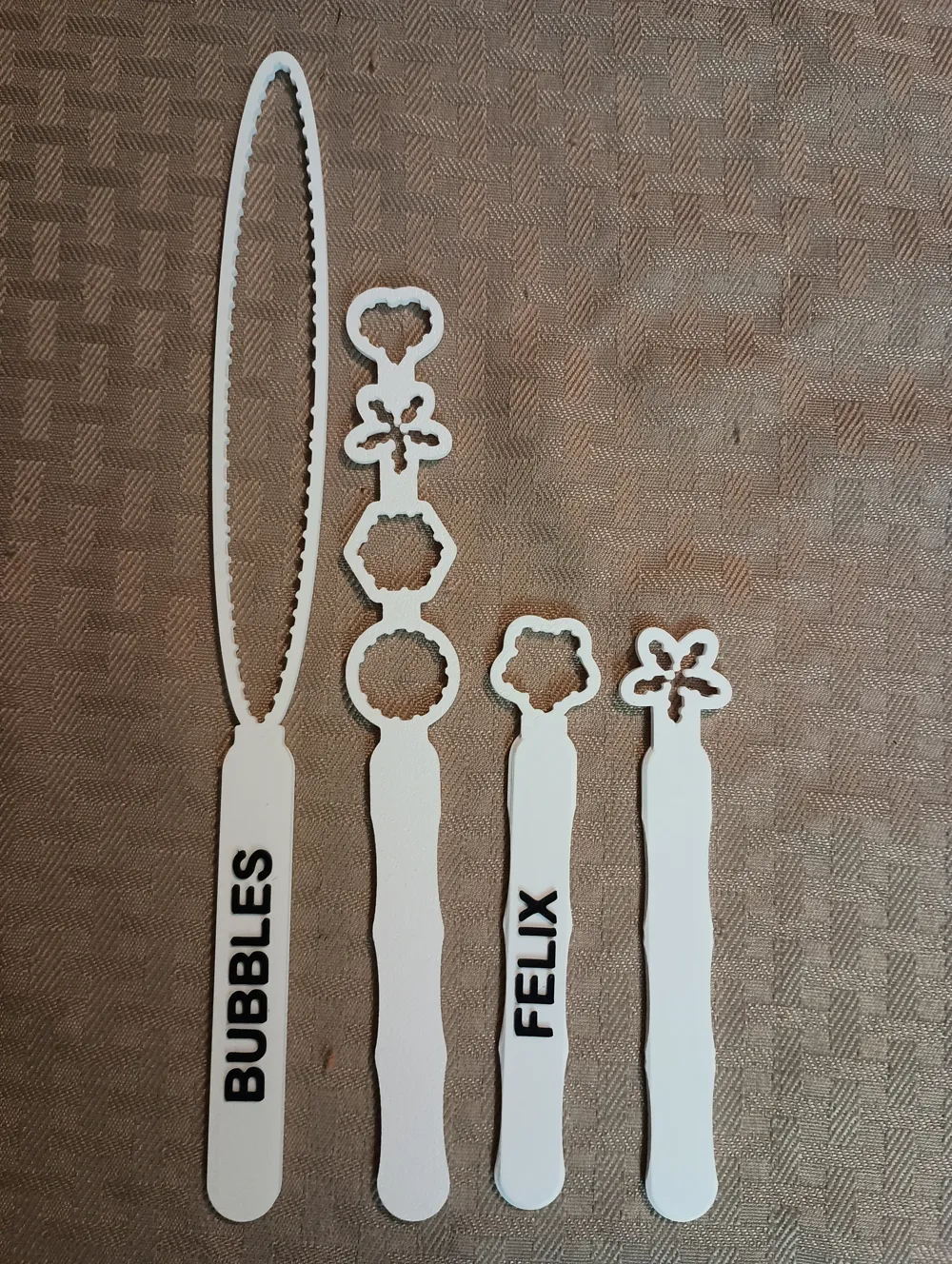
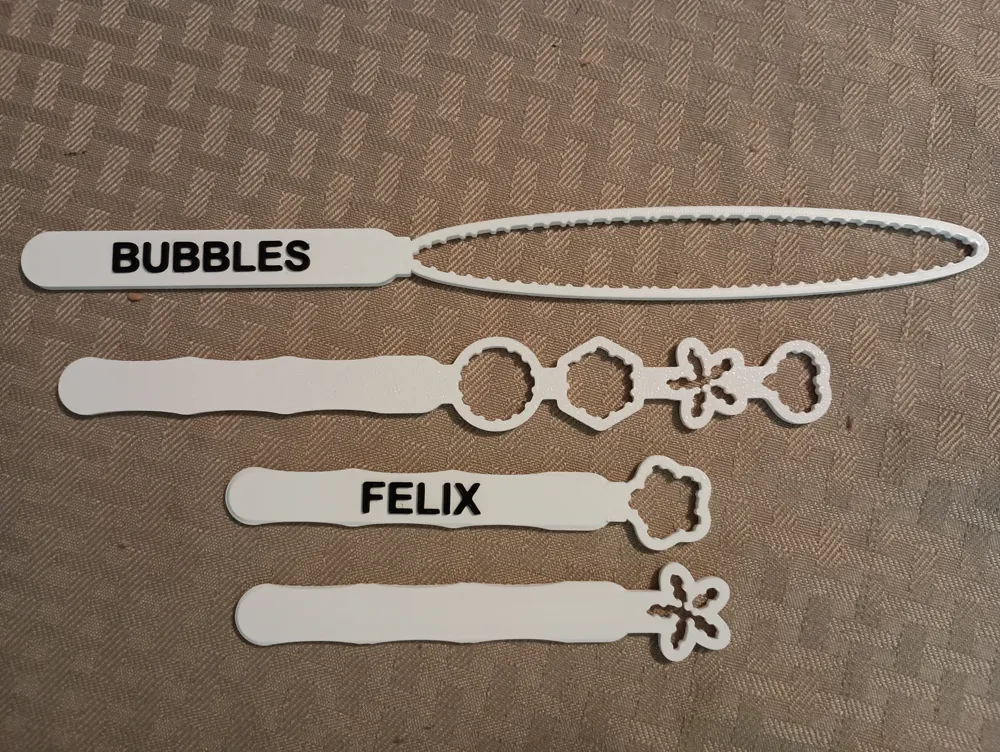
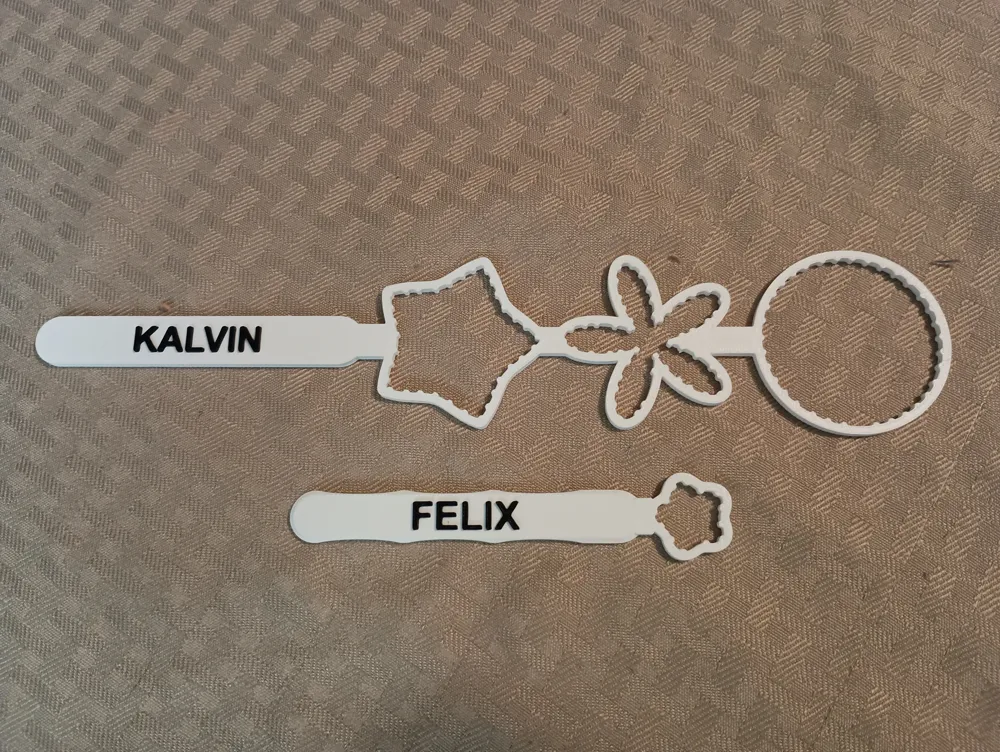
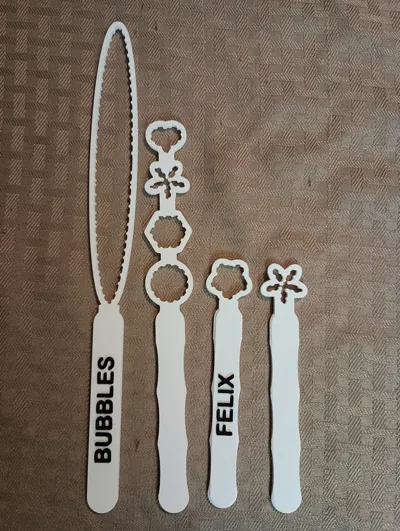
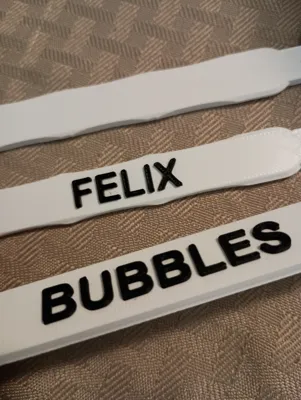
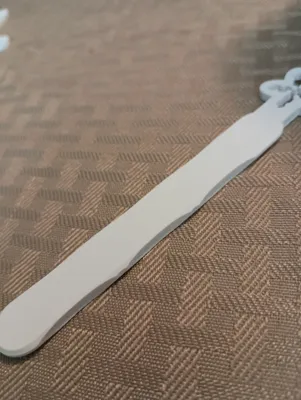
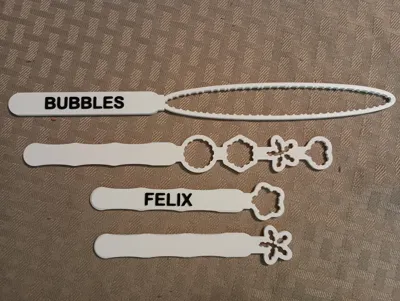
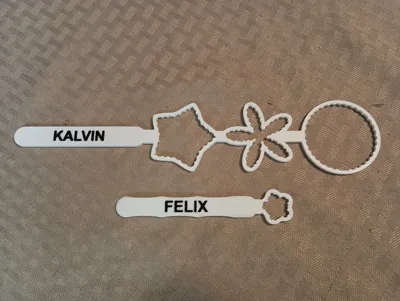
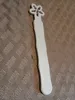
This is a fully parametric OpenSCAD bubble wand generator. It outputs a single, manifold 3D model designed to print flat on the build plate with no supports. Users can modify the dimensions, handle ergonomics, wand head shapes, and add custom text labels directly in the Customizer.
Recommended Customizations
To get the best results out of your wands, here are a few recommended settings:
- Loop Size: The default 20 mm by 20 mm size is the recommended sweet spot for standard bubble solution. You can play around with these dimensions to get different results and larger bubbles.
- Soap Ridges: I highly recommend keeping the internal loop ridges (notches inside the loops) turned on. They hold significantly more soap for longer bubble-blowing sessions.
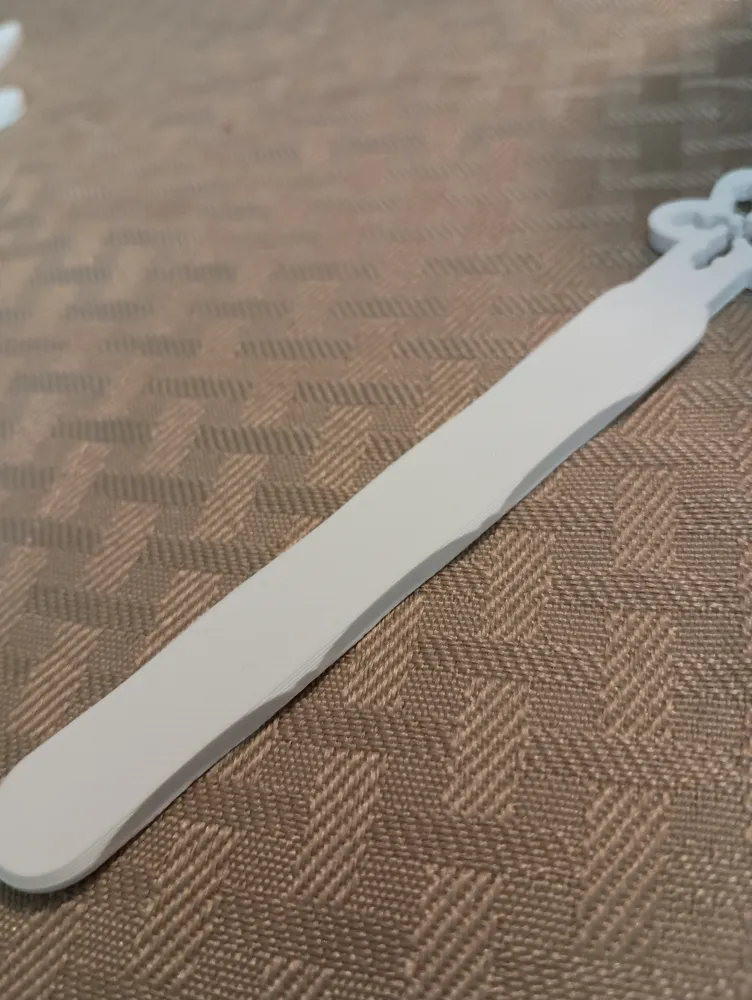
- Ergonomics: The handle features optional finger notches and edge bevels. Leaving these enabled provides a highly comfortable, premium grip, but both can be toggled completely off if you prefer a standard, flat rectangular handle.
Understanding the "Duplicity" Setting
The "Duplicity" slider fundamentally changes how your selected shapes interact:
- Duplicity = 1: This creates a single wand head. If you select multiple different shapes in the Customizer, the generator will mathematically combine them into one unique, composite shape.
- Duplicity = 2+: This creates a multi-loop wand stacked vertically. The number you select is the total number of loops. Instead of combining shapes, it will alternate through your selected shapes in a repeating pattern up the spine of the wand.
Multi-Color Text (No AMS Required)
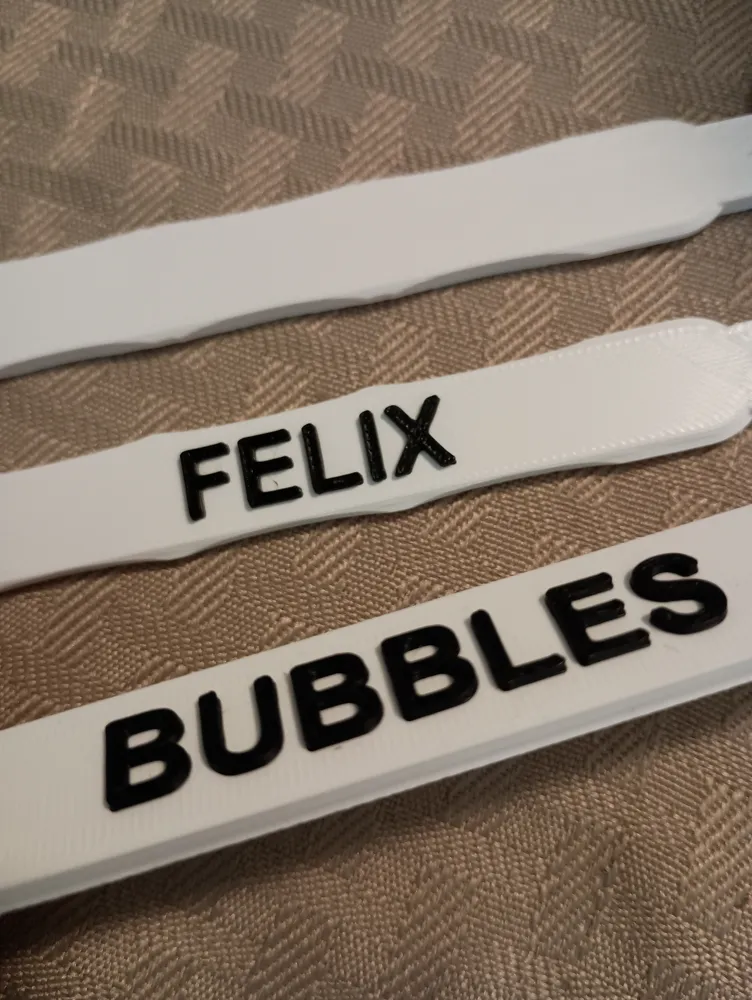
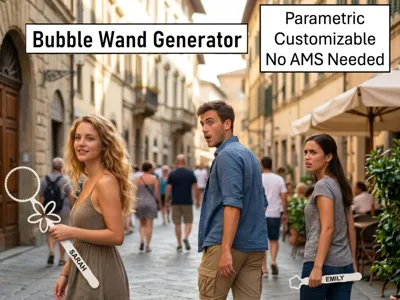
You do not need a multi-material unit (AMS/MMU) to get dual-color wands. The custom text label is embossed on its own separate top layer. To get a contrasting name, simply slice the model and add a standard pause/filament swap at the text layer.
Comments? Ideas?
If you have ideas or feedback, feel free to comment on this model directly. I love the comments, and I'll ready them.
For Your Information
This is a MakerWorld Exclusive model provided under the standard MakerWorld License.
The OpenSCAD code for this generator was written with the assistance of an AI coding assistant.
Boost Me (for free)
If you like this model, feel free to boost me. That will encourage me to create more models like this one.
License

You may create derivative works based on this object, provided that all such derivative works are published exclusively on the MakerWorld platform and include proper attribution to the original creator. You may not share, upload, host, distribute, or publish this object—or any derivative work of this object—on any other digital platform, marketplace, or distribution channel. Commercial use of this object and any derivative works is strictly prohibited. This includes, but is not limited to, selling, renting, sublicensing, or using the object in any context in which you receive monetary compensation or other financial benefits.


Comment & Rating (0)