
Skeleton Lovers - Wall Art (No AMS Required!)
Print Profile(1)

Description
www.buymeacoffee.com/brook3251
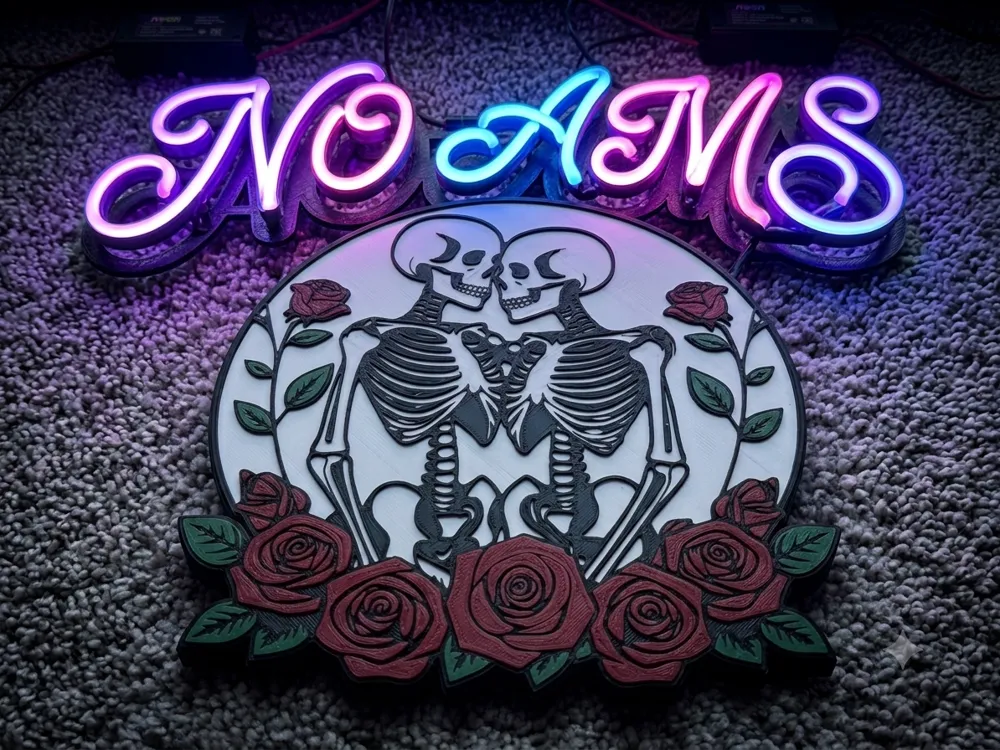
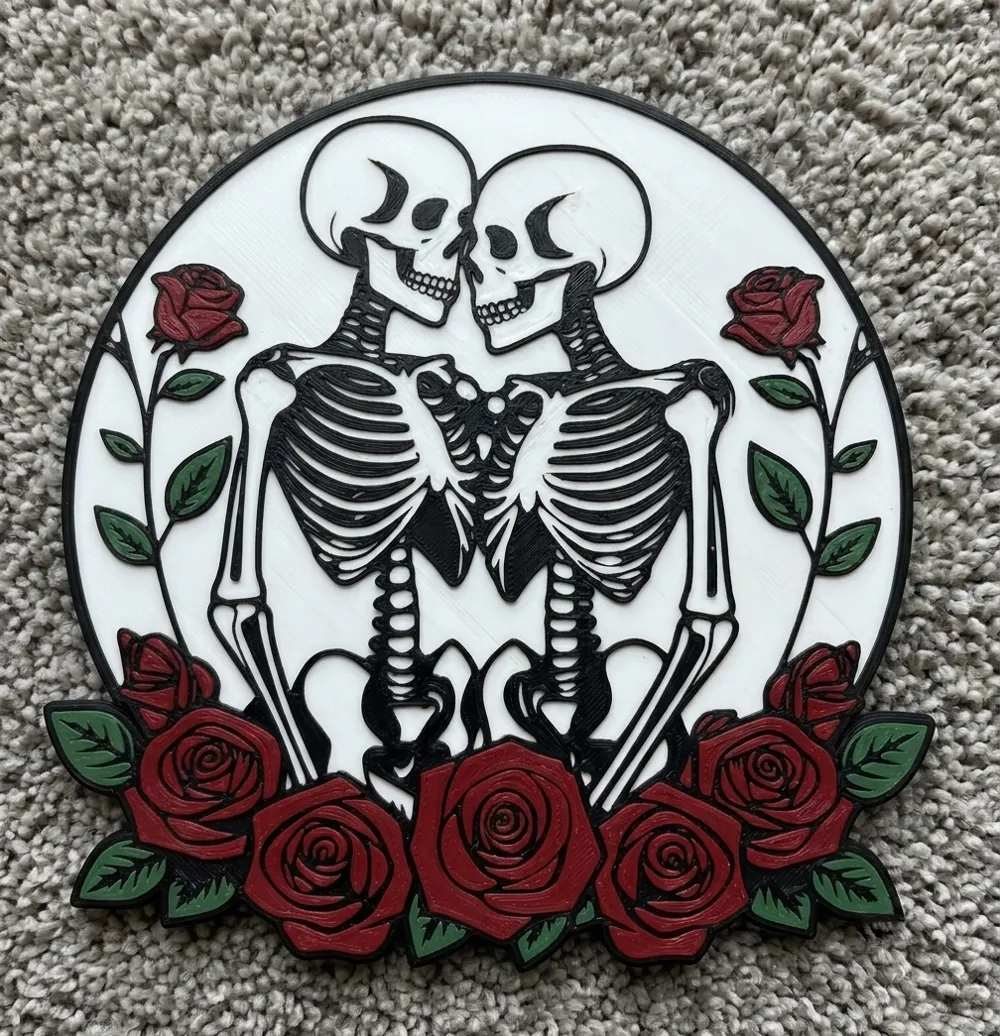
💀🌹 Skeleton Lovers - Multi-Color Wall Art (No AMS Required!)
Bring a touch of gothic romance to your walls with this striking Skeleton Lovers pop art piece. Featuring two intertwined skeletons framed by bold red roses, this high-contrast design makes for the perfect statement piece, spooky season decoration, or year-round alternative home decor.
This model has been meticulously optimized for layer-based filament swaps, meaning you do not need an AMS / MMU to achieve this beautiful multi-color look! Anyone with a standard 3D printer can print this easily.
🛠️ How It Works (No AMS Needed)
The model is designed using varying layer heights stacked perfectly on top of each other. By pausing your printer at specific layer heights, you can swap colors manually to get a flawless 4-color print.
Layer & Thickness Breakdown:
- Base Layer (White): 1.2mm thick. This forms the solid, clean background canvas.
- Detail Layers (Black, Red, Green): Each color section is exactly 0.6mm/0.4mm thick, stacked progressively to give the piece a beautiful 3D textured pop.
Print Settings (Optimized for 0.4mm Nozzle):
- Layer Height: 0.2mm (Highly recommended for exact color transitions)
- First Layer Height: 0.2mm
- Infill: 100% like in the file to create clean layer changes.
🎨 Filament Swap Guide (at 0.2mm Layer Height)
If you are using Bambu Studio or OrcaSlicer, simply slice the file at a 0.2mm layer height and add a pause command (M0) at the following layer numbers to switch your filament:
| Color | Start Layer | End Layer | Height Range | Action |
|---|---|---|---|---|
| 🤍 White | Layer 1 | Layer 6 | 0.0mm – 1.2mm | Start with White |
| 🖤 Black | Layer 7 | Layer 9 | 1.2mm – 1.6mm | Pause & Change to Black |
| ❤️ Red | Layer 10 | Layer 11 | 1.6mm – 2.0mm | Pause & Change to Red |
| 💚 Green | Layer 12 | Layer 13 | 2.0mm – 2.4mm | Pause & Change to Green |
💡 Tip: If you do have an AMS, you can simply assign the colors to the objects as shown in the provided 3MF project file, and let your machine handle the rest!
⚠️ Exclusive Model Notice
This model is a MakerWorld Exclusive. Please do not re-upload, remix, or distribute this digital file on any other 3D printing platforms without explicit permission.
If you love the print, please rate it 5 stars ⭐⭐⭐⭐⭐ and upload your make! Seeing your color combinations on the plate is the best part of designing.
License

You shall not share, sub-license, sell, rent, host, transfer, or distribute in any way the digital or 3D printed versions of this object, nor any other derivative work of this object in its digital or physical format (including - but not limited to - remixes of this object, and hosting on other digital platforms). The objects may not be used without permission in any way whatsoever in which you charge money, or collect fees.


Comment & Rating (12)