
White Balance Filter

Print Profile(1)
Description
Boost Me (for free)
As a photography novice, I am always unsure which white balance mode to choose for the current environment, such as night streets or trees decorated with small yellow lights
After searching online for white balance, I discovered gray cards and white balance lenses. White balance lenses are the most convenient, but also expensive
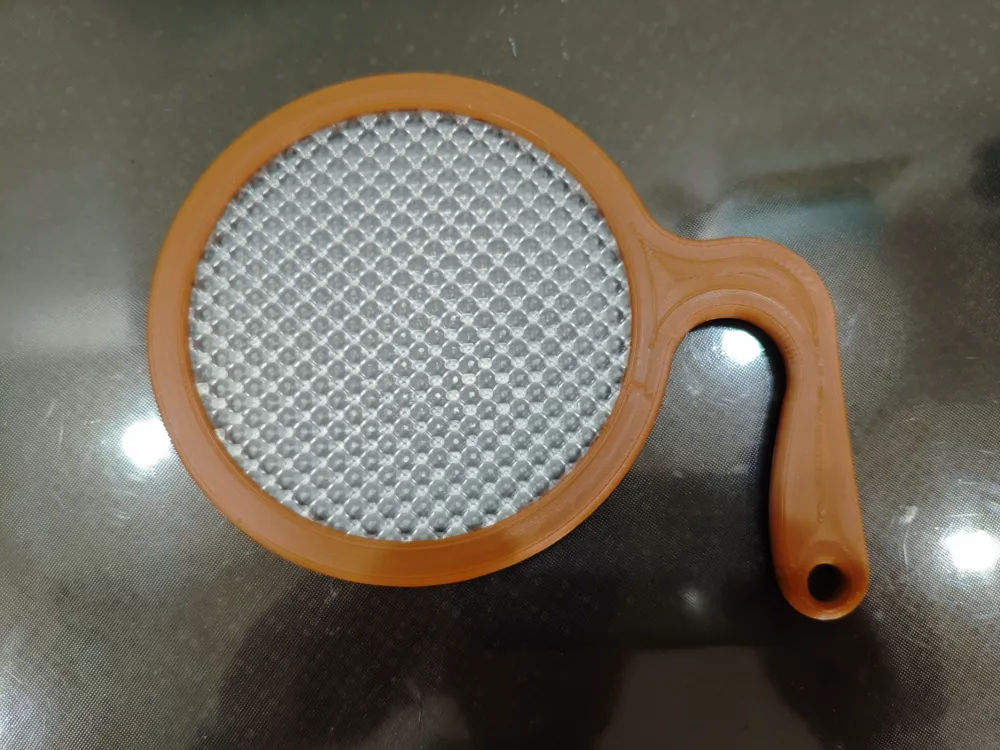
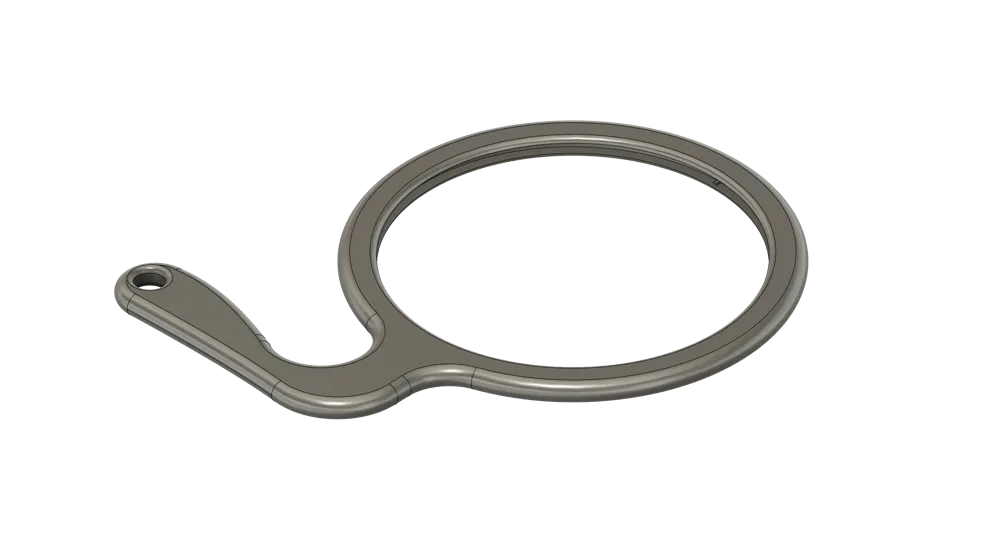
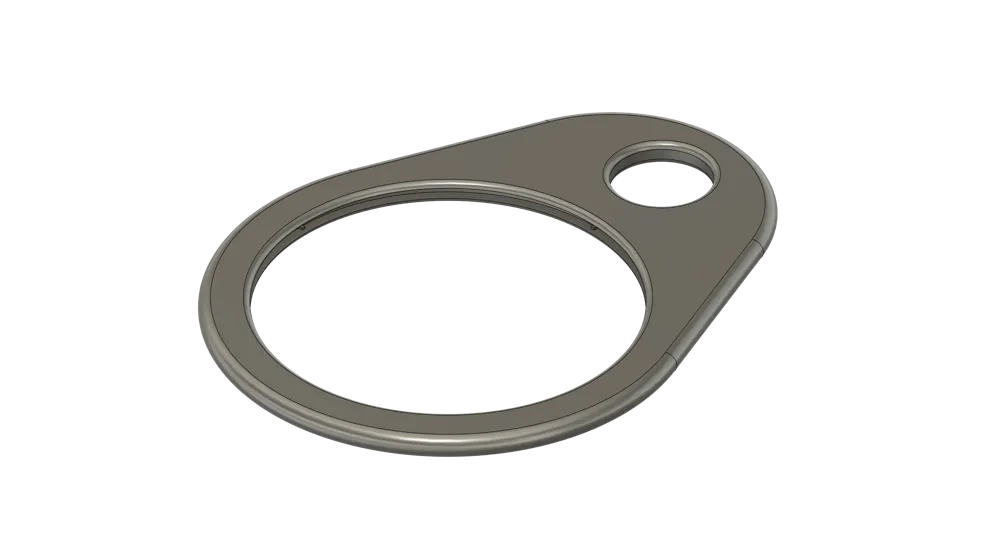
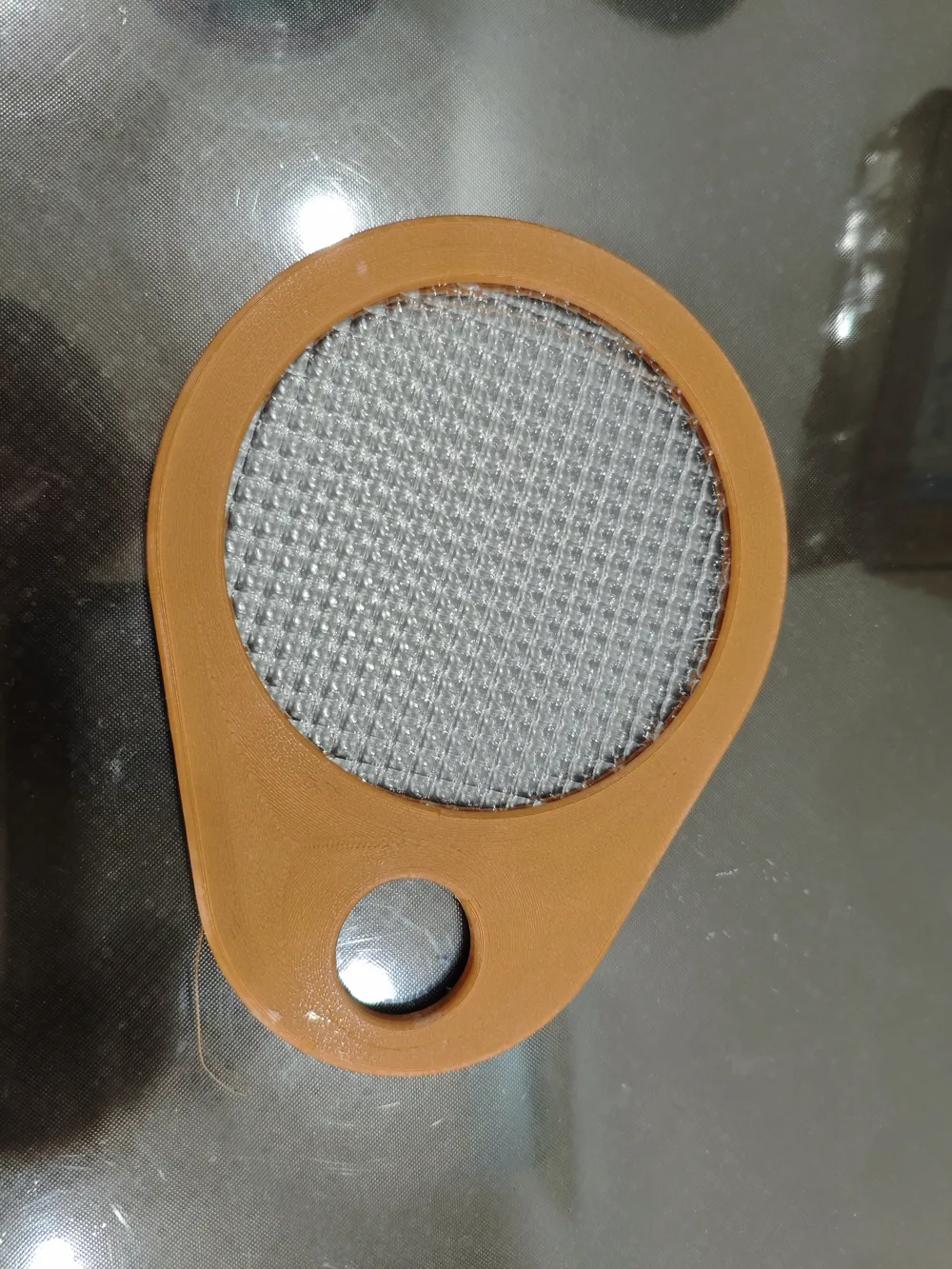
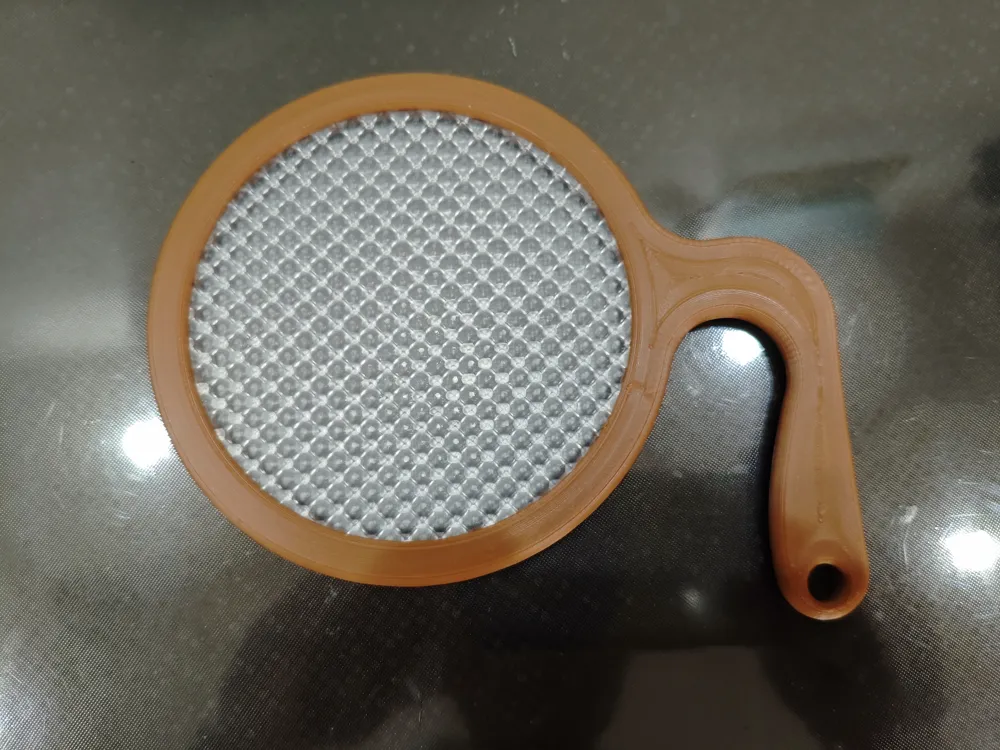
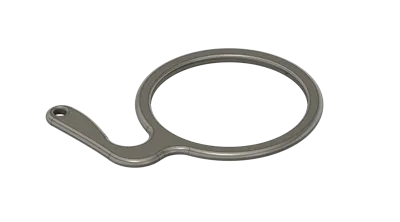
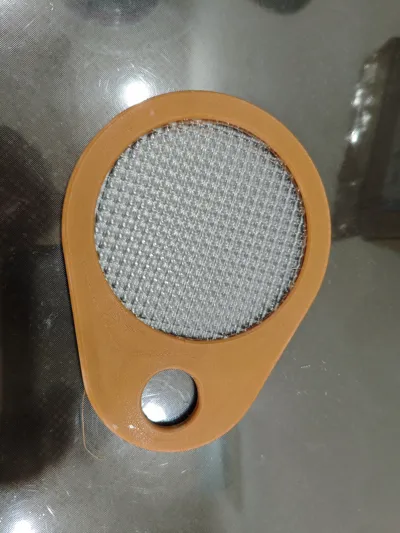
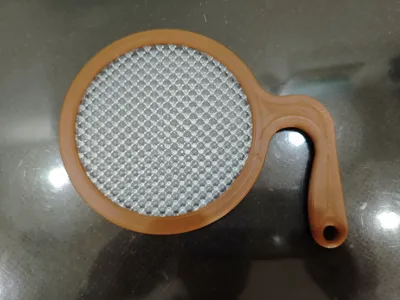
After checking PDD, I found diffusers for white balance, so I designed two frames to fit them
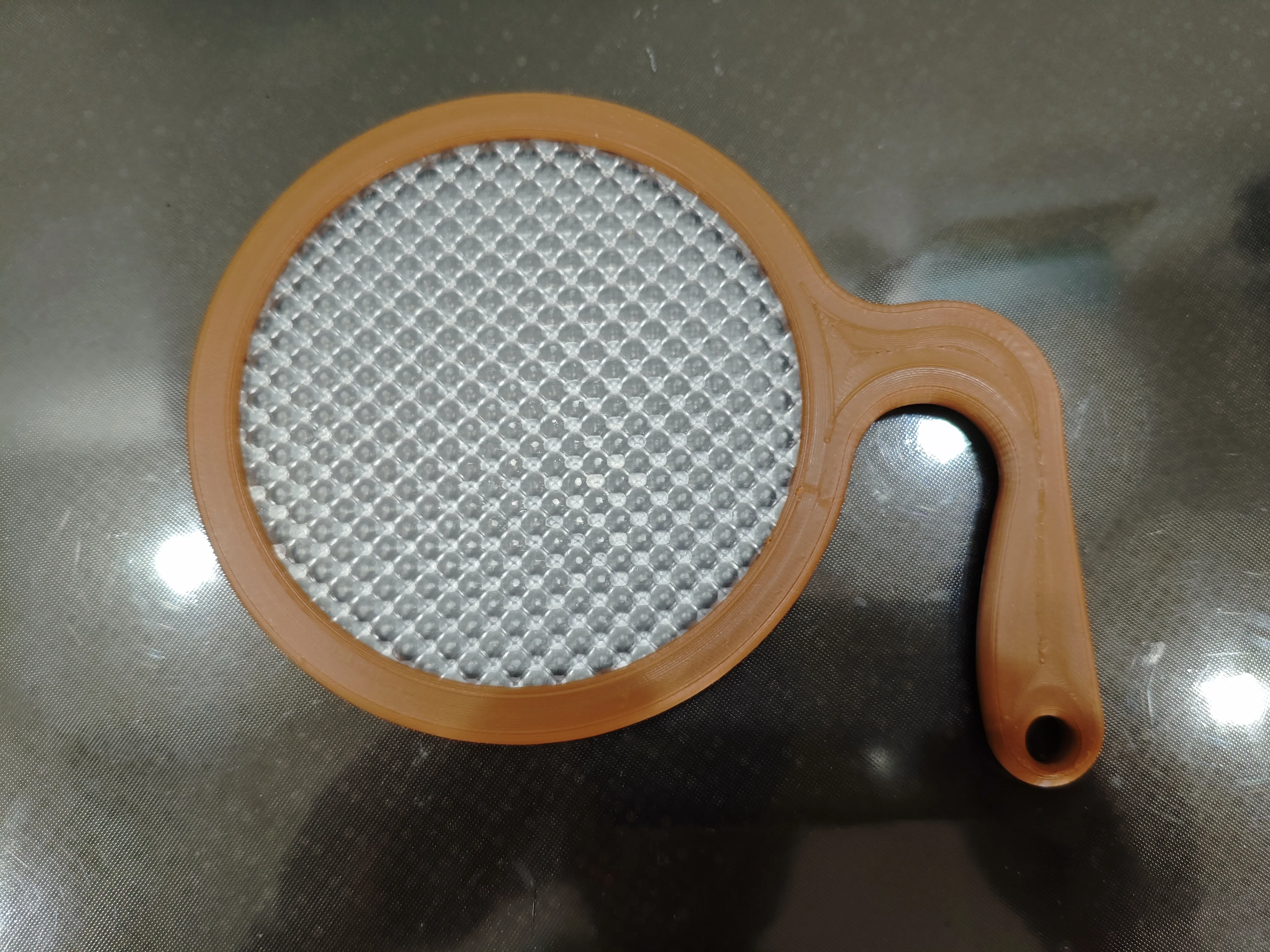
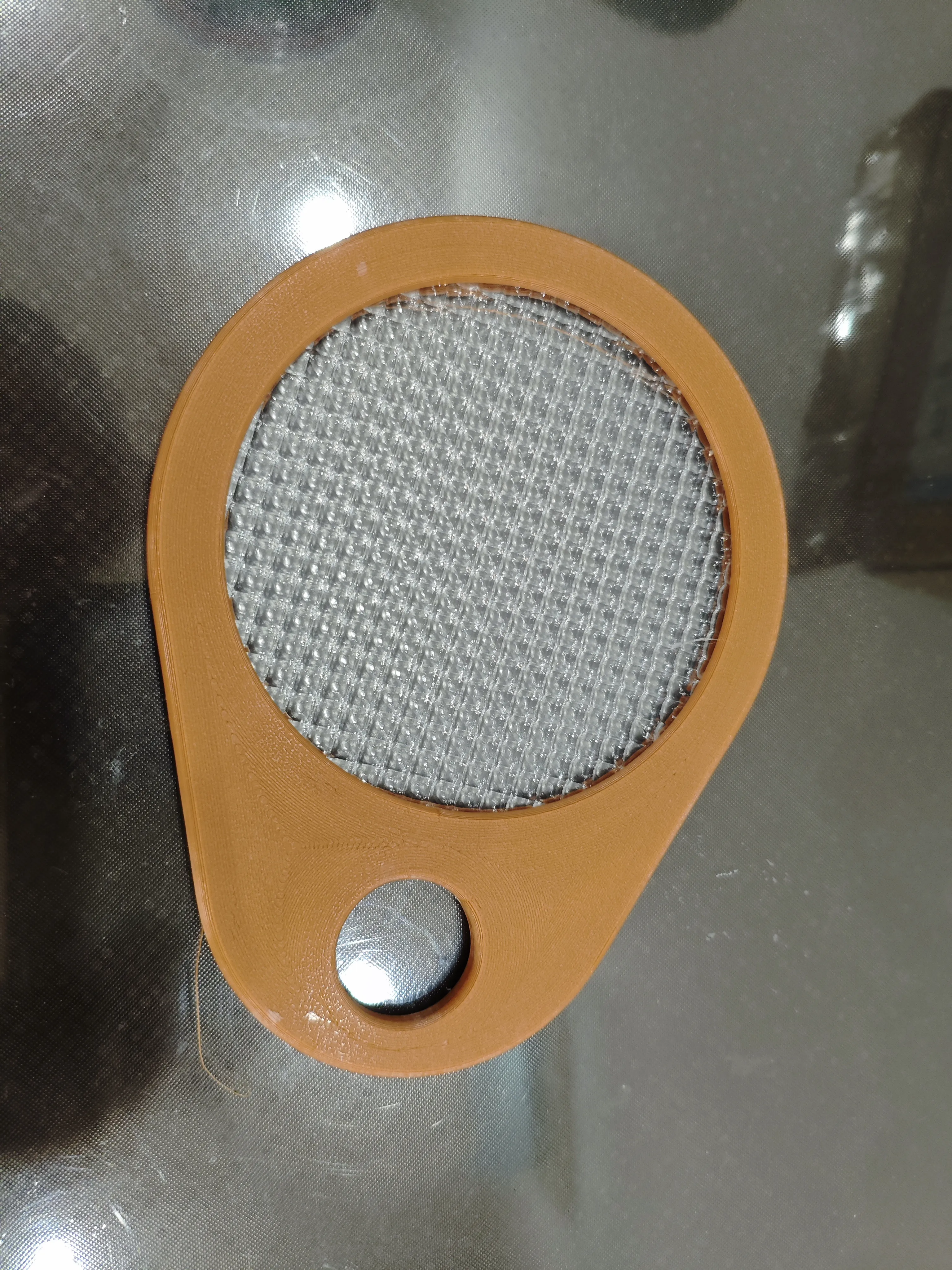
How to use the model
First, purchase the lens: lens diameter 10cm, thickness between 2.8-2.9 mm
PDD keyword: White balance diffuser plate
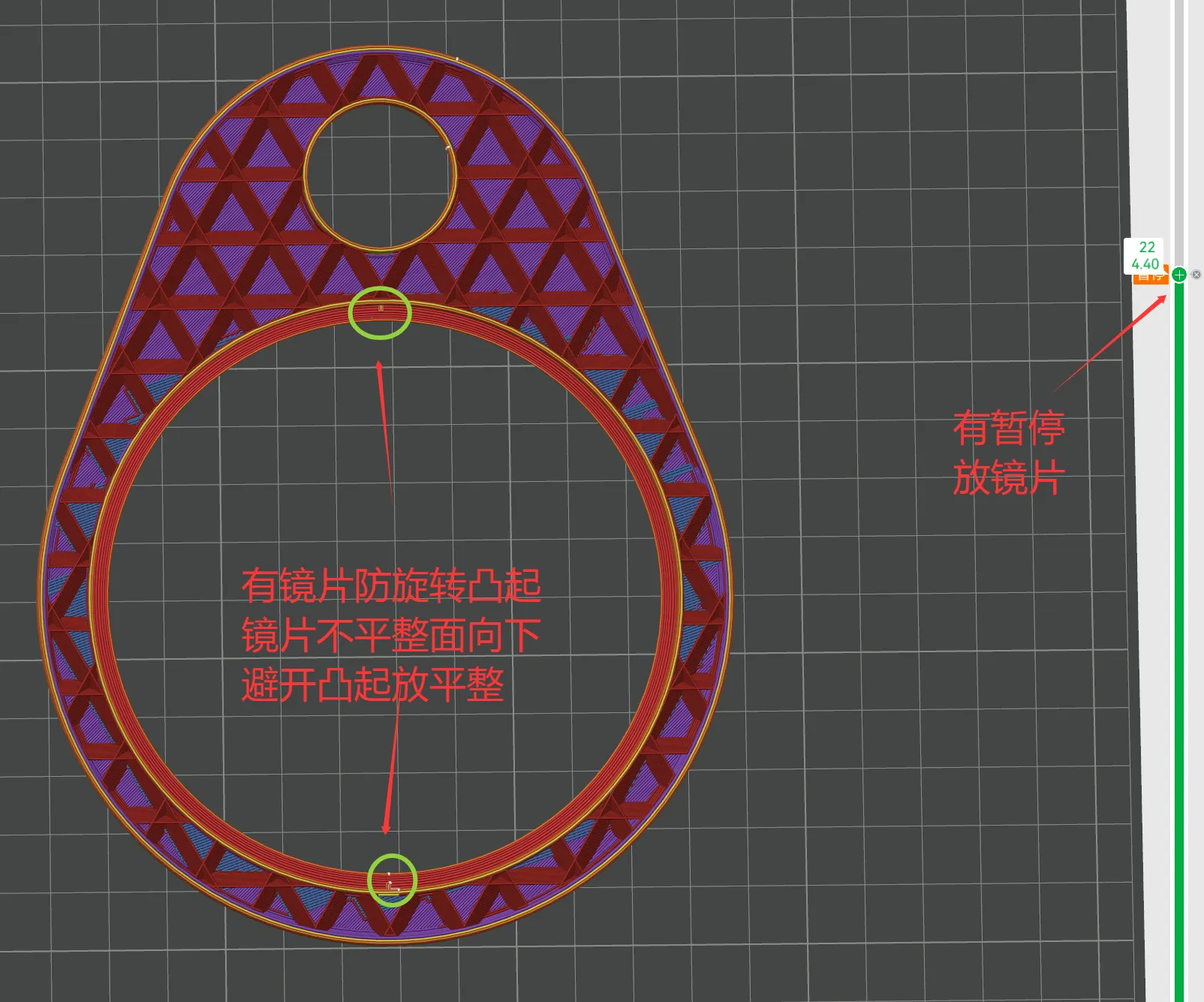
1 Both frames will pause at layer 22
2 Place the diffuser with the uneven side facing down, close to the printing plate, into the reserved area
3 Ensure the raised area aligns with the concave part of the lens to prevent it from rotating
4 Remove the protective film from both sides of the lens
5 After ensuring it is flat, click continue
6 Lens diameter 10cm, thickness between 2.8-2.9 mm
For usage instructions, refer to the corresponding product
How to use this lens: the flat side faces the camera
License



Comment & Rating (0)