
Parametric Piping Spacer
Print Profile(1)
Description
Boost Me (for free)
If this tool saves you time during installation, a like, boost, or photo of your make is always appreciated!
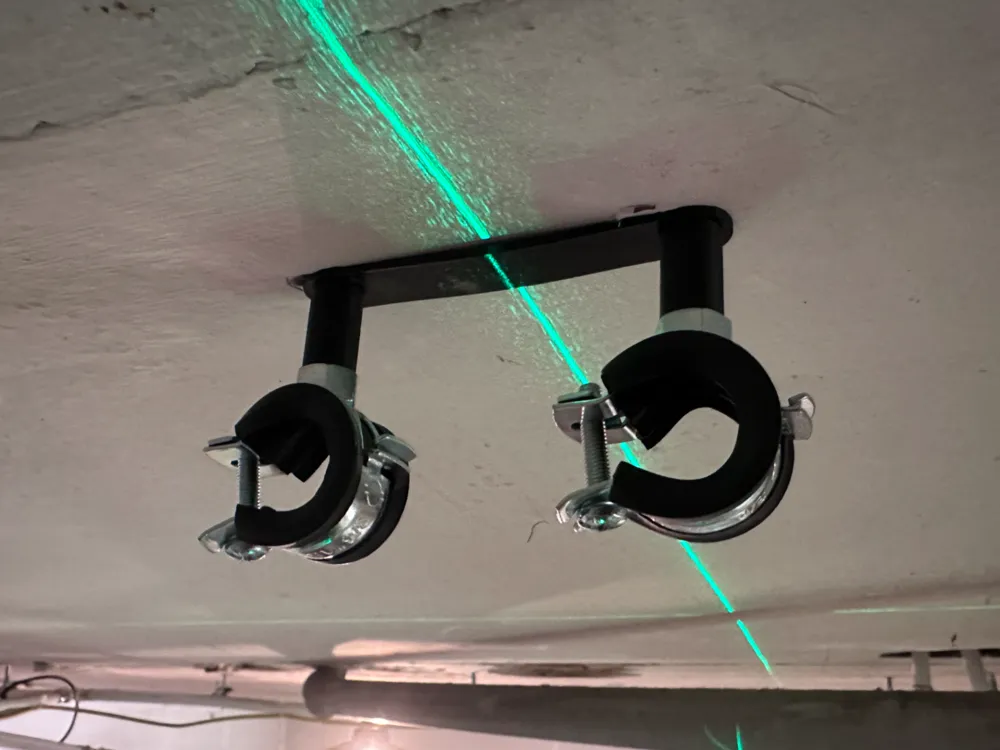
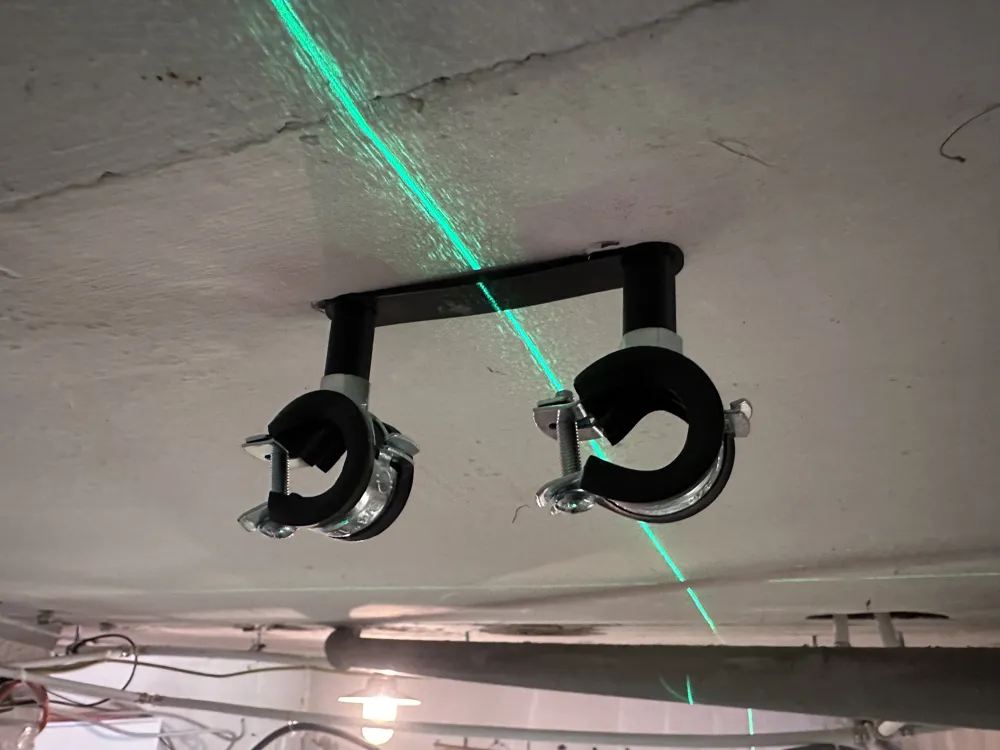
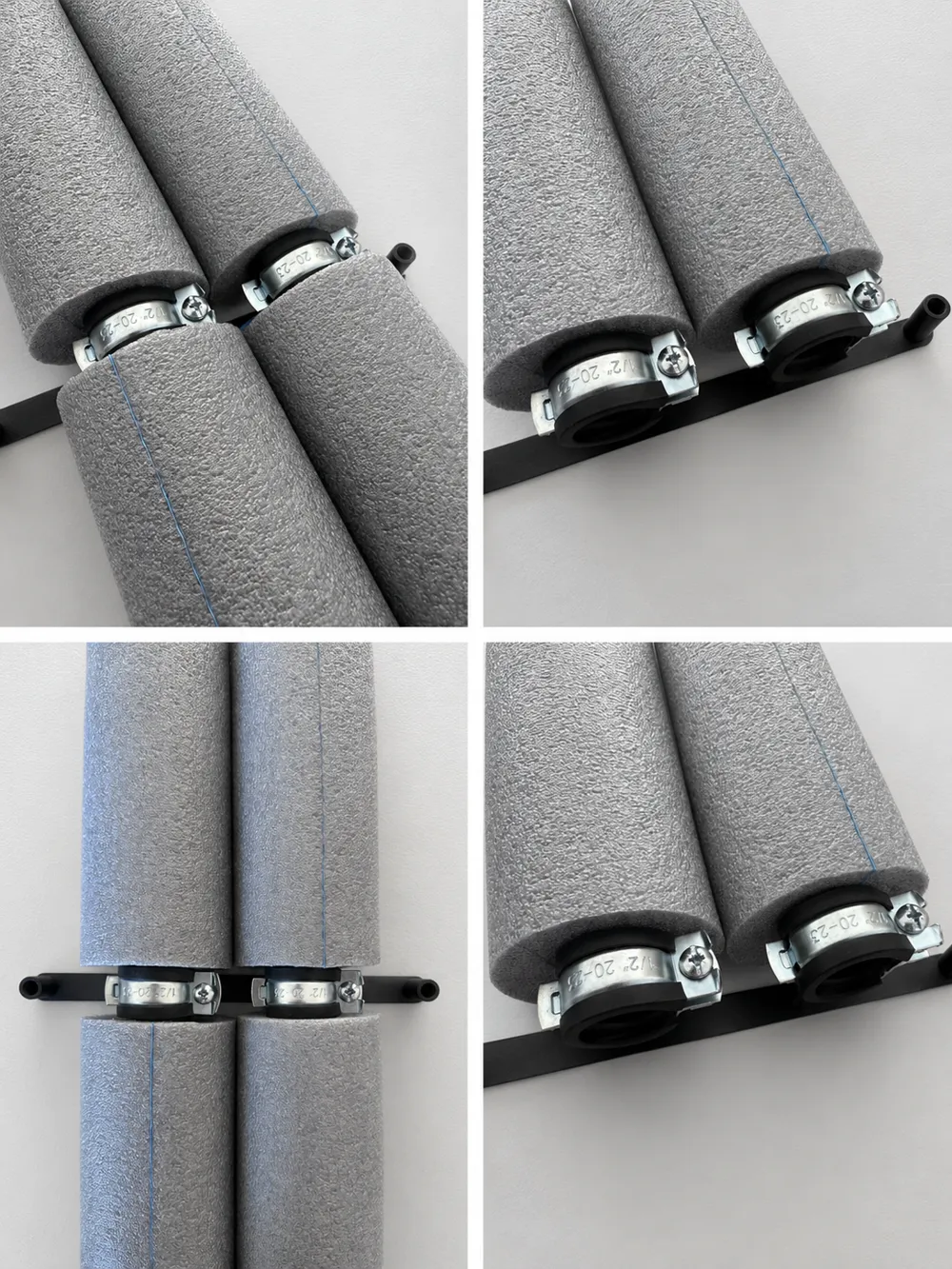
Pipe Clamp Spacer & Installation Template for Insulated Pipes
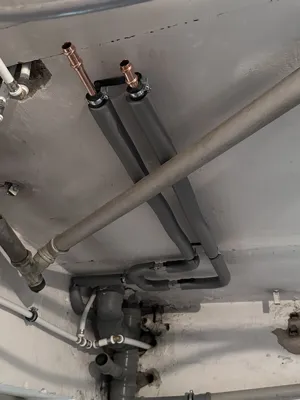
I designed this tool while installing insulated heating and water pipes and got tired of measuring the same distances over and over again. I wanted a simple way to keep all pipe clamps perfectly aligned and to make sure every hanger bolt sticks out from the wall by exactly the same amount.
The result is this small but surprisingly useful installation aid.
The tool can be used in two different ways:
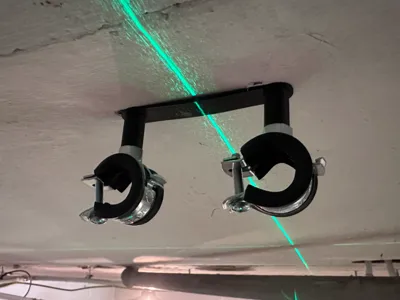
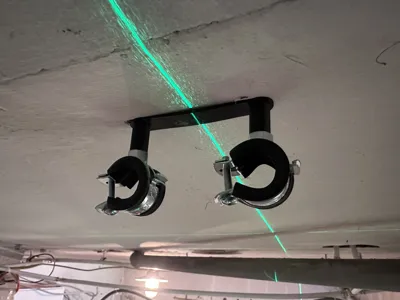
✅ As a drilling template to mark and drill mounting holes with consistent spacing.
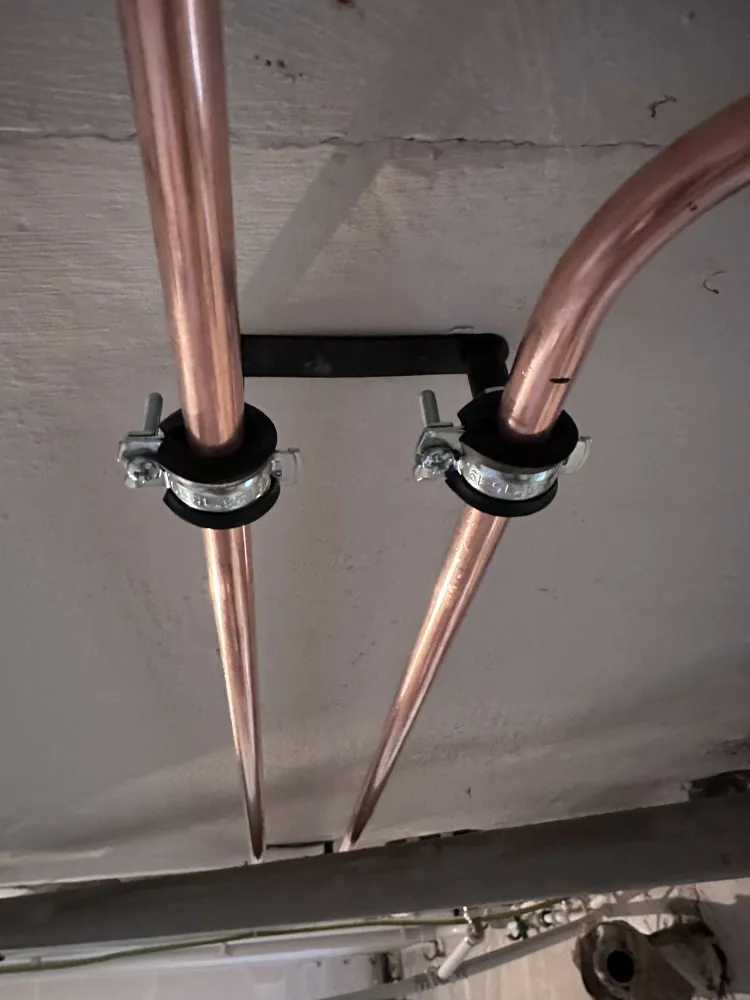
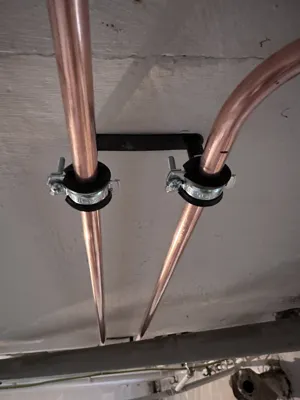
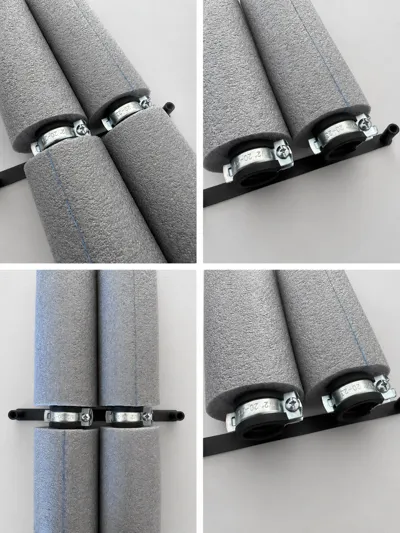
✅ As a depth gauge after installing the wall plugs and hanger bolts. Simply slide the template over the bolts and adjust them until the pipe clamps touch the guide posts. This ensures that every clamp sits at the same distance from the wall.
The uploaded version is designed for:
- 22 mm water pipes
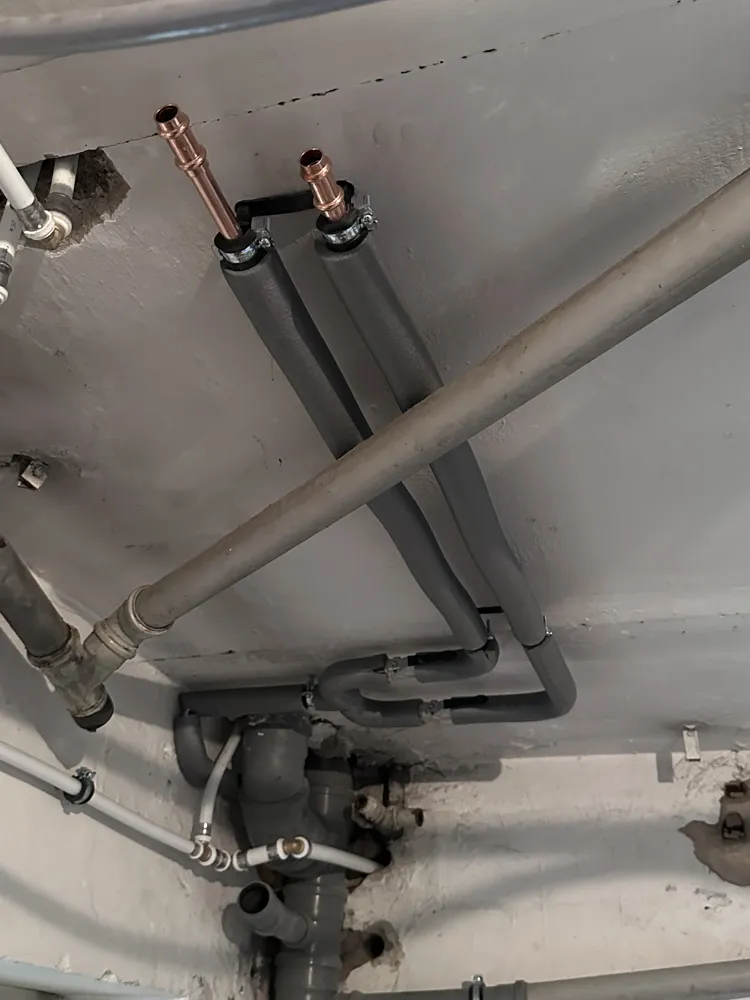
- 25 mm pipe insulation
- 80 mm spacing between the guide posts
These dimensions provide enough clearance for two insulated 22 mm pipes running side by side.
Why I Made It
During larger plumbing installations I noticed that getting all pipe clamps aligned can be surprisingly time-consuming. Even a few millimeters difference in bolt depth becomes visible once several meters of pipe are installed.
This spacer eliminates most of that measuring work and helps achieve a much cleaner result.
Features
- Drilling template and depth gauge in one tool
- Consistent spacing between pipe clamps
- Identical hanger bolt depth across all mounting points
- Faster installation of parallel insulated pipes
- Simple and quick to print
- Fully parametric design
Parametric Design
The model was created completely parametrically and can easily be adapted to your own installation requirements.
You can modify:
- Distance between clamps
- Spacer height
- Hanger bolt diameter
- Number of mounting points
So even if your setup differs from mine, the design can easily be adjusted to fit.
How to Use
- Position the template and mark the drilling locations.
- Drill the holes and install the wall plugs.
- Screw the hanger bolts into the wall.
- Slide the template over the bolts.
- Adjust the bolt depth until the pipe clamp touches the guide posts.
- Tighten everything and install the pipes.
Print Settings
- No supports required
- 0.20 mm layer height
- 3–4 walls
- 15–20% infill
- PETG recommended
If you find this tool useful, I'd love to see your make. Likes, boosts and feedback are always appreciated!
License

You may create derivative works based on this object, provided that all such derivative works are published exclusively on the MakerWorld platform and include proper attribution to the original creator. You may not share, upload, host, distribute, or publish this object—or any derivative work of this object—on any other digital platform, marketplace, or distribution channel. Commercial use of this object and any derivative works is strictly prohibited. This includes, but is not limited to, selling, renting, sublicensing, or using the object in any context in which you receive monetary compensation or other financial benefits.


Comment & Rating (0)