
A1 Motherboard Fan
Print Profile(2)
Description
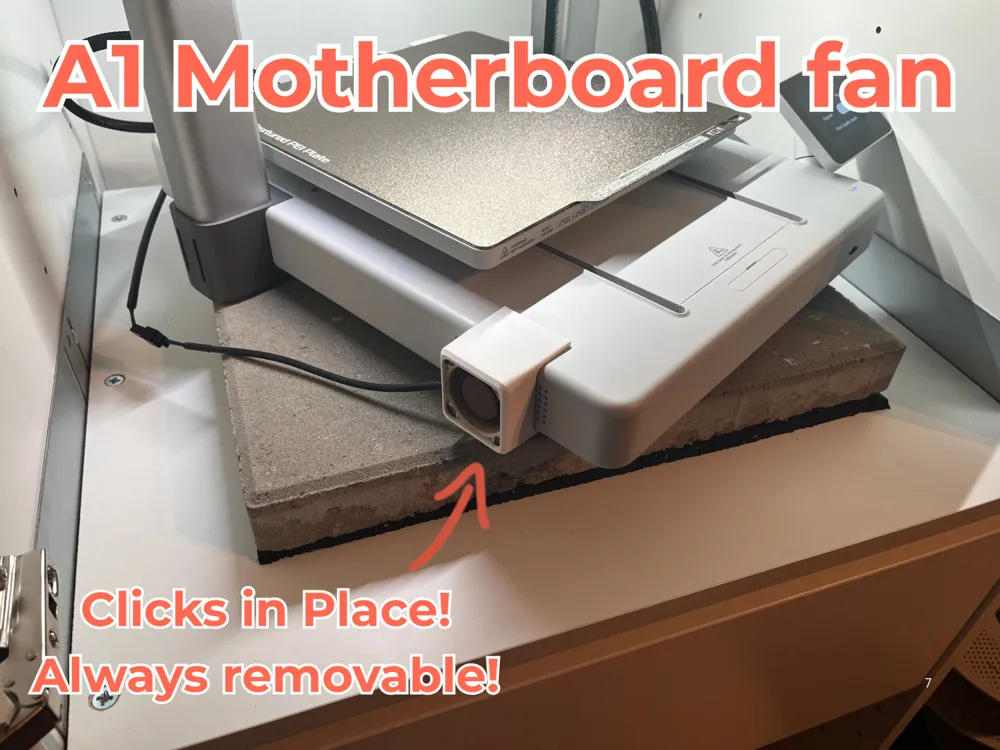
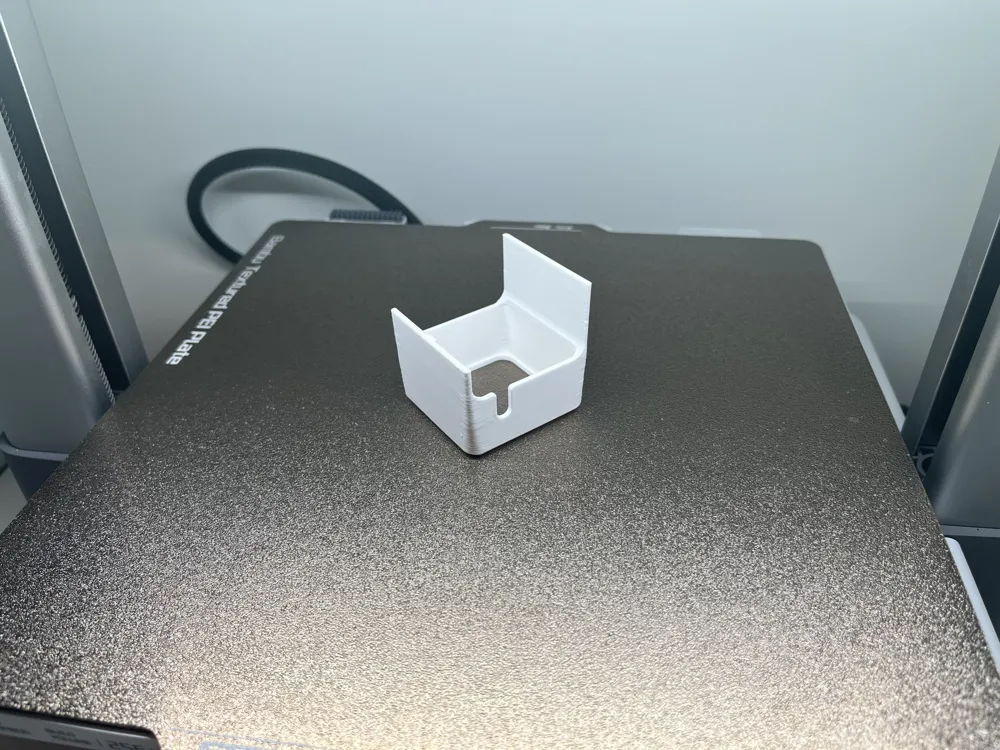
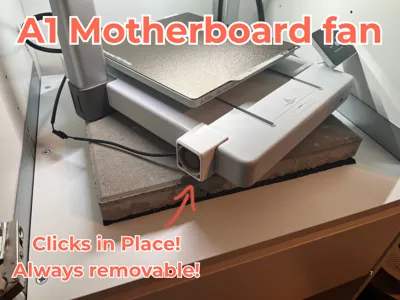
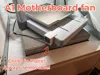
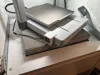
Here is a simple yet effective fix for the notorious motherboard overheating issue (see images below).
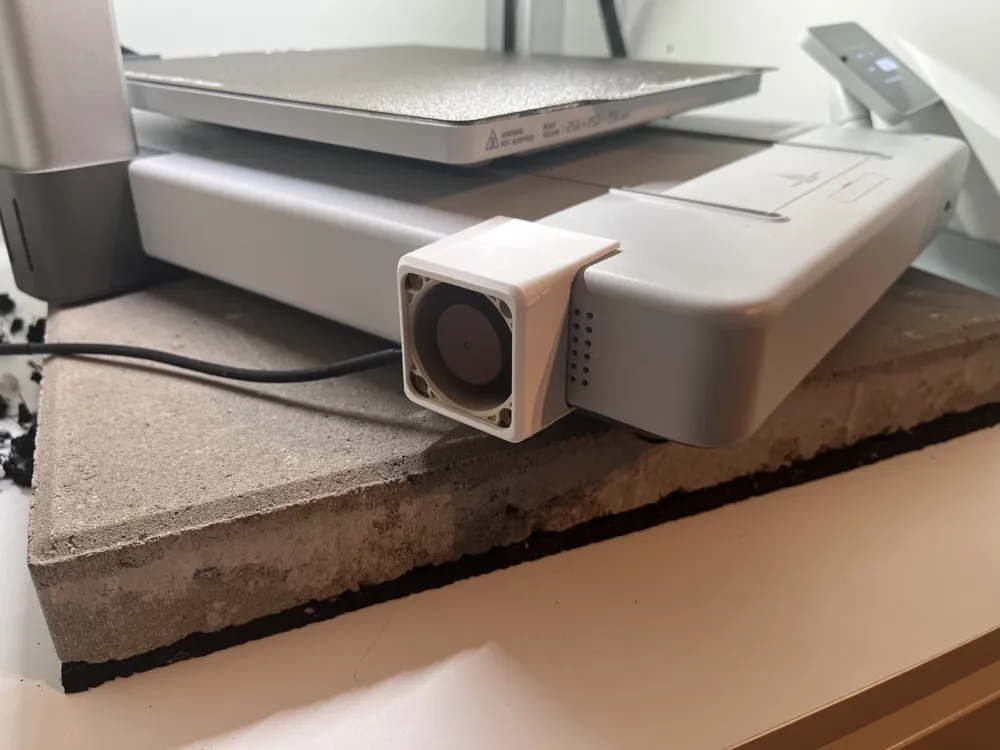
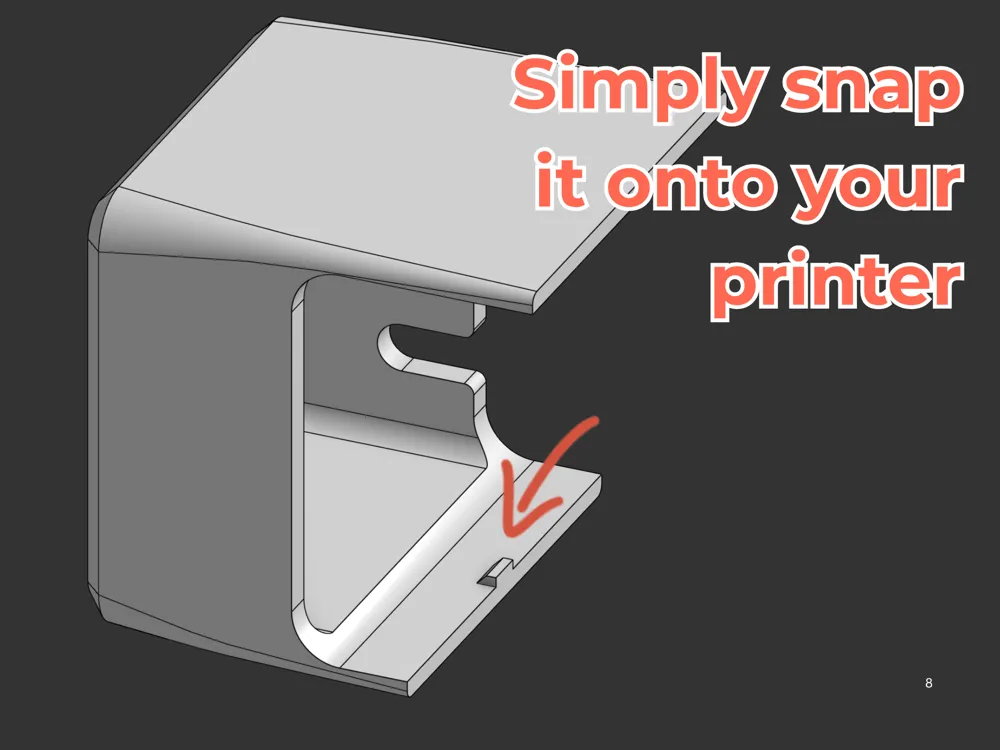
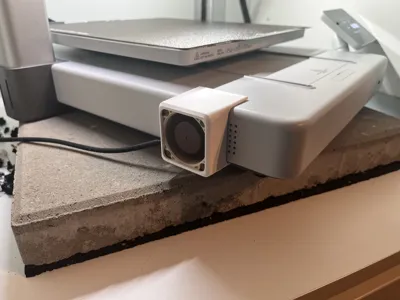
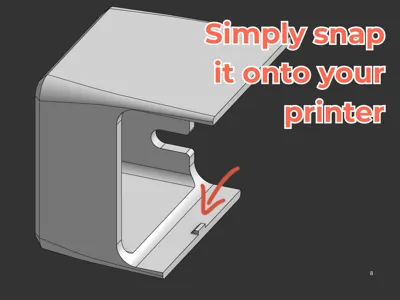
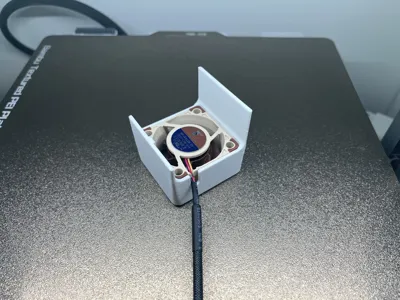
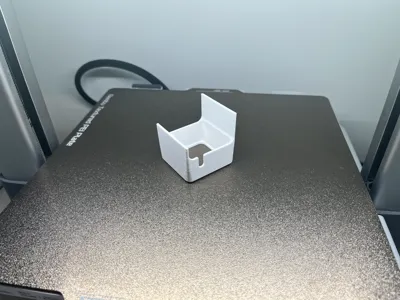
This design funnels fresh air directly into the existing side vent of your printer, right where the motherboard and other vital electronics sit.
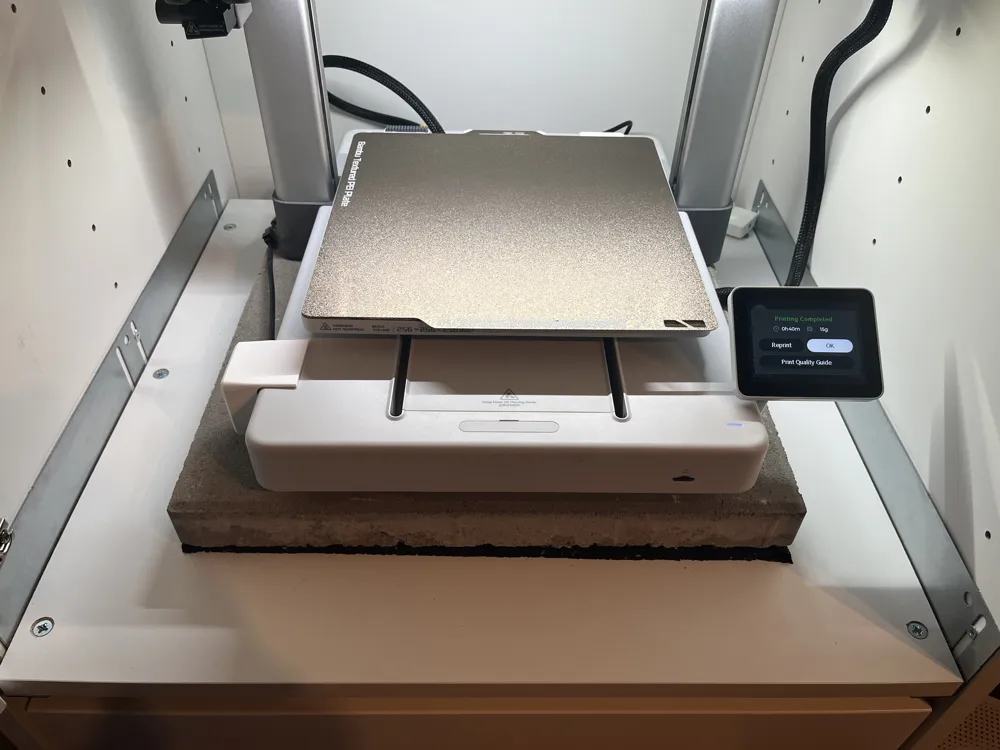
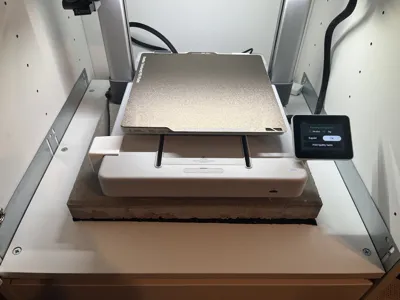
Keeping these internals cool is crucial, especially if you plan on putting your printer in an enclosure like I did. Because the A1 wasn't originally designed to be enclosed, it relies entirely on passive cooling. Once the ambient air inside the enclosure heats up, your components will too, which can quickly lead to malfunctions or even fire hazards.
Hardware Needed:
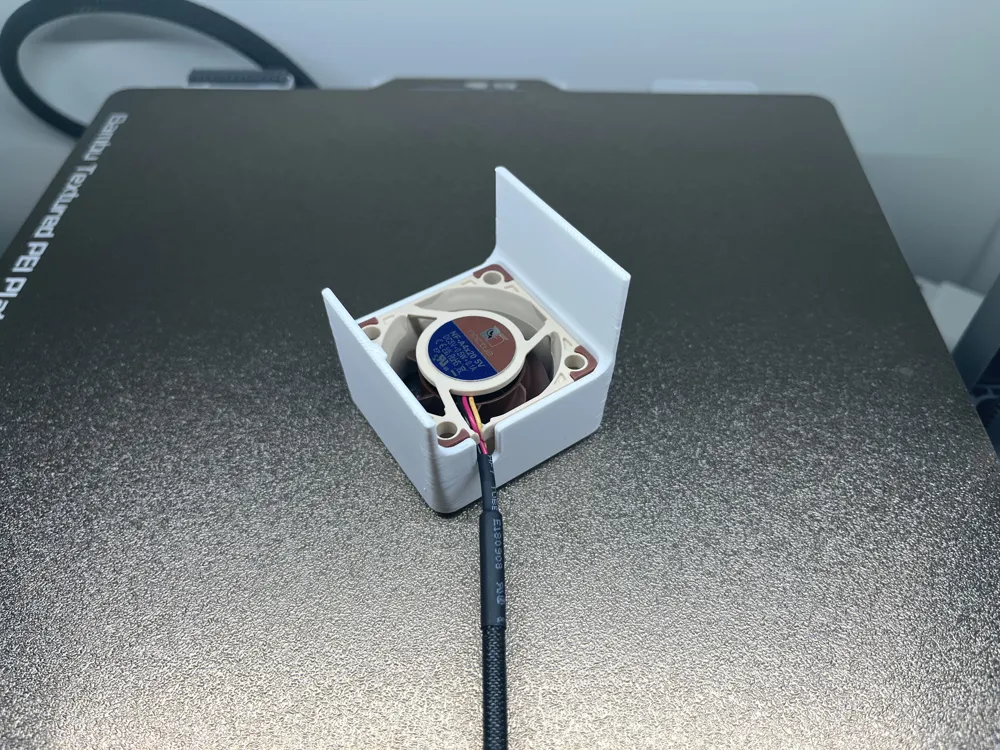
- Option 1: 40x10mm fan (more compact, but a bit noisier with less airflow)
- Option 2: 40x20mm fan (slightly thicker, but quieter and provides better cooling)
I personally went with the 40x20mm version (a Noctua fan) just to be on the safe side.
Other peoples Machines:
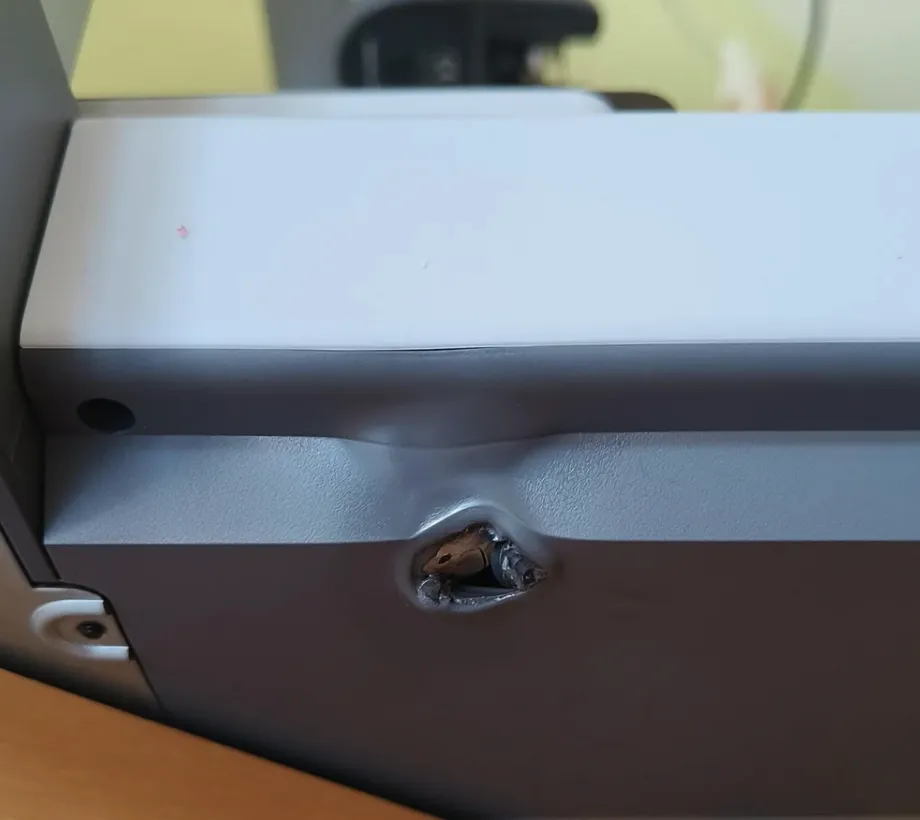
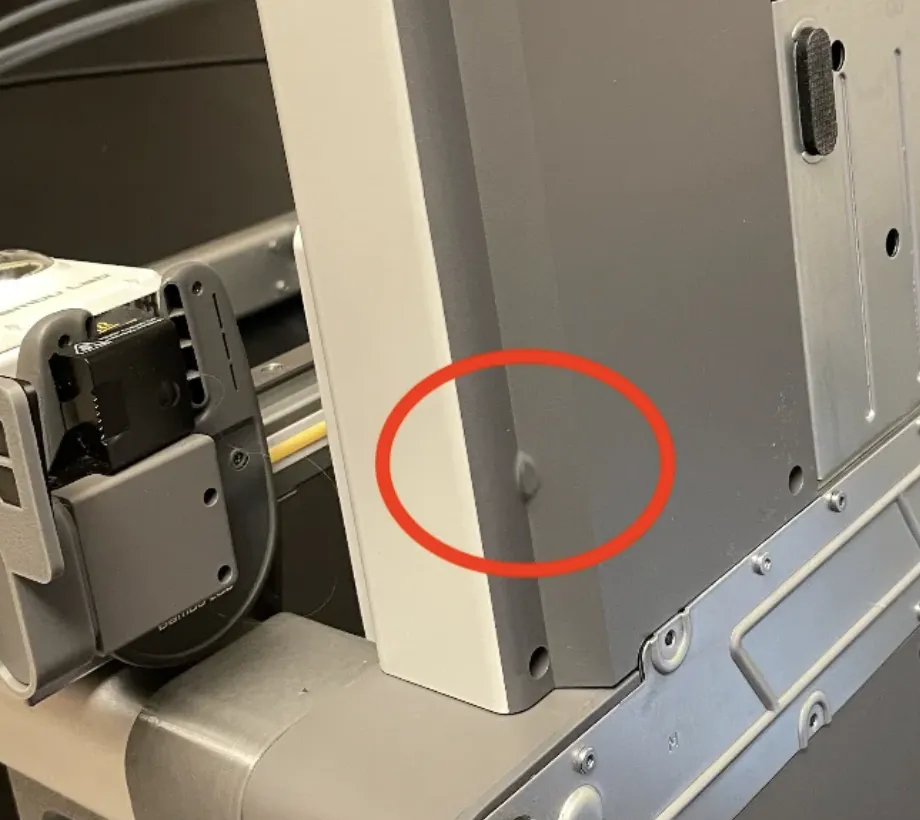
My goal was to prevent this happening to my printer some day.
License

You may create derivative works based on this object, provided that all such derivative works are published exclusively on the MakerWorld platform and include proper attribution to the original creator. You may not share, upload, host, distribute, or publish this object—or any derivative work of this object—on any other digital platform, marketplace, or distribution channel. Commercial use of this object and any derivative works is strictly prohibited. This includes, but is not limited to, selling, renting, sublicensing, or using the object in any context in which you receive monetary compensation or other financial benefits.


Comment & Rating (5)