
Fully Parametric Door Decor Hanger Hook
Print Profile(1)
Bill of Materials





Description
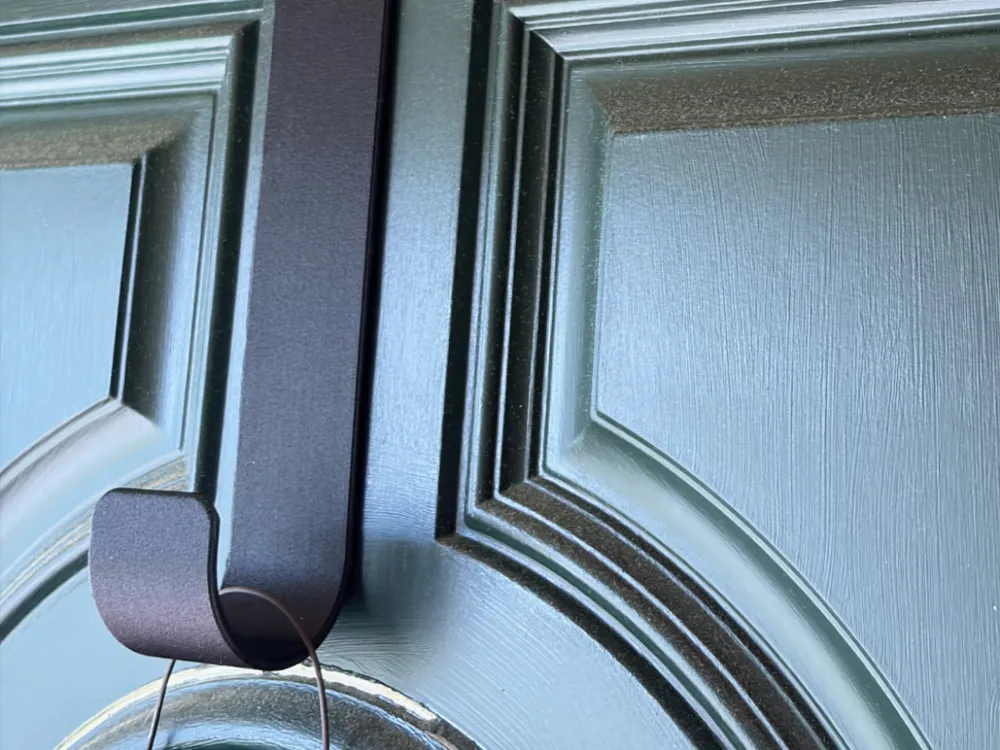
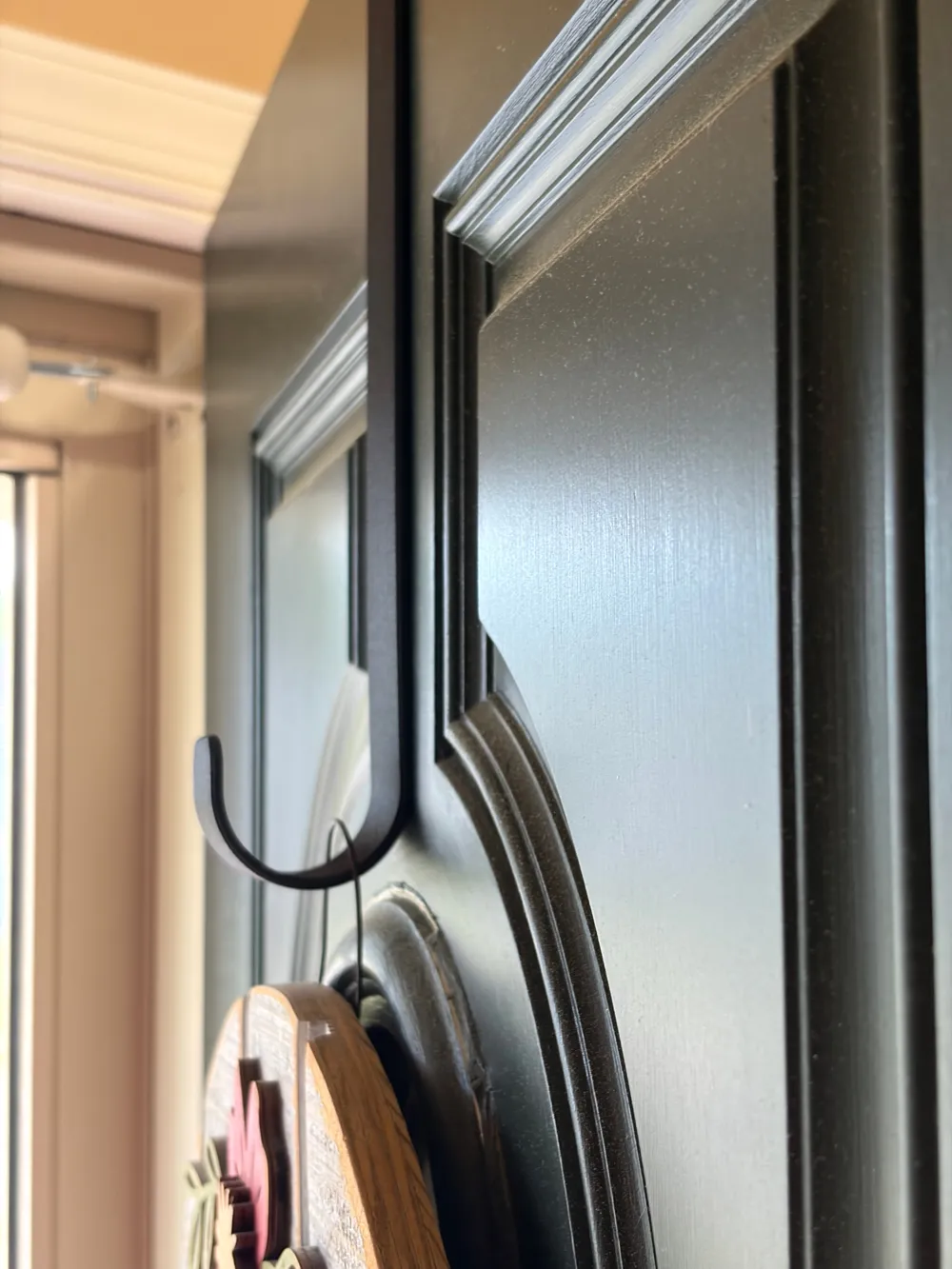
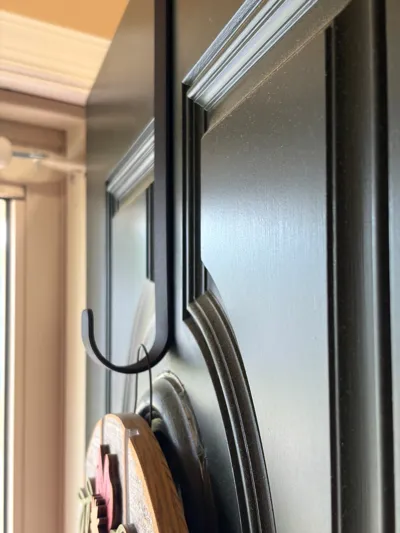
Up until last night, my wife had a Command Hook attached to the front door. Every season, various decor pieces came down, new ones went up in their place. Then last night, the adhesive on that Command Hook finally gave up, and we found the Spring door hanger thing sitting on the threshold between the front and screen doors. So, here's my fix. Sure, there are many like it, but this one's my creation. Did I also mention you can change literally any value in the geometry by tweaking a variable?
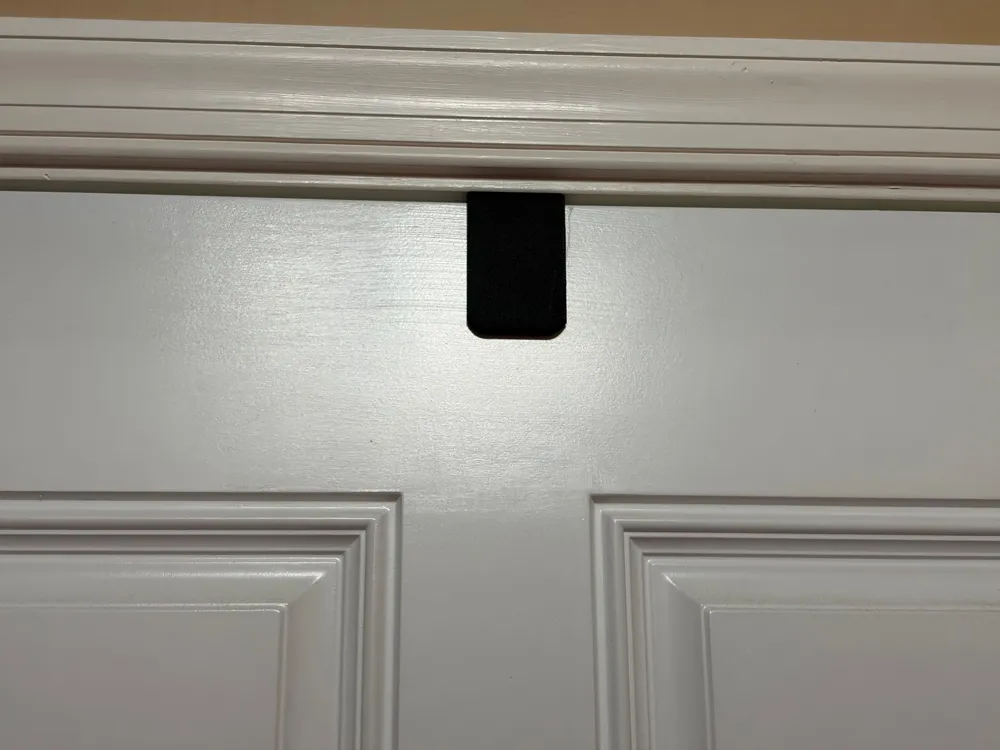
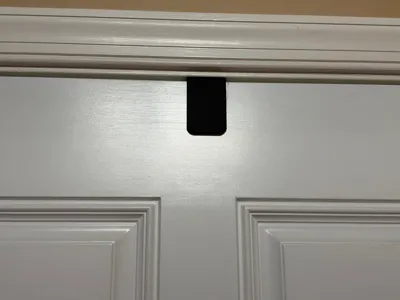
So, our door measured 45mm in thickness. So, I padded by 1mm. I wanted the bottom of the hook to be just about 300mm from the top, so I set that to 295, then fiddled around with the other parameters until I got what I thought would look nice on our door. Those parameters make up the model that's in the attached profile. It SHOULD work as-is on most American front doors. Rest of world? I've got no idea, which is why I'm making the CAD drawings available.
How to Customize:
If you want to change the sizes, parameters, etc. sign up for a Free Onshape account. Then, load up the drawing, look at the left hand side of the window for the folder marked “Variables - Change these to suit”, and then alter those parameters to your heart's content. Got it just the way you want it? Right click on the tab at the bottom that says “Door Hanger” and choose Export. I like STEP files, but you go ahead and choose what makes you and your equipment happy. For 99% of you, STEP and STL are what you want.
Import into your slicer, choose your filament type, and let it rip.
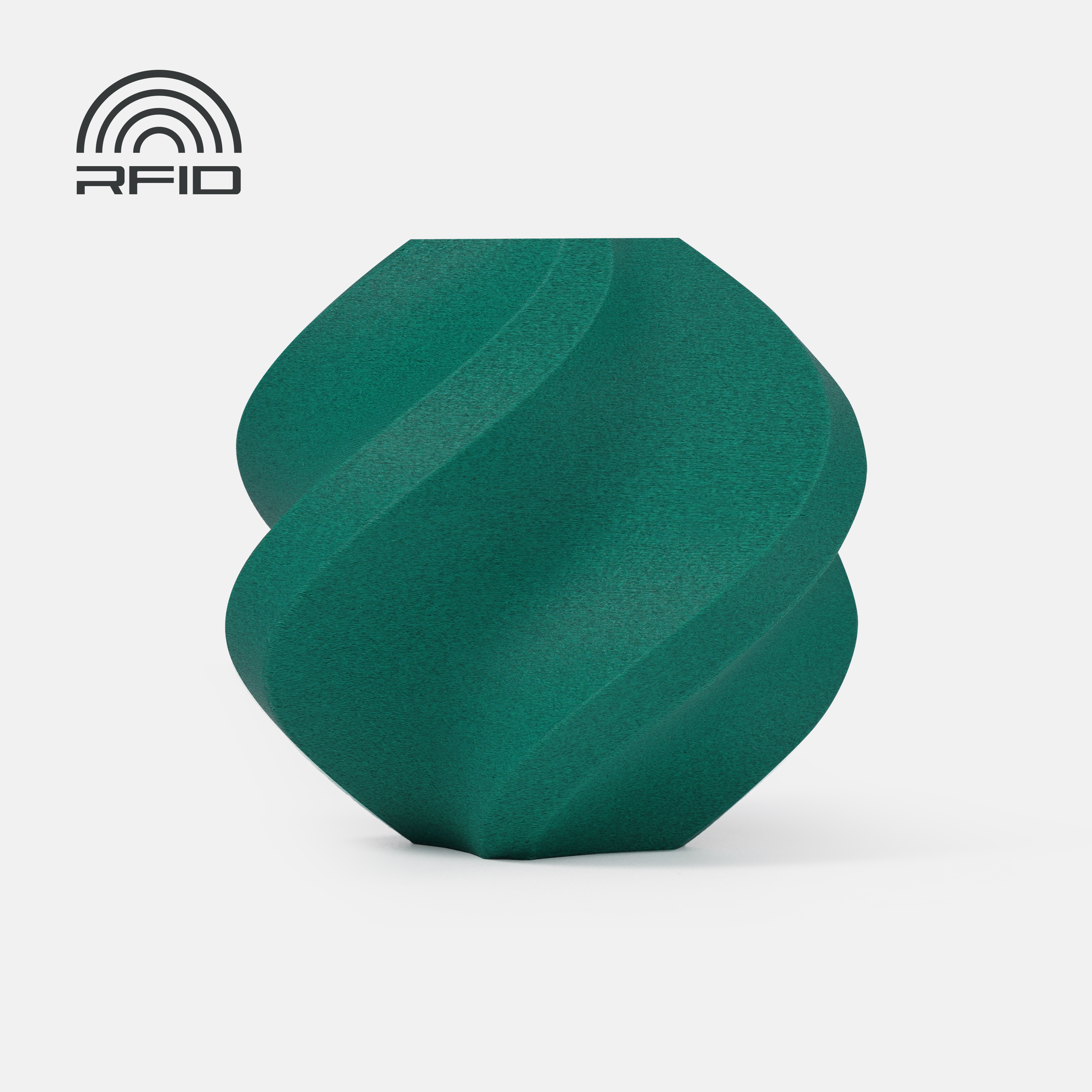
My sample print shown here was done in Polymaker's Fiberon ASA-CF08. I really dig CF and GF filaments for this use case because of the stiffness the embedded fibers bring to the party.
Boost Me (for free)
Thank you all for your kindness, Likes, Downloads, Makes, and Boosts. Your likes, makes, boosts, and downloads help fund my supply of filaments, parts that gets used in prints, as well as consumables and various spare parts. Thank you so much for your support!
Membership
If you'd care to offer some additional support, please consider becoming a member at the Tip Jar (or higher) level. Thank you! If you’re interested in a commercial license to sell my prints, please have a look at the commercial plan offered here.
License

You may create derivative works based on this object, provided that all such derivative works are published exclusively on the MakerWorld platform and include proper attribution to the original creator. You may not share, upload, host, distribute, or publish this object—or any derivative work of this object—on any other digital platform, marketplace, or distribution channel. Commercial use of this object and any derivative works is strictly prohibited. This includes, but is not limited to, selling, renting, sublicensing, or using the object in any context in which you receive monetary compensation or other financial benefits.


Comment & Rating (0)