
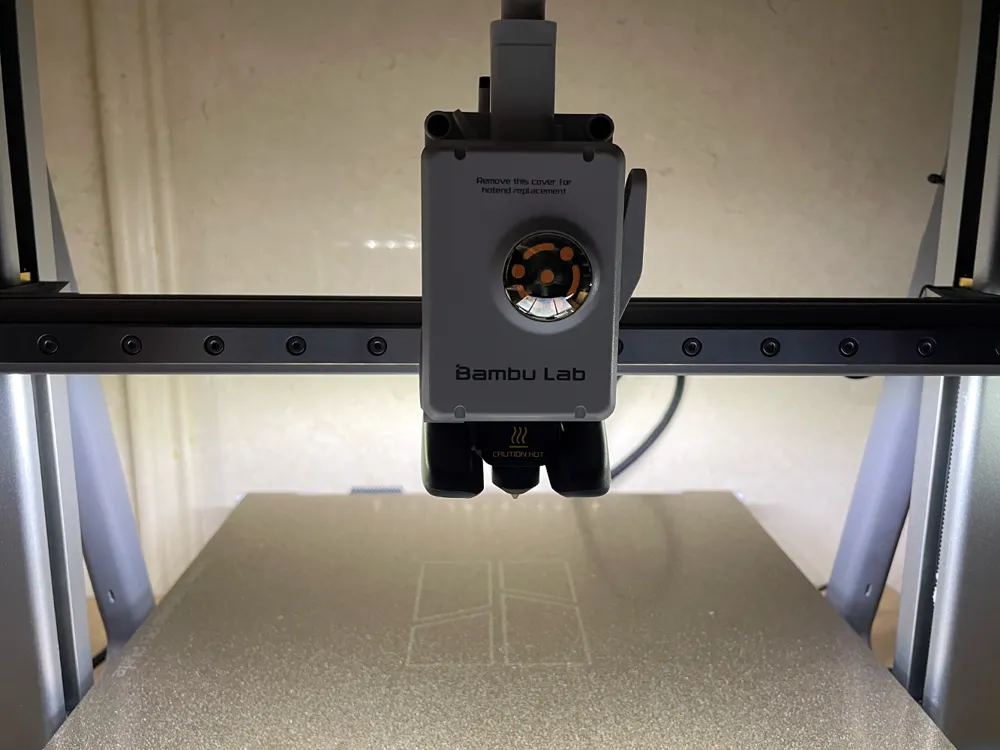
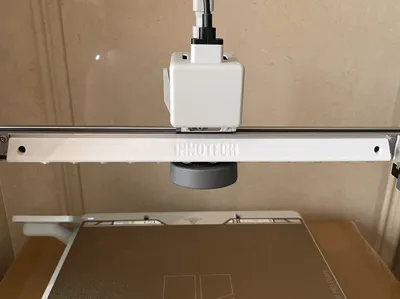
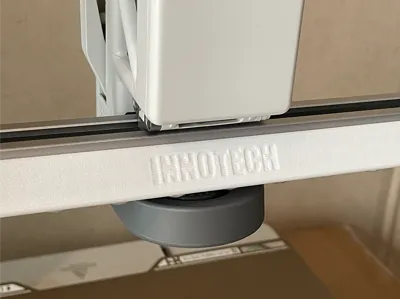
Bambu A2L X-Axis LED Fill Light
Print Profile(1)
Bill of Materials
- A2L Fill Light - From InnoTech x 1:
Description
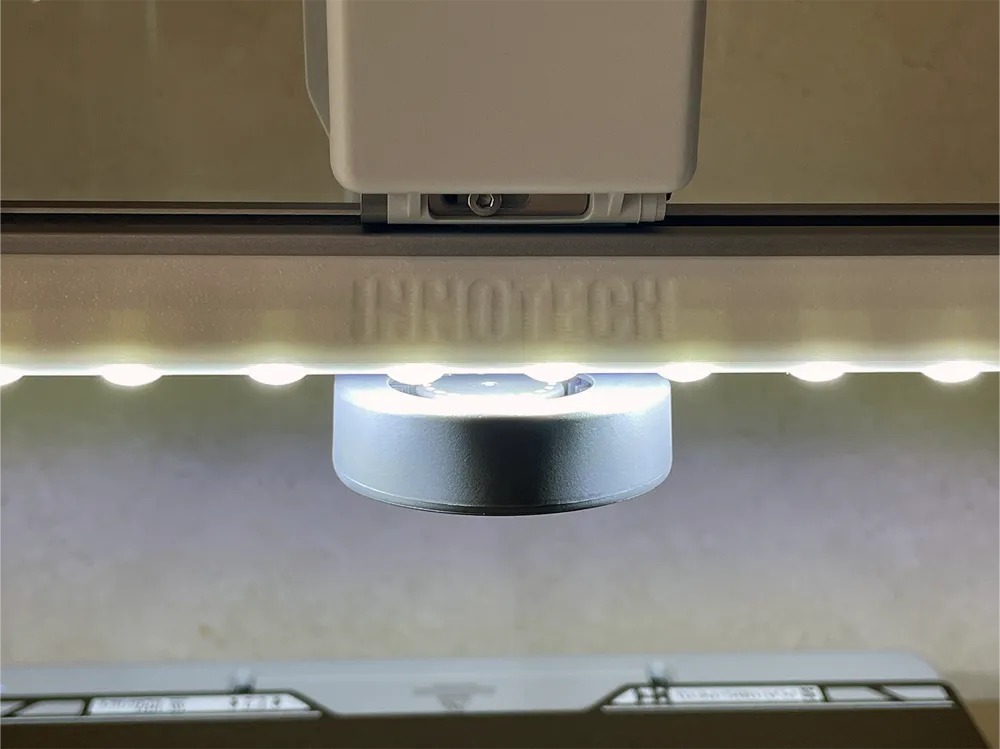
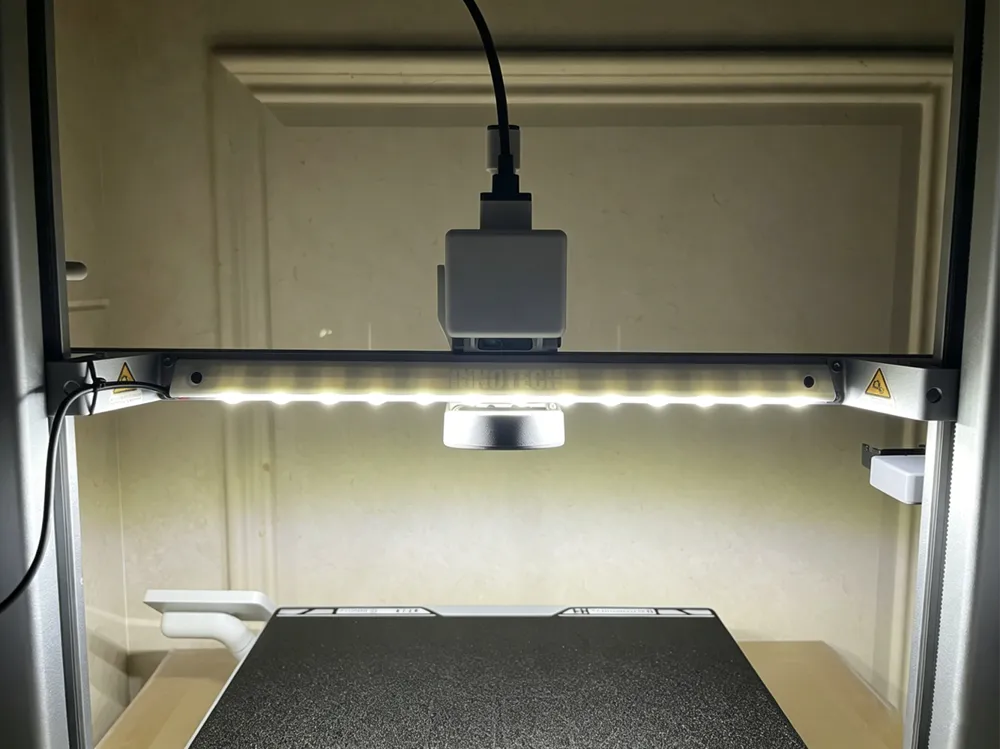
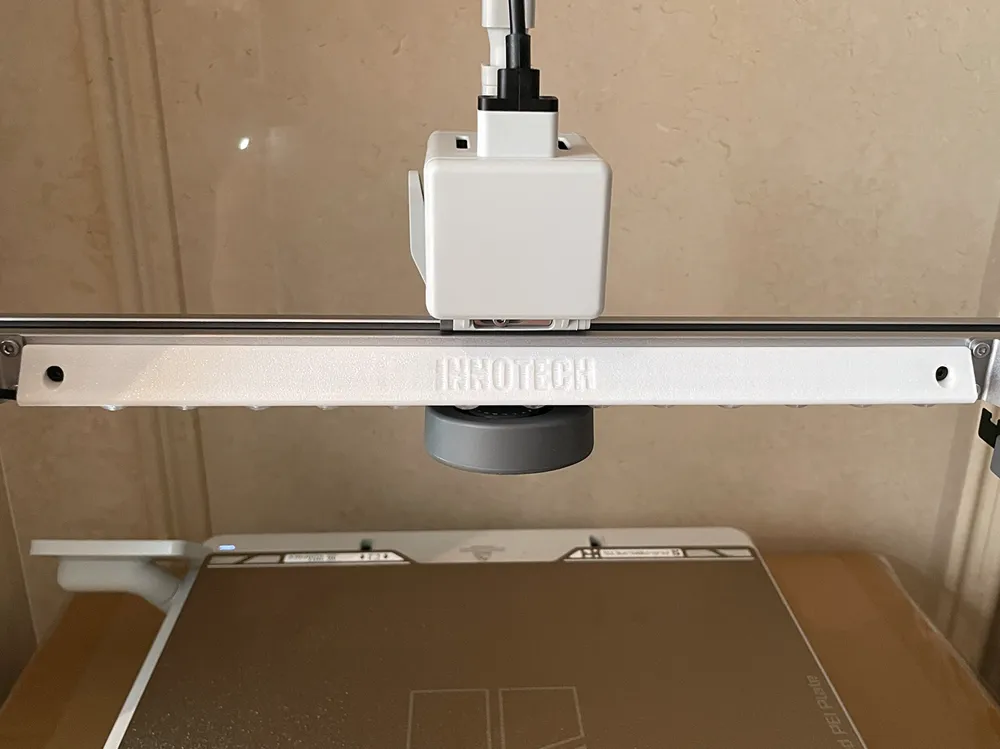
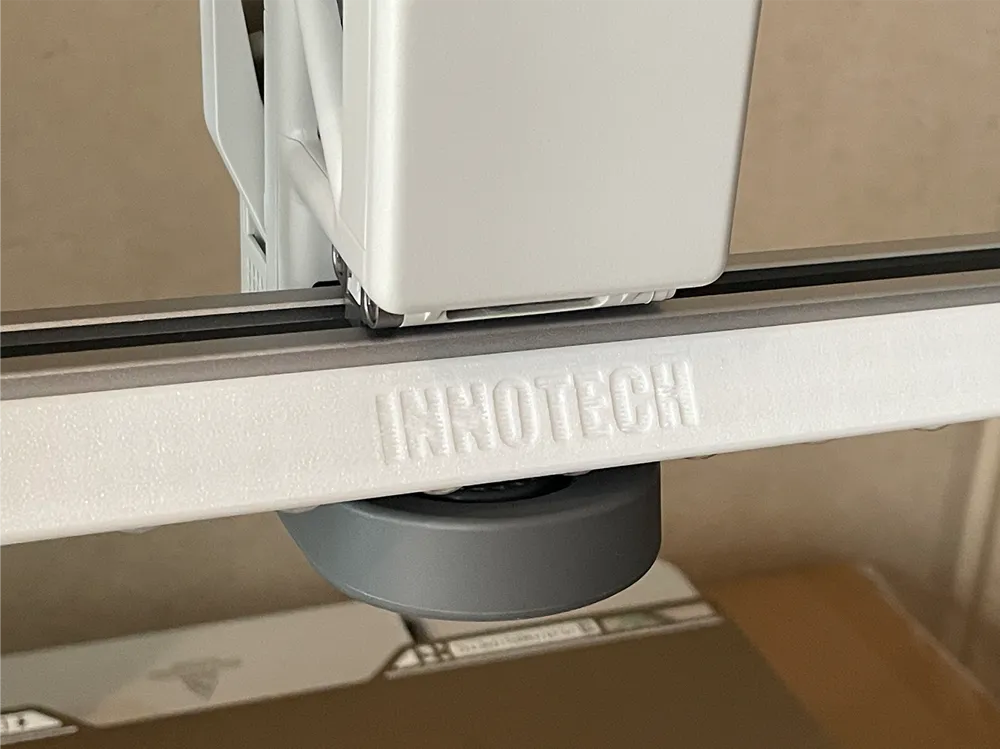
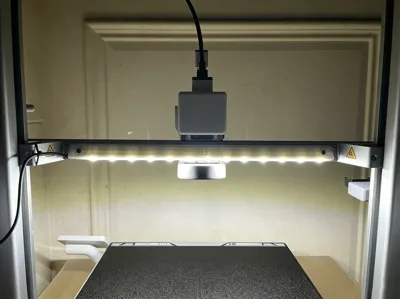
Mount the LED strip light on the rear of the A2L X-axis to improve visibility during nighttime printing.
Recommended print material: Standard PETG
Applicable to AliExpress|For Bambu lab A2L Fill Light Ra95 Manufactured by InnoTech.
Step 1
Affix the LED strip to the printed bracket.
⚠️ Note: The non-wired end of the strip faces the 'R' mark on the bracket, flush against the bracket edge. |  |
Step 2

Press the power cable of the LED light strip firmly into the cable retention slot along the edge of the bracket.
|  |
Step 3

Secure the bracket to the rear side of the X-axis using 2 screws; you may reuse 2 of the screws previously removed from the Z-axis mount.
⚠️ Note: Ensure the LED diodes face downward when mounting.
|  |
Step 4

Secure the power cable of the LED light strip to the Z-axis carriage using a zip tie.
|  |
Boost Me (for free)
If you appreciate my work please give me a Boost.
License

You shall not share, sub-license, sell, rent, host, transfer, or distribute in any way the digital or 3D printed versions of this object, nor any other derivative work of this object in its digital or physical format (including - but not limited to - remixes of this object, and hosting on other digital platforms). The objects may not be used without permission in any way whatsoever in which you charge money, or collect fees.


Comment & Rating (0)