
Airbus A320 ENG Panel as USB Controller
Print Profile(3)
Description
Airbus A320 ENG Panel as USB Controller
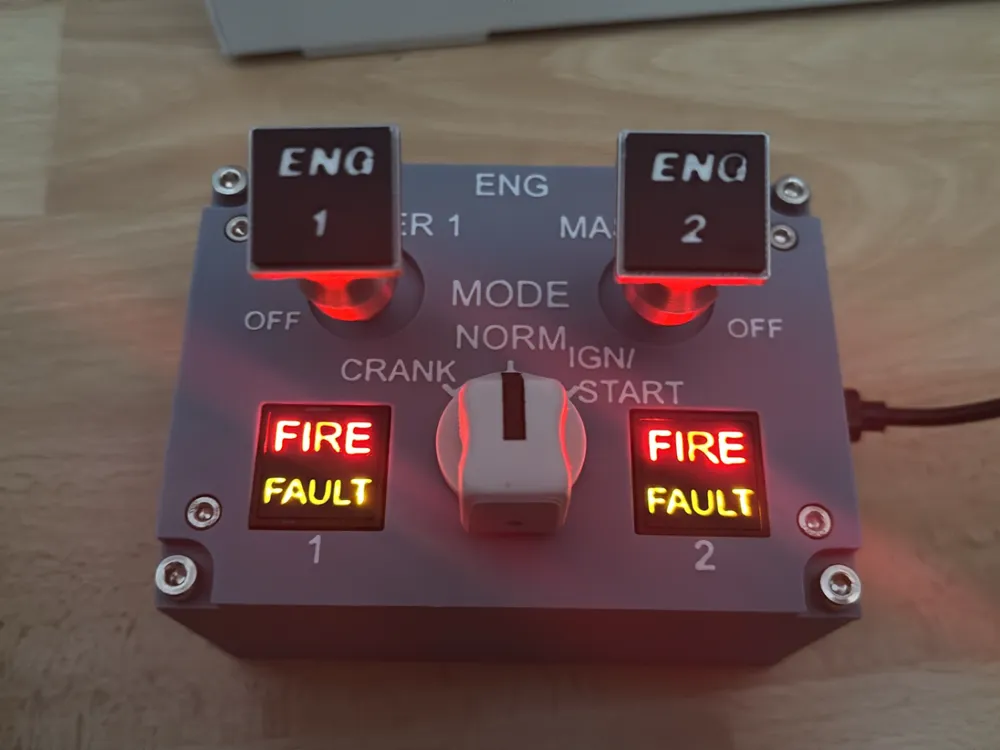
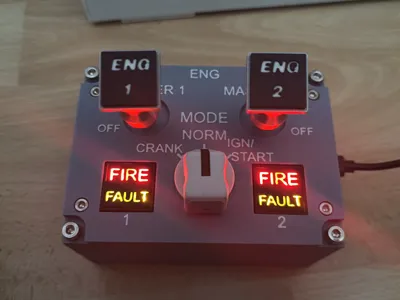
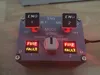
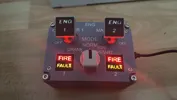
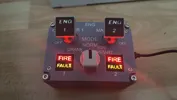
This model represents the ENG Panel of the Airbus A320. In the original aircraft, it is located behind the thrust levers on the center console and is used for controlling and monitoring the engines.
The panel can be used as a USB controller for flight simulators like Microsoft Flight Simulator, providing a significantly more immersive flight experience through its illuminated indicators and switches.
Functions
The panel features:
- 2 Engine switches (ENG 1 / ENG 2)
- 1 Rotary switch for operating modes
- 2 Push buttons
- 4 Illuminable indicators (FIRE / FAULT for each engine)
The FIRE and FAULT indicators can be controlled independently and are excellent for displaying warnings, errors, or status information.
Required Components
For replication, the following are needed:
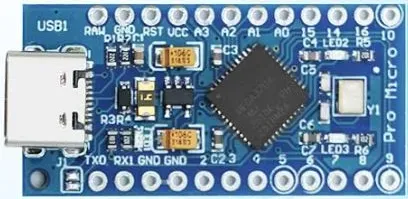
1× Arduino Pro Micro LINK
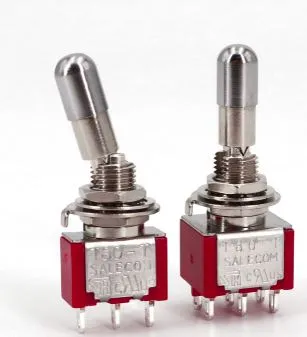
- 2× Switches with approx 7 mm thread diameter LINK
- 1× Rotary switch LINK
- 2× Push buttons LINK
- Standoffs
- LEDs for illumination
- Cables and soldering accessories
File Customization
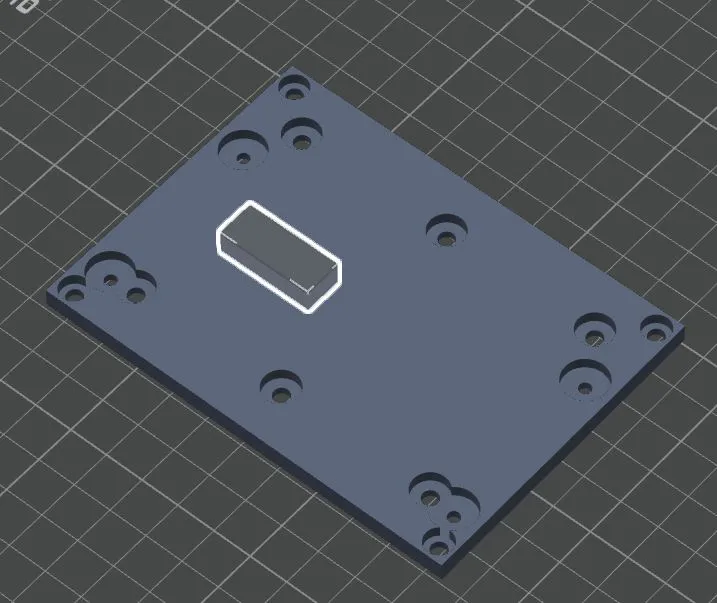
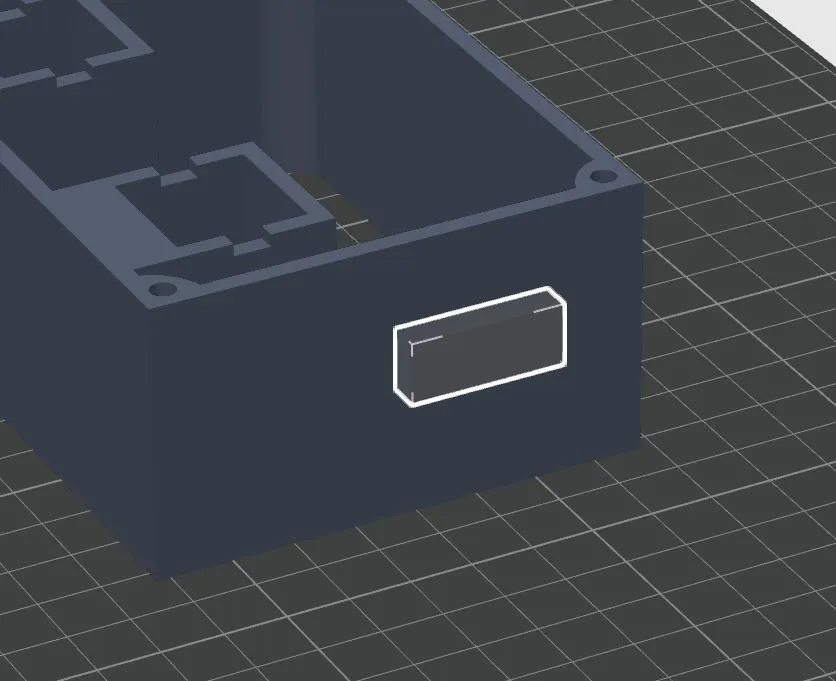
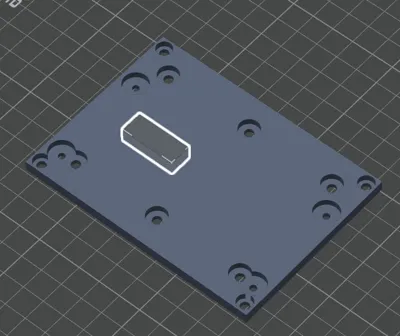
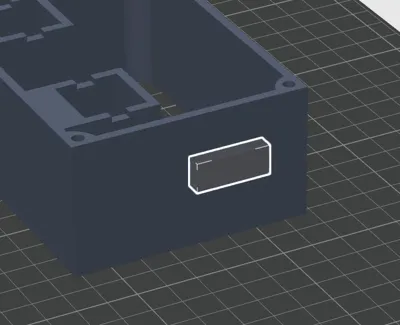
Two parts of the Main.3mf contain negative objects, which also need to be scaled depending on the situation. An .f3d file is also included, where you can make it even more precise if desired. These serve as placeholders for:
- the output of the Arduino Pro Micro
- additional switches for manually switching the LEDs
The corresponding cutouts were intentionally not permanently integrated into the model, as their position can vary depending on the standoffs, switches, and individual wiring used.
Therefore, before printing, the negative objects should be adapted to your own components.
Wiring
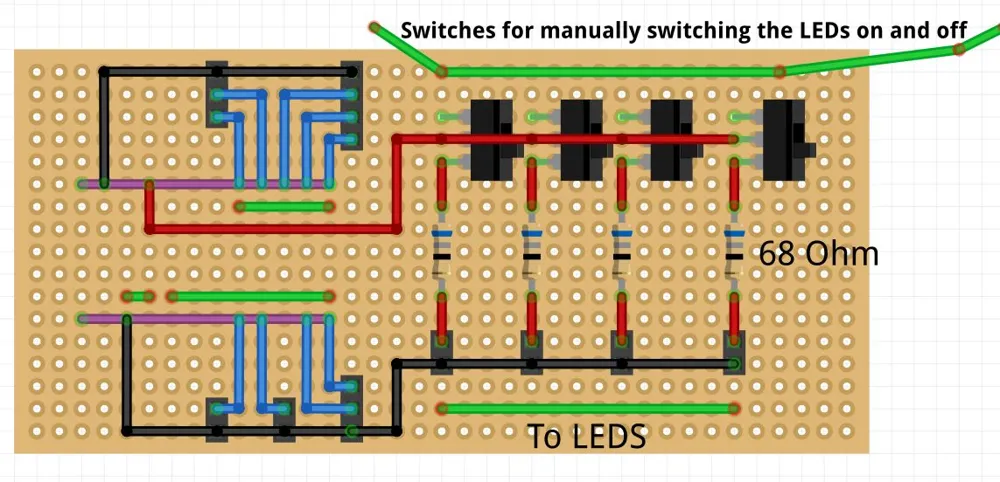
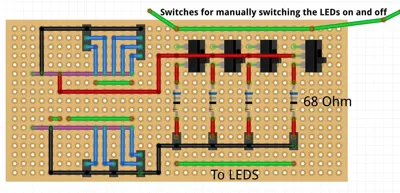
A self-soldered circuit board is required for operation.
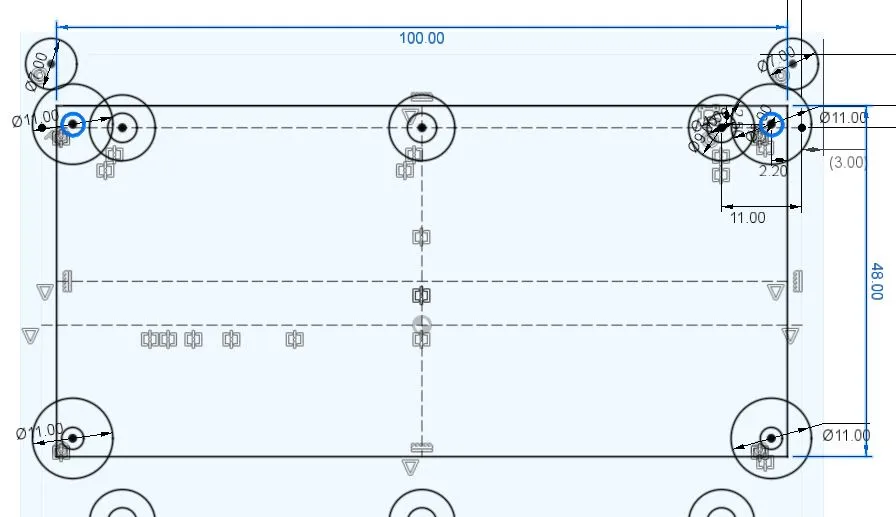
The enclosed Fritzing sketch can be used as a guide. The circuit board I used has the dimensions indicated in the second image and was only screwed at the two marked mounting points.
Depending on the components used, the wiring can, of course, be adapted or extended.
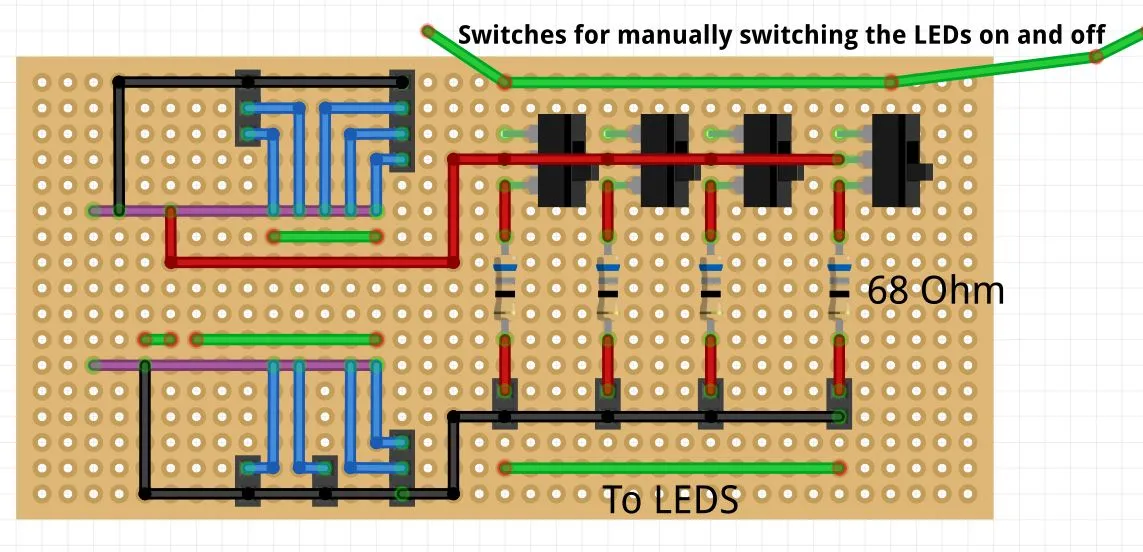
Red=5V Black=GND Blue=Signal cable Green=For display only
Additional Print Profiles
The two additional print profiles contain:
- Button caps
- Switch toppers for ENG 1 and ENG 2
- Rotary switch topper
These parts are placed on the respective switches after printing and complete the appearance of the panel.
Development
This model was designed for a friend of mine who wanted to expand his flight simulator setup with a custom A320 ENG panel.
Although this is not my first electronics project – for example, I'm already working on my own F/A-18 home cockpit – this project has taken up a large part of my time in recent weeks. Many hours of development work went into this panel, including CAD design, test prints, wiring, and adaptation to the hardware used.
So if you've been wondering why fewer new models have appeared recently: This project is the main reason 😄
Now that the ENG panel is finished, there will be more models, armaments, and other projects again. Thank you for your support, your feedback, and the many ideas you regularly contribute! ✈️
Boost Me (for free)
💙 Thank you for viewing, printing, and sharing my models! If you'd like to support my work, I would greatly appreciate a boost. This motivates me to continue designing new models and improving existing ones. ✈️😄
License

You may create derivative works based on this object, provided that all such derivative works are published exclusively on the MakerWorld platform and include proper attribution to the original creator. You may not share, upload, host, distribute, or publish this object—or any derivative work of this object—on any other digital platform, marketplace, or distribution channel. Commercial use of this object and any derivative works is strictly prohibited. This includes, but is not limited to, selling, renting, sublicensing, or using the object in any context in which you receive monetary compensation or other financial benefits.


Comment & Rating (1)