
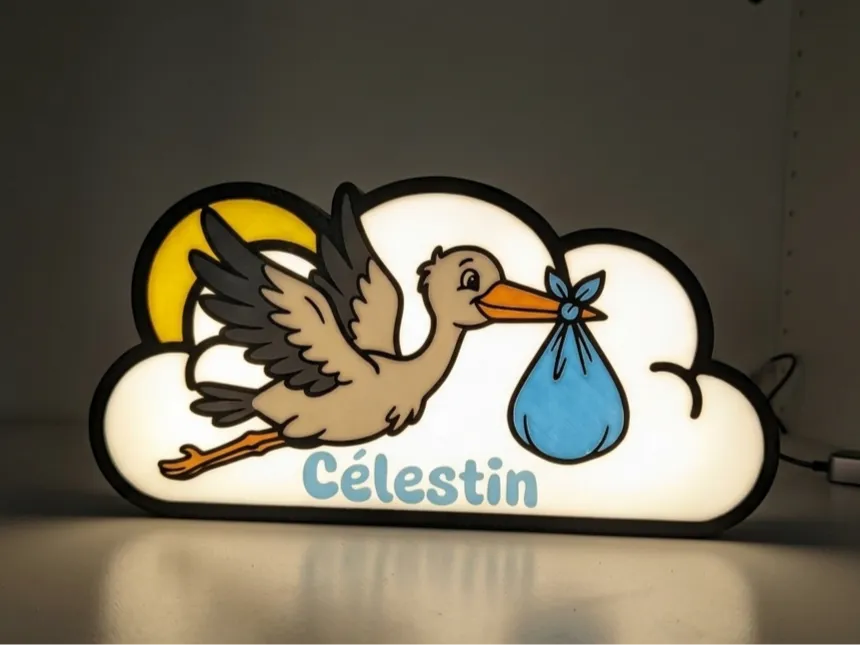
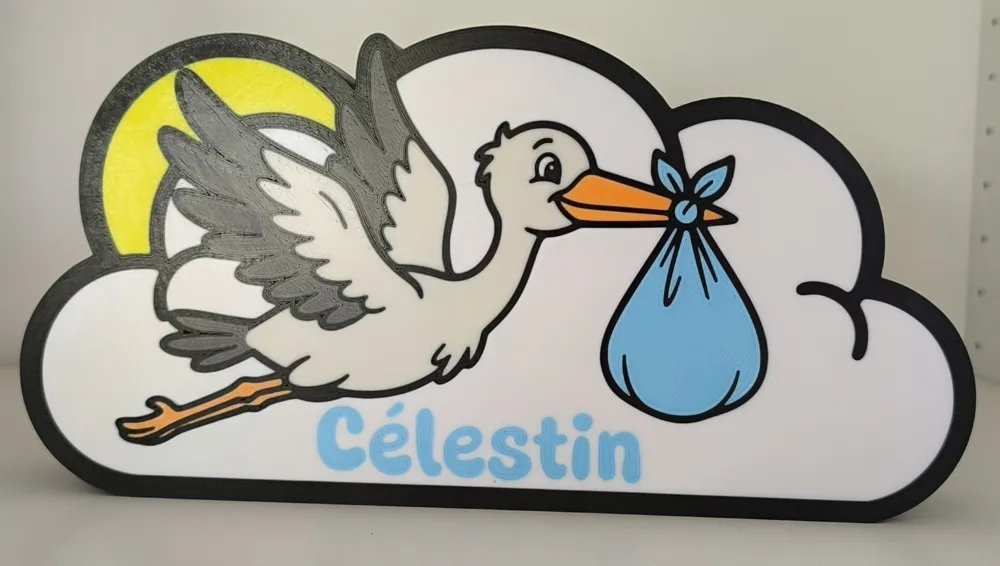
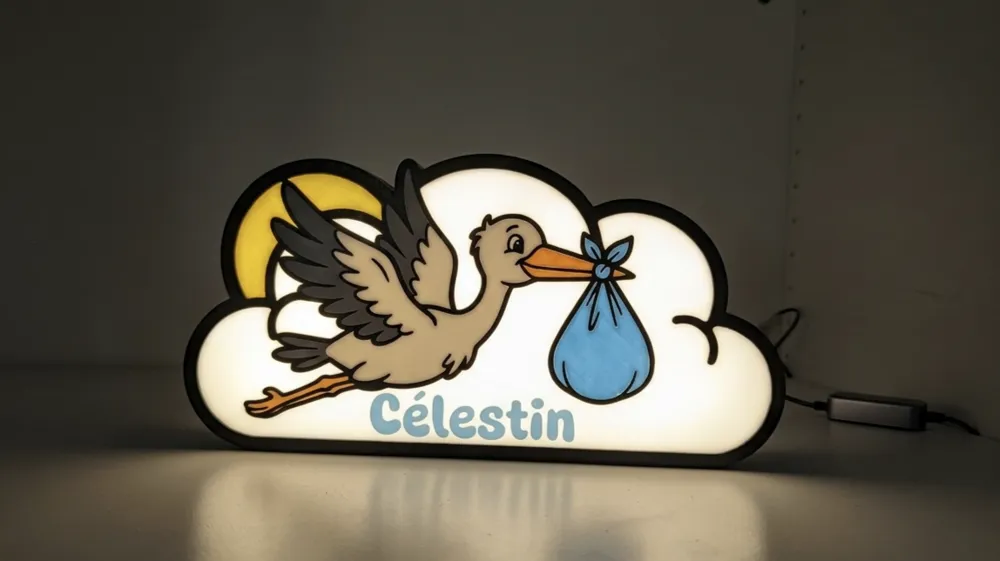
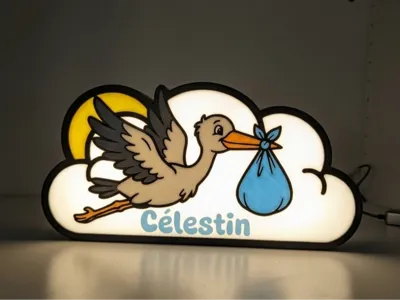
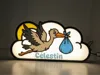
Personalized stork and cloud birth night light
Print Profile(1)
Bill of Materials








Description
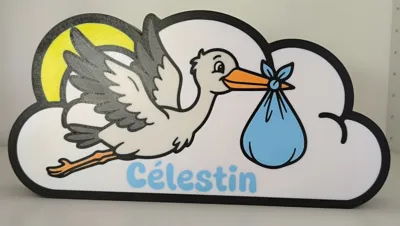
Celebrate a birth with this magnificent personalized multi-color plaque!
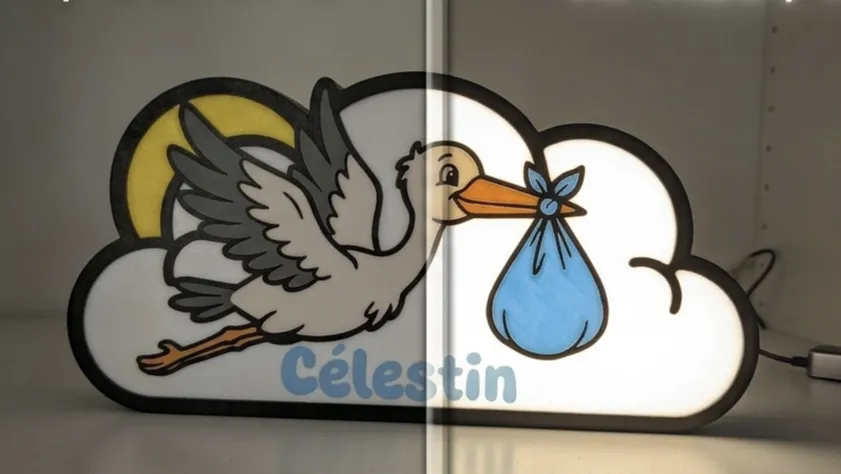
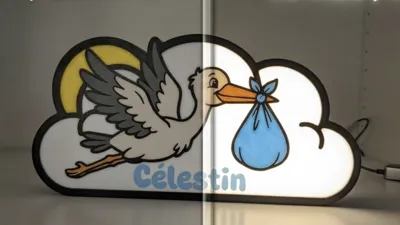
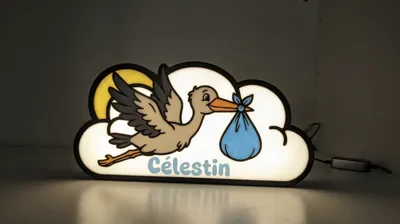
Designed with thick, clean lines, this model is perfectly optimized for multi-color printing (AMS/MMU). The design features a lovely stork carrying its bundle, flying in front of a cloud and a rising sun. It's the ideal personalized gift for a baby's room.
Fully customizable for the name or the hole at the back to pass the LEDs through.
The font used is Super Warming and you can find it here
I use COB LED strips that I buy here
💡 Tip: 7 colors with only 1 AMS!
Although the print uses 7 different colors, it is entirely possible to achieve it with a single AMS. You will simply need to stay near your printer for about 1 hour and 30 minutes to change the spools along the way.
Procedure:
1. Disable automatic filament detection in the AMS settings
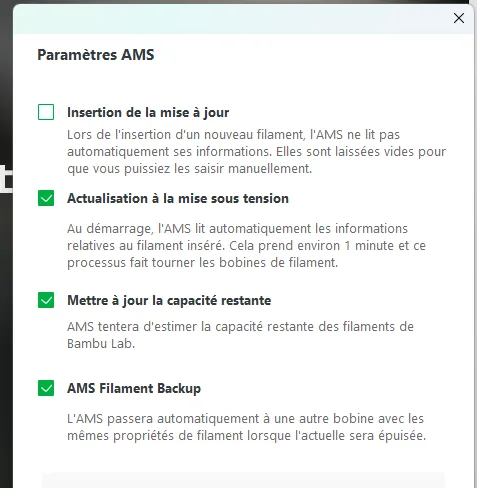
2. Keep the color configuration as follows:
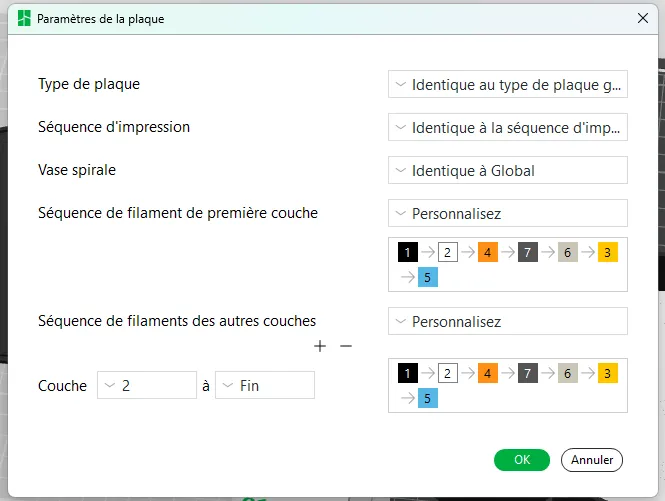
This way you can change the spools during printing.
AMS Slot 1: Black
AMS Slot 2: White / Bone White
AMS Slot 3: Orange / Yellow
AMS Slot 4: Dark Grey / Sky Blue
The printing will proceed as follows:
- Black >>
- White >>
- Orange (while loading the filament, replace white with bone white)
- Dark grey (replace orange with yellow)
- Bone white (replace dark grey with sky blue)
- Yellow (replace bone white with white)
- Sky blue (replace yellow with orange)
- Black (replace sky blue with dark grey).
Only the black color does not change.
Make sure that at the end of the 3rd layer, AMS slot 1 contains black and AMS slot 2 contains white so that the rest of the print proceeds smoothly.
License

You shall not share, sub-license, sell, rent, host, transfer, or distribute in any way the digital or 3D printed versions of this object, nor any other derivative work of this object in its digital or physical format (including - but not limited to - remixes of this object, and hosting on other digital platforms). The objects may not be used without permission in any way whatsoever in which you charge money, or collect fees.


Comment & Rating (0)