
Parametric Keychain Customizer (AMS, Single Color)
Print Profile(1)
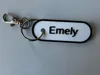
Description
Core Features in Detail:
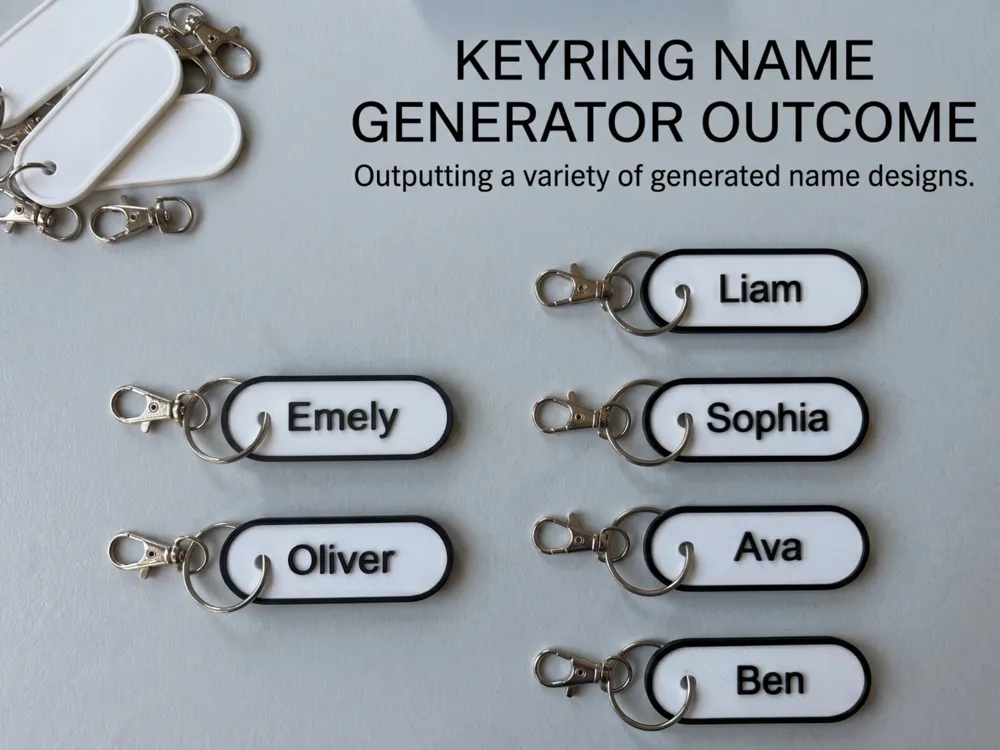
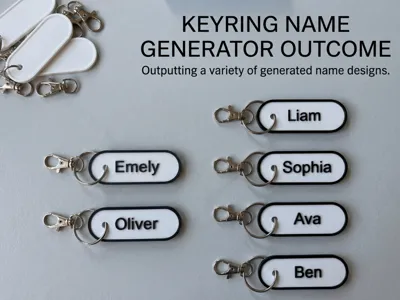
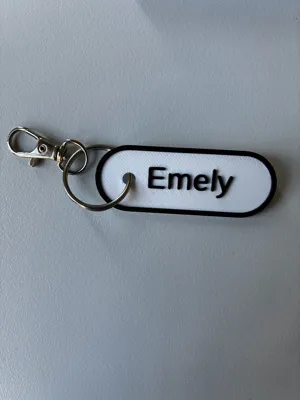
- Dynamic Auto-Geometry (No more overlapping): Unlike simple generators, this model automatically calculates the exact width of the text capsule based on your character count. The text remains perfectly centered, never bleeds over the edges, and always maintains a mathematically safe distance from the keyring.
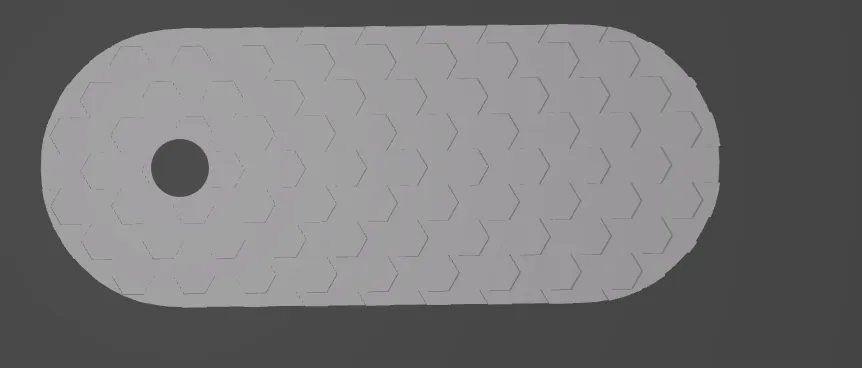
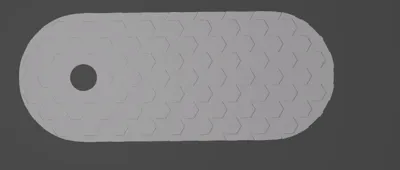
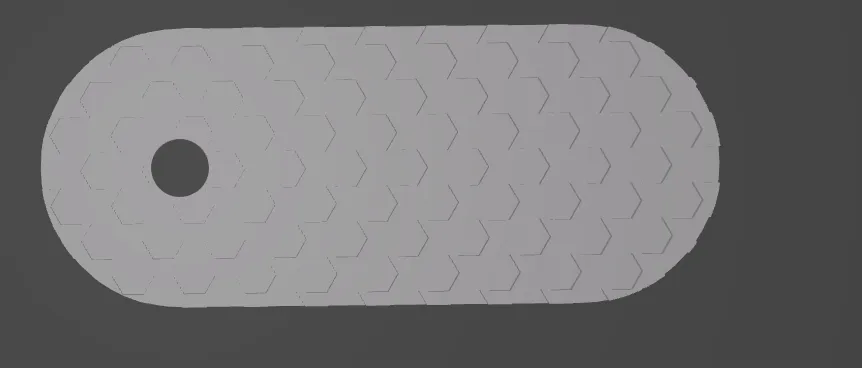
Premium Honeycomb Backing: Flat plastic backs often look cheap and scratch easily on the print bed. When enabled, the code carves a mathematically seamless honeycomb network exactly 0.4 mm (two standard print layers) deep into the bottom. This gives the part an extremely premium, technical feel and hides print bed imperfections.
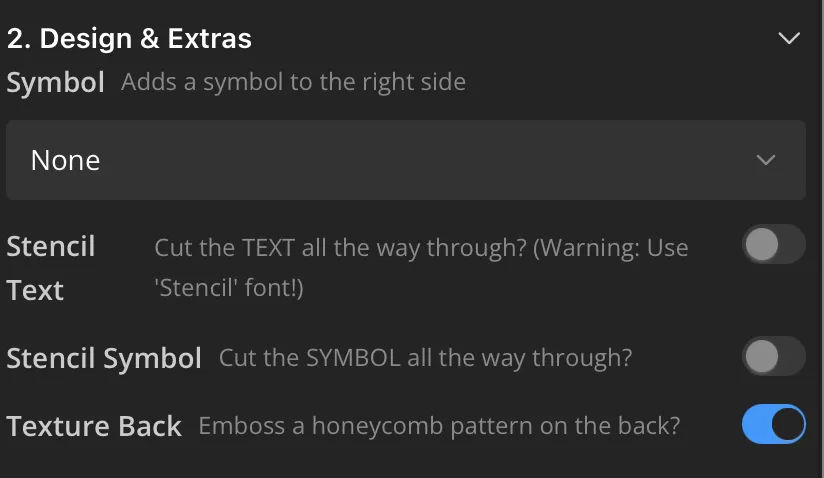
- Print-Safe Stencil Modes (The 'Island Problem' solved): Anyone who wants to cut out text knows the 3D printing problem: inner elements of letters like "O" or "A" (islands) simply fall out.
- Safe Deboss Mode: Carves the text and symbol deep into the base but leaves an invisible 0.4 mm solid floor. This creates a cool stencil look with maximum stability for any font!
- Cut-Through Mode: Punches the text 100% through the model (Warning: You must select the provided 'Stencil' font in the dropdown to avoid losing floating letter parts!).
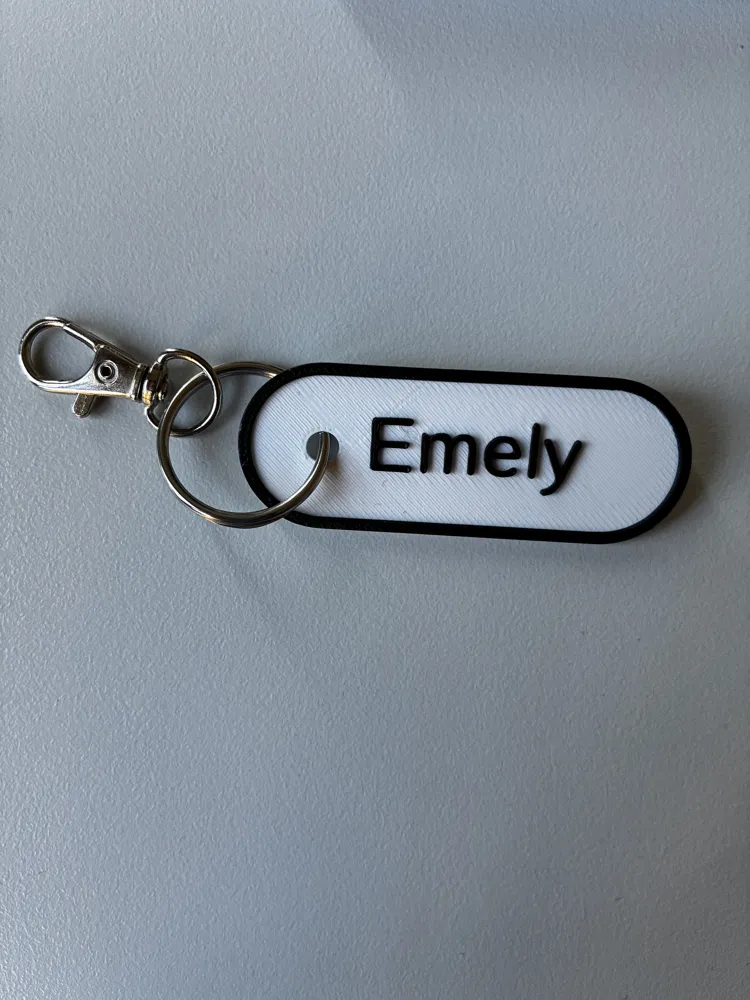
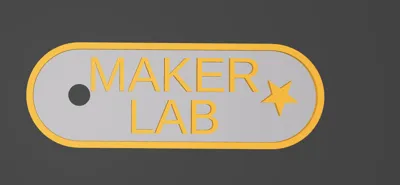
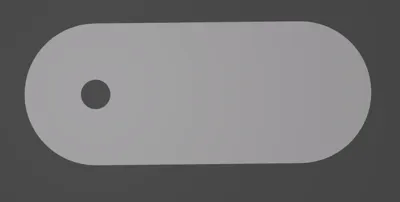
- AMS & M600 Color Change Ready: The model uses strictly separated Z-planes. The base plate is completely flat; the text and the protective outer border lie exactly one step above it. Coloring in Bambu Studio requires just a single click (filament change at the desired layer height)—no tedious manual painting of letters required.
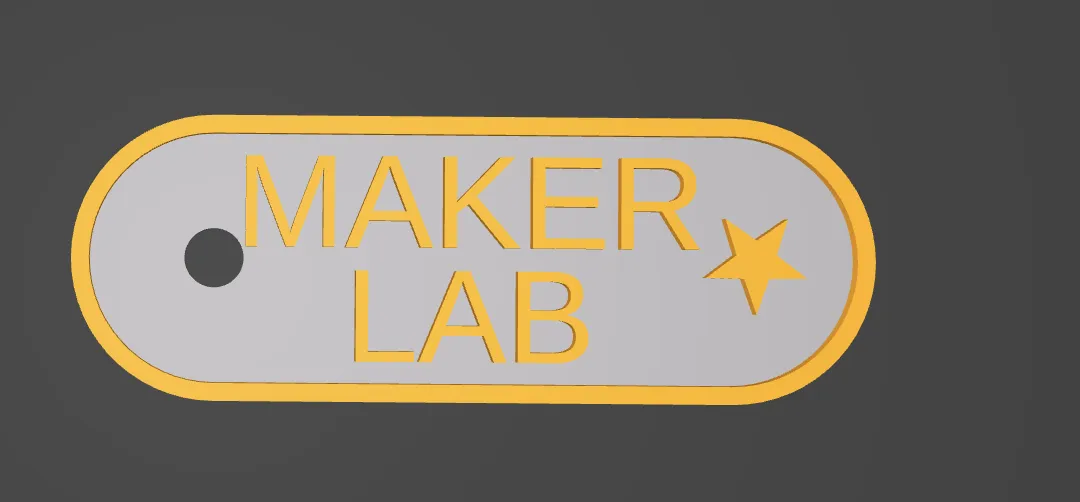
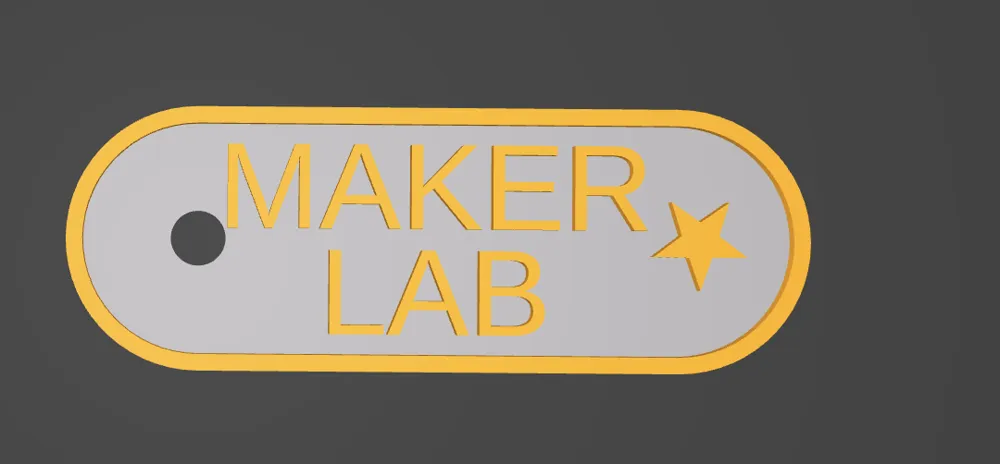
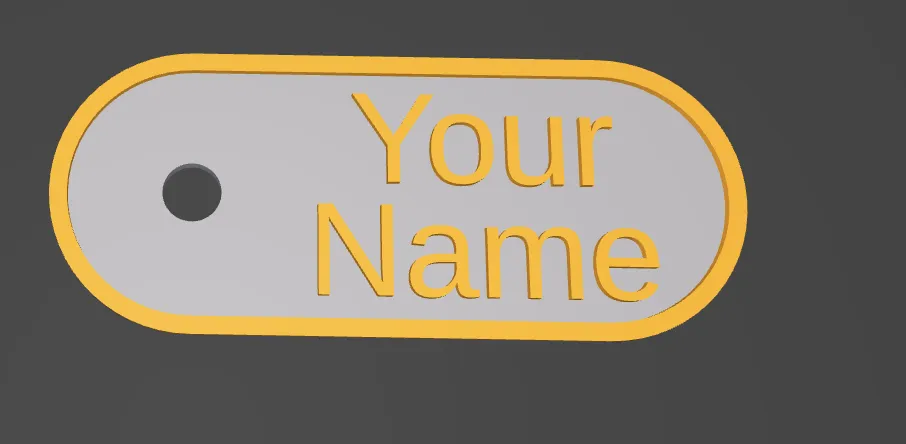
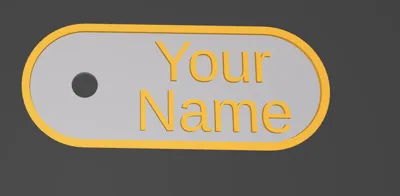
Smart Layout for 1 or 2 Lines: Use Line 1 and Line 2 for first and last names (the code stacks them perfectly). If you leave Line 2 empty, your text is automatically centered vertically in the capsule.
- Integrated Symbols & Font Library: Choose from 4 guaranteed, 3D-print-friendly fonts. Add a Heart ♥, Star ★, or Crown 👑 with one click. The generator automatically calculates the necessary padding between the text and the symbol.
⚙️ Recommended Print Settings:
- Layer Height: 0.2 mm (The entire Z-spacing of the code is mathematically calibrated for 0.2 mm steps).
- Wall Generator: Arachne (Highly recommended! Arachne dynamically adjusts line width and prints even the finest fonts razor-sharp).
- Color Change (AMS): Slice the model. Drag the right vertical slider down to layer 9 (1.8 mm height). Right-click the plus icon -> select "Change Filament".
- Infill & Supports: 15% Gyroid. No supports needed! All cutouts and patterns are designed to be bridging-friendly.
License

You shall not share, sub-license, sell, rent, host, transfer, or distribute in any way the digital or 3D printed versions of this object, nor any other derivative work of this object in its digital or physical format (including - but not limited to - remixes of this object, and hosting on other digital platforms). The objects may not be used without permission in any way whatsoever in which you charge money, or collect fees.


Comment & Rating (0)