
Print Profile(1)
Description
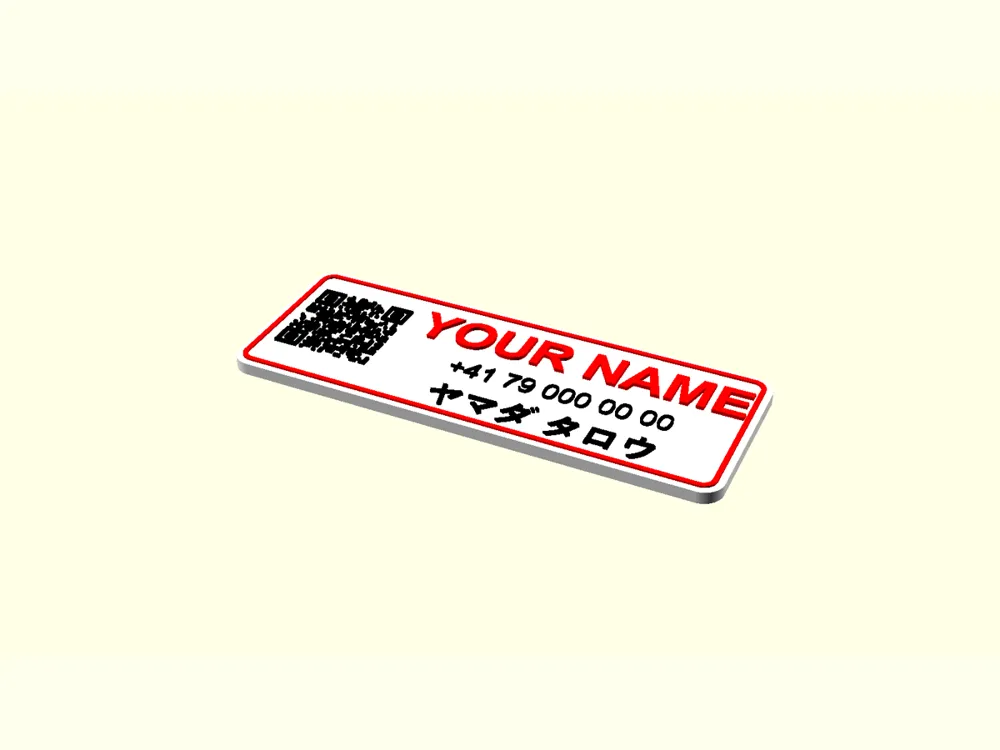
IMPORTANT: TO CREATE A GOOD SCANNABLE QR CODE IT IS IMPORTANT THAT THE CONTRAST BETWEEN THE CODE AND THE BACKGROUND ITS PRINTED ON BE AS HIGH AS POSSIBLE (highest = Black on White)
Custom QR nameplate
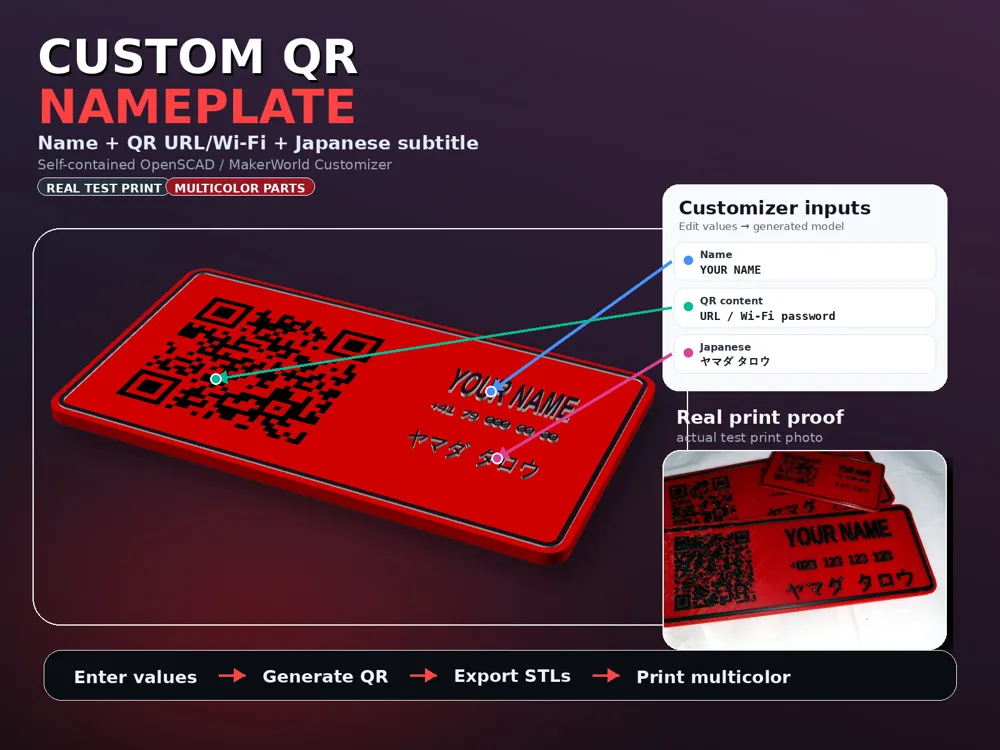
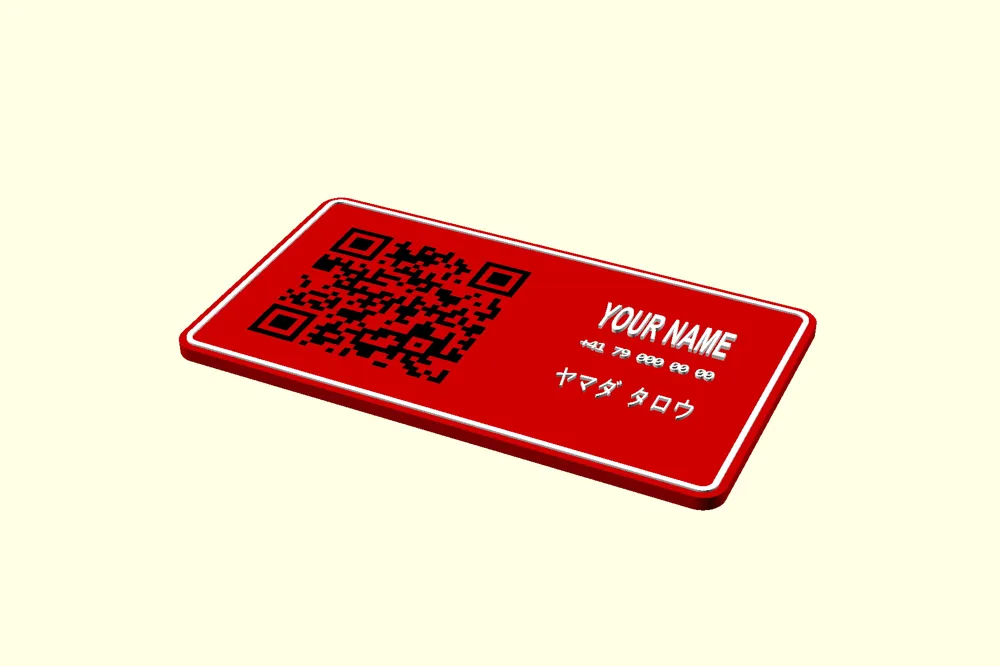
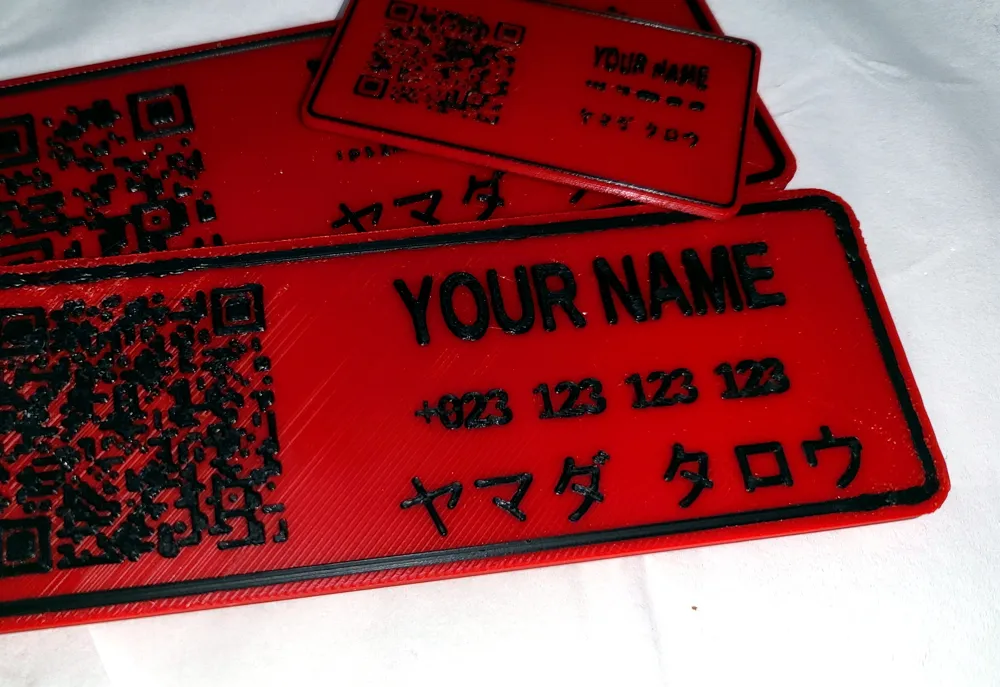
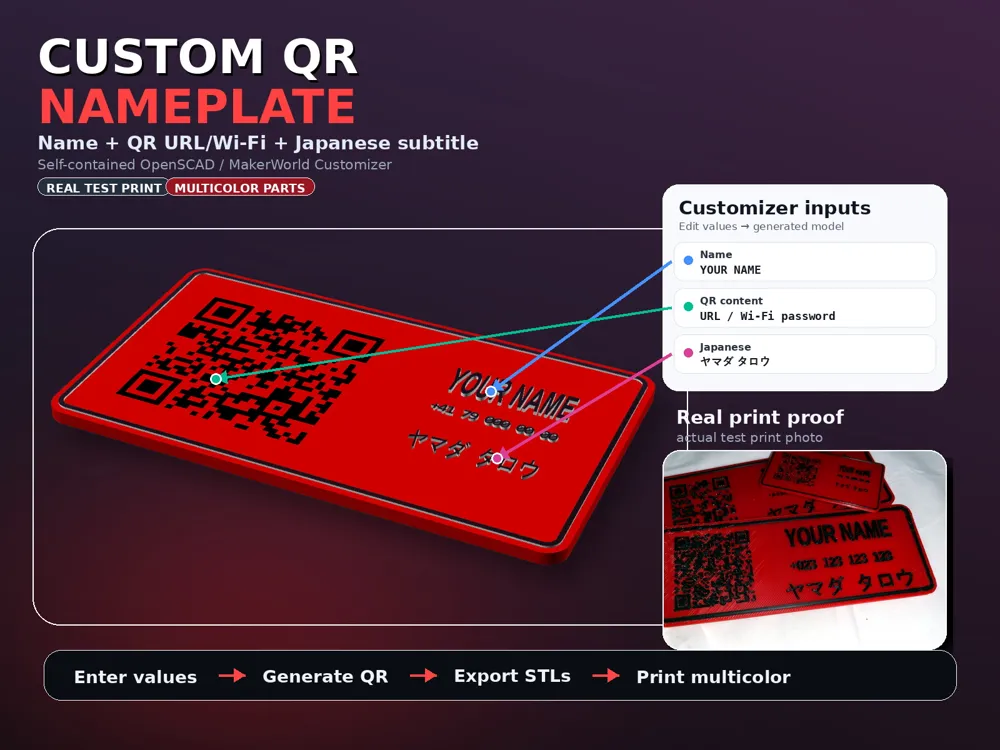
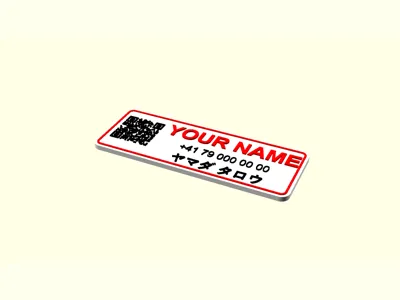
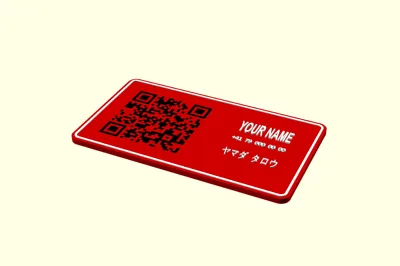
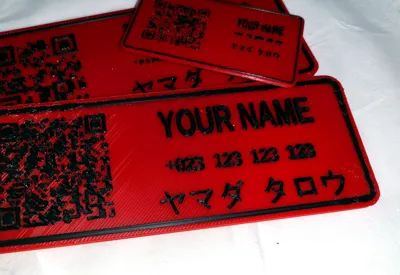
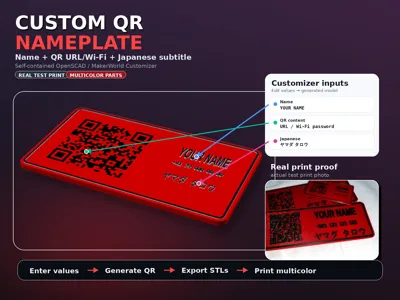
Make a clean custom QR nameplate directly in MakerWorld's OpenSCAD customizer. Edit the visible name, QR content, optional phone/ID line, optional Japanese subtitle, colors, size, magnet pockets, and hanger holes.
What you can customize
- Name text: the main raised label on the right side.
- QR content: URL, text, contact info, Wi-Fi helper payload, or other QR data.
- Phone / ID line: optional smaller text under the name.
- Japanese subtitle: optional katakana/Japanese-style subtitle line.
- Back side: optional hanger holes and blind magnet pockets.
Multicolor export workflow
- Customize the model once in MakerWorld/OpenSCAD.
- Open “00 FIRST: STL export part selector”.
- Export the needed parts: 1_plate_only, 2_qr_only, 3_main_name_only, 4_phone_number_only, 5_japanese_name_only, and 6_border_only.
- Import the STLs together in Bambu Studio/OrcaSlicer as one object with multiple parts.
- Assign colors: plate = red/color, QR = black/dark, text + border = white/light.
7_qr_backing_only is optional/off by default. The default design intentionally has no white QR panel.
QR / FDM printability
- The QR must stay square.
- Default QR box: 58 mm with a 4-module quiet zone.
- Default ECC: M.
- Module pitch: about 1.57 mm/module at 100% scale and 1.33 mm/module at 85% scale.
- For a 0.4 mm nozzle, aim for about 1.2 mm/module or larger.
Contrast guide
The no-white default looks cleaner, but scan reliability depends strongly on plate color, surface finish, and lighting.
| QR / plate colors | Approx. contrast | Practical note |
|---|---|---|
| Black on dark red (#D00000) | ~3.7:1 | Clean look, but the hardest no-white case; use matte filament and scan-test. |
| Black on bright red (#FF0000) | ~5.3:1 | Better no-white choice than dark red. |
| Black on orange (#FF6600) | ~7.2:1 | Strong no-white scan choice while still colorful. |
| Black on white | ~21:1 | Best scan contrast, but not the default aesthetic. |
Recommended slicer settings
- Arachne/adaptive walls.
- 0.12 mm layers; 0.08 mm for extra-crisp QR/text.
- Slow QR/top-detail speeds around 20–40 mm/s.
- No ironing over the QR modules.
- Use enough AMS purge/flush for clean red/black/white transitions.
- Scan-test your chosen filament colors before printing a batch.
Model notes
- Embedded QR: the black QR is mostly inlaid into the plate with only a very low visible relief.
- Magnets: back magnet pockets are blind recesses and are depth-clamped so they do not become through-holes when scaled down.
License

You shall not share, sub-license, sell, rent, host, transfer, or distribute in any way the digital or 3D printed versions of this object, nor any other derivative work of this object in its digital or physical format (including - but not limited to - remixes of this object, and hosting on other digital platforms). The objects may not be used without permission in any way whatsoever in which you charge money, or collect fees.


Comment & Rating (0)