
Parametric Name Clicker Generator Fidget Toy Fun
Print Profile(8)
Bill of Materials






Description
Boost Me (for free)
If you like this model, a like, comment, follow or FREE BOOST would really help me a lot. Your support helps me create more free customizable models. ❤️
Parametric Name Clicker Creator
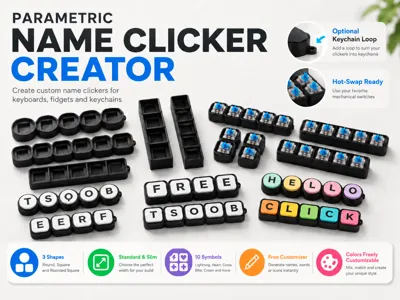
Create your own custom Name Clicker directly in the MakerWorld Customizer.
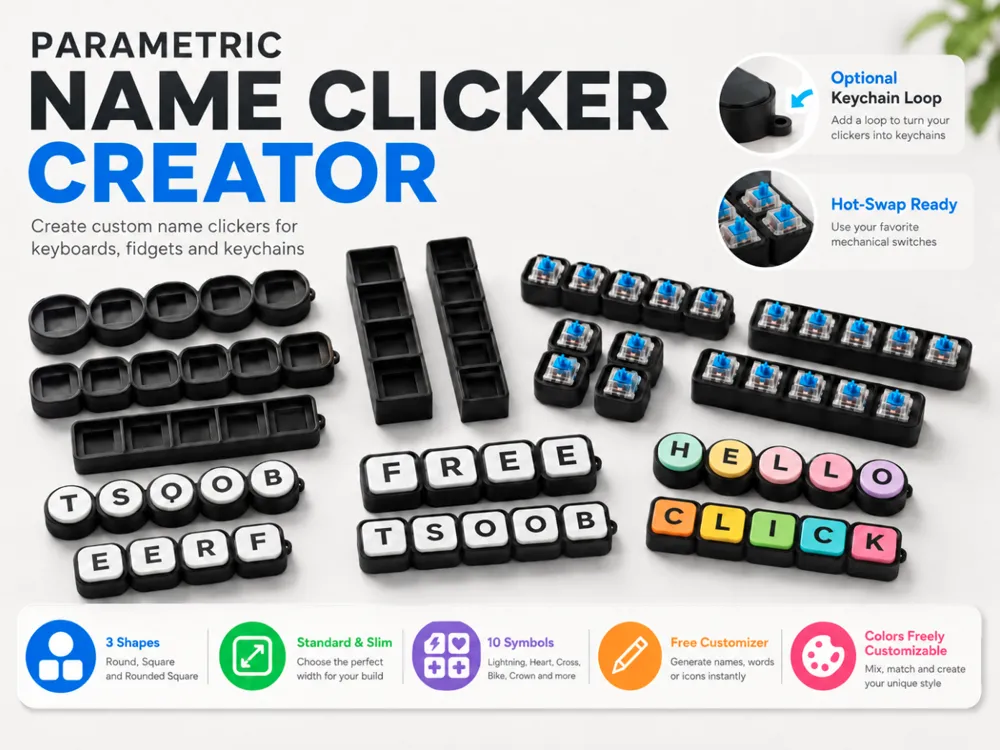
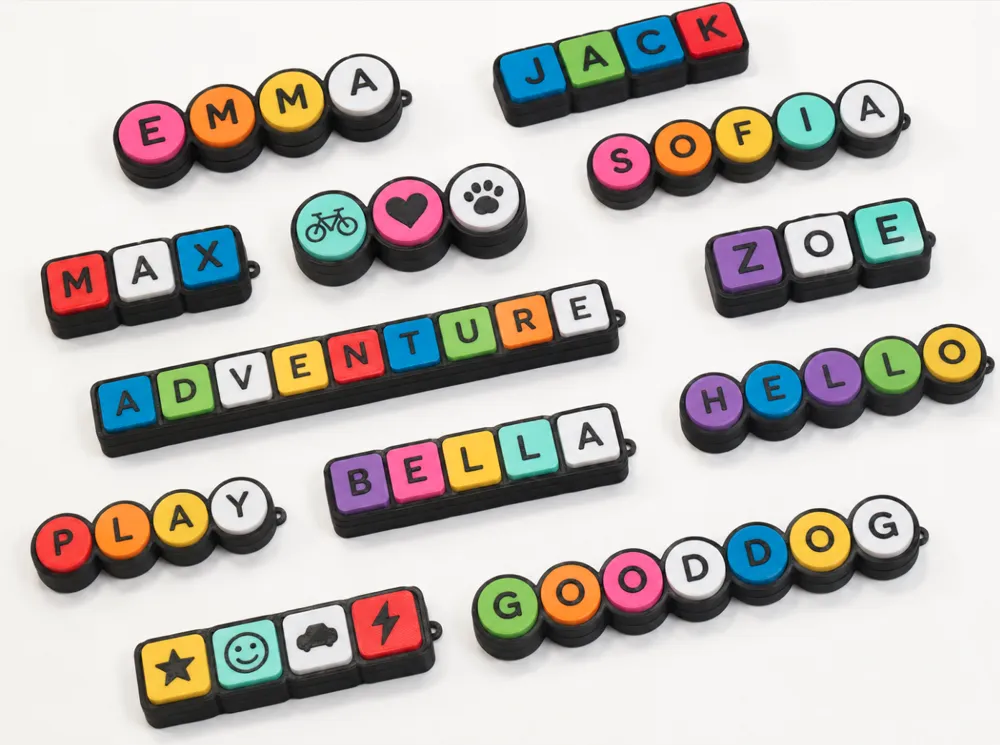
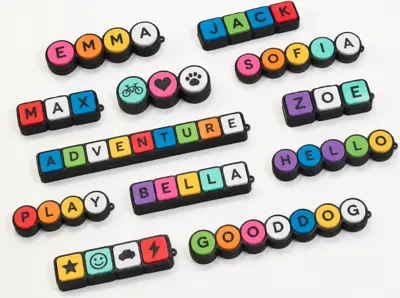
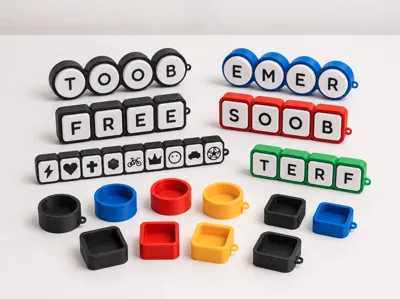
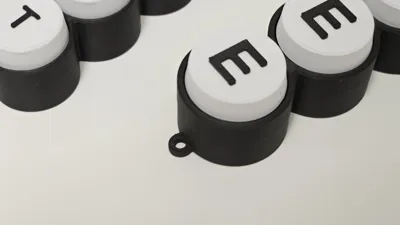
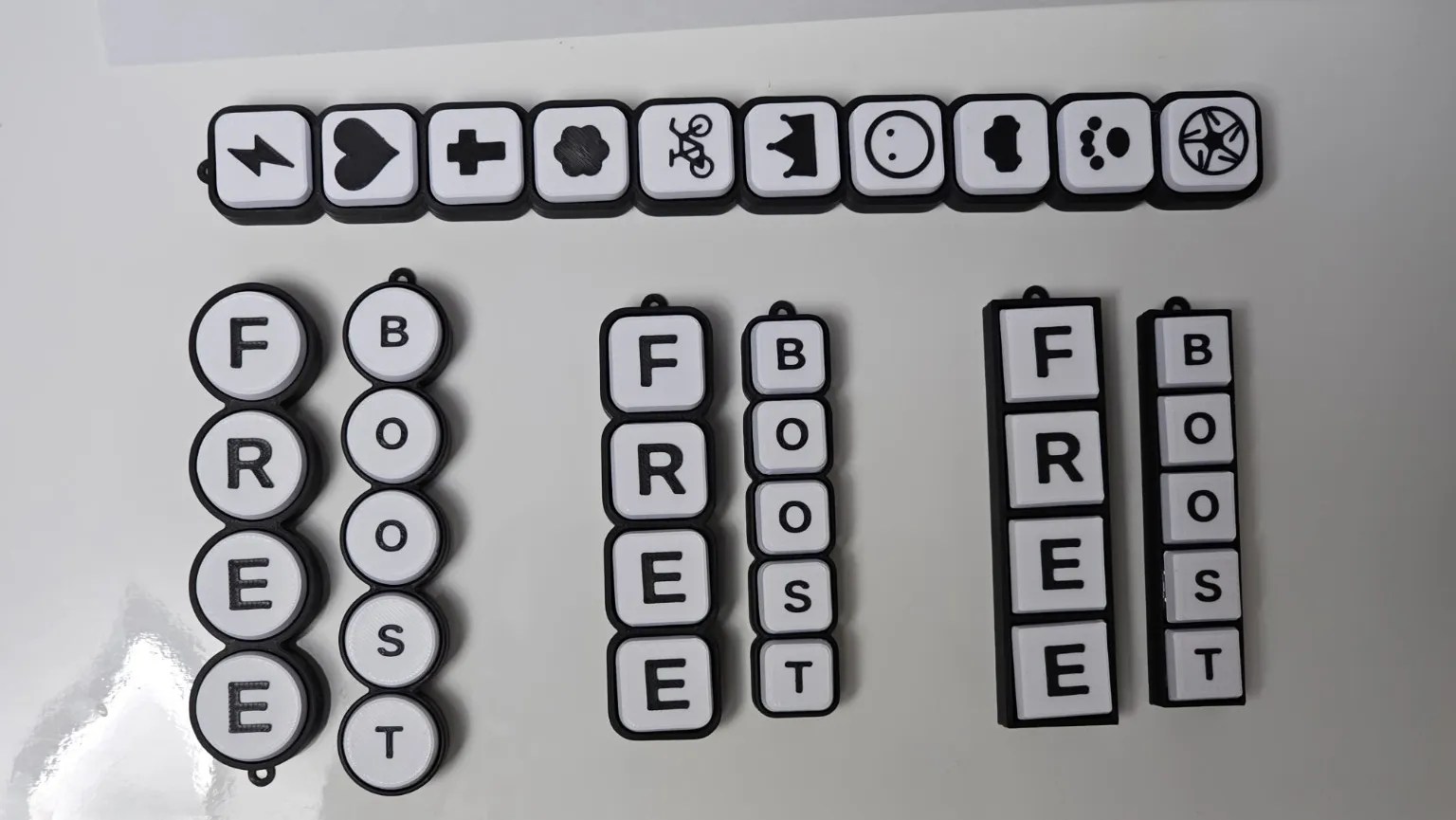
This model lets you generate personalized clickers with your own name, word, short message or symbols. You can use it as a fun fidget toy, a desk toy, a keyboard-style clicker, a small gift, or even as a keychain.
The best part: the Customizer is free to use.
Just enter your text, choose your shape, colors, symbols and output mode, then generate your own version.
What You Can Customize
Text / Name
Enter your own text or word.
The model automatically creates the correct number of clicker segments based on the text length.
- your own name
- short words or initials
Base Shape
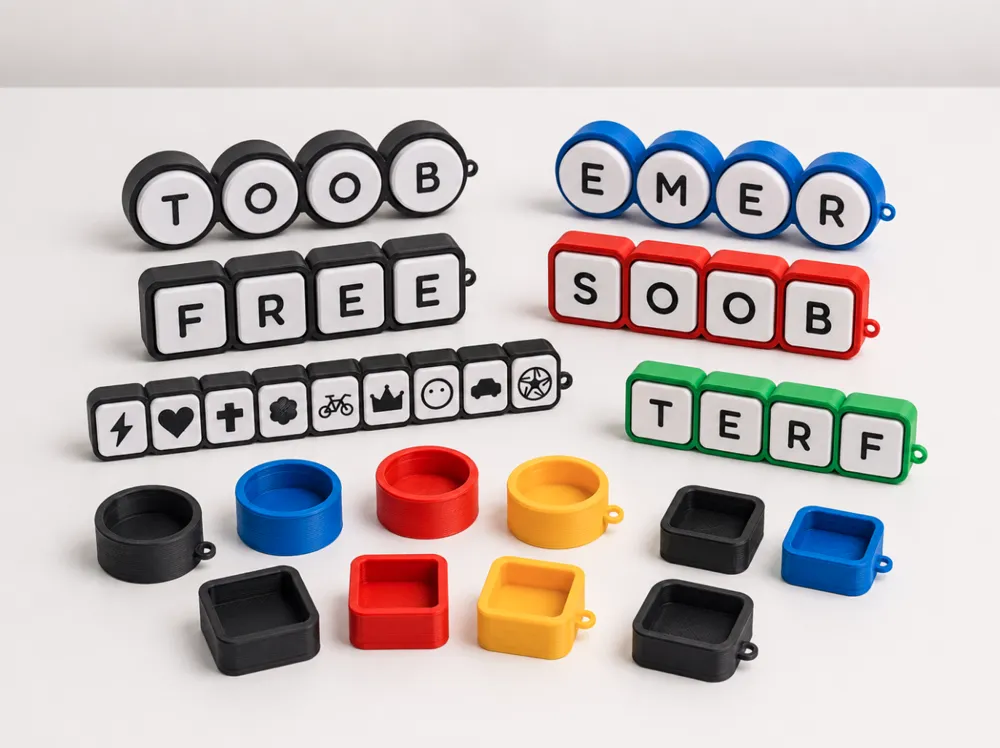
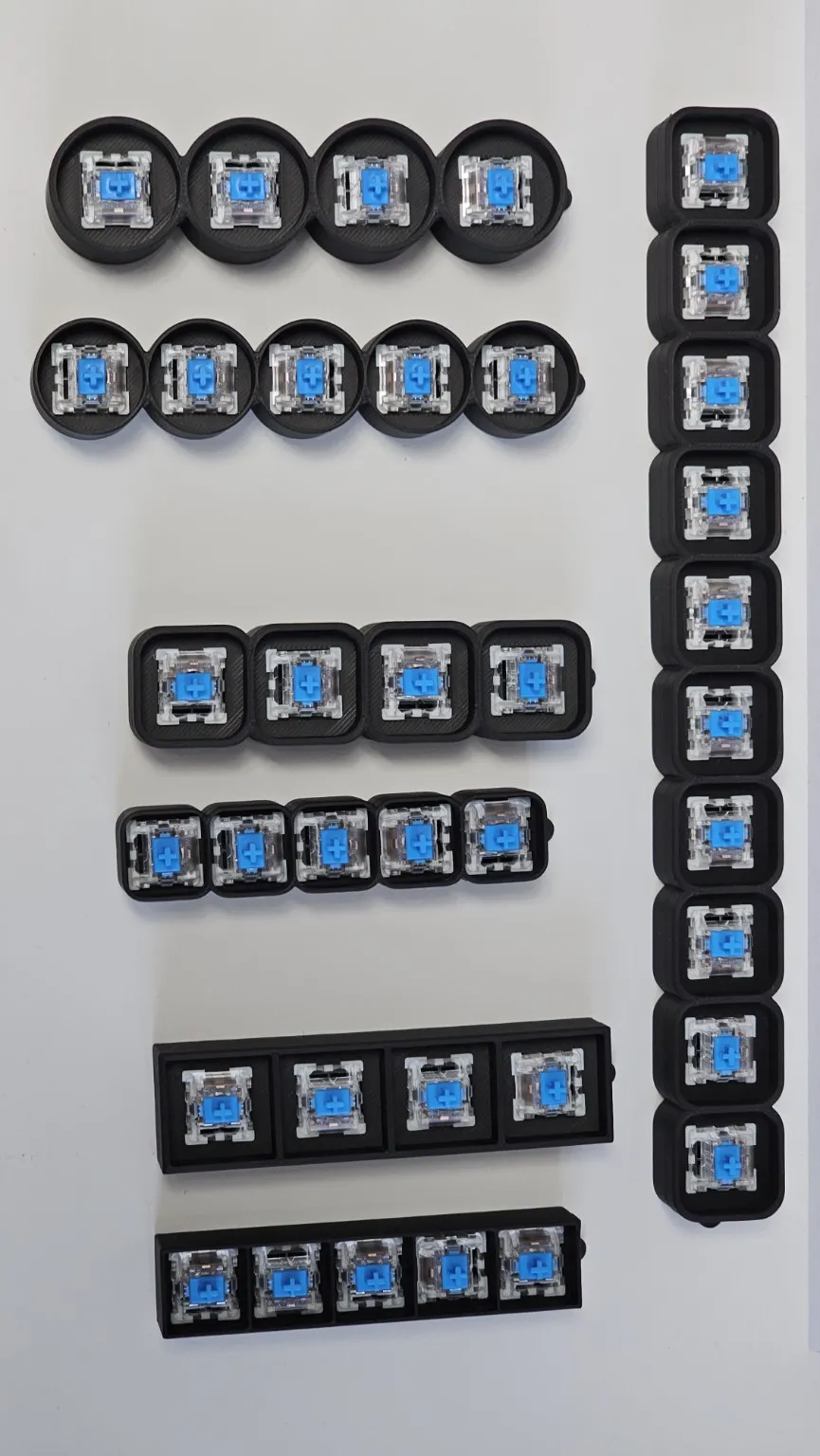
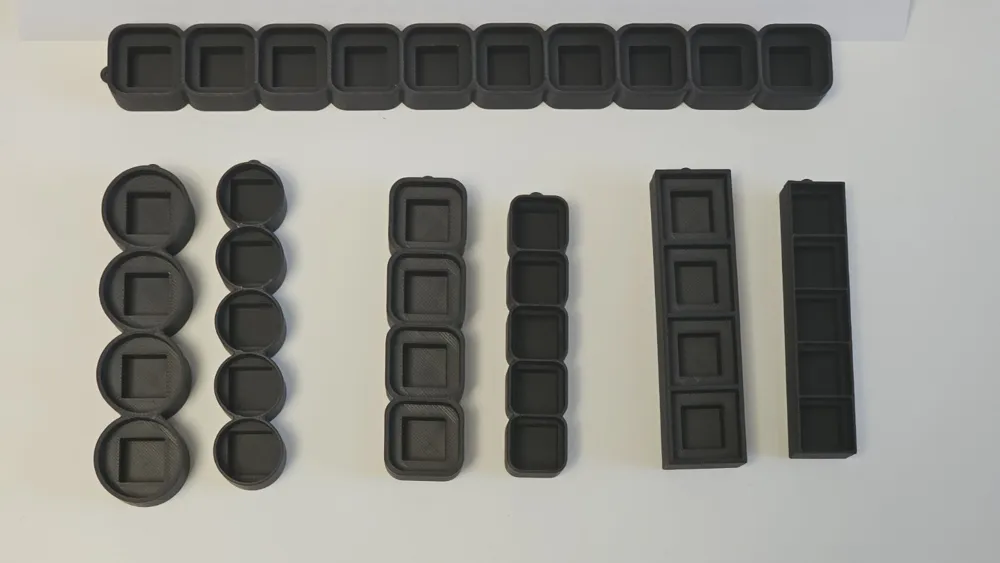
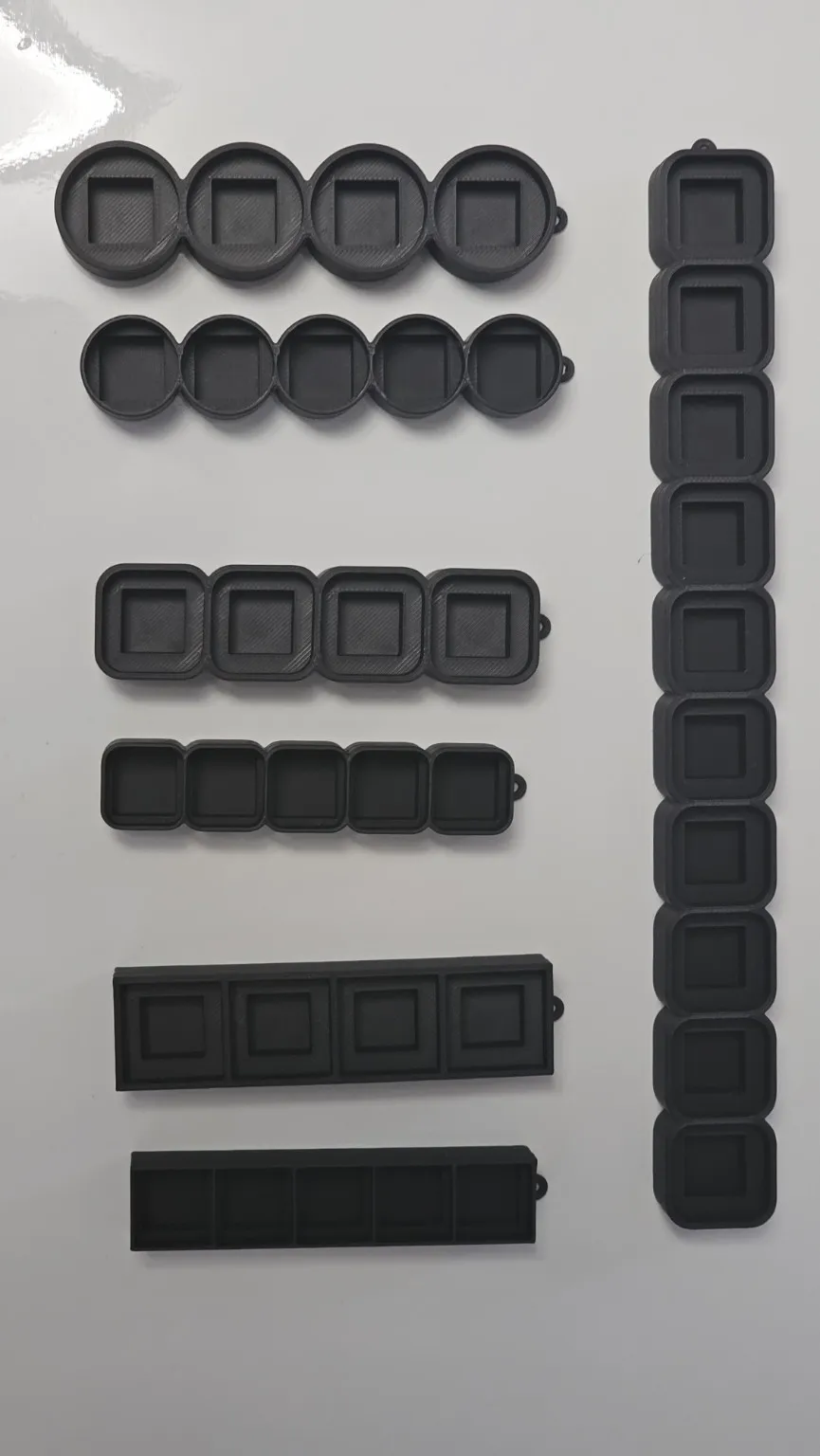
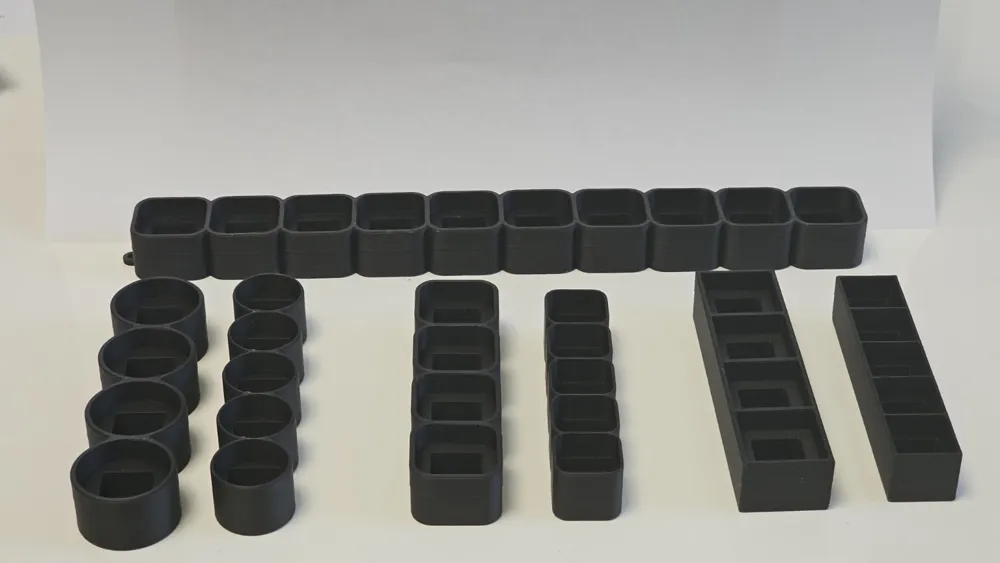
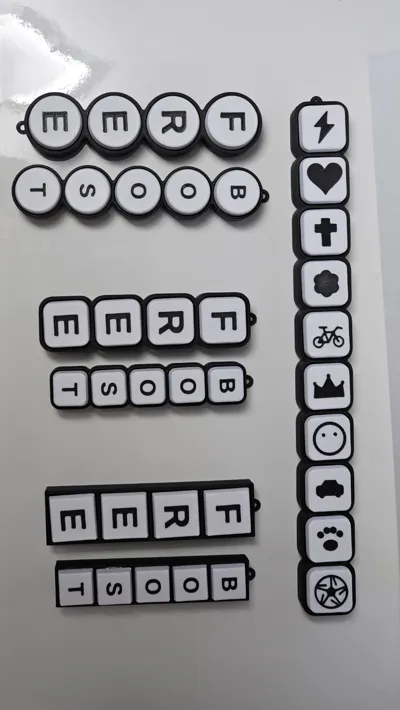
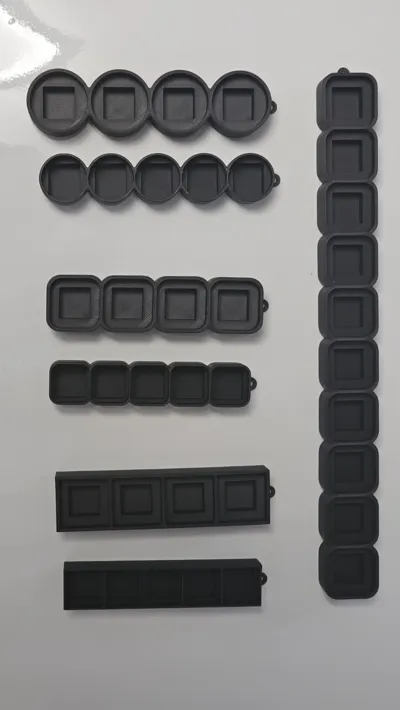
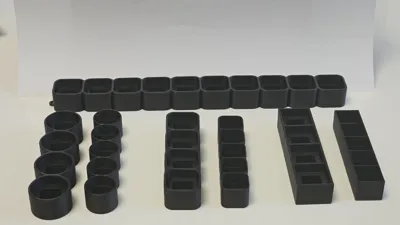
You can choose between 3 different base shapes:
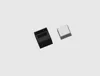
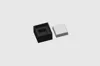
- Rounded square
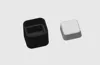
- Round
- Rectangular
Each shape gives the clicker a different look and feel.
Model Variant
There are two size/style variants:
- Standard – larger and more classic
- Slim – smaller, slimmer and more compact
This makes it easy to create both bigger clickers and more compact versions.
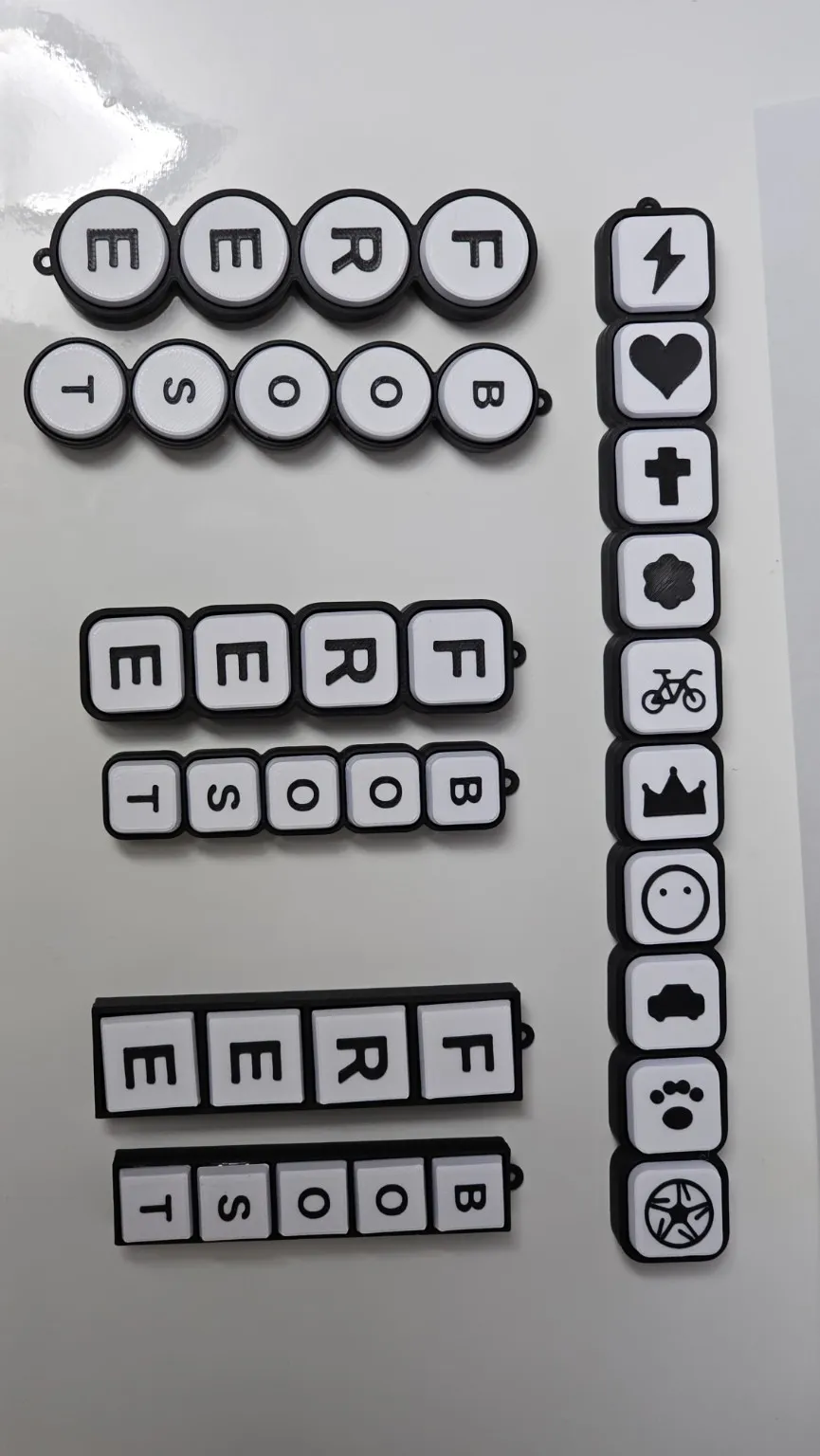
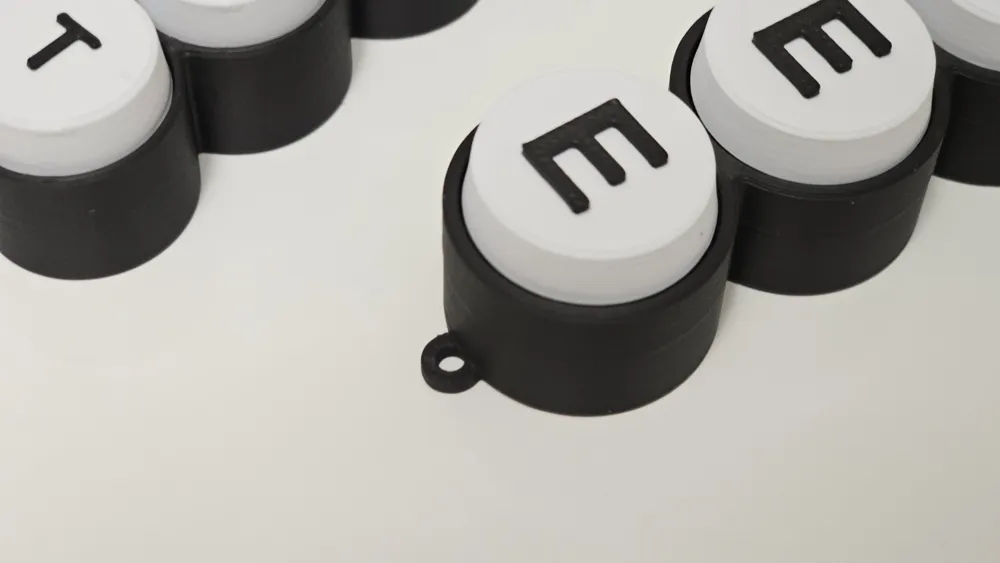
Label Mode
You can choose how the letters or symbols appear on the keycaps:
- Raised – letters/symbols are raised on top
- Flush – letters/symbols are inserted flat into the top surface
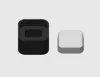
- Engraved – letters/symbols are cut into the keycap
This gives you different printing and design options depending on your style and printer setup.
Symbols
You can add one optional symbol to the clicker.
Available symbols:
- Heart
- Paw
- Bolt
- Crown
- Smiley
- Soccer ball
- Bicycle
- Car
- Flower
- Cross
You can also choose none if you only want text.
Keychain Options
The model can also be turned into a keychain.
Available options:
- Eyelet
- Corner hole
- No keychain option
This makes it useful as a small personalized gift, bag tag or keychain clicker.
Font Selection
Several font options are available in the Customizer:
- Liberation Sans
- DejaVu Sans
- Arial
- Verdana
- Comic Sans MS
- Times New Roman
- Courier New
The fonts are automatically used in a bold style for better visibility and printability.
Color Options
You can freely choose the colors for:
- Base
- Keycaps
- Text / symbols
Available color presets:
- Yellow
- White
- Black
- Red
- Blue
- Green
- Orange
- Pink
- Purple
- Gray
- or paint it in your slicer
This allows classic black-and-white clickers, colorful toy-like versions or custom color combinations.
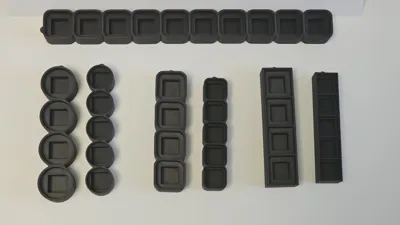
Output Mode
You can choose what should be generated:
- Base only
- Name keycaps only
- All parts separate
- Assembly preview
This is useful if you want to print only replacement caps, only the base, or preview the complete assembled version.
Print Notes
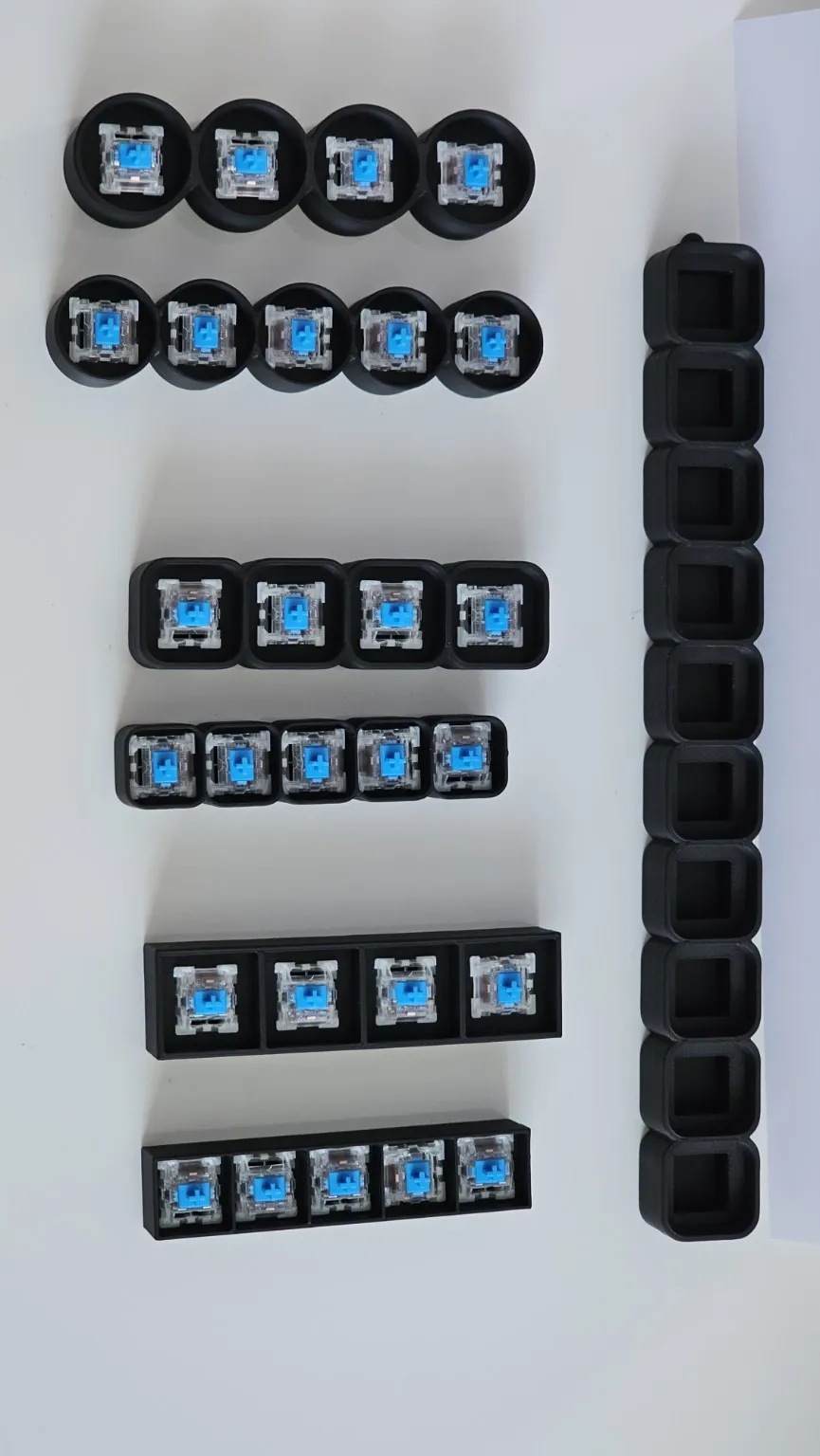
The model is designed for FDM printing.
For best results:
- Print with the provided print profiles if available
- Use good bed adhesion
- Let the parts cool before assembly
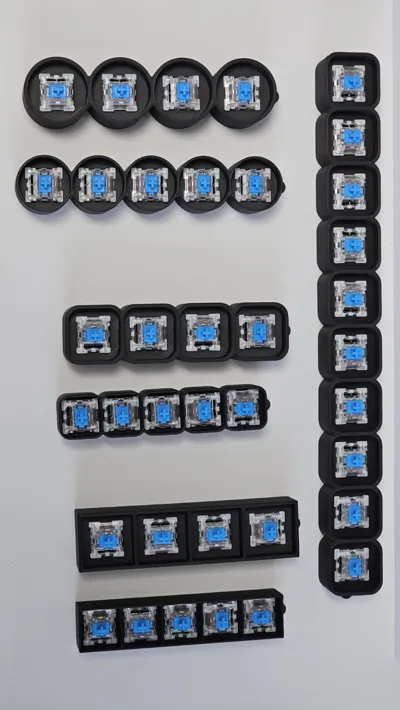
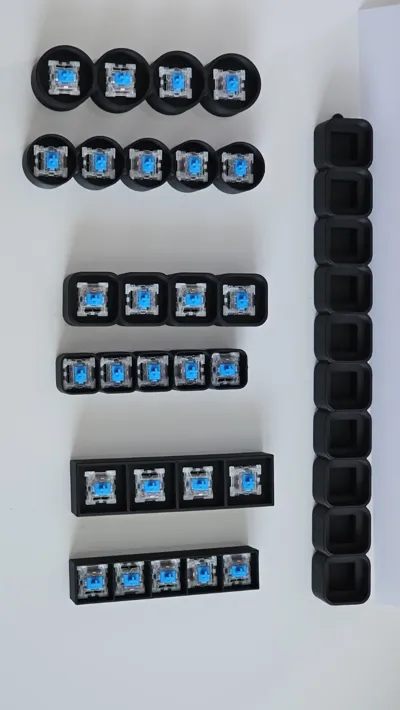
- Insert the switches carefully
- Test fit before pressing everything fully into place
- For small text or symbols, a fine nozzle can improve the result
- NO SUPPORTS
The model uses a switch pocket and MX-style keycap stem design, so it is made for a mechanical-switch clicker style.
Ideas for Use
You can create clickers for:
- Names
- Short words
- Fun messages
- Boost / Like / Free signs
- Desk toys
- Fidget toys
- Keyboard switch testers
- Keychains
- Small personalized gifts
- Symbols and icon strips
Notes
This is a customizable parametric model.
Very long words will create longer clickers, so please check the generated size before printing.
Small text, small symbols and slim versions may need a well-tuned printer for the best result.
If you create your own version, I would love to see your make!
© WunschStück3D
License

You shall not share, sub-license, sell, rent, host, transfer, or distribute in any way the digital or 3D printed versions of this object, nor any other derivative work of this object in its digital or physical format (including - but not limited to - remixes of this object, and hosting on other digital platforms). The objects may not be used without permission in any way whatsoever in which you charge money, or collect fees.


Comment & Rating (1)