Brick Generator Truss Building
Print Profile(1)
Description
🇩🇪 German
The ultimate customizable building brick (100% compatible with well-known brands!)
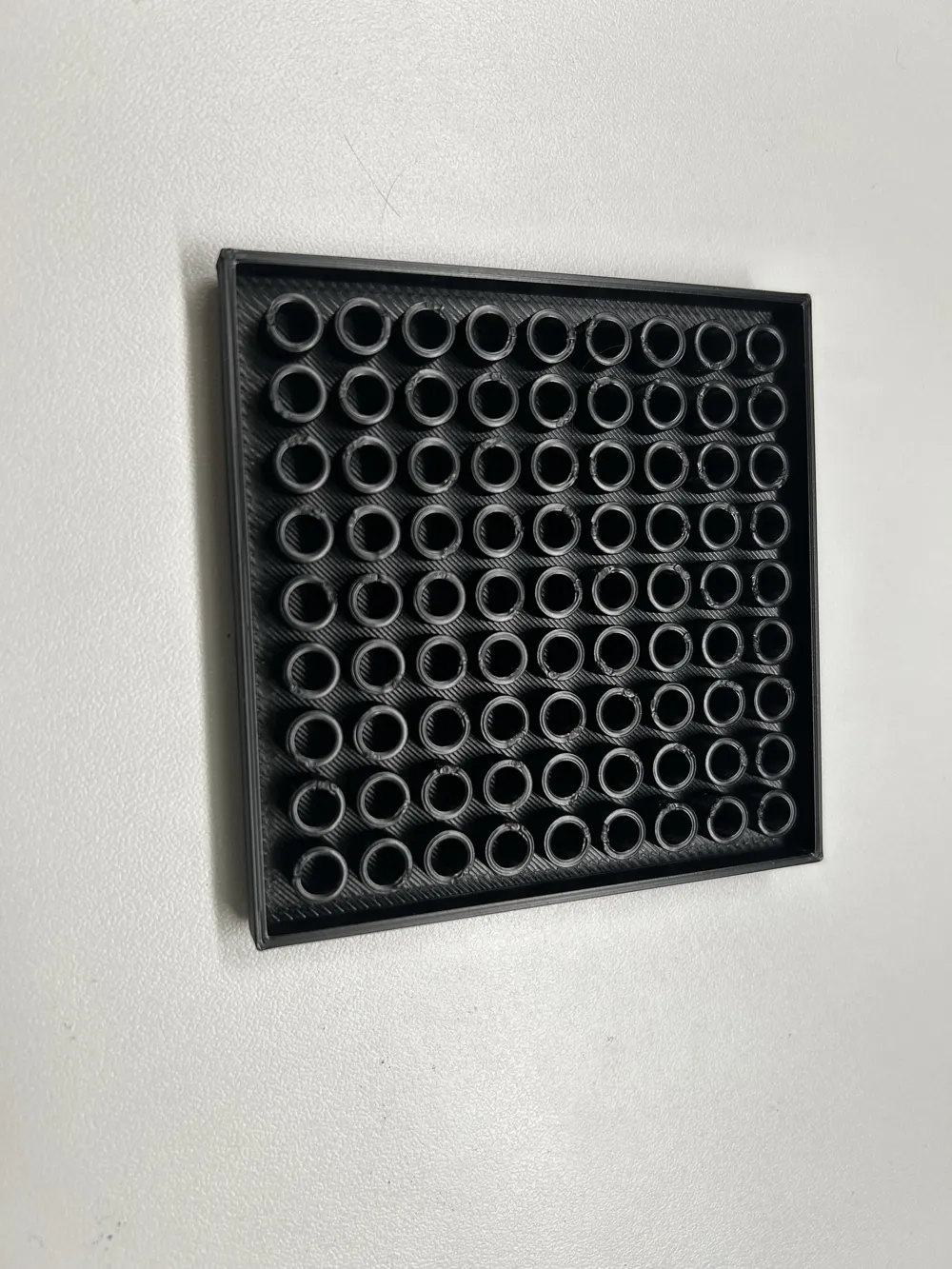
Do you need special solutions for your building brick projects? With this parametric OpenSCAD model, you can generate any brick exactly to your specifications! Using the MakerWorld Customizer, you can freely adjust the number of studs in X and Y directions, as well as the exact height.
Choose from 3 unique design modes:
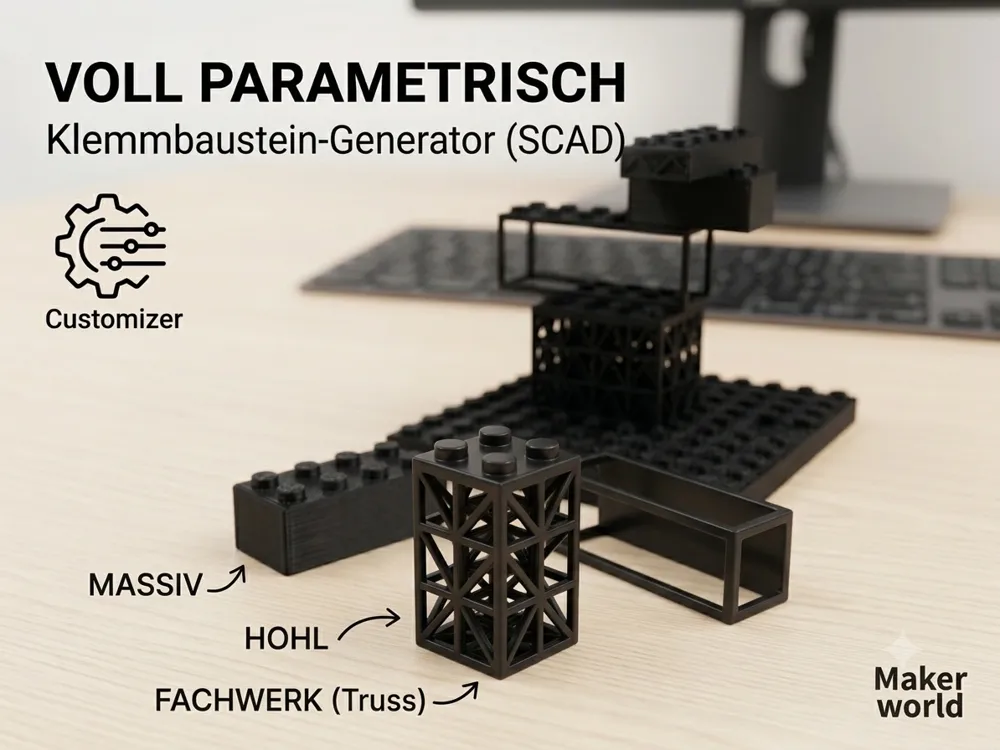
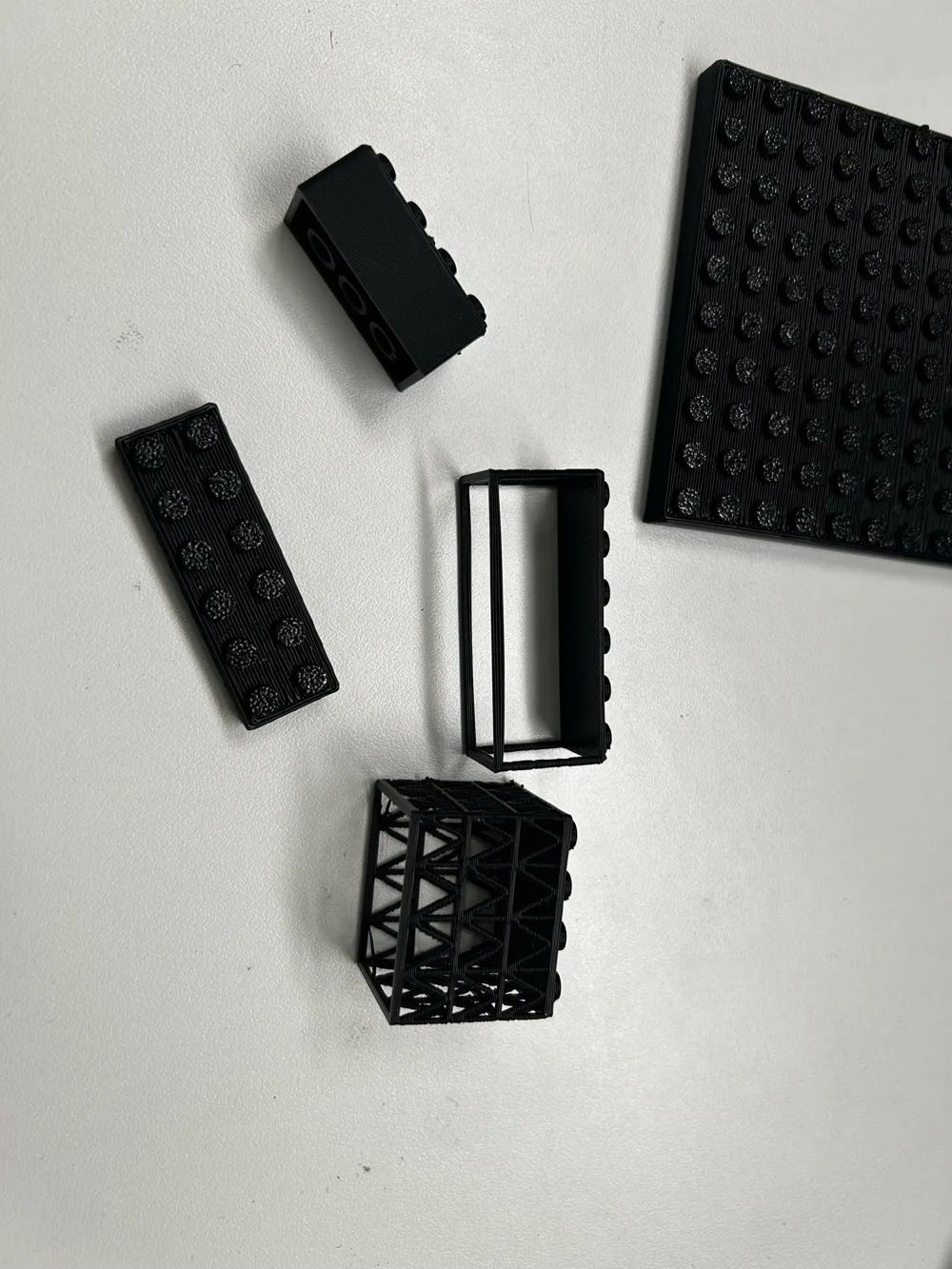
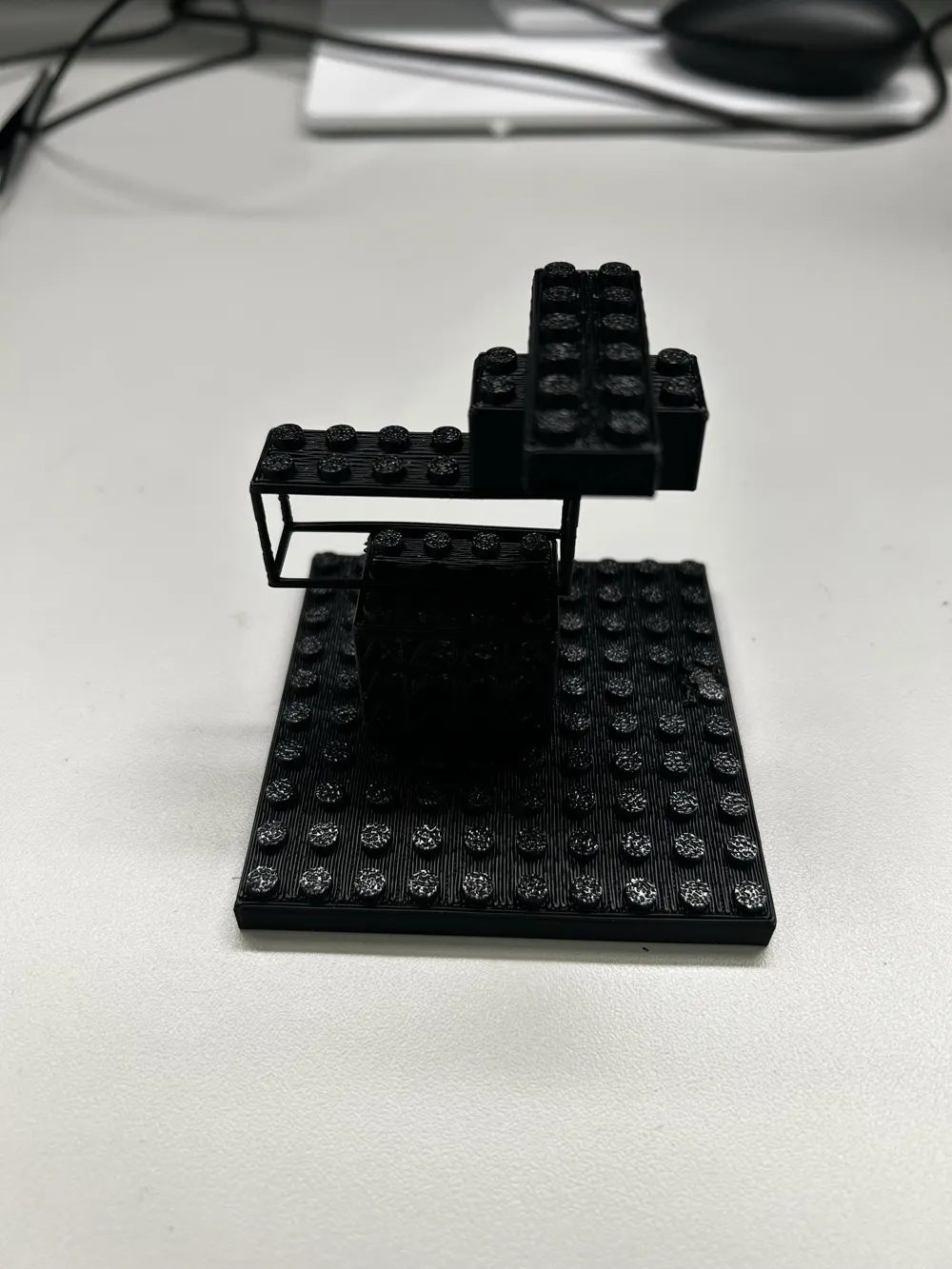
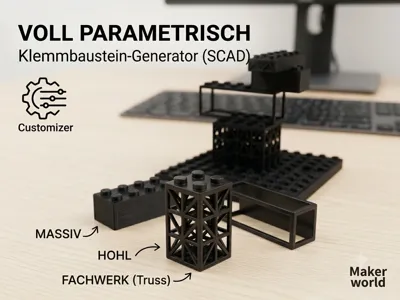
- Classic Solid: The standard building block, but reinforced internally with optimized cross-ribs for maximum stiffness and perfect clutch.
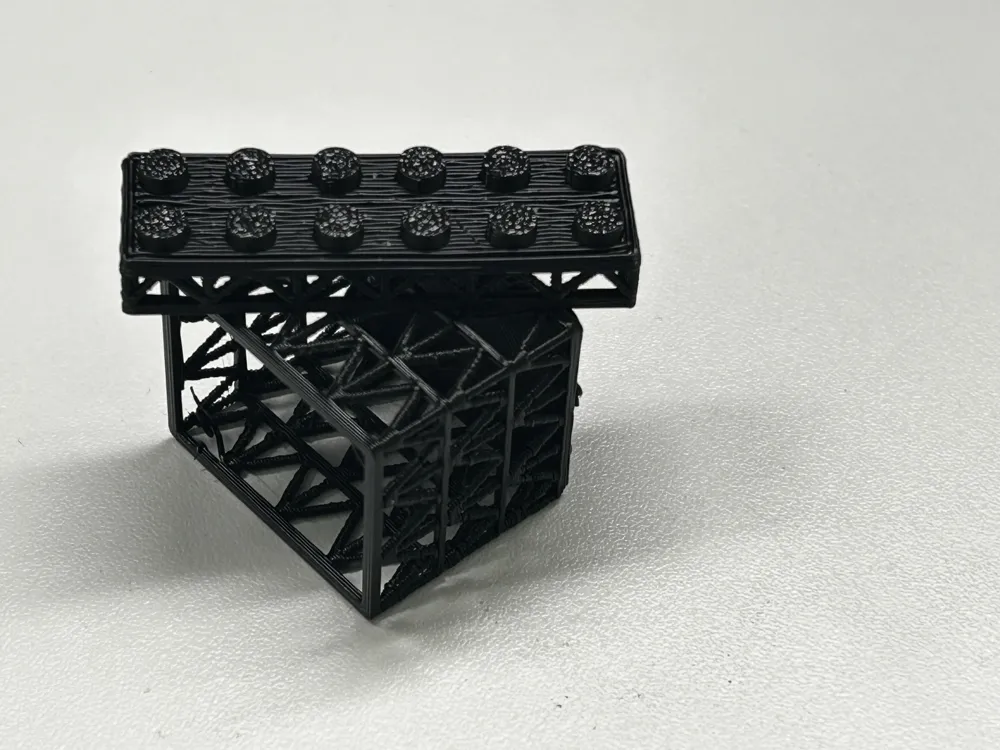
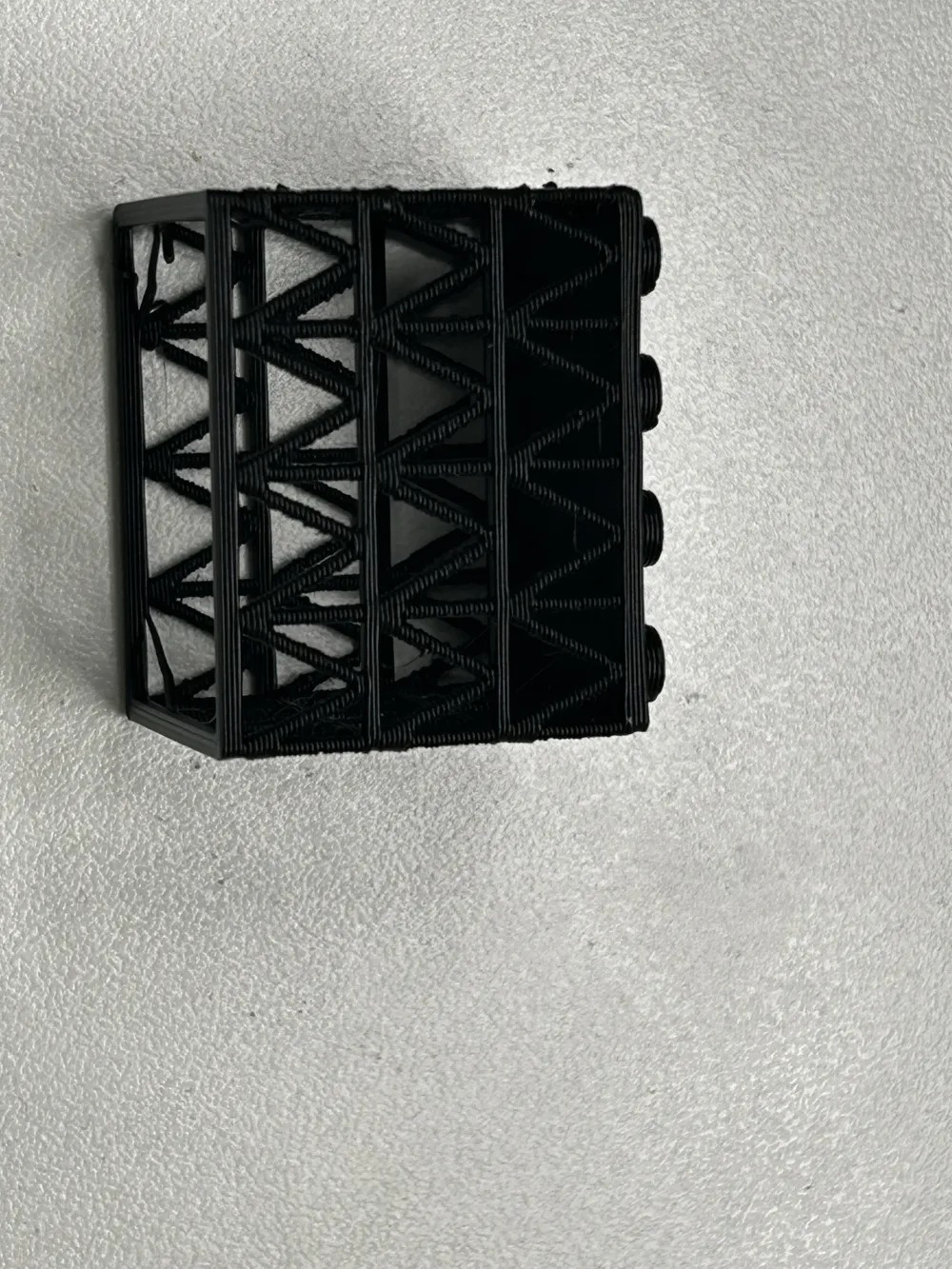
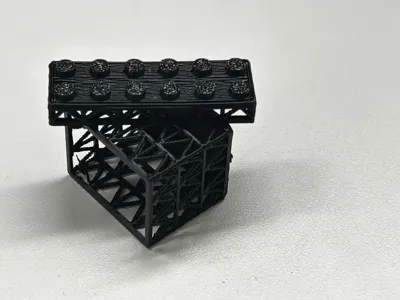
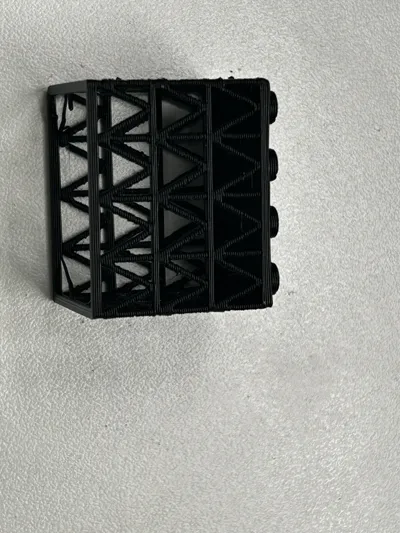
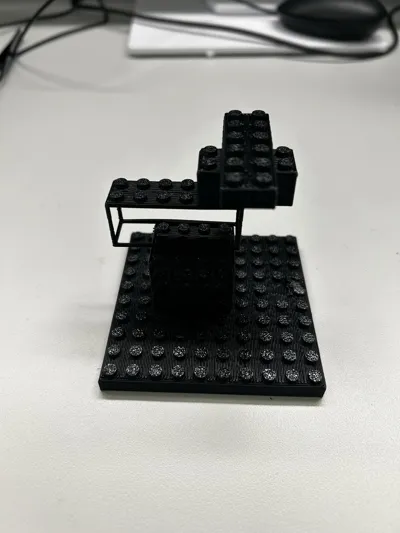
- Triangle Truss: A futuristic sci-fi / industrial look. The script automatically calculates perfectly proportioned triangular layers, including horizontal bars, for extreme stability.
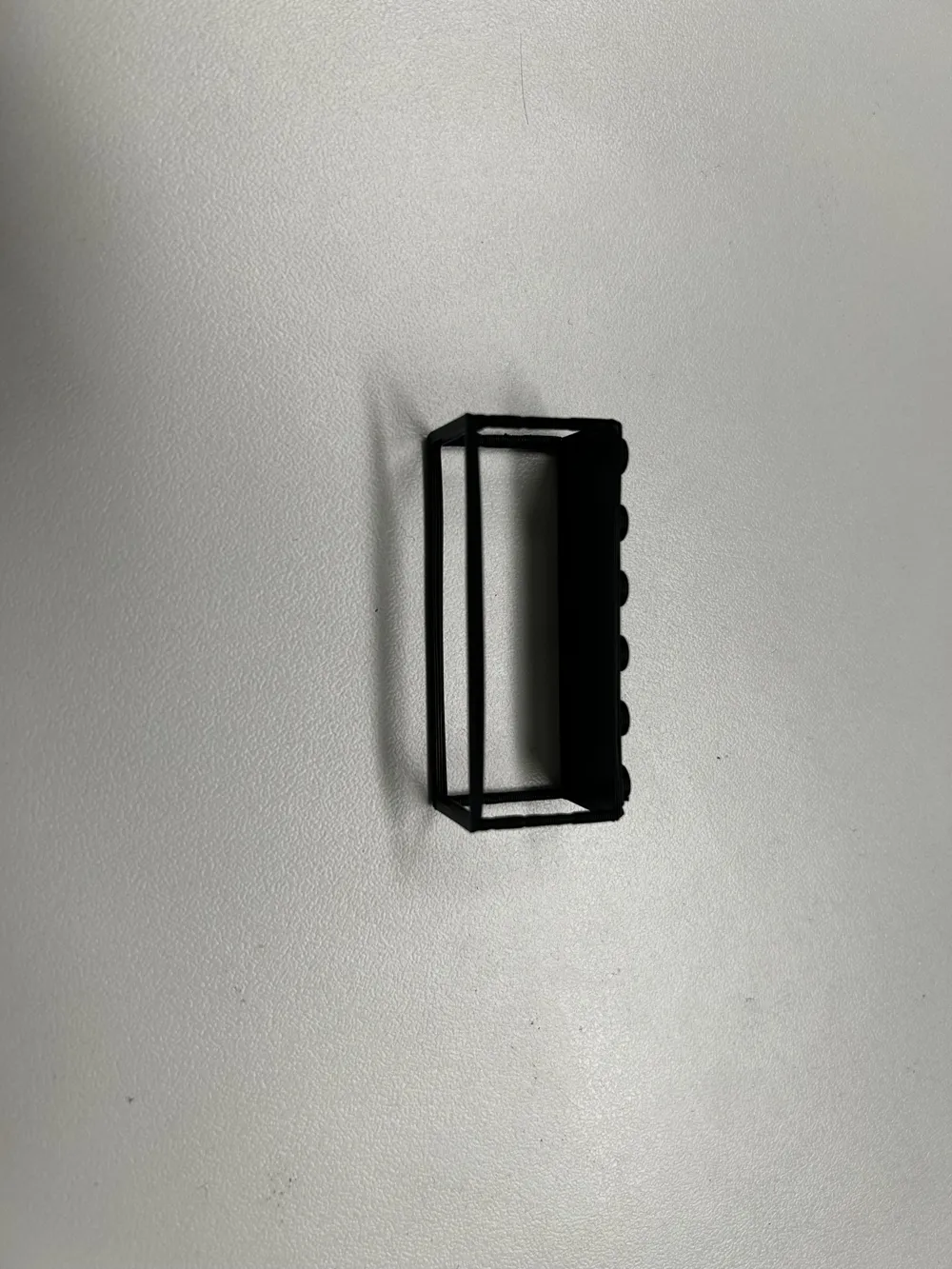
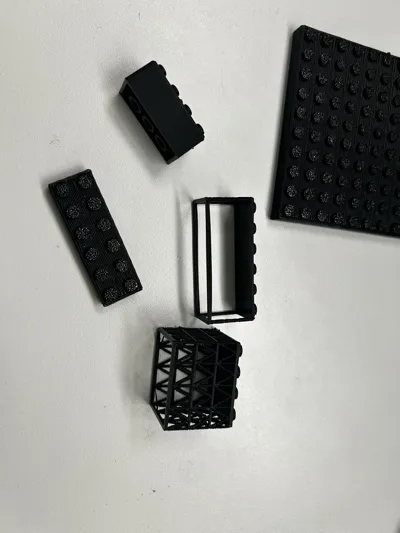
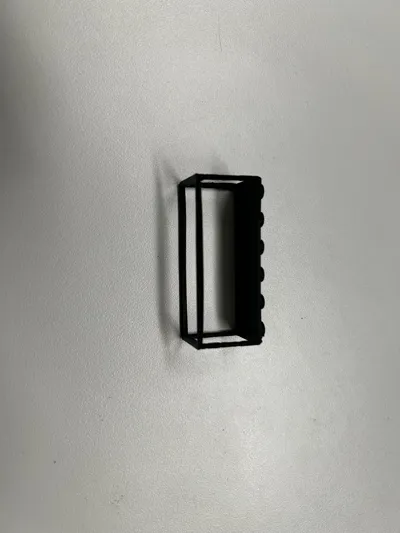
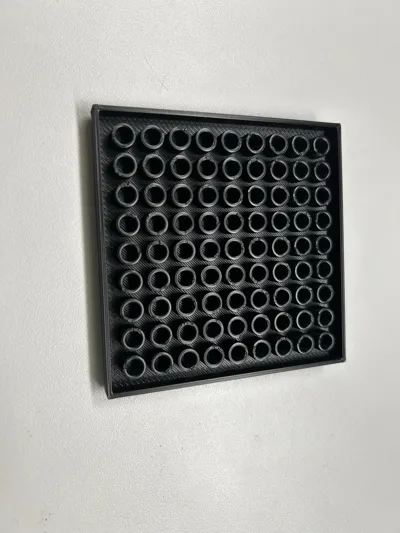
- Completely Empty (Fence Mode): Generates an open frame with 4 corner posts. Tip for maximum creativity: Print this mode in the slicer without top/bottom wall layers (Top/Bottom Layers = 0) and use your favorite infill (e.g., Gyroid or Grid) to create individual fences and grated windows!
Note: If the bricks fit too tightly or too loosely, simply adjust the "Spielraum" (Tolerance) in the Customizer to suit your printer!
🇺🇬 English
The Ultimate Customizable Brick (100% Brand Compatible!)
Need custom parts for your building block creations? This parametric OpenSCAD model lets you generate any brick size you can imagine! Use the MakerWorld Customizer to freely adjust the number of studs in X and Y directions, as well as the exact height.
Choose between 3 unique design modes:
- Classic Solid: The standard building block, but reinforced inside with optimized cross-ribs for maximum stiffness and a perfect clutch power.
- Triangle Truss: A futuristic sci-fi / industrial look. The script automatically calculates perfectly proportioned structural triangles with horizontal bars for extreme stability.
- Empty Frame (Fence Mode): Generates an open frame with 4 solid corner pillars. Pro Tip for endless creativity: Print this mode in your slicer with Top/Bottom Shell Layers = 0 and use your favorite infill (like Gyroid or Grid) to create custom fences, cages, or grated windows!
Note: If the bricks fit too tight or too loose, simply adjust the "Spielraum" (Tolerance) setting in the customizer to match your printer!
🇨🇳 Chinese (Simplified)
Ultimate Adaptive Parametric Brick Component Generator!
Do you need special-sized custom parts for your building block creations? This parametric custom model based on OpenSCAD allows you to generate any brick you desire! Through the MakerWorld online Customizer, you can freely adjust the number of studs (particles) on the X and Y axes, as well as the precise height of the brick.
Built-in 3 unique geeky design modes:
- Classic Solid Mode: Standard traditional brick appearance, but internally micro-adjusted and optimized with reinforced cross-ribs, providing maximum rigidity and perfect clutch power.
- Triangle Truss Mode: A futuristic sci-fi and industrial design. The script automatically calculates standard-proportioned triangular trusses and horizontal tie rods based on your set height, resulting in an extremely stable structure.
- Hollow Frame Mode (Fence Mode): Only generates an open frame with 4 core pillars. Pro player hidden tip: In the slicer software, set "Top/Bottom Shell Layers" to 0 and use your favorite infill pattern (such as Gyroid honeycomb or Grid mesh) to easily print unique custom fences, protective nets, and grated windows!
Tip: If the printed bricks are too tight or too loose, simply fine-tune the "Spielraum (Tolerance/Gap)" parameter in the Customizer to perfectly fit your 3D printer!
License

You shall not share, sub-license, sell, rent, host, transfer, or distribute in any way the digital or 3D printed versions of this object, nor any other derivative work of this object in its digital or physical format (including - but not limited to - remixes of this object, and hosting on other digital platforms). The objects may not be used without permission in any way whatsoever in which you charge money, or collect fees.


Comment & Rating (2)