
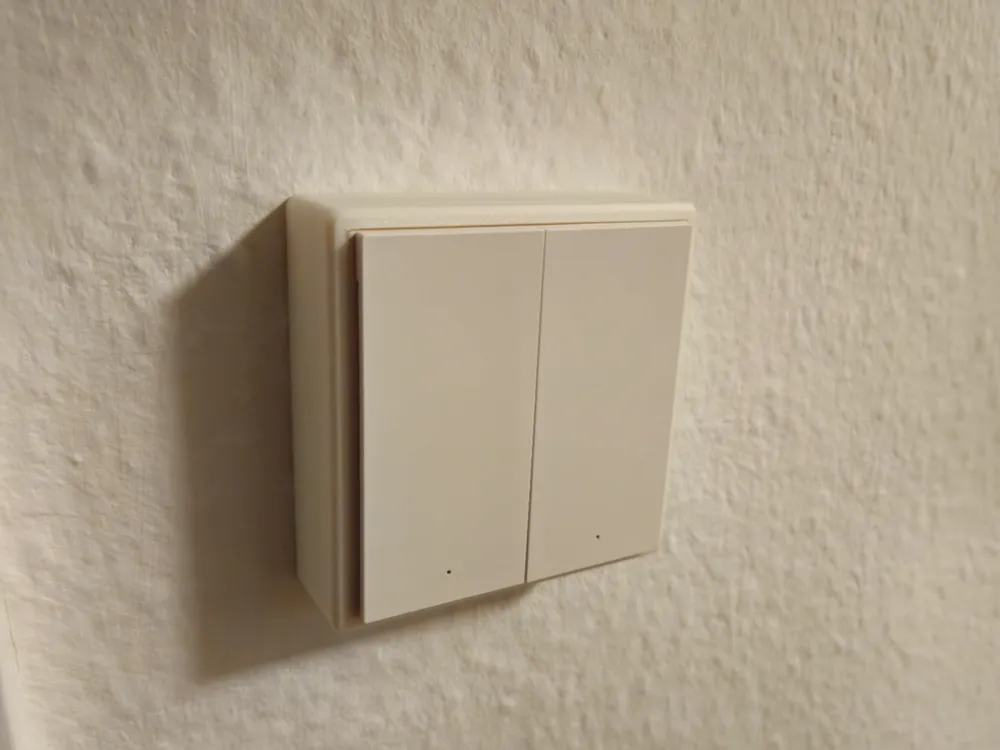
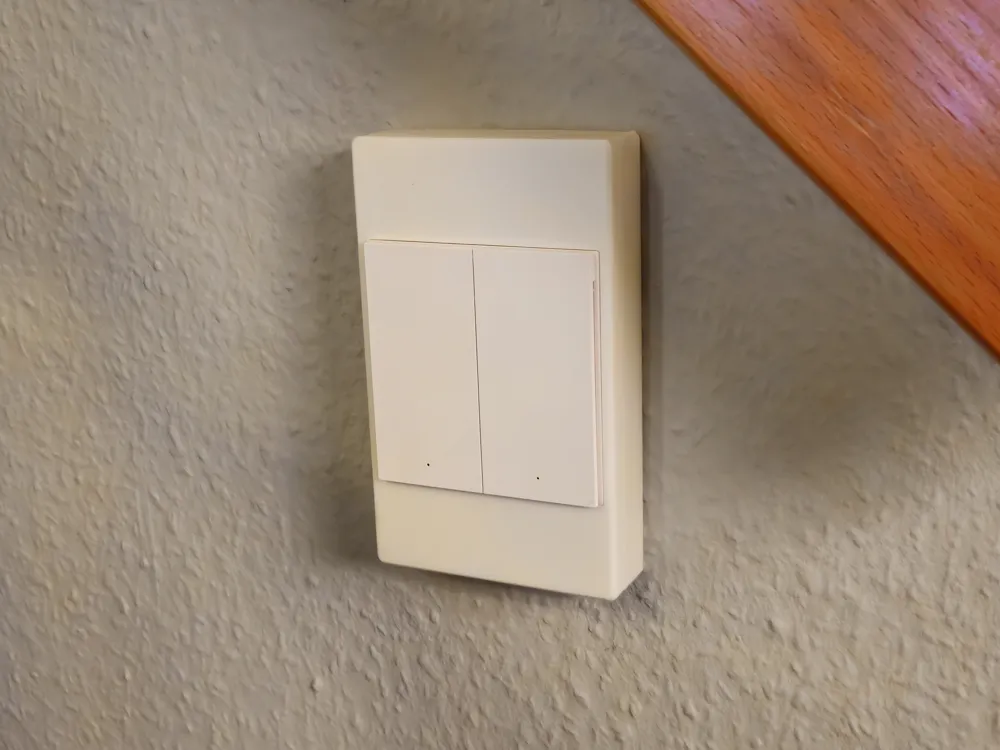
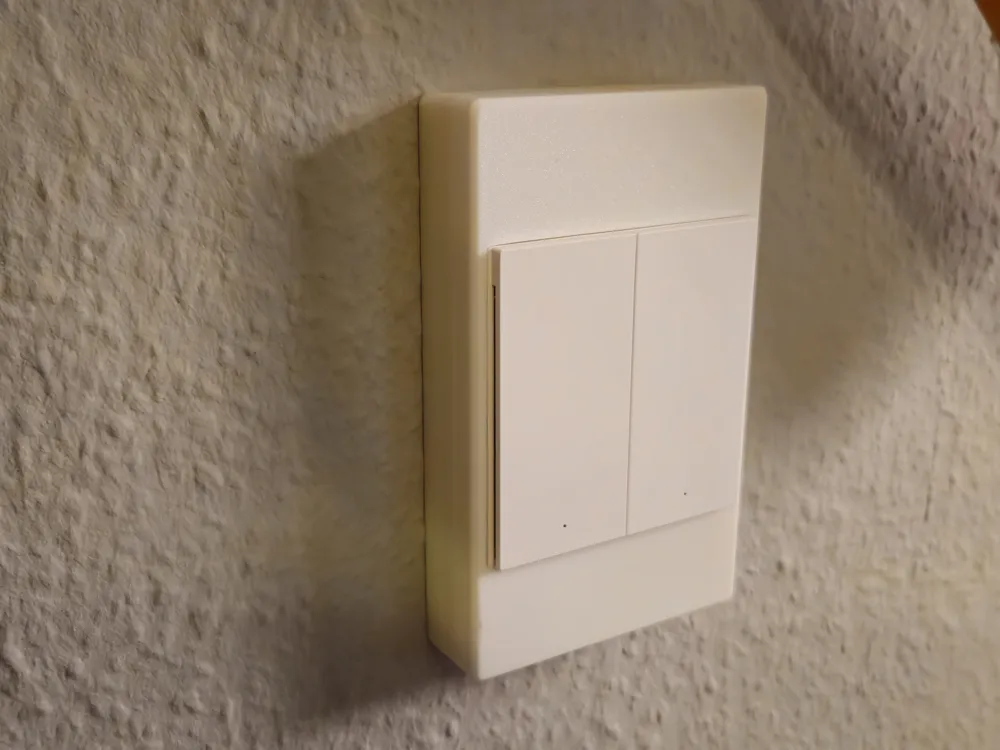
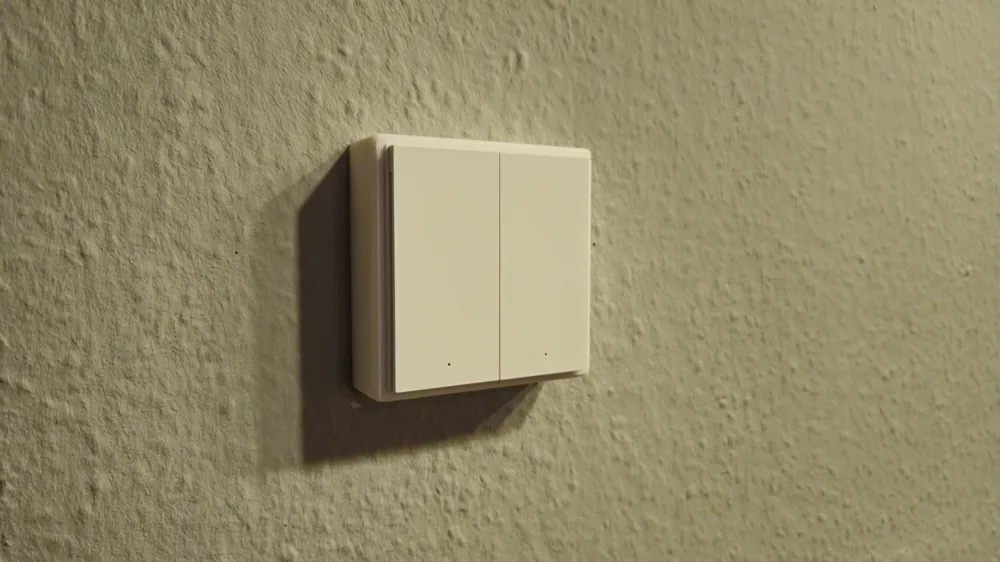
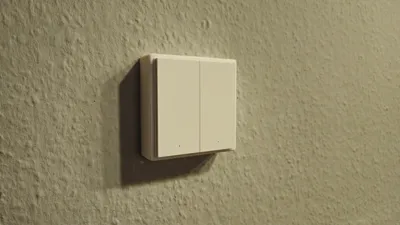
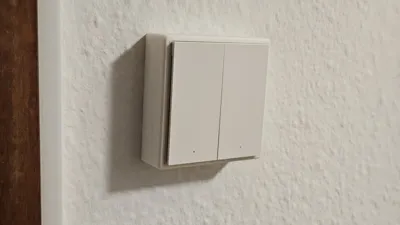
Customizable Smart Home Light Switch Guard
Print Profile(1)
Description
Short Description
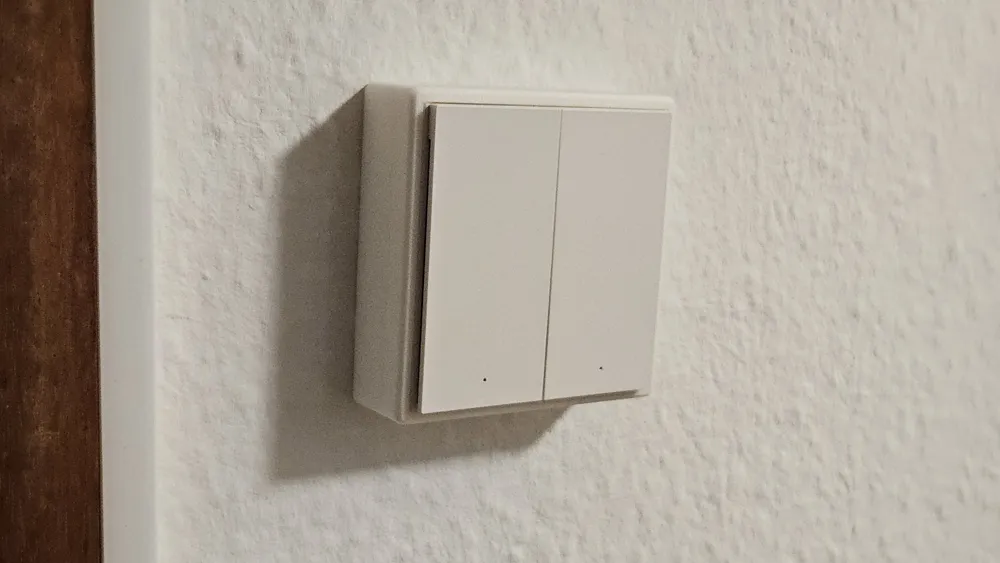
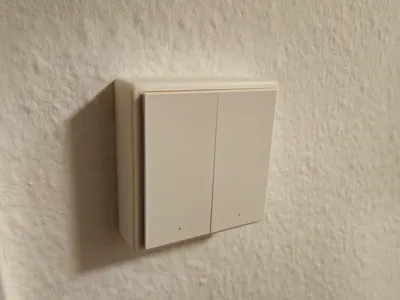
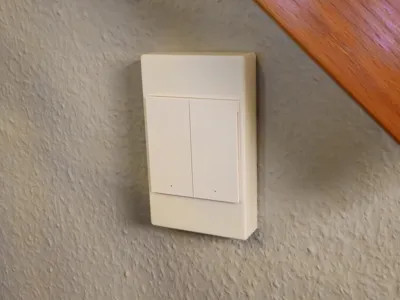
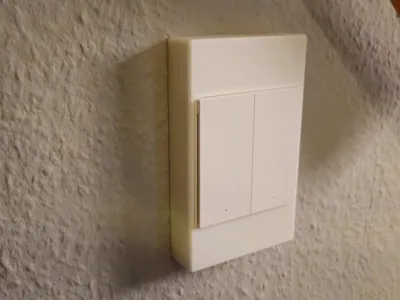
A fully customizable OpenSCAD cover that press-fits onto a measured fixed
light-switch frame and helps prevent accidental rocker presses while the
physical switch remains electrically on. Add an optional round or
rounded-rectangle mount for smart buttons from Aqara, Philips Hue, IKEA, Tuya,
and similar systems.
The defaults target common European/German single-gang frames. Measure your own
frame and make a test print for fit and clearance.
Features
- Fully parametric OpenSCAD model
- Press-fit contact on the fixed switch frame
- Adjustable air gap above the movable rocker
- Frame lead-in chamfer for easier installation
- Optional round or rounded-rectangle smart button mount
- `proud` and `flush` button-mount styles
- Button lead-in chamfer for easier insertion
- Dedicated smart-button press-fit nubs
- Optional segmented lip or snap retention
- Rear eject holes for button removal
- Outer cover can grow independently for larger buttons without changing the
frame clamp
- Optional printable-angle-limited internal relief avoids massive side walls on
enlarged covers
- Optional wall flange for very flat frames
- Multi-gang frame support
- Chamfered or filleted visible edges
- Normally prints without supports in the intended orientation
How It Works
The cover clamps onto the fixed outer frame, not the movable rocker.
`rocker_clearance` creates a protected air gap above the rocker so pressure on
the cover is directed into the fixed frame.
The optional smart button sits on the structural front surface. Side walls
guide it, small nubs create the normal press-fit, and optional lip/snap segments
add fall-out protection. To remove the button, pull the cover off the switch and
push through the eject holes from the back.
For larger buttons, `outer_size_mode = auto` expands only the visible outer
cover/platform. The internal frame clamp, frame nubs, rocker clearance, and
press-fit cavity remain tied to the measured switch frame. The optional inner
relief is limited by a configurable overhang angle and keeps more internal
material when there is not enough height for a printable slope.
Measuring Instructions
1. Measure the **fixed switch frame**, not the rocker.
2. Enter its horizontal width and vertical height.
3. Measure the distance from the wall to the front of the fixed frame.
4. Choose a rocker air gap.
5. If using a smart button, enter its diameter or width/height and its physical
depth.
6. Print a tolerance test and adjust the frame and button nubs as needed.
For multi-gang installations, measure the complete outside frame and set
`gang_orientation` to `horizontal` for rockers side by side or `vertical` for
rockers stacked above each other.
Fit Adjustment
Frame fit:
- Too tight: increase `frame_fit_clearance` or reduce `nub_protrusion`.
- Too loose: reduce `frame_fit_clearance` or increase `nub_protrusion`.
Smart button fit:
- Too tight: increase `button_clearance` or reduce
`button_nub_protrusion`.
- Too loose: reduce `button_clearance` or increase
`button_nub_protrusion`.
Very flat frames may need `flange_enabled = true`.
License

You shall not share, sub-license, sell, rent, host, transfer, or distribute in any way the digital or 3D printed versions of this object, nor any other derivative work of this object in its digital or physical format (including - but not limited to - remixes of this object, and hosting on other digital platforms). The objects may not be used without permission in any way whatsoever in which you charge money, or collect fees.


Comment & Rating (0)