
Customizable Bubble Text Keychain (OpenSCAD)
Print Profile(0)
Bill of Materials

Description
About This Model
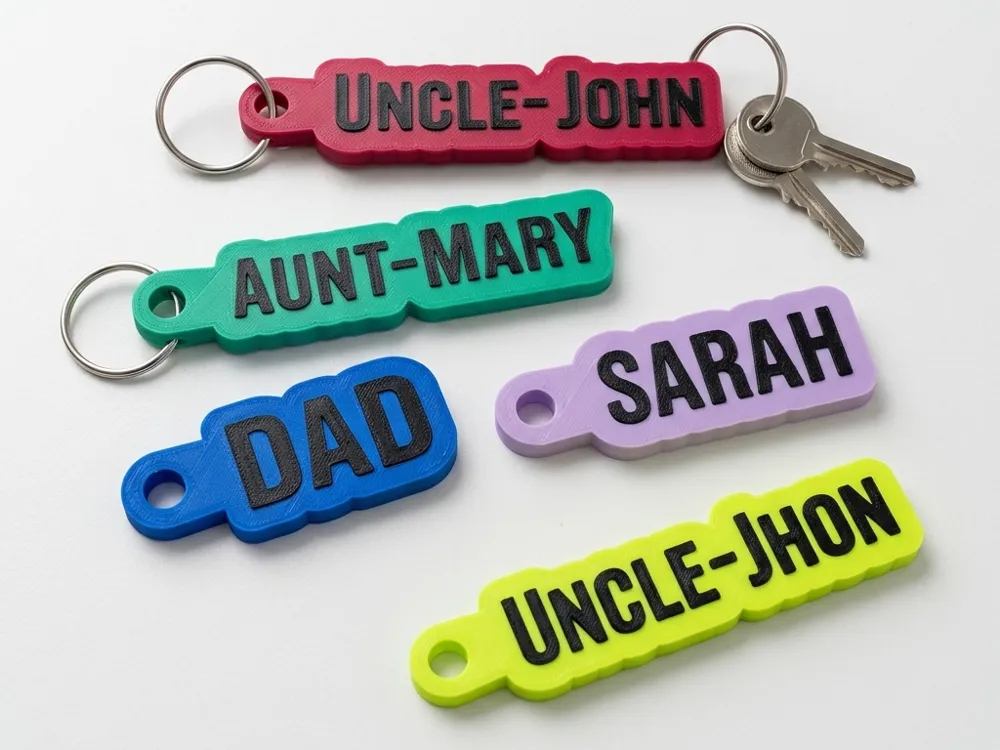
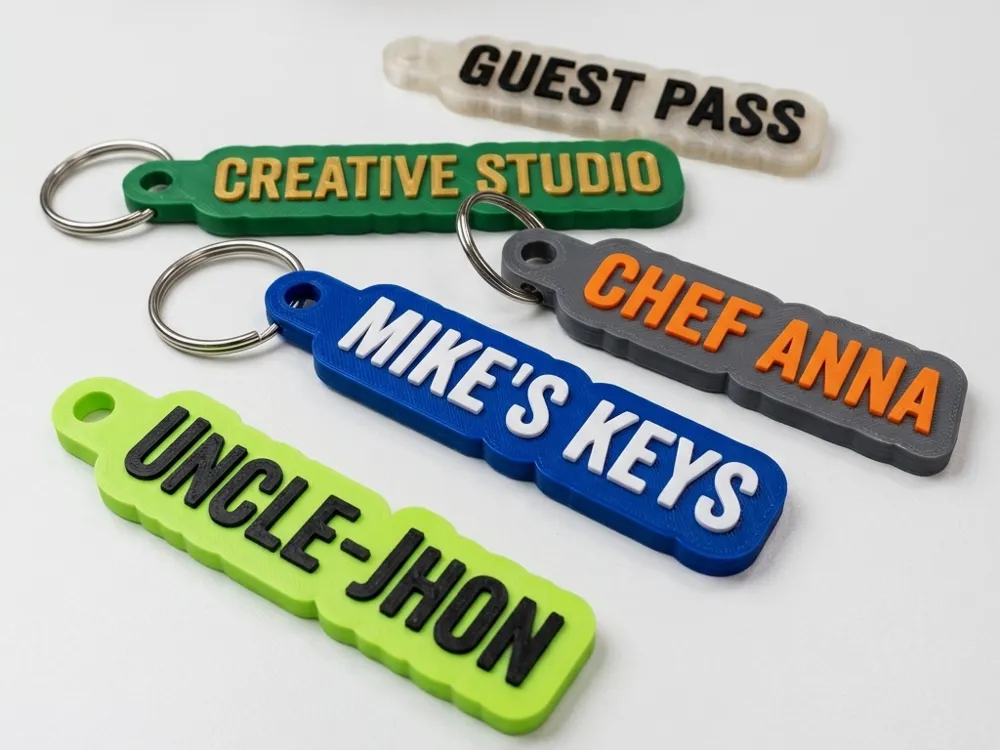
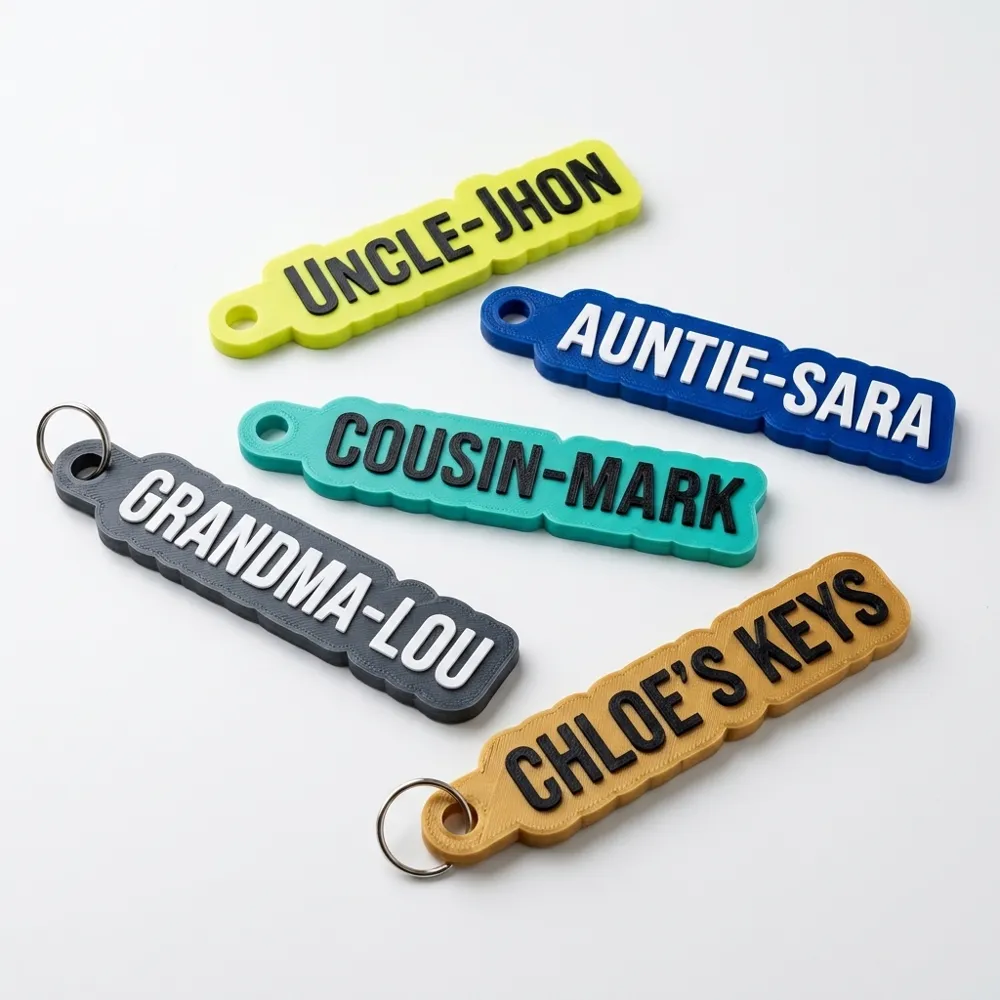
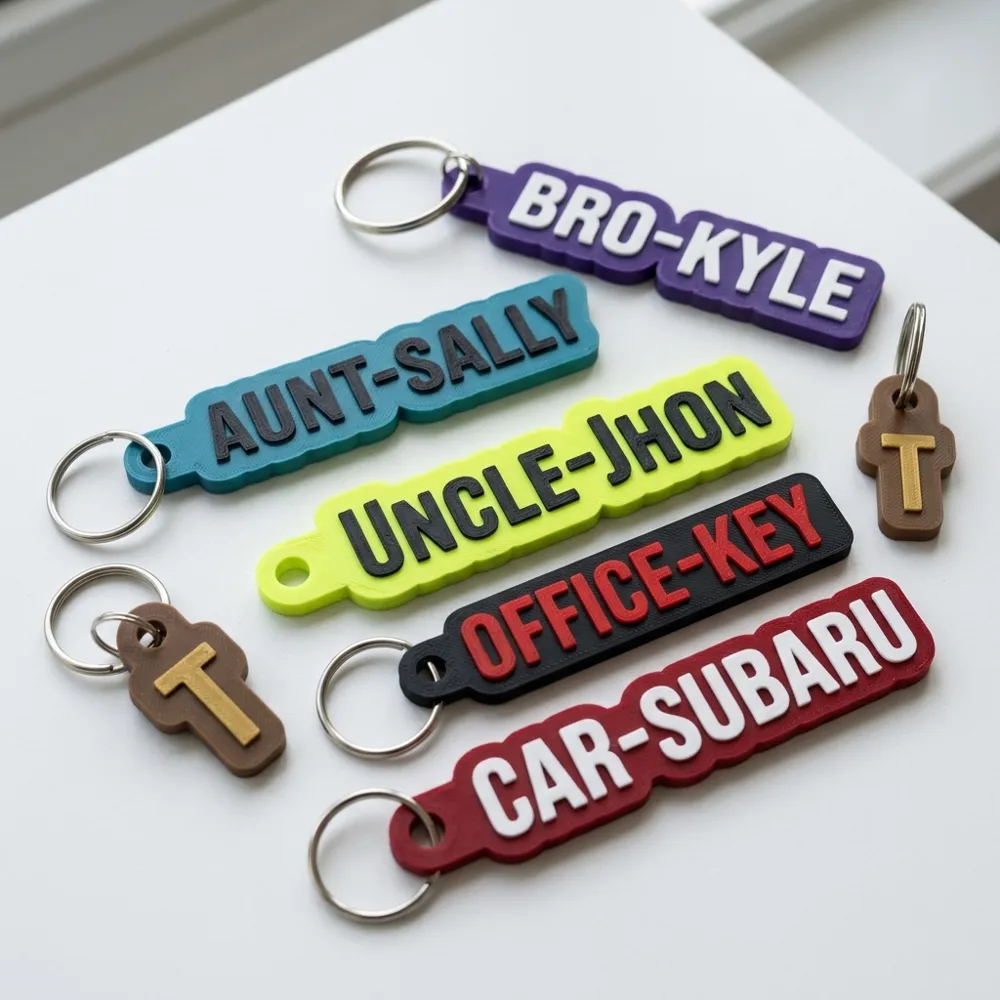
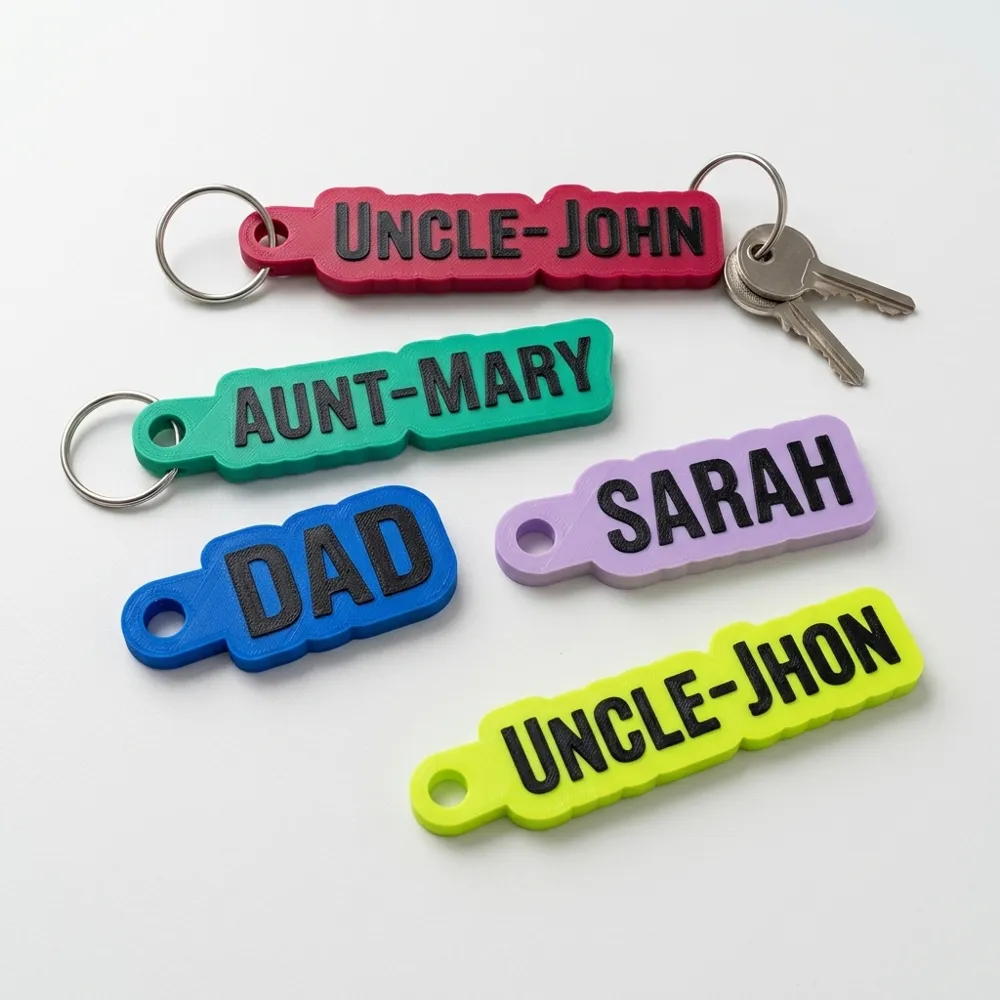
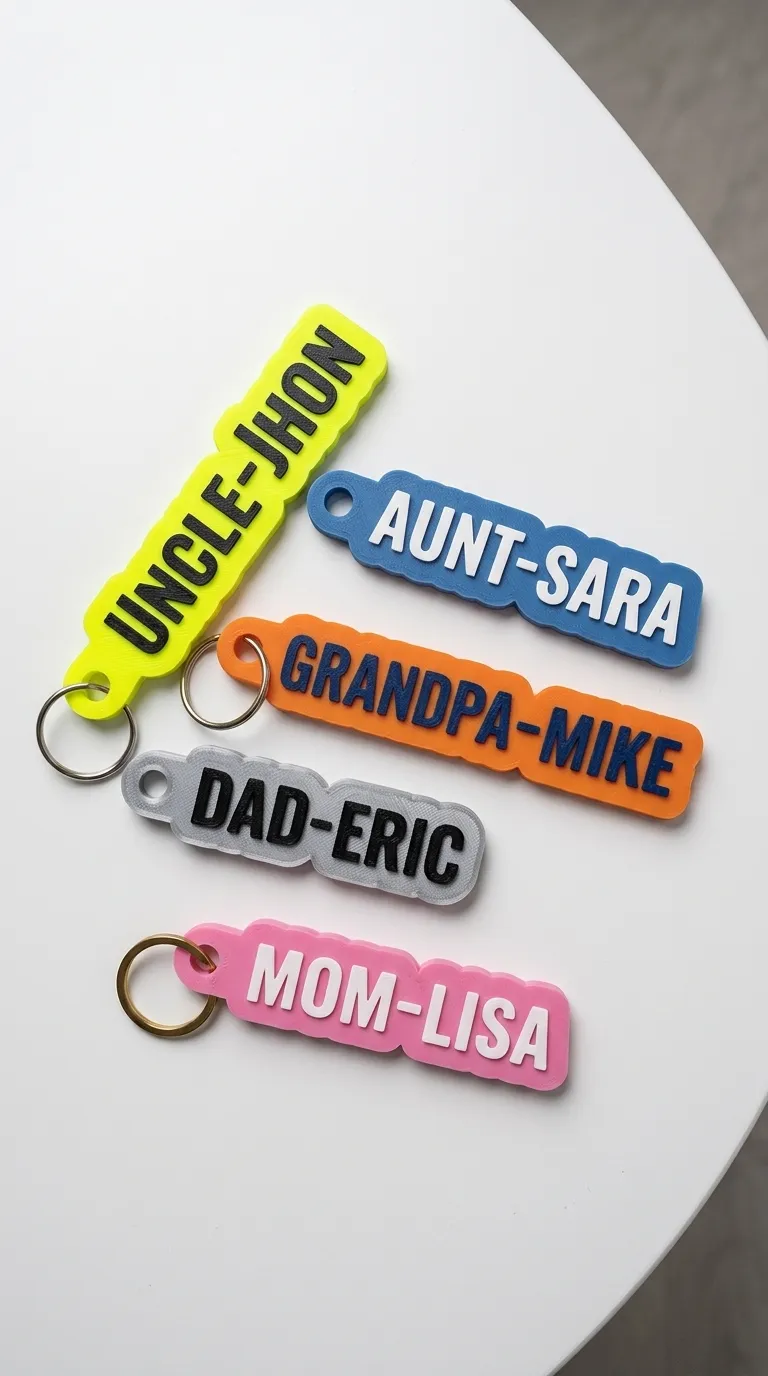
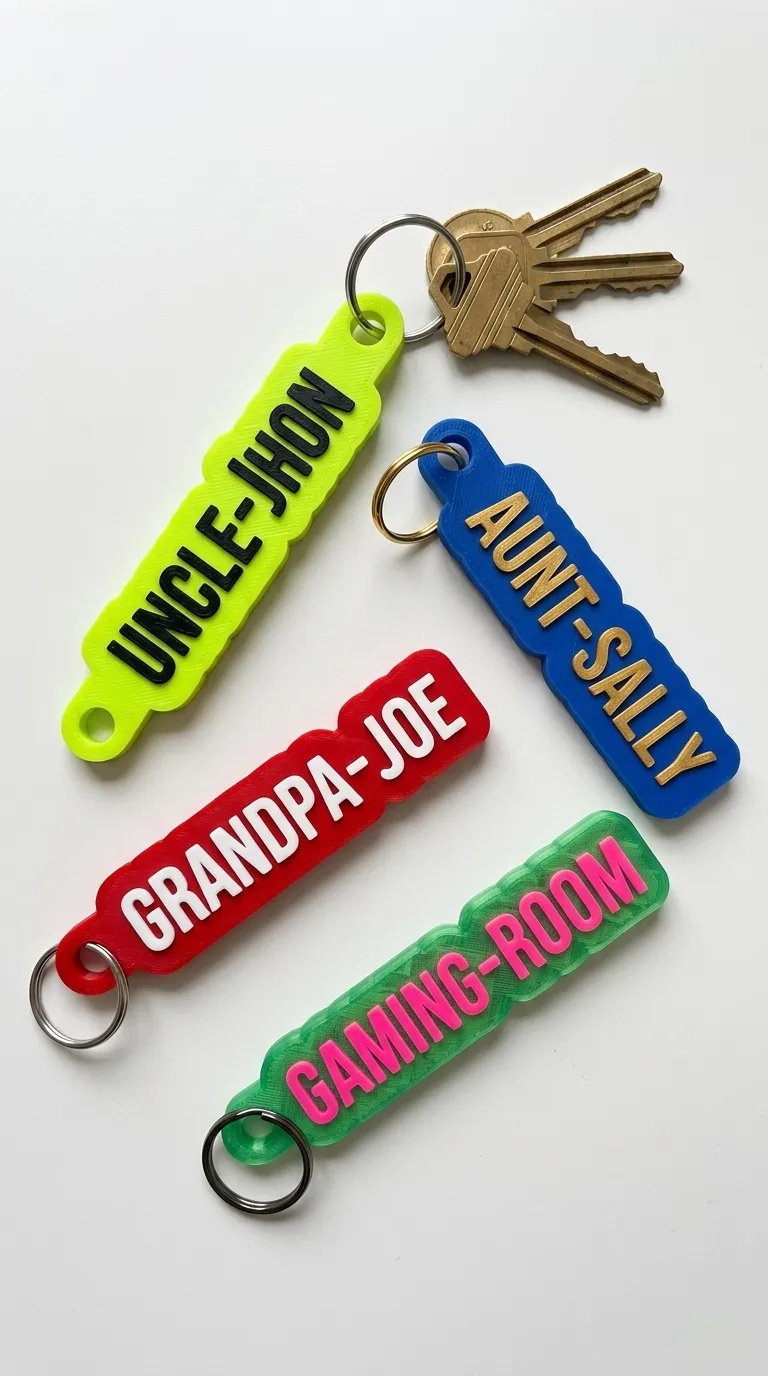
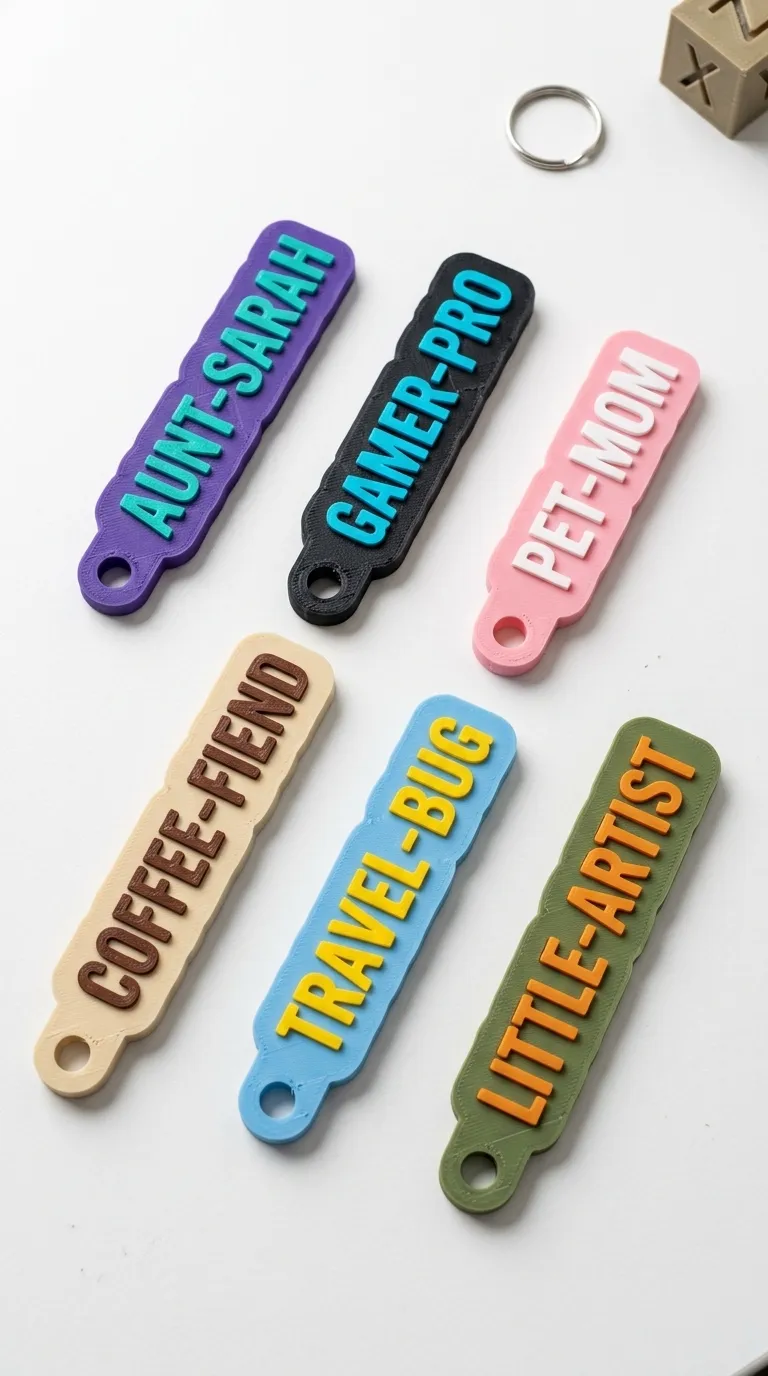
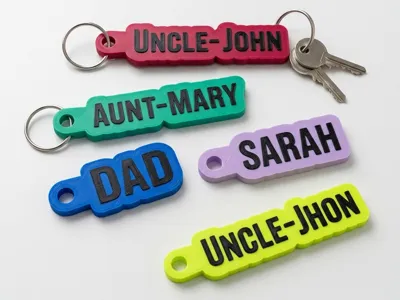
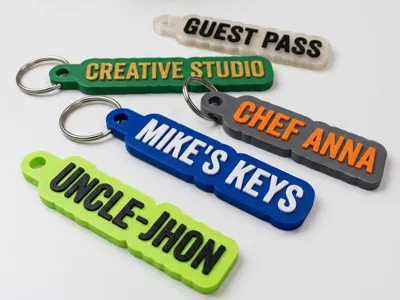
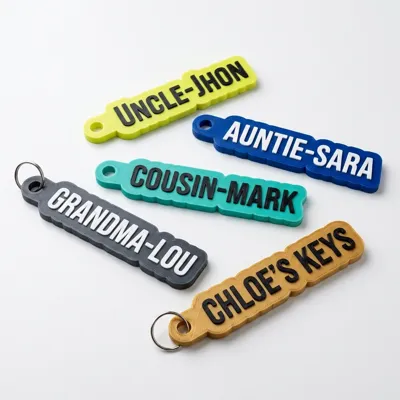
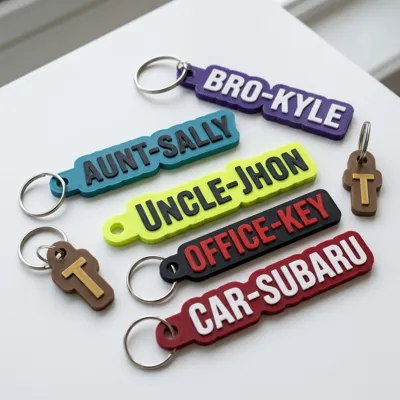
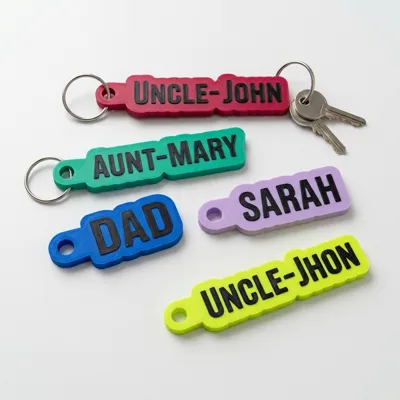
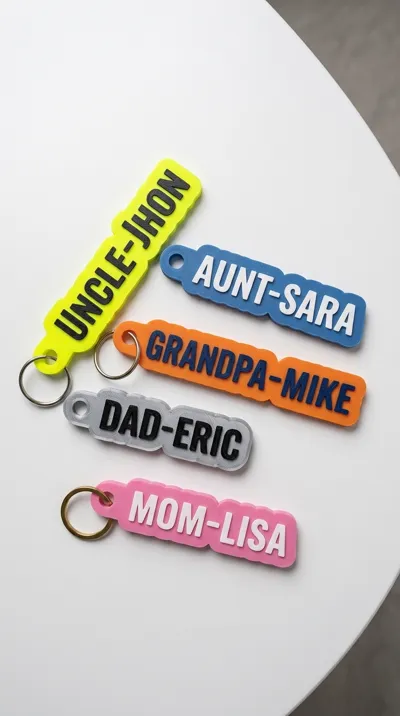
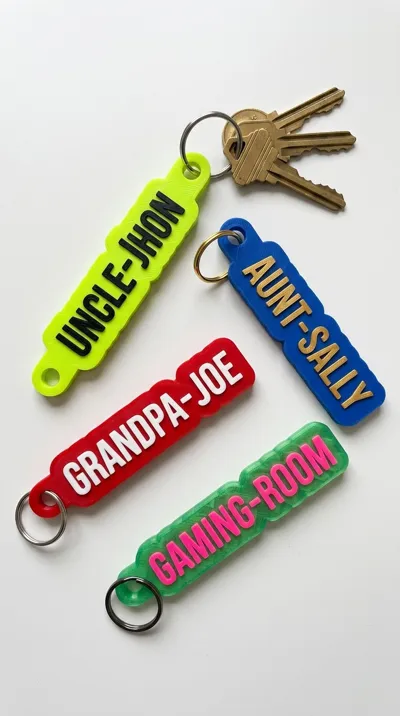
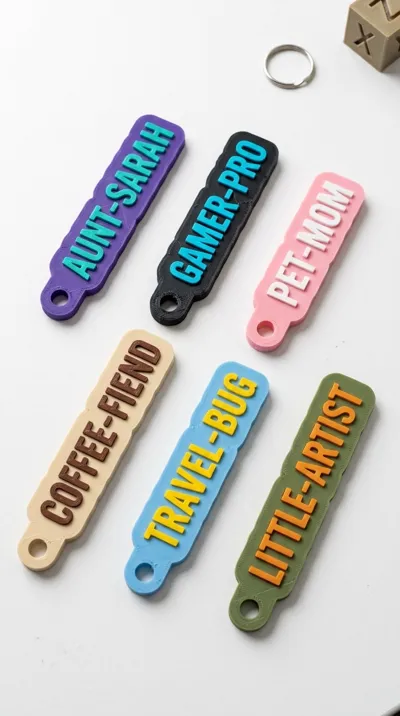
This is a fully customizable, parametric keychain generator designed to create clean, outline-style name tags. The outer border dynamically hugs the contour of your text (often called "bubble text" or "contour text"), giving it a modern and professional look.
Because the text is embossed (raised above the base), it is incredibly easy to print in two colors—either using an AMS/multi-material system or by adding a simple filament swap/pause command at the layer height where the text begins.
---
Features
Dynamic Outline:The base auto-adjusts to fit any text length or character shape.
Highly Customizable: Change the text, font, border thickness, and hole placement directly in MakerWorld's Customizer.
AMS/Multi-Color Friendly: The raised text makes color-separating a breeze.
Durable Design: Built with solid walls around the keyring loop to prevent breaking.
---
How to Customize
If you are using the MakerWorld Parametric Customizer, you can adjust the following parameters:
Text: Enter your name, title, or custom phrase (e.g., "UNCLE-JHON", "CHEF ANNA").
Font: Select your preferred system font. Clean, bold sans-serif fonts typically yield the best results.
Base Thickness & Text Height: Adjust how thick the tag is and how high the text raises above the base.
Border Width: Controls the spacing of the "bubble" outline around your text.
Hole Size & Placement: Change the diameter of the keyring hole or adjust its position.
---
Recommended Print Settings
For the best results and maximum durability:
Layer Height: `0.16mm` or `0.20mm` (0.16mm recommended for cleaner text curves).
Wall Loops: `3` or `4` (helps reinforce the keyring loop).
Top/Bottom Shells: `4` or `5` (gives a solid, smooth finish).
Infill: `15%` to `20%` (Grid or Gyroid). Since the model is relatively thin, it will print almost solid.
Filament Swap (for non-AMS users): Slice the model, locate the layer where the letters start to print, and add a pause or filament change command in your slicer to switch to your text color.
---
Note: If you run into any issues with text overlapping or hole spacing, simply adjust the font size or border width parameters in the customizer.
License

You shall not share, sub-license, sell, rent, host, transfer, or distribute in any way the digital or 3D printed versions of this object, nor any other derivative work of this object in its digital or physical format (including - but not limited to - remixes of this object, and hosting on other digital platforms). The objects may not be used without permission in any way whatsoever in which you charge money, or collect fees.


Comment & Rating (0)