
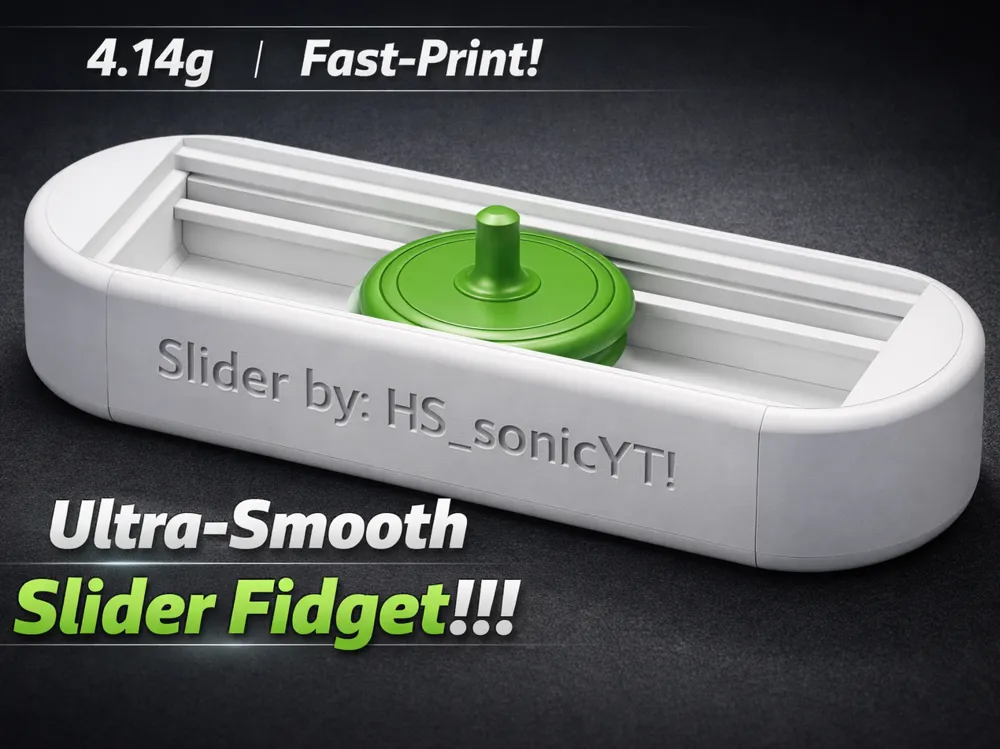
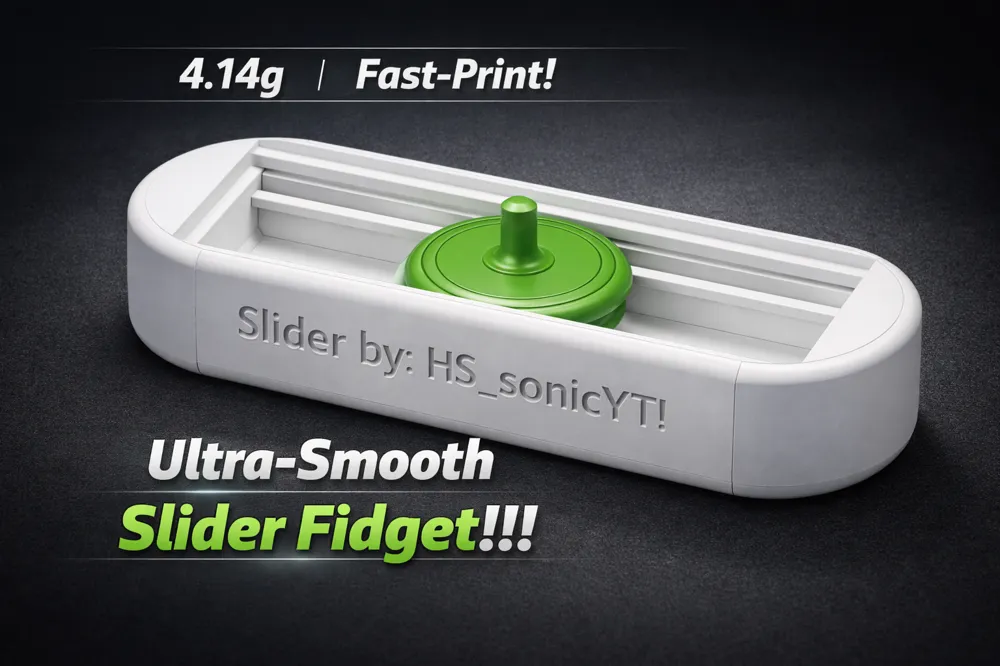
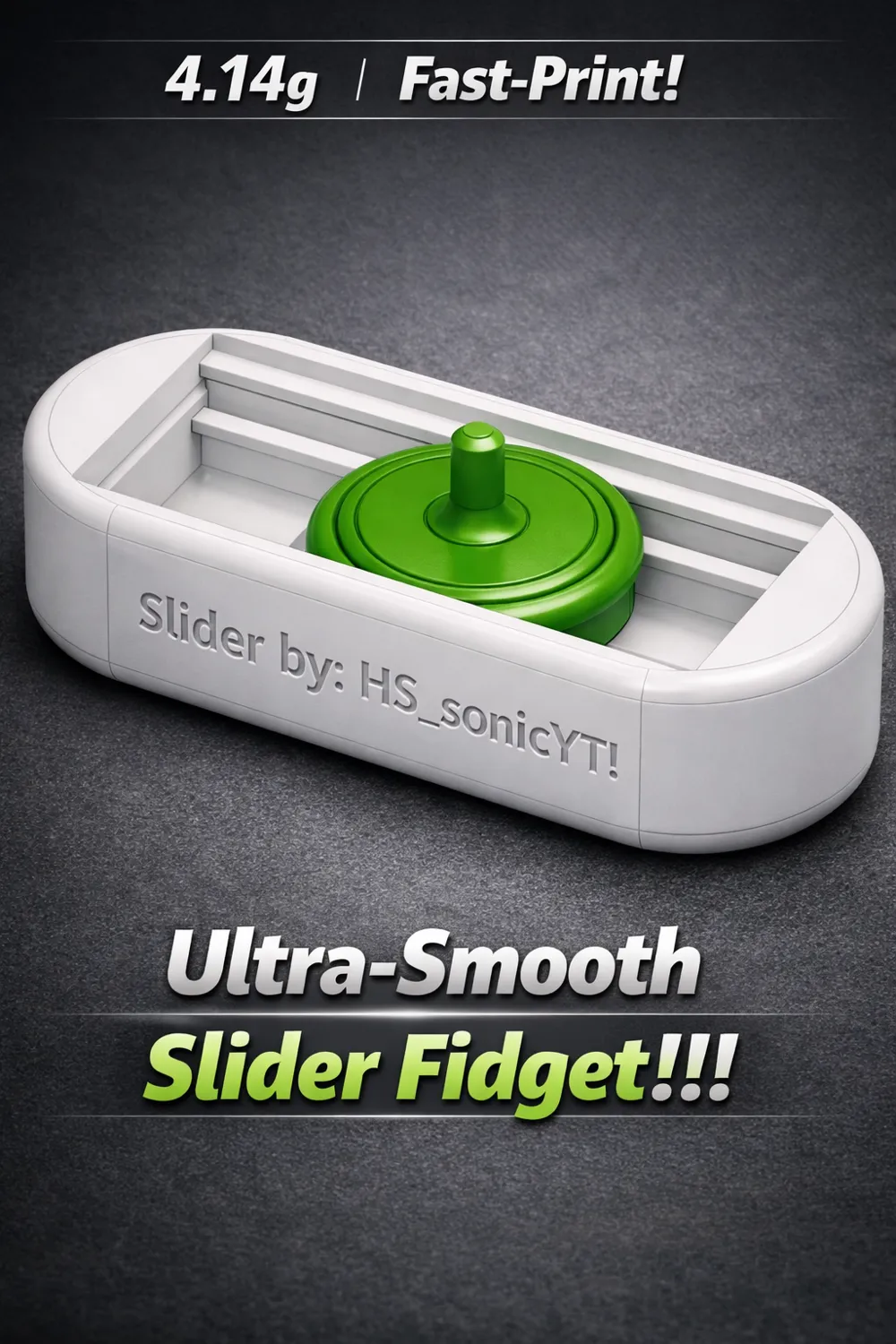
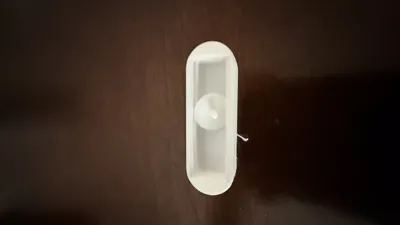
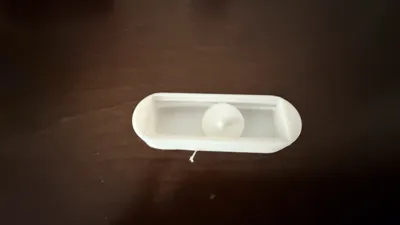
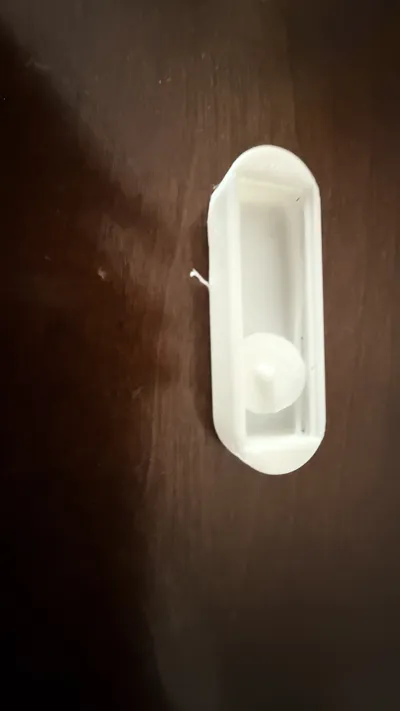
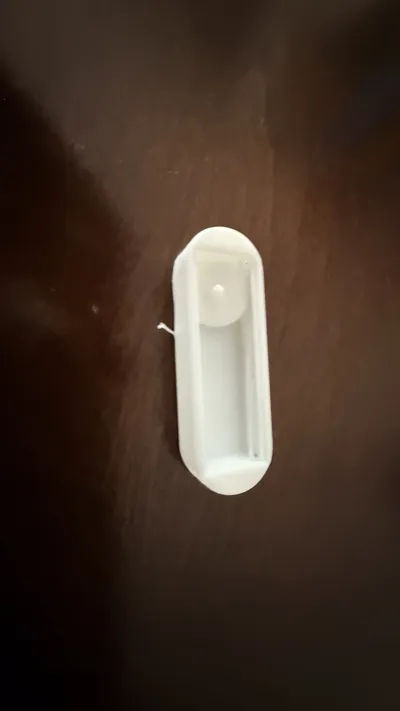
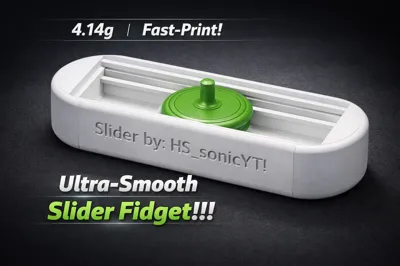
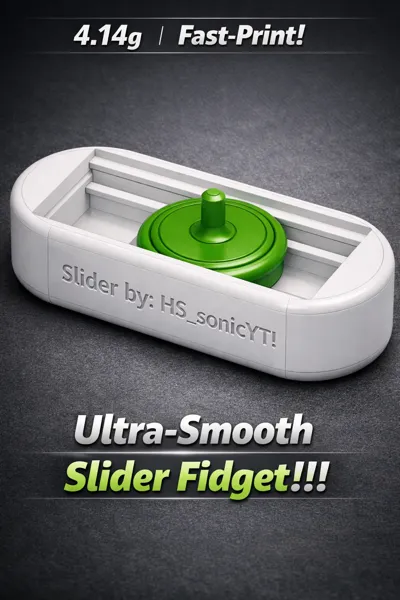
Ultra‑Smooth Slider Fidget!!!
Print Profile(1)



Description
Detailed Software Interface Breakdown
Here is an expanded, step-by-step description of every setting and detail visible in your 2026 Bambu Studio screenshots.
Printer and Material Setup
The top left corner of both screens shows the hardware setup. This tells the computer exactly what kind of machine and plastic you are using.
- Printer: Bambu Lab P1S is selected. This is the machine that will melt the plastic to build the toy.
- Build Plate: The Texture... (Textured PEI Plate) is selected. This is the removable gold bed inside the printer that the toy sticks to while printing.
- Nozzle: The nozzle diameter is set to 0.4mm. The nozzle is the tiny metal tip that squirts out the hot plastic.
- Filament: The printer is loaded with PLA Basic in slot number 1. PLA is a safe, plant-based plastic made for beginners.
Advanced Quality Settings (Image 1)
The left sidebar in the first image shows the "Quality" menu. These settings change how the printer moves to make the outside walls look neat.
- Wall Generator: Set to Classic. This means the printer will use standard, even paths to draw the outlines of the toy.
- Order of Walls: Set to Inner wall/Outer wall. The printer will draw the hidden inside lines of the wall first, then draw the outside line so it looks perfectly smooth.
- Avoid Crossing Wall: This green switch is turned On. It tells the printer nozzle to stay inside the toy's shape while moving around so it doesn't leave accidental plastic strings on the outside.
3D Model Dimensions
In the bottom right corner of the first image, a small green box displays the exact measurements of the digital toy.
| Dimension Category | Measurement | What it Means |
|---|---|---|
| Object Name | Slider fidget!.stl | The digital file name. |
| Size | 51.97 x 17 x 12.25 mm | The toy is about 2 inches long and half an inch tall. |
| Volume | 3645.88 $mm^3$ | The total amount of space the toy fills up. |
| Triangles | 8,128 | The number of tiny flat shapes used to create the 3D model. |
Slicing and Material Breakdown (Image 2)
The second image shows the "Preview" screen after you clicked Slice plate. The software calculated exactly how much material is needed for each part of the toy.
| Part of the Print | Length of Plastic | Weight of Plastic |
|---|---|---|
| Model (The Toy) | 1.33 meters | 4.02 grams |
| Support (Temporary Pillars) | 0.04 meters | 0.12 grams |
| Total Combined | 1.37 meters | 4.14 grams |
Support Structure Settings (Image 2)
On the left side of the second image, the Support menu is open. Supports are temporary plastic columns that hold up parts of the toy that float in mid-air.
- Enable Support: The box is checked On.
- Type: Set to Tree(auto). This means the printer will automatically grow branch-like structures to hold up the slider button without wasting too much plastic.
- Threshold Angle: Set to 20 degrees. The printer will only build supports if a part of the toy tilts sideways by more than 20 degrees.
Time and Cost Estimates
The "Send print job" window is open in the middle of the second screen. It shows the final breakdown before sending the project over Wi-Fi to your printer.
- Preparation Time: 6 minutes, 30 seconds. This is the time the printer spends heating up the bed and cleaning the nozzle.
- Model Printing Time: 16 minutes, 17 seconds. This is the active time the nozzle spends moving and melting plastic.
- Total Time: 22 minutes, 48 seconds.
- Total Estimated Cost: $0.10. The plastic used to make this toy costs only ten cents!
Boost Me (for free)
I appreciate all the boost!
Thank you for spending your time reading this description, when you finish printing this if you are. I hope you enjoy it. And if you liked this project, like the project and save it to your list and finally, give a review of 5 stars after printing it! I have a bunch of other prints that you can print right now! Have a good rest of your day well then.
It's @HS_sonicYT !
License

You shall not share, sub-license, sell, rent, host, transfer, or distribute in any way the digital or 3D printed versions of this object, nor any other derivative work of this object in its digital or physical format (including - but not limited to - remixes of this object, and hosting on other digital platforms). The objects may not be used without permission in any way whatsoever in which you charge money, or collect fees.


Comment & Rating (0)