
PTFE Connector retrofit from spool holder to side
Print Profile(1)
Description
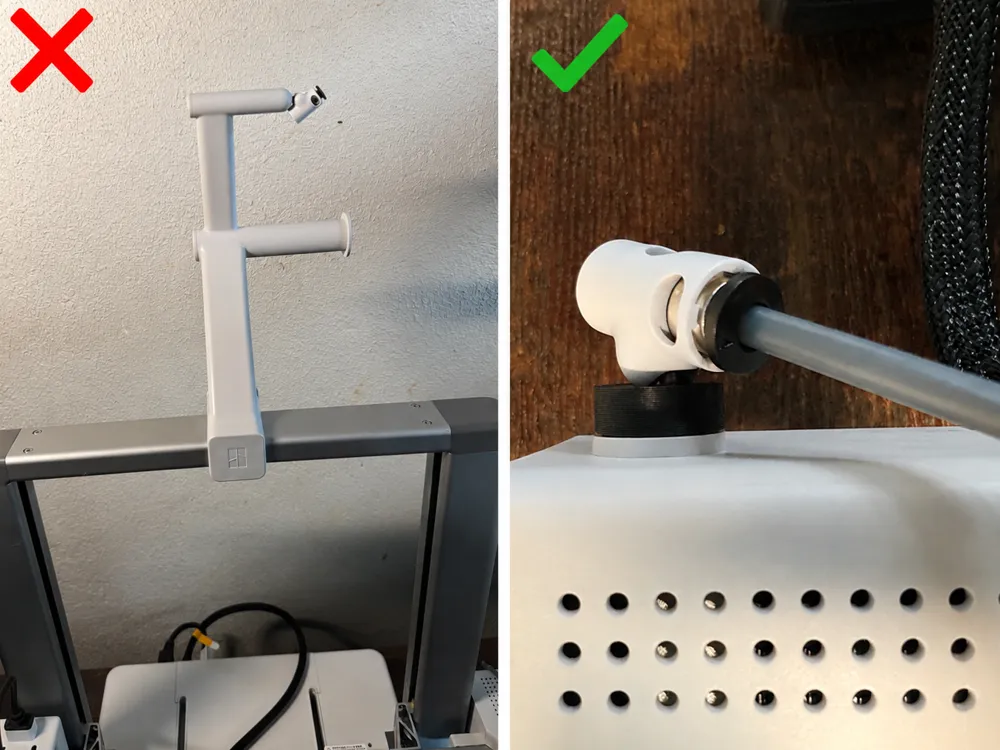
A simple adapter that lets you use the PTFE connector on the side of the Bambu Lab A1 instead of the top.
Uses the PTFE connector from the spool holder that comes included with the A1.
Perfect if you don't want the filament on top of your A1 3D printer, giving you a cleaner and more convenient filament path.
The model prints in under 12 minutes and uses only 0.82 g of filament, making it a quick and material-efficient upgrade.
Installation:
1. First remove the spool holder from 3d printer
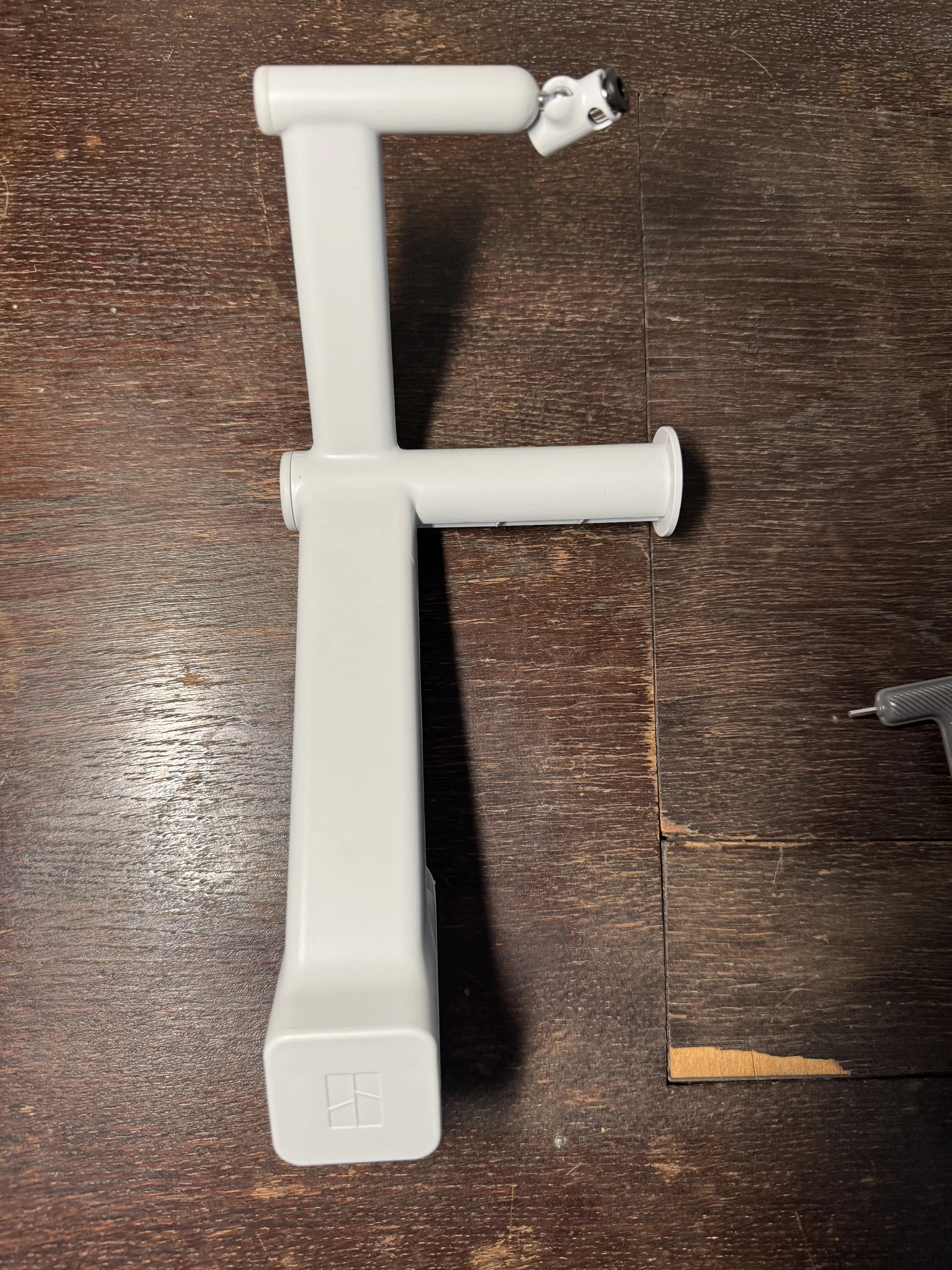
2. Unscrew PTFE connector from spool holder using the included allen key
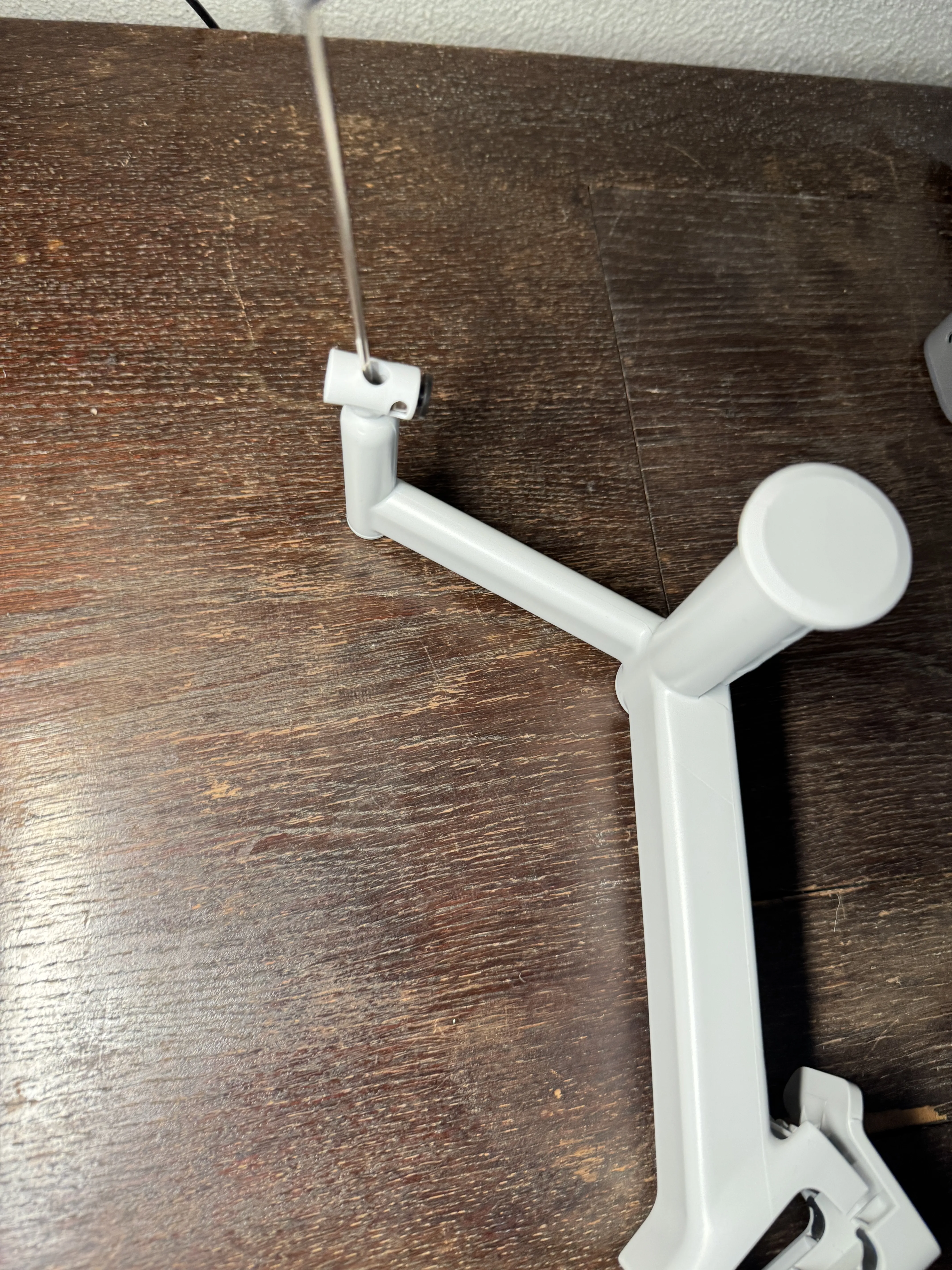
3. It should now look like this
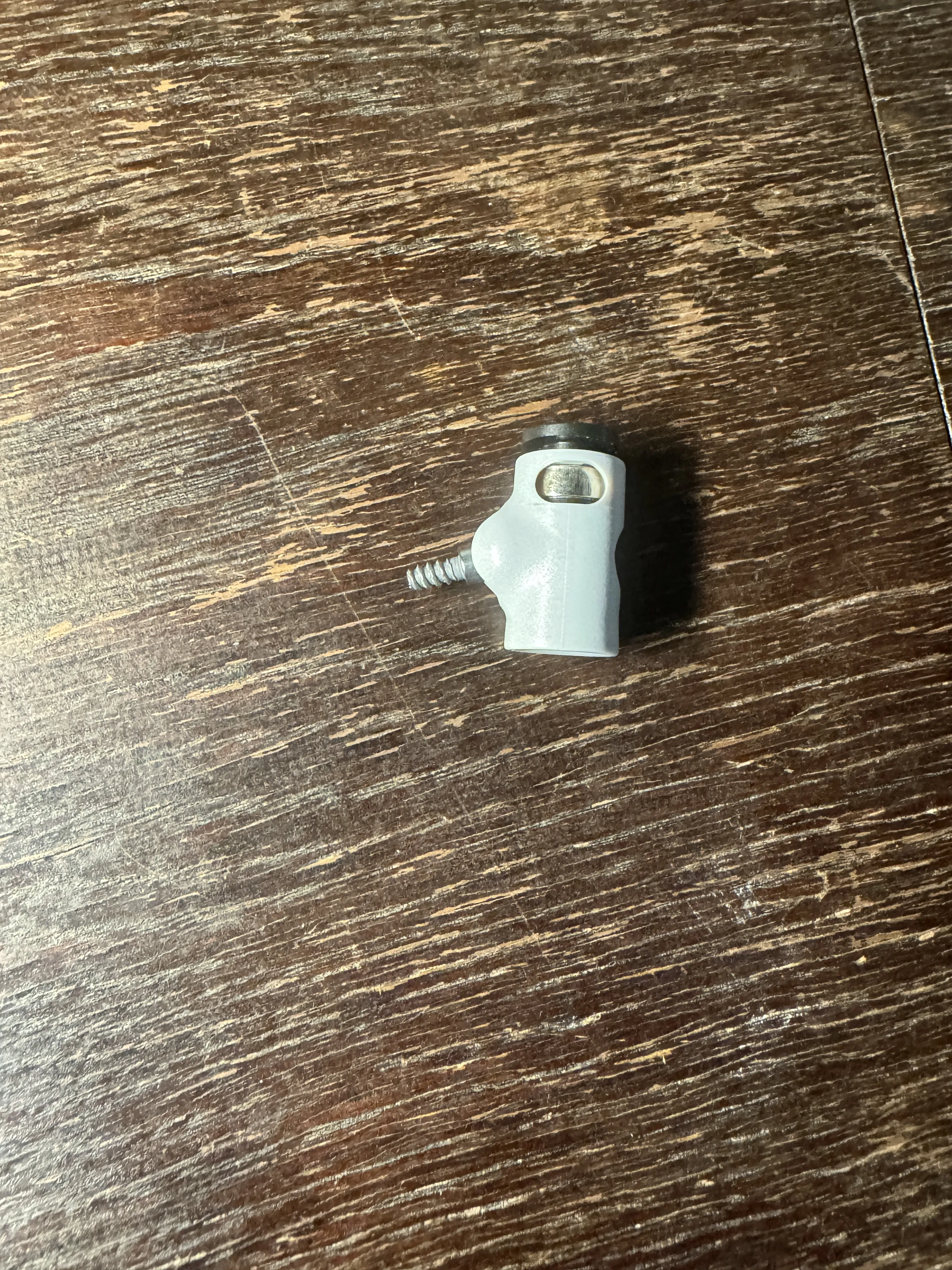
4. Screw the PTFE connector on the 3d model
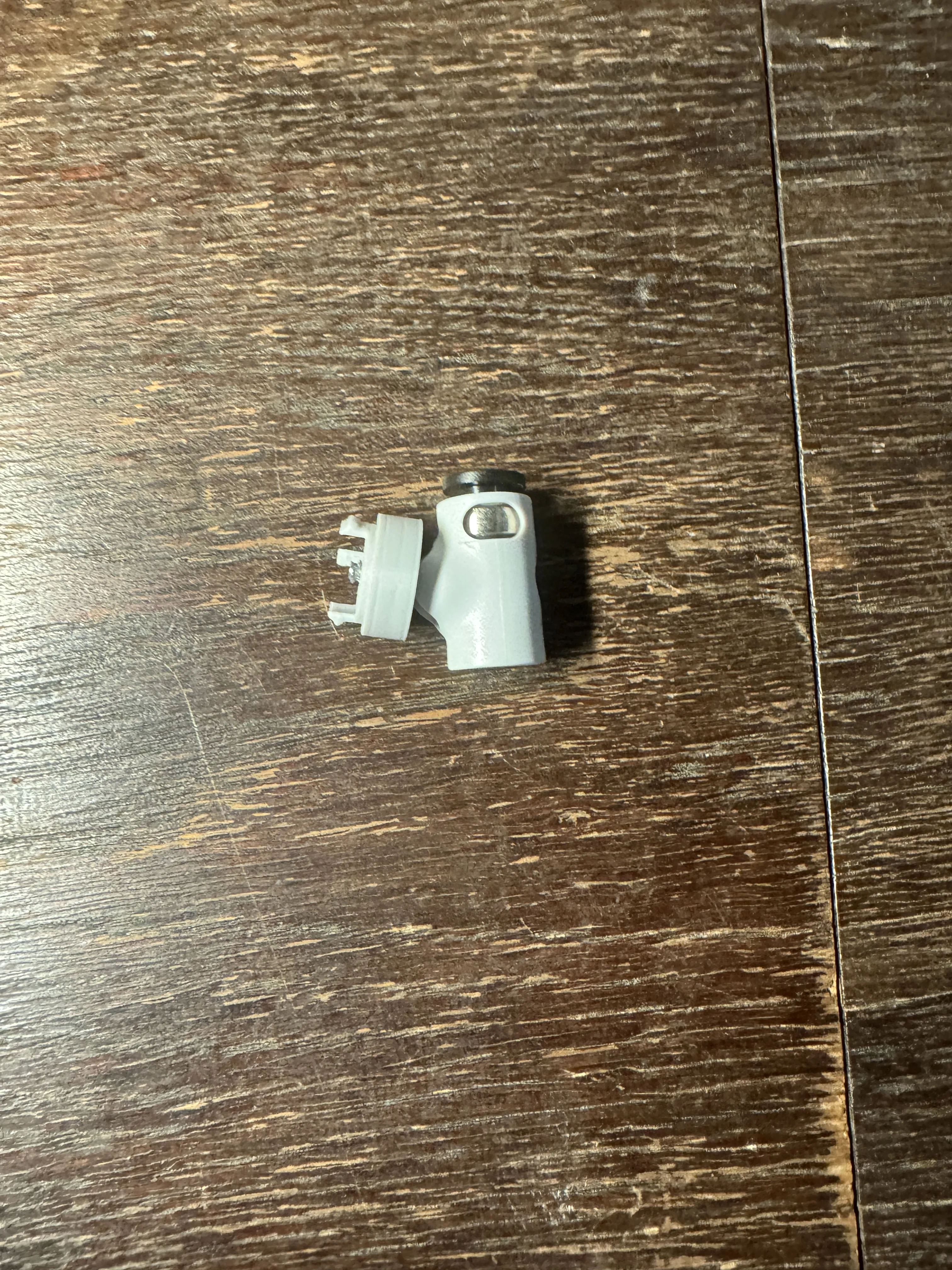
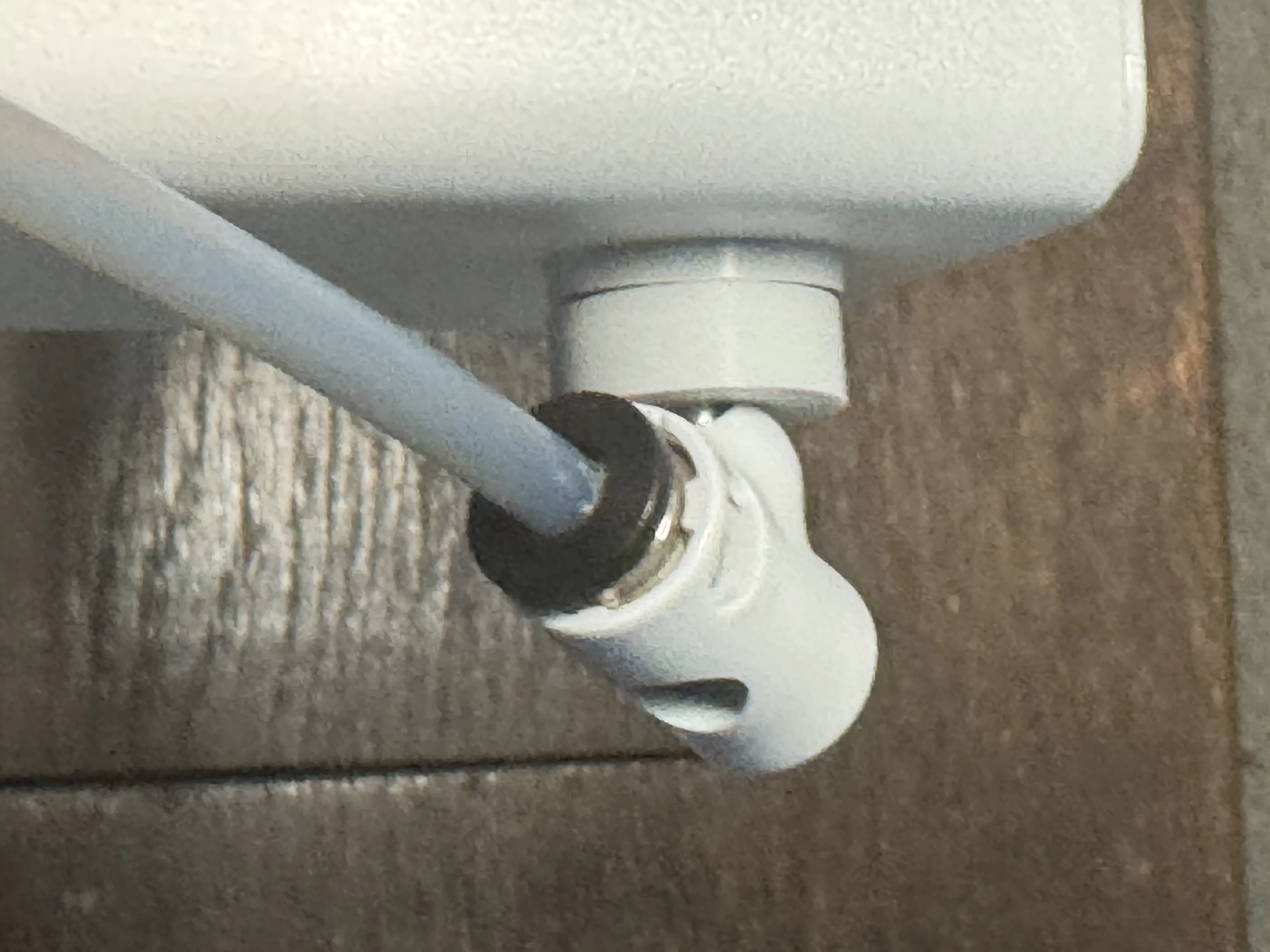
5. Install it on the side of the 3d printer
License

You shall not share, sub-license, sell, rent, host, transfer, or distribute in any way the digital or 3D printed versions of this object, nor any other derivative work of this object in its digital or physical format (including - but not limited to - remixes of this object, and hosting on other digital platforms). The objects may not be used without permission in any way whatsoever in which you charge money, or collect fees.


Comment & Rating (0)