Search models, users, collections, and posts

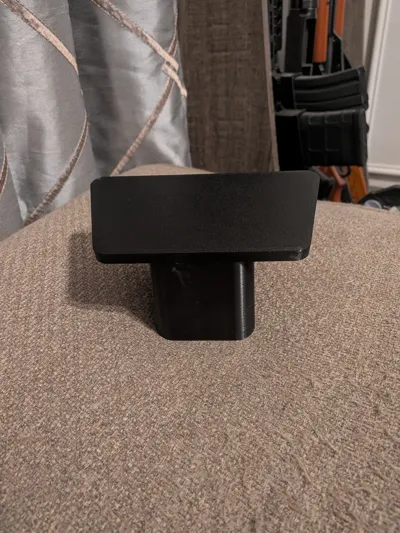
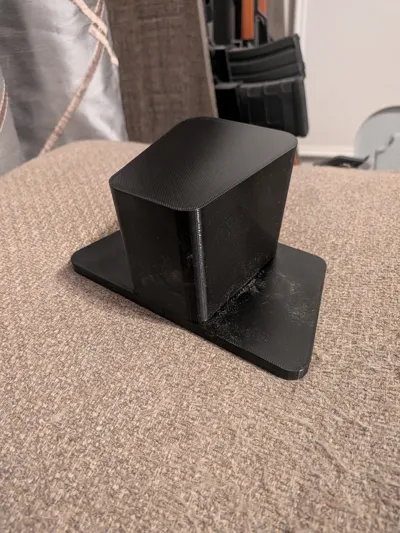
Yamaha G29 Android Radio Cart Adapter
IP Report
Print Profile(1)
0.20mm strength @BBL X1Clayer, 6 walls, 25% infill
Designer
5.2 h
1 plate
Open in Bambu Studio
Boost
1
2
0
0
1
1
Released
Description
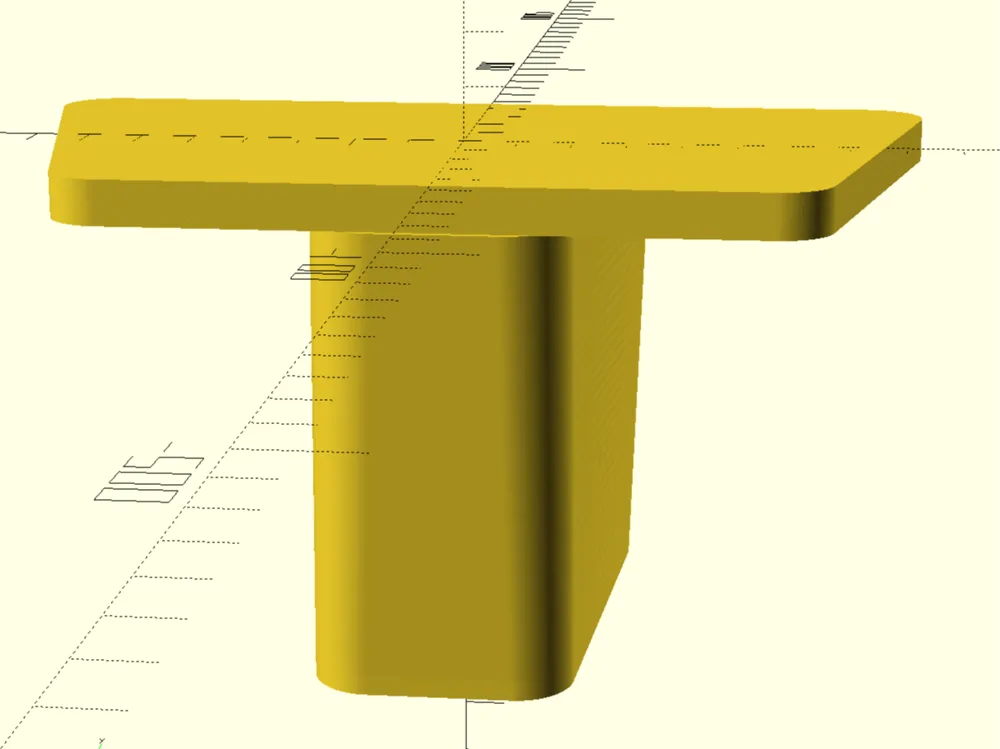
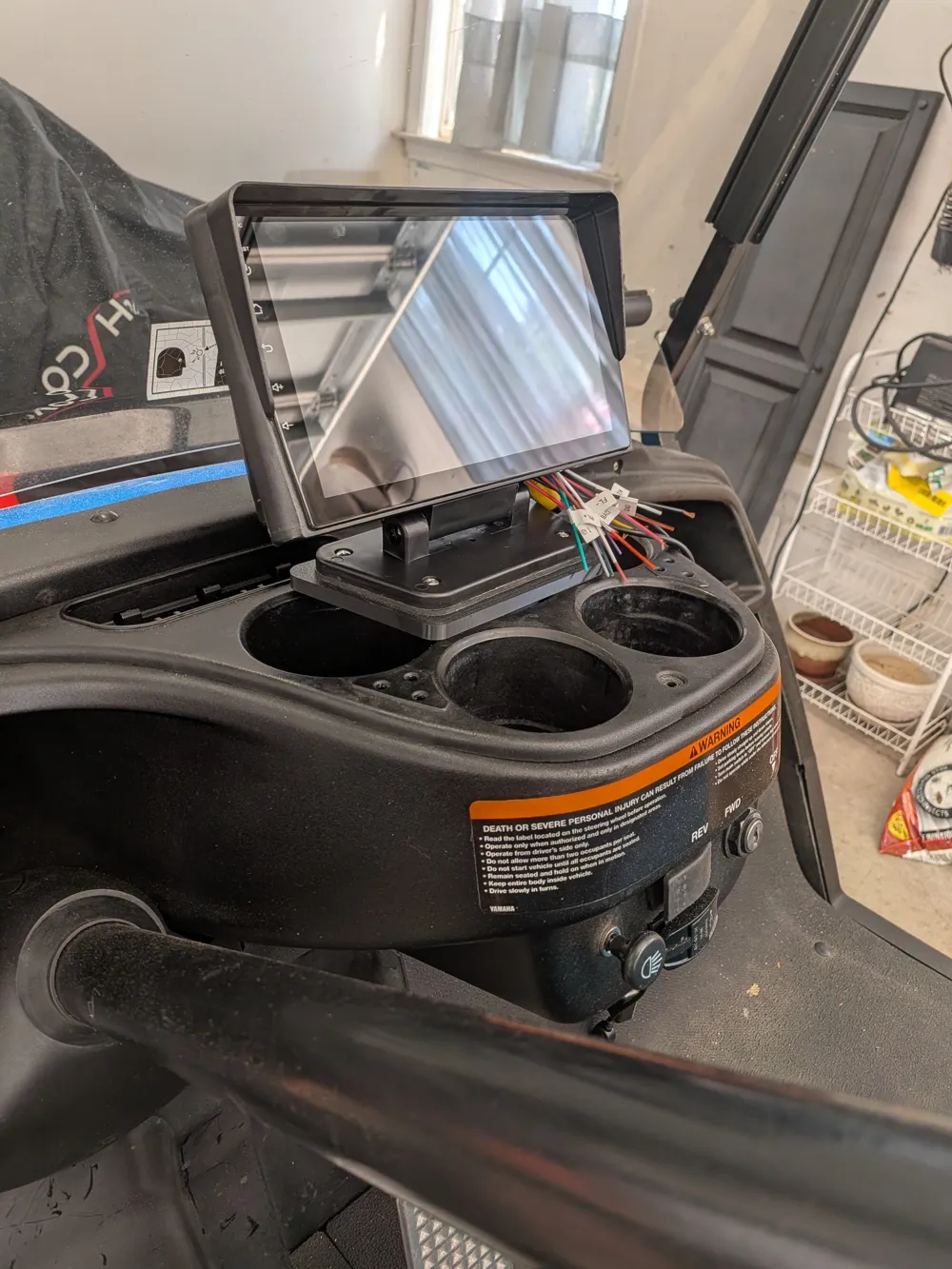
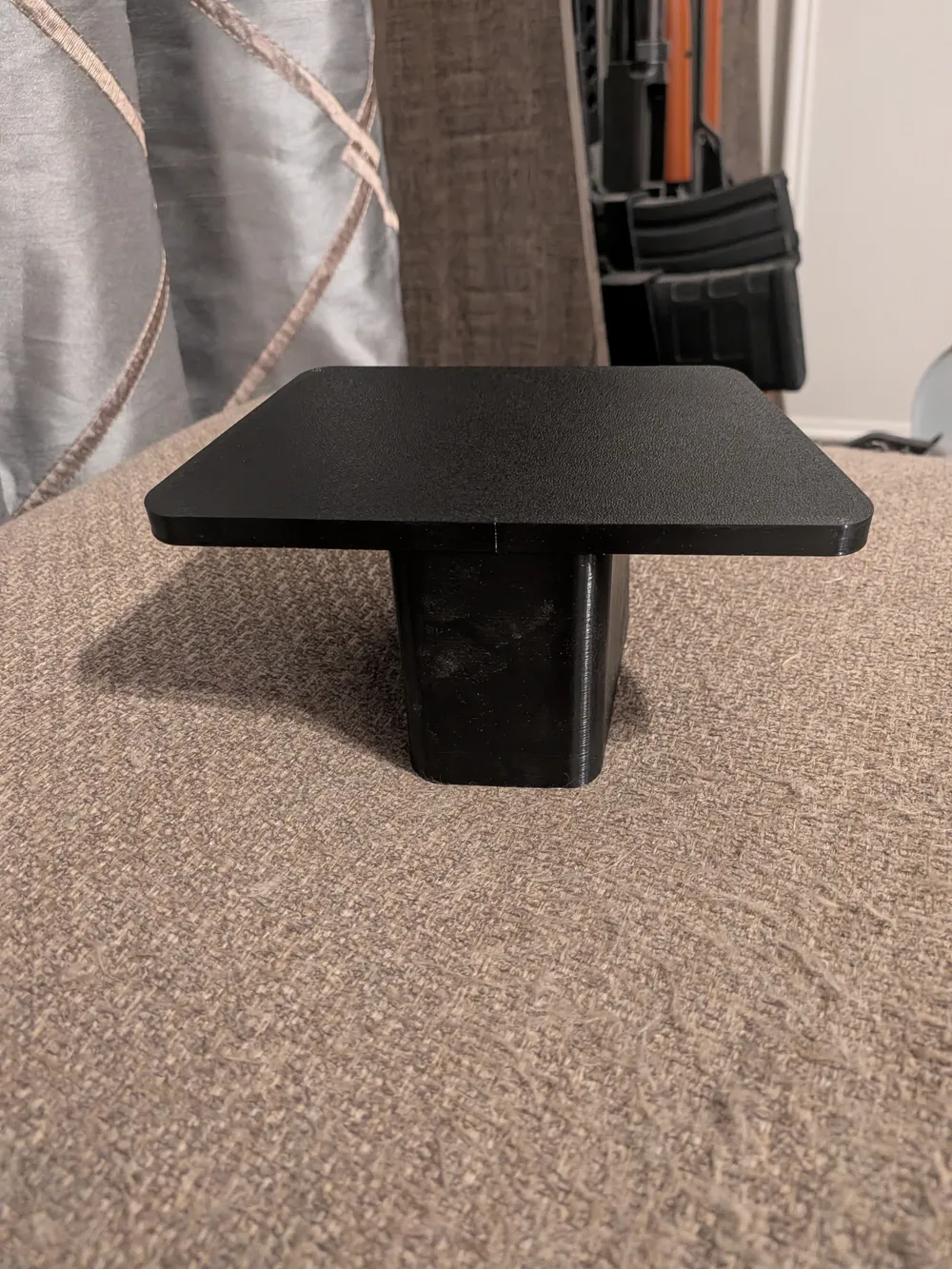
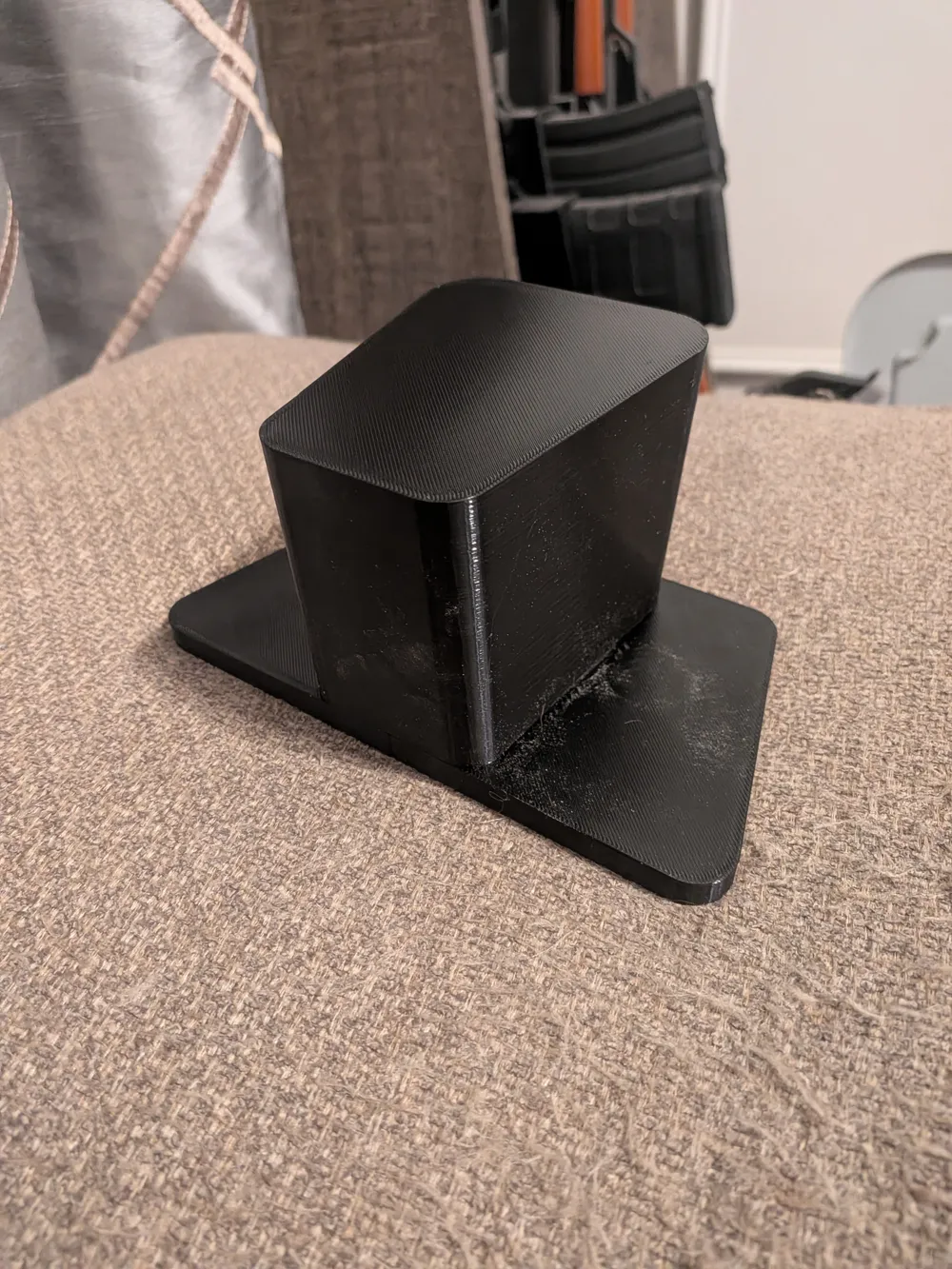
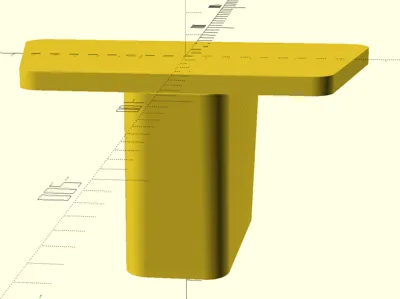
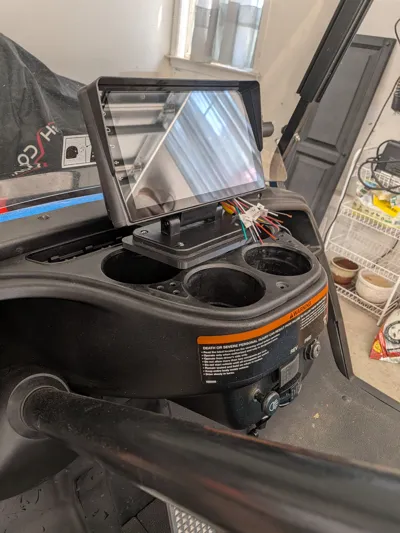
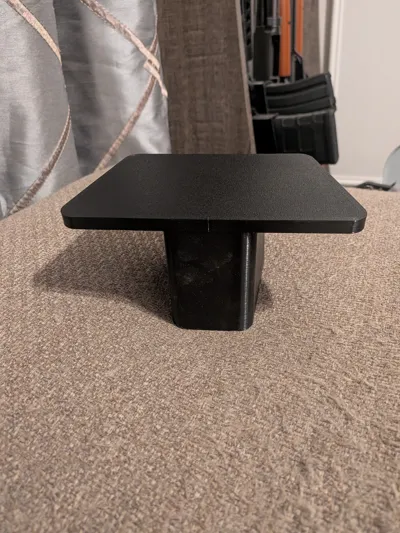
This is a high-strength, customizable OpenSCAD-generated mounting base designed for the Yamaha G29 Drive. Featuring an integrated, solid vertical anchor that transitions into a wide base plate, this model is built to handle heavy loads—like radio head units, tablets, or custom control panels—without shaking or bowing. The vertical drop-in insert features an engineered variable-radius geometric loft that tapers down to a closed top end, ensuring a tight, rattle-free wedge fit inside receiving sockets.
Key Design Features
- Internal BB Ballast Chambers: Features dual hidden, completely sealed internal chambers designed to be filled with metal BBs or lead shot during the print process. This adds massive physical weight/ballast directly into the neck of the insert to stabilize heavy gear.
- Integrated 3mm Step-Up Junction: The front base of the insert includes an extra 3 mm vertical extension wedge right at the plate line, providing crucial clearance and a robust mounting shelf for faceplates or brackets.
- Structural Fusion Overlap: The vertical column sinks 2 mm directly into the 8 mm thick base plate before merging, ensuring the slicer prints them as a single continuous piece of plastic with zero weak shear lines.
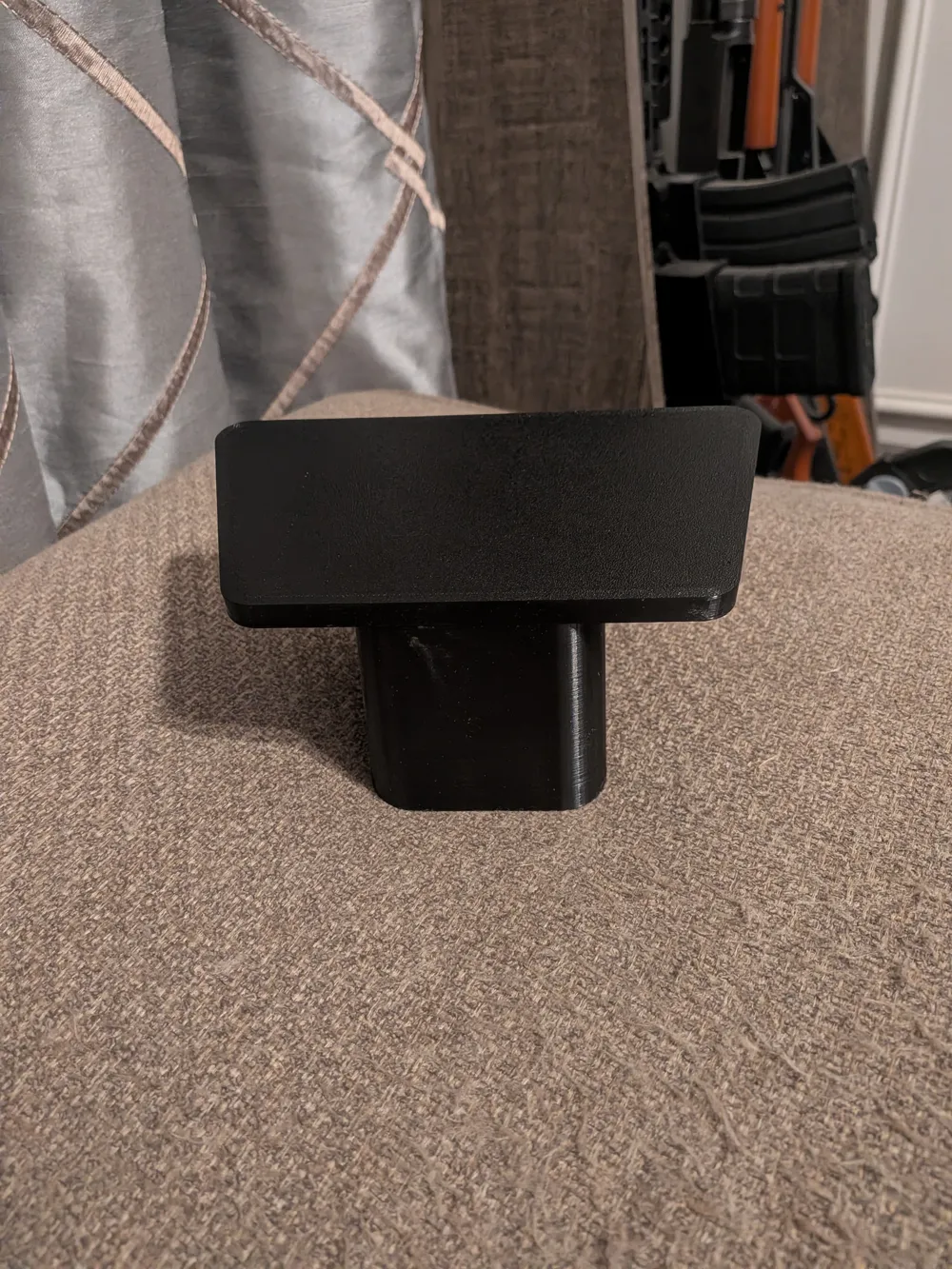
- Forward Lean: The top surface features a subtle 4 mm forward-leaning slope, perfect for optimizing viewing angles.
- Fully Parametric: Render the combined assembly, just the base plate (plate_only), or just the wedge (insert_only) depending on your staging setup.
Print Settings & Recommendations
- Material: PETG, ASA, or ABS are strongly recommended for automotive interior use to prevent warping under high heat.
- Walls/Perimeters: 4 to 6 perimeters minimum.
- Infill: 30% to 50% Gyroid or Grid infill for heavy structural density.
- Supports: No supports needed inside the internal chambers. Standard external supports can be used if desired for the plate overhangs.
🛠️ How to Add Mid-Print BB Ballast (Crucial Steps)
The internal cavities are completely sealed from the top and bottom. To fill them with weight during printing:
- Slice the model in your preferred slicer (Bambu Studio, OrcaSlicer, etc.).
- Locate the layer height right before the chamber roofs start closing. At default values, this is exactly 80.0 mm of absolute print height (including the plate).
- Add a "Pause at Height" (or Pause at Layer) command at Z = 79.5 mm or 80.0 mm in your slicer.
- When the printer pauses, carefully pour your metal BBs or lead shot into the two open pockets.
- (Optional Tip) Add a small drizzle of hot glue or epoxy over the BBs to coat them. This permanently stops them from rattling or vibrating when driving.
- Resume the print to let the printer completely cap off the chambers and finish the sloped roof!
Configuration Dimensions (Current Defaults)
- Total Base Plate Size: 129.5 mm (Front Width) x 175.5 mm (Back Width) x 92.7 mm (Depth) x 8 mm (Thickness)
- Insert Depth: 80 mm main shaft + 3 mm front step base extension.
- Ballast Chambers: Dual chambers, 26 mm (W) x 14 mm (D) x 24 mm (H) each.
License

This user content is licensed under a
Creative Commons Attribution-Noncommercial


Comment & Rating (0)