
Print Profile(1)
Bill of Materials


- esp32 x 1:
Description
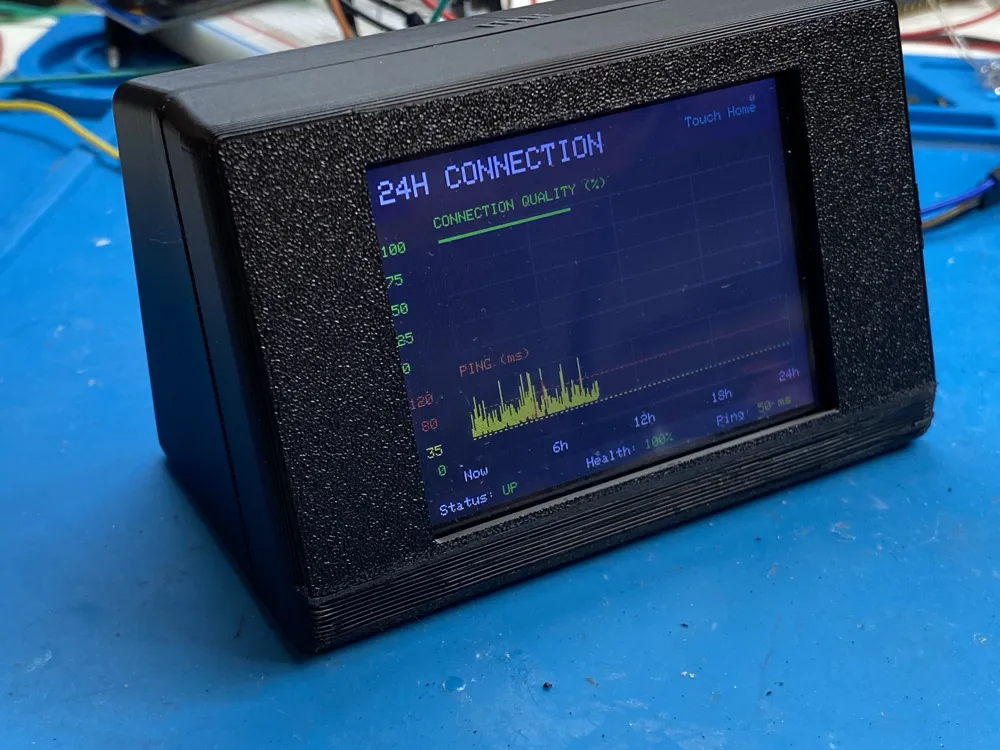
🌐 Internet Connection Monitor 24H
The project that finally proved my Internet provider was wrong.
Have you ever had random Internet dropouts that magically disappeared every time the technician arrived?
I did.
For almost three weeks my Internet connection kept randomly disconnecting. Video calls froze, downloads stopped, smart home devices went offline... but every time I called my ISP the answer was always the same:
"Everything looks perfect from our side."
And of course...
When the technician came to my house...
The connection was perfect.
So I decided to build something that could monitor my Internet connection 24 hours a day, collect real data, and prove what was really happening.
That is how this project was born.
After a few days of continuous monitoring, the graphs clearly showed that the connection randomly died for short periods before automatically recovering.
Those historical logs finally convinced the provider to investigate further.
The real culprit?
A faulty modem/router that randomly crashed and reconnected.
Three weeks of frustration...
Solved thanks to a tiny ESP32.
What does it do?
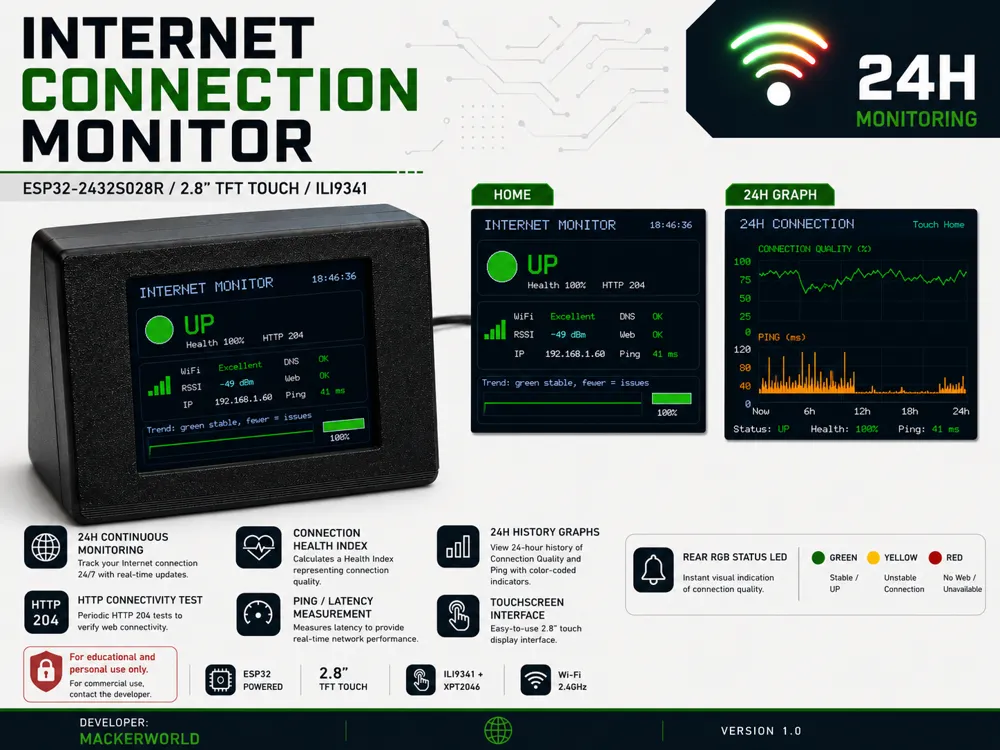
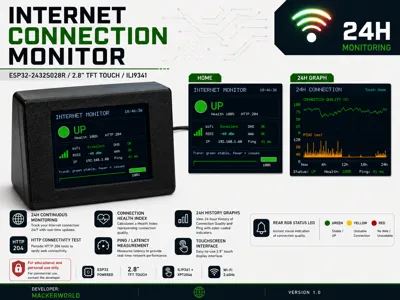
This standalone monitor continuously checks your Internet connection without requiring a PC.
It periodically performs:
✅ HTTP connectivity tests
✅ Ping / Latency measurements
✅ Wi-Fi RSSI monitoring
✅ Connection Health calculation
✅ 24-hour historical logging
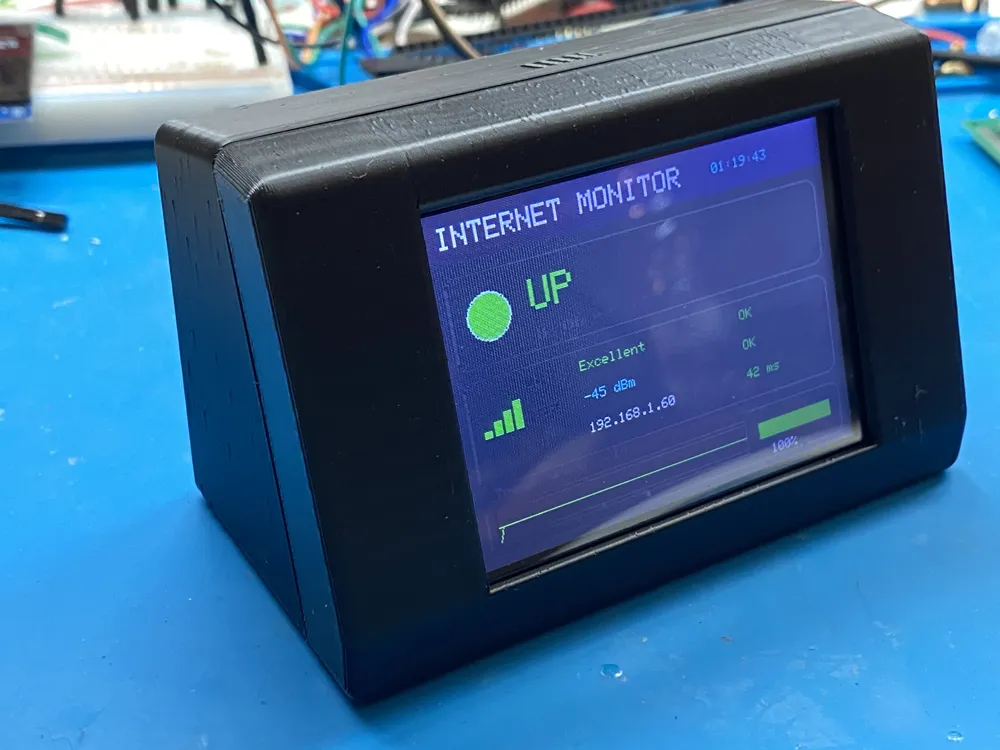
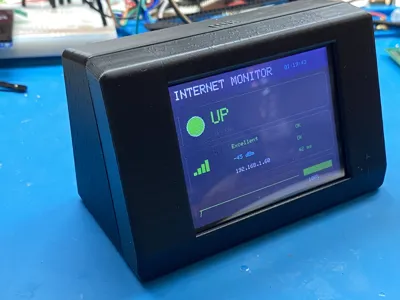
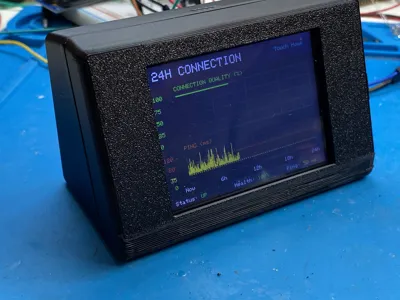
Everything is displayed on a beautiful touchscreen interface.
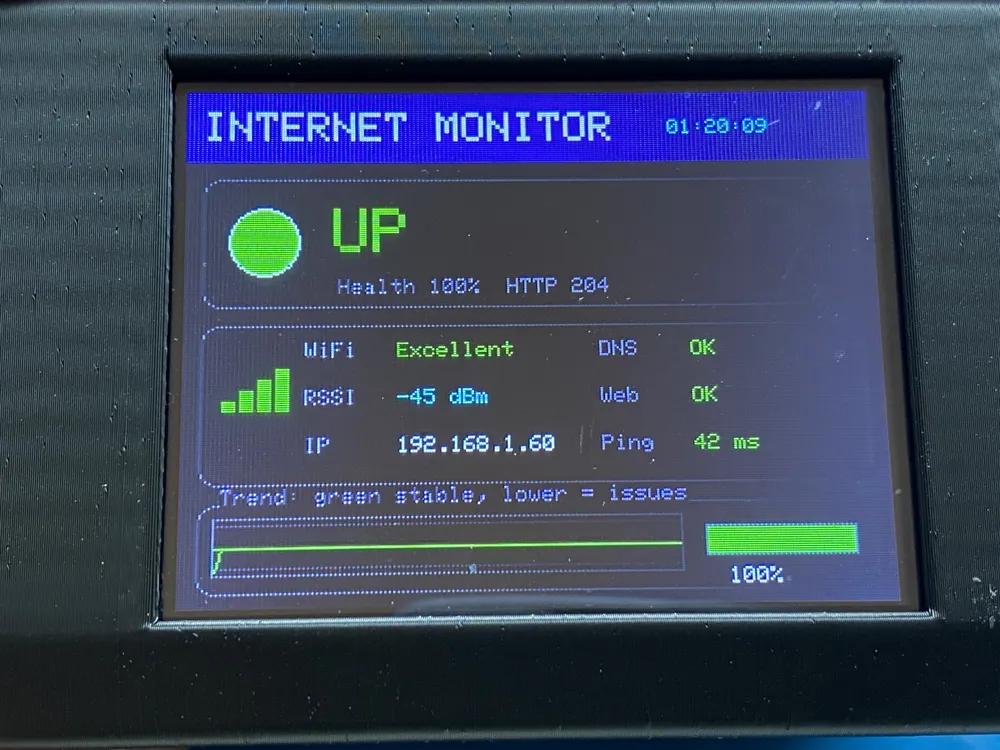
HOME Screen
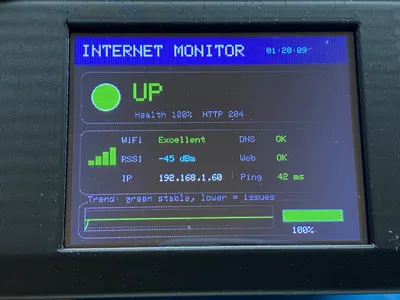
The main page always shows:
- Internet status (UP / UNSTABLE / DOWN)
- Connection Health (%)
- HTTP Connectivity
- Network Latency (Ping)
- Wi-Fi Signal Strength (RSSI)
- IP Address
- Immediate RGB status indication
24-Hour History
Touch the display to open the historical graphs.
You can instantly see:
- Internet quality over the last 24 hours
- Ping history
- Connection stability
- Drops and recovery events
Sometimes a connection that "looks fine" at the exact moment you're checking it tells a completely different story over an entire day.
And that's exactly the purpose of this project.
RGB Status LED
The rear RGB LED lets you understand the connection status from across the room.
🟢 Green → Stable connection
🟡 Yellow → Unstable connection
🔴 Red → Internet unavailable
No need to look at the display.
Hardware
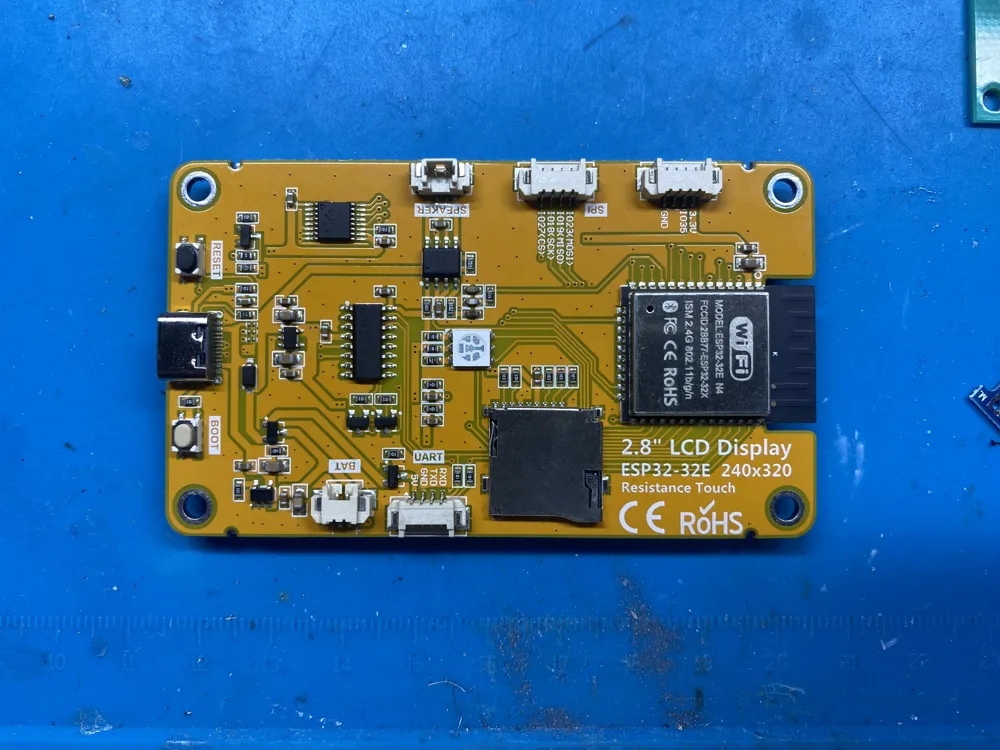
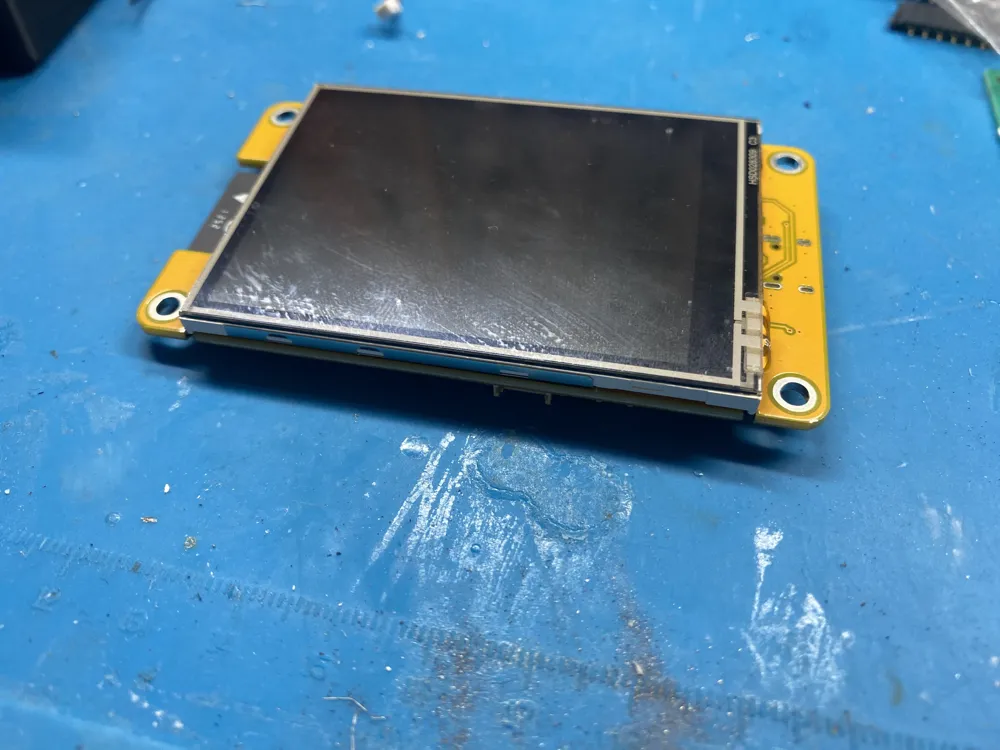
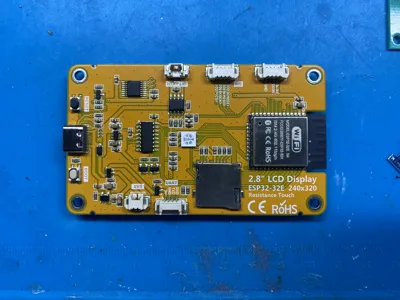
- ESP32 Cheap Yellow Display (ESP32-2432S028R)
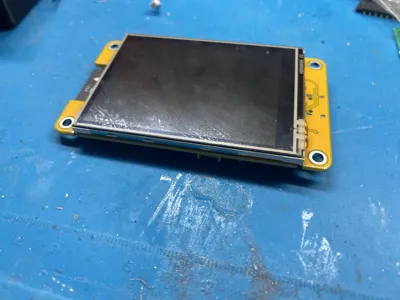
- 2.8" ILI9341 Touch Display
- XPT2046 Touch Controller
- Integrated RGB Status LED
Why I decided to share it
Someone else is probably experiencing the exact same problem I had.
Instead of arguing with your provider...
collect the data.
Numbers and graphs are much harder to ignore than words.
If this project helps even one person solve an "impossible" Internet problem, then it has already achieved its purpose.
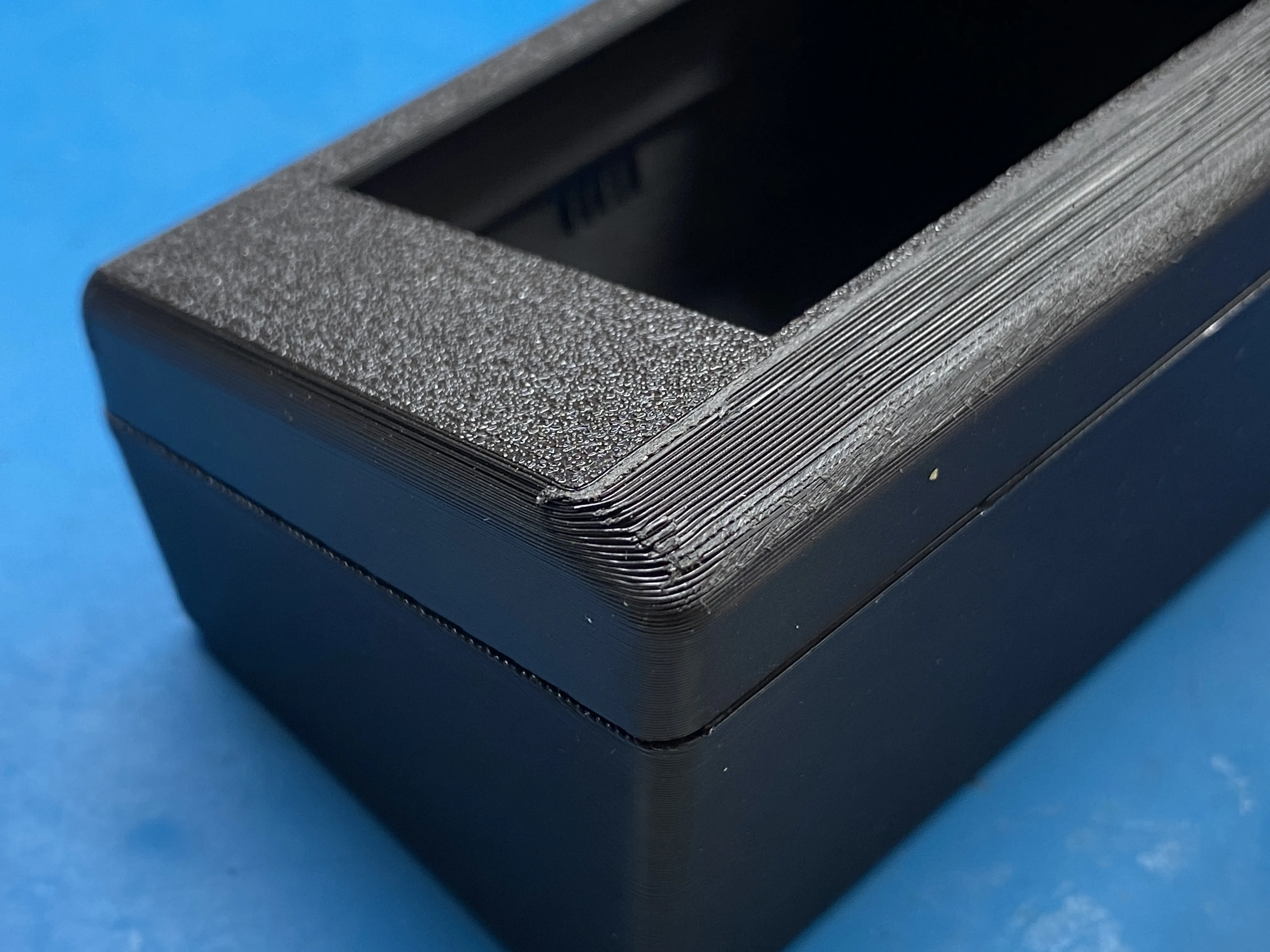
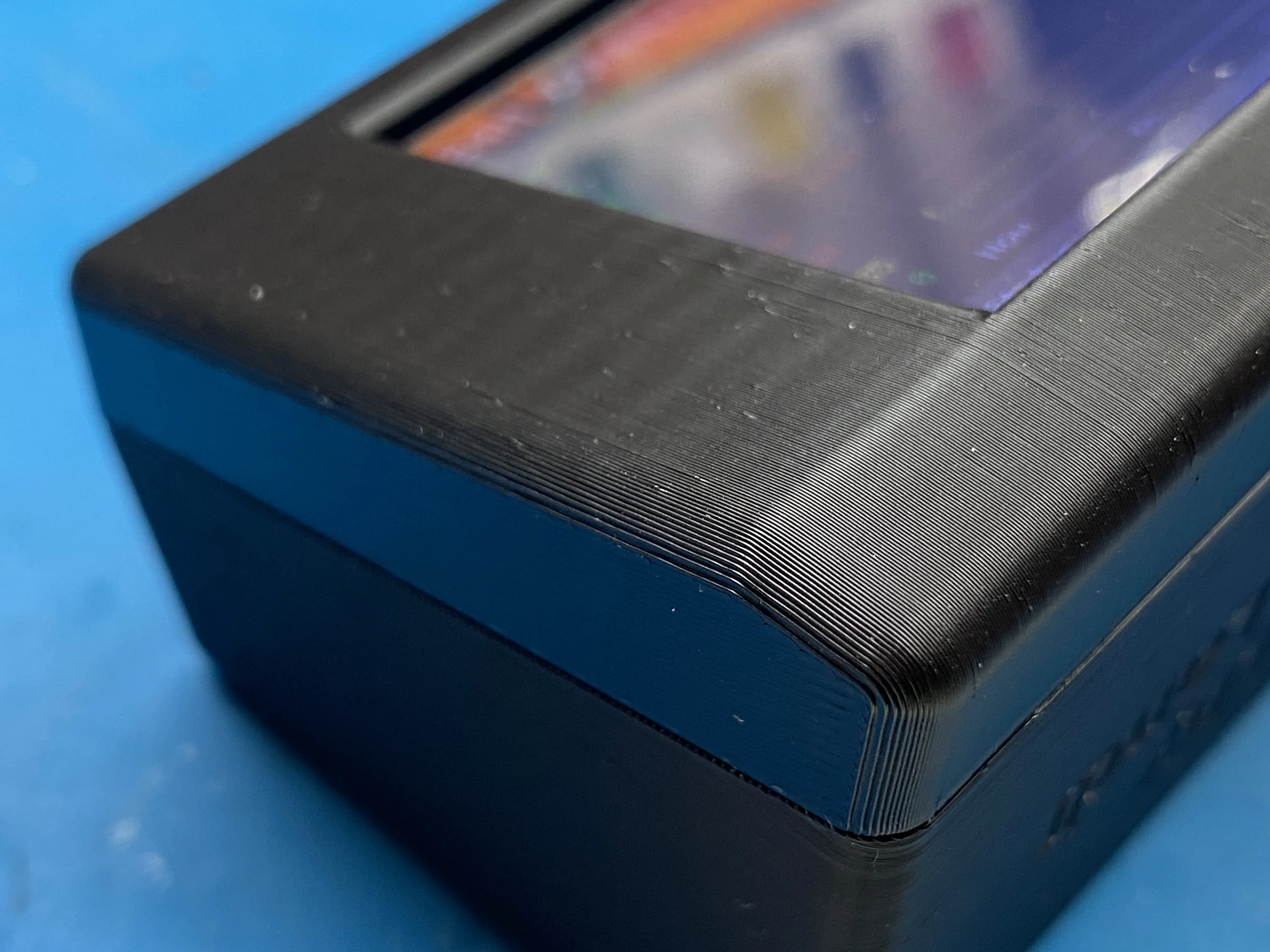
Printing Tips
For the best visual result:
- Print the front panel vertically.
- This produces a much smoother curved surface below the display.
PETG is recommended for better temperature resistance, although PLA also works well indoors.
Source Code
The complete Arduino (.ino) project is included.
You are welcome to study, modify and build this project for:
- Personal use
- Educational purposes
- Learning and experimentation
Commercial use is not permitted.
If you wish to manufacture, sell, or integrate this project into a commercial product, please contact me first.
⭐ If this project helped you troubleshoot your Internet connection, please consider leaving a Like, Download, Boost or Make. It really helps support future open-source ESP32 projects!
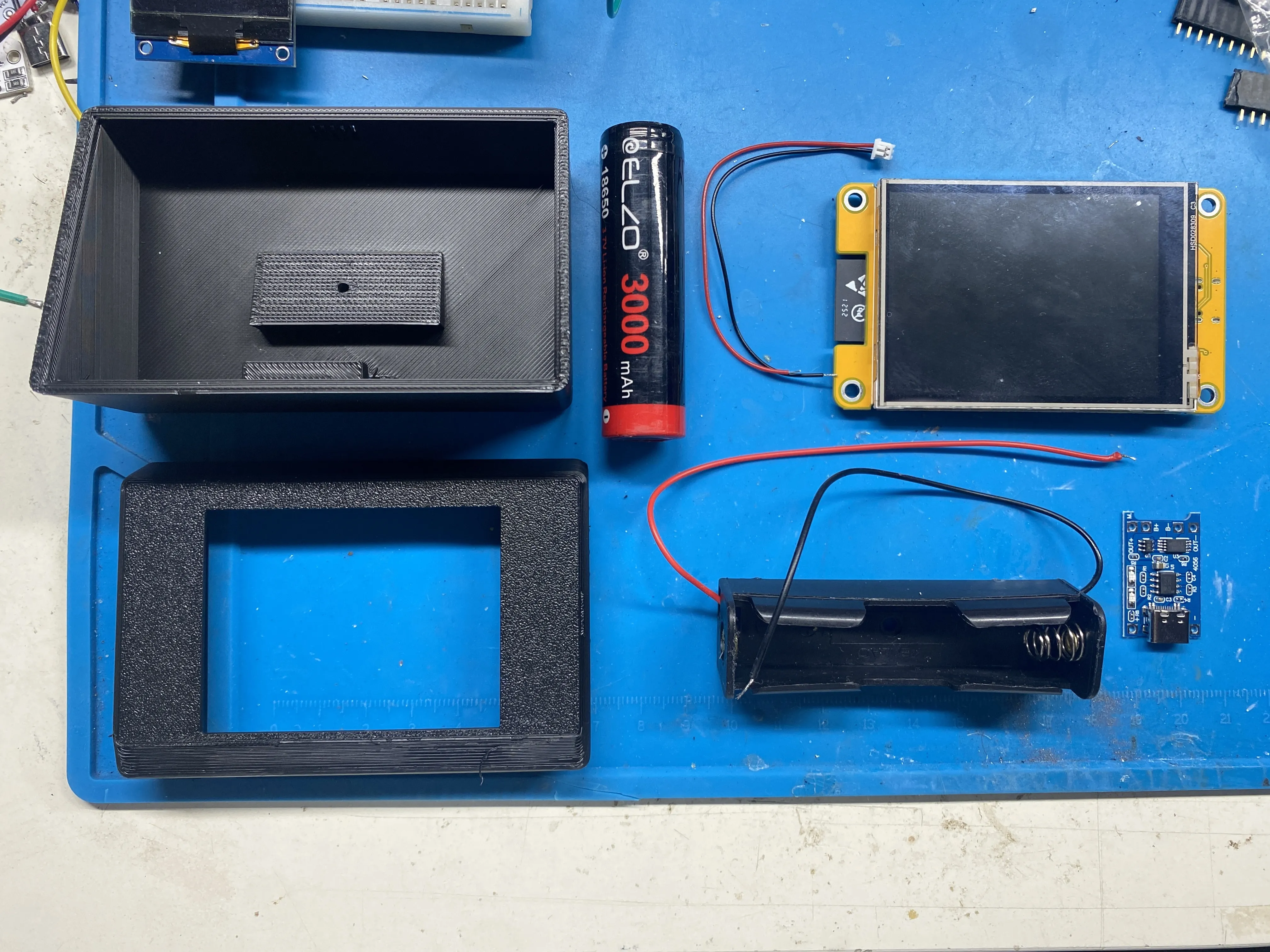
🛠 Required Components
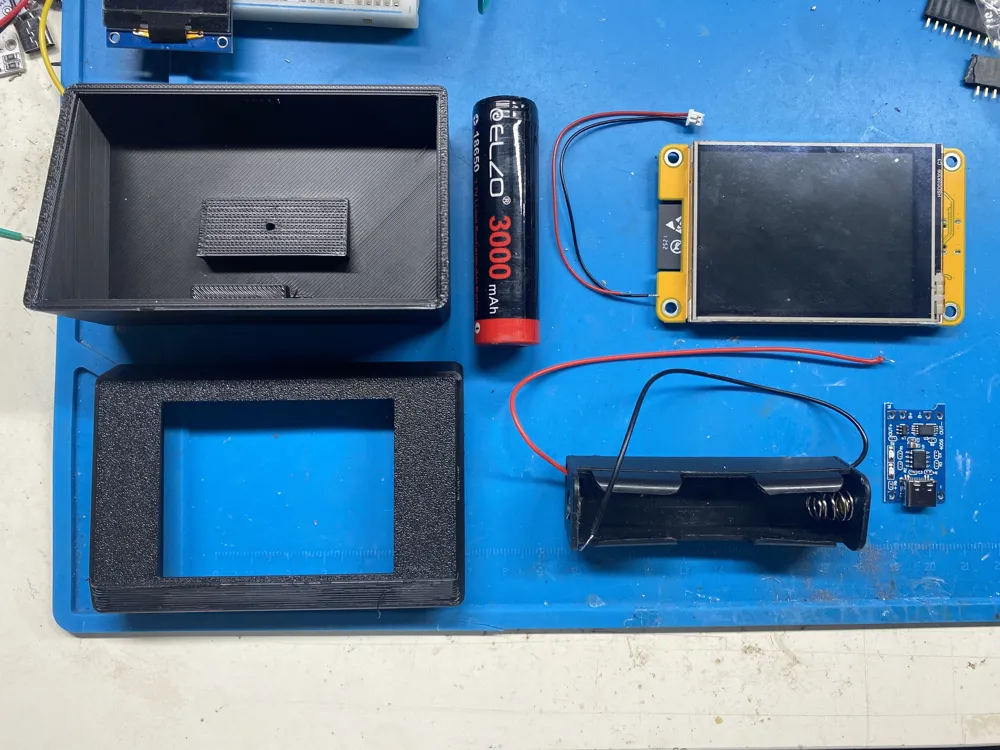
To build this project you will need:
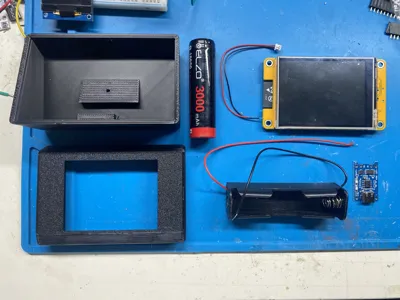
- 1× ESP32-2432S028R (Cheap Yellow Display - 2.8" TFT Touch Display)
- 1× TP4056 Li-Ion Battery Charging Module (USB-C or Micro-USB version)
- 1× 18650 Li-Ion Battery
- 1× 18650 Battery Holder
- 5× M3 × 6 mm Screws
- 1× JST 2-Pin Mini Connector (usually included with the ESP32 Cheap Yellow Display board)
🧰 Assembly
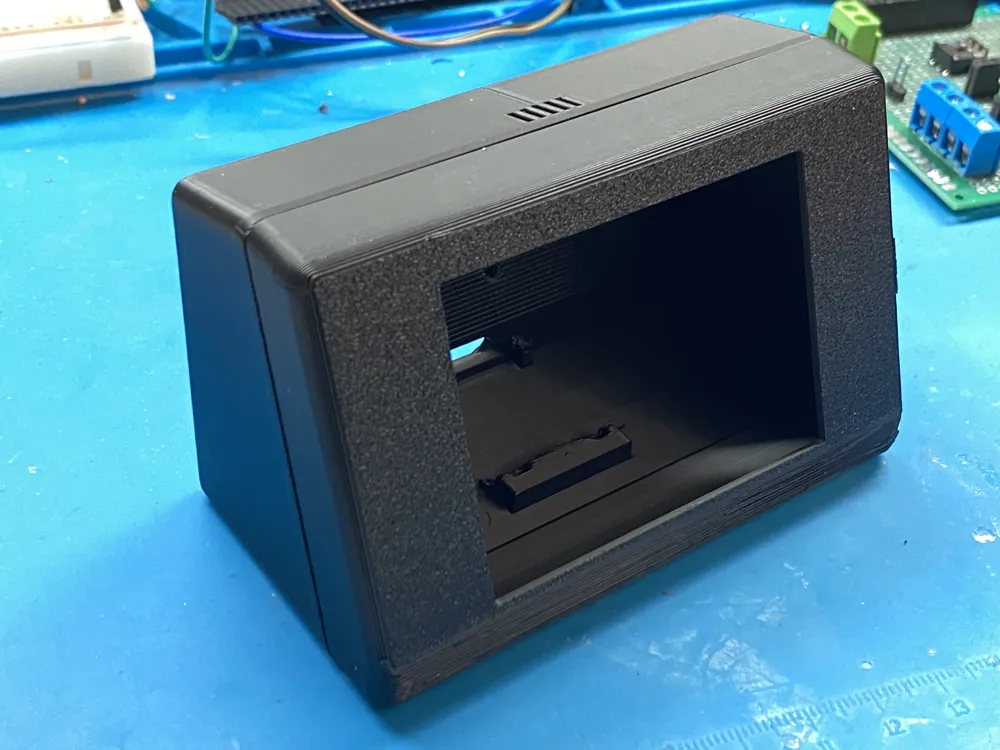
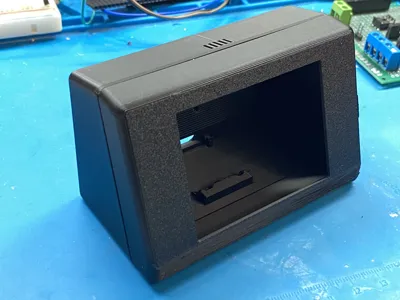
The enclosure has been designed with snap-fit joints, so no screws are required to assemble the case itself.
The only screws needed are the five M3×6 mm screws used to secure the electronic components inside the enclosure.
Only basic soldering skills are required to complete the project.
📦 What's Included
- Printable enclosure (3MF / STL)
- Arduino source code (rename the .txt in .ino)
- Complete assembly-ready design
- Educational documentation
The template you downloaded is free; if you encountered any difficulties, please let me know and I will try to resolve them.
Thanks!
Boost Me (for free)
If you enjoyed this model and it helped your project, consider giving it a Boost! 🚀
Your support really helps me create more free designs for the community.
Some boards use the ST7789 display driver, while others use the ILI9341.
Download the version for your display or if it doesn't work,
just try the other one ^_^
Documentation (4)
License

You shall not share, sub-license, sell, rent, host, transfer, or distribute in any way the digital or 3D printed versions of this object, nor any other derivative work of this object in its digital or physical format (including - but not limited to - remixes of this object, and hosting on other digital platforms). The objects may not be used without permission in any way whatsoever in which you charge money, or collect fees.


Comment & Rating (10)