Search models, users, collections, and posts

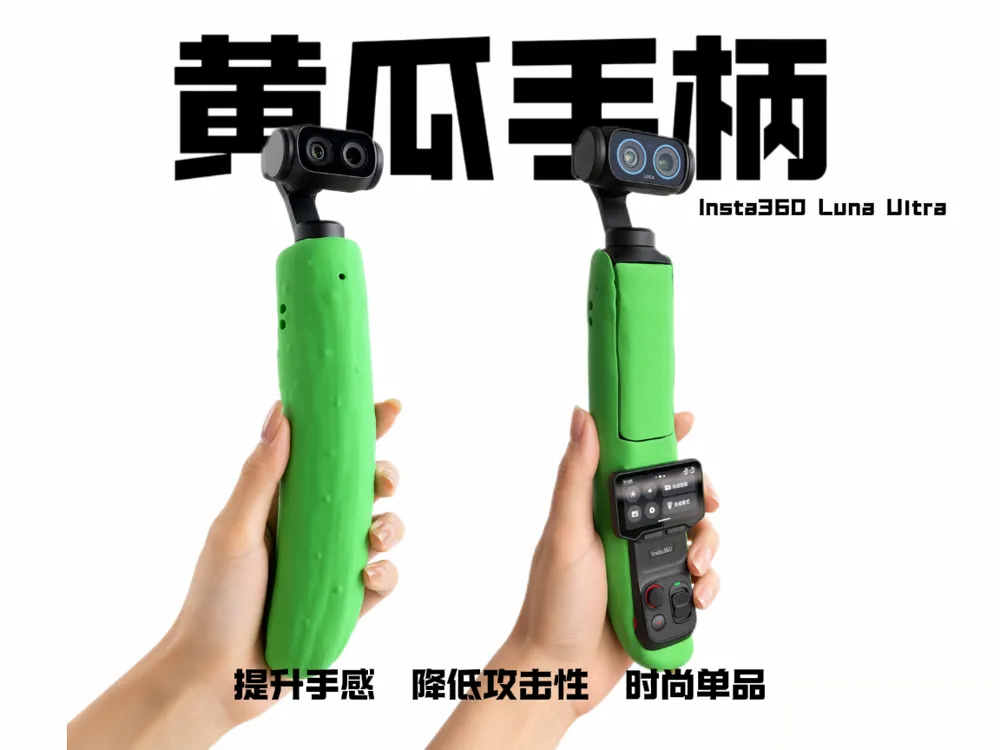
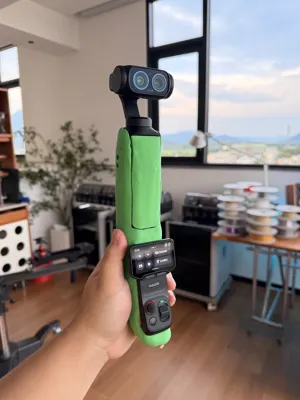
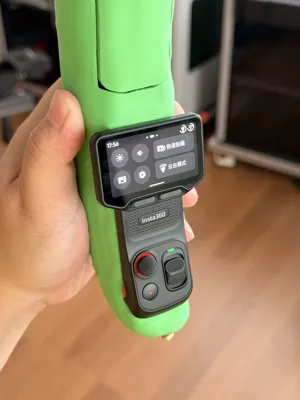
Insta360 Luna Ultra Cucumber Handle Shell | Reduce Aggressive Appearance, Enhance Hand Feel, Selfie Grip
IP Report
Print Profile(1)
0.16mm layer, 2 walls, 15% infill
Designer
5.3 h
2 plates
Open in Bambu Studio
Boost
1
0
0
0
1
0
Released
Description
Content has been automatically translated.
Boost Me (for free)
Insta360 Luna Ultra Cucumber Handle Case|Reduce Aggressiveness Enhance Grip Selfie Handle
Introduction
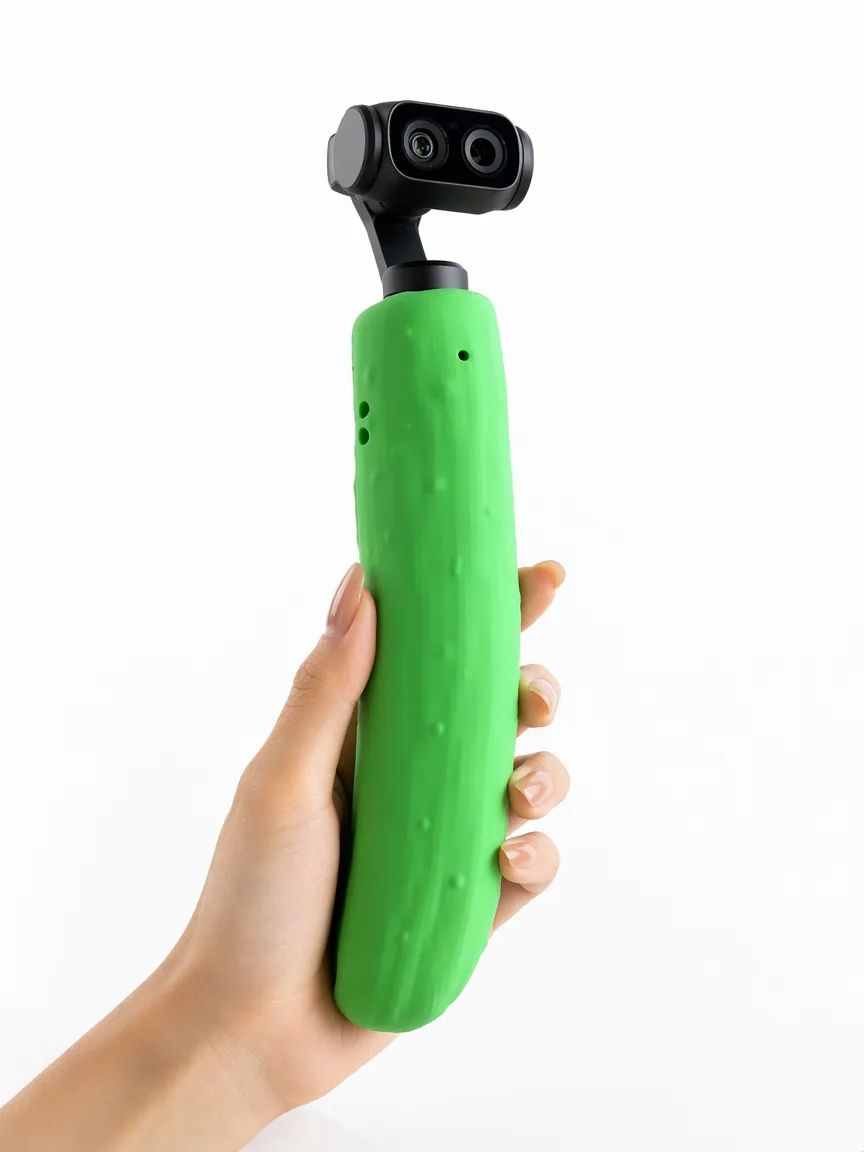
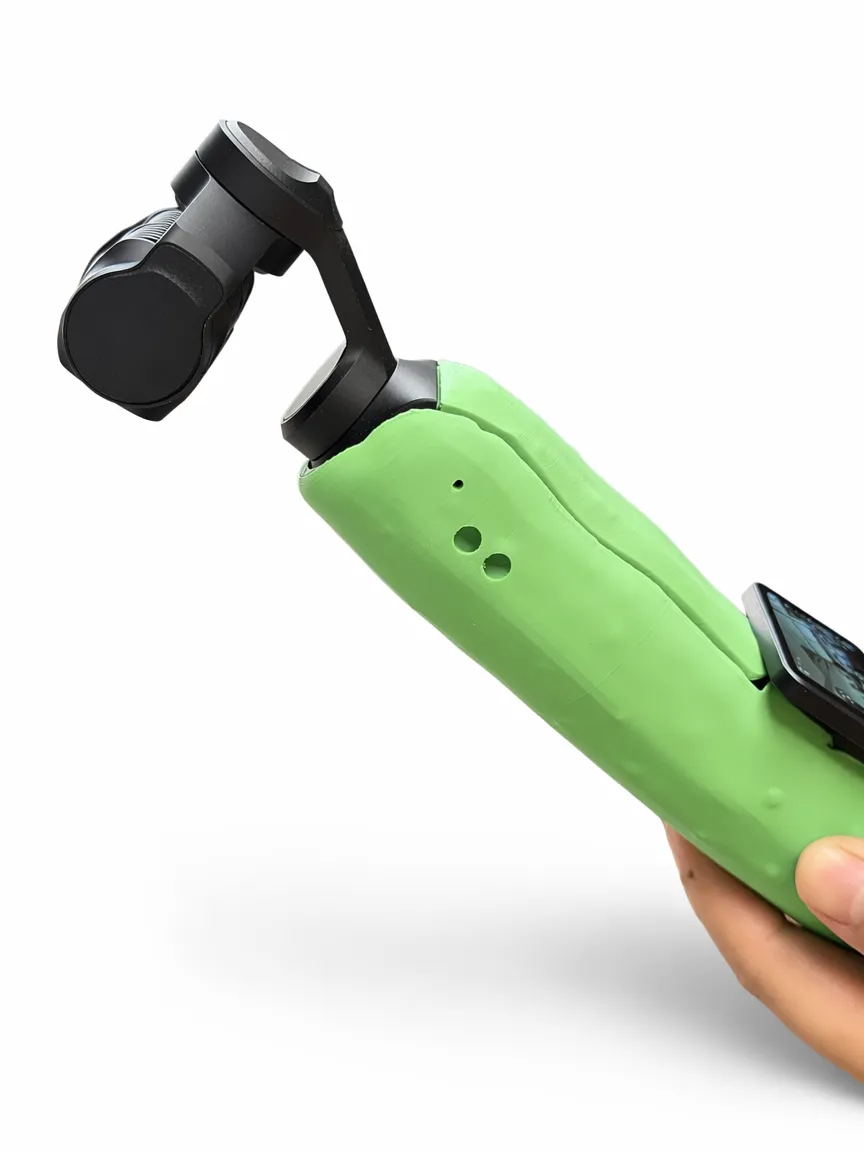
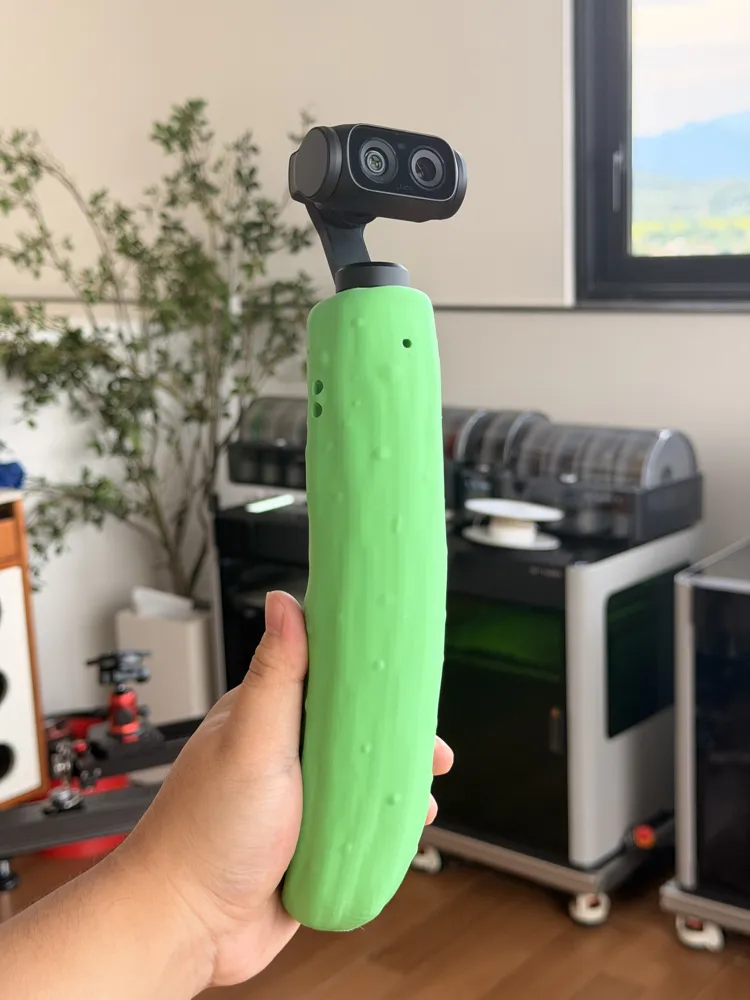
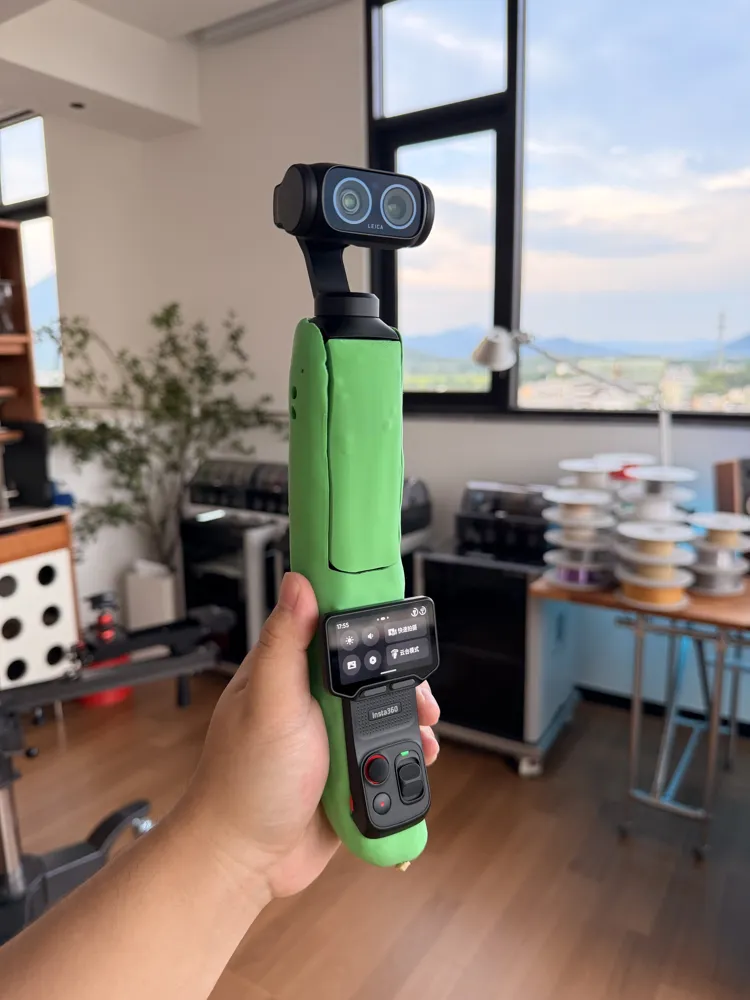
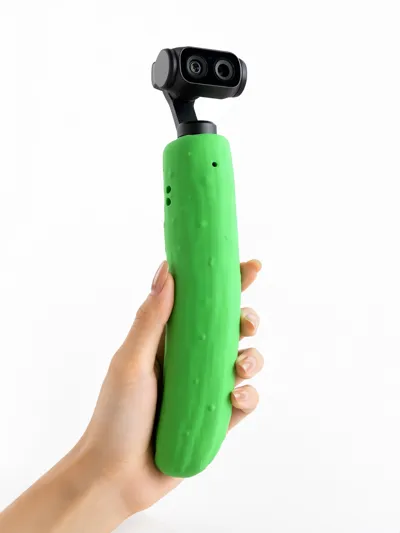
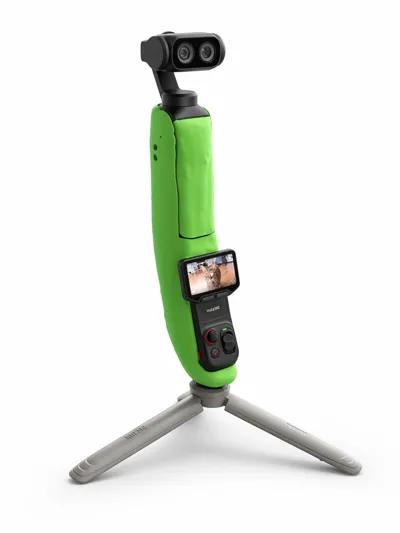
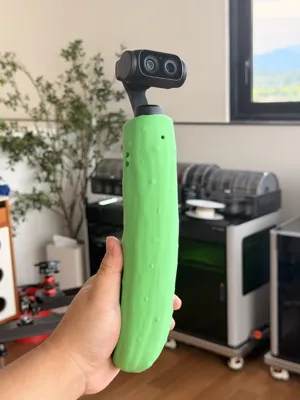
Insta360 Luna's exclusive quirky cucumber handle kit is now available! Following the natural curve of a cucumber, it features a botanical ergonomic design, making it completely unnecessary to awkwardly twist your wrist for selfies. You can find a comfortable shooting angle with a natural arm raise, and the grip feels extremely comfortable.
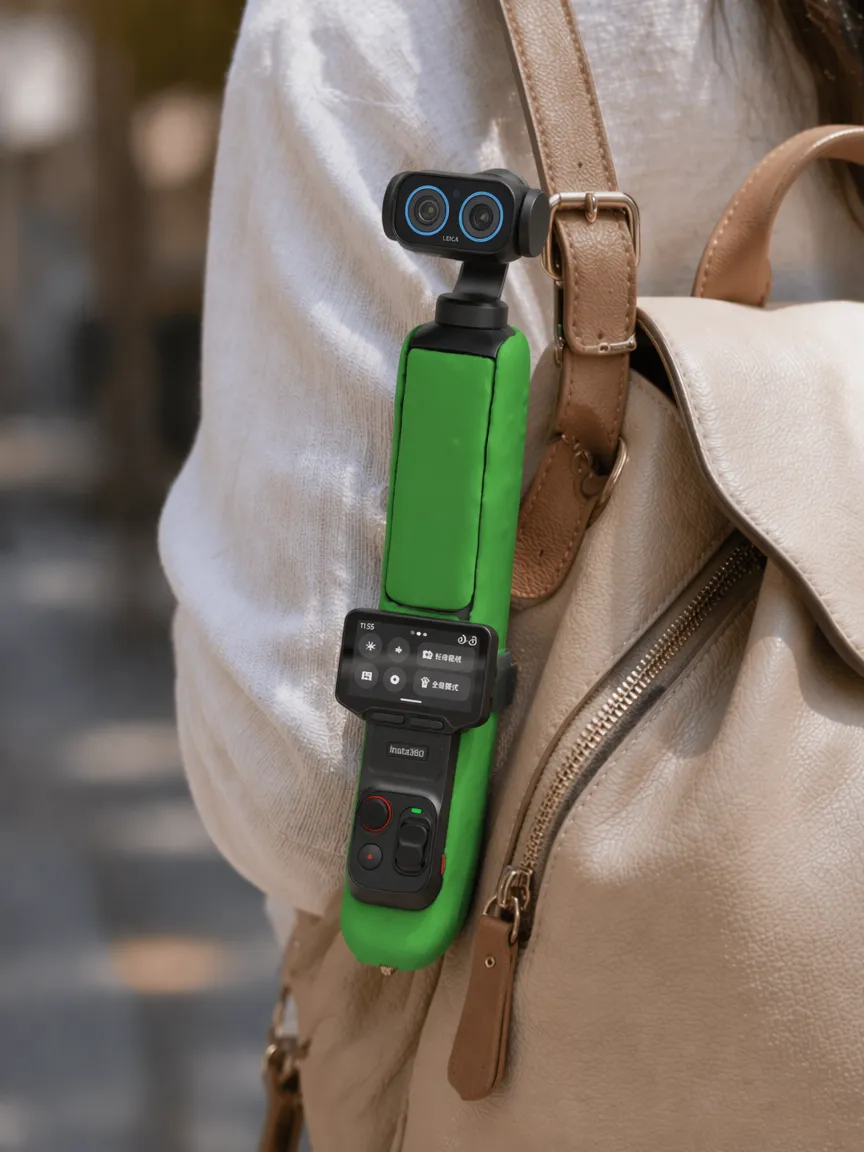
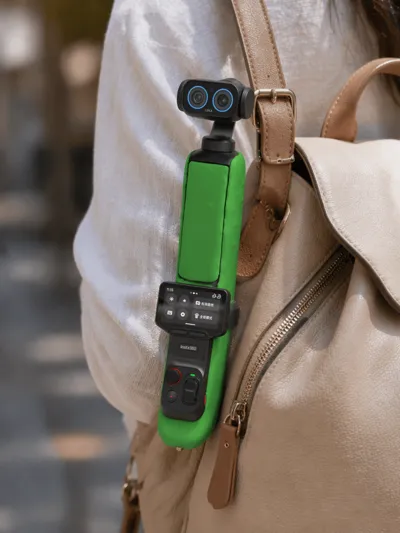
The best part is its full disguise effect. It looks just like a regular cucumber, completely eliminating the impression of a recording device. Whether you're taking selfies on the street, in a store, or in a crowd, others won't even notice you're holding a camera. This significantly reduces bystanders' wariness, allowing socially anxious people to shoot content and record daily life without feeling awkward or self-conscious.
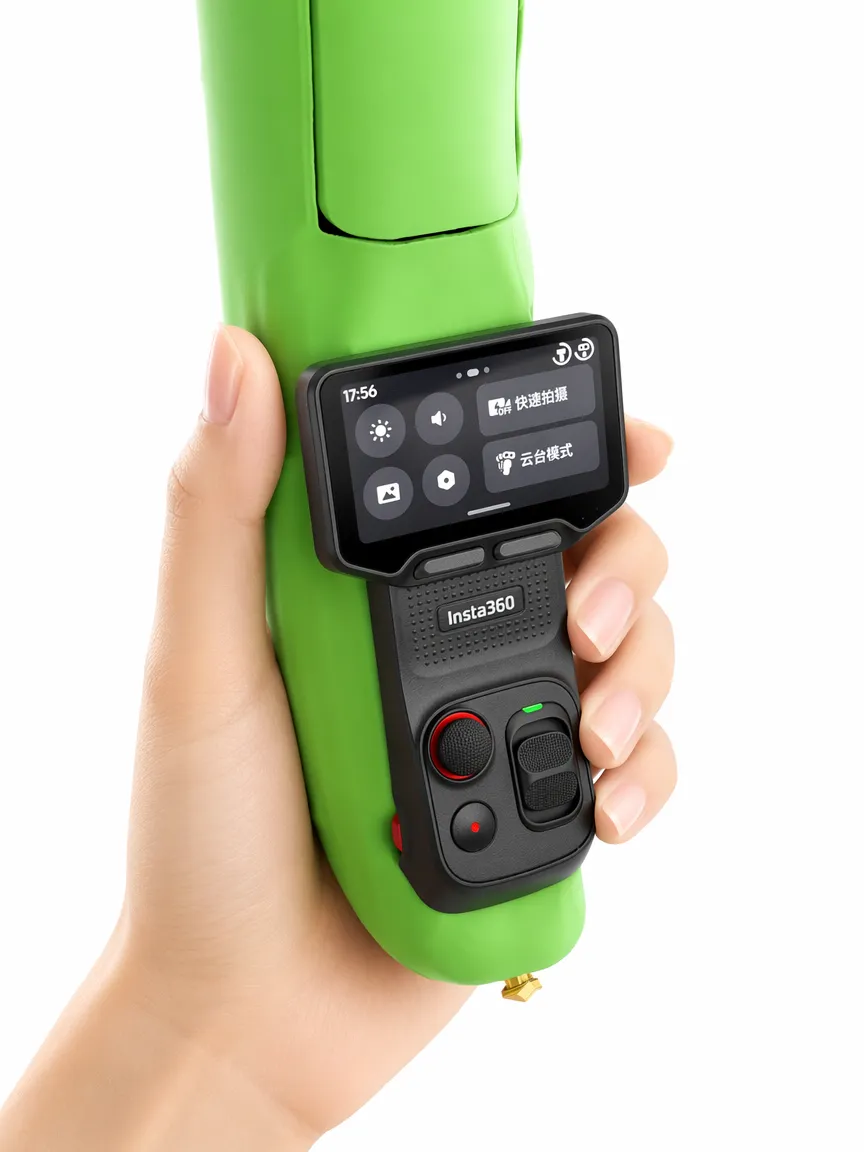
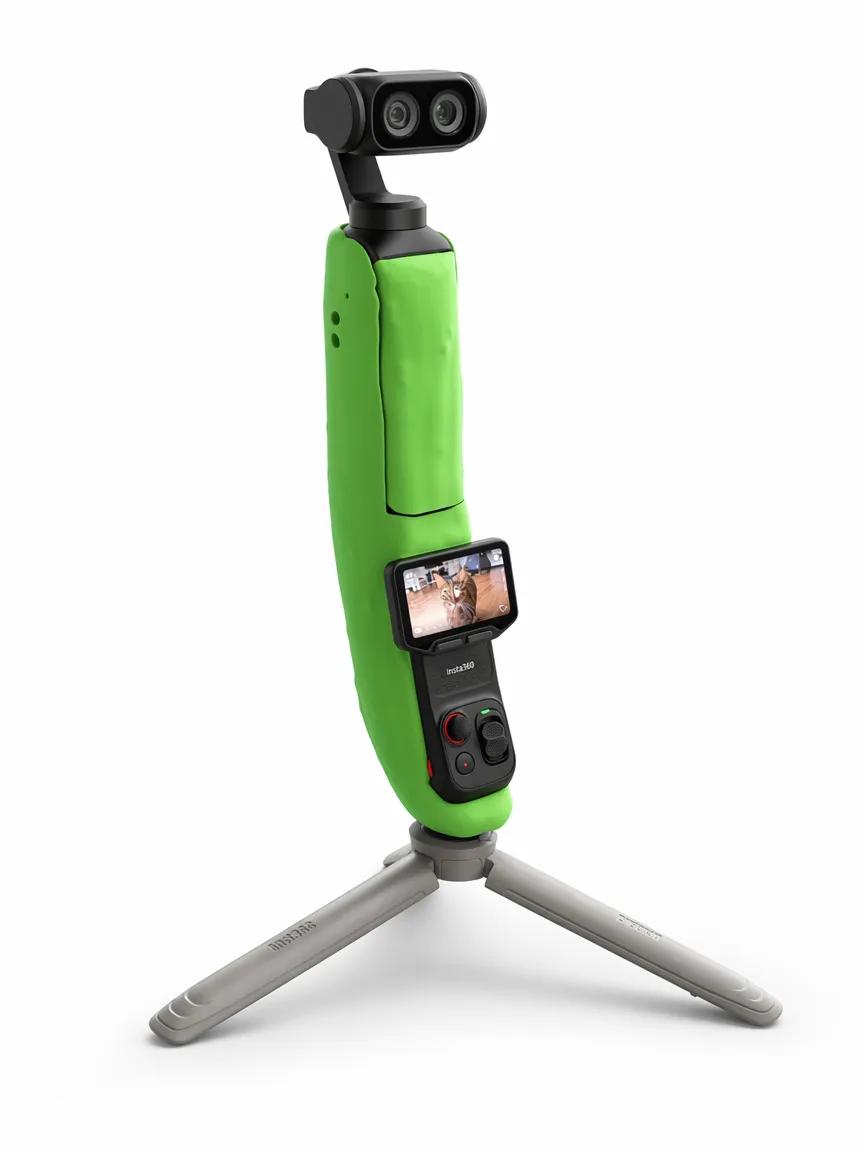
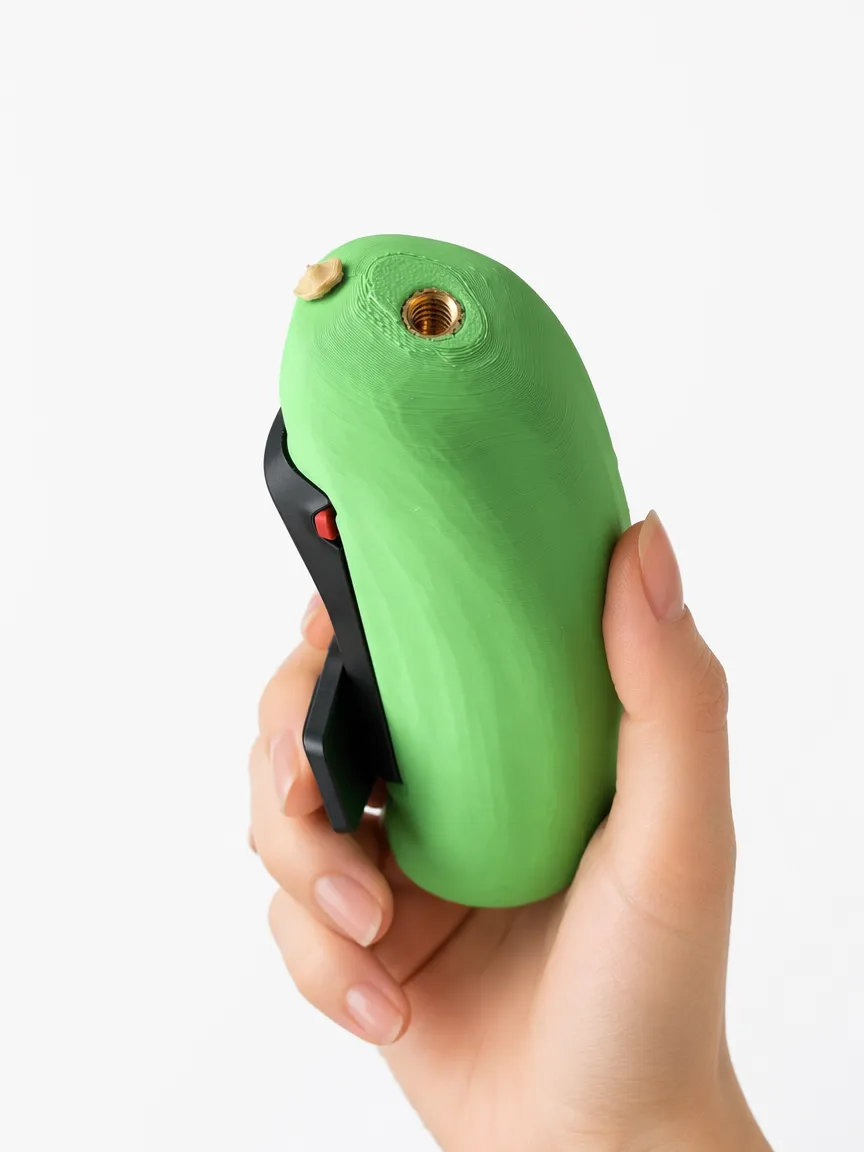
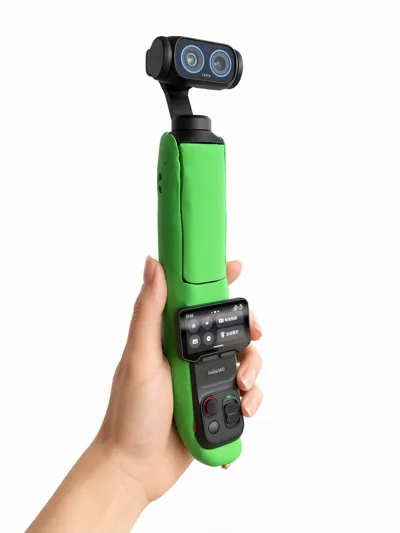
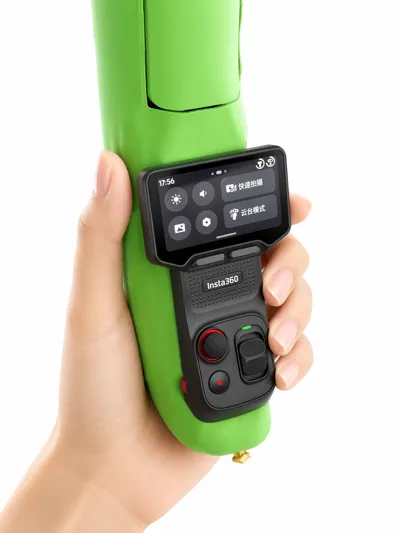
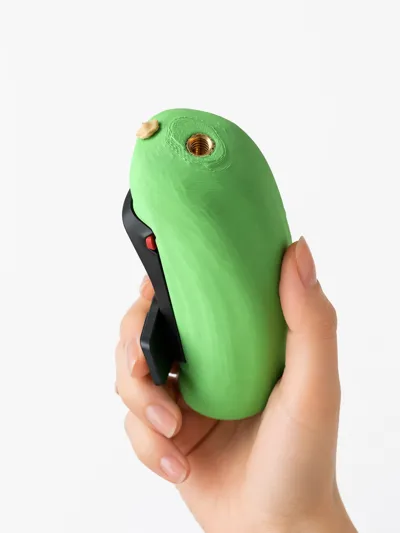
Practical features are also complete, with a built-in 1/4 screw hole at the bottom for easy tripod mounting and stable shooting. The handle has lanyard holes on both sides for use with a wrist strap to prevent the device from slipping. It's a fun disguise plus hardcore practicality, a double win!
Installation Instructions
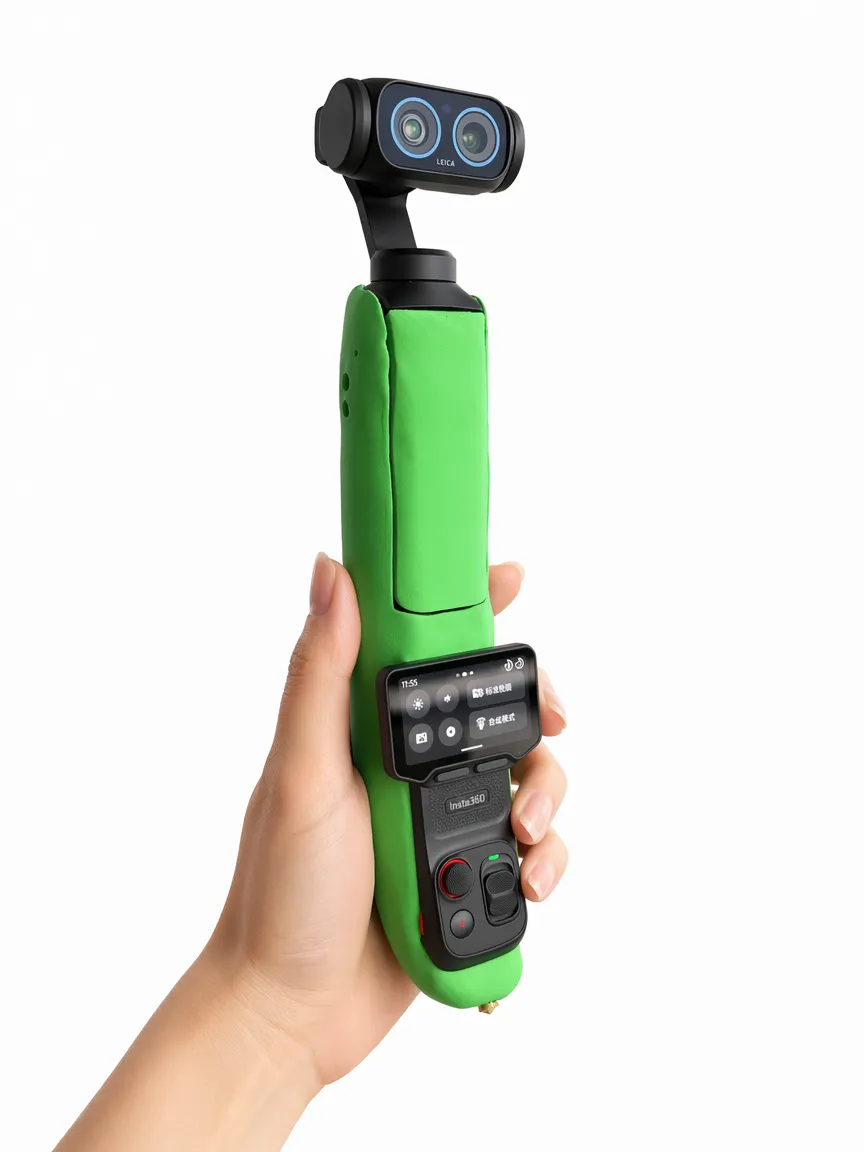
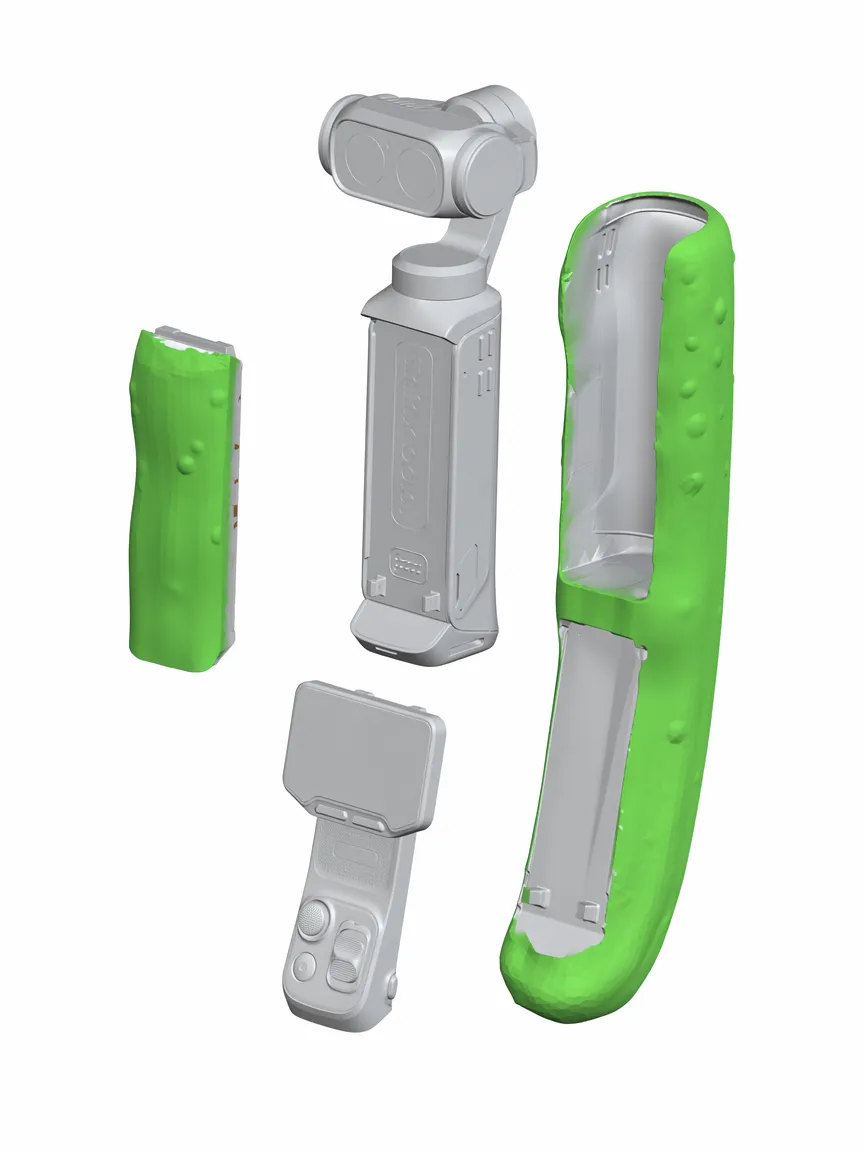
- There are three parts in total a cucumber main body a cucumber cover plate and a cucumber tail
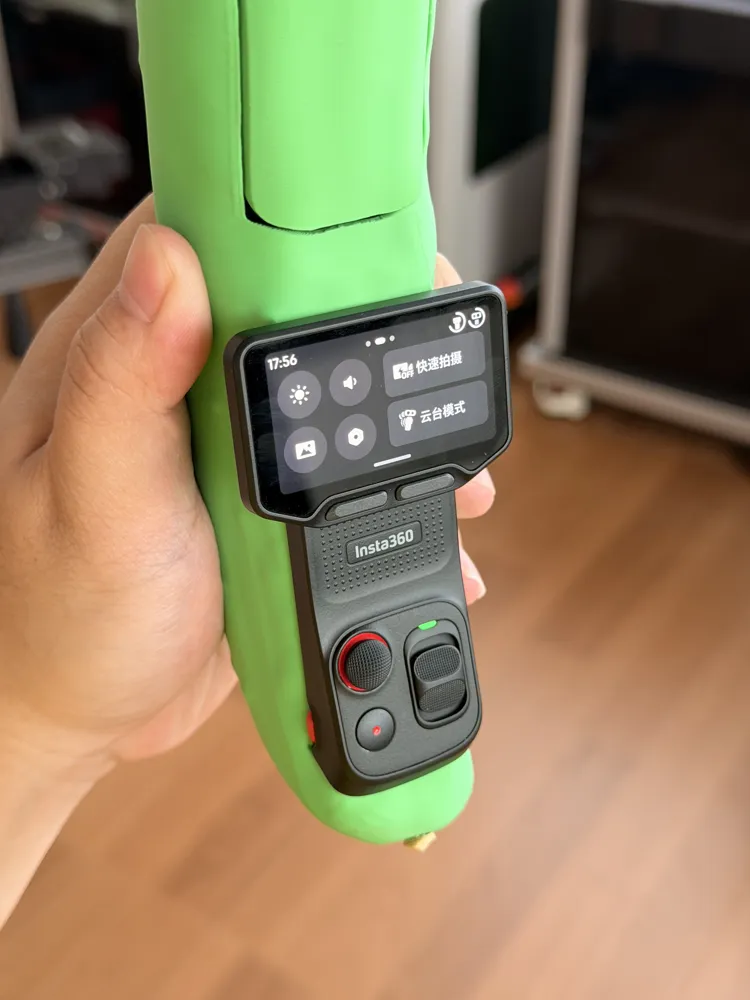
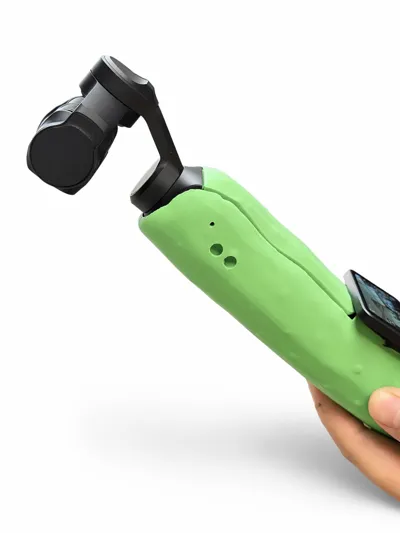
- First, you need to remove the camera's microphone cover, then take off the separate screen, and install it into the screen slot in the lower half. Insert the camera body from the front bottom first, then gently push the cucumber edges from the top with both hands until you hear a click, indicating it's installed. Finally, install the cucumber cover plate
- Disassembly requires you to first remove the cucumber cover plate, then push the camera body backward from the upper main shaft position and pull the upper part upward to detach it.
Notes
- During the assembly and disassembly of the case, the buckles on both sides may wear out, so you need to apply some transparent tape to the buckles on the inner edges of the cucumber case to reduce wear.
License

This user content is licensed under a Standard Digital File License.
You shall not share, sub-license, sell, rent, host, transfer, or distribute in any way the digital or 3D printed versions of this object, nor any other derivative work of this object in its digital or physical format (including - but not limited to - remixes of this object, and hosting on other digital platforms). The objects may not be used without permission in any way whatsoever in which you charge money, or collect fees.


Comment & Rating (0)