
Retro Smart Digital E-ink Alarm Clock
Print Profile(1)
Bill of Materials
- Jumper wires x 1:
- USB-C 5V power supply x 1:
- B20K potentiometer x 1: https://www.aliexpress.com/item/1005005723920782.html
- Standard 5mm LED + 220Ω resistor x 1:
- Passive piezo buzzer (12mm) x 1: https://www.aliexpress.com/item/1005010400627387.html
- 12x12mm tactile buttons x 2: https://www.aliexpress.com/item/1005003727192340.html
- WS2812B LED strip, 10 LEDs x 1:
- WeAct Studio 3.7" e-paper B&W (GDEY037T03) x 1: https://www.aliexpress.com/item/1005009712001279.html
- ESP32-WROOM-32 dev board (38-pin) x 1: https://www.aliexpress.com/item/1005006490116433.html
Description
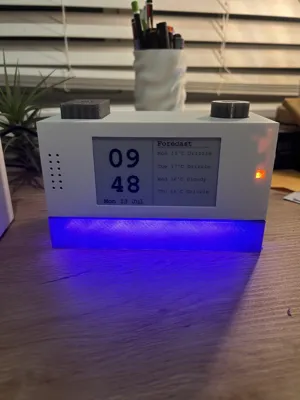
Retro Desk Clock
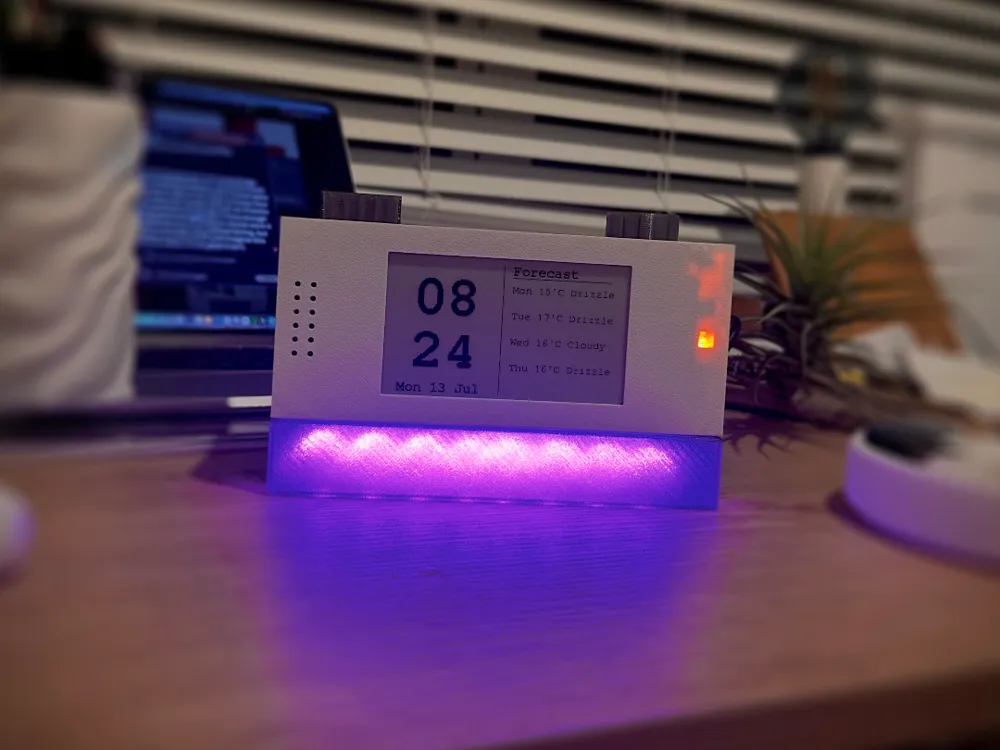
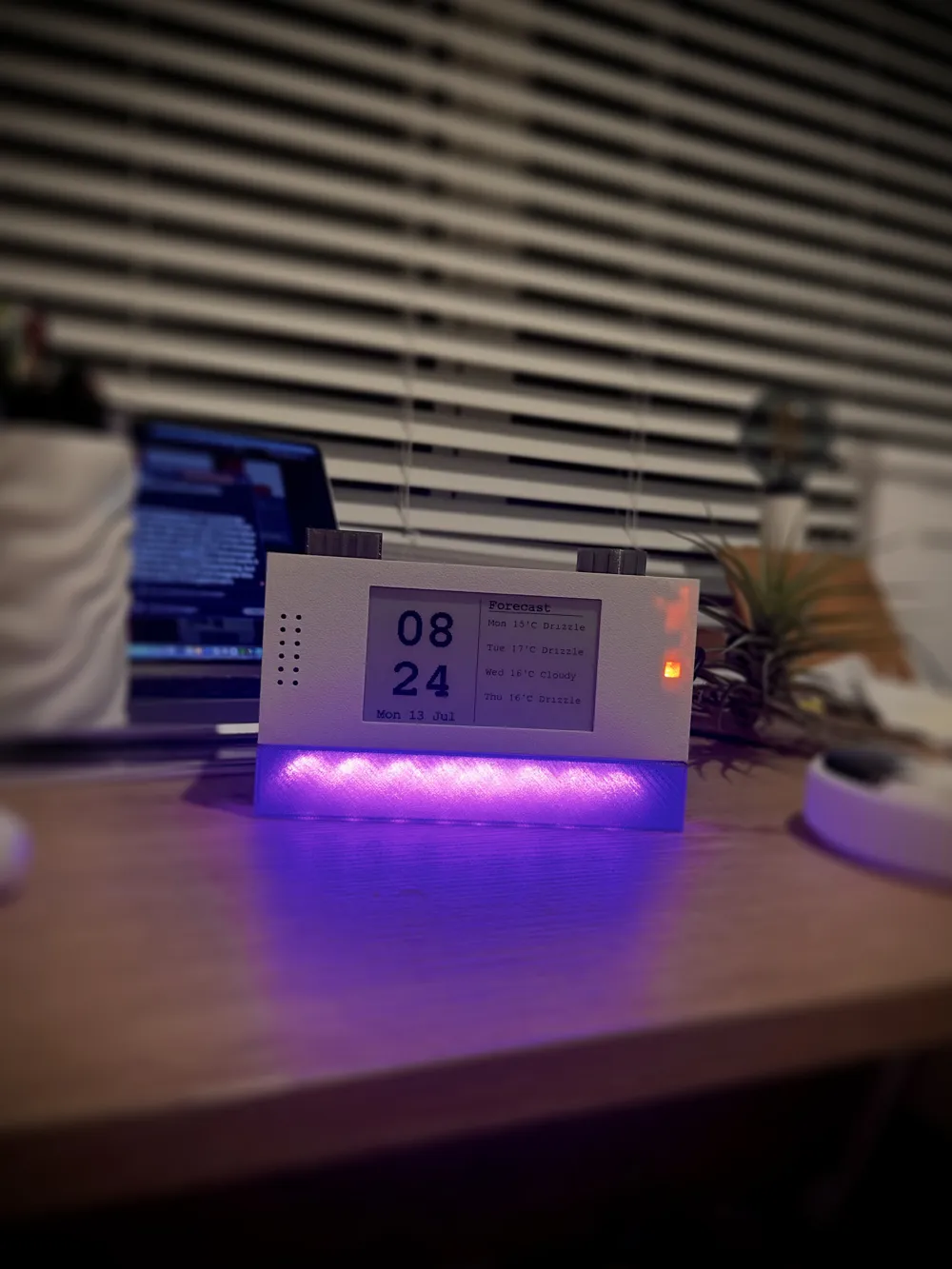
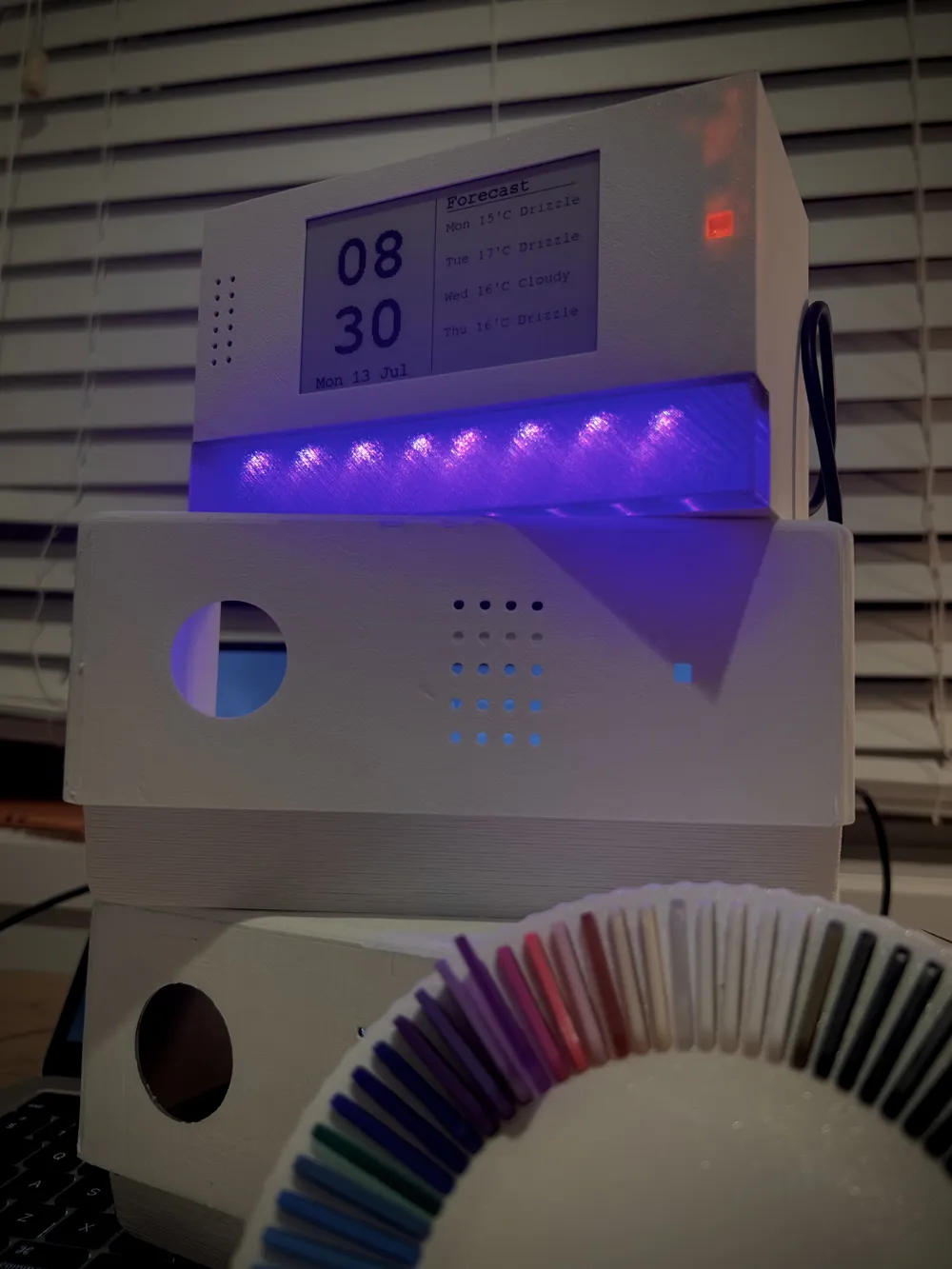
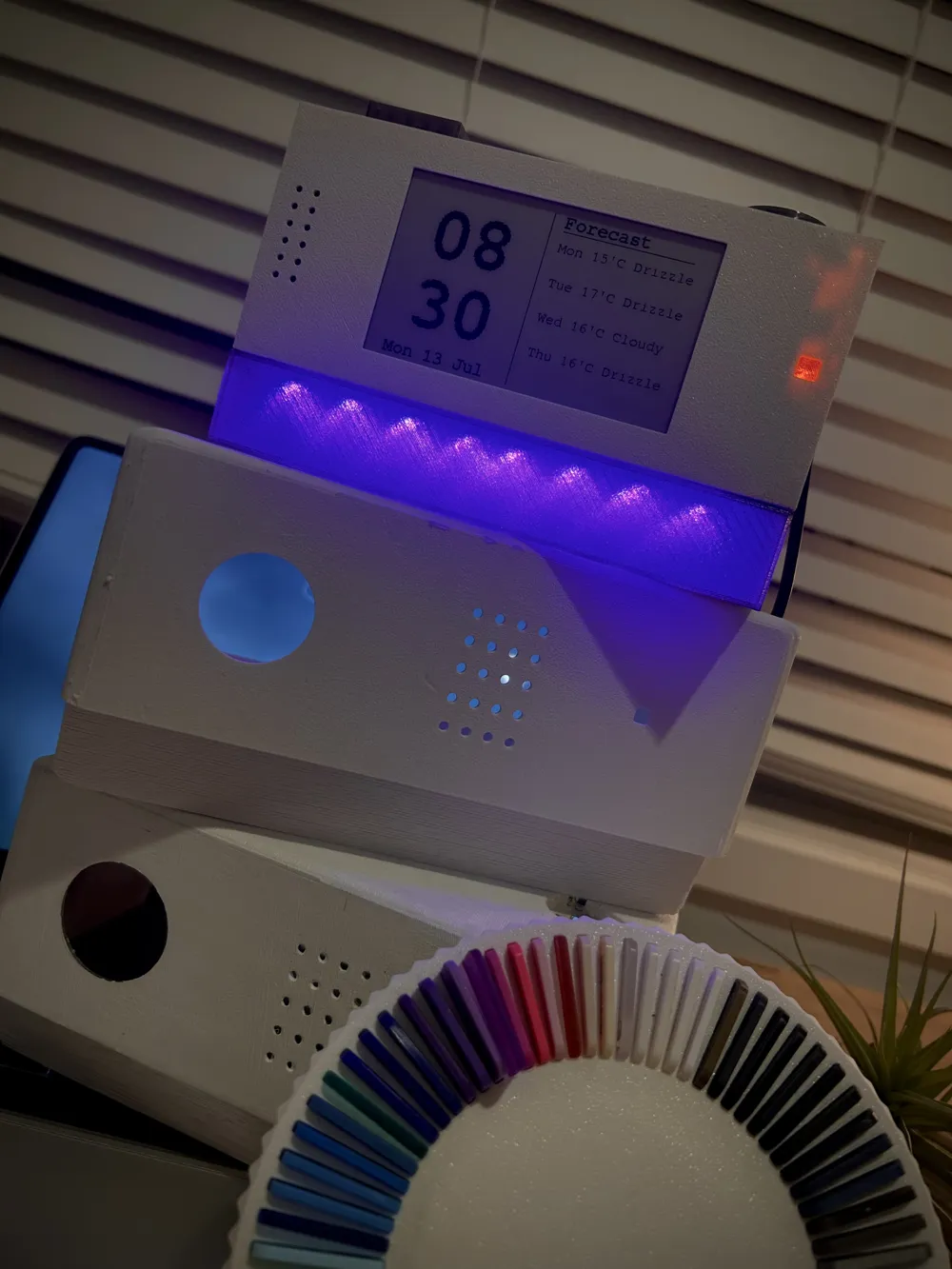
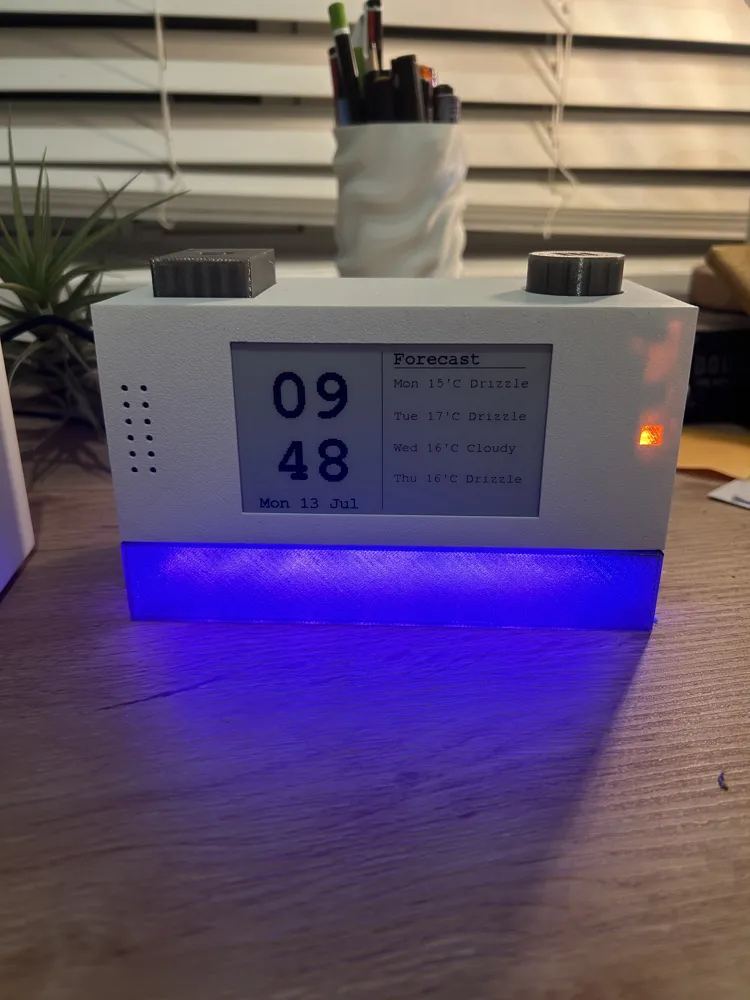
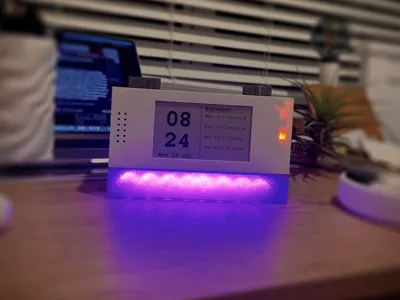
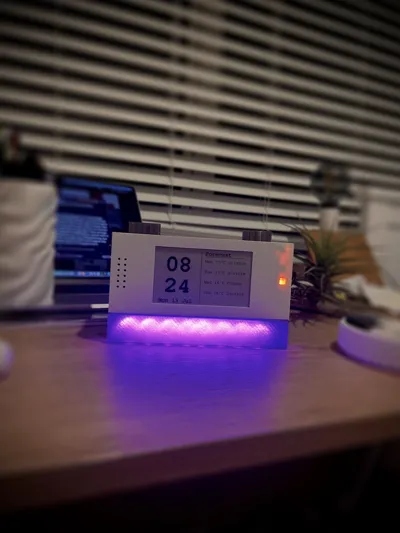
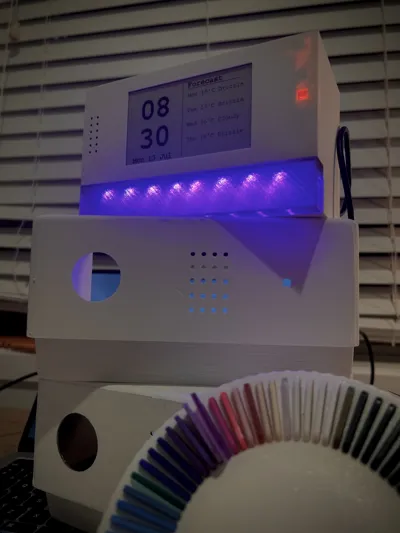
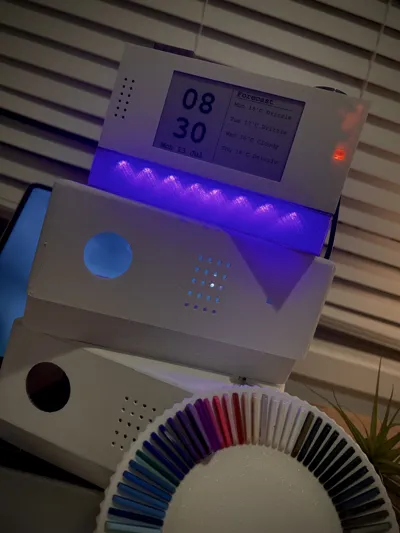
A retro-inspired desk clock. The clock combines a 3.7" e-paper display, addressable RGB LED strip, WiFi-synced time, live weather forecast, and a fully functional alarm system, all driven by an ESP32 microcontroller.
- E-paper display, 3.7" black and white WeAct Studio panel (GDEY037T03). Hour/minute layout on the left, 4-day weather forecast on the right.
- NTP time sync, connects to WiFi on startup and syncs time automatically via pool.ntp.org. No RTC module needed
- 4-day weather forecast, fetched from the Open-Meteo API. Shows day, max temperature, and weather condition. Refreshes every hour
- WS2812B LED strip, 10 addressable LEDs. Toggle on/off with the light button
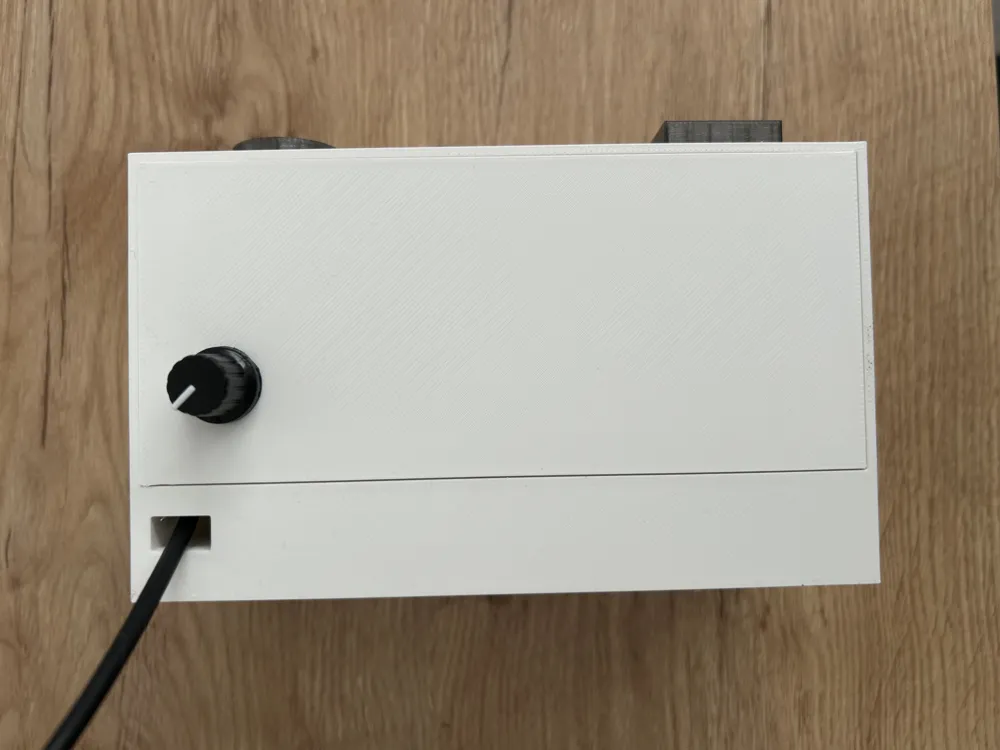
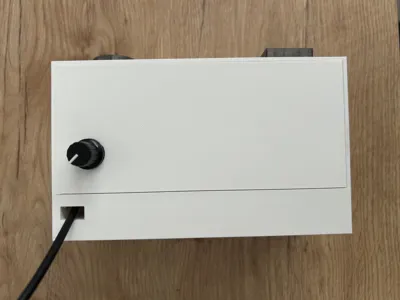
- Alarm system, set alarm hour via potentiometer dial (fully left = off, right = hours 1–12). Toggle AM/PM with the snooze button while the alarm popup is visible. Small indicator LED lights up when alarm is active
- Snooze/dismiss button, press once to dismiss the alarm, or press during alarm setup to toggle AM/PM
Hardware:
| Component | Notes |
|---|---|
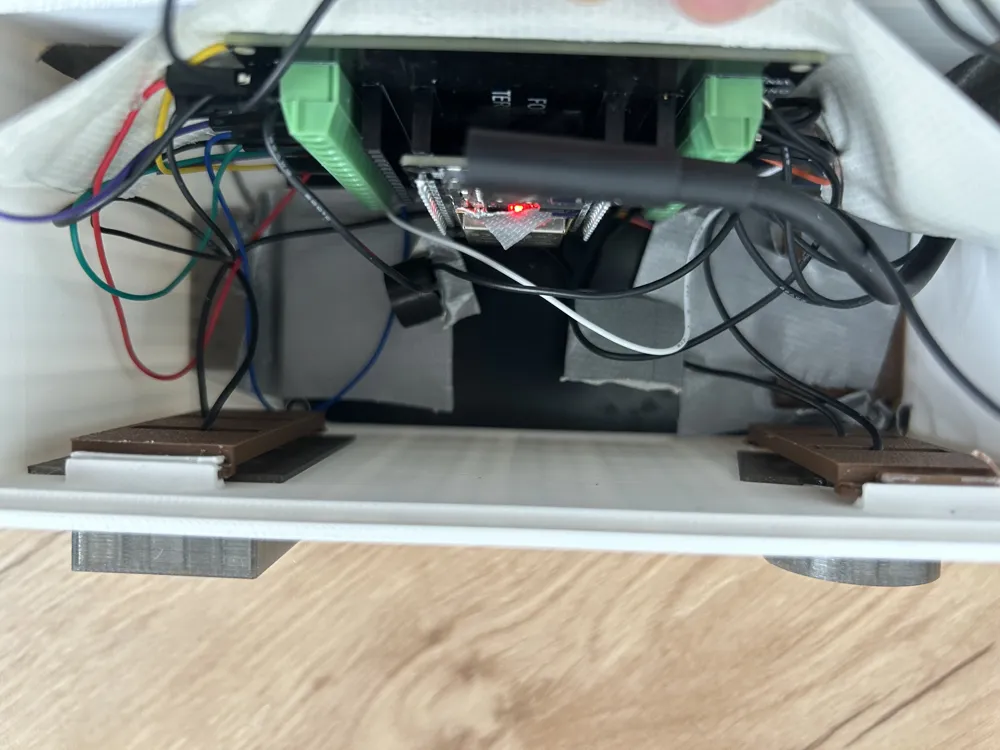
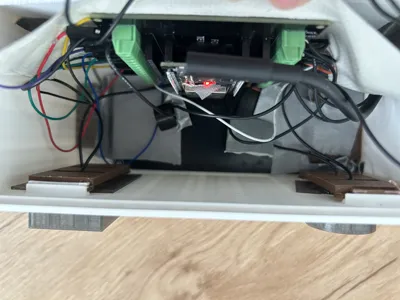
| ESP32-WROOM-32 dev board (38-pin) (Mine: https://www.aliexpress.com/item/1005006490116433.html) | Get one with a screw terminal breakout board; makes wiring much easier |
| WeAct Studio 3.7" e-paper B&W (GDEY037T03) (https://www.aliexpress.com/item/1005009712001279.html) | Specifically the black/white version |
| WS2812B LED strip, 10 LEDs | Any density works |
| 2x 12x12mm tactile buttons (https://www.aliexpress.com/item/1005003727192340.html) | |
| Passive piezo buzzer (12mm) (https://www.aliexpress.com/item/1005010400627387.html) | Must be passive, not active |
| Standard 5mm LED + 220Ω resistor | For alarm indicator |
| B20K potentiometer (https://www.aliexpress.com/item/1005005723920782.html) | For alarm dial |
| USB-C 5V power supply | |
| Jumper wires |
Feel free to use any other components; those are just the ones I used.
Wiring
E-paper Display
| Display Pin | ESP32 Pin |
|---|---|
| VCC | 3V3 |
| GND | GND |
| DIN | D23 |
| CLK | D18 |
| CS | D5 |
| DC | D26 |
| RST (RES) | D27 |
| BUSY | D4 |
LED Strip
| Pin | ESP32 |
|---|---|
| VCC | VIN (5V) |
| GND | GND |
| DIN | D13 |
Other Components
| Component | ESP32 Pin | Notes |
|---|---|---|
| Light button | D14 + GND | Diagonal pins |
| Snooze button | D33 + GND | Diagonal pins |
| Buzzer + | D25 | Long leg |
| Buzzer − | GND | Short leg |
| Alarm LED + | D32 | Via 220Ω resistor |
| Alarm LED − | GND | |
| Pot left pin | GND | |
| Pot middle pin | D34 | Analog input |
| Pot right pin | 3V3 |
Software Setup
Code: https://github.com/TaminoDesign/clock01
Libraries (install via Arduino IDE Library Manager)
- GxEPD2 by ZinggJM
- Adafruit GFX (installed automatically as GxEPD2 dependency)
- FastLED by FastLED
- ArduinoJson by Benoit Blanchon
Board Setup
- Add to Arduino IDE > Preferences > Additional Board Manager URLs: https://raw.githubusercontent.com/espressif/arduino-esp32/gh-pages/package_esp32_index.json
- Install esp32 by Espressif Systems via Tools > Boards Manager
- Select ESP32 Dev Module
- Set Partition Scheme to Huge APP (3MB No OTA/1MB SPIFFS)
Before Uploading
Edit the top of index.ino:
cpp
const char* ssid = "YOUR_WIFI_NAME"; const char* password = "YOUR_WIFI_PASSWORD";
Update coordinates in weatherURL for your location:
cpp
“?latitude=-36.4&longitude=174.7”
Let me know if you have any questions
Boost Me (for free)
License

You shall not share, sub-license, sell, rent, host, transfer, or distribute in any way the digital or 3D printed versions of this object, nor any other derivative work of this object in its digital or physical format (including - but not limited to - remixes of this object, and hosting on other digital platforms). The objects may not be used without permission in any way whatsoever in which you charge money, or collect fees.


Comment & Rating (0)