
Router Jig Trimming Radius
Print Profile(3)

Description
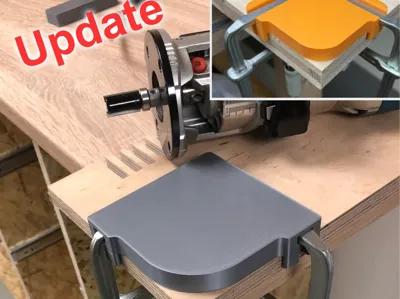
Update 05.05.2026
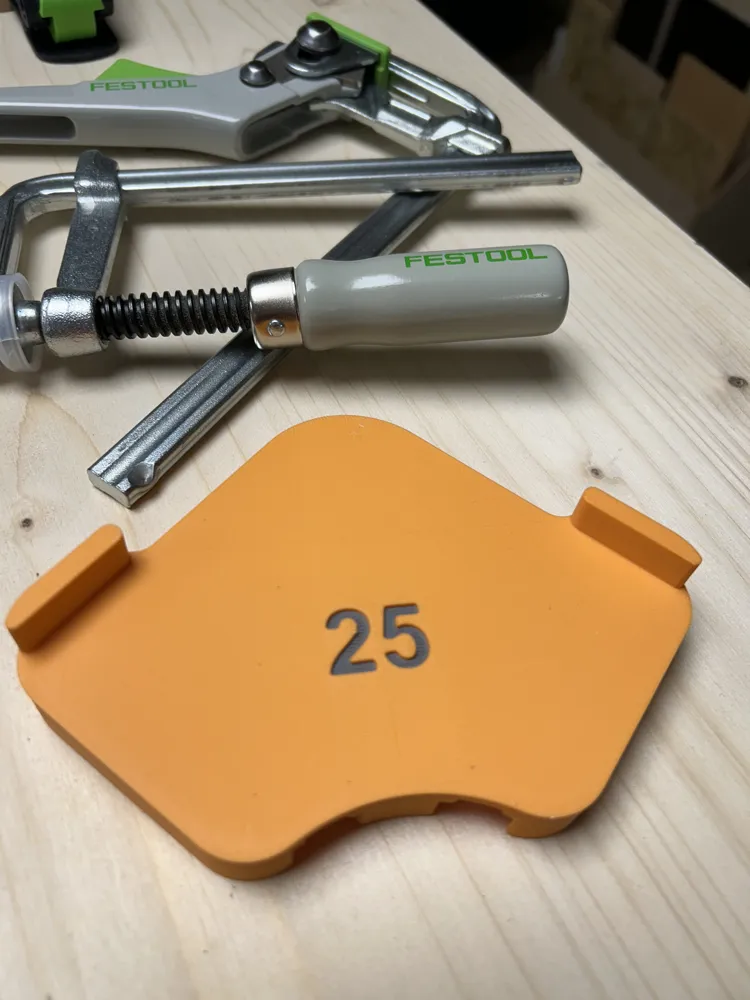
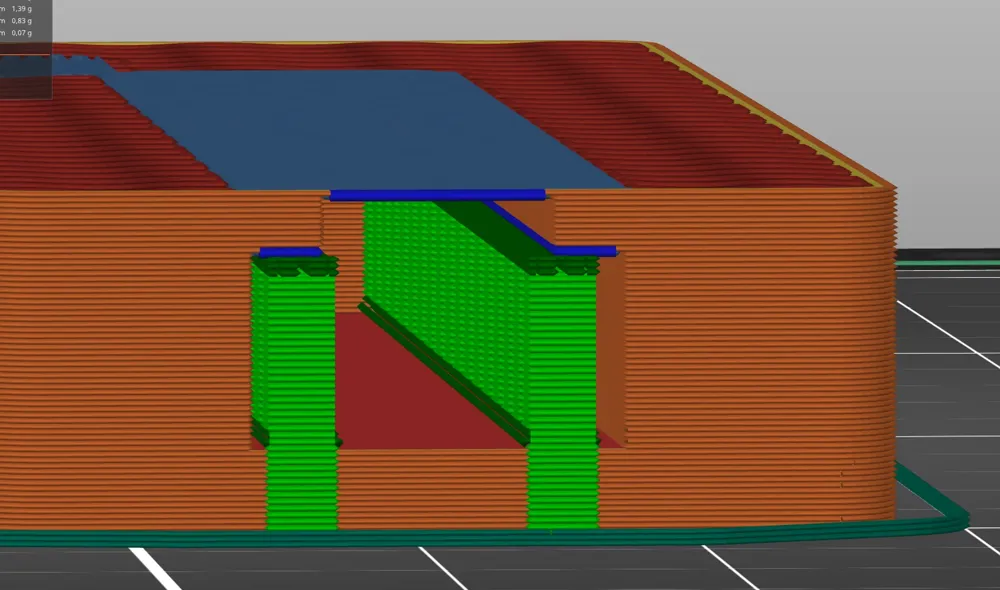
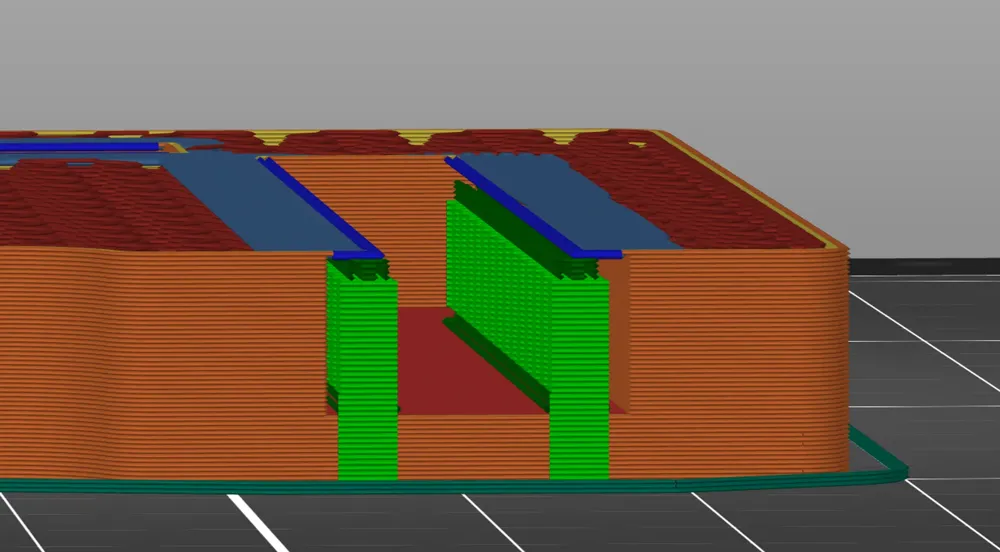
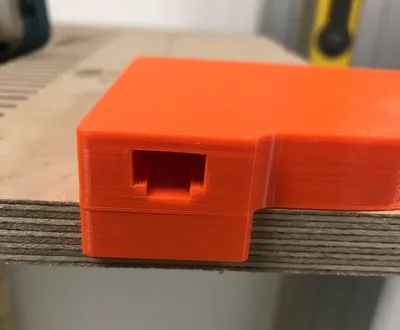
Reading a recent comment about how hard it is to remove the support out of the T-slots, I decided to release a new version of my router jig:
>>> Mark 2 with open T-Slots <<<
- All radiuses are included in the new print profile
- the old profile is still available
- the profile is one color print with supports enabled
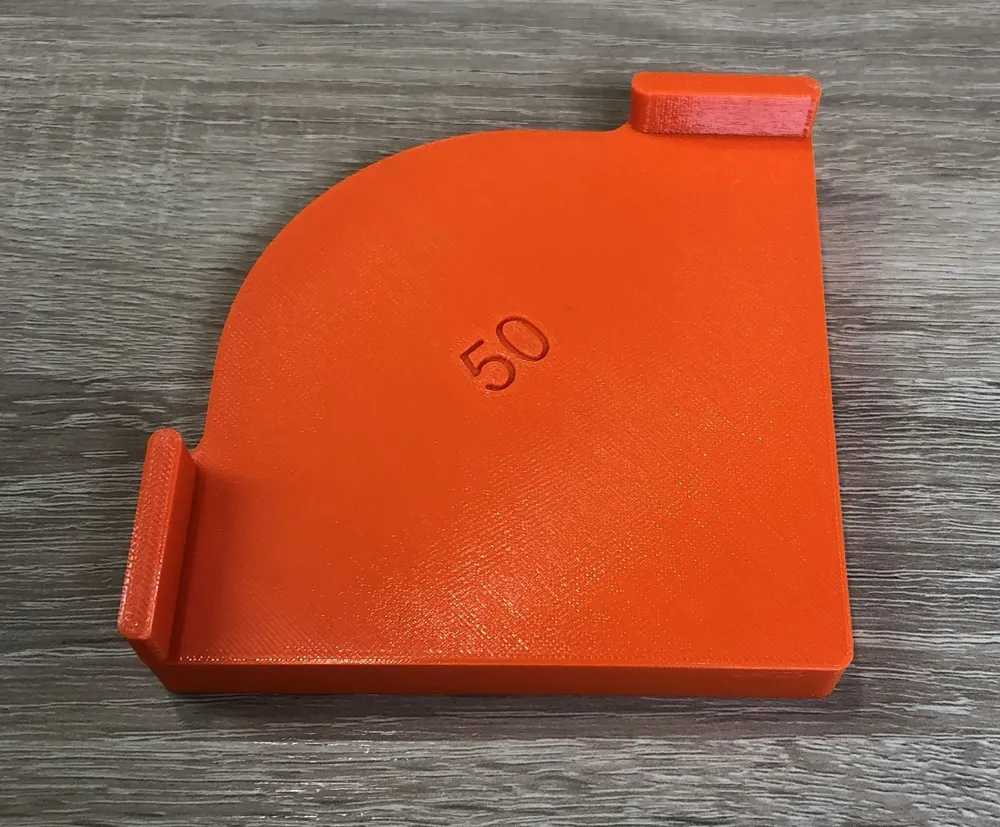
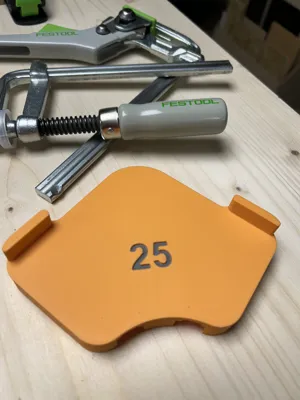
- you can easily color the digits with the slicer tools
Update 13.10.2024:
I just realized, that the offer of the other sizes besides the 50mm radius featured in the print profile is a little tricky to get aware of.
There are all sizes between 5mm and 50mm available as STL files. To get them use the “Download CAD/STL file” option!
Description
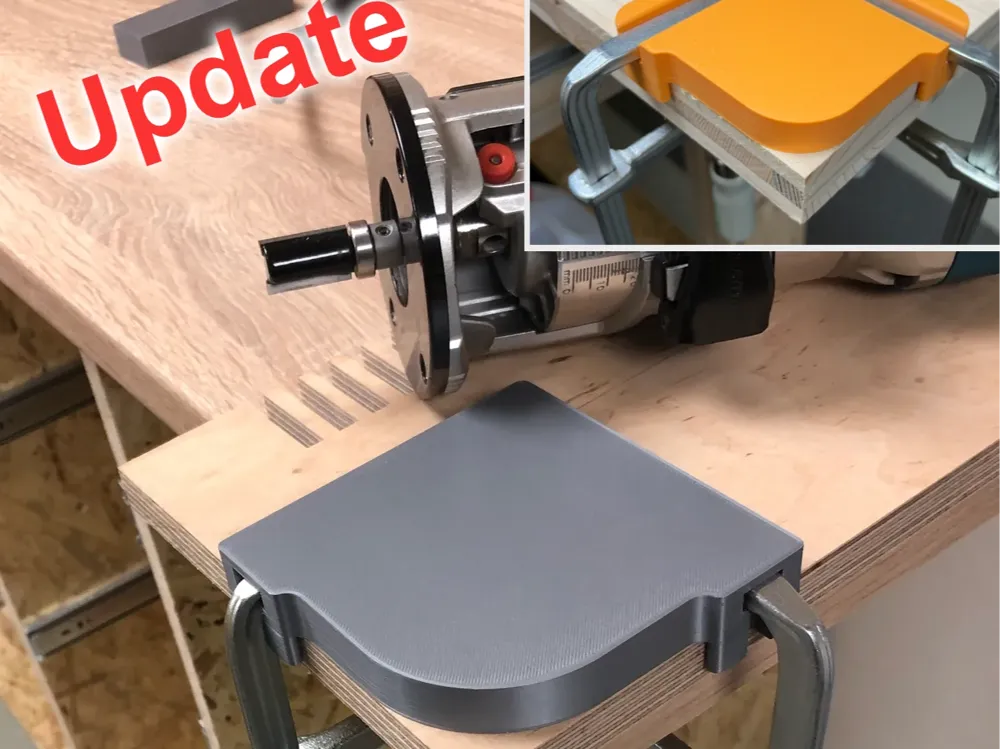
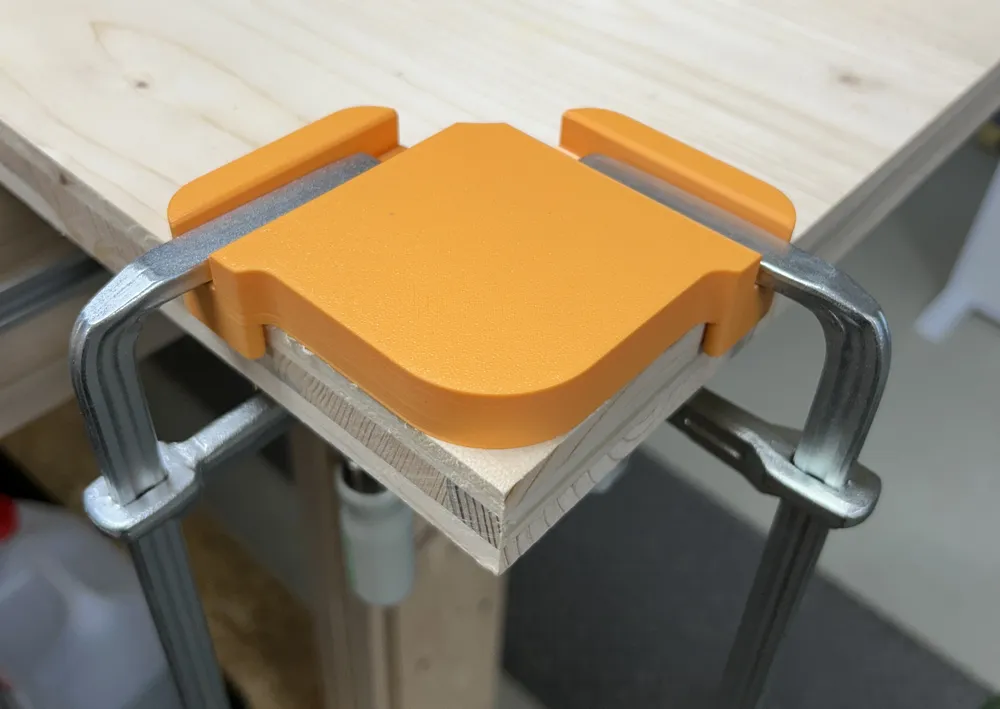
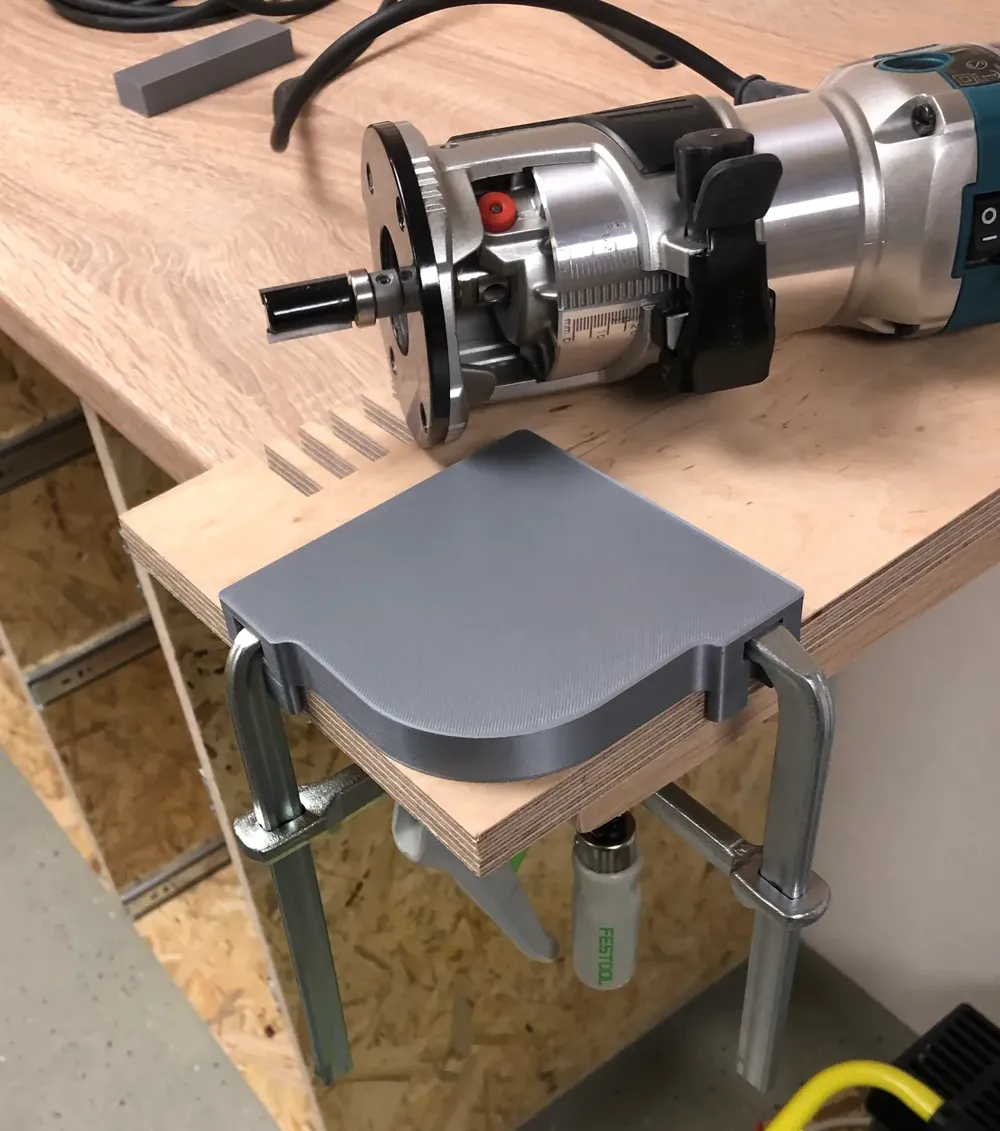
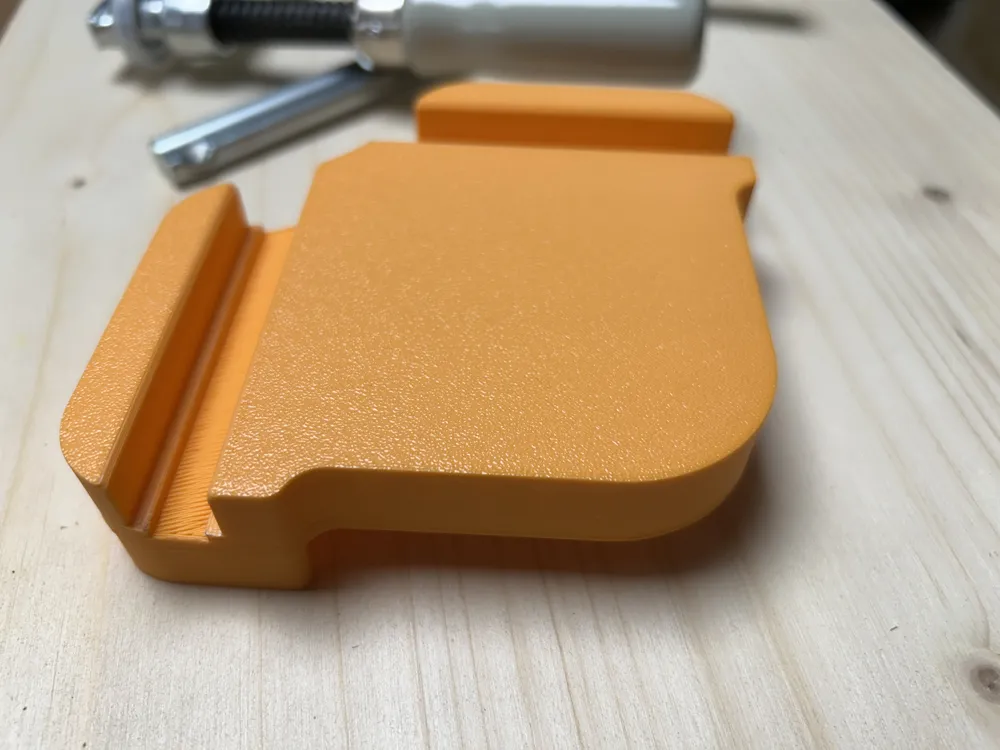
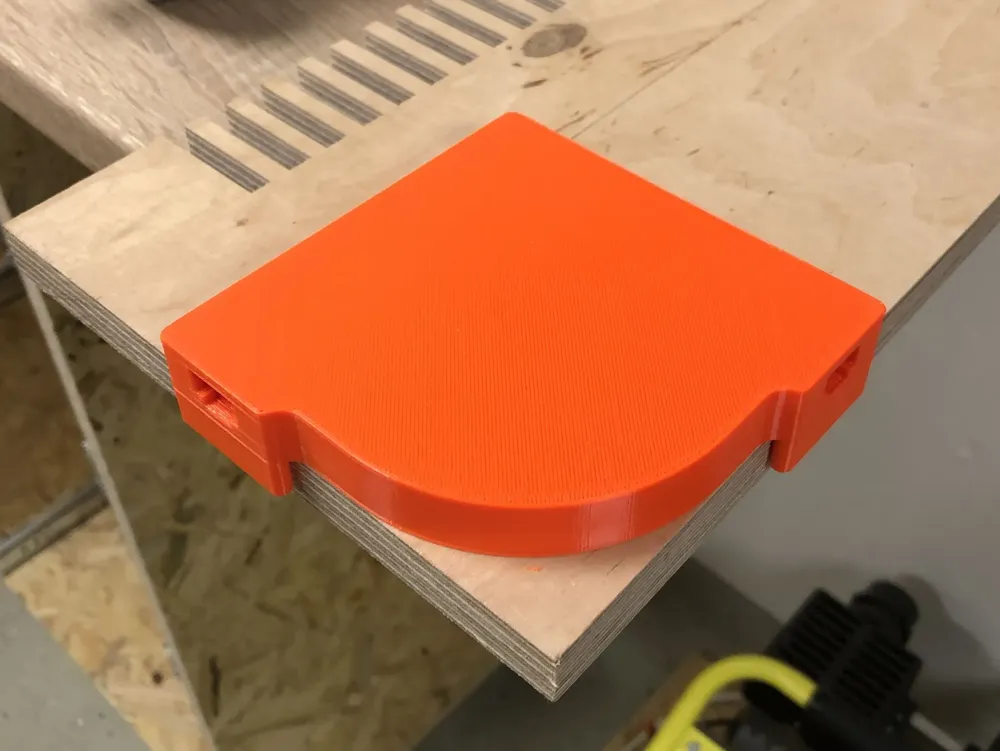
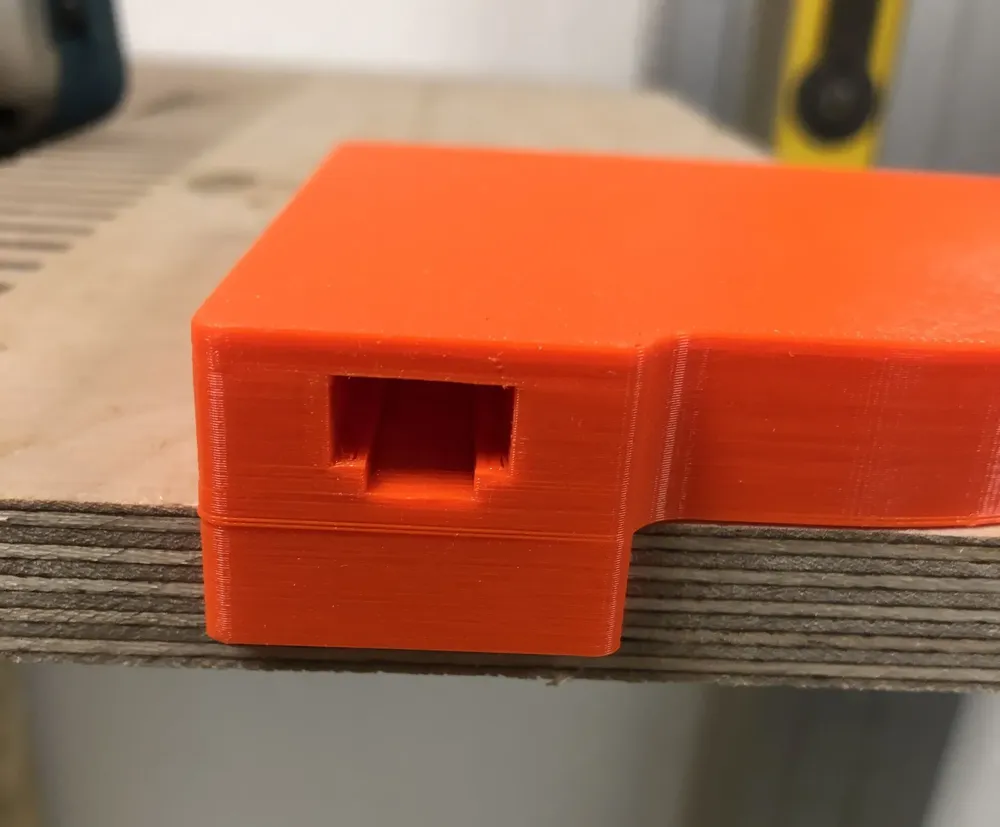
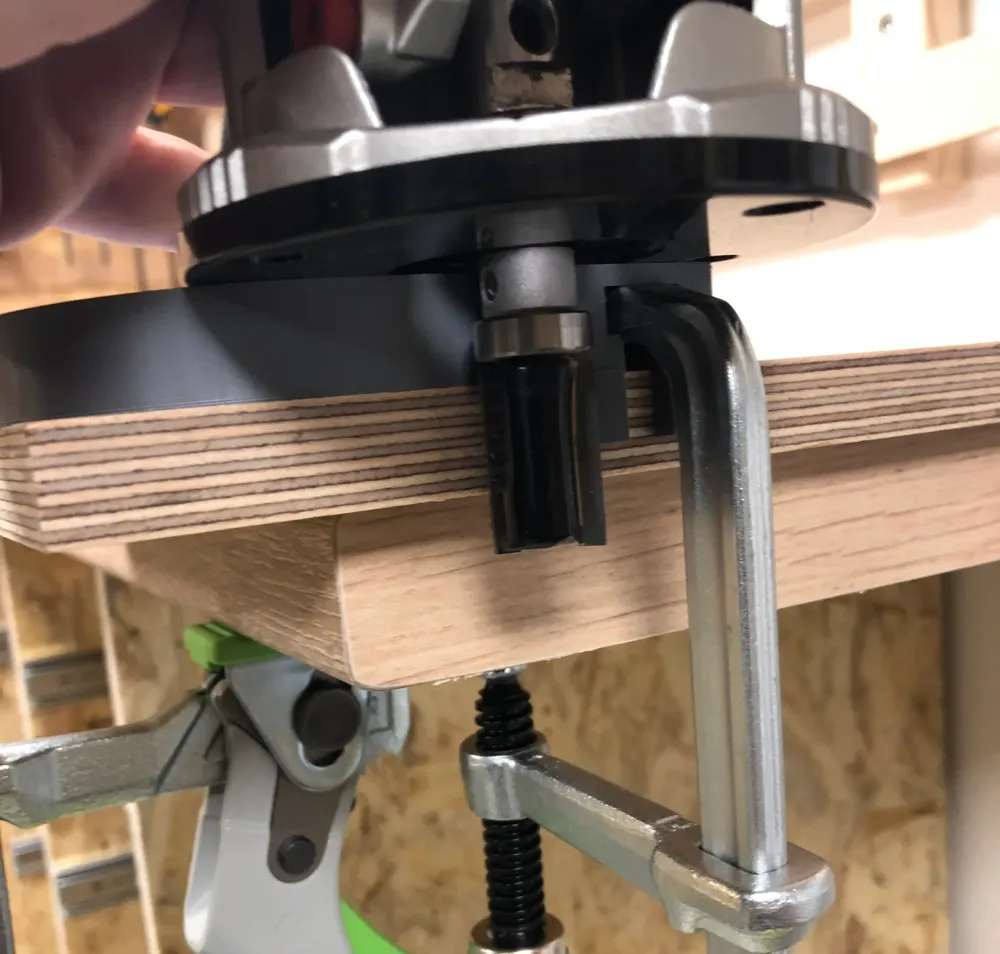
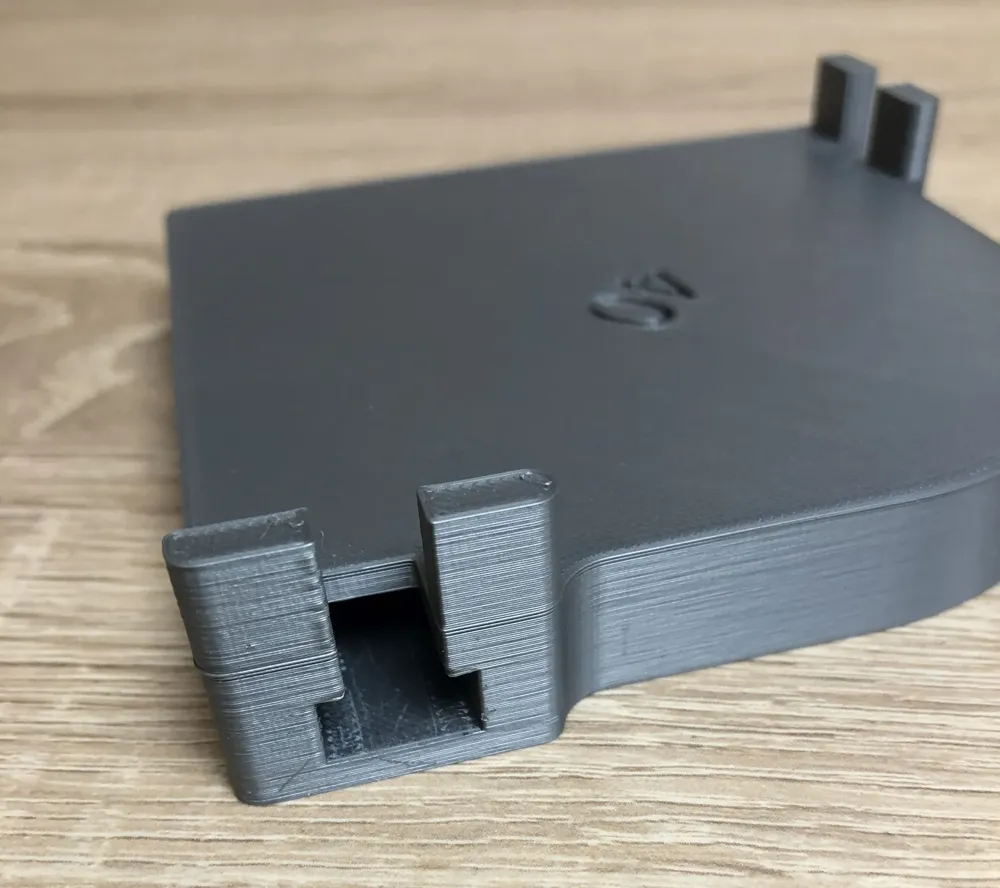
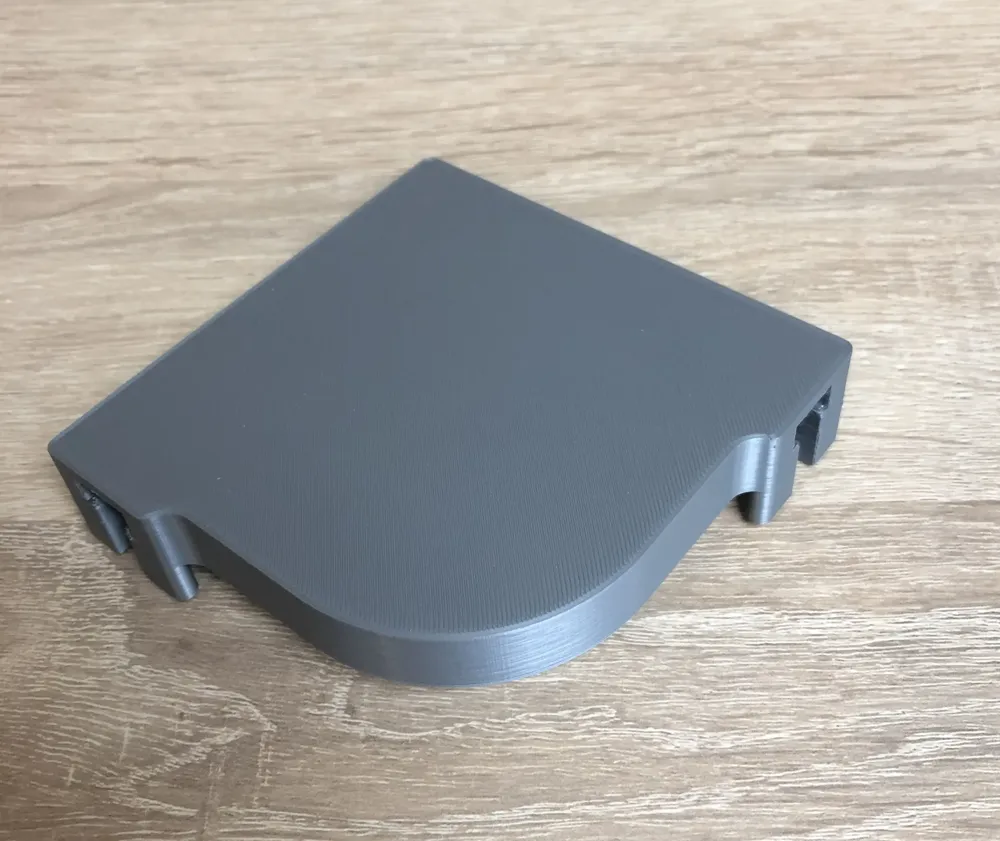
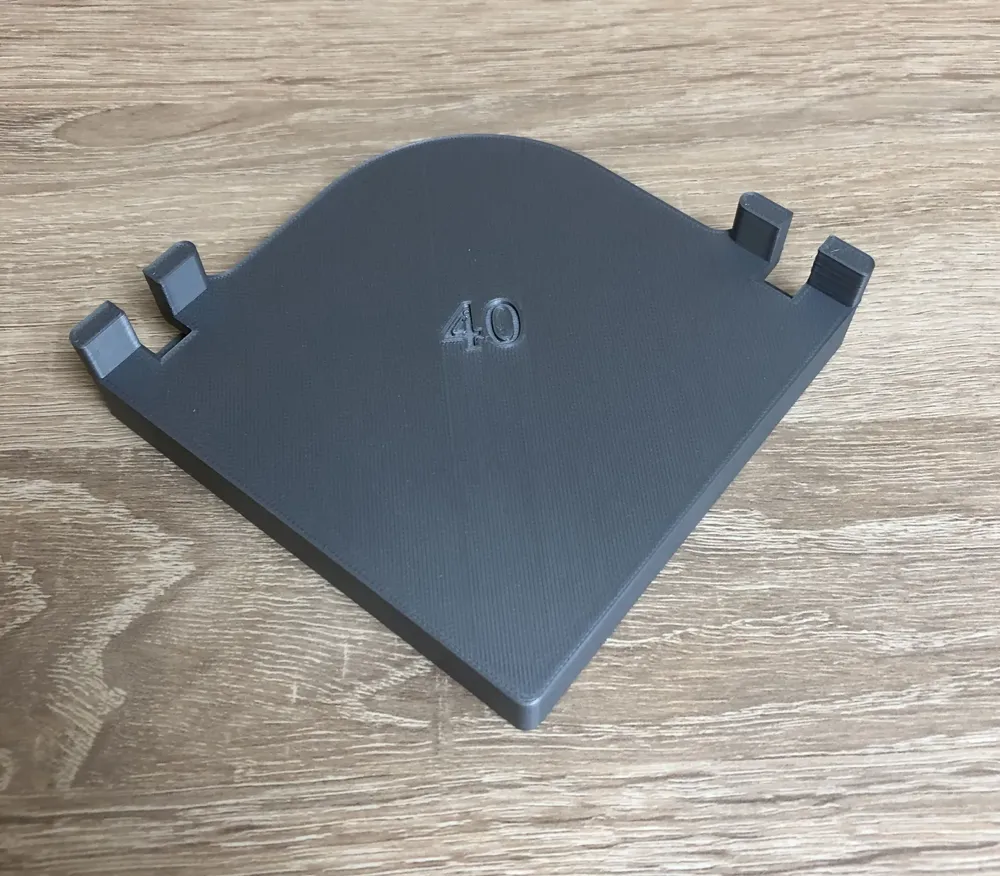
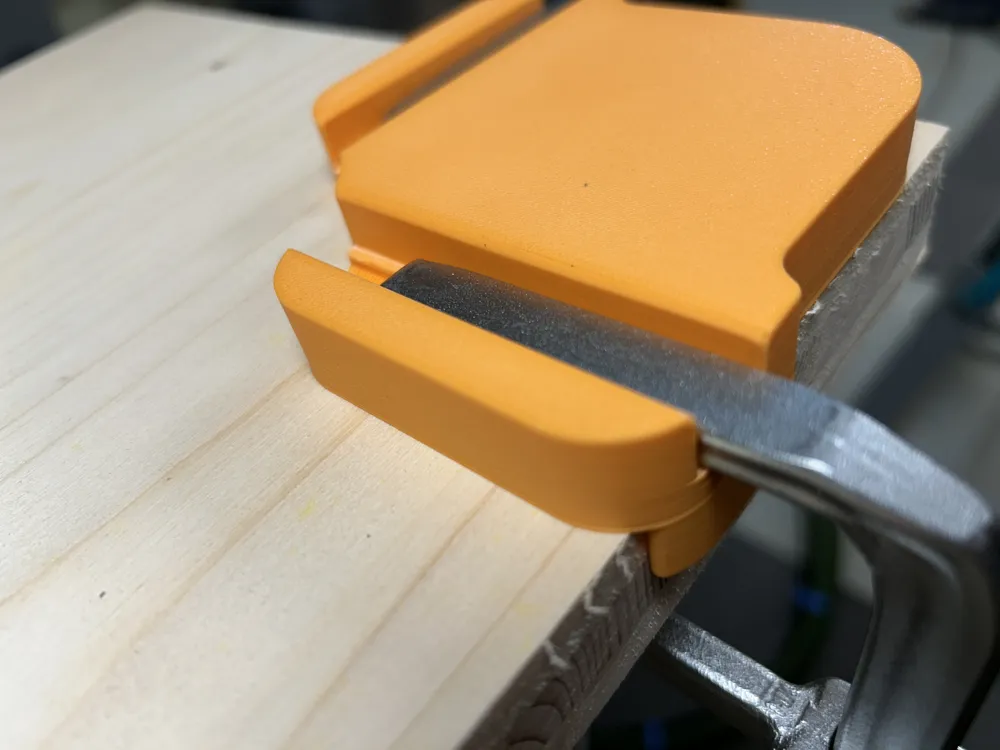
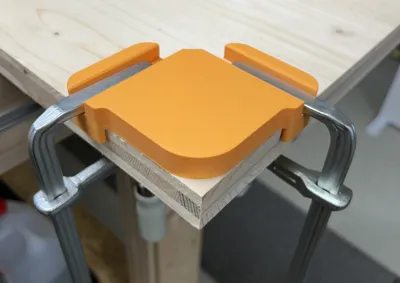
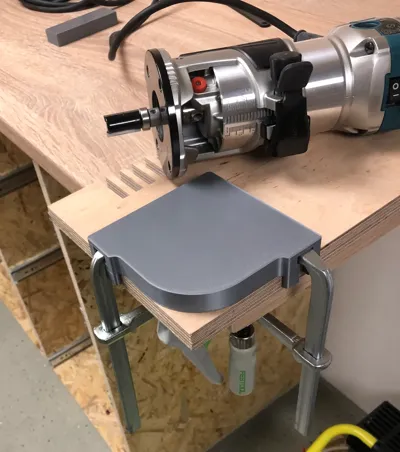
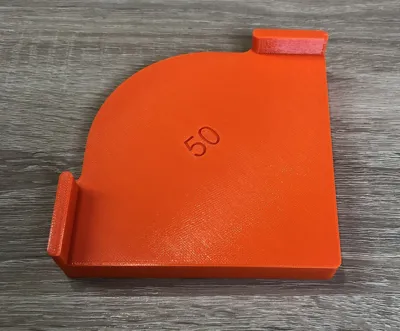
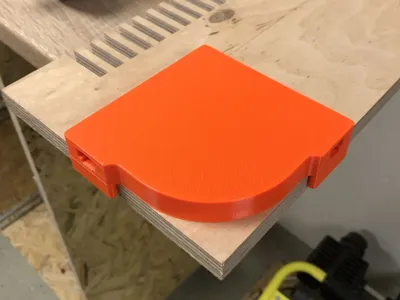
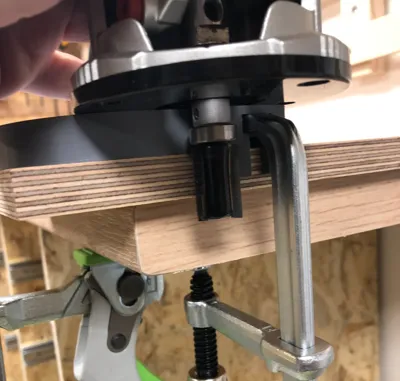
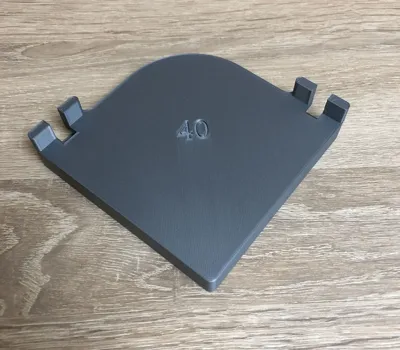
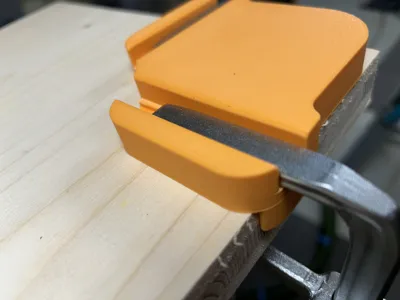
Cut perfect outside radiuses with your router and these templates. I offer several versions with different radiuses. The jigs have integrated T-slots, so you can fix them with fastening clamps like the Festool FSZ 120 or FS-HZ 160 to your your workpiece.
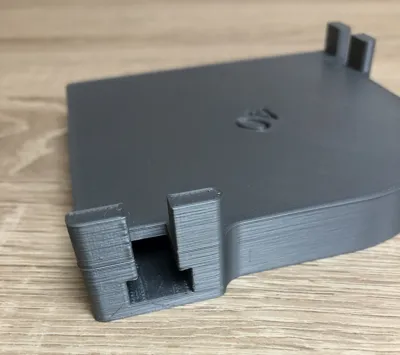
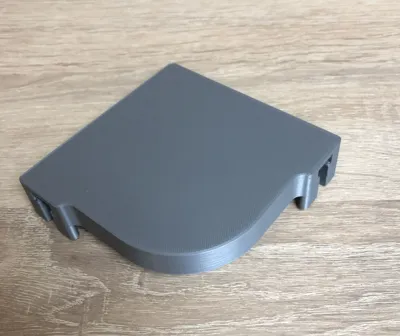
Some of the pictures show a previous version with cutouts for the clamps in the stops (gray jig). This is not needed and complicates the construction unnecessarily. Therefore, I have removed the recesses in the final version (orange jig).
Print instructions
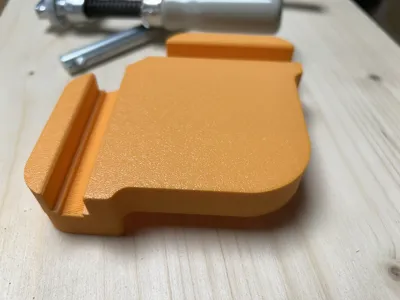
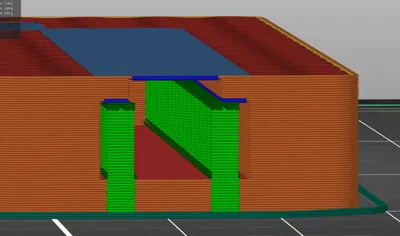
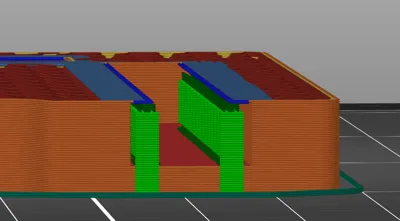
Supports are needed for the overhang of the T-slots. See the pictures for details. If you are not sure, use the provided g-code-files or analyze them in the g-code-viewer application.
Infill 15% or more is recommended. Think of the T-slots, where you can apply a lot of pressure with the clamps.
A layer height of 0.2 mm is just fine.
License



Comment & Rating (26)