Search models, users, collections, and posts

Print Glass With Your Bambu X1/X1E/P1S/P1P: Orca / Bambu Slicer + Overture Clear PETG formula
Remixed by
IP Report

Print Profile(1)

0.1mm layer, 2 walls, 100% infill
Designer
1 h
1 plate
Open in Bambu Studio
Boost
576
1790
221
71
2.8 k
1.5 k
Released
Description
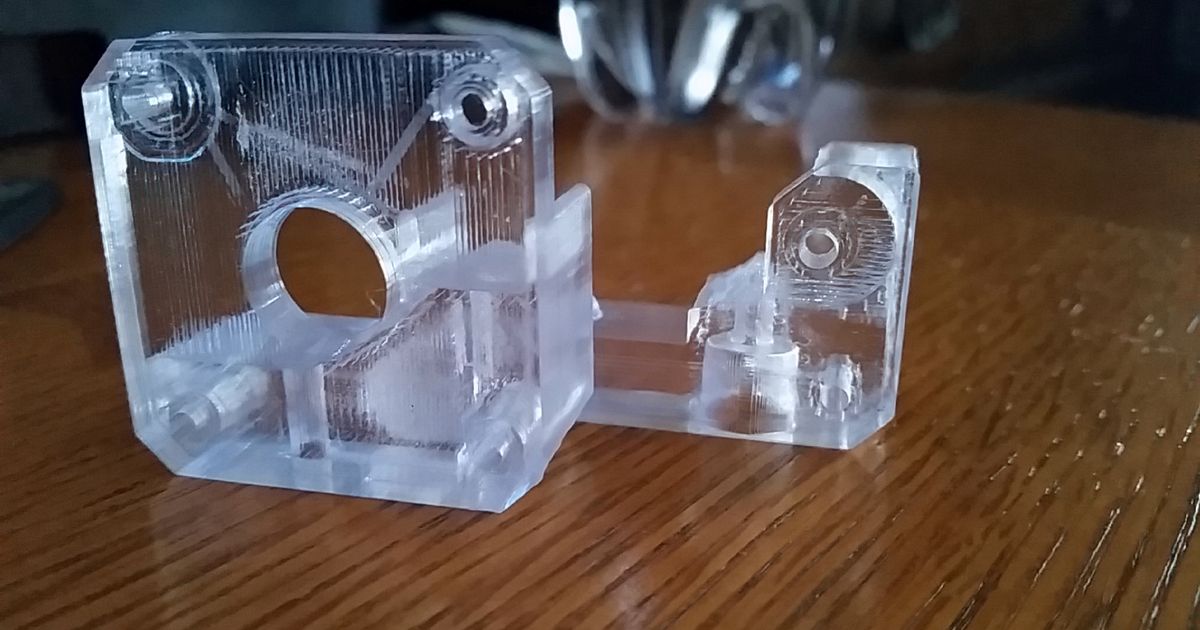
Do you want to print plastic as clear as you can on your printer?
This tuned set of profiles for BambuSlicer/OrcaSlicer should help you print as clear as i've been able to tune on my X1C with Overture clear PETG.
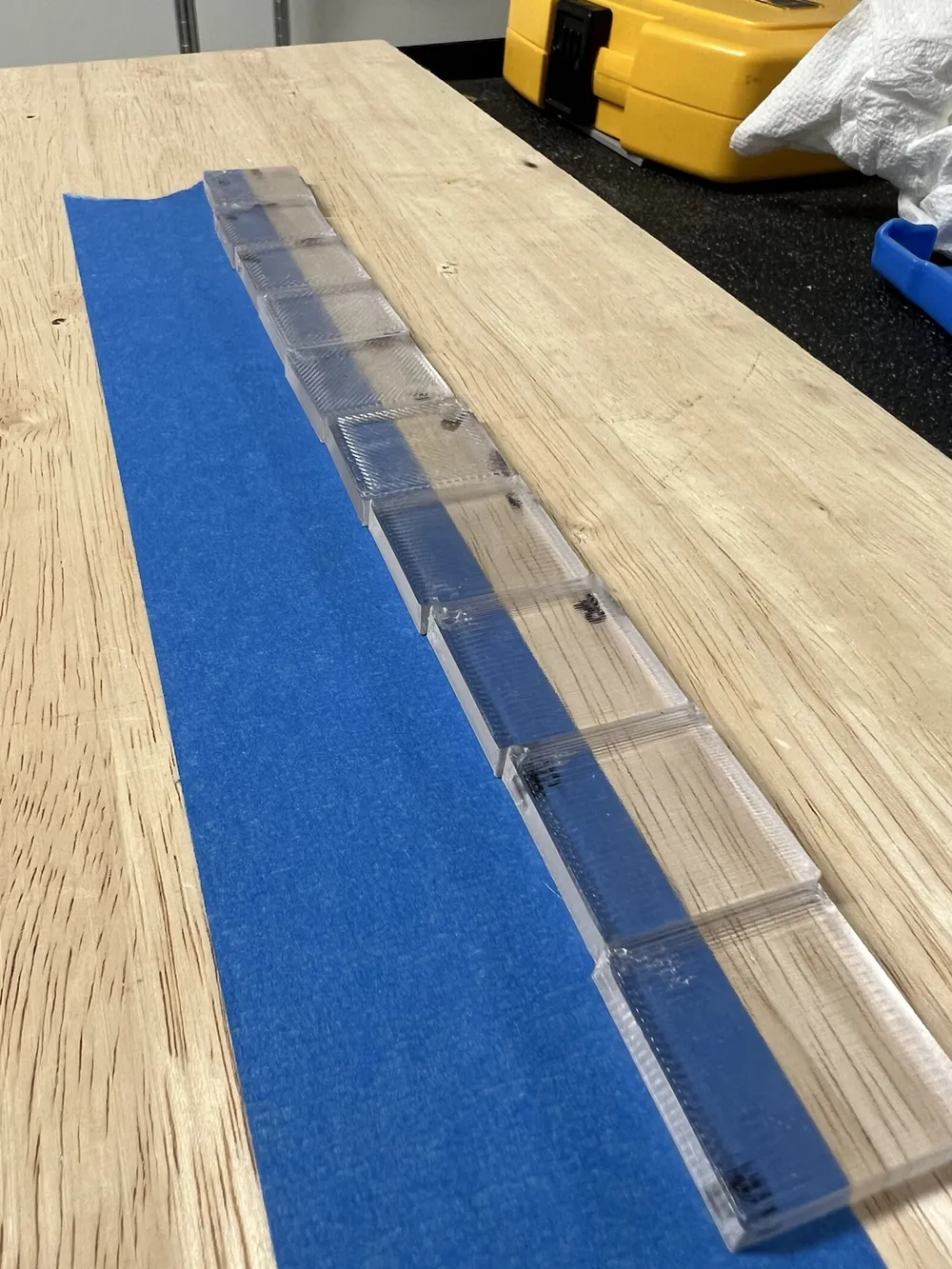
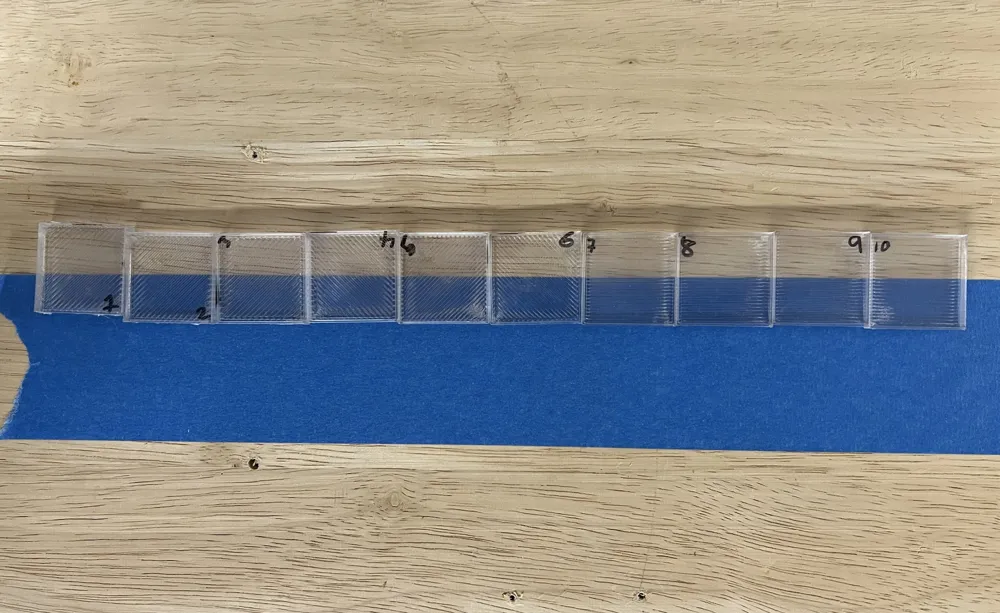
I've tried several different parameters and come up with the best settings I can. If you are curious, this is option #8 in the test samples I have in the photos.
I took many of my lessons in glass tuning here from prior art and those examples are linked as remixes here.
This process and filament profile is tuned for Overture Clear PETG, reported to be one of the best for this purpose.
Tips
- Printing “glass” means patience. Hot and slow is key here for good results.
- You can try to increase the print speed and layer height from the starting point here.. but your results may get worse (mine did).
- Close your chamber door and top as well. My ambient chamber temps were 30-39 deg. C or so during most of the print.
- Since this is very slow, the nozzle type likely doesn't matter here and this should work decently well for X1/P1S/X1E. It may also work fine on an unenclosed P1P, but ideally you want the environment warm to slow down any annealing.
This remix is based on

License

This user content is licensed under a
Creative Commons Attribution-Share Alike


Comment & Rating (221)