
Corner Jig with changeable Radius/Chamfer inserts







Print Profile(14)


Description
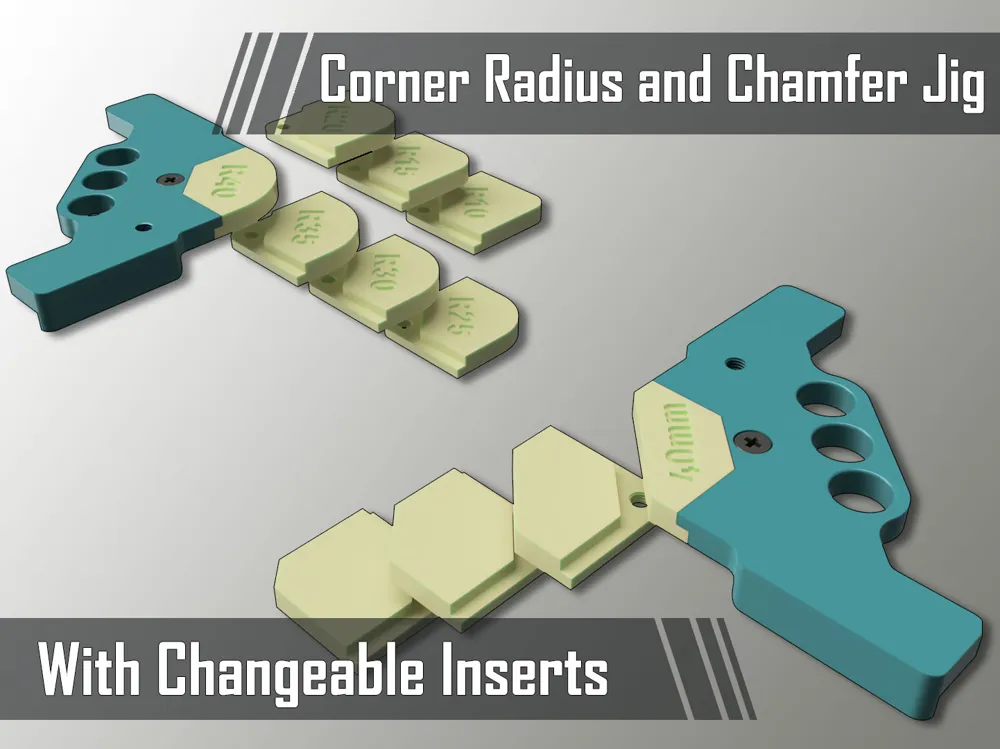
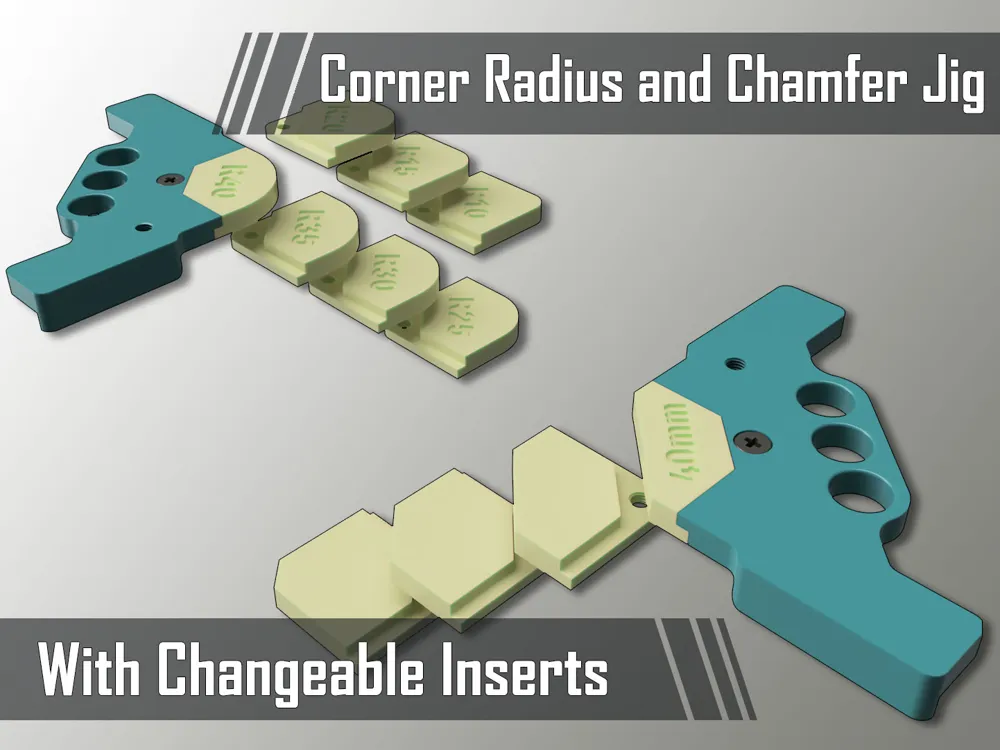
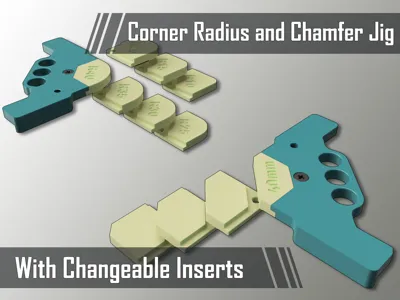
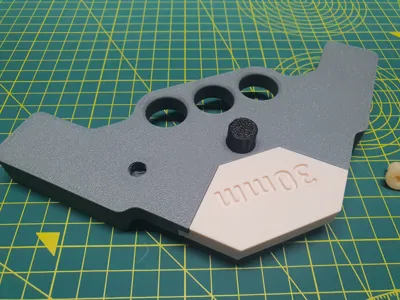
Modular Corner Jig with option of changing corner Radius and Chamfer Inserts.
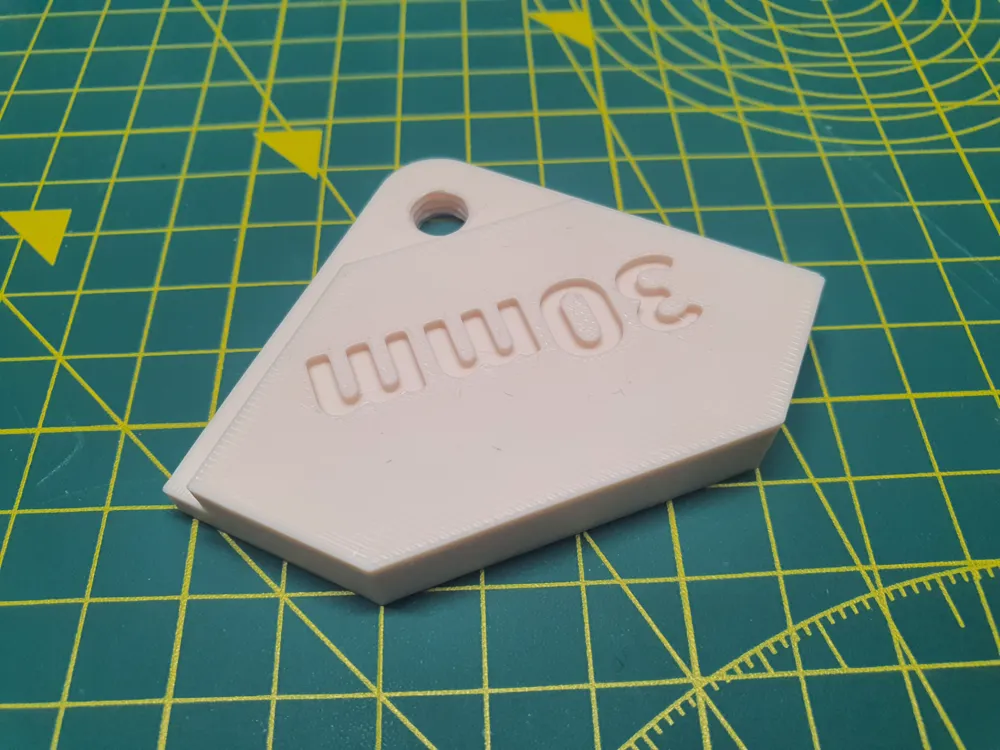
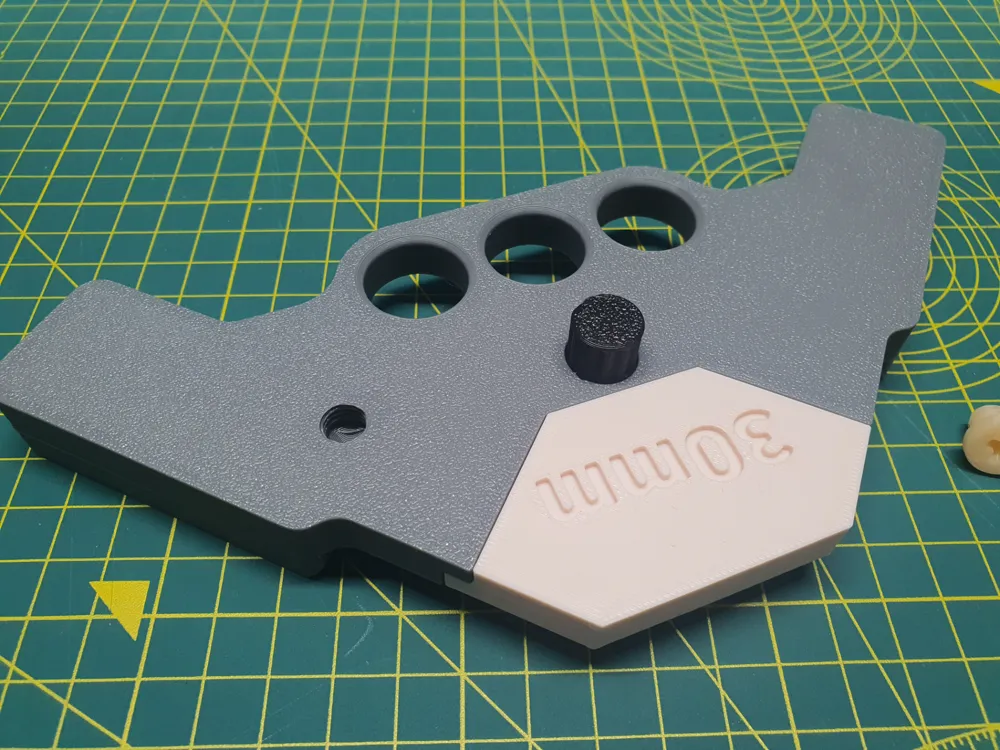
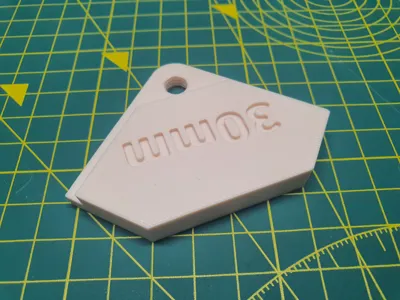
How it works? Very simple! Just choose insert with needed Radius or Chamfer, put it together with Main Jig Body and secure the insert with a Lock screw. Main Body has a threaded hole for Lock Screw to keep it together when you are not using a Jig.
Jig Round Corner Insert Radius sizes in this set:
| METRIC | IMPERIAL |
5mm 10mm 12mm 45mm 50mm | 5/16" 5/8" 0.25" 0.5" 0.75" 1" 1.25" 1,5" 1,75" |
Jig Chamfer Corner Insert Step sizes in this set:
| METRIC | IMPERIAL |
| 5mm 10mm 15mm 20mm 25mm 30mm 35mm 40mm | 1/4" 5/16" 5/8" 1-¾" |
If You need different size, give me a shout and I'll make it for you.
Here are separate profiles for Main Body and inserts (+screw) Profiles. For inserts and Screw, supports are NOT needed. For main body , they are not necessary as well, but I would advise to use Supports, but paint them away from threaded Hole. For them who prints from Bambu Handy app instead of Bambu Studio I have done a Supportless Profile for Main Body as well.
04.06.2026 Update
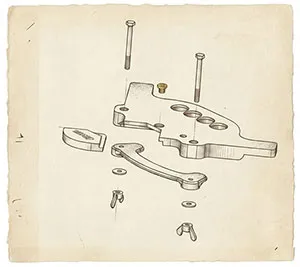
Version 2 of this Jig is made. It is made as a Remix (separate model) as here already are done lots of addons and fixes. So to make things a lot clearer I decided to refresh new version as whole new model. Main upgrade is a Clamping option. And Clamping to the workpiece is made in a way so you don't need to have specific clamps. All you will need is 2x M6 hex bolts and 2x M6 Wing Nuts or Ordinary nuts and spanner. You can use Inserts from here if you have printed them. They are absolutely compatible. So if you are interested in something like that, you can find it here:
04.05.2026 Update
- Upon Request Added 8mm, 12mm and 45mm Metric Radius inserts. You can find them in Profile “Metric Unit Radius Inserts” on Plate 2 and in RAW STL files in Folder “Metric Radius Inserts”
11.03.2026 Update
- Upon Request Added 5/16" 5/8" and 1 ¾" Chamfer inserts. You can find them in Profile “Chamfer Inserts” and in RAW STL files in Folder “Imperial Chamfer Inserts”.
12.03.2025 Update
- Added 50mm Radius Insert STL and Profile as requested
24.11.2024 Update
For more compatibility This Jig working with Hand Routers I have added Larger version of Main base (Works with the same inserts) with longer side arms so even using clamps You will have a larger work area for your router. Here are sizings of both bases:
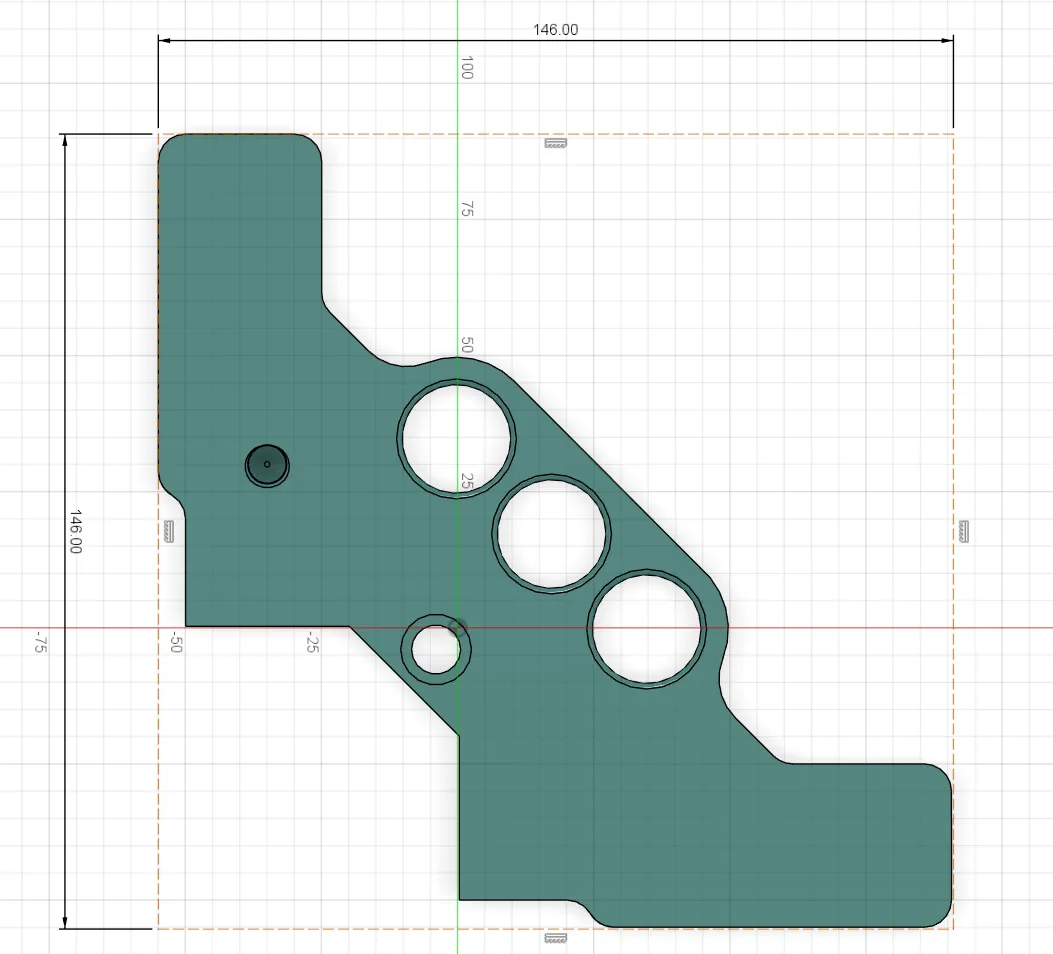
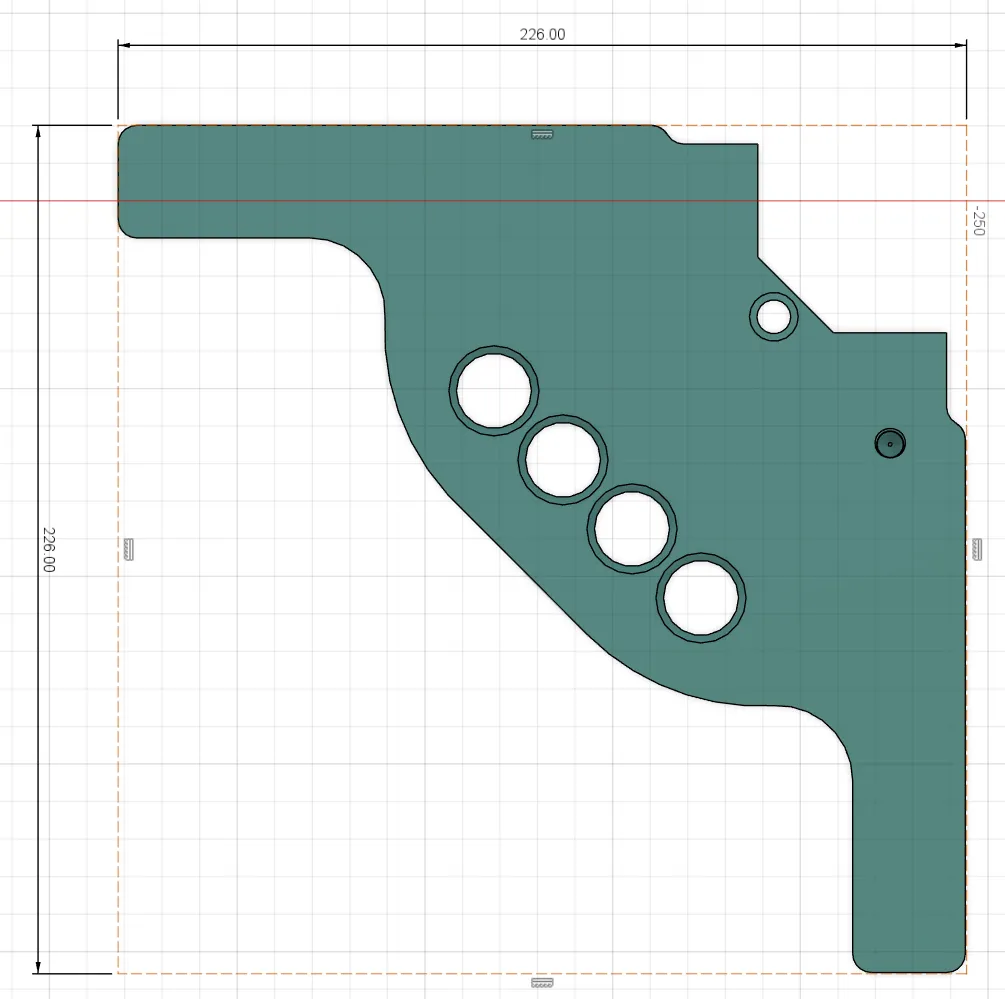
03.08.2024 Update
- Added Profile for Main Jig Body without supports
- Added Profile and raw STL files of Metric and Imperial unit Chamfer Inserts
- I have Changed Cover Picture so it represents now added features
- Changes done in Models Description and name
28.06.2024 Update
- Added 5mm Radius Insert STL and Profile as requested
- Added Imperial Unit Radius Inserts
19.04.2024 Update
- Added Changeable insert Lock Screw without Cap so You can use a Jig with a router with bigger base. All You need is a Philips Screwdriver.
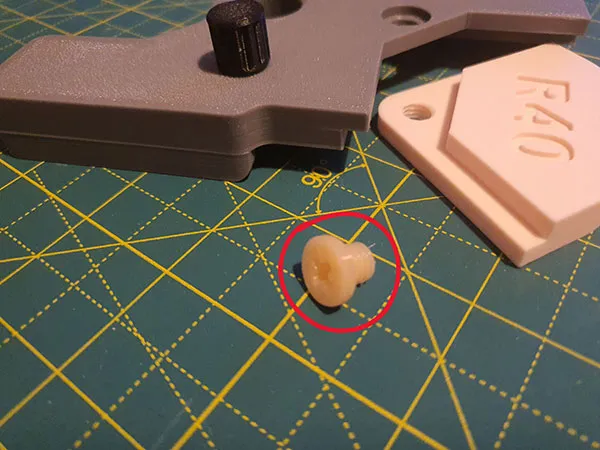
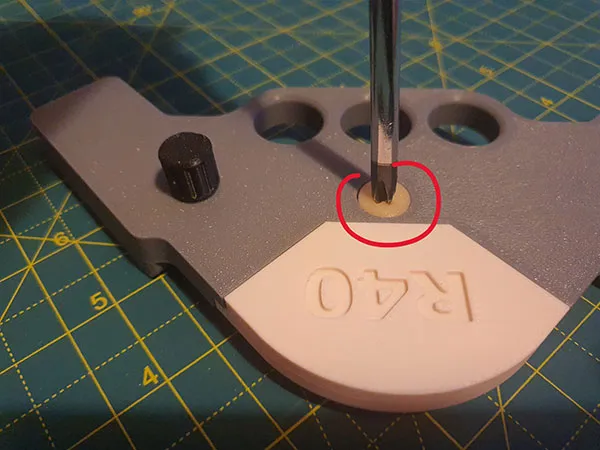
You can find it in STL files here.
That's it. Quite simple I guess.
Membership
Hope in a Time We will have a very nice time together and more and more projects and possibilities will start happen in our journey of 3D printing quest here
Boost Me (for free)
If You want to support me in my work here
You can Buy me a coffee if You want to support me even more :)

https://www.buymeacoffee.com/warlogh
(And very Big Thank You for Your interest in my work)
License



Comment & Rating (1363)