
Color cards with transparent labels

Print Profile(2)


Description
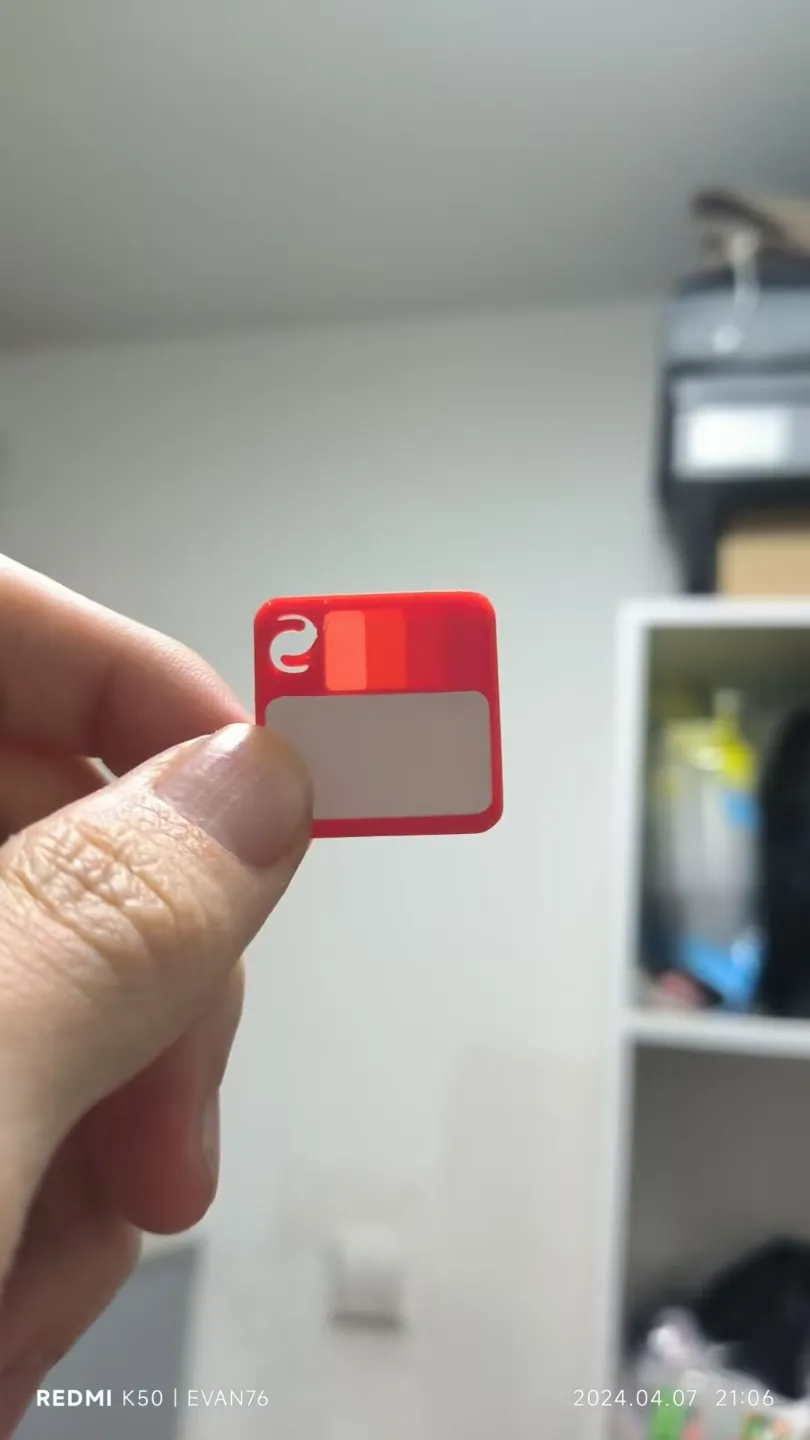
Color cards with transparent labels
The transparent parts are 0.2 layers, 0.6 layers, 1.0 layers, and 1.4 layers respectively, corresponding to 1 layer, 3 layers, 5 layers, and 7 layers
The transparent parts are 0.2 floors, 0.6 floors, 1.0 floors, and 1.4 floors respectively, corresponding to 1 floor, 3 floors, 5 floors, and 7 floors
First, you need to have a 12mmx22mm label that can print text, of course, you can also handwrite, the concave part of the model can just put a 12MM x 22MM label, you can also cut it into the same size and paste it in, because the size of this color card Some Chinese characters or too many characters will cause it to be very blurry, or can not print Chinese, so I re-modified this color card sample
First of all, you need to have a 12mmx22mm label that can print text, of course, you can also handwrite, the concave part of the model can just put a 12MM x 22MM label, you can also cut it into the same size and paste it in, because the size of this color card Some Chinese characters or too many characters will cause it to be very blurry, or cannot print Chinese, so I re-modified this color card sample
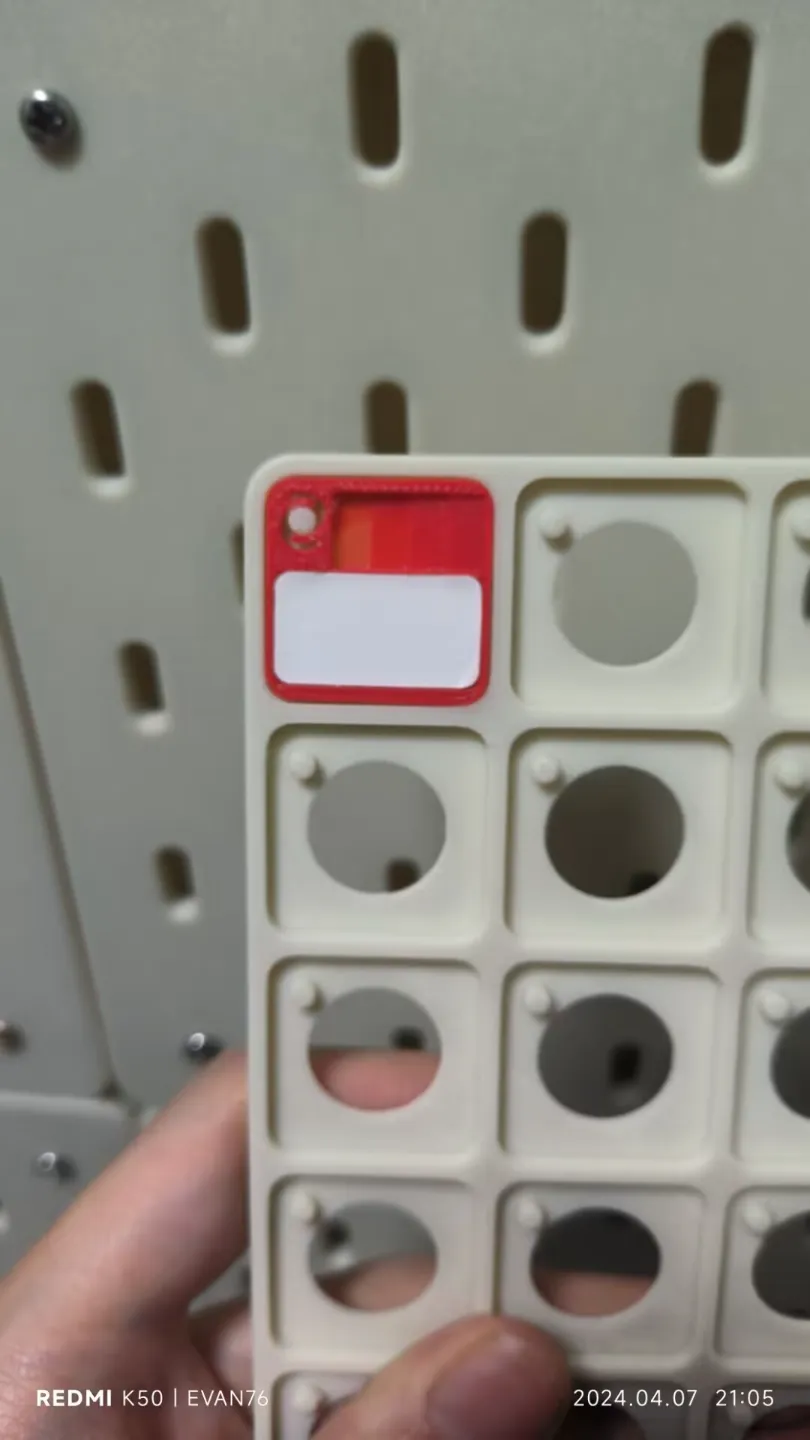
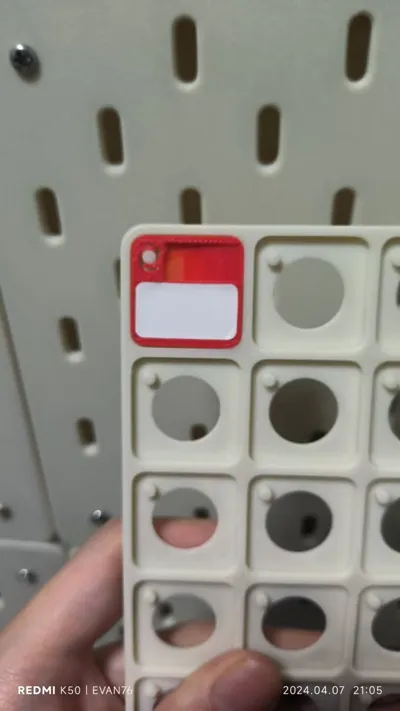
The color card storage uses Swatch Display Board by Bambu Lab from Bambu Lab - MakerWorld
There are other versions available for download
This remix is based on


License



Comment & Rating (43)