
Stacked Fidget Cubes to use as Purge Blocks


Print Profile(1)

Description
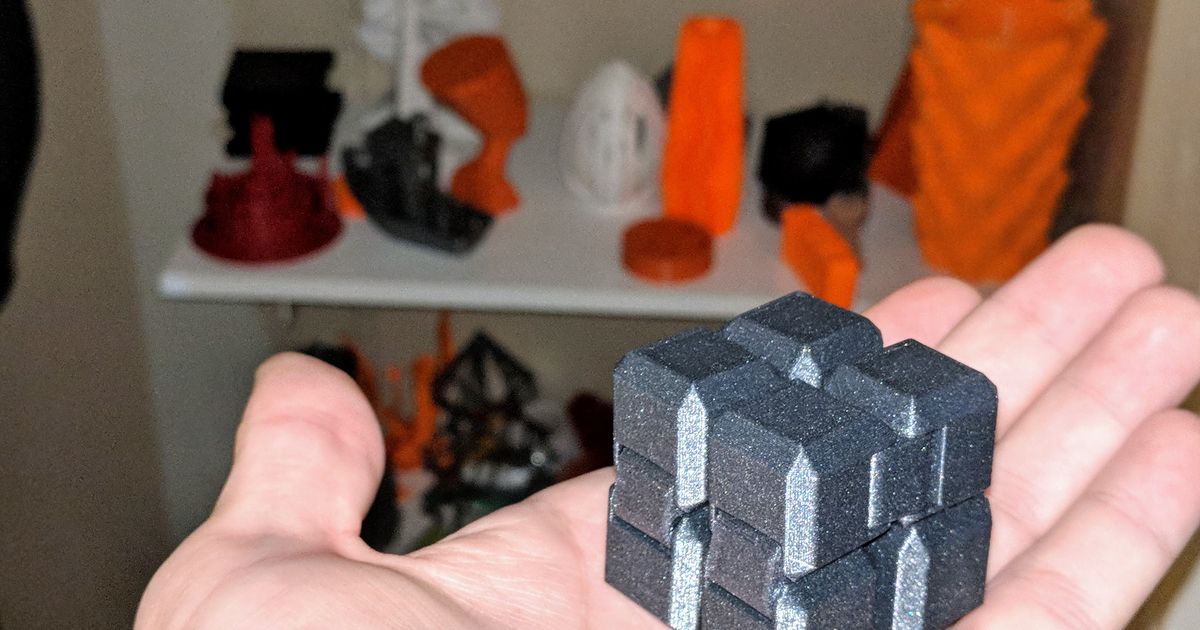
This is a remix of the popular fidget cube. I have stacked them on top of each other with a small .2mm gap between them so this item can be used as a purge block when doing multi color prints that are a tad taller. this is designed to be printed with a .2 layer height. Once its printed use a tool or something to separate the two cubes from each other.
To use as a purge block
- Add stacked cube to plate that has a multicolor print on it
- Right click the cube and select “Flushing Options”
- Click “Flush into object”
Note: I prefer to print these with 2-3 walls with 10-15% infill. If your models your printing dont have these settings go to the “Objects” Tab in the Process section under your filaments. Select the fidget cube and change the Strength to 2-3 walls and 10-15% infill. This will ensure there is enough material in the cube to get a good purge so you are not wasting much materail at each change.
This remix is based on
License



Comment & Rating (26)