
Filament Swatches Catalog (Customizable)


Print Profile(2)



Description
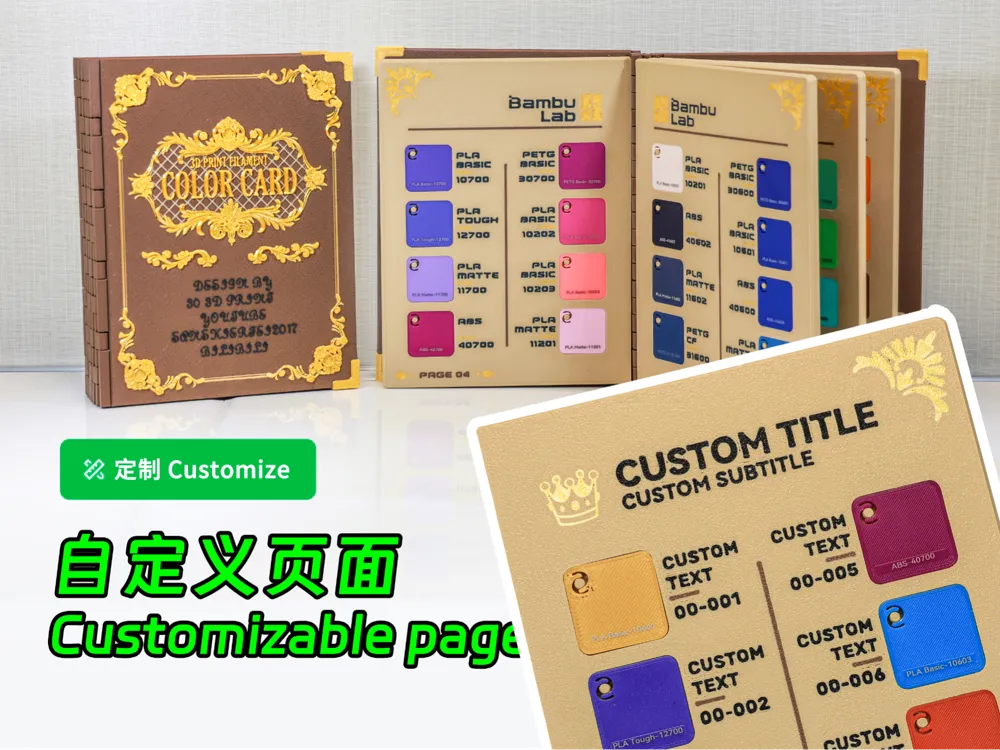
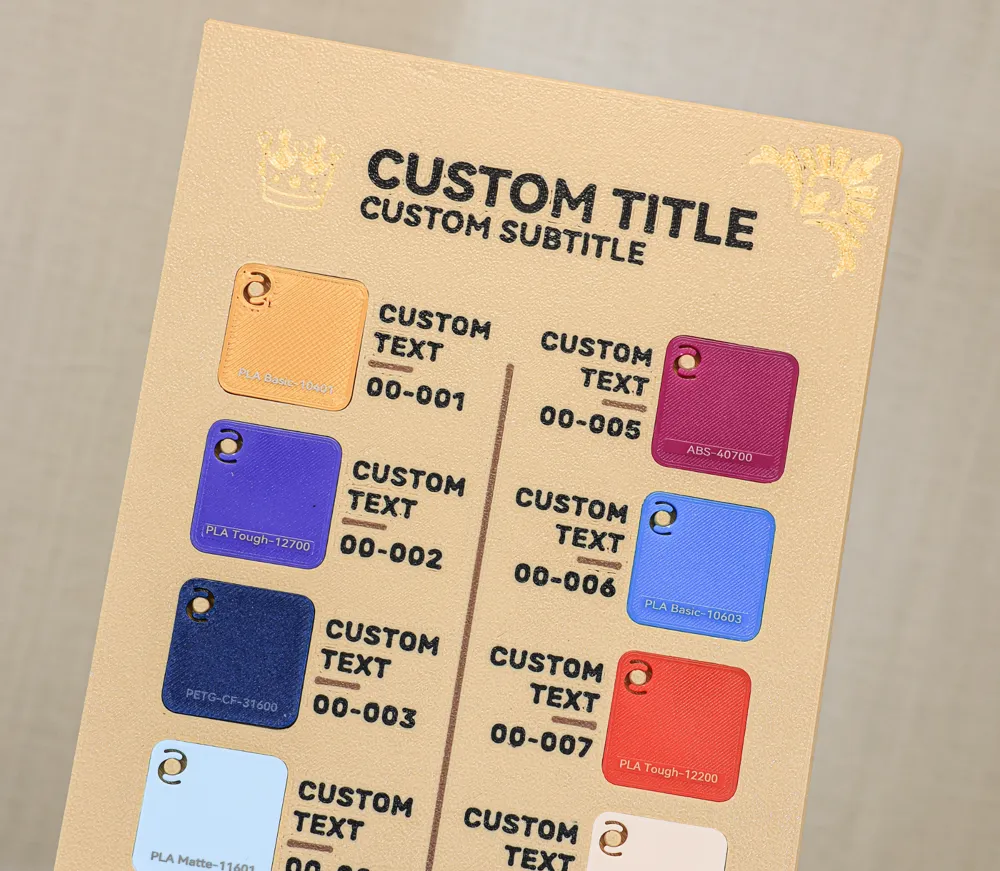
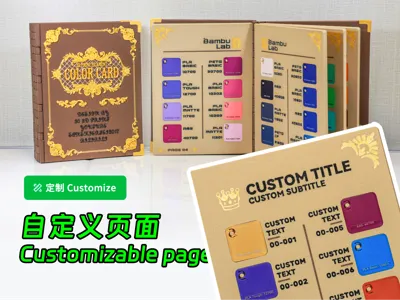
Update: Introducing a customizable inner page model
Update:Add a page model that allows customization of content
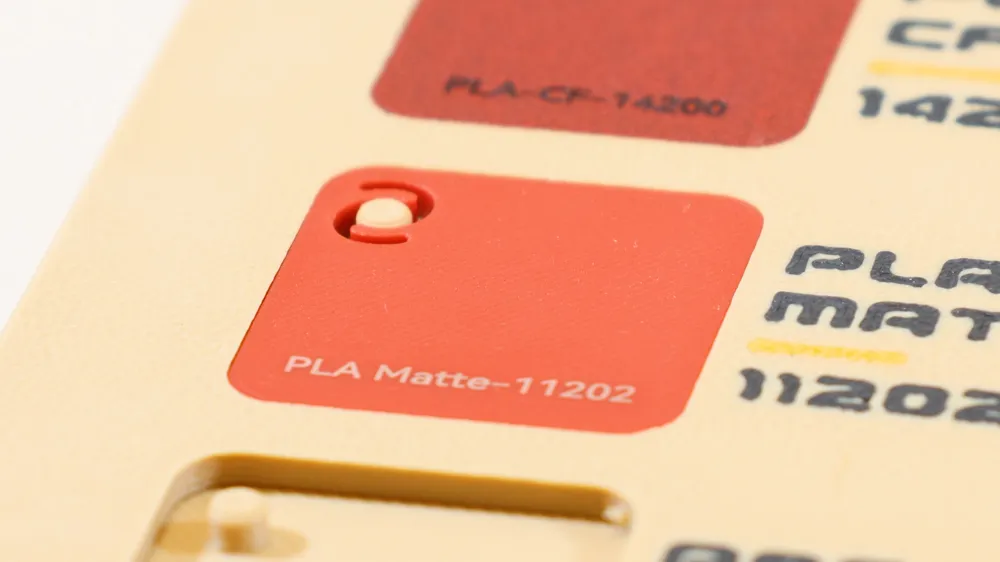
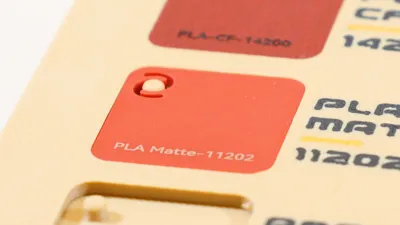
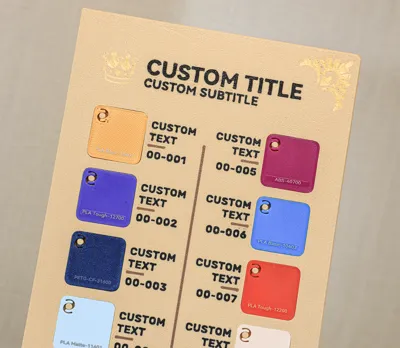
Owing to the Bambu Filament Swatches update, the text within the prior inner page model—being fixed—is now incompatible. Therefore, I present this enhanced model. This openSCAD-crafted design allows for real-time text modification and one-click model generation. Conveniently, you may utilize any filament to produce your own swatches; the source files include the swatch model
Since the set of Bambu Filament Swatches has been updated, the text in the previous inner page model is fixed and no longer compatible with the new version. So I have updated such an inner page model. This model is written in the openSCAD program, allowing you to change the text on the page in real time and generate a new model with one click, which is very convenient. You can also use any filament to print your own Swatches. The original files contains the swatch module.
Instructions:
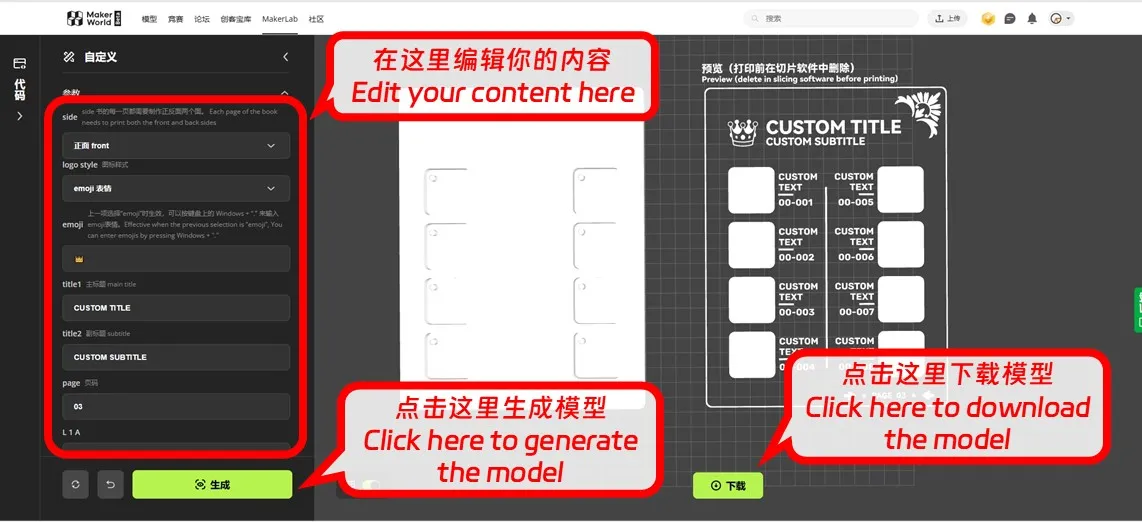
1.Click the “Customize” button on this page to access the editing interface
Click the "Customize" button on this page, enter the editing page.
2.Modify your content on the left; click generate to preview the model on the right
edit your own content on the left, click generate to see the model effect on the right.
Note that each page comprises a front and back. The editor’s initial option facilitates front/back selection. Five complete pages—five fronts and five backs—are required per book
Please note that each page is composed of a front and a back. You can change the front and back through the first option of the editor. Each book requires 5 complete pages, which means 5 front and 5 back pages.
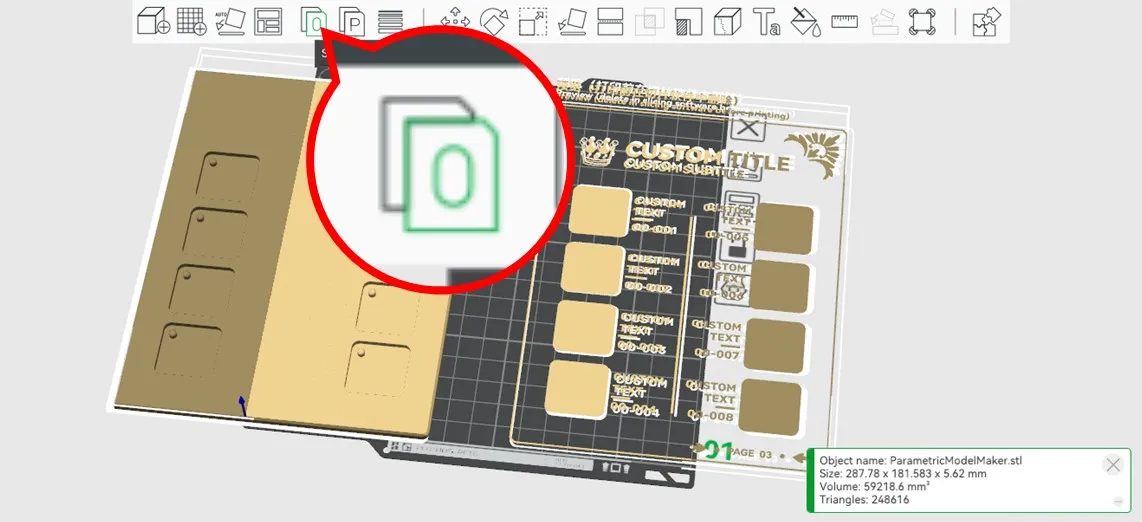
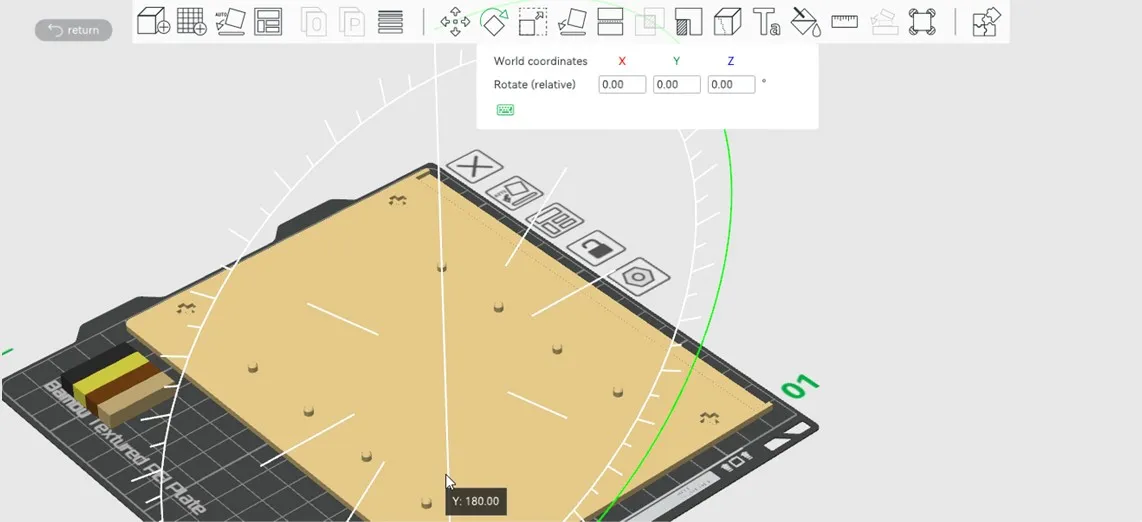
3.Download the model, import it into Bambu Studio, select it, and click the button (shown below) to separate the model components
Download the model, import it into Bambu Studio, select the model, click the button in the following image, and split the model.
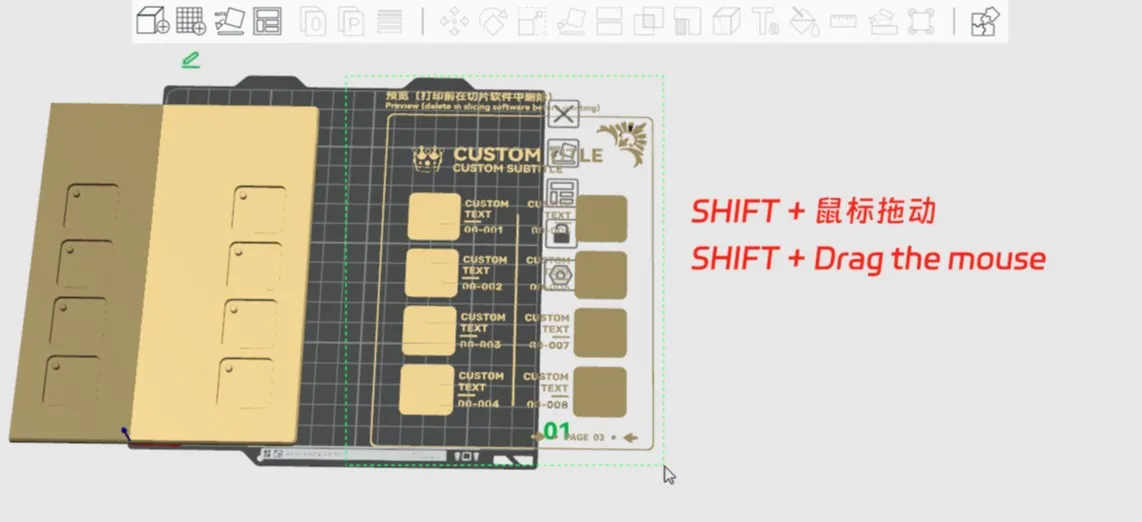
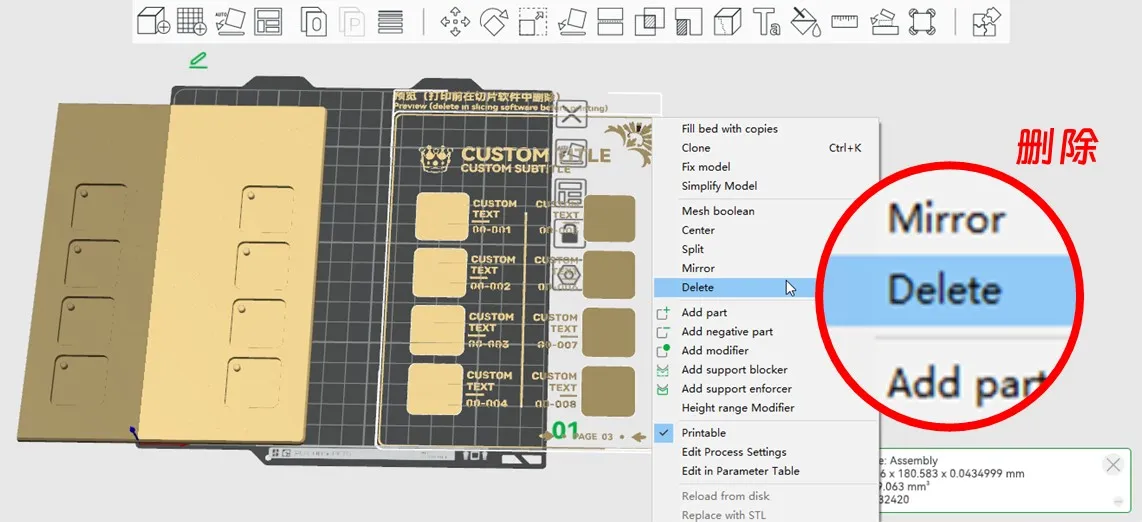
4.SHIFT-click and drag to select the preview models on the right, then delete them
Hold down the SHIFT and drag the mouse to select the preview models on the right and delete them.
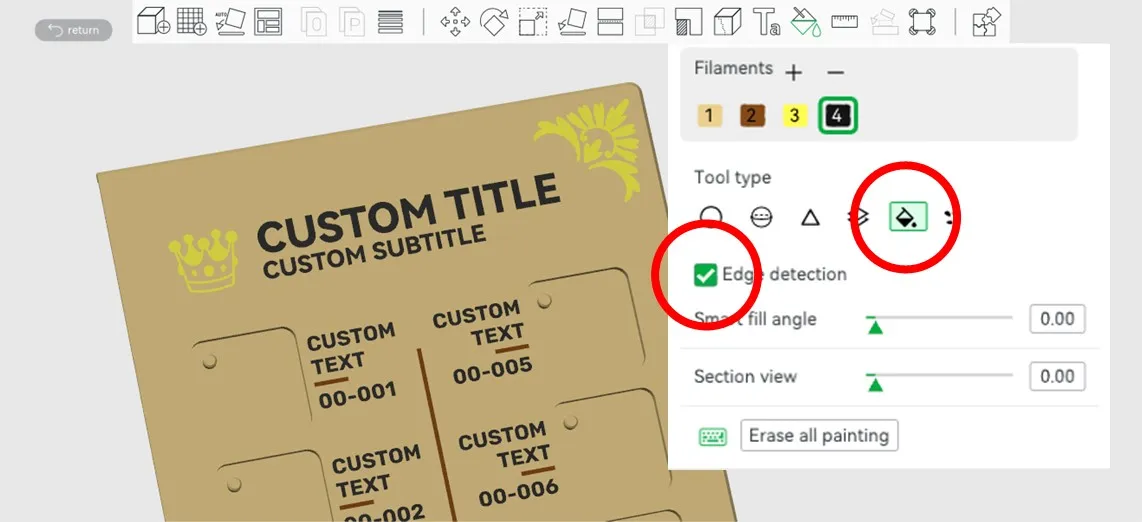
5.Apply color; utilize the “Detect Edges” option as needed
Color the model and use the 'Detect Edges' option according to the situation.
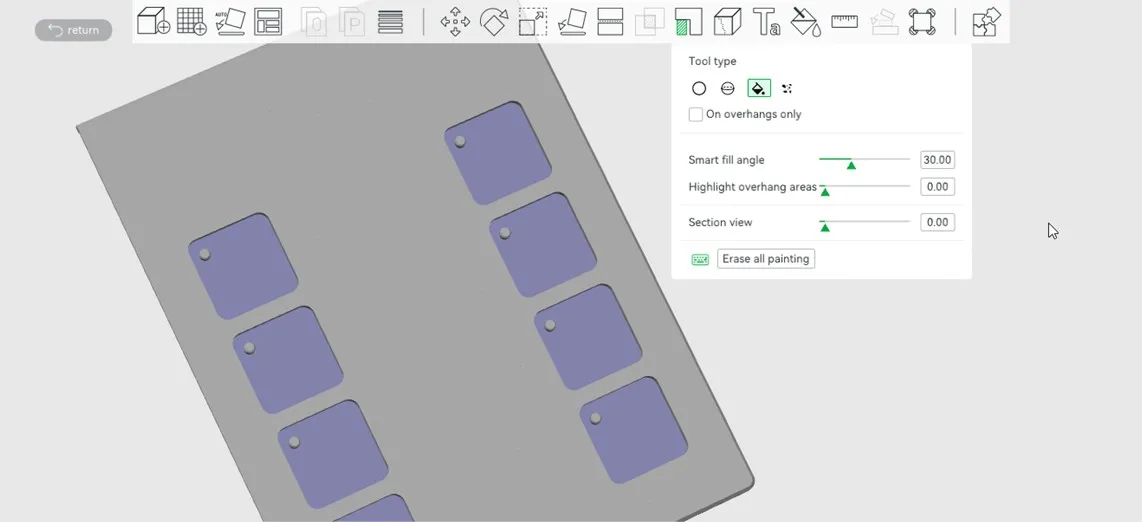
6.Add supports
Add support.
7.Rotate the model, invert it (face down), and then slice
Rotate the model, turn it upside down, face down, and slice it.
May 2024 Content:
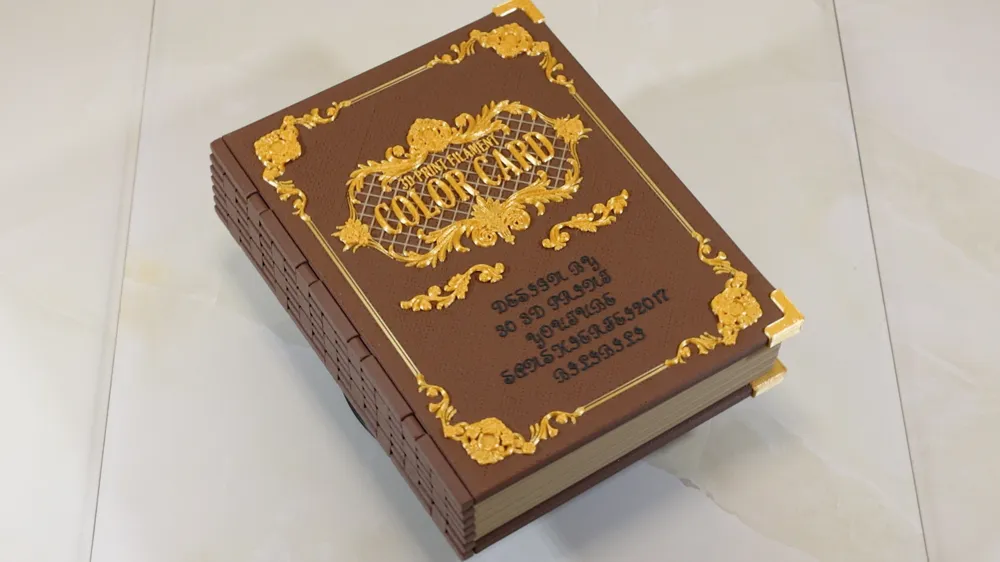
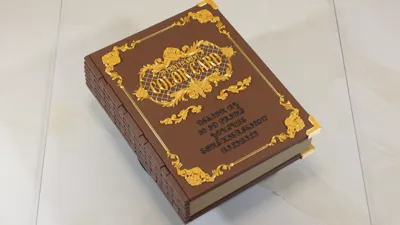
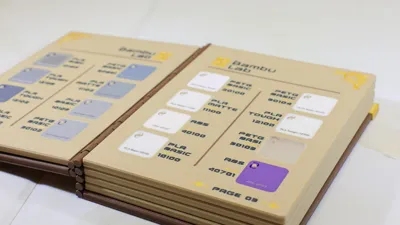
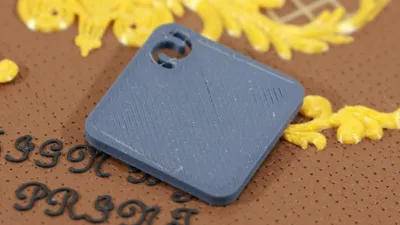
Bambu’s Filament Swatches ignited my creative spirit, resulting in this swatch compendium—a simple yet satisfying endeavor
This set of Bambu Filament Swatches successfully aroused my desire to design, so I designed this book, That’s it.
For domestic users, this swatch set is available at the Bambu JD flagship store
Bambu Filament Swatches purchase link:https://shrsl.com/4jfzt
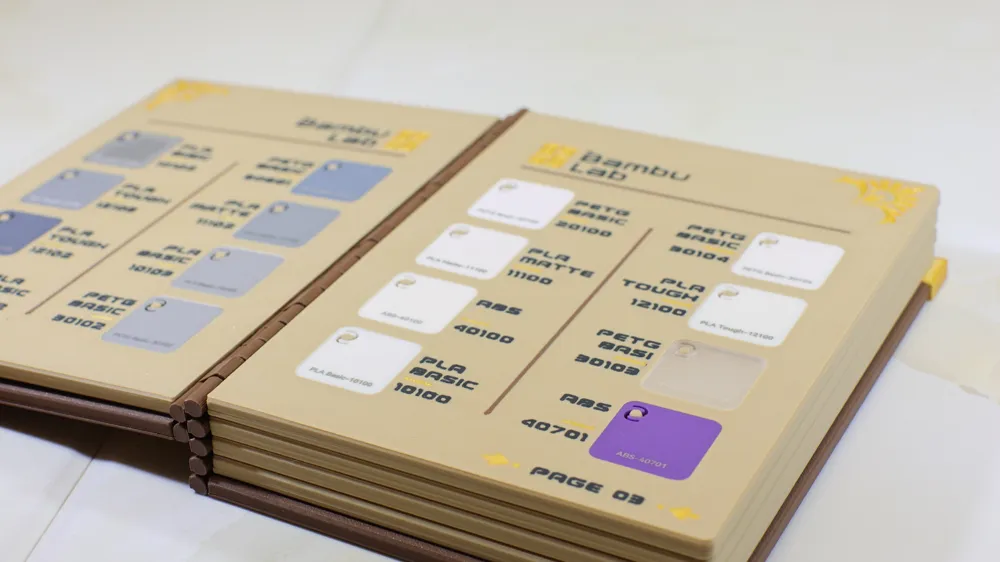
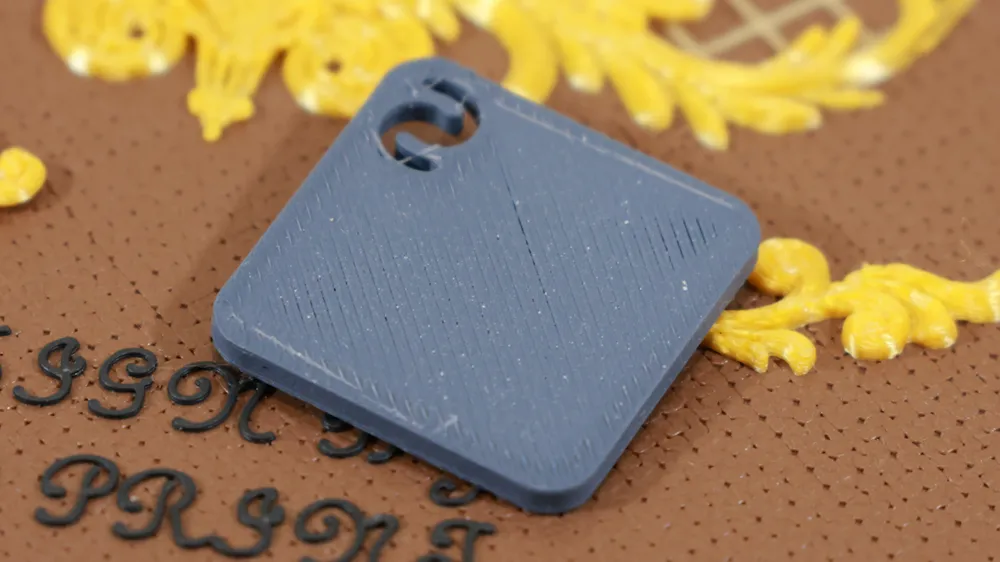
Alternatively, you can print your own swatches using any filament; the source files contain both swatch and blank page models
You can also use any filament to print your own Swatches. The original files contains the swatch and the blank page.
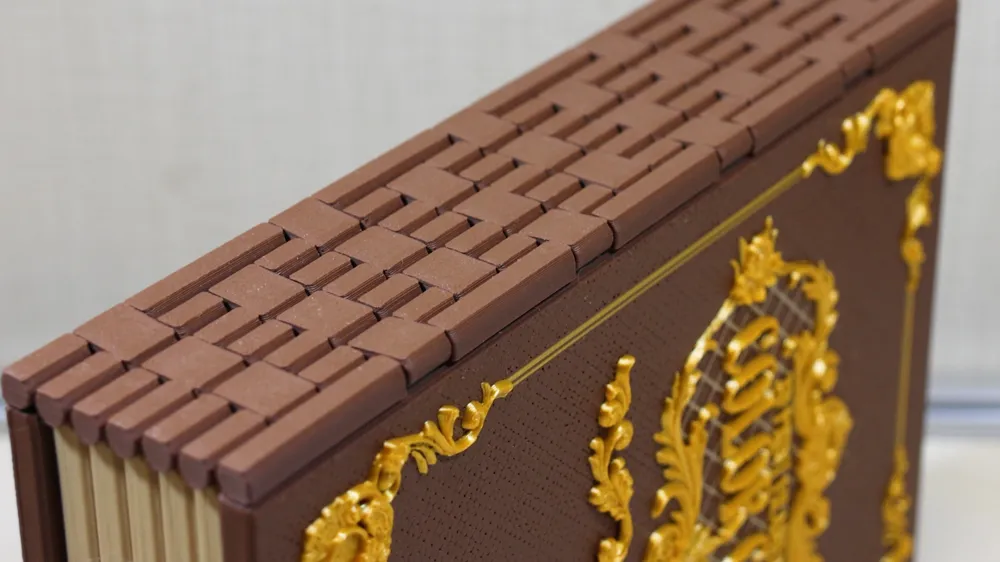
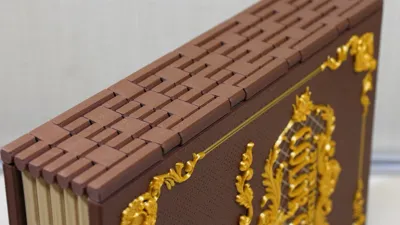
This model is entirely 3D-printed, requiring only adhesive for assembly; no additional components are needed
This model is 100% printed, only some glue needs to be prepared for installation, and no other parts need to be purchased.
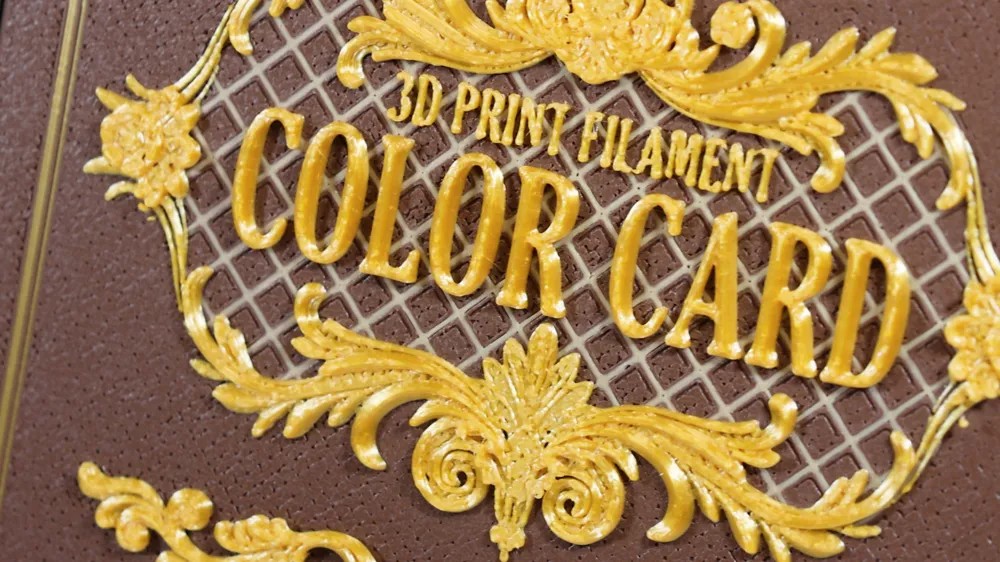
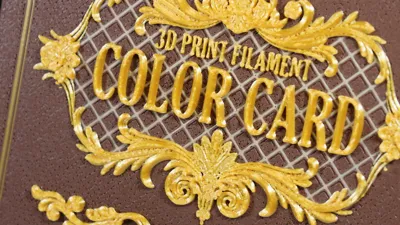
Post-completion, I realized “Swatch” is a more appropriate translation for “色卡” on the cover. Please forgive my less-than-perfect English; however, “Color card” aligns more with Chinglish conventions. To accommodate both, I’ve included both cover versions; you can select your preference
After finishing, I found that the word "Color card" on the cover translated into Swatch is more appropriate, forgive my poor English, but it seems that "color card" is more in line with the habits of Chinglish, in short, I have retained the two versions of the cover, you can choose according to your own preferences.
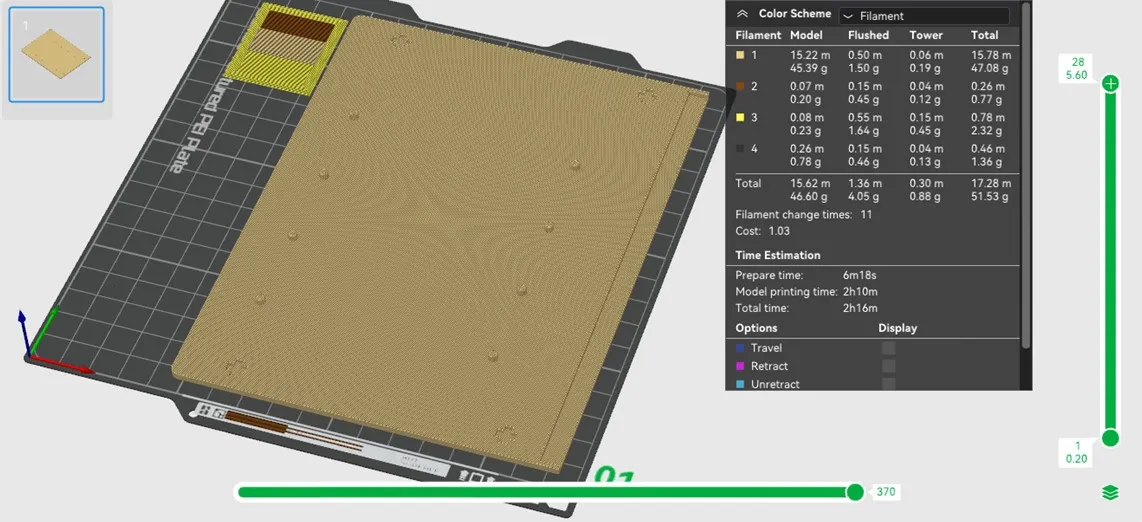
Multi-color printing is strongly recommended; however, I’ve also provided a monochrome version printable via per-layer filament changes and first-layer filament swaps (details here). The monochrome files are included within the STL source files. Regardless of your chosen method, print one spine, covers A-D, and ten inner pages (pages 1-10 for Bambu Filament Swatches, or five blank odd and five blank even pages for your own swatches). Glue the components together—the structure is self-evident, eliminating the need for instructions
It is highly recommended that you print on a multi-colour printer, but I have also prepared a signle-color printer version, which you can print by pausing at the specific layer and change filament at the first layer. You can find these single color models in the STL source files. In any case, you need to print a spine, cover A-D, 10 inner pages (if you use Bambu Filament Swatches, print inner pages 1-10, if you use your own filament, print 5 blank odd pages and 5 blank even pages), and then glue them together, the structure is very simple, no tutorial is needed.
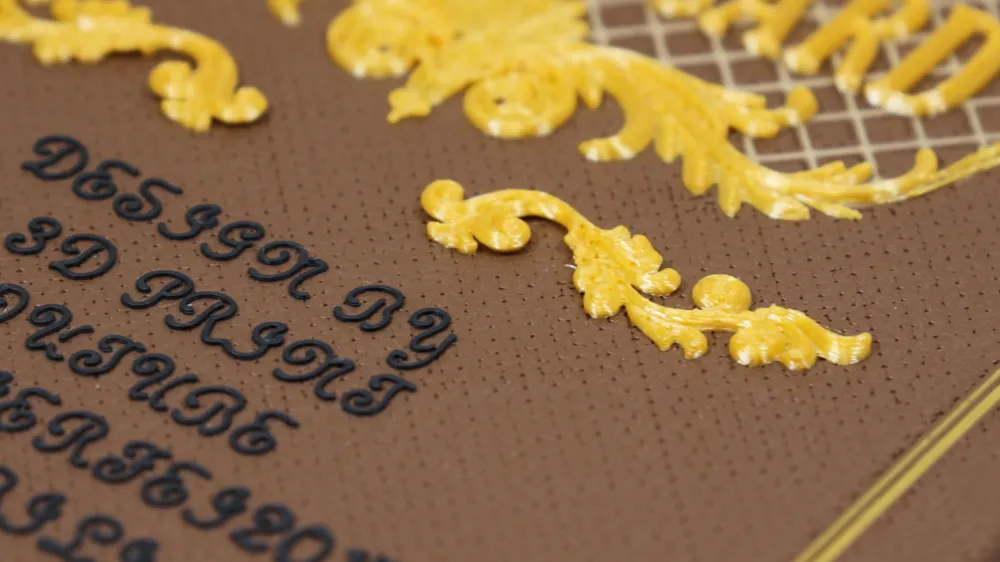
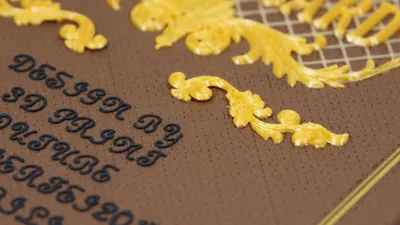
This project consumes approximately 650 grams of filament. I used: Polaymaker polyTerra PLA soil brown, Kexcelled PLA K5M kraft paper, silk gold PLA (brand unspecified), and black PLA (brand unspecified)
This model requires approximately 650 grams of filaments, and the filaments I used are: Polaymaker polyTerra PLA soil brown, Kexcelled PLA K5M kraft paper, silk gold PLA (brand forgot), black PLA (forgot).
International availability of these filaments is uncertain. Consider these comparable Bambu alternatives:
License

You shall not share, sub-license, sell, rent, host, transfer, or distribute in any way the digital or 3D printed versions of this object, nor any other derivative work of this object in its digital or physical format (including - but not limited to - remixes of this object, and hosting on other digital platforms). The objects may not be used without permission in any way whatsoever in which you charge money, or collect fees.


Comment & Rating (131)