
AMS Lite Hub full replacement - PC4-M10 couplers


Print Profile(1)

Description
Full AMS Hub Lite replacement , uses standard PC4-M10 PTFE coupler, I printed because I was angry and disappointed by the complexity of the ams hub : Its the second time I broke my AMS Hub while pulling the PFTE cables and pulling stuck filament from the AMS HUB .
Also this can be used as temporary replacement until your original AMS HUB Lite oem part arrives from bambulab .
This part is compatible only with A1 and A1 Mini .
This full replacement mean to replace full the TOP part , but the sensor parts ( bottom one) .
READ THIS CAREFULLY: using this part the “tangle filament sensor” wont trigger/work ( there is no magnet to trigger it) . I'm not responsable for any damage to your printer, use it at YOUR RISK .
How to use :
1) Remove fully the AMS Hub and Disconnect the sensor part for satefy. ( https://wiki.bambulab.com/en/a1/maintenance/filament-sensor-replacement )
!! Disconnect this part below ( from the ams lite , just the x2 screws ) or it will break !!
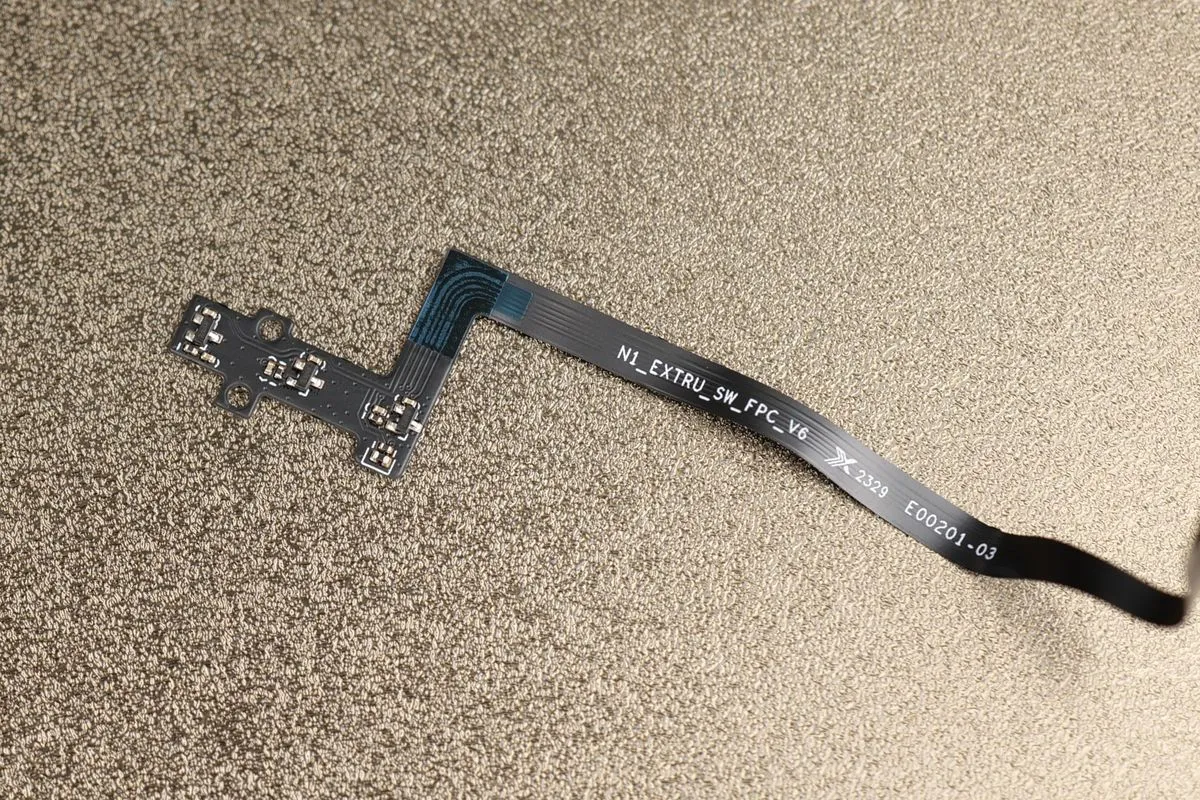
2) Remove the plastic ring that holds the AMS HUB ( ring goes out easily with a flat screwdriver)
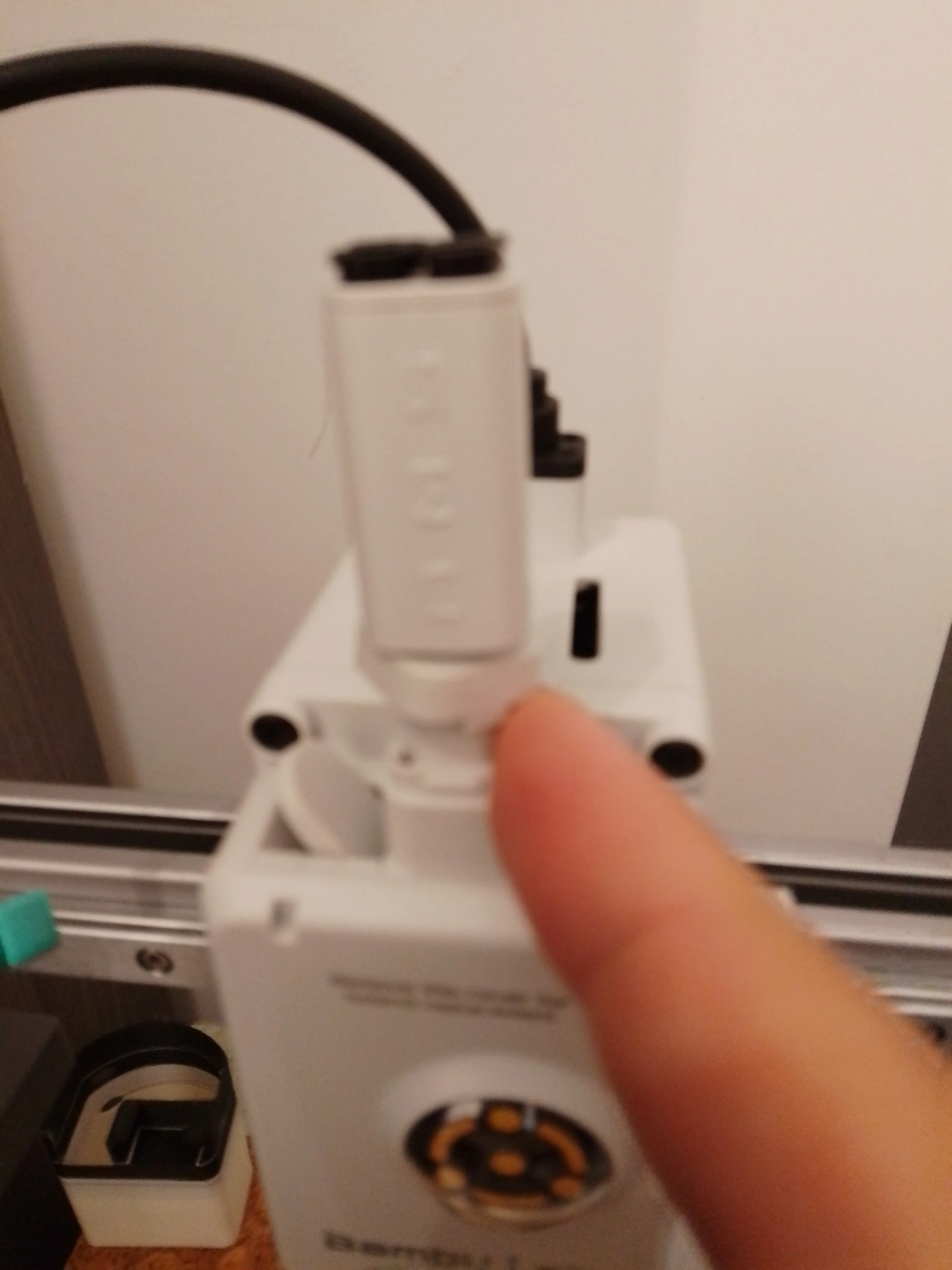
3) Insert the new part ( push it it until it clamps) ( you can remove the sprint for ease install , but save it for later for the oem part)
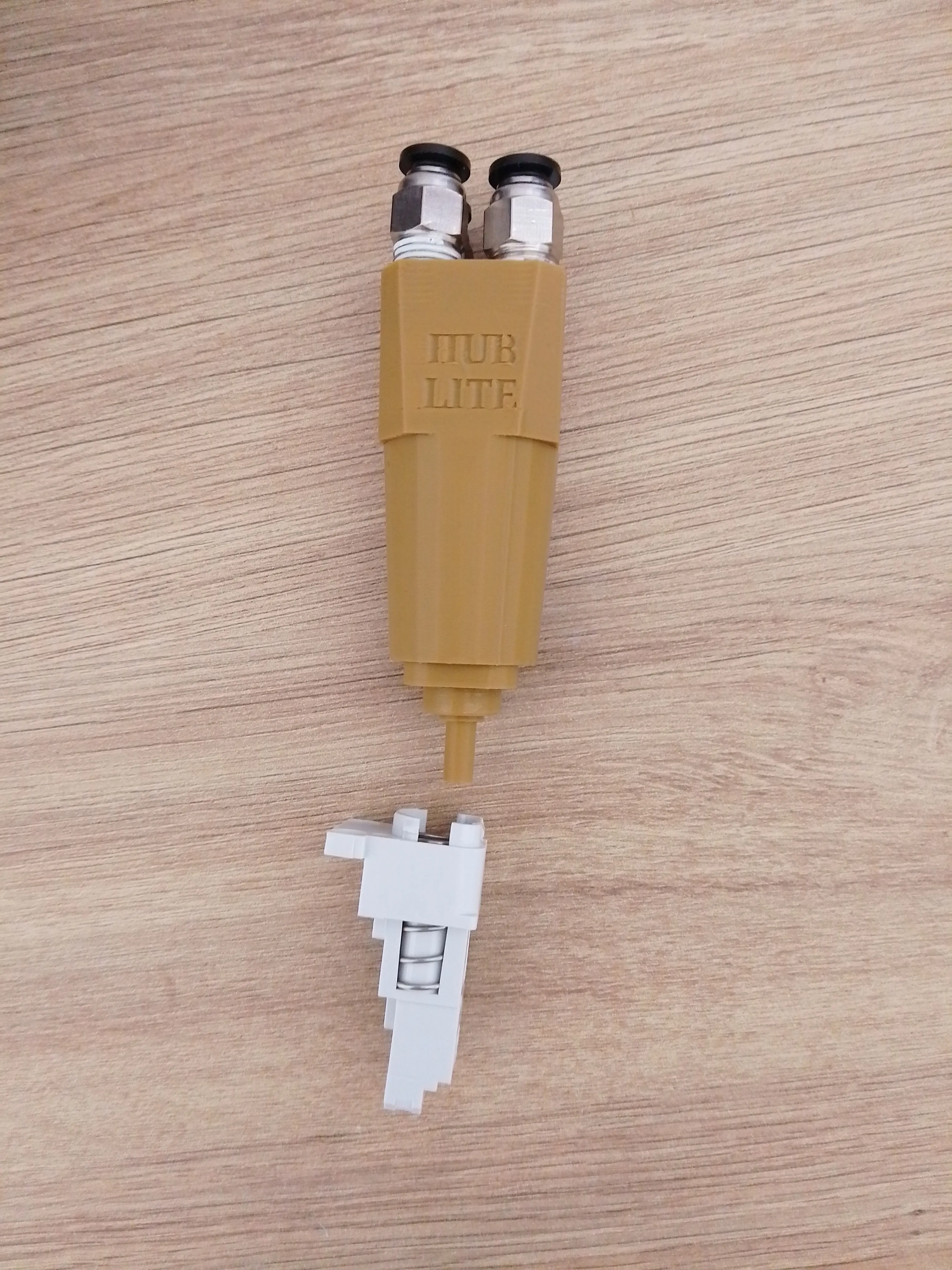
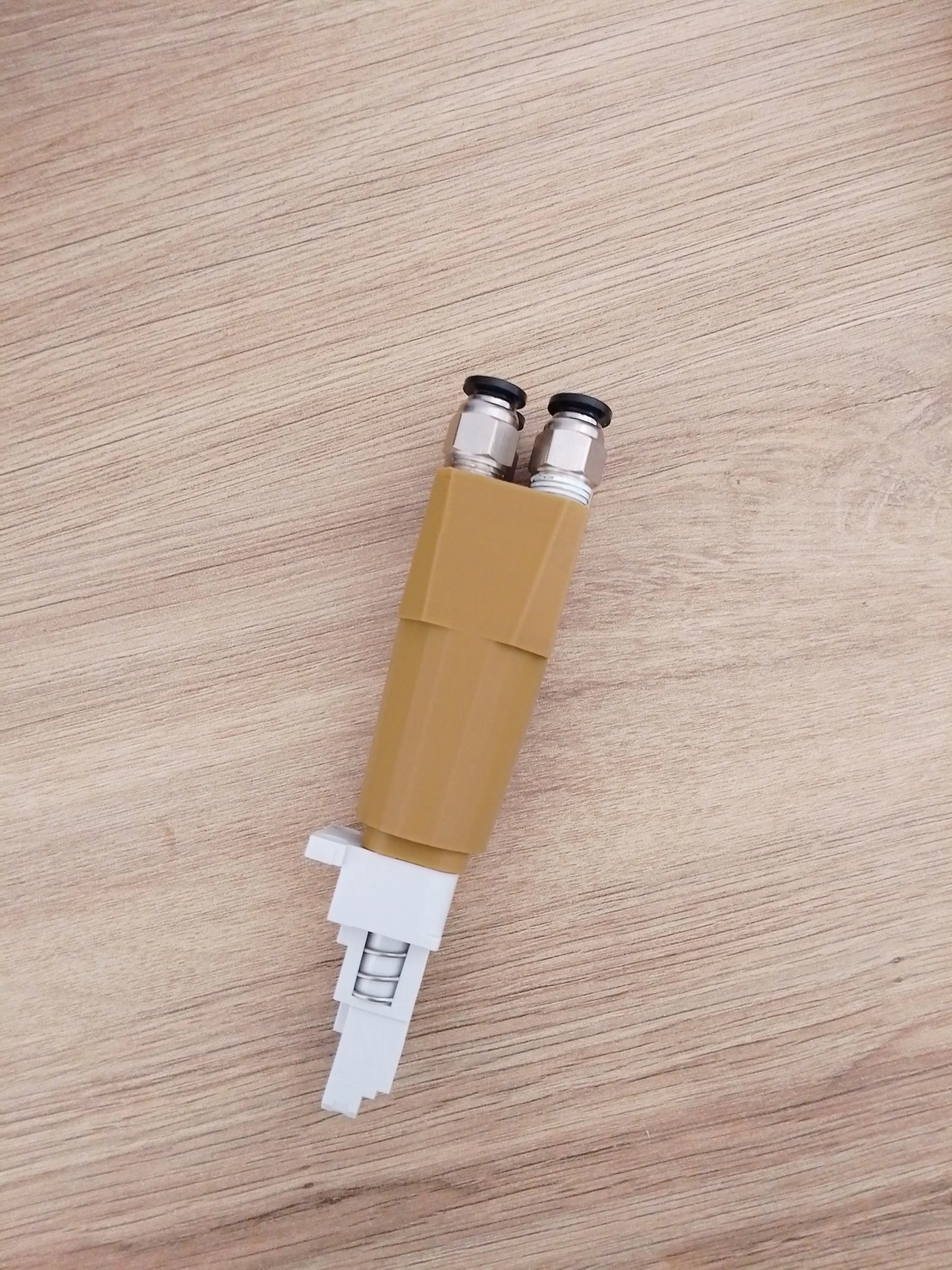
4) Tread the PC4-M10 Coupler
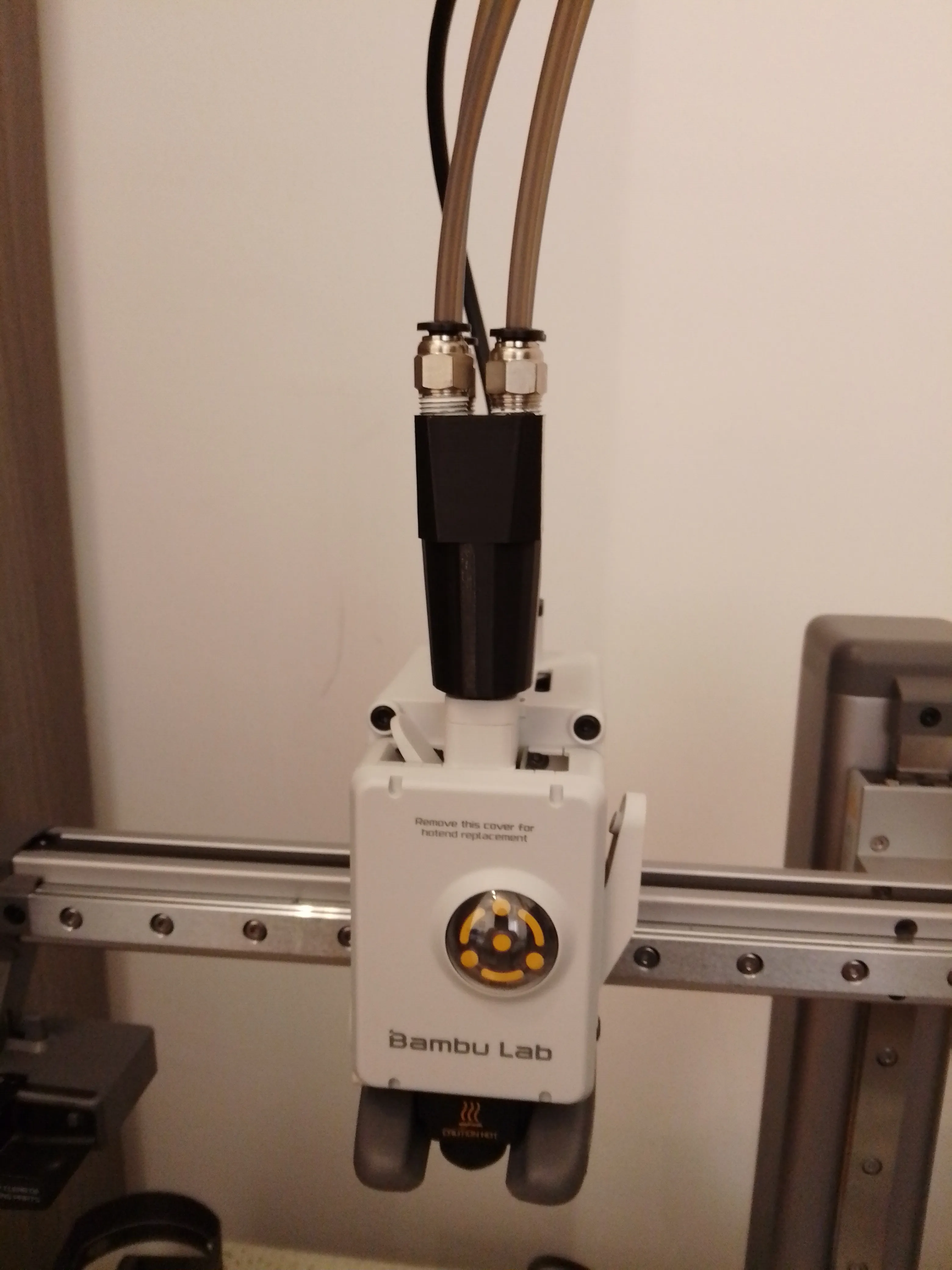
5) Connect the PTFE Tubes
6) Connect to the toolhead
7) reconnect the sensor part
8) Print with your AMS Lite as normal.
Some Photos are from the ( black version) first iteration where I retained the plastic ring, but was not stable enough
This remix is based on

License



Comment & Rating (12)