
Self watering Bonsai Planter with indicator


Print Profile(3)


Description
A self watering Bonsai planter with water level indicator. Planter dimension 232mm x 158 mm x 60 mm
[update]: Recently … either my case fan is super strong and its blowing my print on my cachepot because its on an angle or i need cleaning my machine 😭… but to be safe. i place it in the regular position in my print profile
the water level indicator is the shishi odoshi 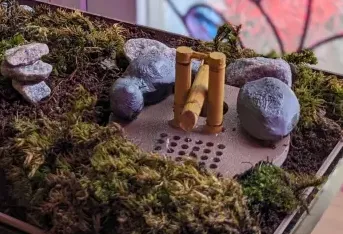
(note: Yes that's real moss)
anyway some assembly required on the water indicator part
Step 1: cut out a Styrofoam at least 15mm x 15mm x 40mm. this size should fit the hole.
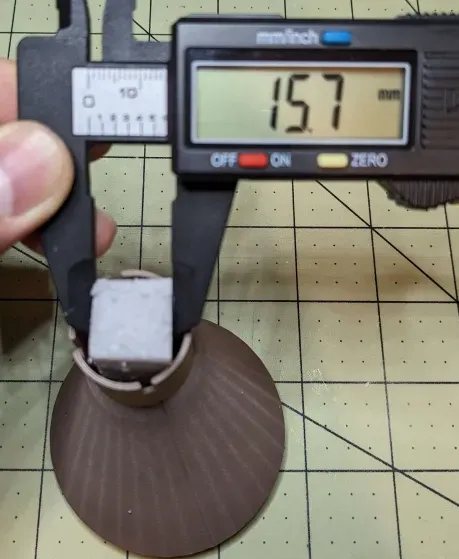
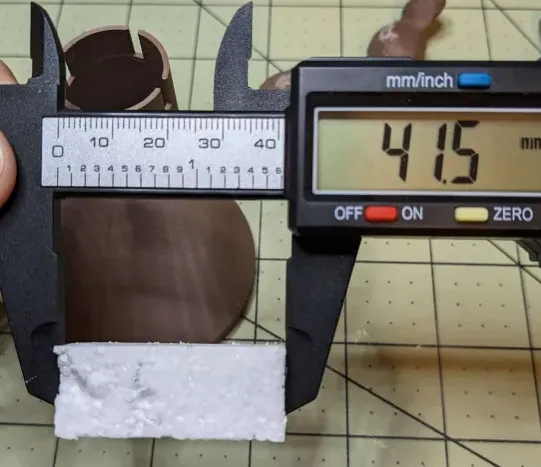
Step 2: stab the Styrofoam with the part 1 of the shishi odoshi. probably an inch or more as long as its secured there.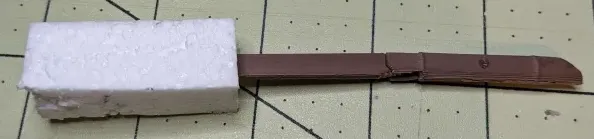
Step 3: Insert the Styrofoam and the part 1 of the shishi odoshi at the end of the drain part. 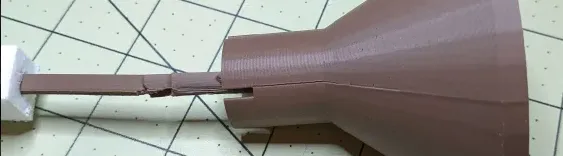
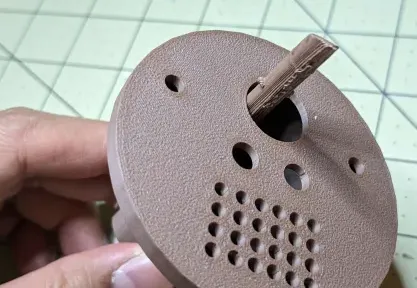
Step 4: connect the other part of the shishi odoshi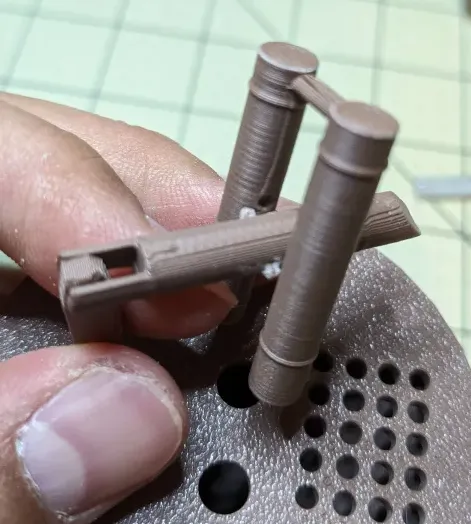
Step 5: Then connect it to the drain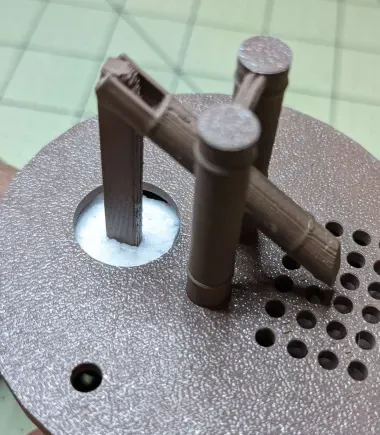
Step 6: Attach the 2 rocks to each side. doesn't matter which one goes to what side. this is up to you. 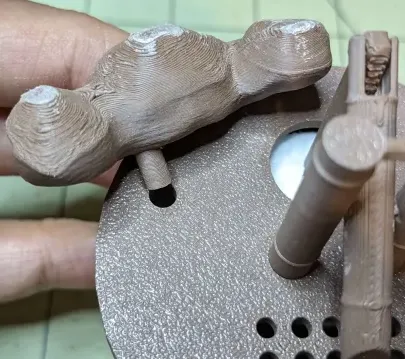
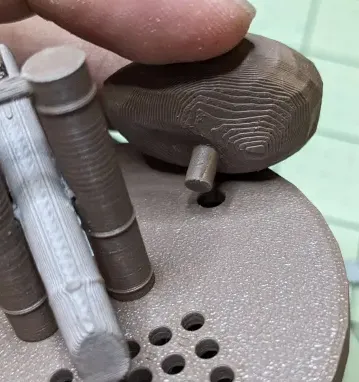
Step 7: Connect the drain part to the cachepot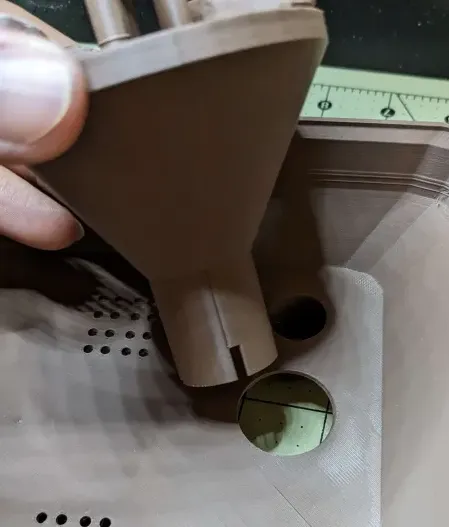
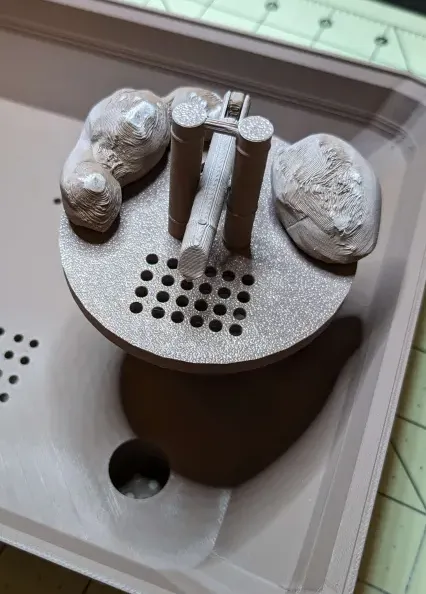
And thats it. you're good to go.
couple of notes:
I sand the rocks because of the brim/support. and then paint them. I also painted the shishi odoshi part too.
the drain part can be a little bit akward because it doesn't have soil underneath, but you can turn it to what direction you prefer.
and lastly. my print profile for the cachepot is at an angle to limit support but this is all up to you and your preferred print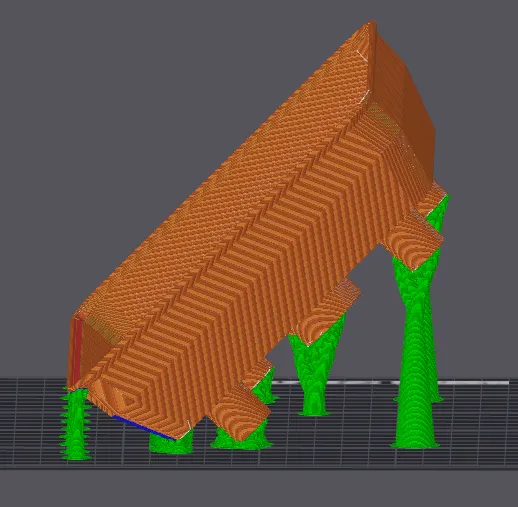
[UPDATE]: adjusted this to be in a normal print position. my print is failing recently.. not sure why
Enjoy
Let me know if it works and if i need to change anything. Thanks guys
License

You shall not share, sub-license, sell, rent, host, transfer, or distribute in any way the digital or 3D printed versions of this object, nor any other derivative work of this object in its digital or physical format (including - but not limited to - remixes of this object, and hosting on other digital platforms). The objects may not be used without permission in any way whatsoever in which you charge money, or collect fees.


Comment & Rating (32)