
Ergo Mouse I1


Print Profile(5)


Bill of Materials





Description
Boost Me (for free)
I usually don’t ask for this, but I’ve noticed that many creators actively encourage it on other platforms—and it makes sense, as it helps increase visibility. So, if you can follow me, it would make difference. It’s a great way to support my work and show appreciation. For more insight subscribe my blog at: https://designrepcom.com/ This design is freely available for the community, but if you enjoy my work and would like to show your support, you can boost this project. Thanks!
Introduction
This mouse has been constructed in a completely different manner from previous versions, with a particular focus on functional and ergonomic aspects. Think of it as a study rather than the final product. Nevertheless, I have decided to release it for those interested in experimenting. What to expect:
- Optimal comfort level for a hand size within the 90th percentile, which includes most adult male hands.
- Perfect button actuation. Given the button layout in this kit, as well as the limitations imposed by 3D printing, this will be the most suitable key configuration and should work with most printing configurations.
- I have included a version with specific material for support. Especially for those with an AMS system, this is one of the materials that should always be loaded.
- It is true that it is somewhat expensive, but if used only on the interface layer, this material will allow for many prints, as only a small amount is used on the contact zone. The advantage is an almost perfect interface zone. Bambu Lab currently offers "Support for PLA," which is a relatively elastic material with very low adhesion to the piece's walls. PVA, which is water-soluble, can also be used and allows for even superior results. Both are excellent options. The downside is that the printing will take much longer to complete, and the purging effect will consume some of the precious support material.
You can also try using PETG as a support material. Since the melting temperatures of the two materials are similar, they are incompatible (they don't "fuse" together), which is beneficial for support structures. However, PVA or the specific support material allows for superior results, and in terms of configurations, everything is automated in Bambu Studio.
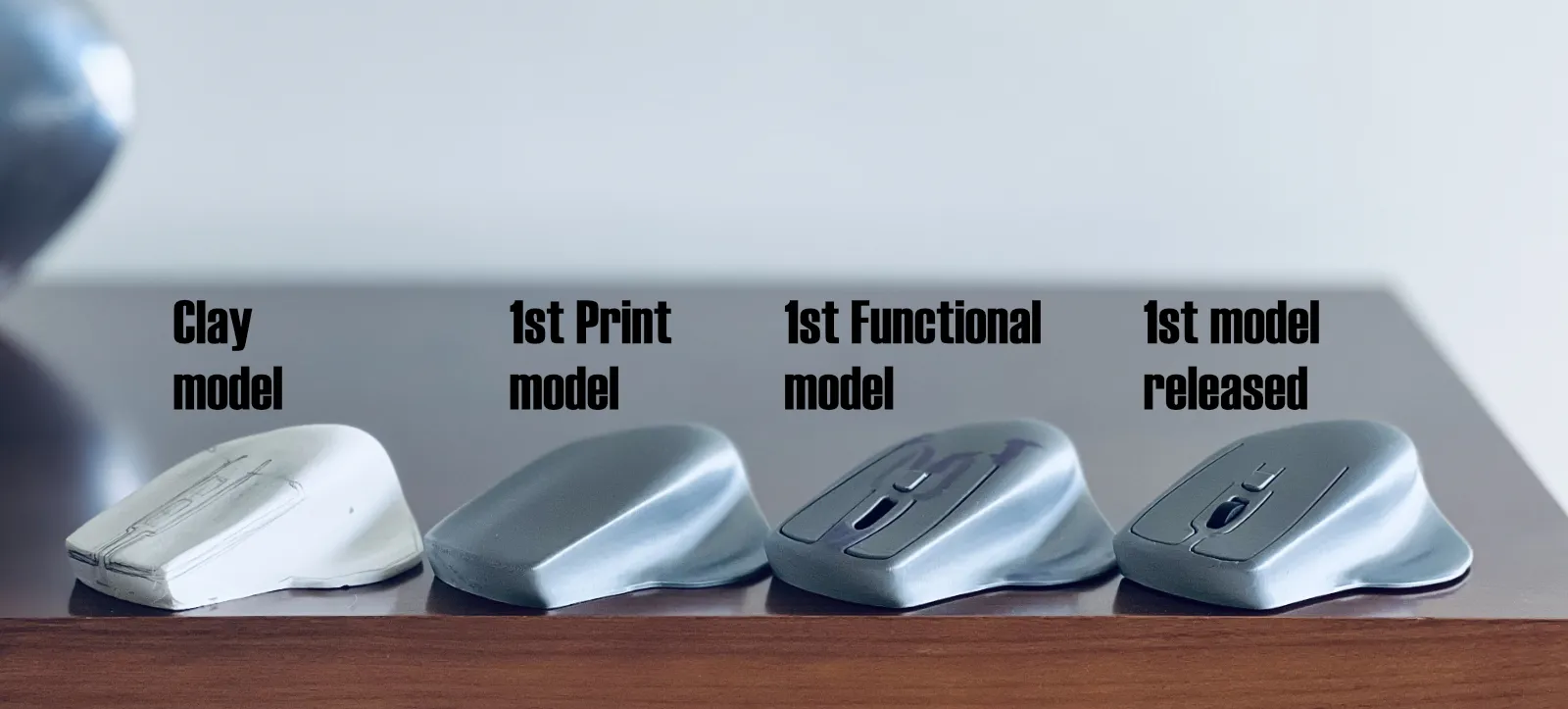
For those interested in understanding the development process of this and other products, which, as you can see, originated from a sculpture to ensure the most ergonomic design possible, the object was then 3D scanned. The resulting point cloud data was used to create a comprehensive 3D model, which ultimately became the final 3D printable design. You can find more details and follow the journey on my blog
This uses the wireless mouse kit from bambu lab
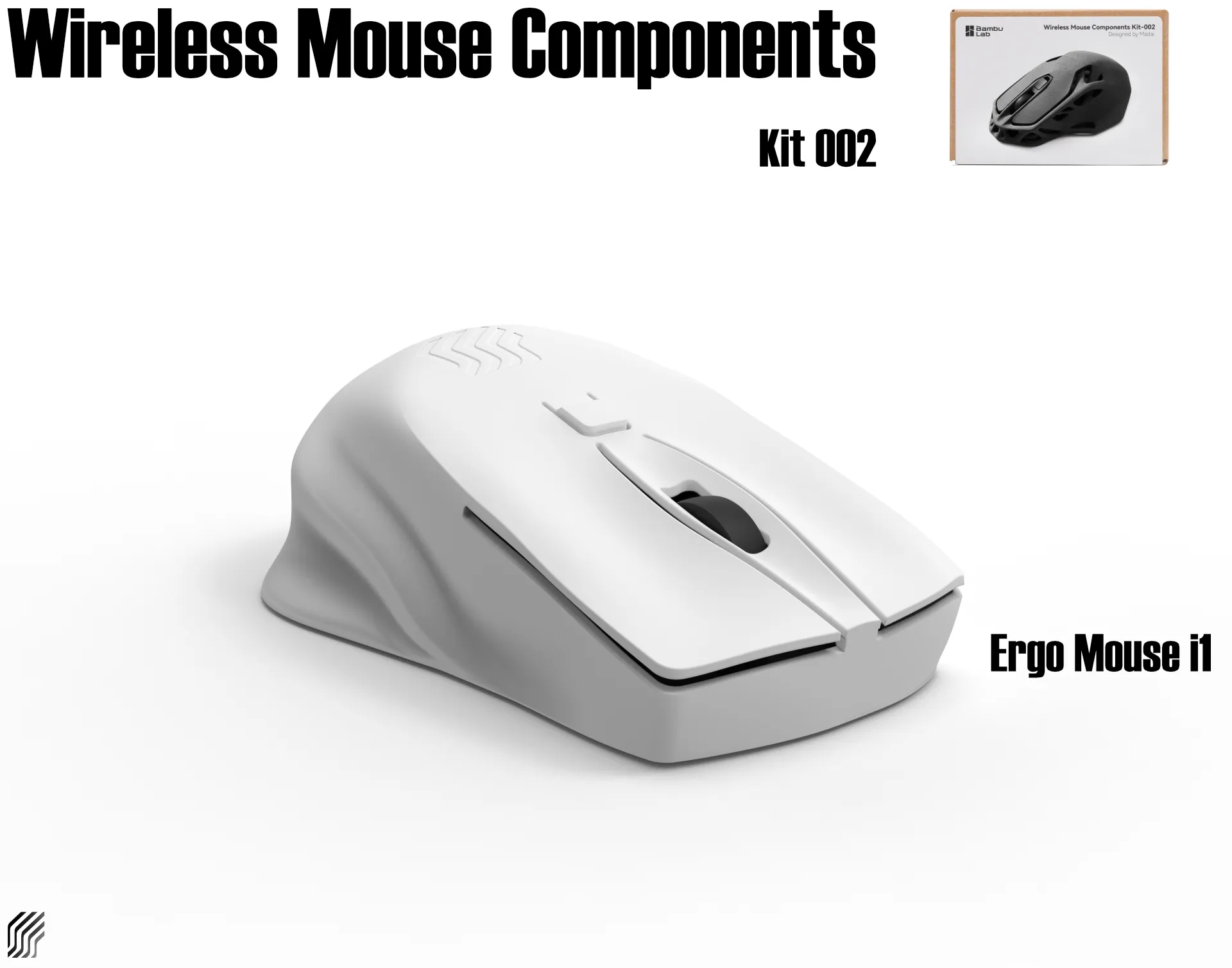
Video do assemble the Wireless Mouse kit with this "skin"
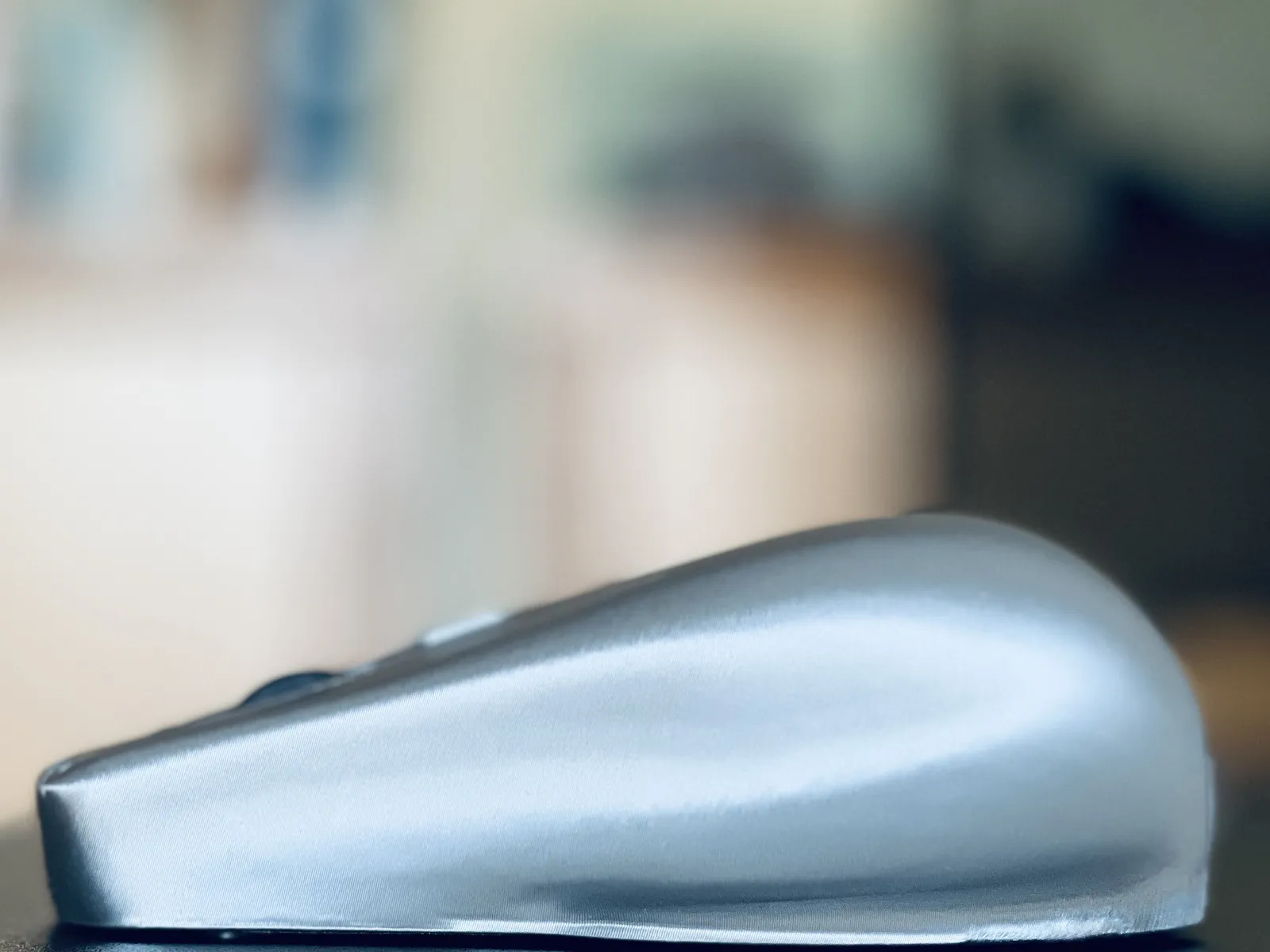
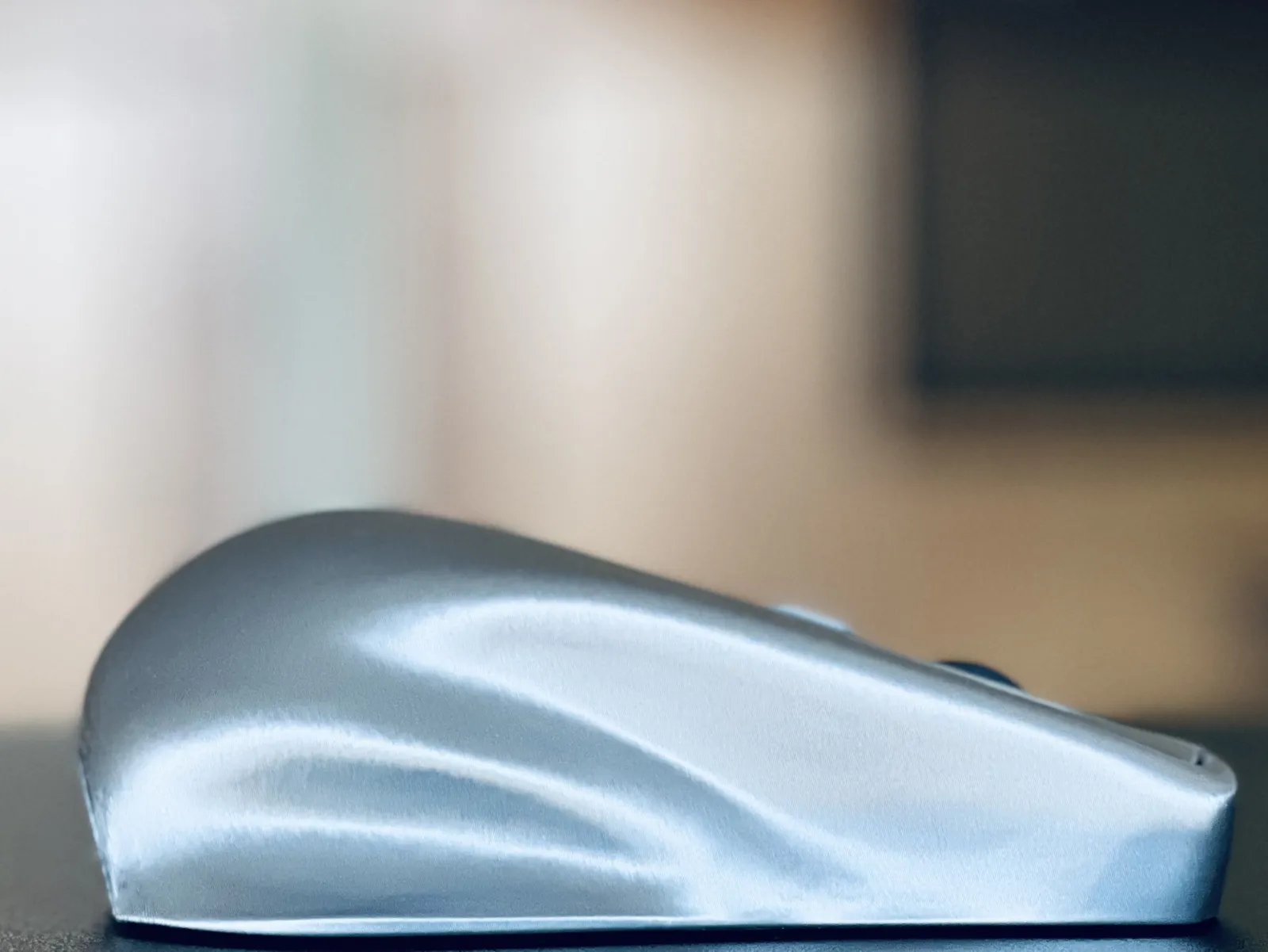
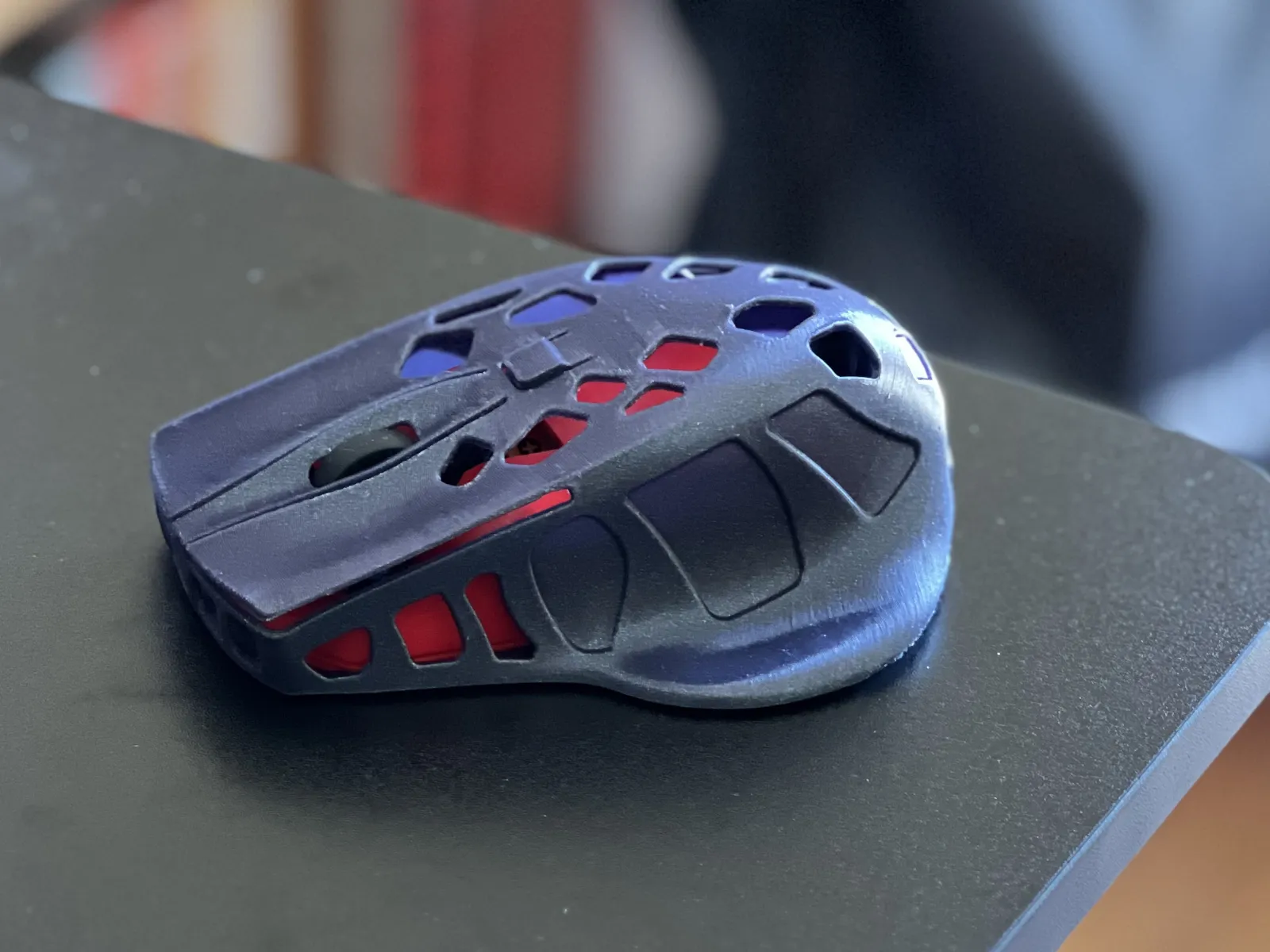
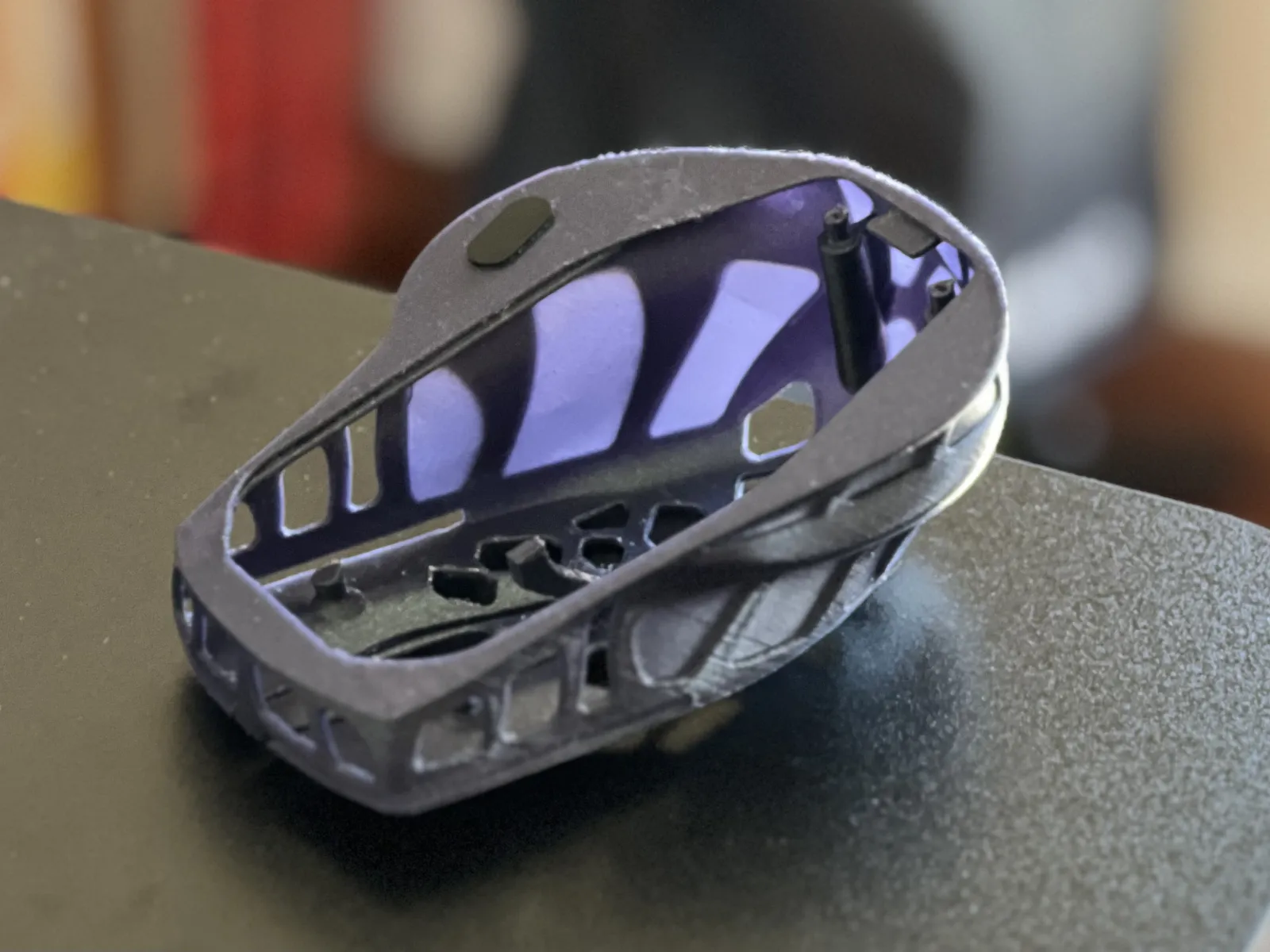
This was the 1st study, so I will not be making the usual render images this time. Instead, I will share the print to show how clean it comes out. Still available to print, see instruction on the bottom (Ergo Mouse I1.3mf).
 |  |
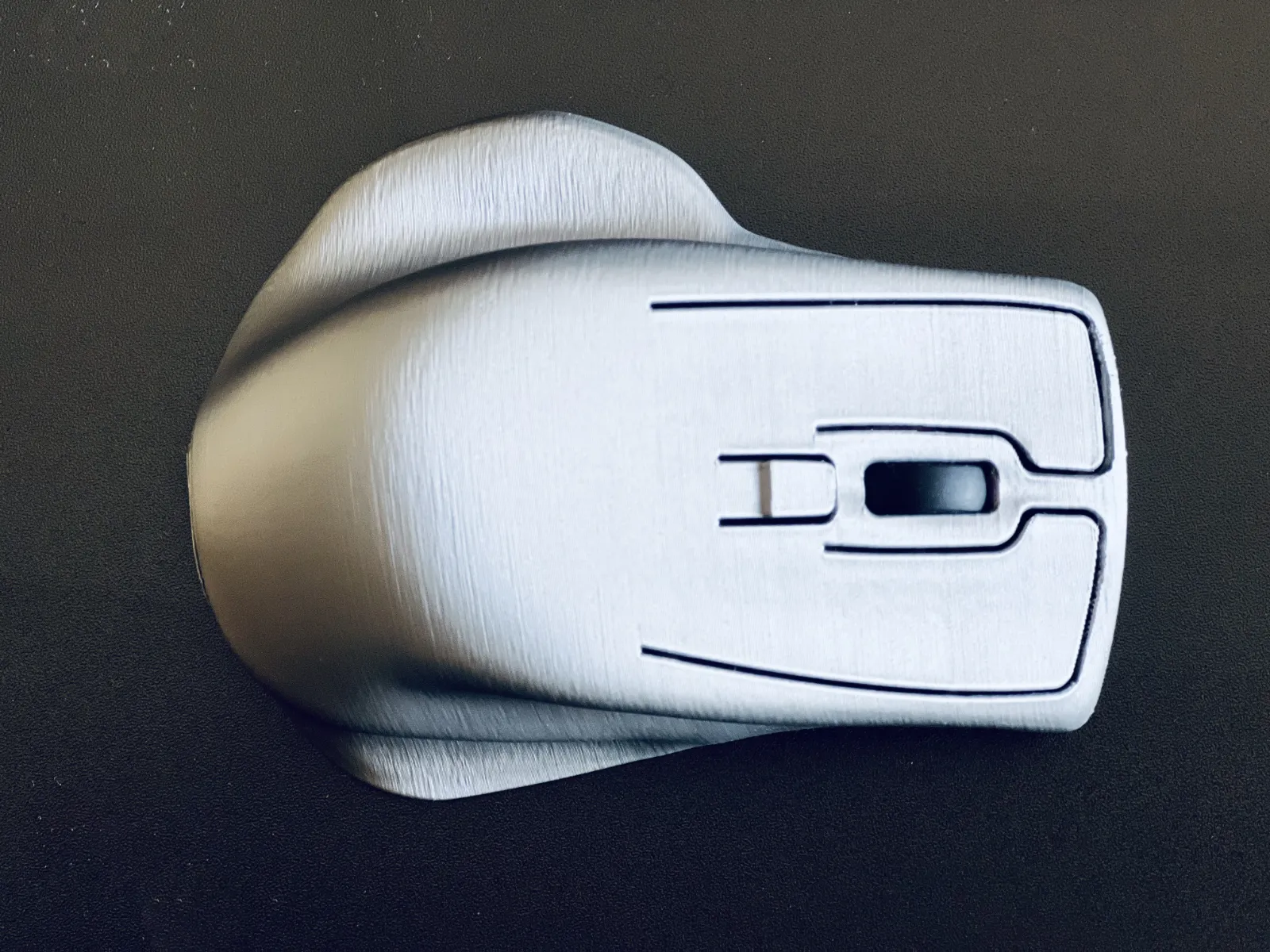
And since these things don't come out of nowhere, there is a whole development process needed to make everything go smoothly. Contrary to popular belief, it’s not enough to just know how to use a 3D modeling tool and slicing software; these are just tools in an industrial design process, which is itself part of product design. And you know what? It's something everyone should try.
Simply printing pieces that others have made is just one part of the experience, a small part, not bad, but only a fraction of the experience, if you like to print you should try create something.
So, I invite everyone to give it a try. Start by taking the first step: create a simple model using the CAD tool of your choice, or make a clay sculpture, or a model of what you want (I often start with these). What matters is to begin. You already have one thing mastered: printing. Now, just take one more step to become a creator.
Jorge Rui
Update
And here is the final version. I hope you like it.
The operation of the keys is different; the previous draft model (above) has a simpler operation, thus more straightforward, this is the case of the Bambu Lab kit, it might be the best option for actuate the buttons.
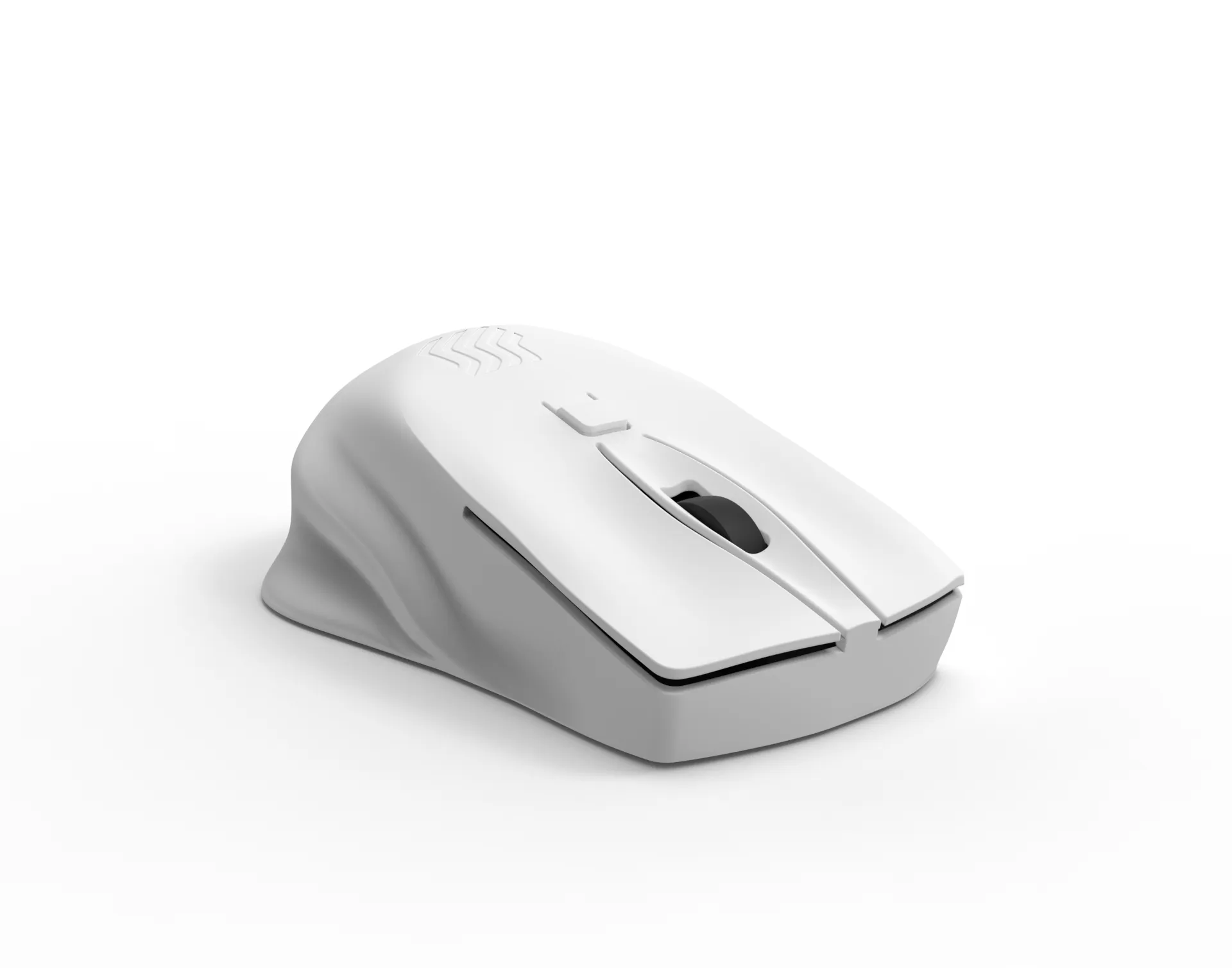
I printed this with the configuration ready to download using an A1, using the Bambu Textured PEI plate (Gold). This plate has an impressive adhesion capability. It was the first time I used it, and the adhesion is surprisingly superior to the black version. Therefore, you should not have any problems holding the model if you use this plate.
In this case, there will be no flat base, and the marks from the supports are greatly reduced.
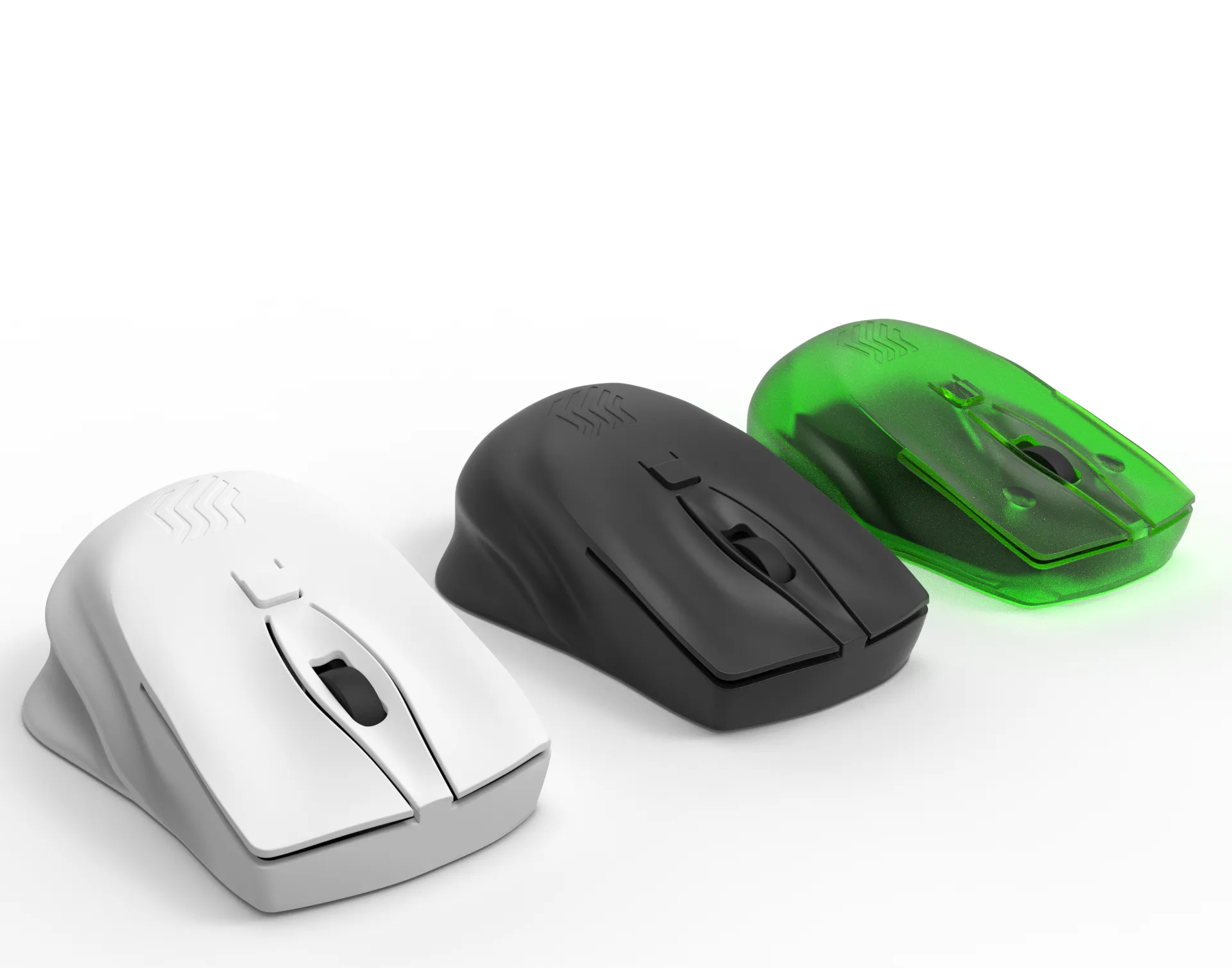
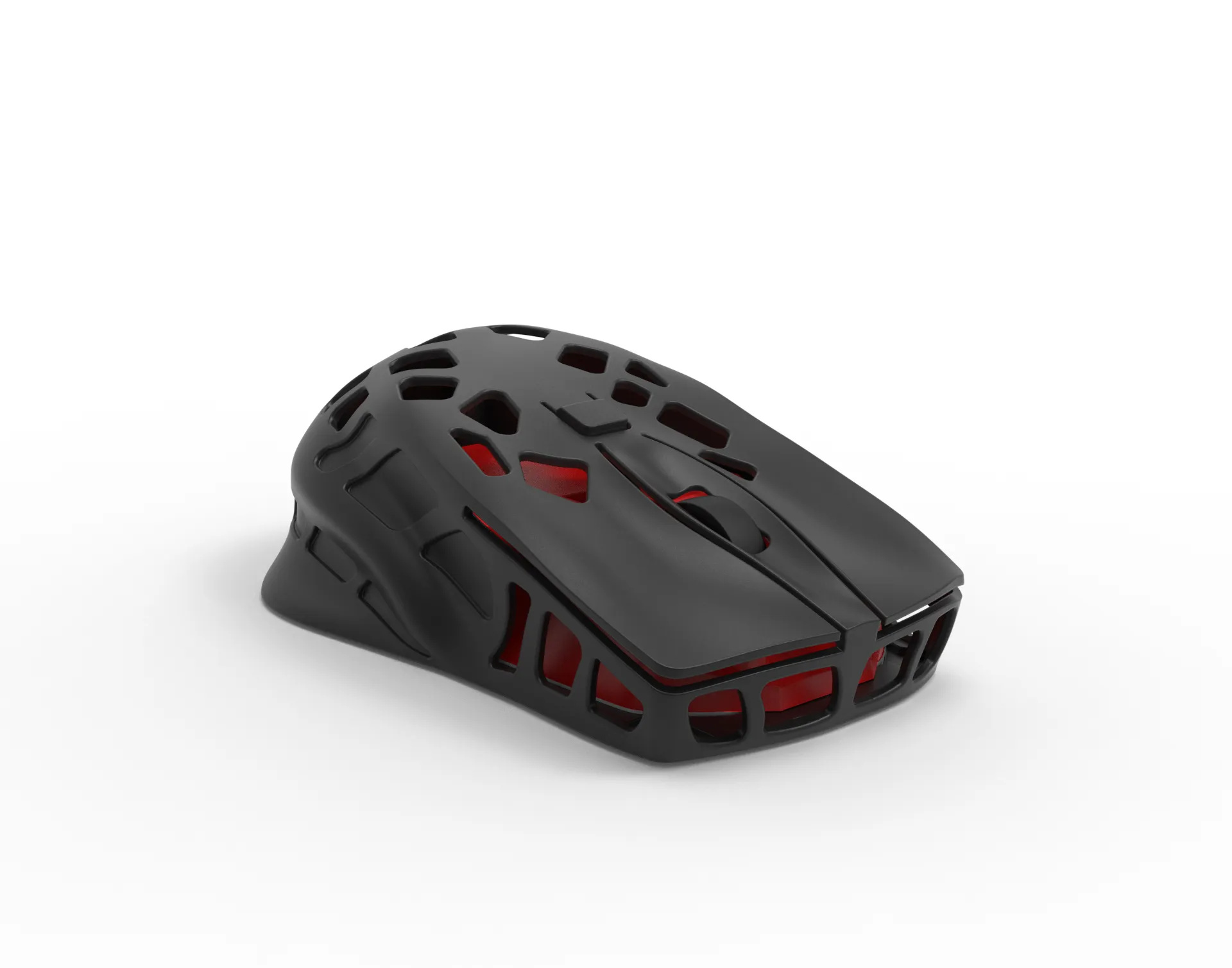
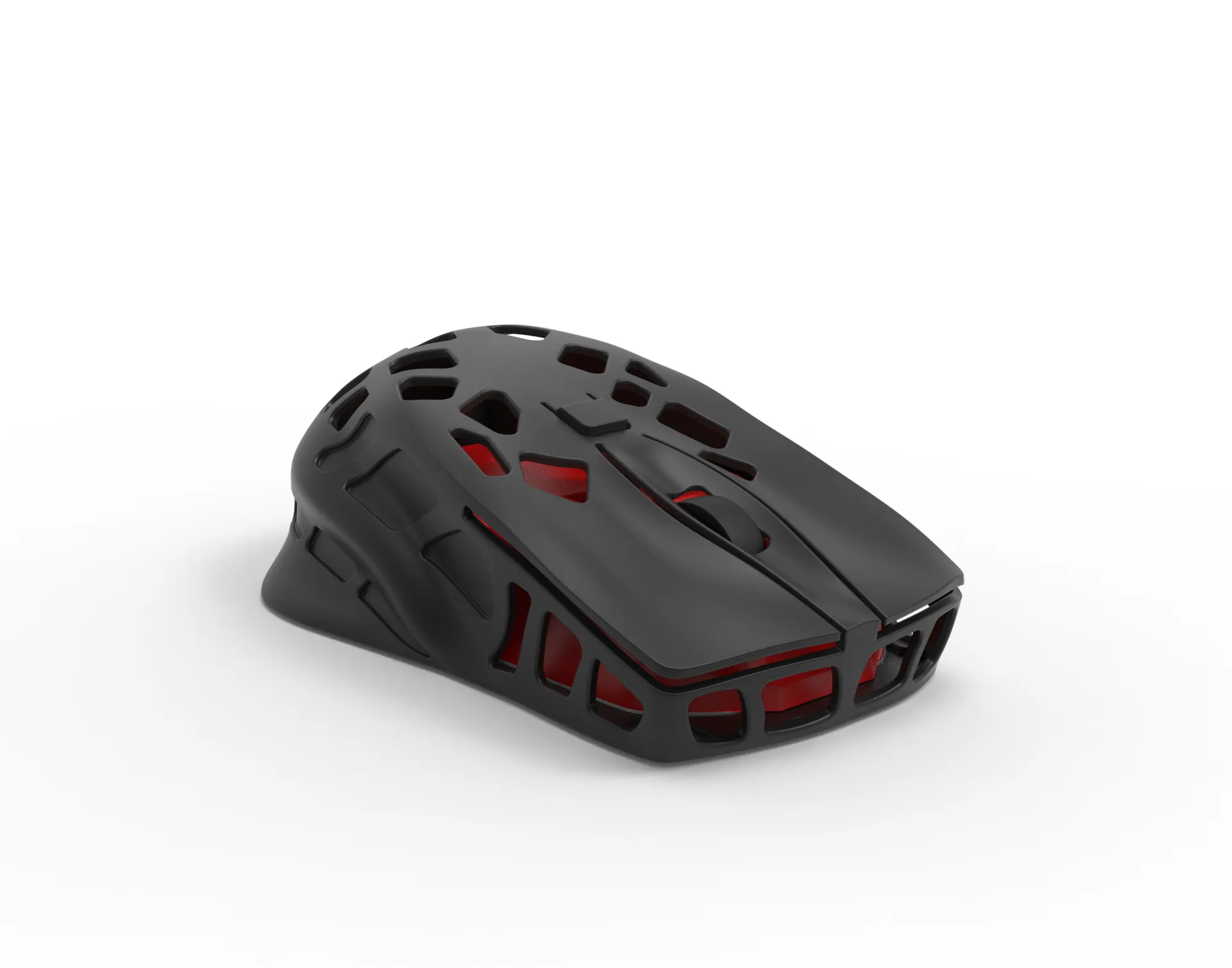
And now the Snake Edition
 |  |  |
Note
- The first version (Draft model) is still available under the file name Ergo Mouse I1.3mf
Change Log
- 20-05-2024: Release of the Draft Model. (Ergo Mouse I1.3mf)
- 25-05-2024: Release of the final version. (Ergo Mouse I2.3mf)
- 30-05-2024: Released a fork of this project - Ergo mouse Snake edition.
Curious About My Tools? Check This Out!
For those of you who often ask about the tools I use to bring ideas to life, this article, The Journey From Idea To Object (Part I), offers some insights into the initial stages. It highlights the use of various tools, including software like Autodesk Fusion for CAD design, Blender for render and Bambu Studio for 3D printing preparation, and other... So, if you're curious about the software and hardware too, that I've incorporate in my workflow, take a look at the link for more details!" – Visit https://designrepcom.com/ for much more.
License

You shall not share, sub-license, sell, rent, host, transfer, or distribute in any way the digital or 3D printed versions of this object, nor any other derivative work of this object in its digital or physical format (including - but not limited to - remixes of this object, and hosting on other digital platforms). The objects may not be used without permission in any way whatsoever in which you charge money, or collect fees.


Comment & Rating (164)