
Wireless Color Customizable Mouse


Print Profile(3)


Bill of Materials

Description
Update: 29-05-2024
Updated the design - V.2
- Raised the lower part so that the switch would not sit too high. (modified on both V.1 and V.2)
- Modified the top part so the left and right buttons will be easier to press down.
The first design is still avaliable for download.
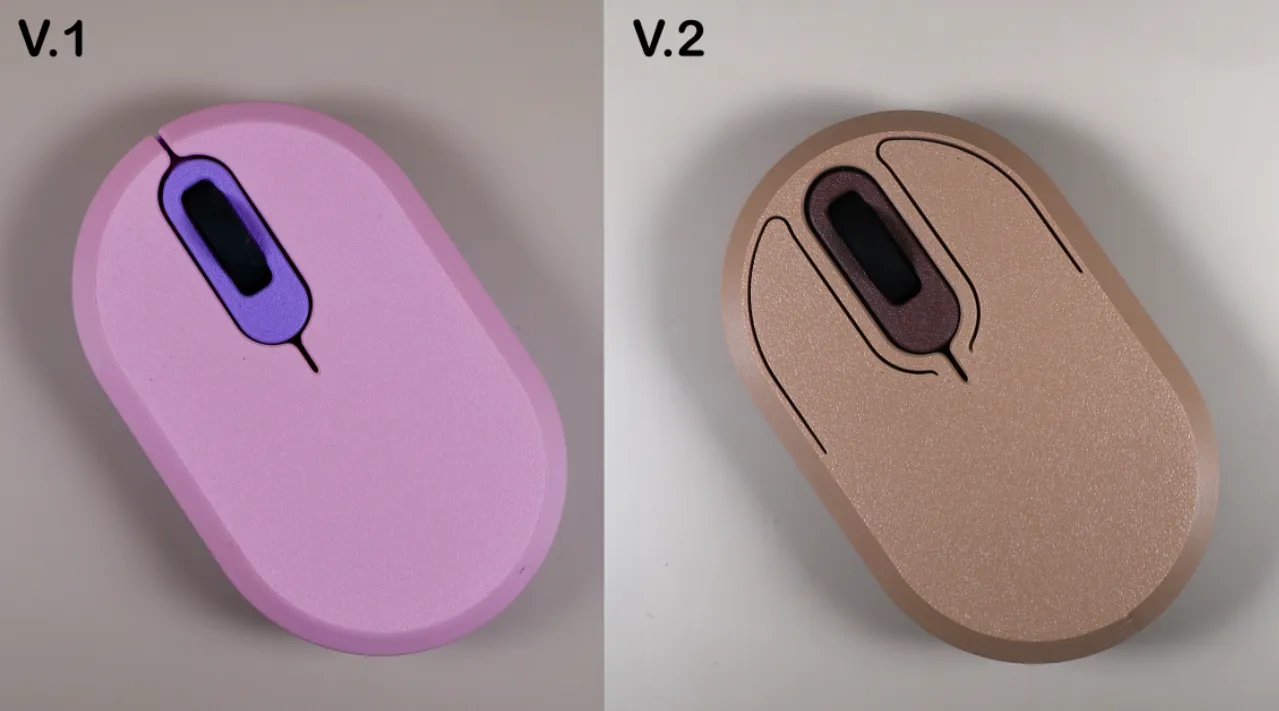
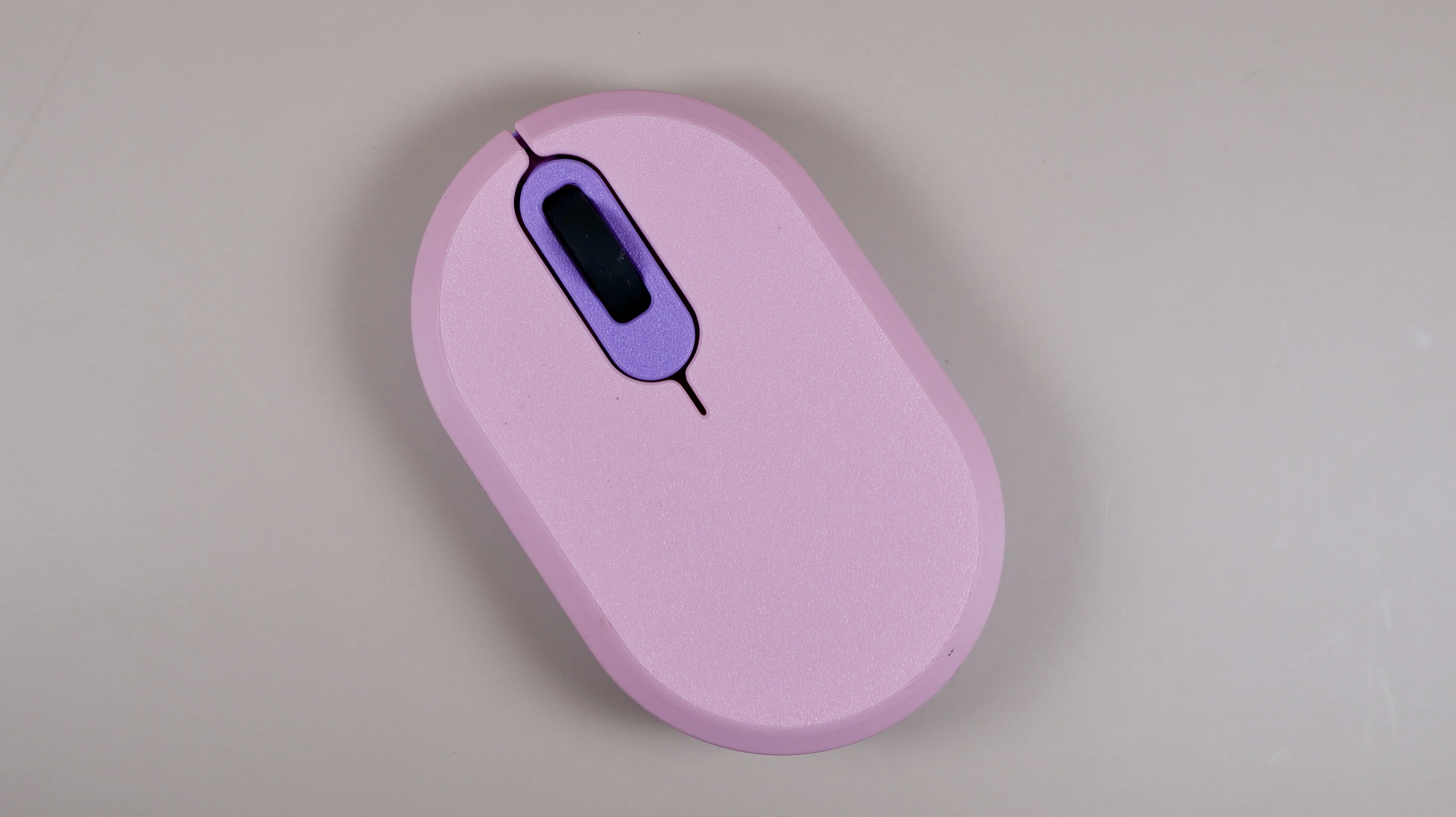
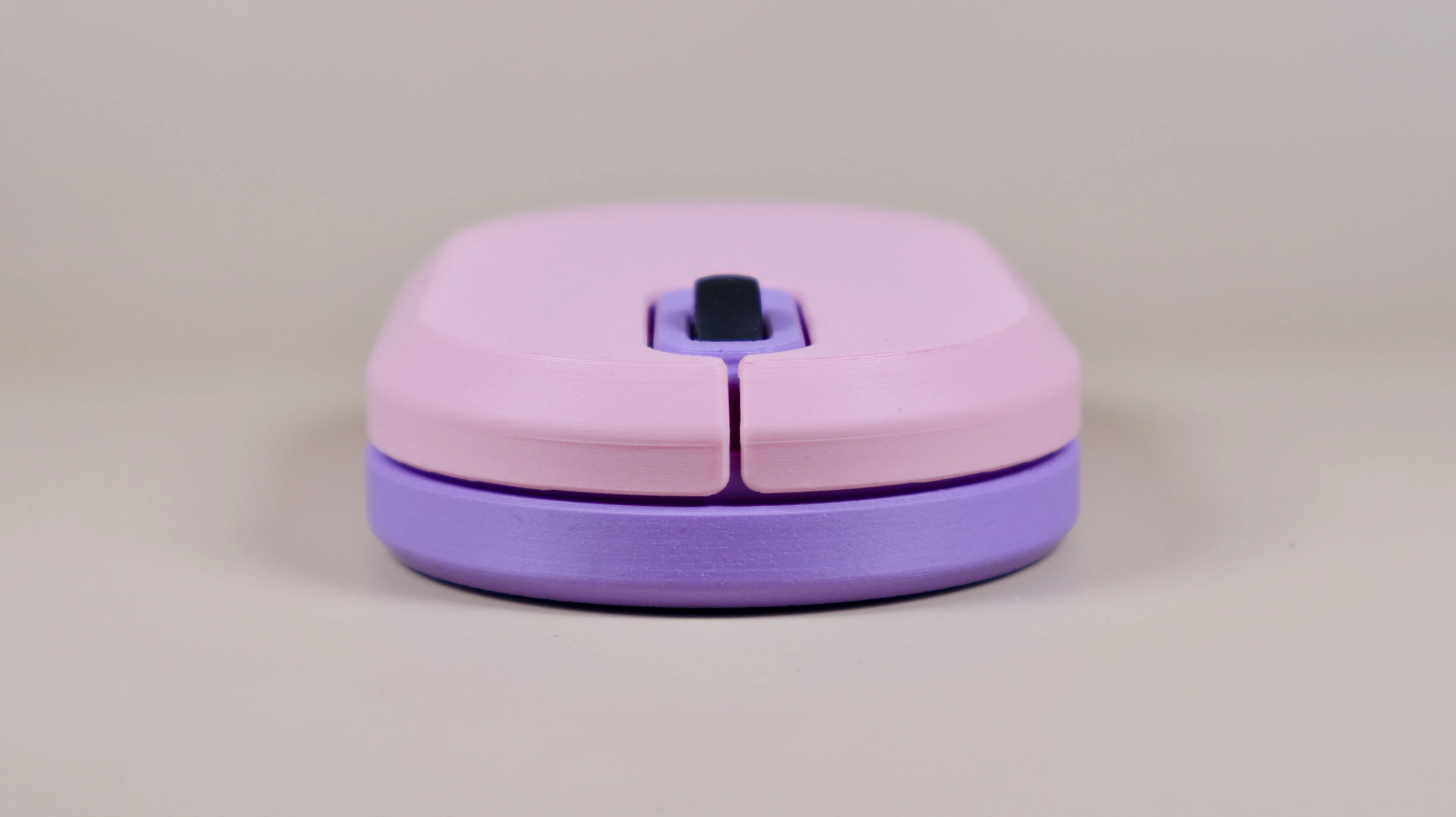
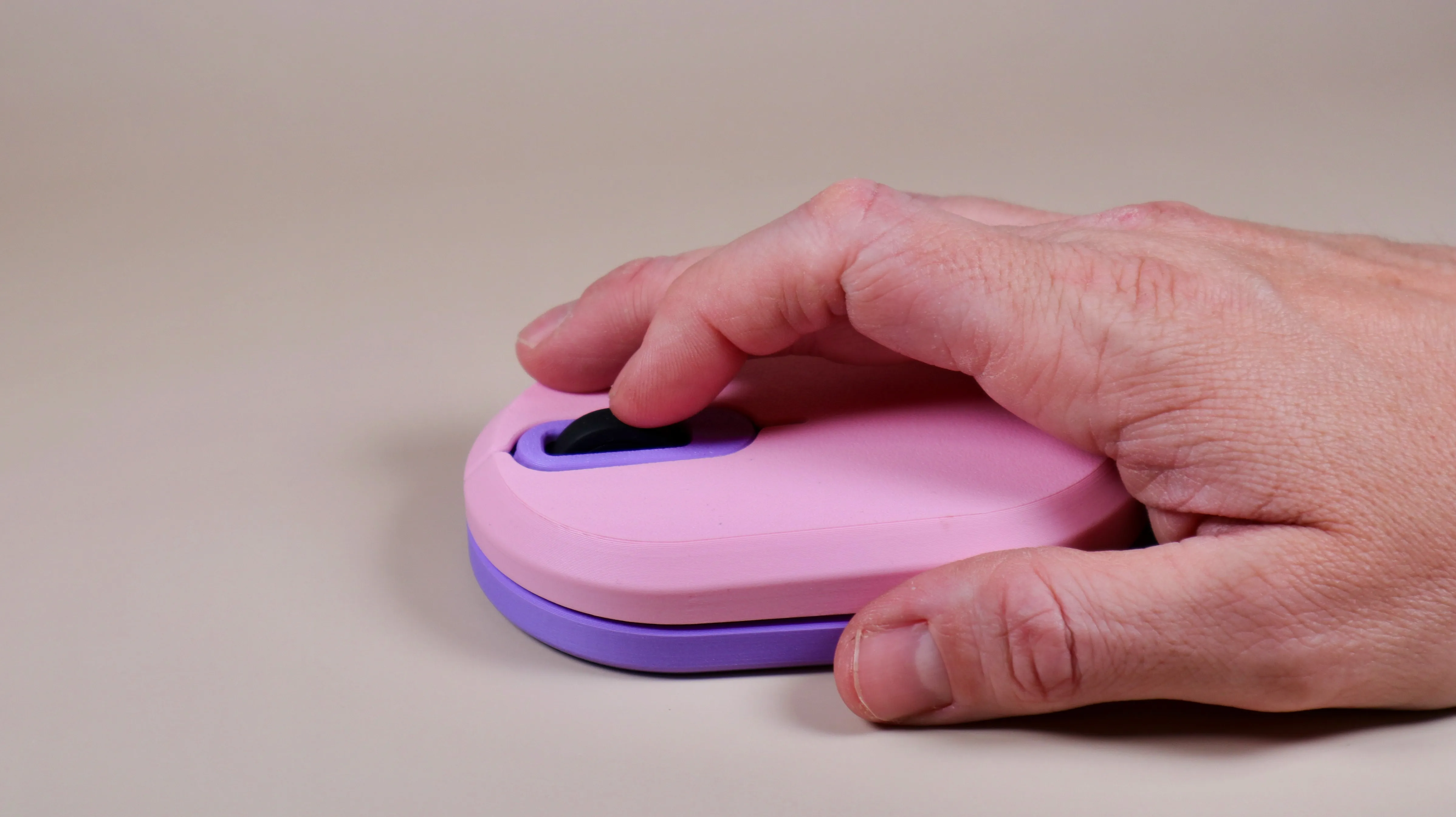
Color customizable wireless computer mouse
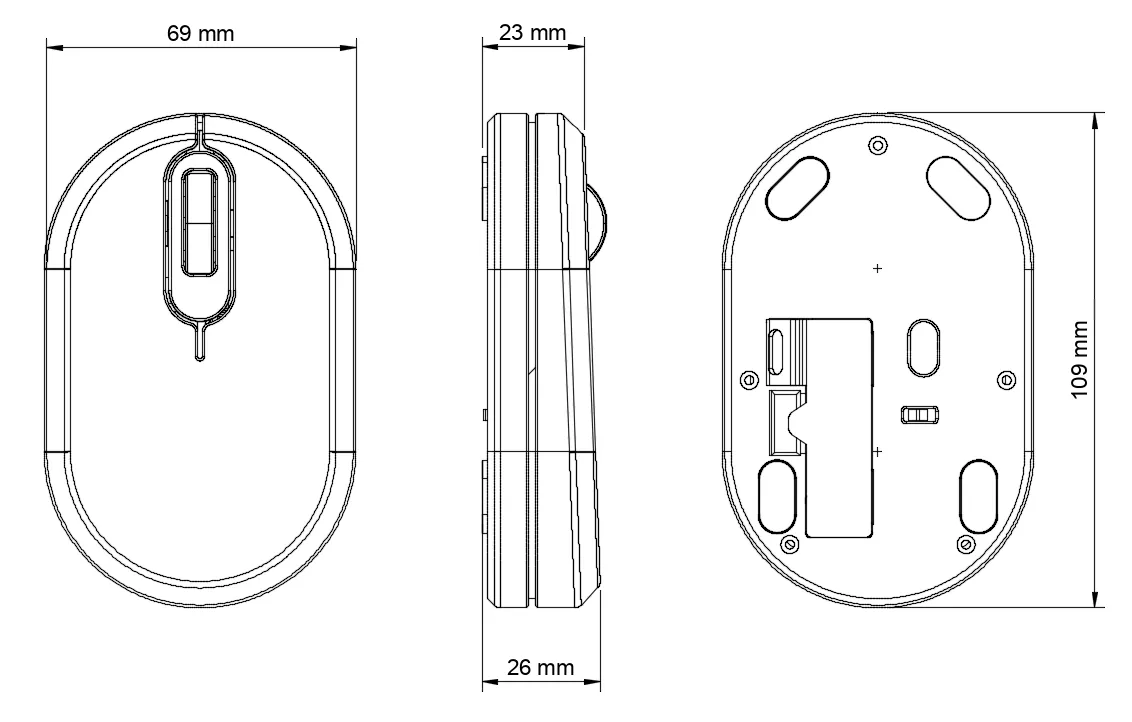
A color customizable shell for the Bambu Lab Wireless mouse Kit-002. Colorize it to fit your style!
Each part can be colored as you wish and does not require an AMS unit.
The model has 4 printed parts and assembly is very straight forward.
- Print time is just under 2 hours for all parts printed in one color.
- Total filament usage is approximately 56g.
For this build you'll need the following:
- Wireless Mouse Components Kit-002 (order here)
- A 1.5mm allen key (the smallest one that comes with the printer)
- 4 x 3D printed components
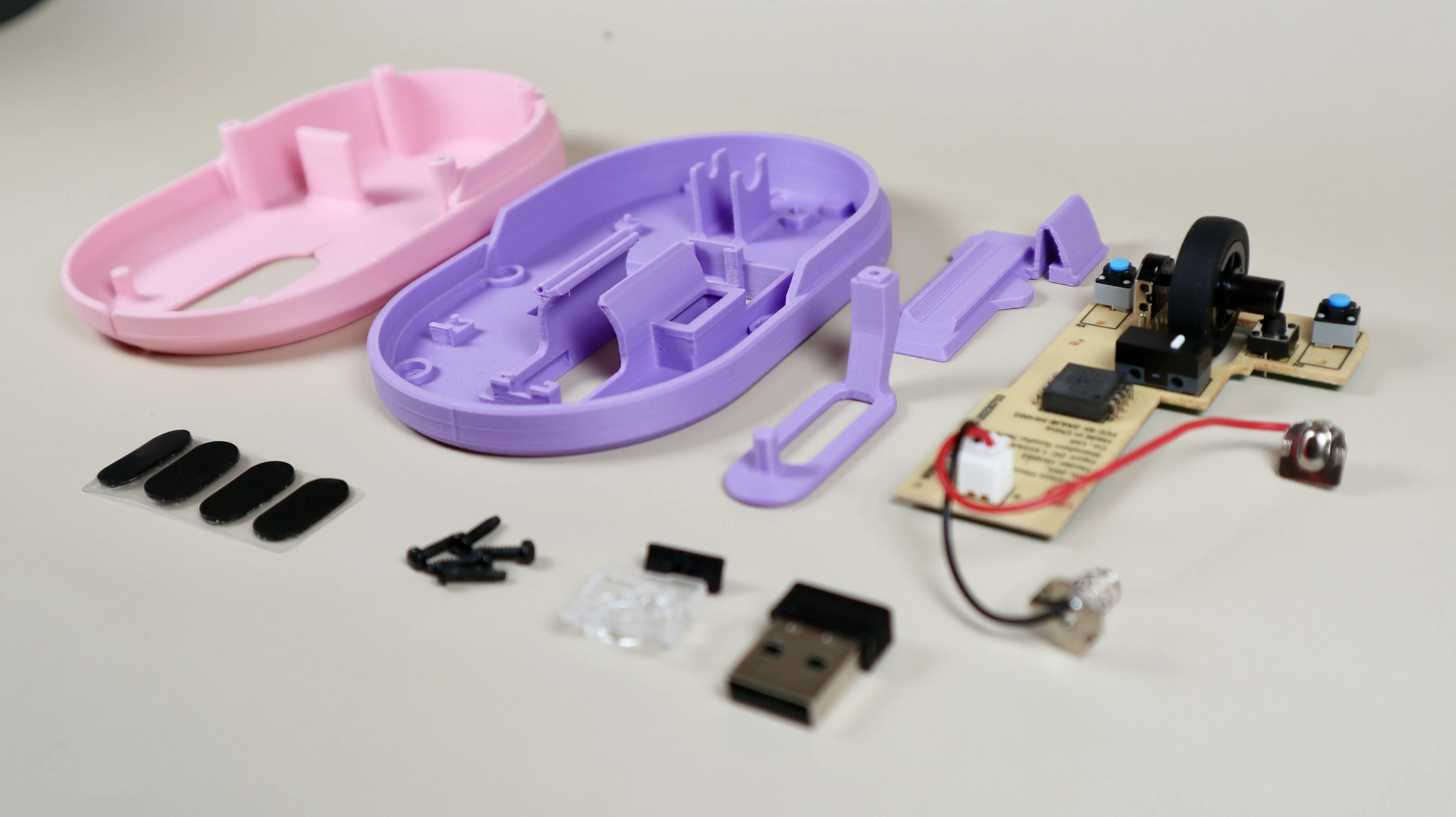
Please follow these assembly instructions (Assembly time is approx 5 minutes)
Remove any support material before you start to assembly.
Support is used on the lower housing for the 5 screw bosses and the 4 feet indicators.
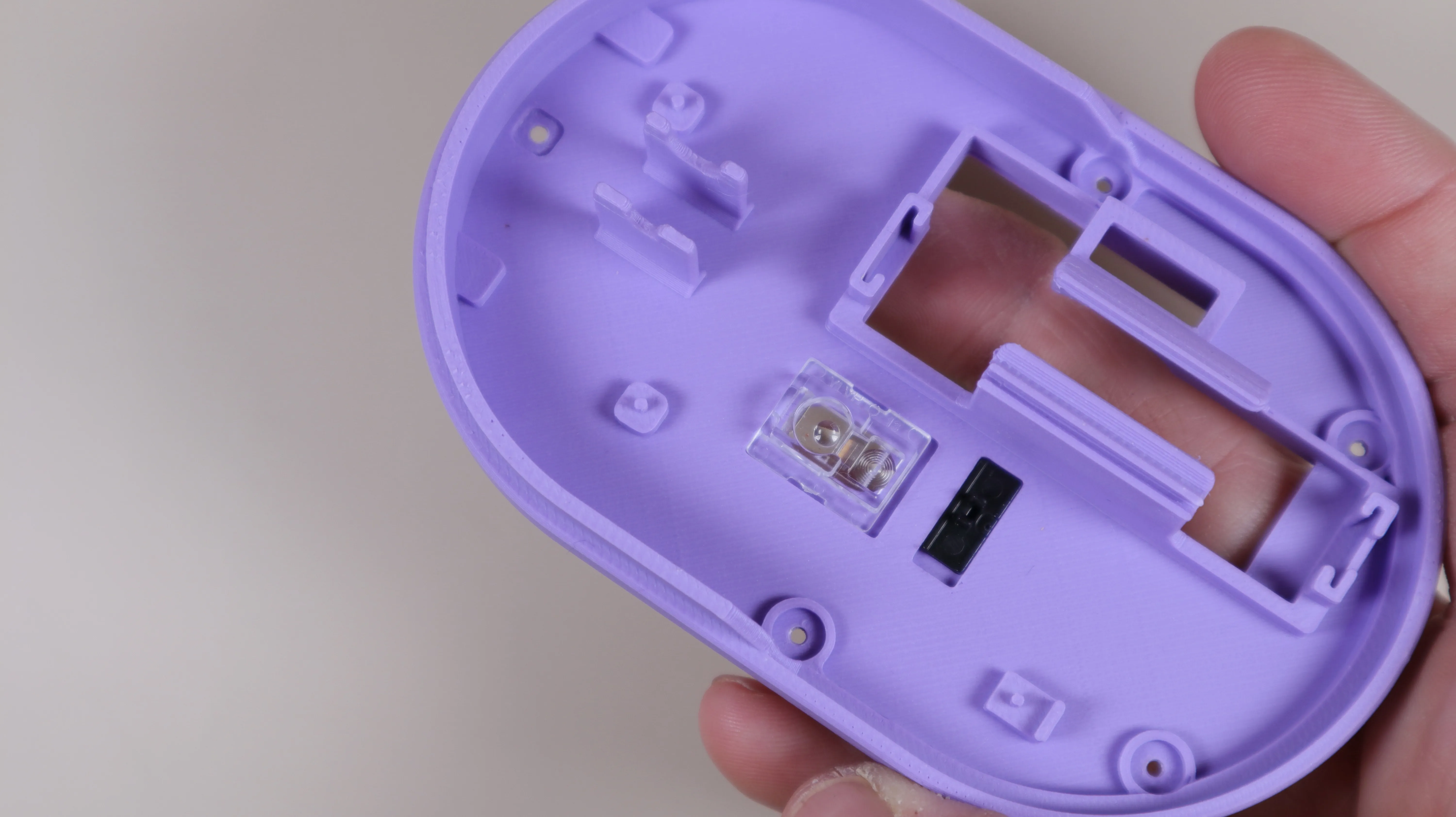
1. Install the laser lens and the switch slider (IMPORTANT: make sure that the switch slider has the same orientation as the position of the switch on the PCB - also make sure that the laser lens is oriented according to the PCB.
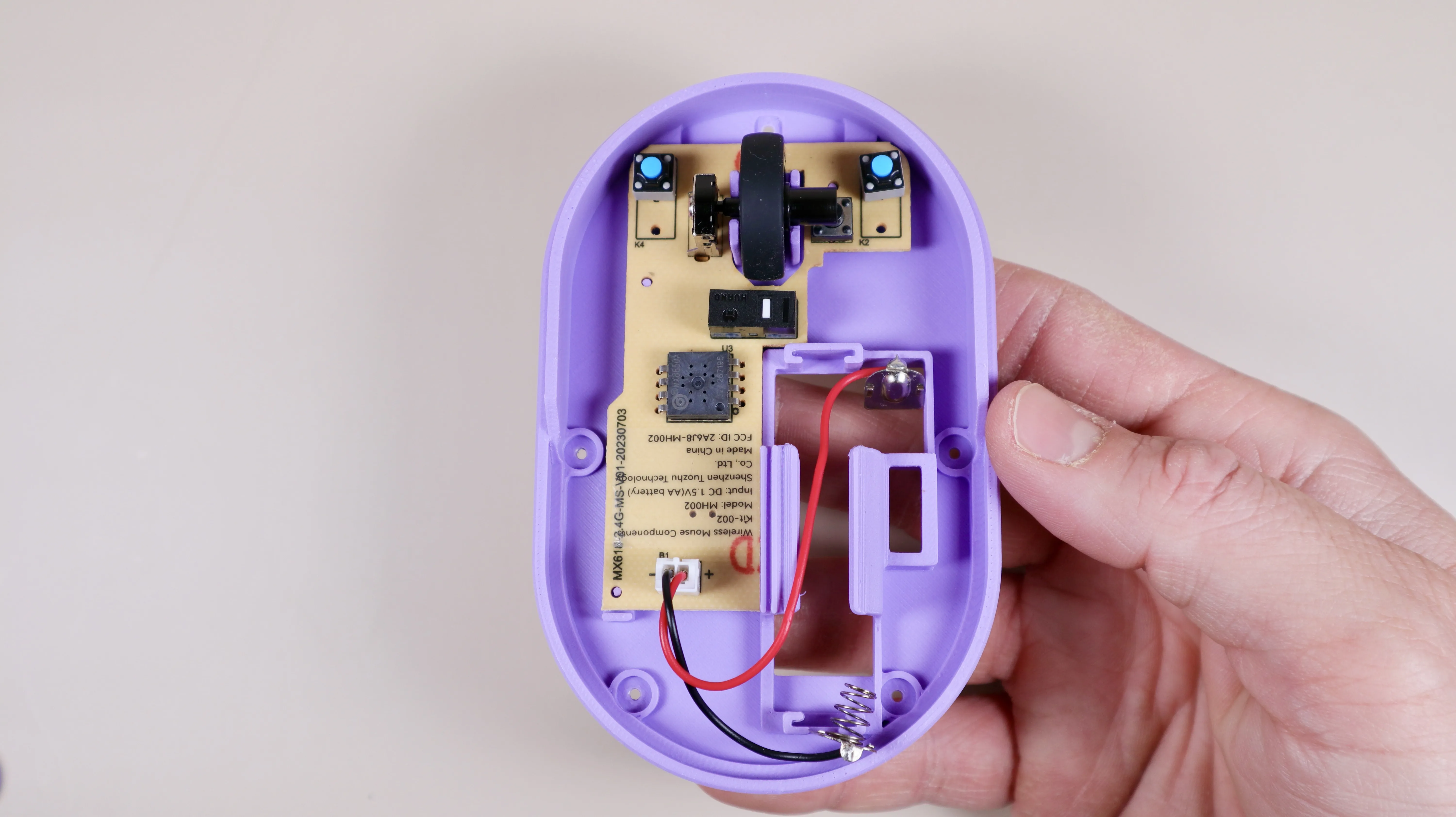
2. Insert the mouse wheel to the PCB and install the PCB into the lower housing of the mouse. Please check if the wheel moves freely. If not push it to one or the other side untill it runs smooth.
3. Secure the center button part in place while securing it with one screw from beneath the lower housing.
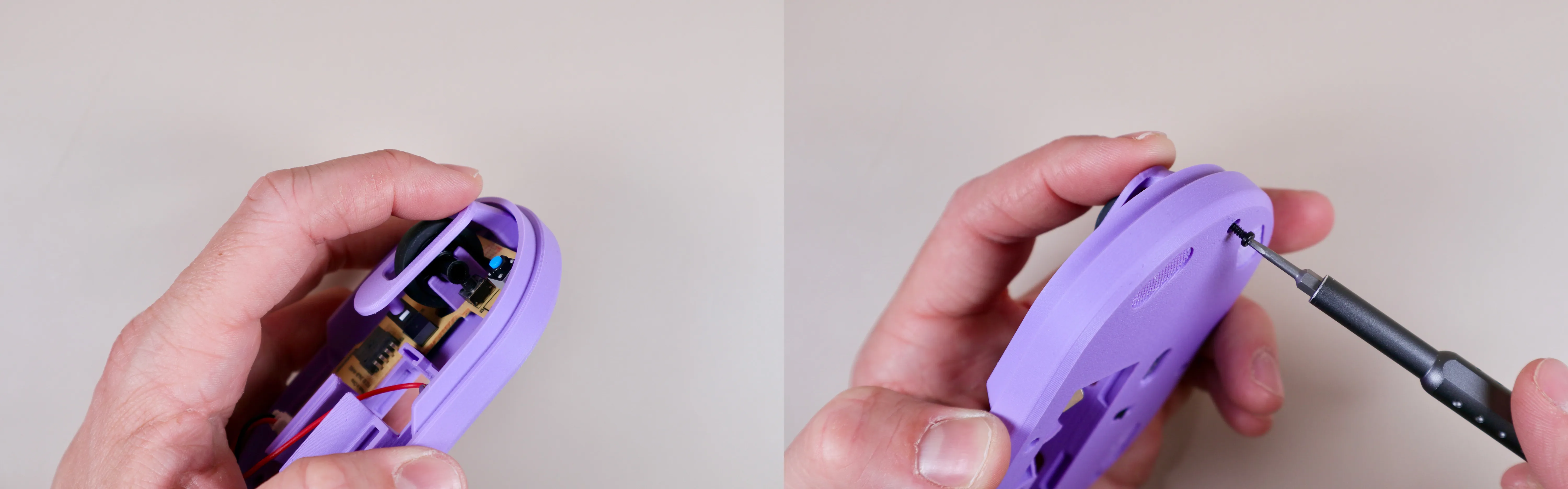
3.1 Make sure the center button is straight and that the wheel does not grind against the sides. If it does, then gently turn it the the centered position.
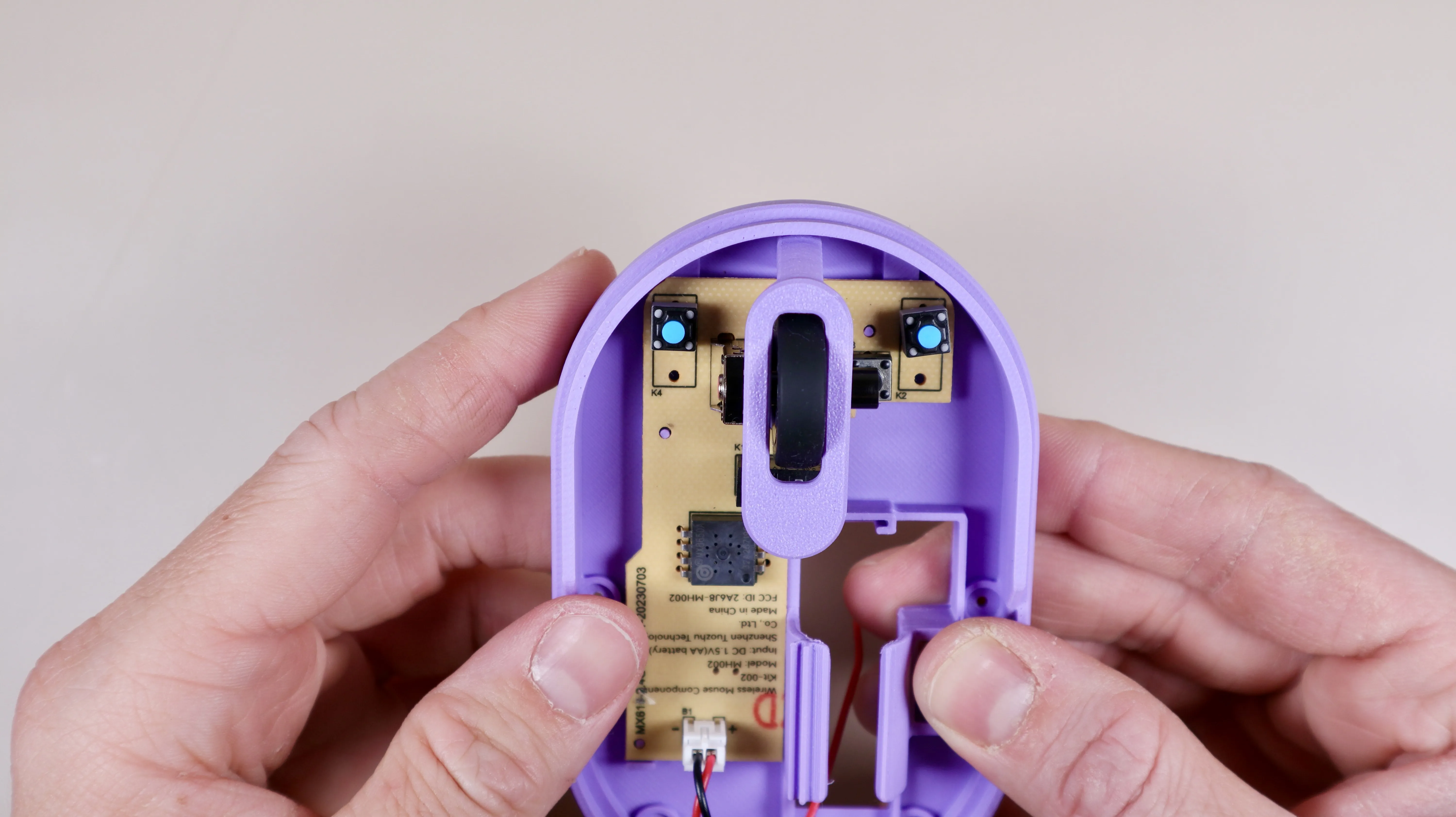
4. Install the plus and minus metal terminals as seen on the picture below. Gently squeeze the cable into the guide. Support it with a finger from beneath and be carefull not the break the part as it can be brittle due to the thin wall.
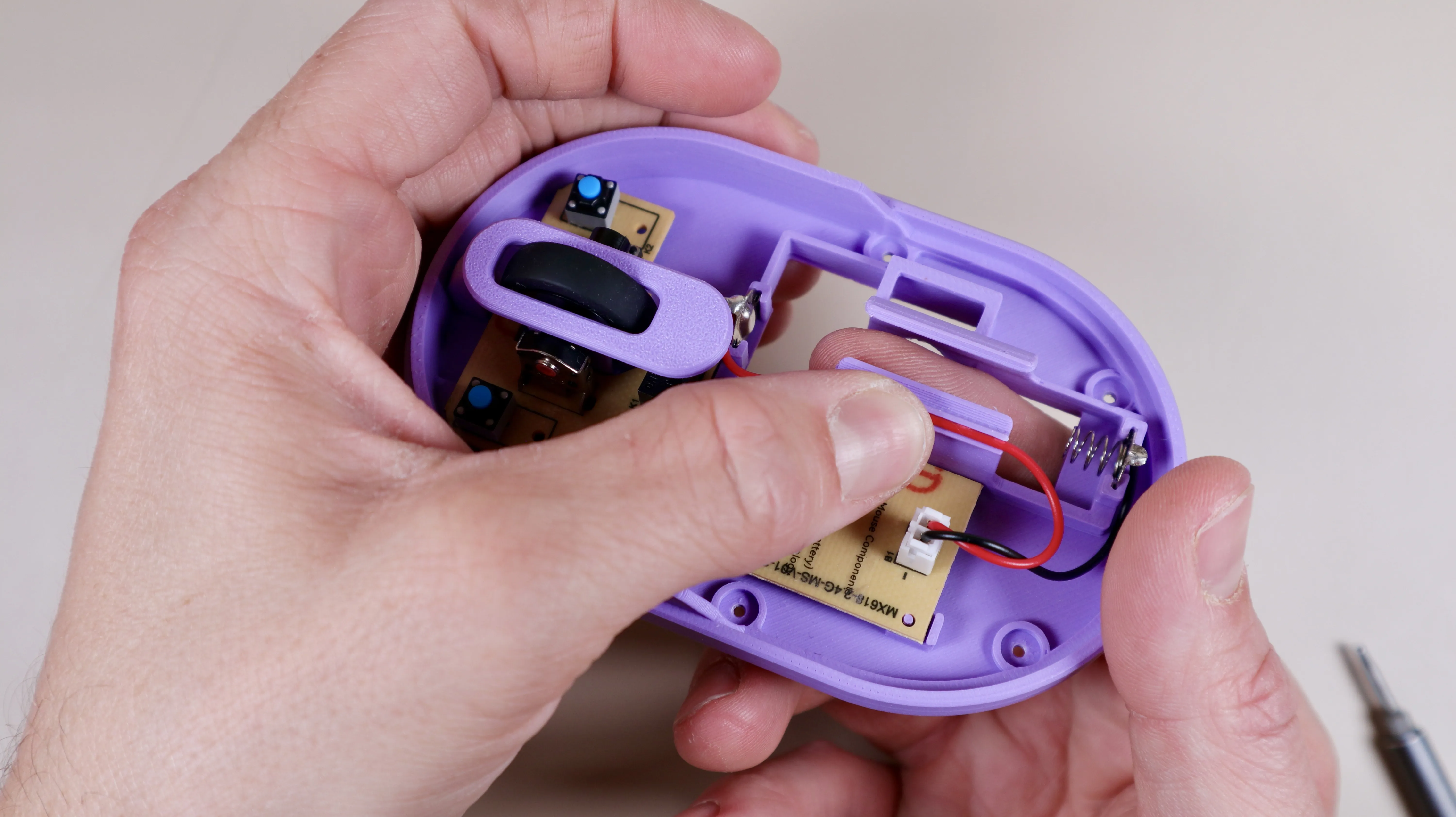
5. Install the top housing. Make sure no cables are being crushed.
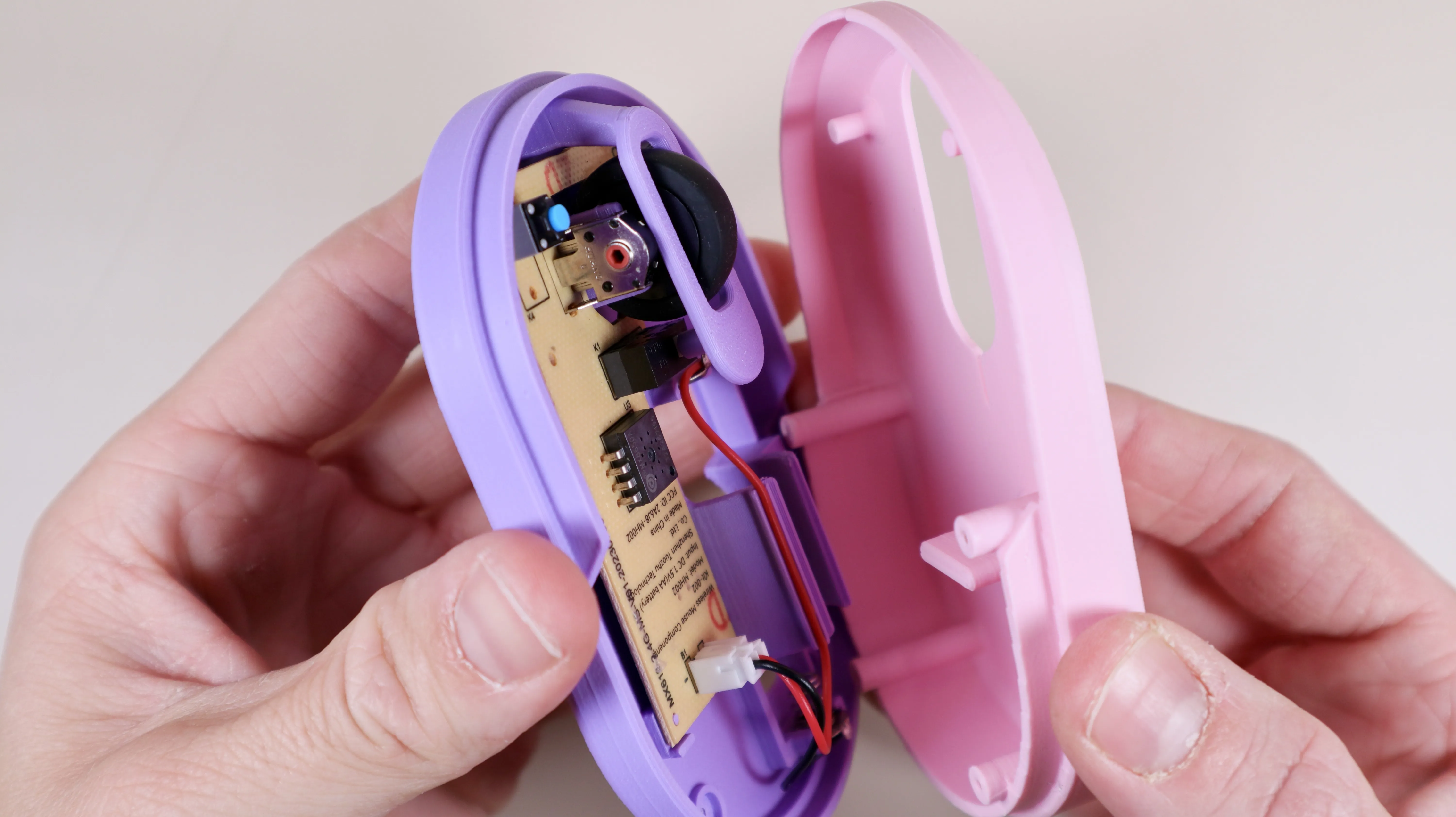
5.1 make sure that everything is straight and flush before moving to the next step.
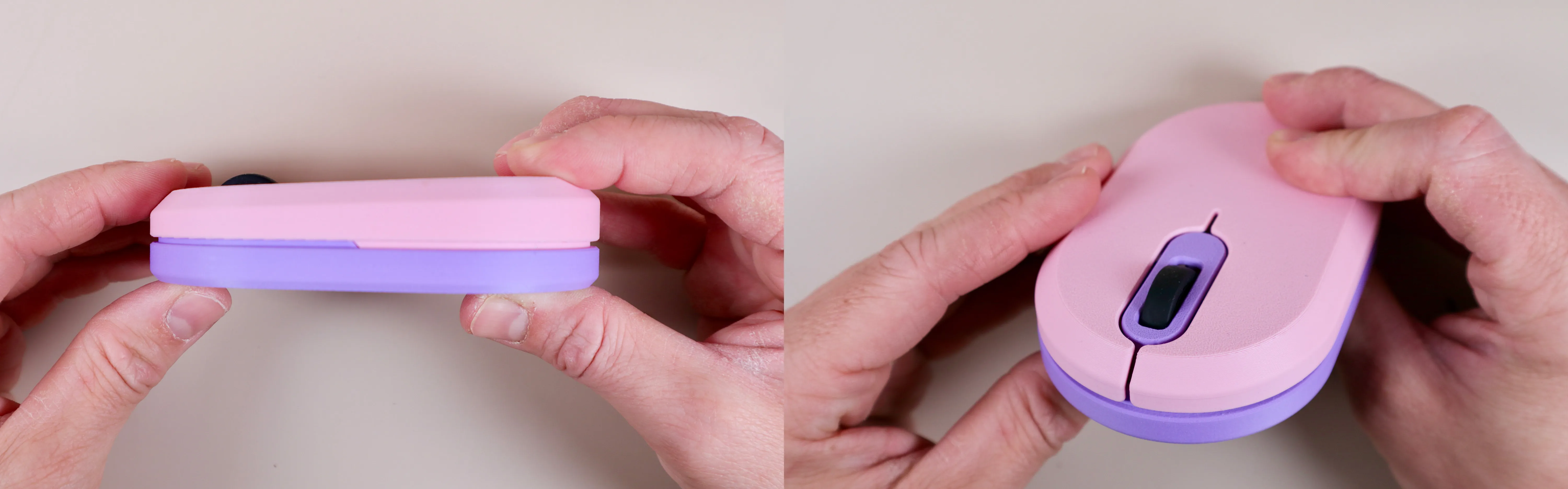
6. Secure the top housing with 4 screws as seen on below picture. the top housing will hold the PCB in place. Check if the buttons work/click as intended.
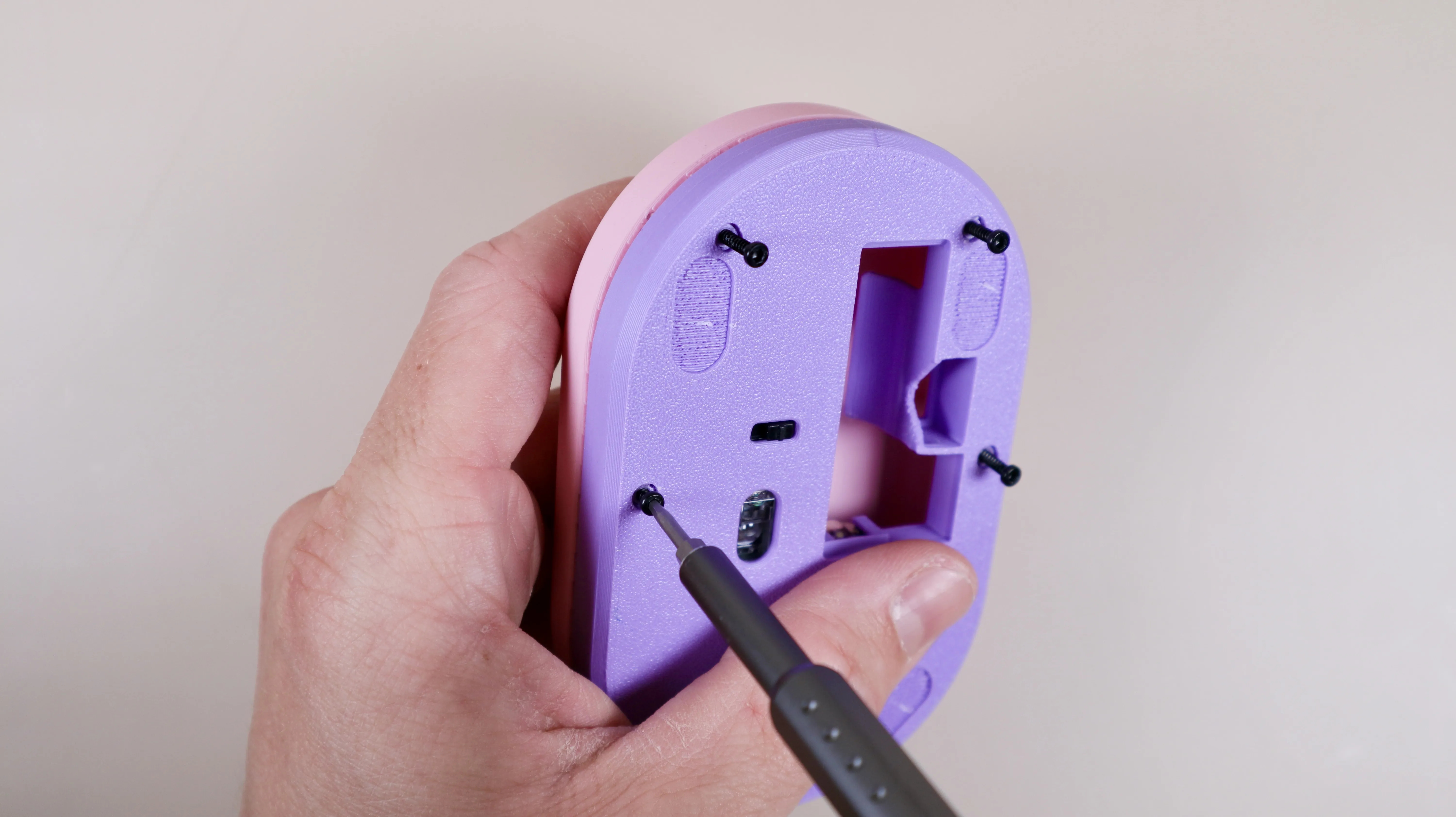
7.1 Insert a battery and the USB bluetooh dongle.
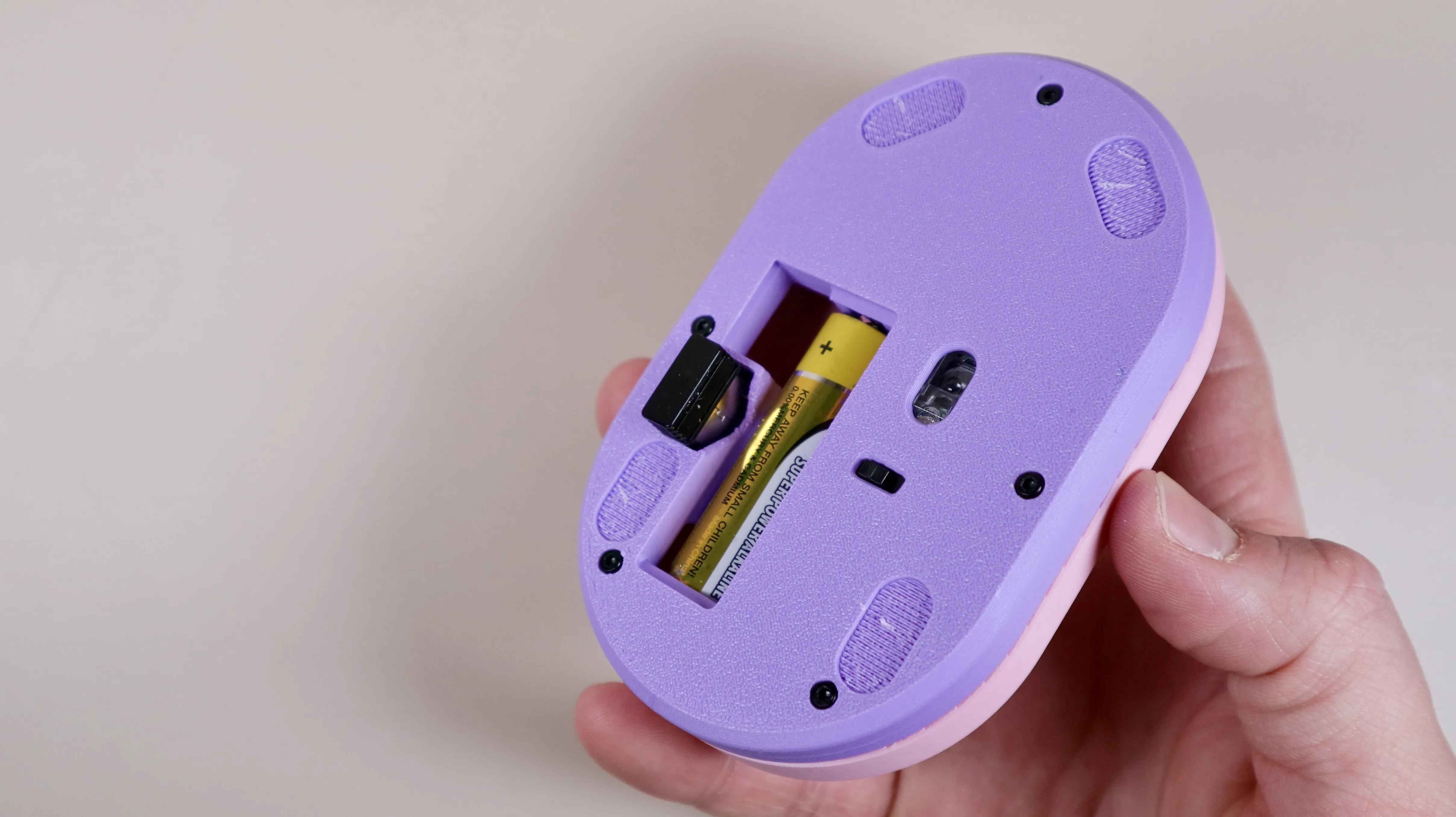
9. Lastly we need to install the 4 feet.
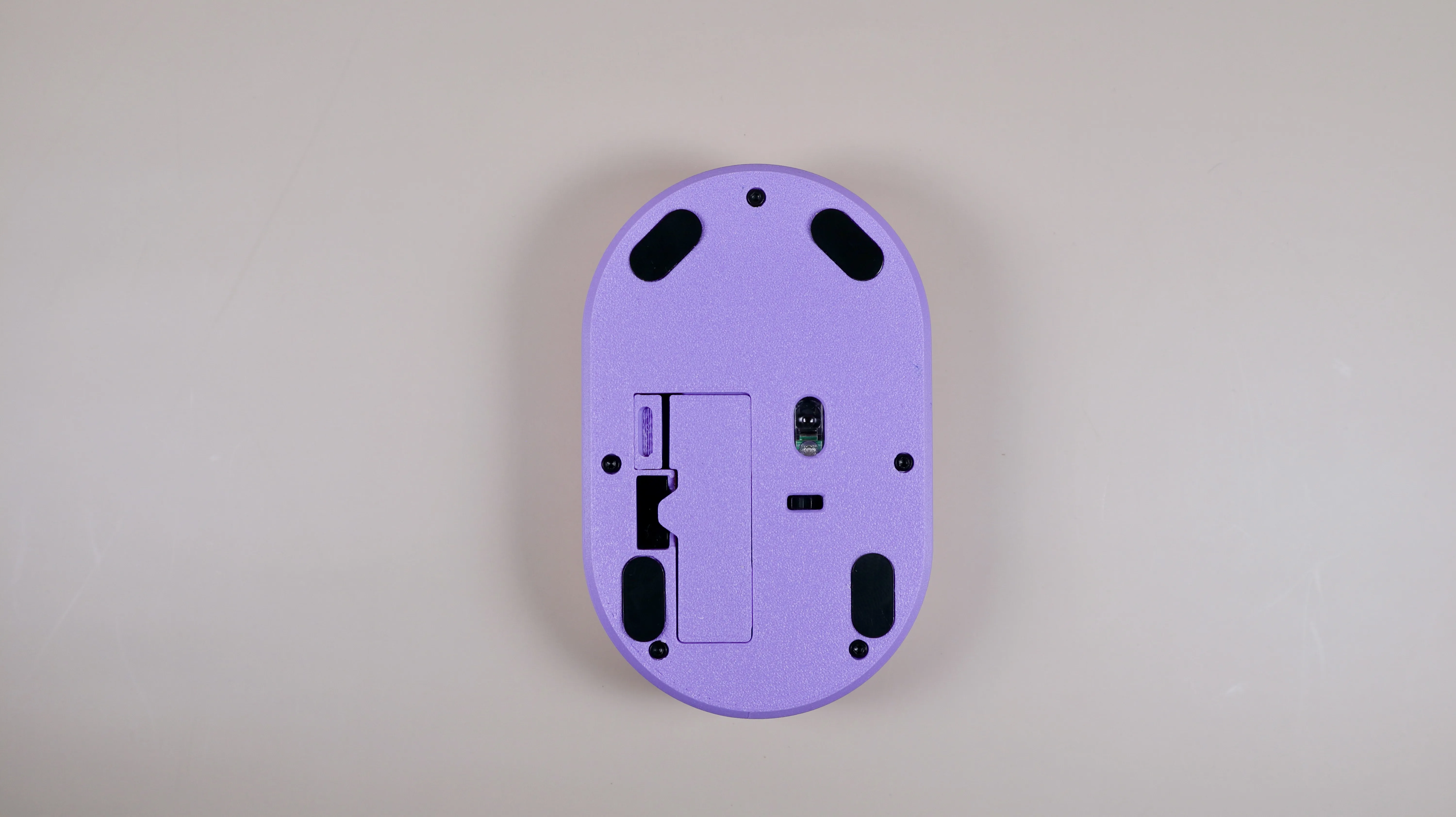
10. Enjoy your very own personalized 3D printed mouse.
I would love to see what designs you come up with,
so please share photos of your colorful prints!

1995 VW Polo Harlekin Design
My mouse shells are printed with these filaments:
Bambu Lab PLA Matte Lilac Purple
Bambu Lab PLA Matte Lemon Yellow
Bambu Lab PLA Matte Sakura Pink
Bambu Lab PLA Matte Ash Grey
Bambu Lab PLA Matte Ivory White
Bambu Lab PLA Basic Black
Bambu Lab PLA Matte Latte Brown
Bambu Lab PLA Matte Dark Brown
Bambu Lab PLA Basic Orange
Licensing
All my designs are non-commercial and may not be sold, reproduced, or shared outside of this website.
For some designs it is possible to buy a individual license for a fixed fee. Please contact me for any details regarding this.
How to Support Me
If you like my designs, please give them a ‘like’ as this helps the model being more visible to other users.
Also please consider donating via https://www.buymeacoffee.com/make3d
All support is highly appreciated!
License

You shall not share, sub-license, sell, rent, host, transfer, or distribute in any way the digital or 3D printed versions of this object, nor any other derivative work of this object in its digital or physical format (including - but not limited to - remixes of this object, and hosting on other digital platforms). The objects may not be used without permission in any way whatsoever in which you charge money, or collect fees.


Comment & Rating (82)