
Custom drawer/toolbox organizer with/without lid

Print Profile(1)

Description
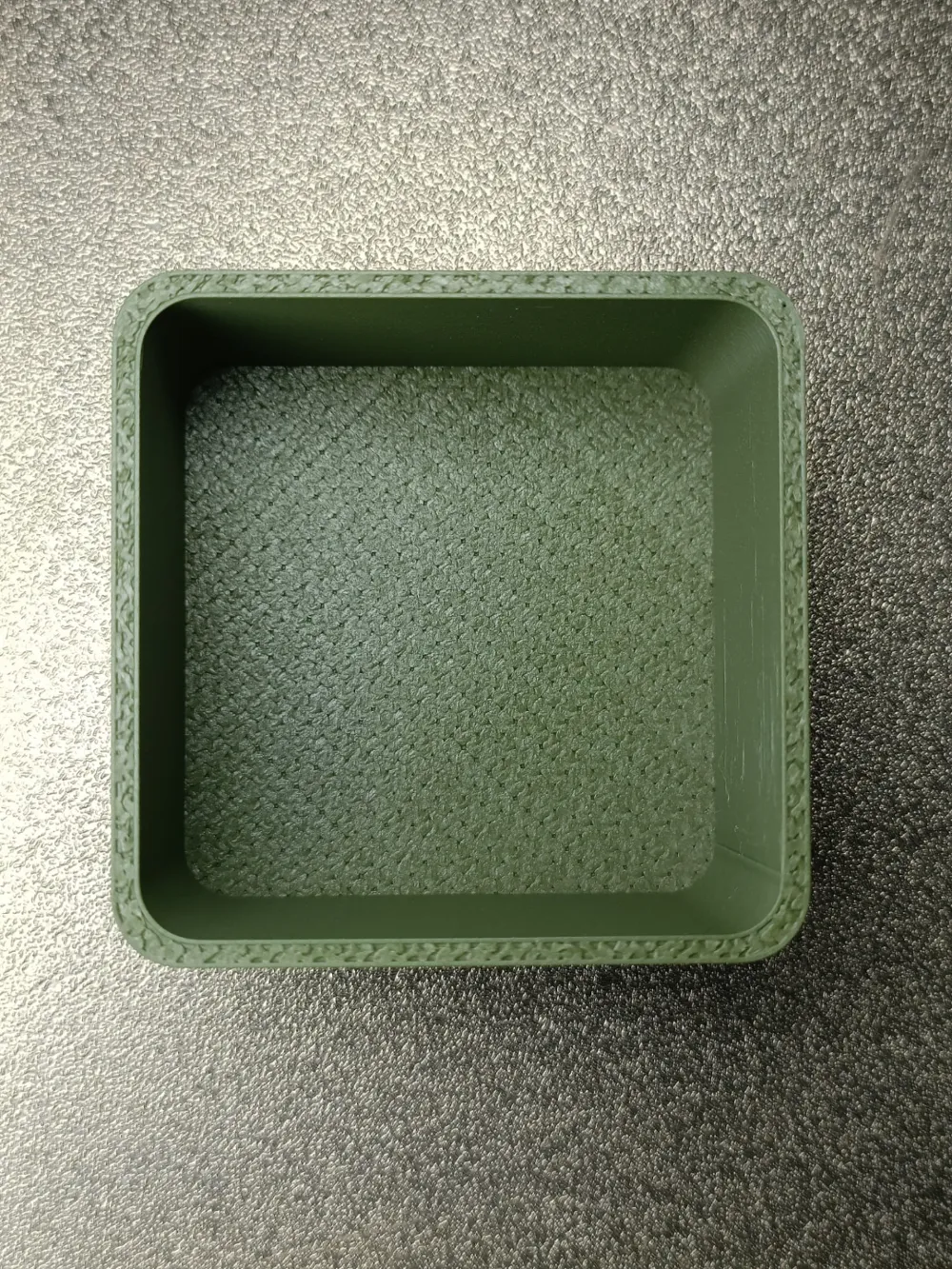
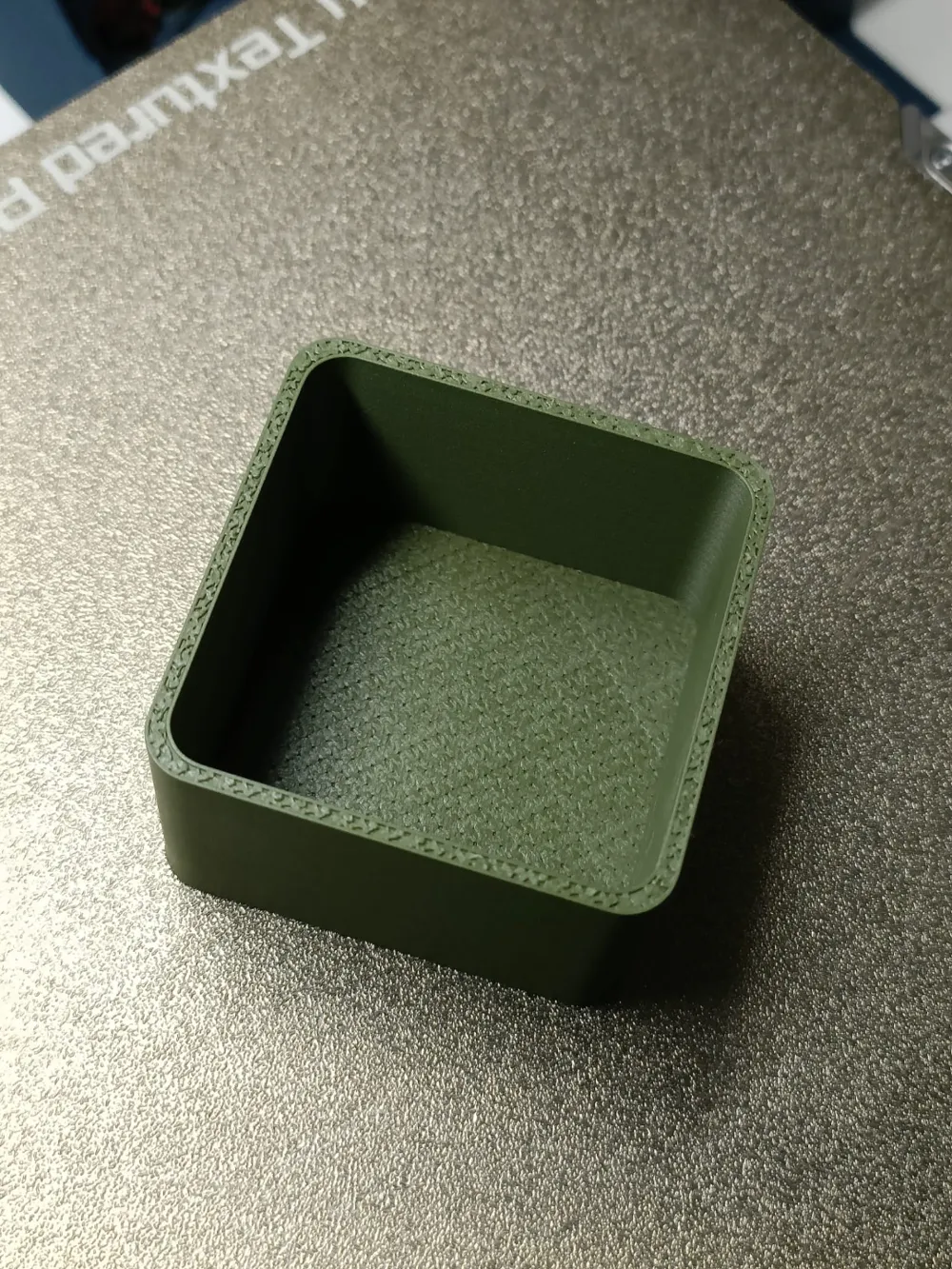
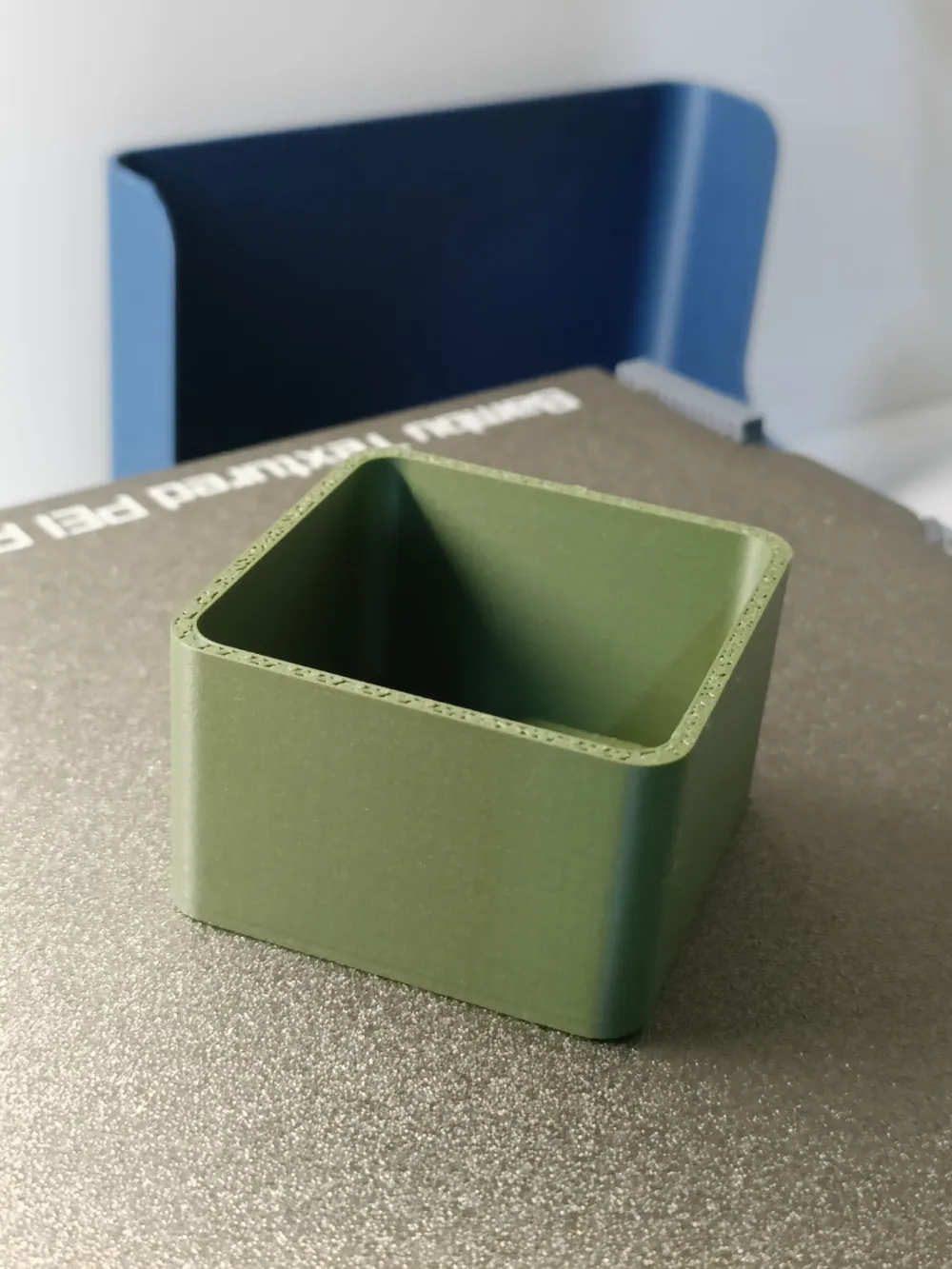
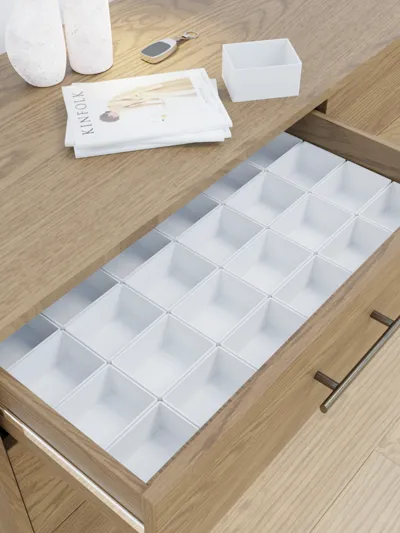
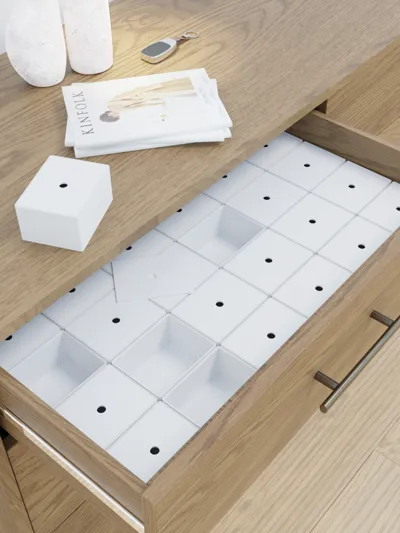
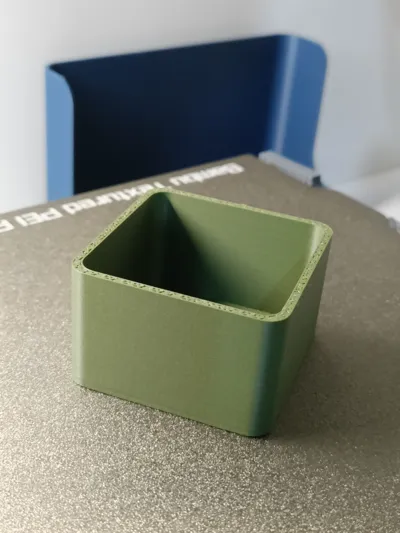
Custom drawer/box organizer with/without lid
Design
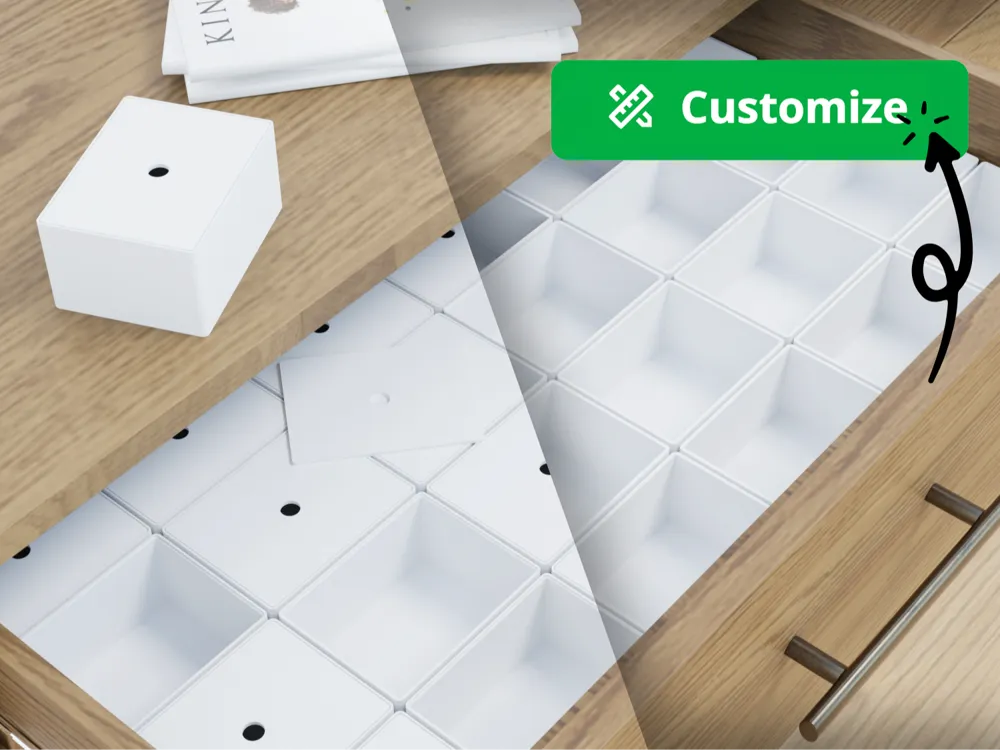
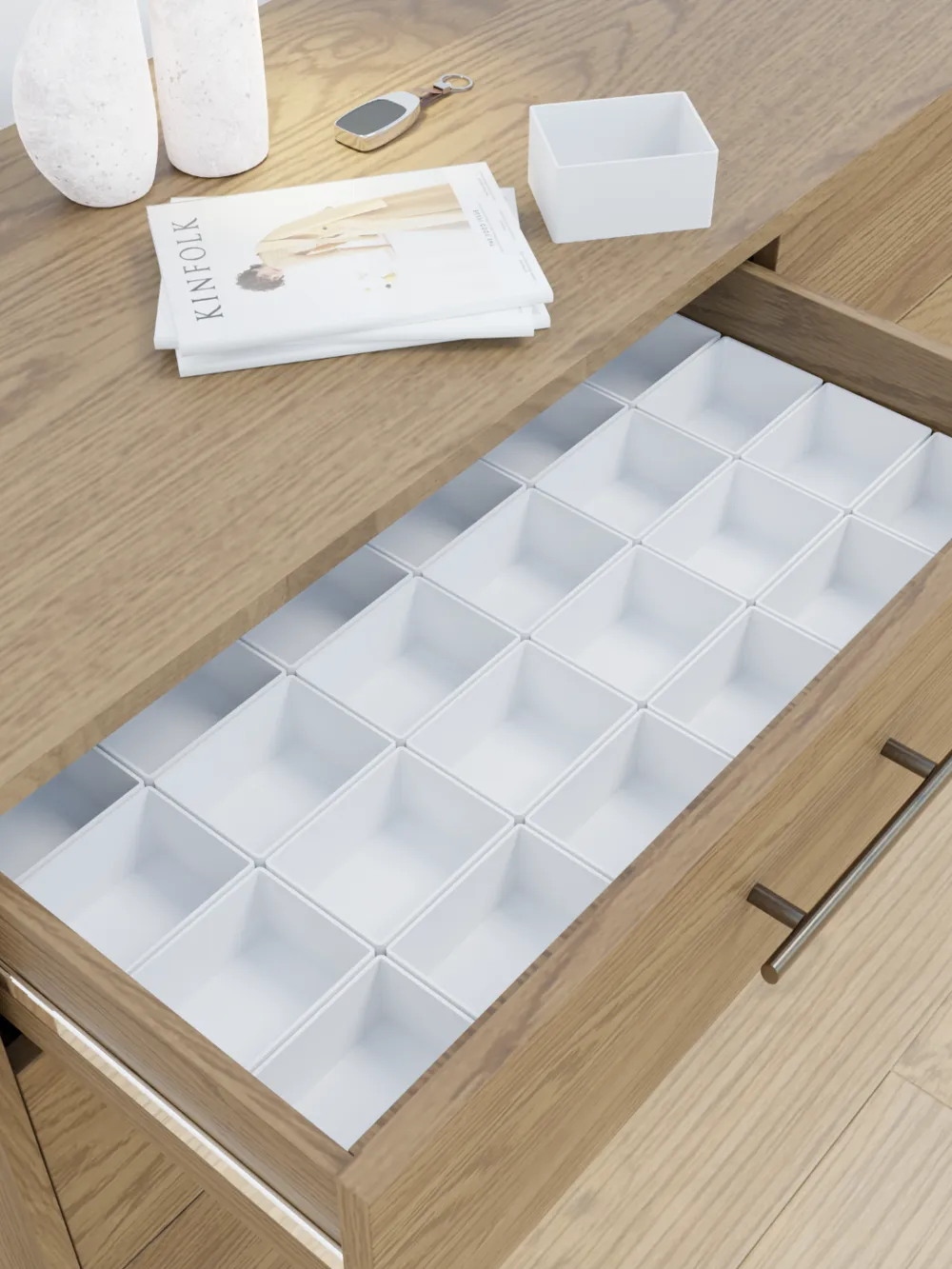
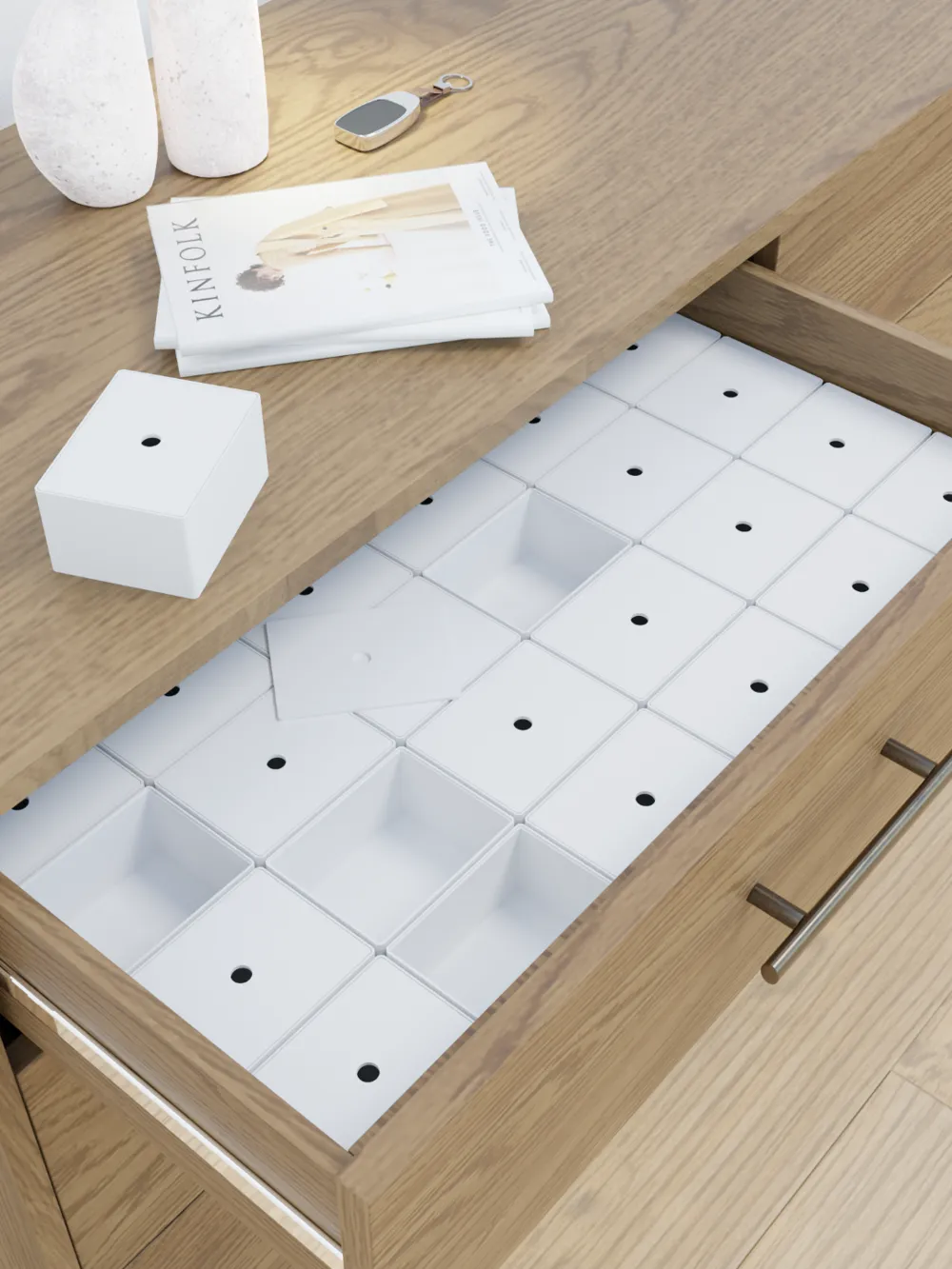
If you're someone who's obsessed with organization, especially in spaces like drawers or toolboxes, you're in the perfect place. Here you can scale you organization addiction as much as you want. The model defines individual boxes, with or without lid, that can be customized as you wish. Edgy, smoother, taller, smaller, narrow or big, design it as you wish and keep your spaces organized. Forget about calculations, let the program do it's job, fast and on point.
This OpenSCAD code defines a customizable drawer/box tool organizer, which can be 3D printed. Let's break down the code and describe its functionality along with some benefits:
Description: The code begins by setting global parameters such as drawer dimensions, number of rows and columns for organizing tools, and parameters related to box dimensions and lid options.
- Drawer Parameters: Defines the dimensions of the drawer including width, depth, height, and wall thickness.
- Box Parameters: Calculates the dimensions of individual boxes based on the drawer dimensions and number of rows and columns specified.
- Box Wall Thickness: Sets the thickness of the walls of the box, allowing for customization.
- Bevel Size: Determines the size of beveled corners on the boxes, adding aesthetic appeal.
- Gap Between Boxes: Sets the gap between adjacent boxes for easy retrieval of tools.
- Lid Parameters: Specifies options for adding a lid to each box, including lid height and hole diameter.
The code then defines modules for creating the drawer, box, and lid:
- Drawer Module: Creates the outer shell of the drawer and its inner hollow part.
- Box Module: Generates individual boxes with beveled corners and hollow interiors. If the lid option is enabled, it also adds a lid to each box.
- Lid Module: Constructs lids for the boxes, including a central hole for easy access to tools.
Lastly, the code renders the drawer along with its contents:
- Render Drawer: Places the drawer in the 3D space and renders the boxes inside it.
- Render Boxes with Lids: Renders each box with or without a lid, depending on the lid cover option.
Benefits:
- Customization: The code allows users to customize various parameters such as drawer dimensions, box dimensions, wall thickness, and lid options to suit their specific needs.
- Organization: By providing a modular approach to creating boxes, the tool organizer facilitates efficient organization of tools, ensuring easy access and tidy storage.
- Aesthetics: The inclusion of beveled corners and lid options enhances the aesthetic appeal of the tool organizer, making it suitable for both functional and decorative purposes.
- Scalability: Users can easily adjust the number of rows and columns of boxes to accommodate different tool collections, making the organizer scalable to varying requirements.
- Versatility: With the option to include or exclude lids, the tool organizer caters to different preferences and use cases, offering versatility in its design and functionality.
License



Comment & Rating (7)