
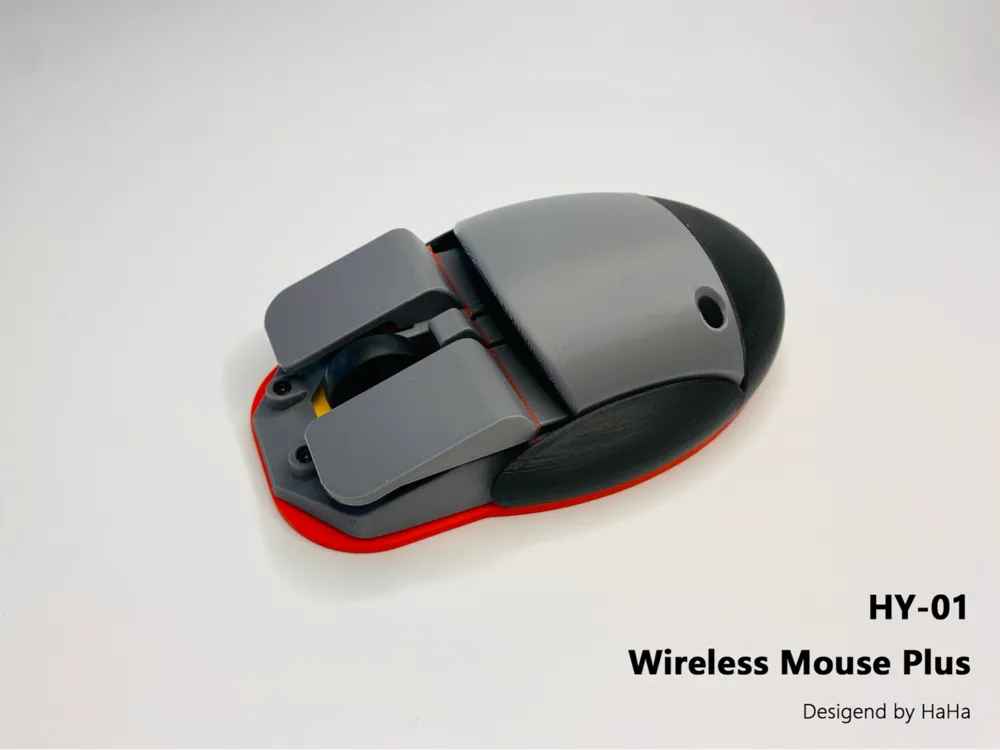
HY-01 Wireless Mouse


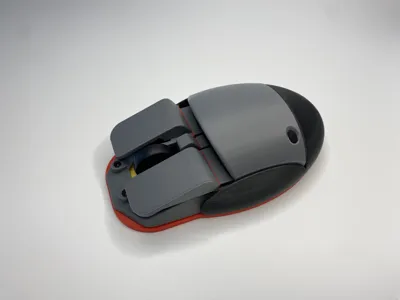
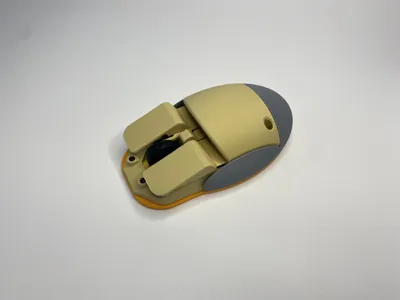


Print Profile(2)

Bill of Materials






Description
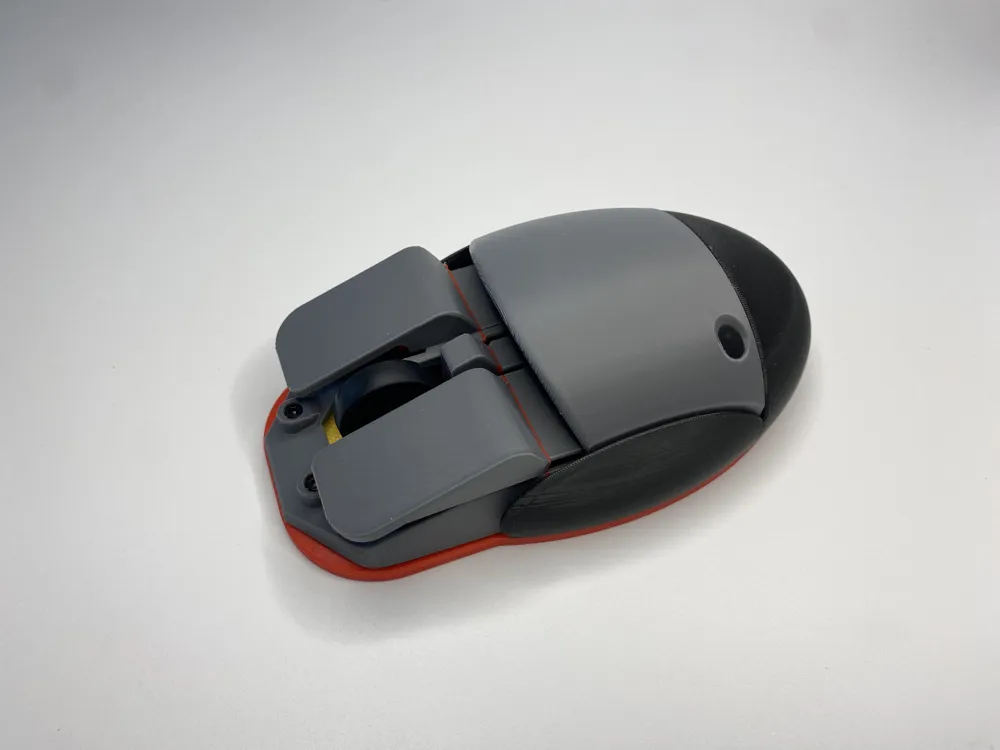
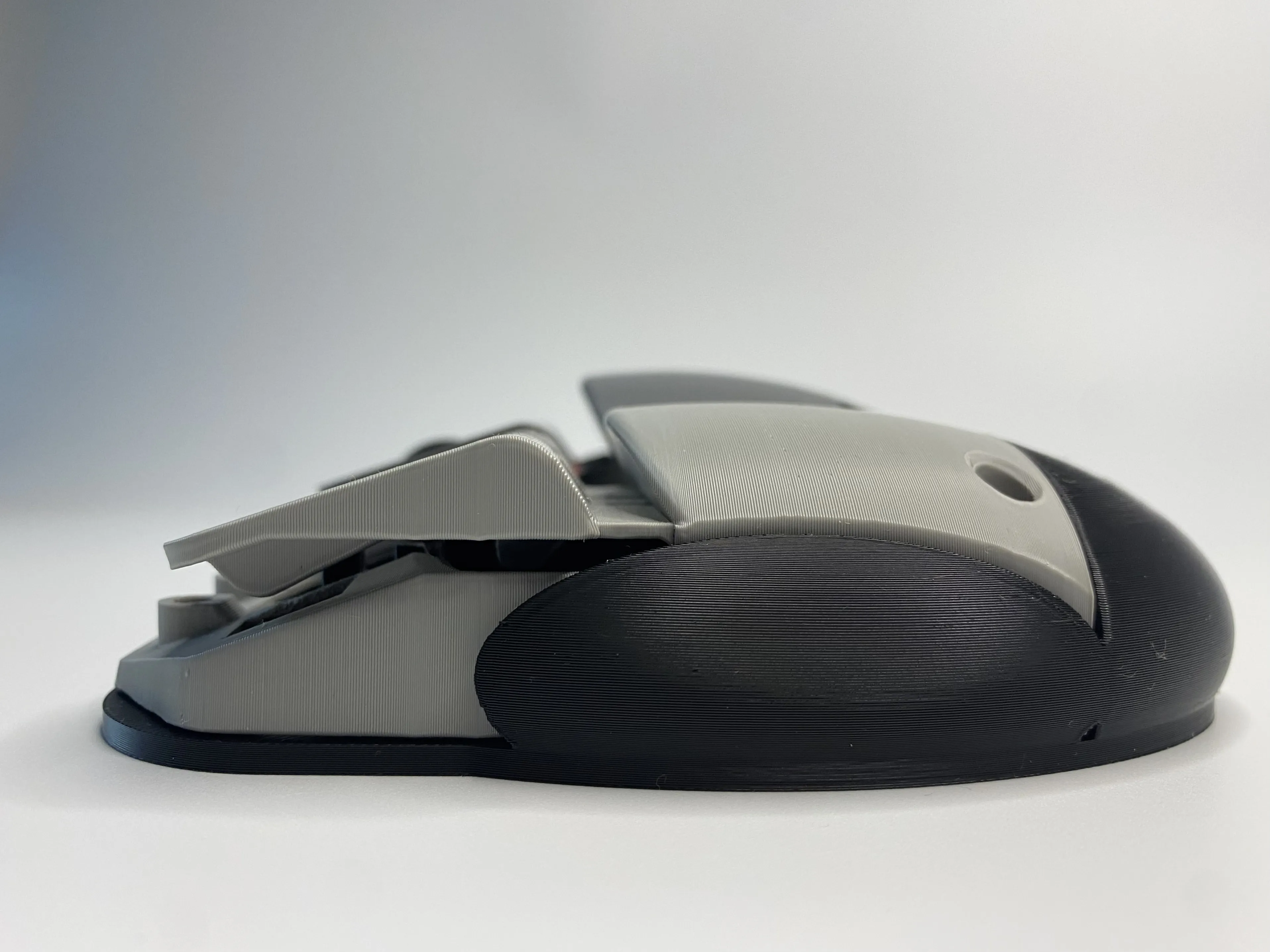
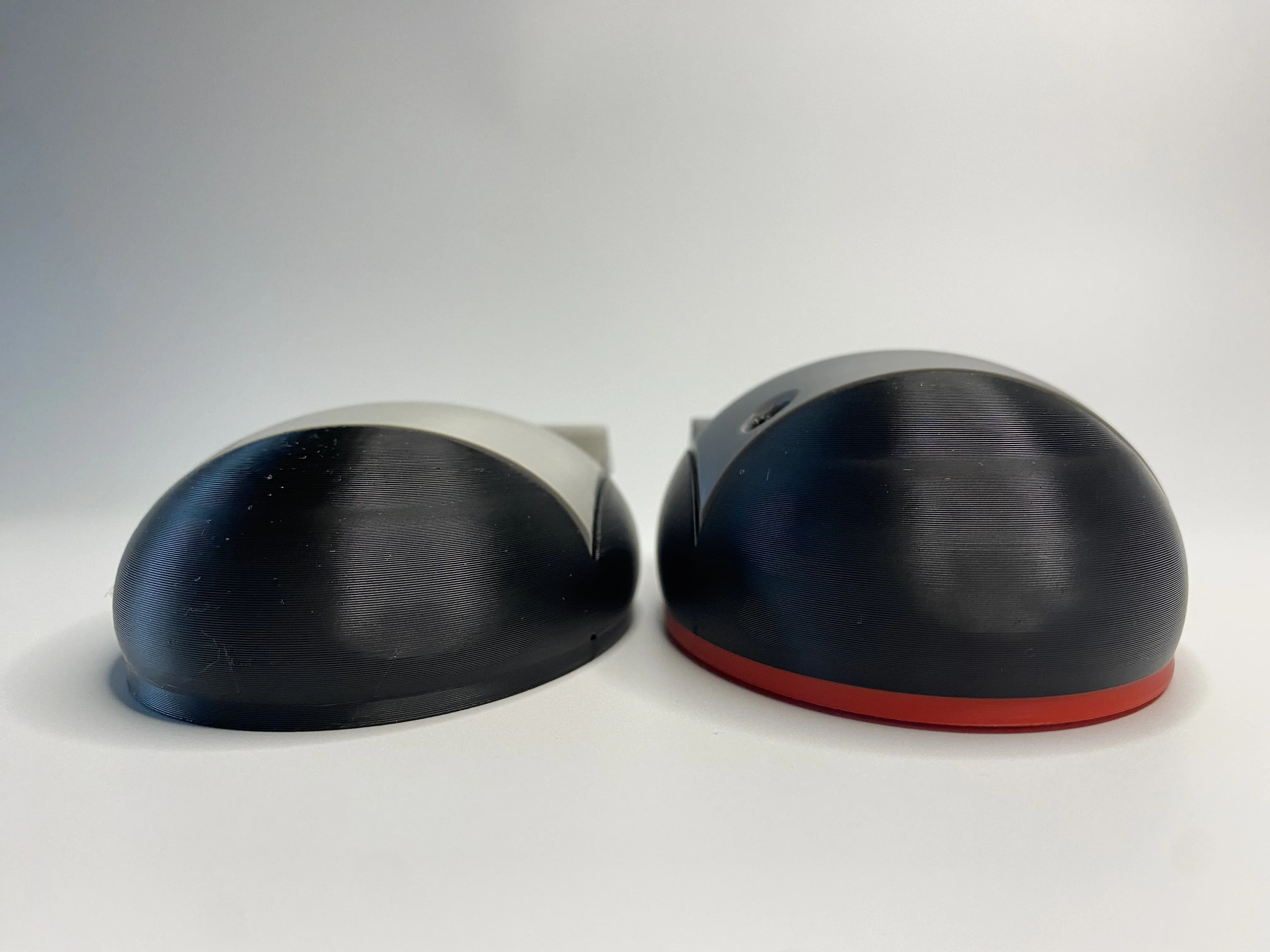
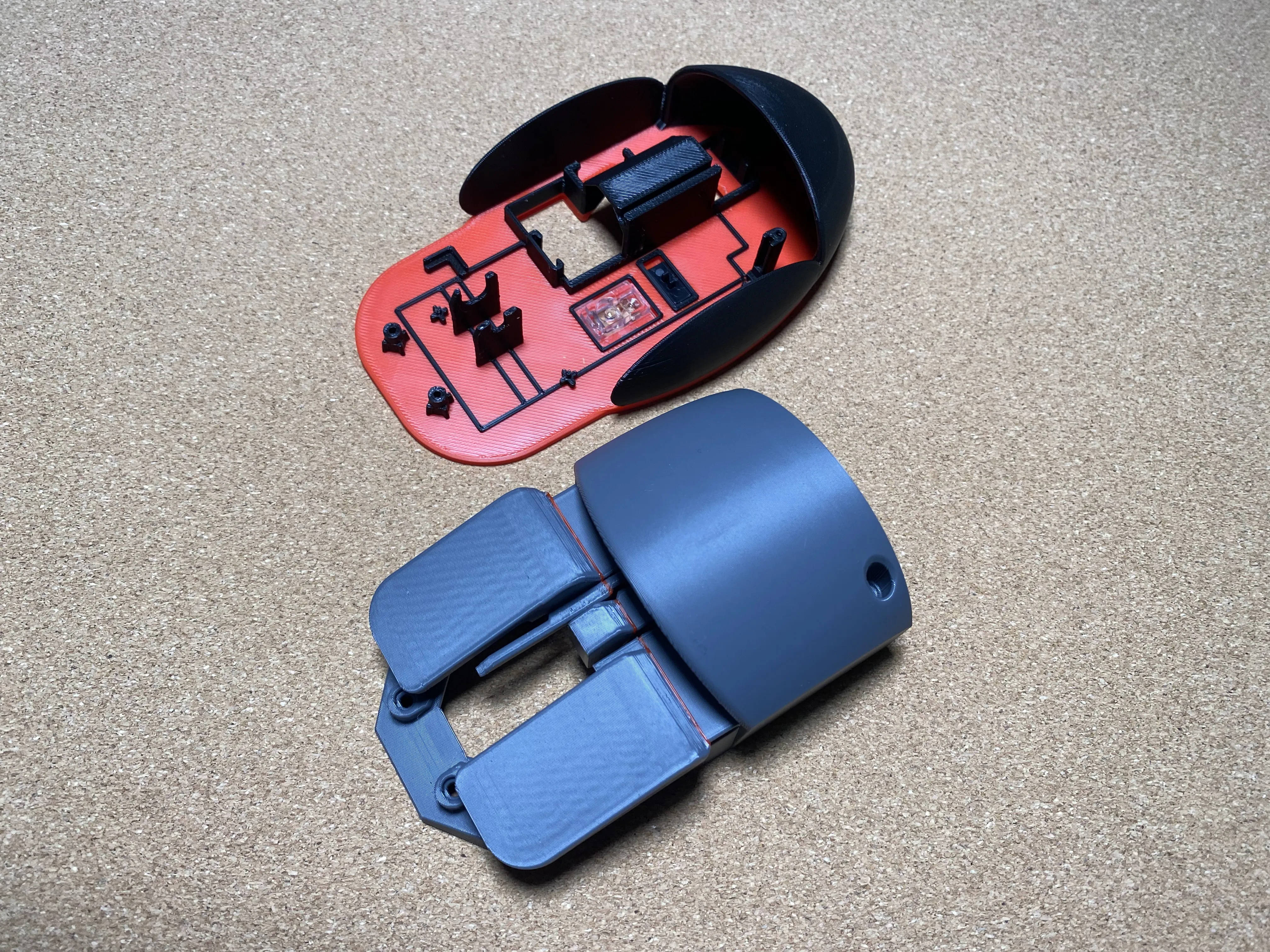
This 3D printed mouse consists of only two parts: the base and the shell, making it simple to print and comfortable to hold
This 3D printing mouse only has two parts: the base and the shell, making it easy to print and comfortable to hold
Updated March 28, 2026
1. The model dimensions have been revised to increase the angle of the palm rest, providing a more comfortable user experience.
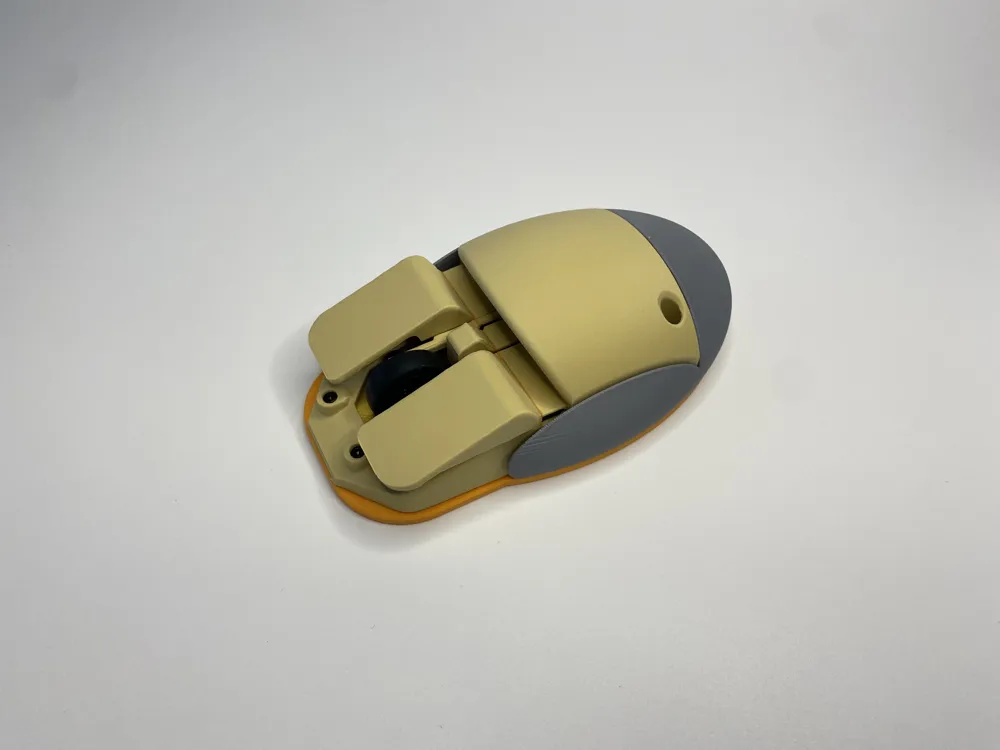
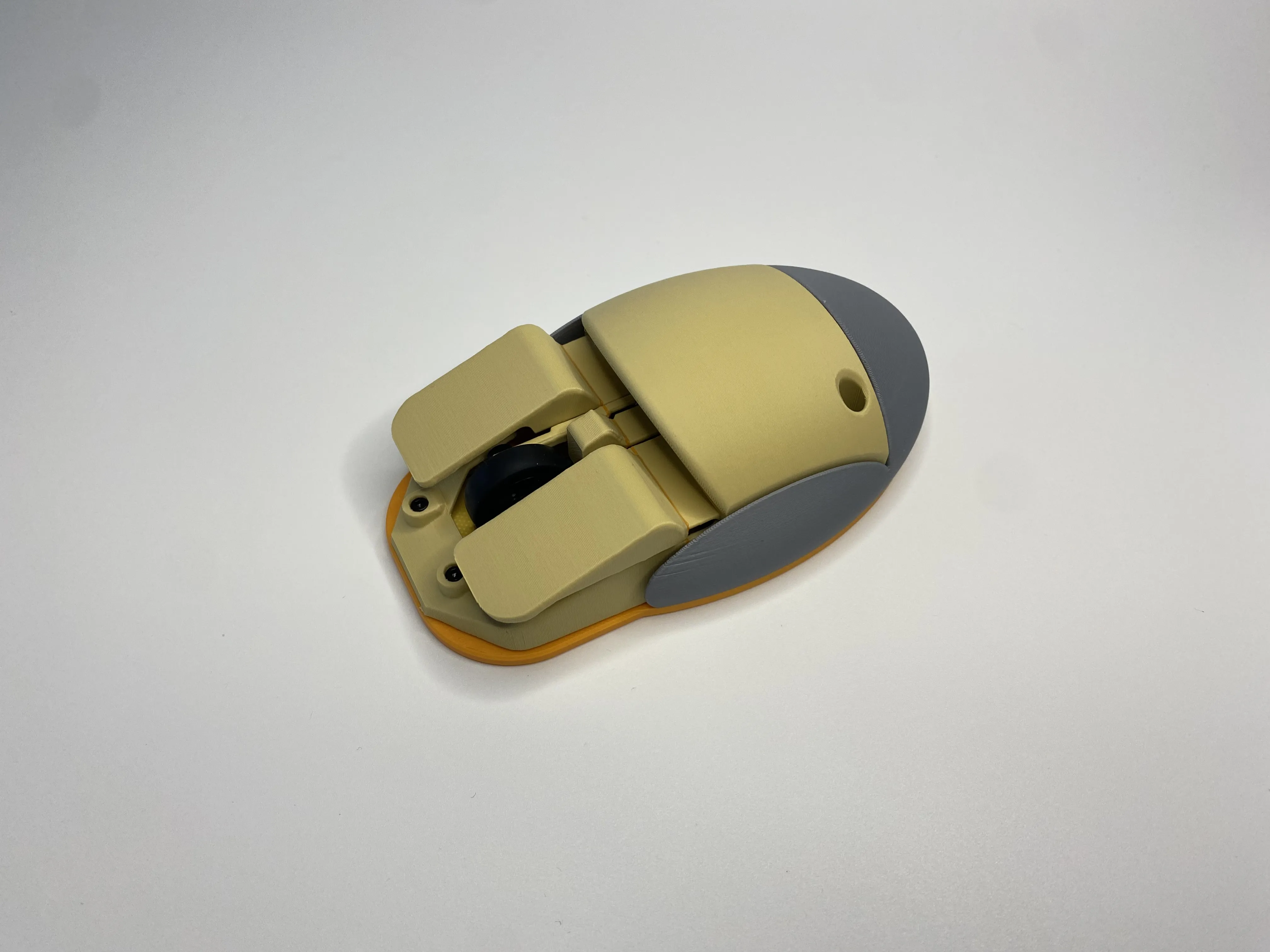
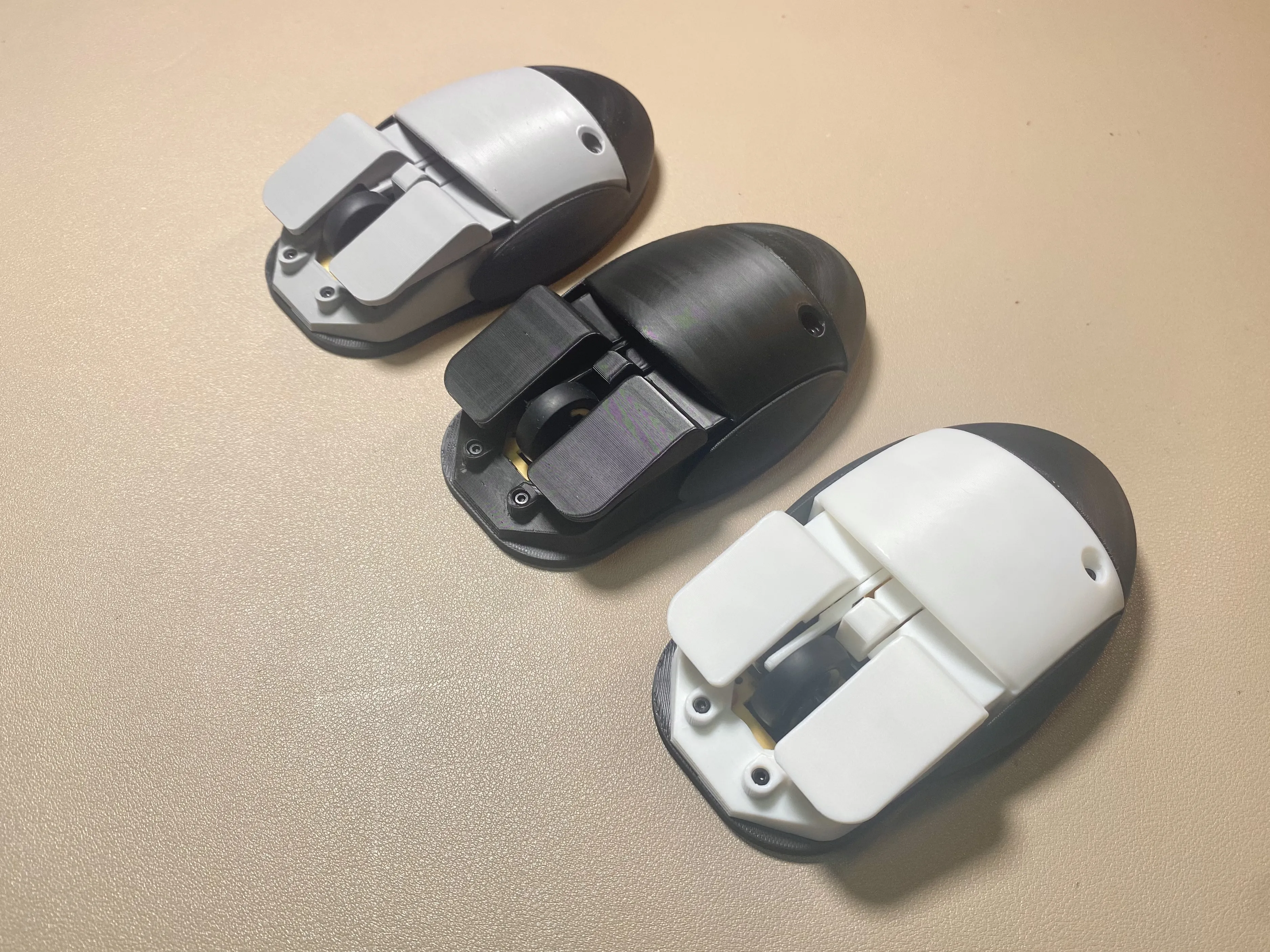
2. Based on feedback from user @MONT_basho, multi-color printing options have been added to allow for greater flexibility in customizing the mouse’s color scheme.
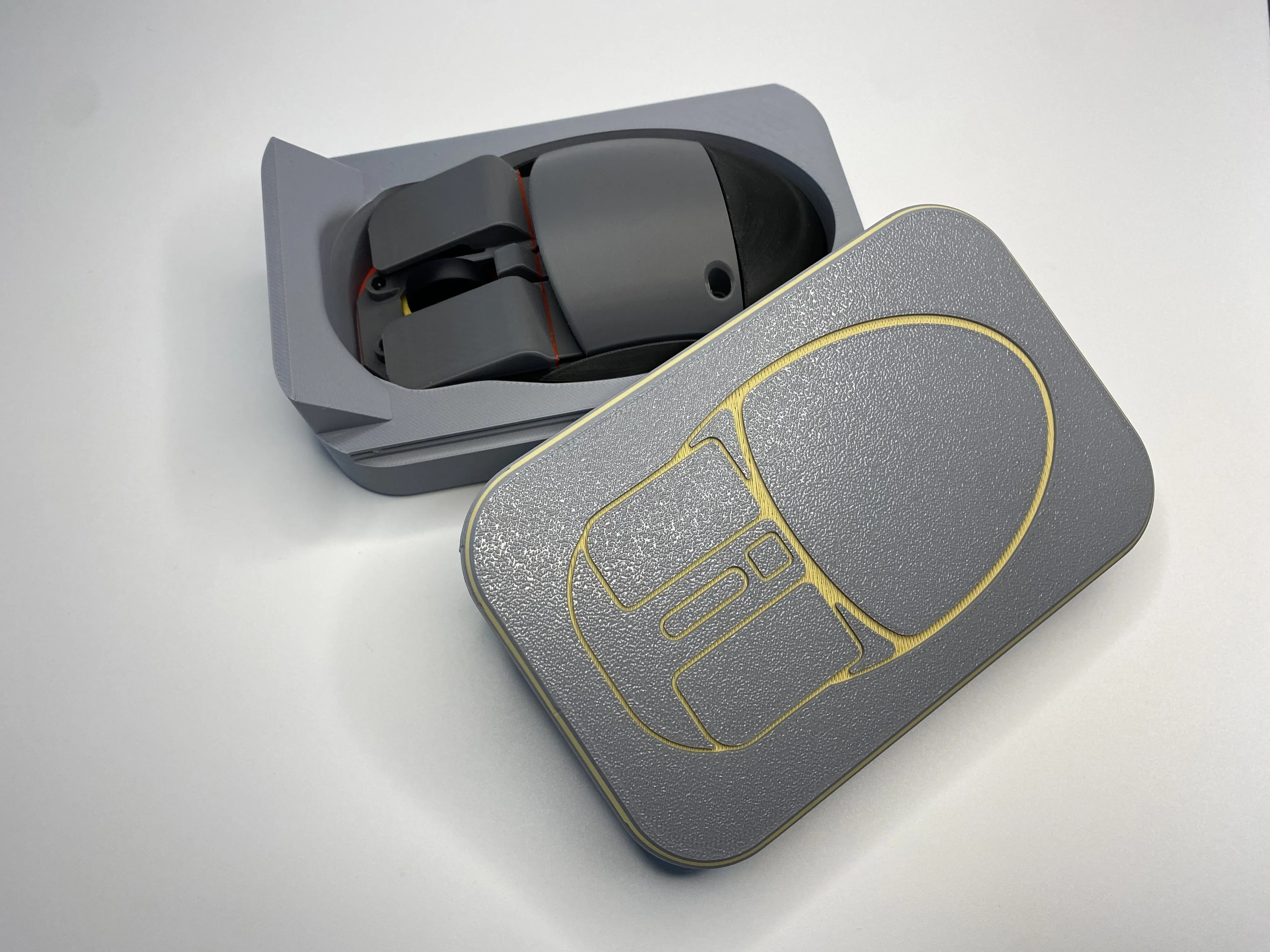
3. A storage case designed specifically for this mouse is now available for download on my homepage.
Updated March 28, 2026
1. The model dimensions have been revised to increase the angle of the palm rest, providing a more comfortable user experience
2. Based on feedback from user @MONT_basho, multi-color printing options have been added, allowing for greater flexibility in customizing the mouse's color scheme
3. A storage case designed specifically for this mouse is now available for download on my homepage
-----------------------------------------------------------------------------------------------------------------------------------------------------------------------------------------------------------
The specific installation steps are as follows
The specific installation steps are as follows:
1. Install switches and transparent sheets, mouse wheel, chip substrate, and conductive sheet
Install switches and transparent sheets、mouse wheel、chip substrate and conductive sheet
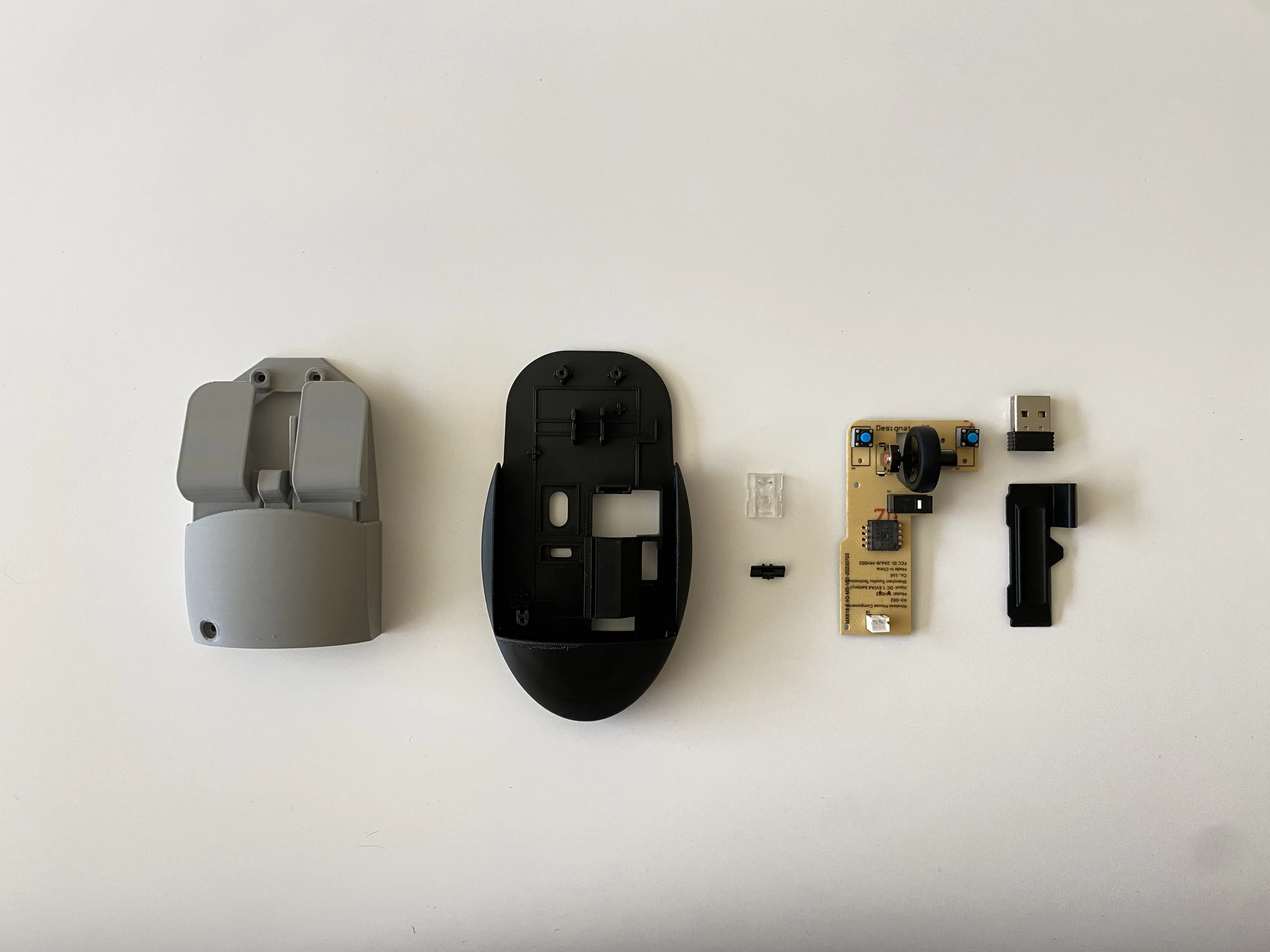
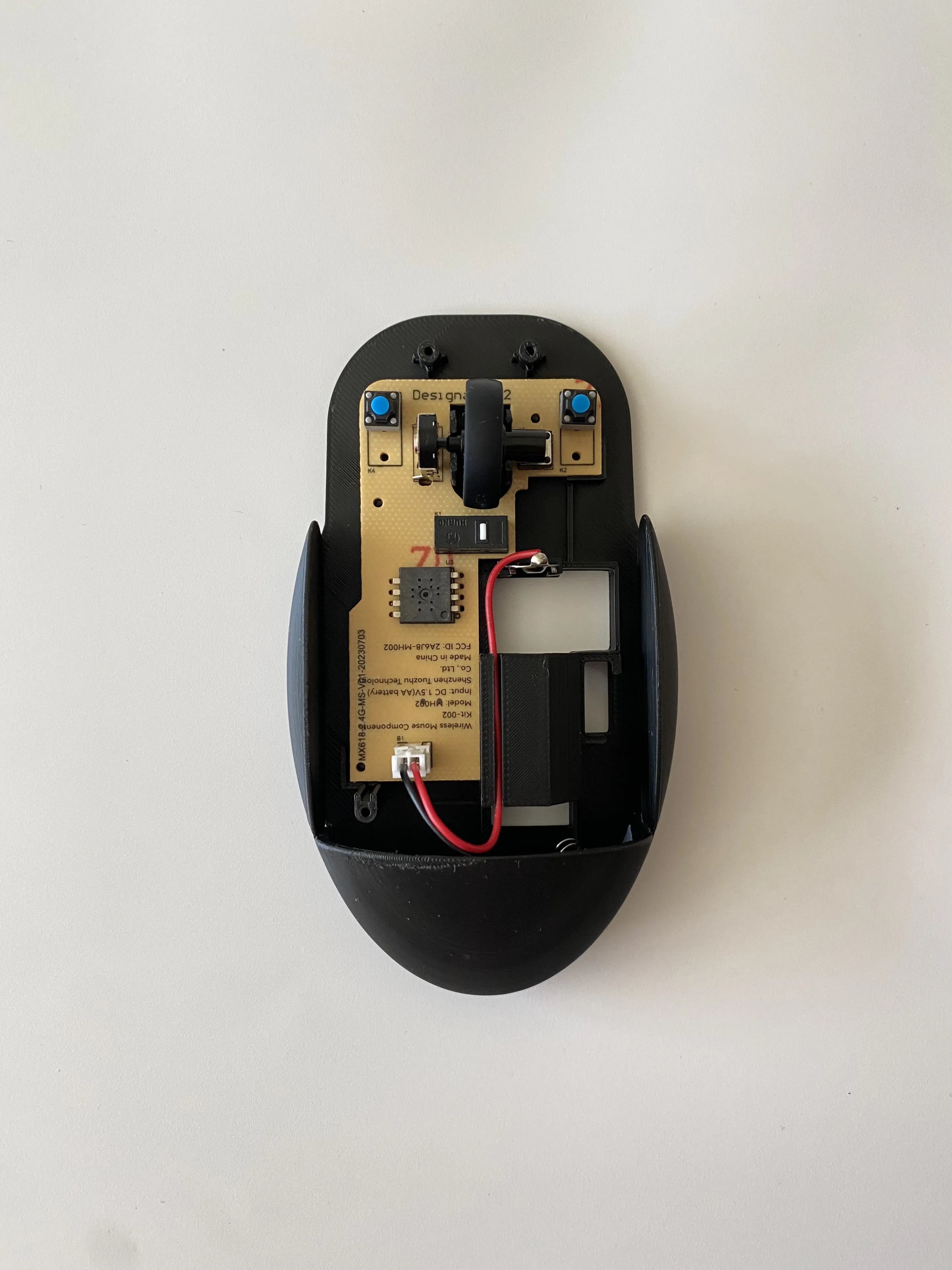
2. Install the top cover and tighten three screws
Press the top cover and tighten three screws
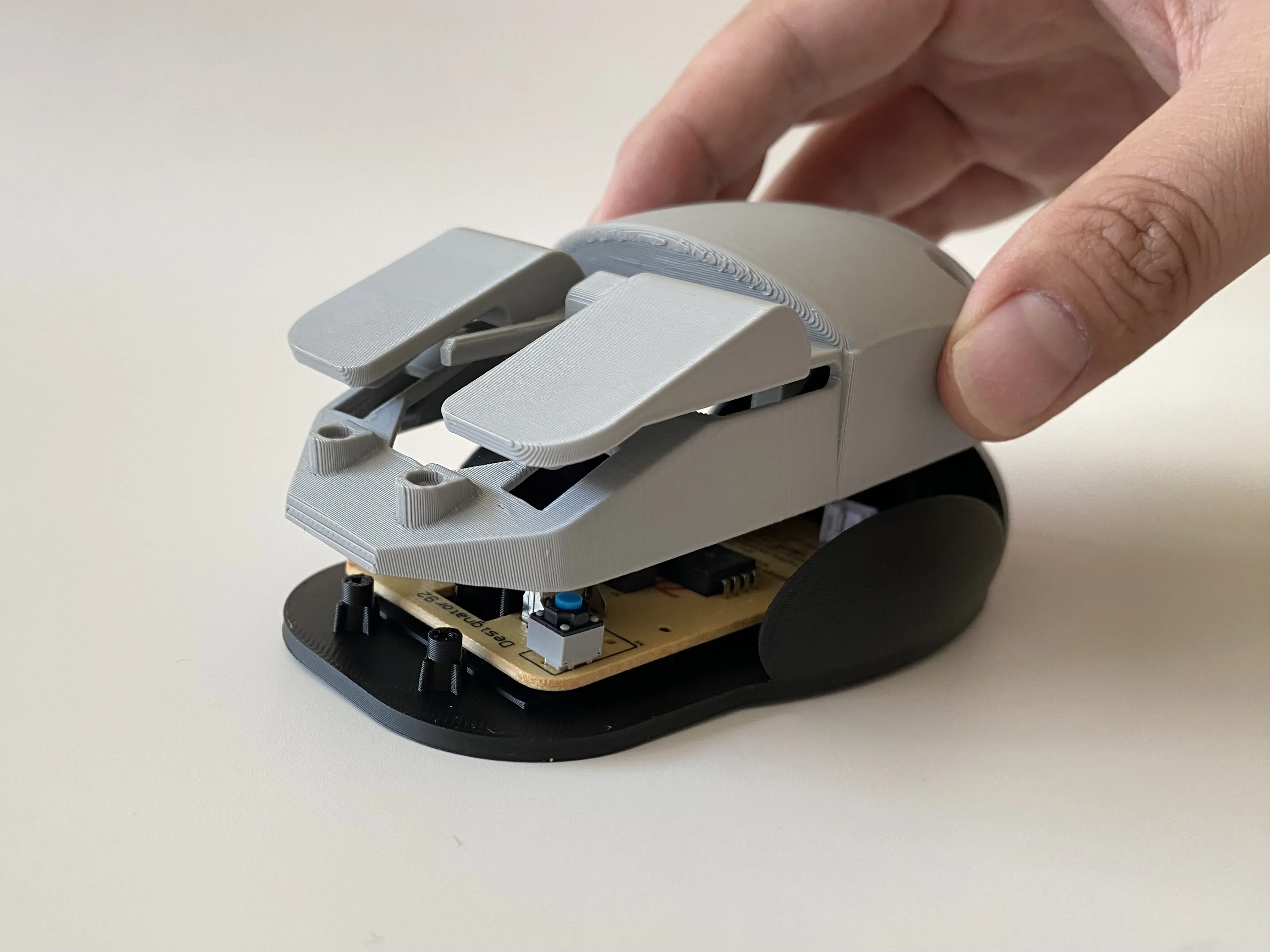
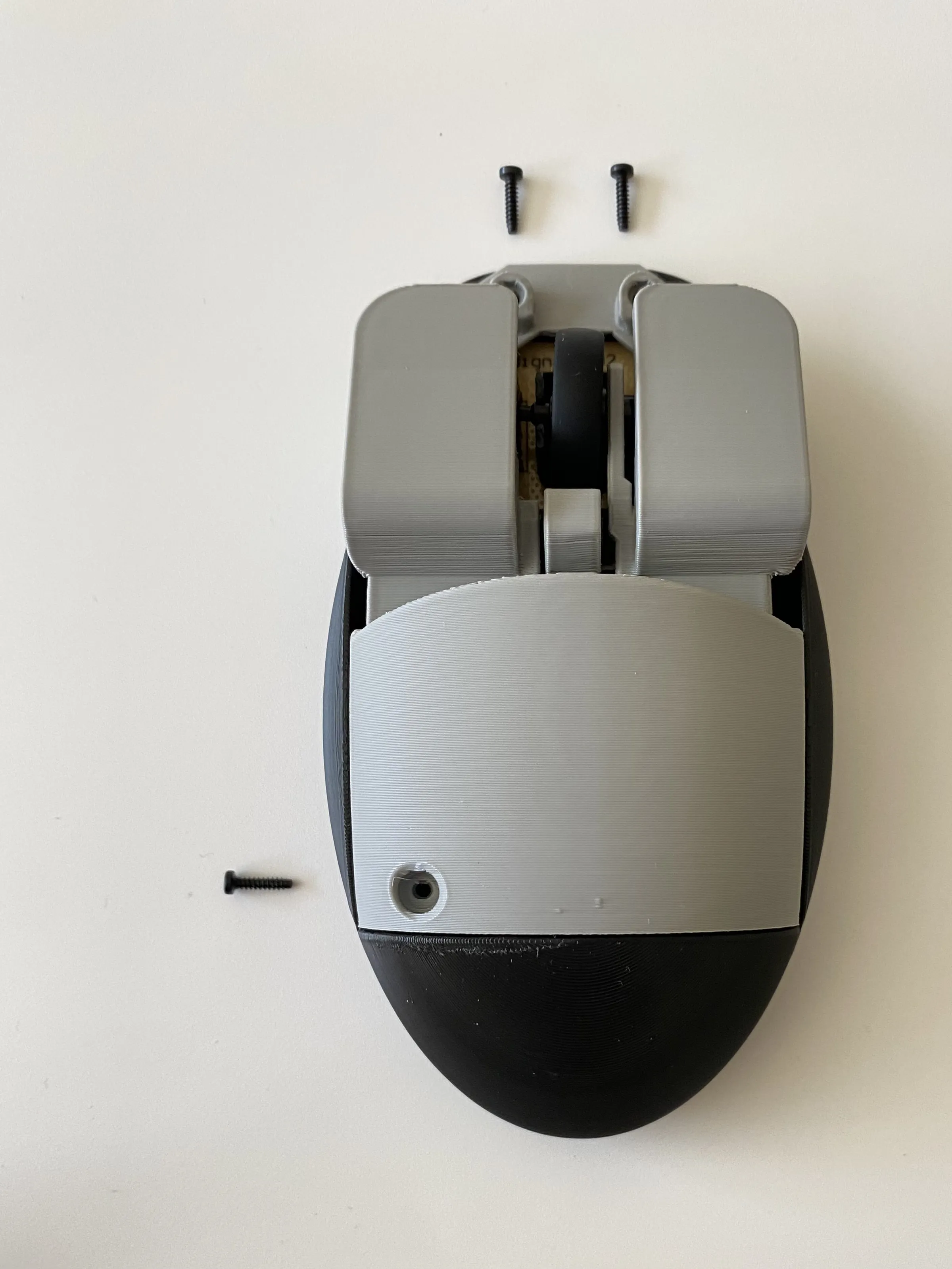
3. Install the battery compartment cover and mouse foot pads
Install the battery compartment cover and mouse foot pad
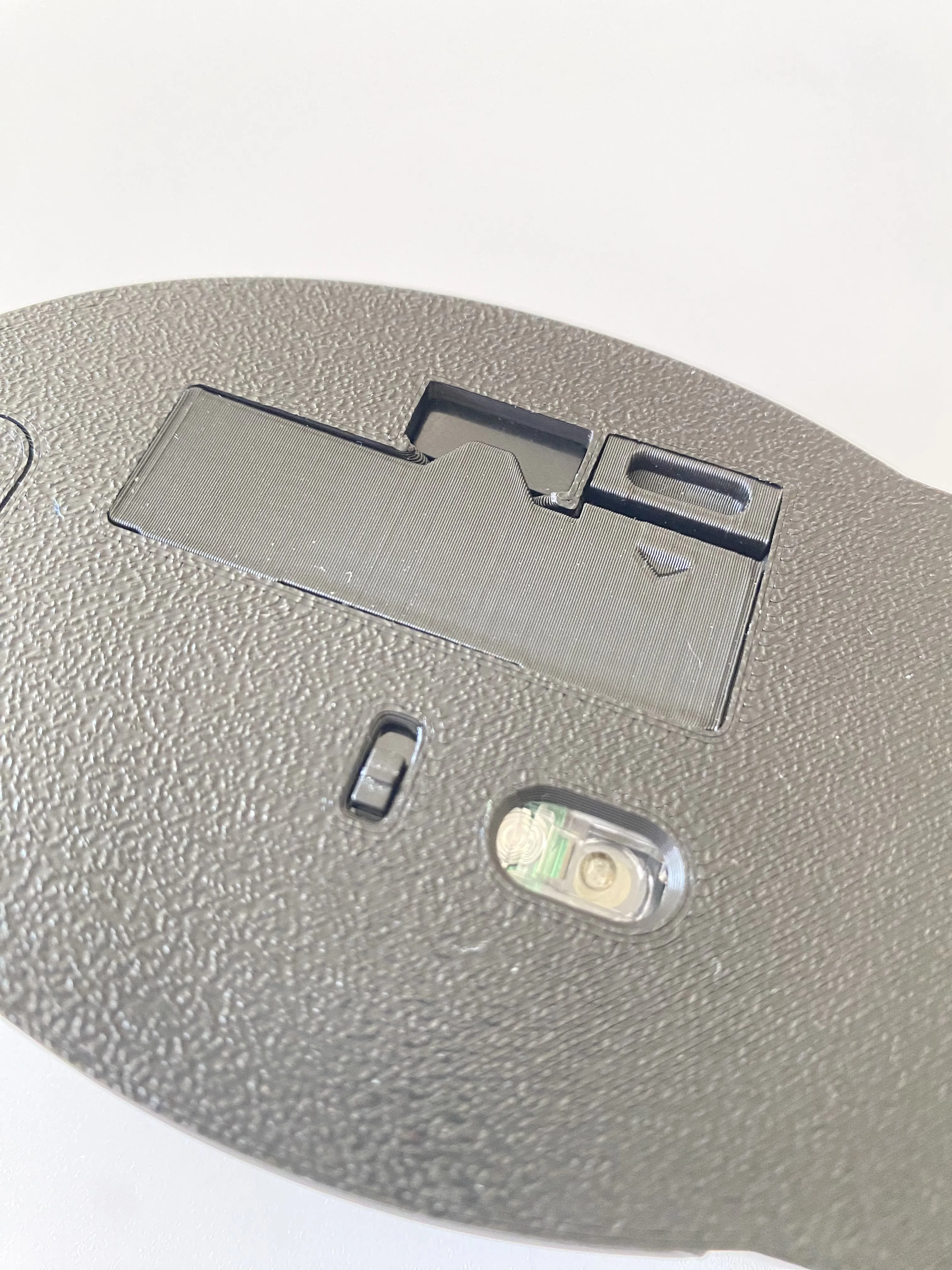
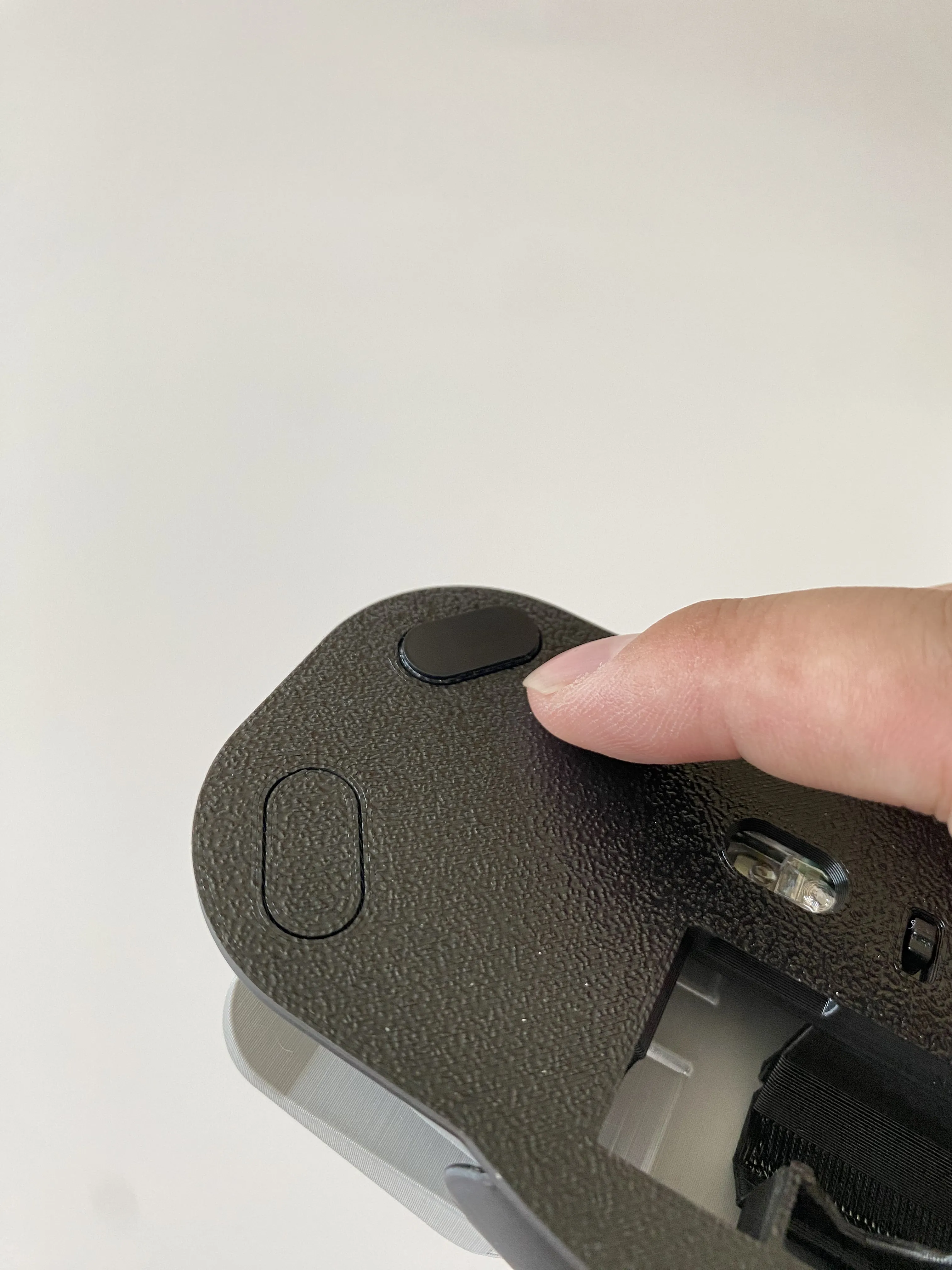
Welcome everyone to print different color schemes and showcase them in my comment section
Welcome everyone to experiment with different color combinations and showcase them in my comment section.
Note: When printing the base, the small holes that appear at the joint between the base and the upper cover are within the design scope and do not affect normal use
Note: When printing the base, the small holes that appear at the joint between the base and the upper cover are within the design range and do not affect normal use.
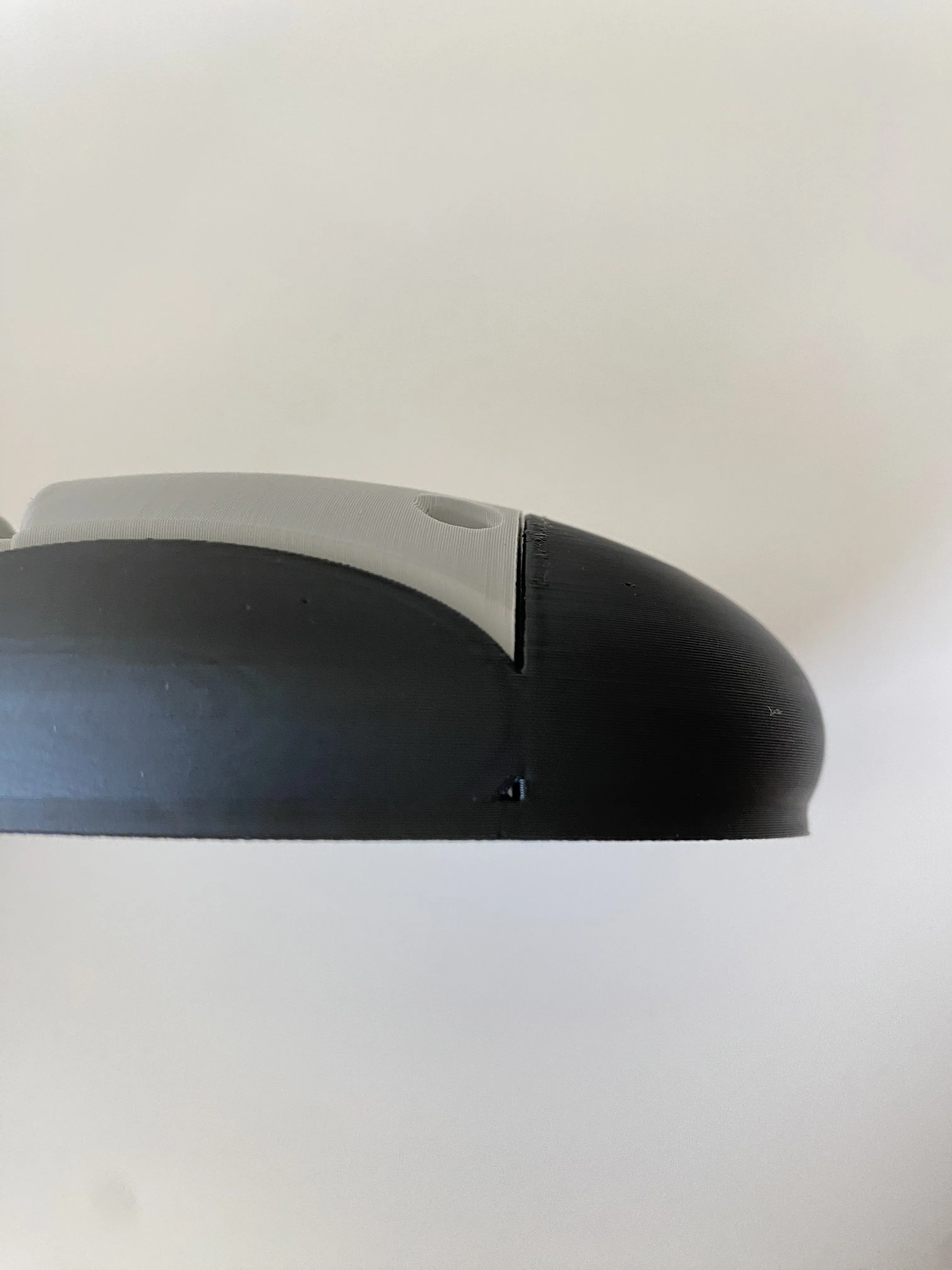
Updated on June 23, 2024
Updated on June 23, 2024
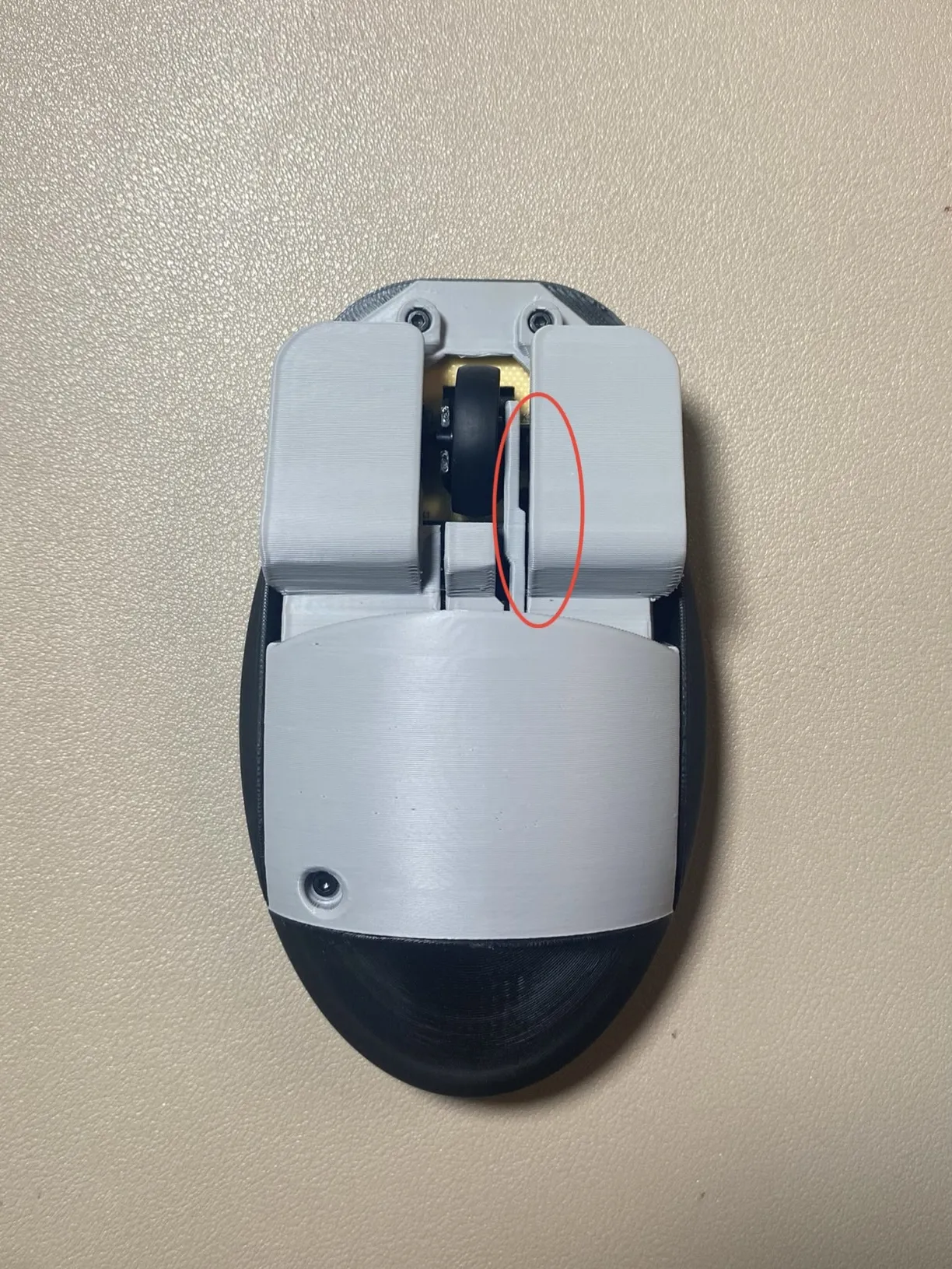
1. The model has been updated with dividers to optimize the mouse's click feel
1. Add dividers to the model and optimize the feel of mouse pressing.
2. Model markings have been added to the bottom of the mouse
2. Add model printing at the bottom of the mouse.
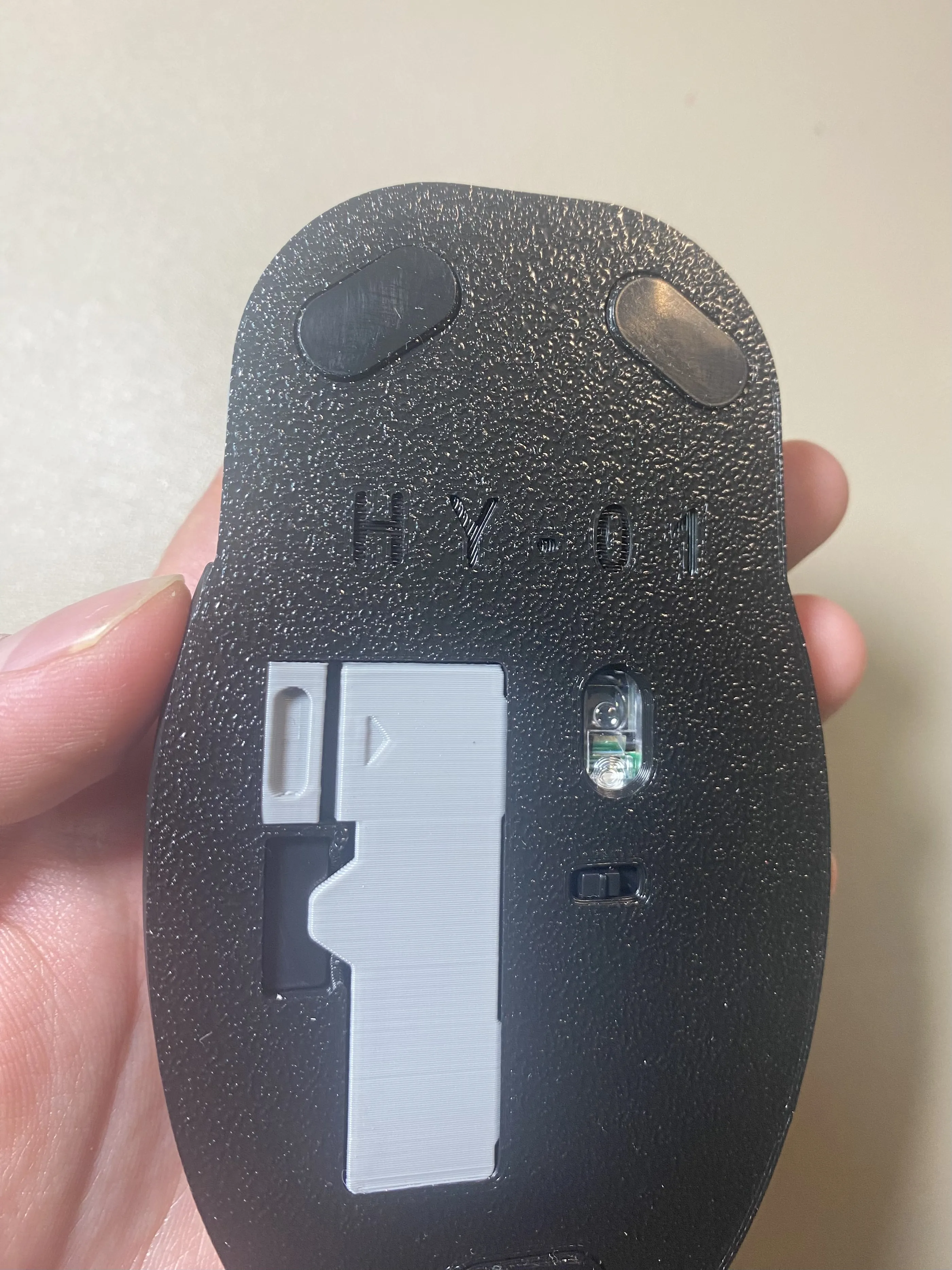
3. Optimized the model's variable layer height to allow for finer printing of curved sections
3. Optimize the variable layer height of the model to make the curved part of the model print more finely.
4. Enriched the color scheme display images for reference when downloading
4. Rich color display images for reference when downloading.
Boost Me (for free)
If you like my designs, please follow me or support me. Your support is an important driving force behind my original designs. If you like my designs, please follow me or support me, your support is an important driving force for my original designs.
License

You shall not share, sub-license, sell, rent, host, transfer, or distribute in any way the digital or 3D printed versions of this object, nor any other derivative work of this object in its digital or physical format (including - but not limited to - remixes of this object, and hosting on other digital platforms). The objects may not be used without permission in any way whatsoever in which you charge money, or collect fees.


Comment & Rating (96)