
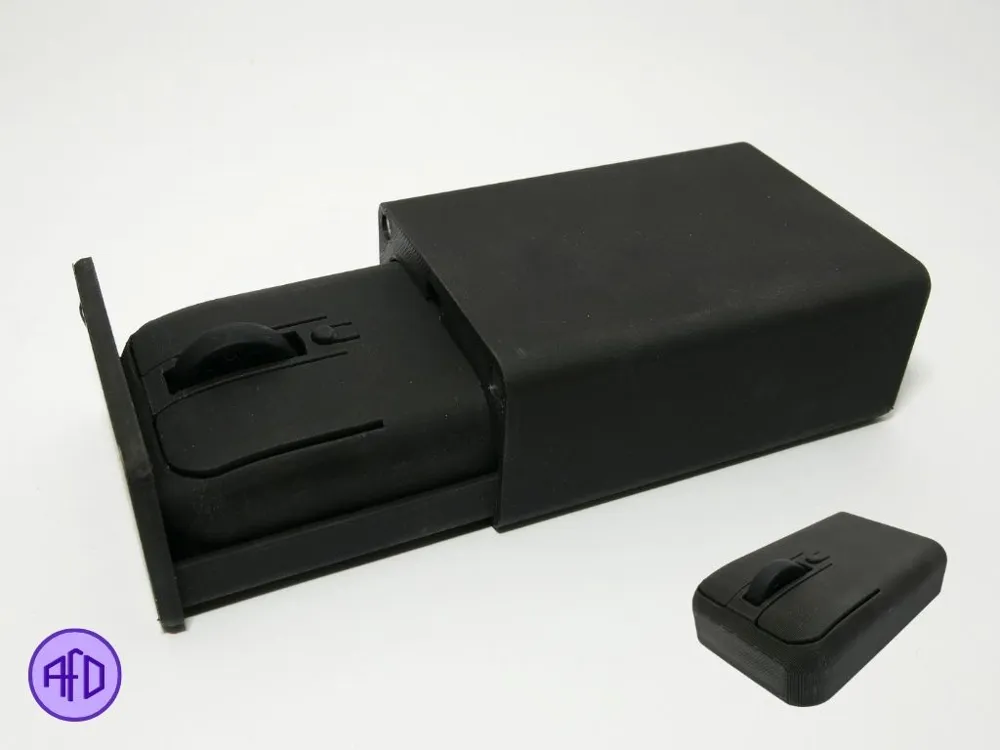
MINI PORTABLE MOUSE (with case)


Print Profile(1)

Bill of Materials


Description
The smallest mouse you can travel with.
Share your prints!!
Assembly steps:
You have the bill of materials needed down below.
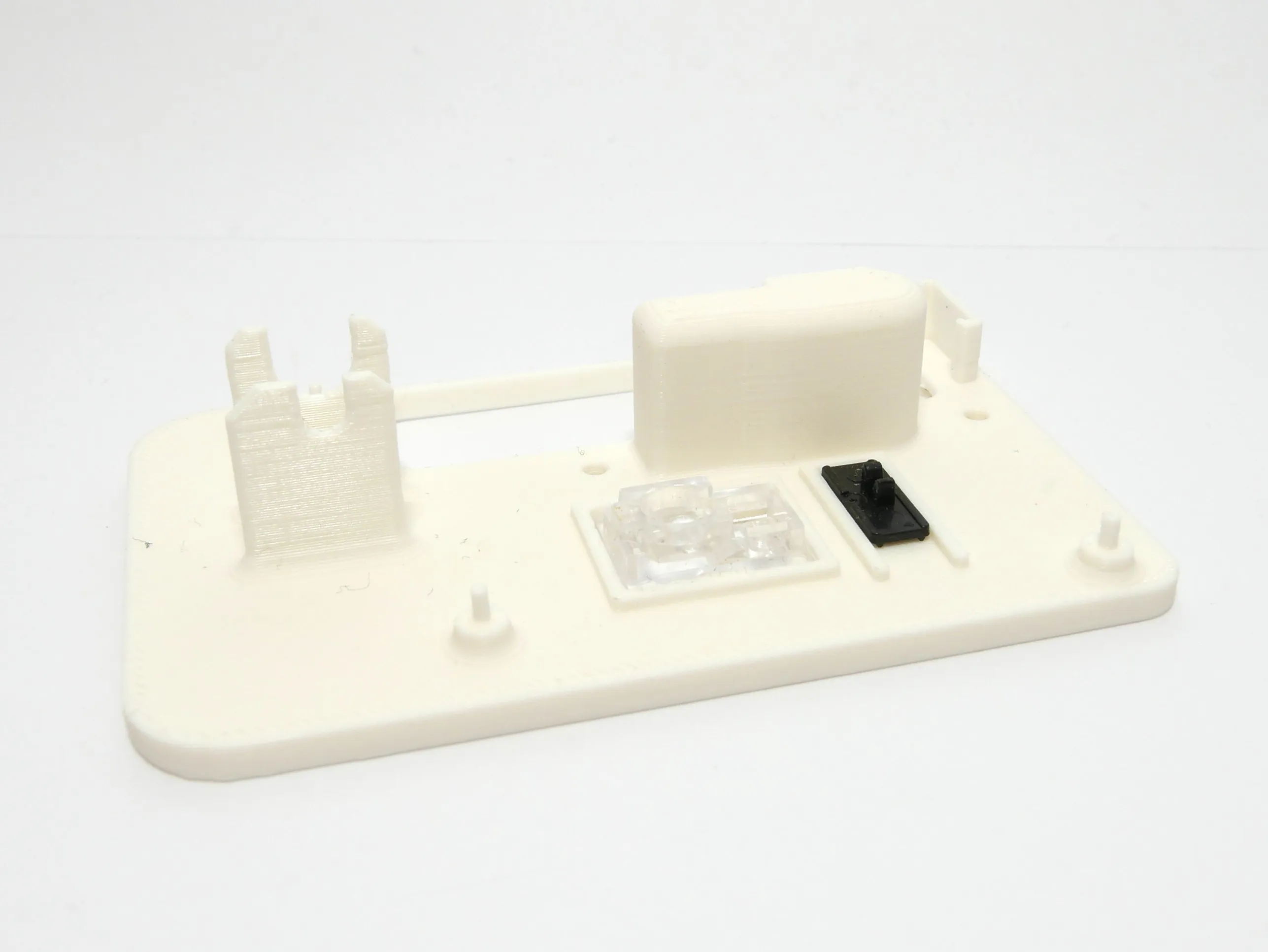
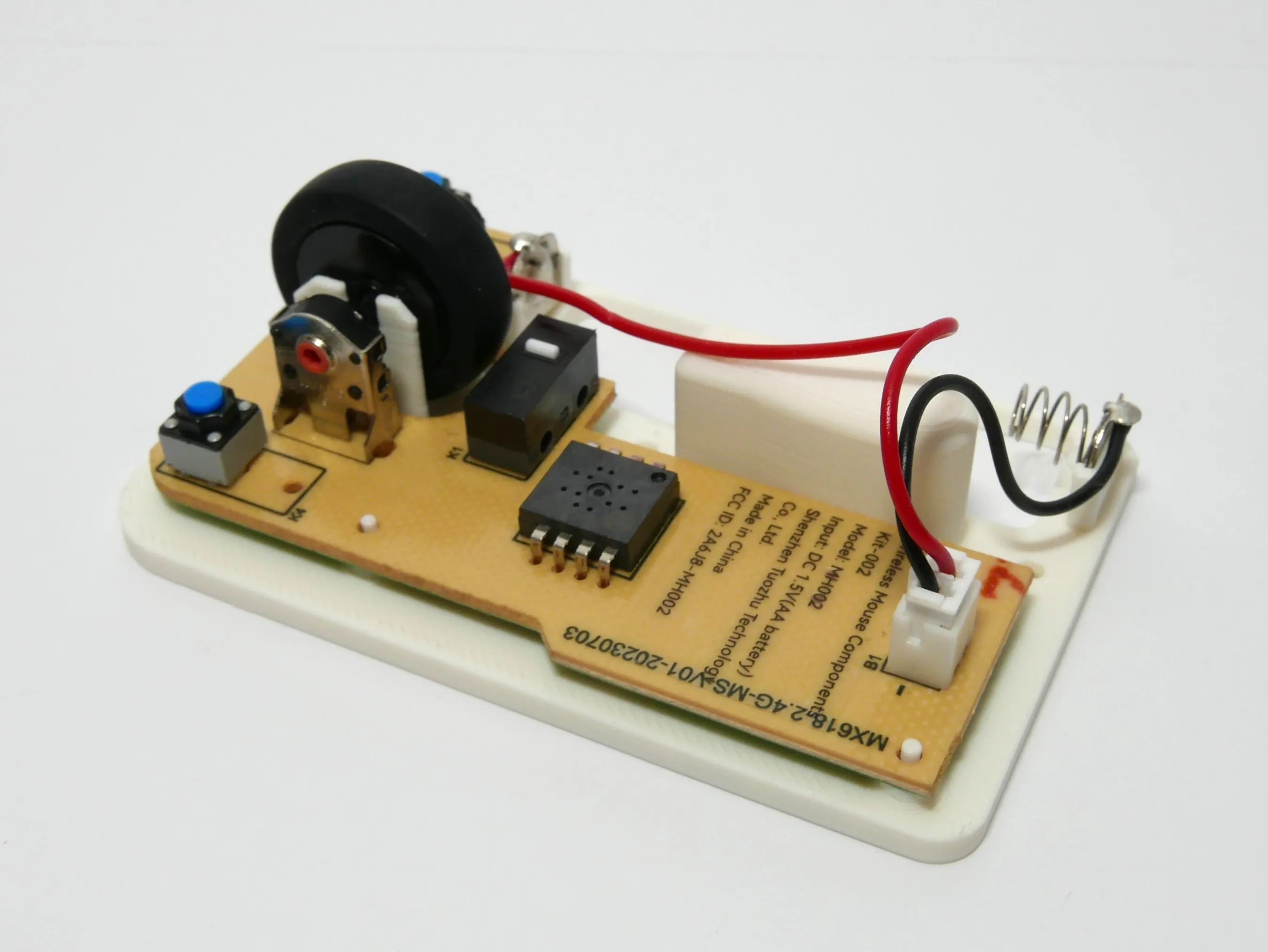
1. Install the laser lens and the switch slider in the right orientation on the base. (Align the slider carefuly with the switch on the PCB)
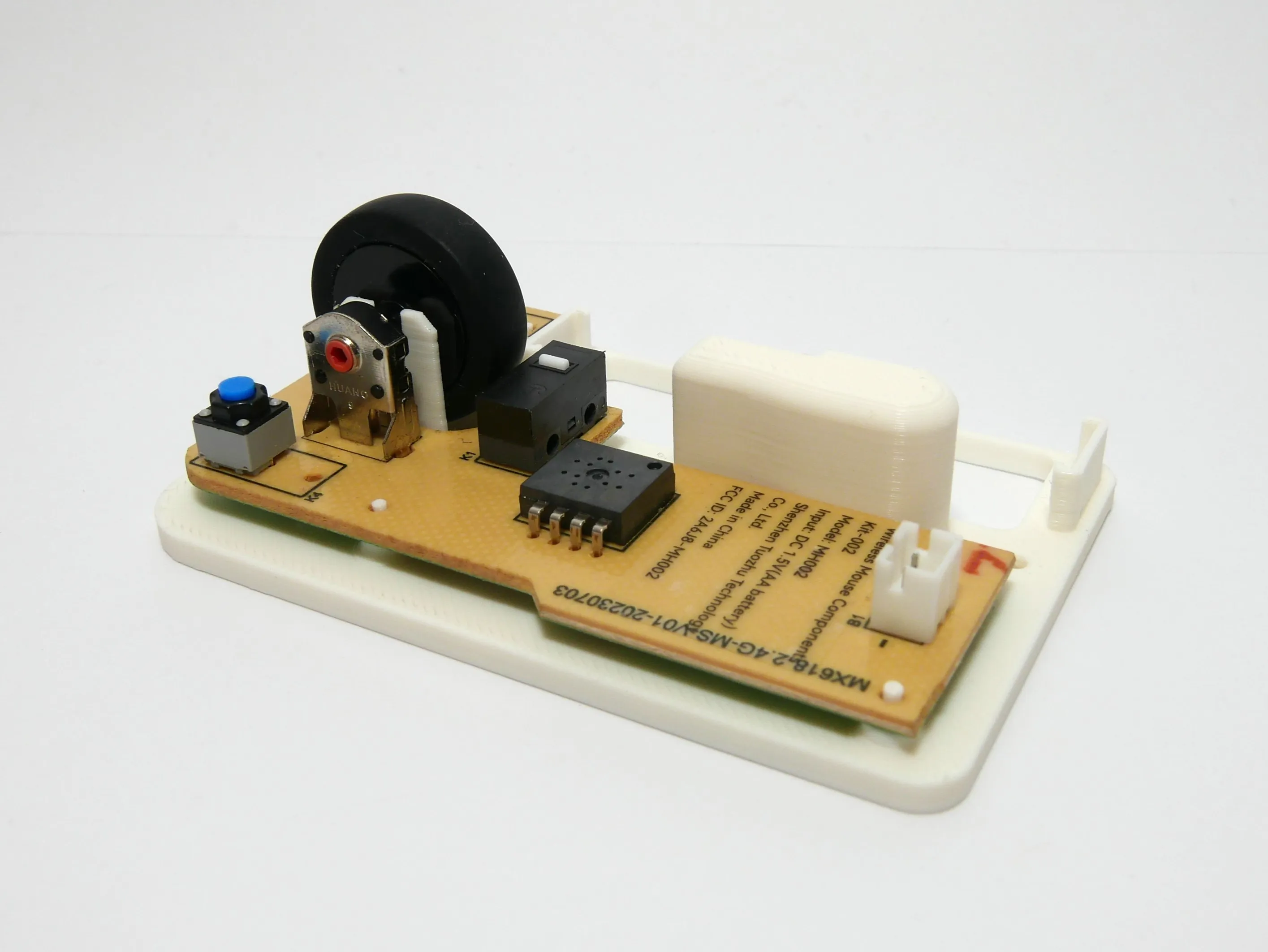
2. Insert the mouse wheel to the PCB and install the PCB (There is centering pins to help you put it in the right position).
3. Install the positive and negative terminals.
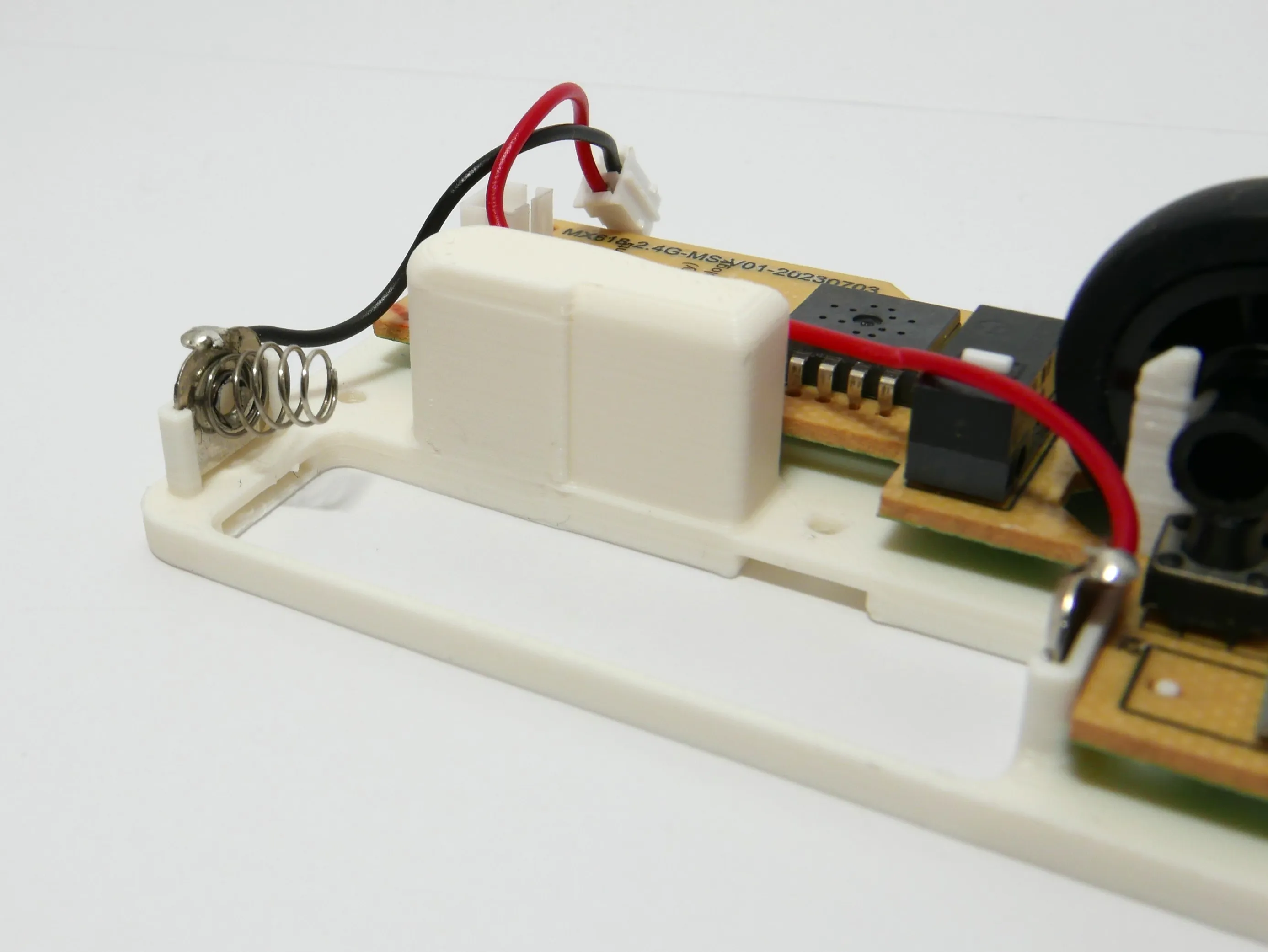
This should be the end result of the steps above
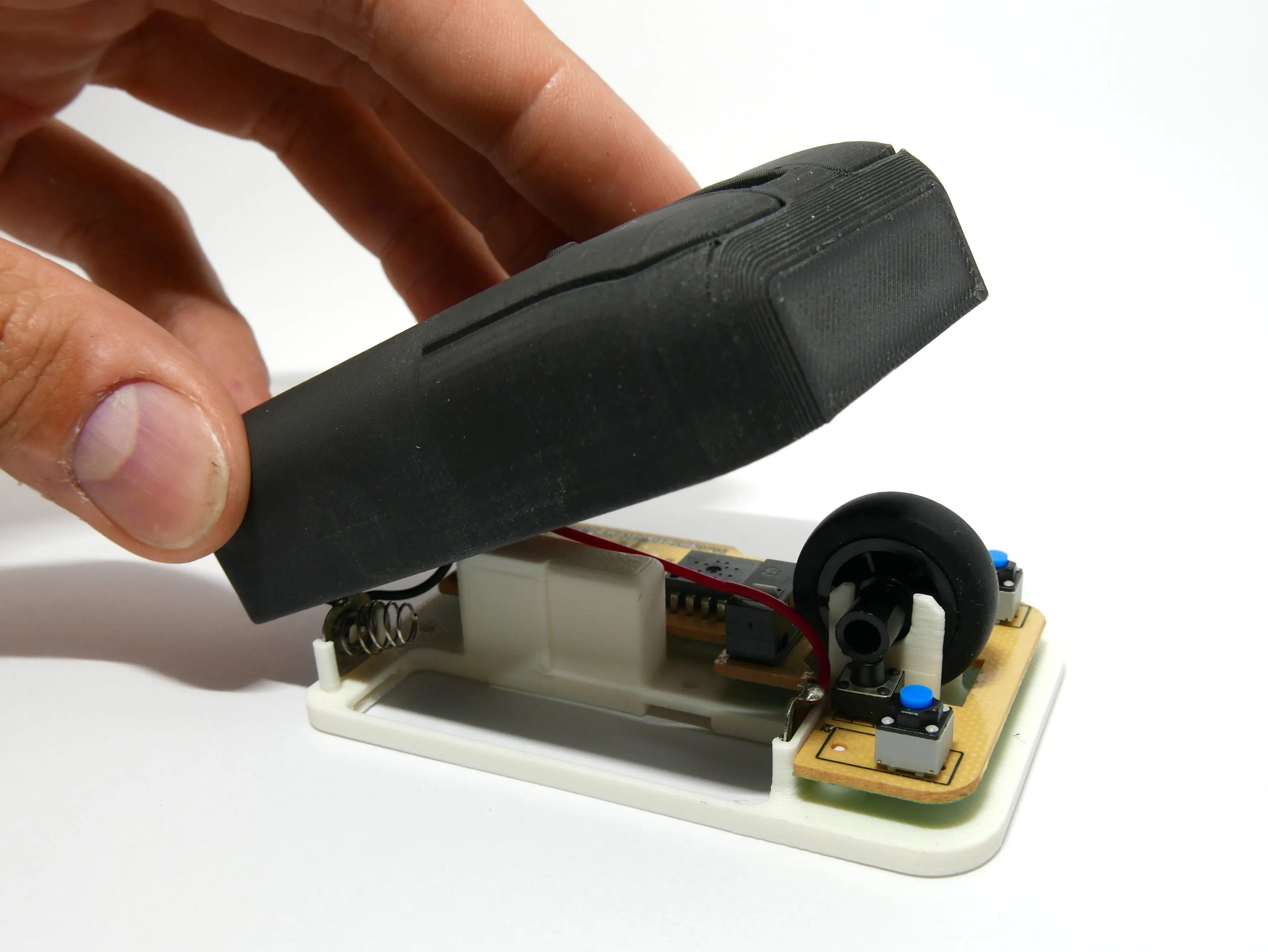
4. Install the mouse body. Make sure no cables are being crushed.
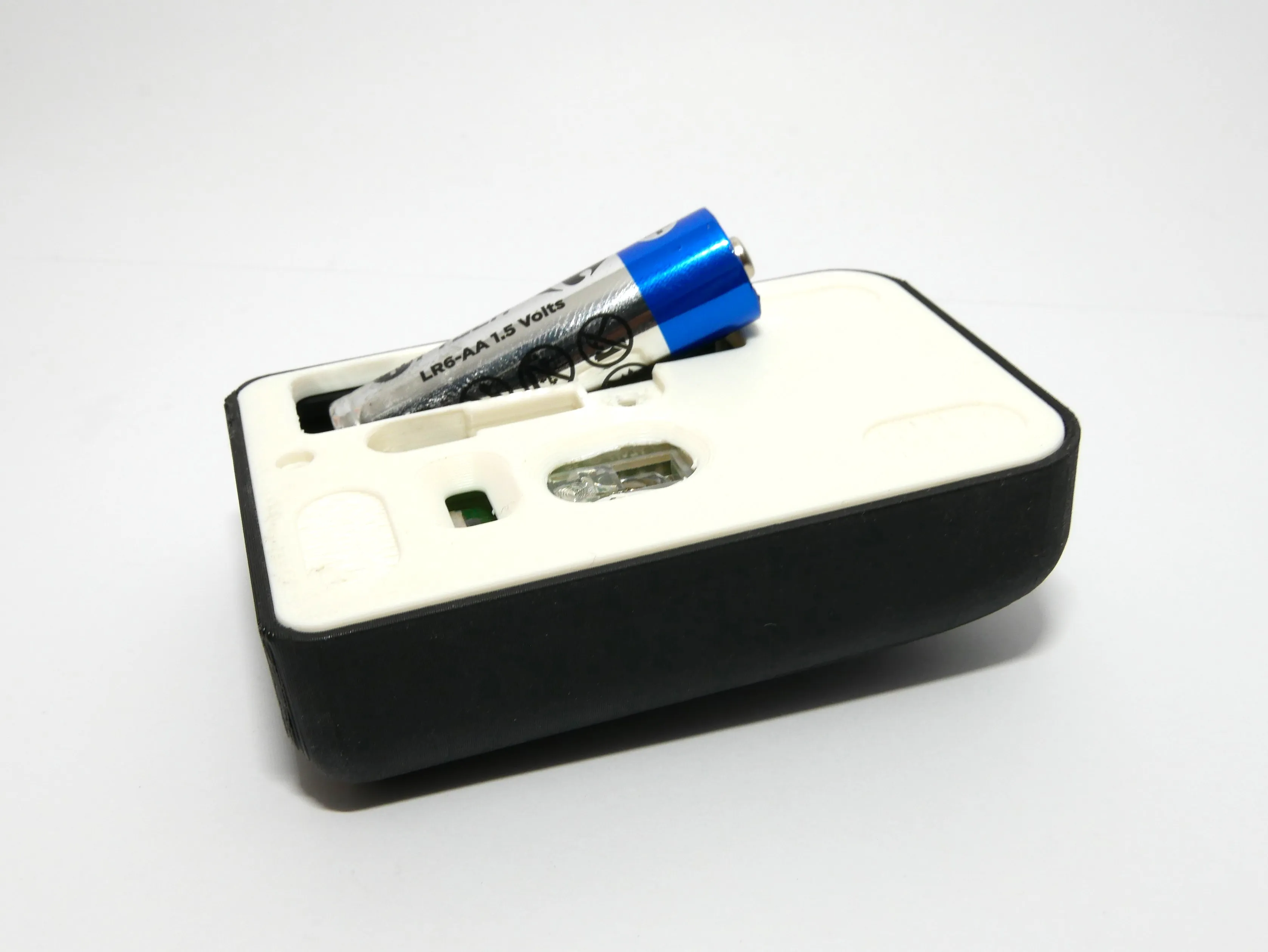
5. Put in the AA battery.
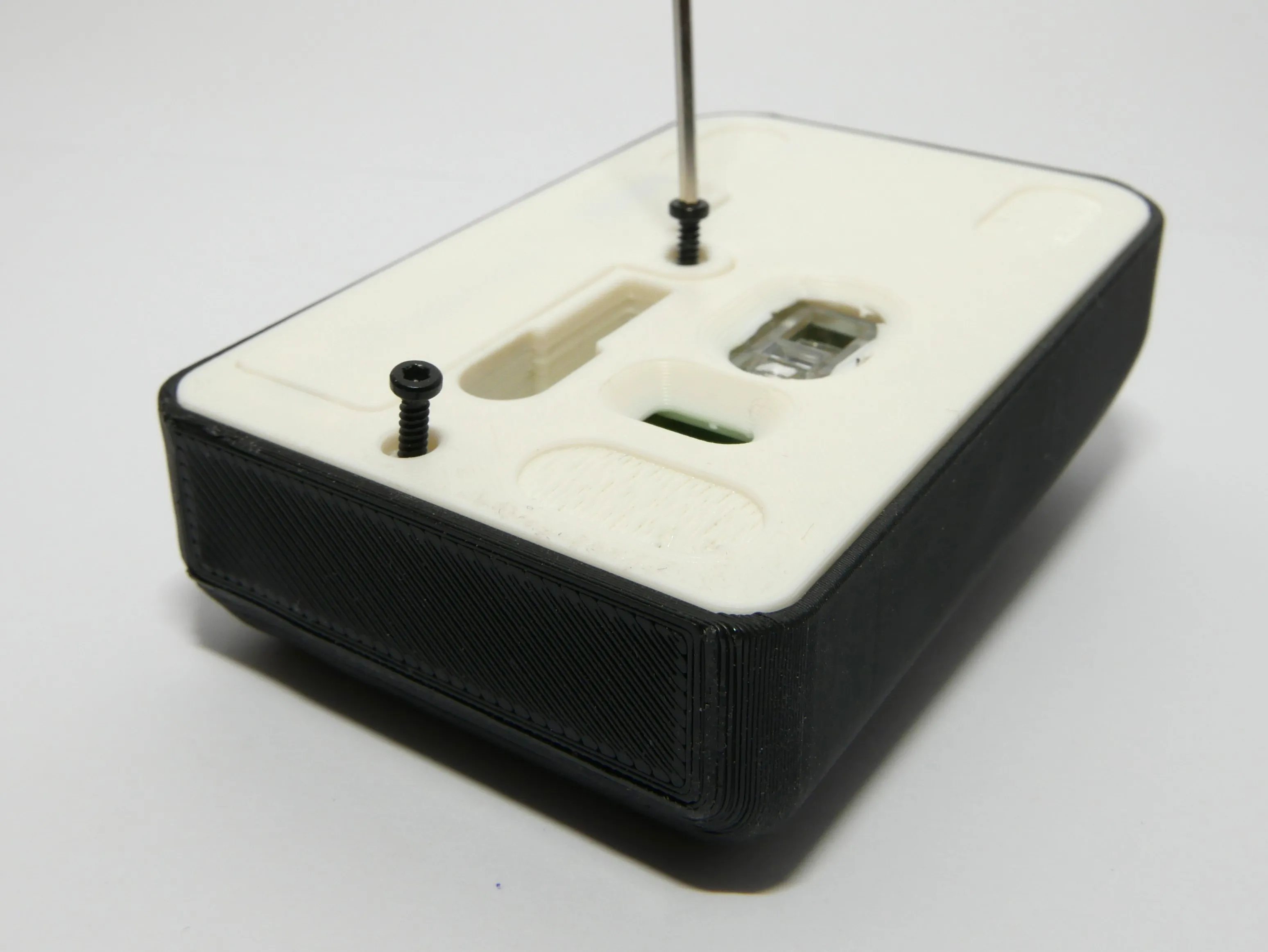
6. Install the battery cover and screw all together with only 2 screws
7. Put the USB in the socket and add the rubber pads to the base ( Unfortunately I don't have them because I've already used them)
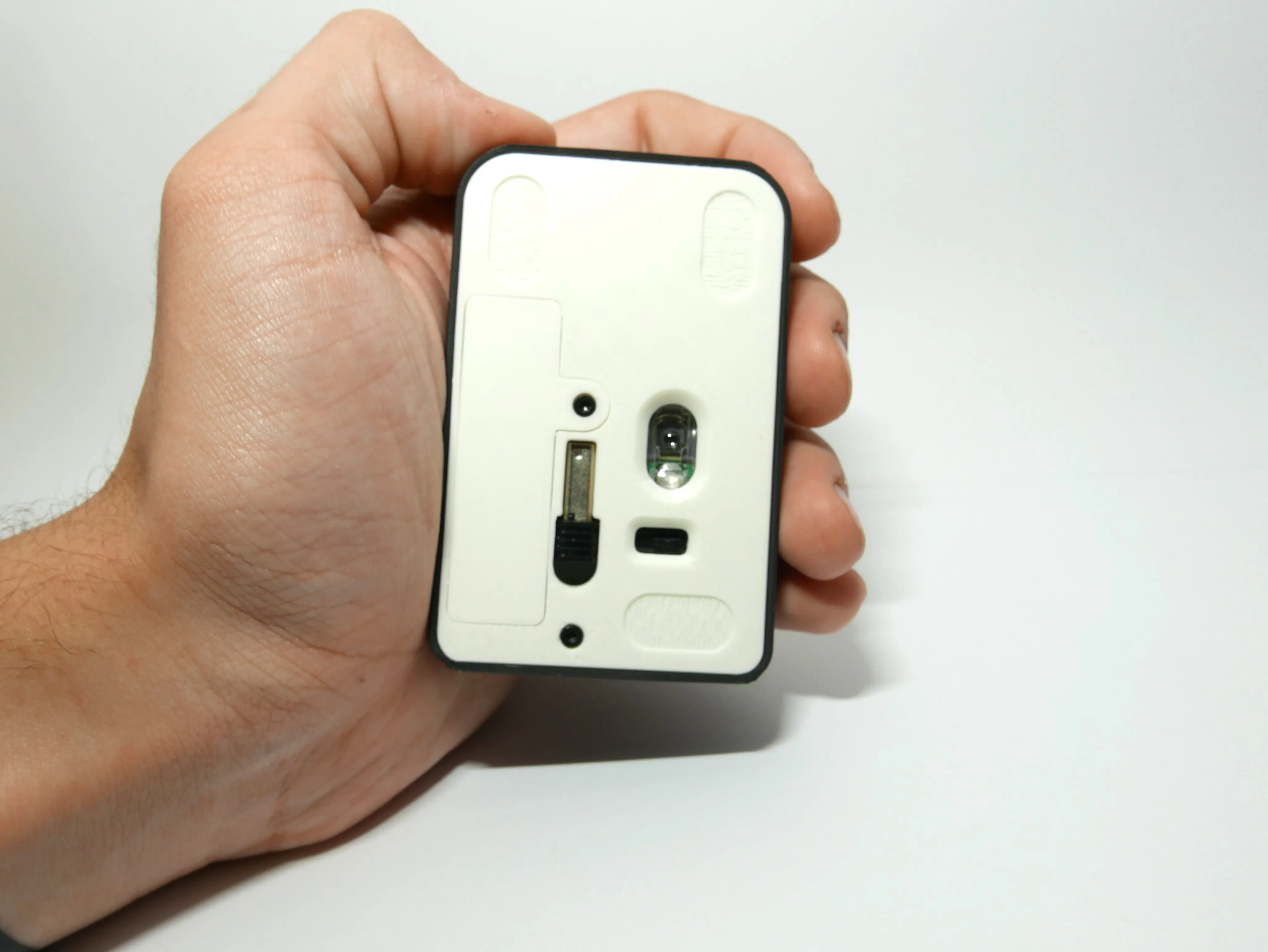
THE MAGNETS ARE FOR THE CASE, YOU WILL SEE CLEARLY WHERE THEY GO WHEN PRINTED.
Follow me on:
Instagram: https://www.instagram.com/afo3d/
TikTok: https://www.tiktok.com/@afo3d
Youtube: https://www.youtube.com/@AFO3D
Licensing
All my designs are non-commercial and may not be sold, reproduced, or shared outside of this website.
If you wish to sell any of them you must subscribe to my Thangs.com or Printables.com Commercial membership plans.
Reccomended Print Settings:
- Brim
- 0.4mm nozzle
- Some parts require supports
-AFO
License



Comment & Rating (28)