


Print Profile(2)



Bill of Materials


Description
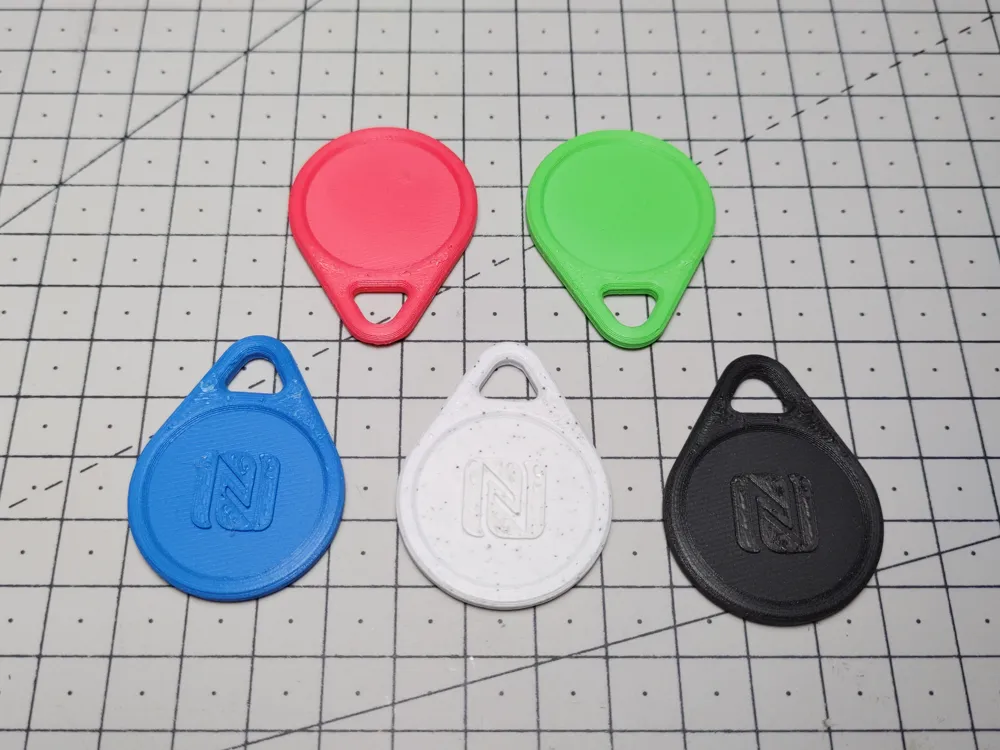
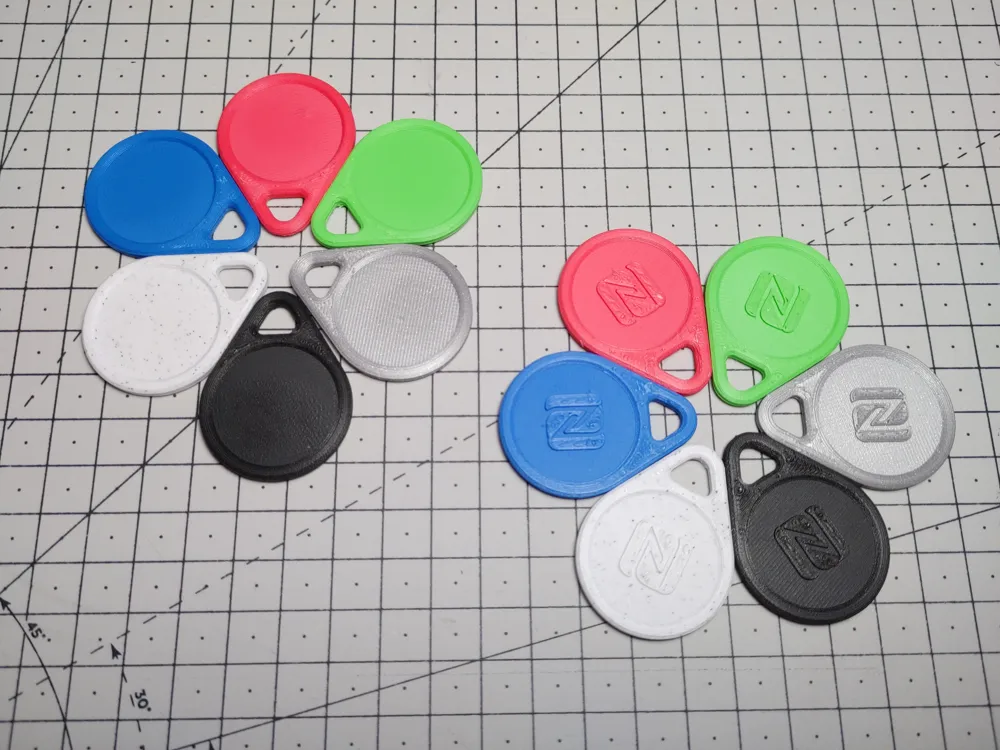
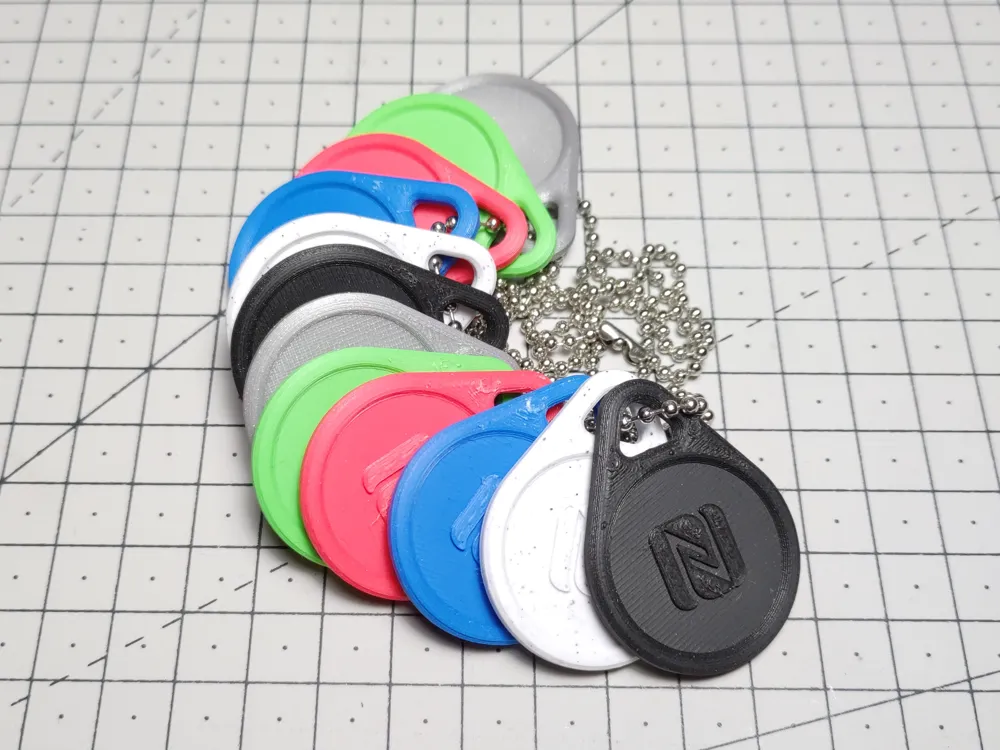
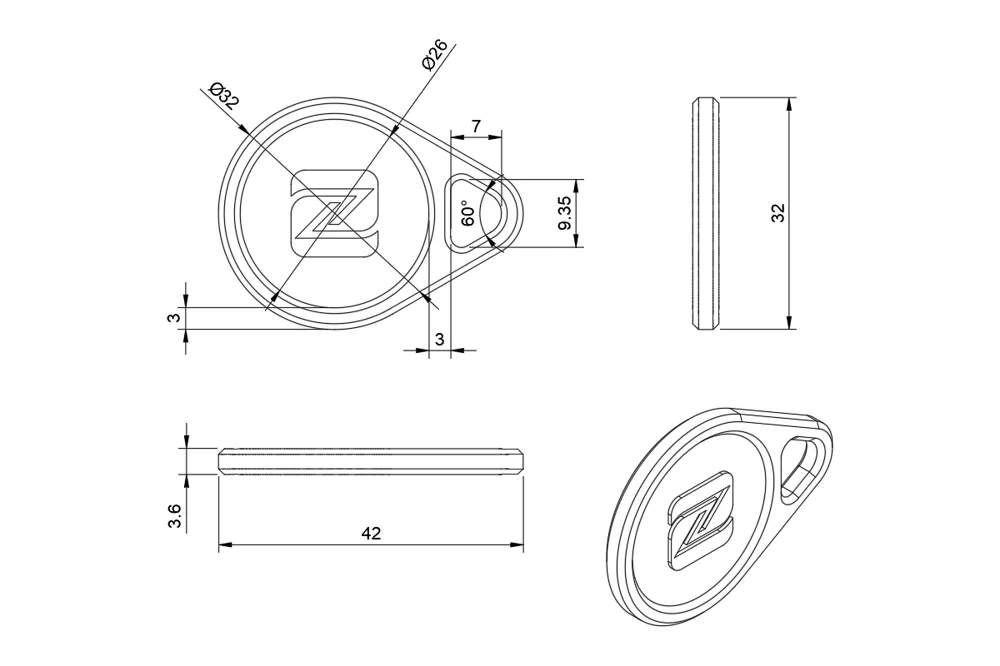
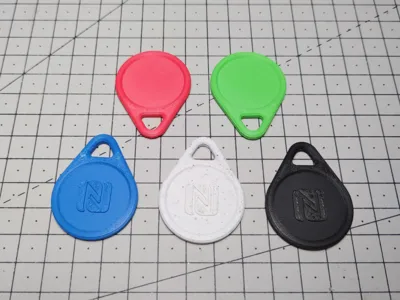
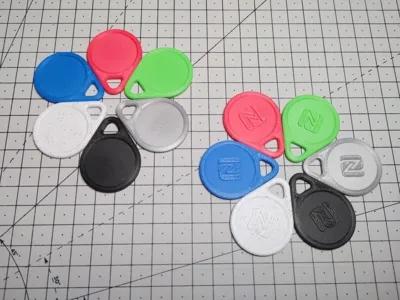
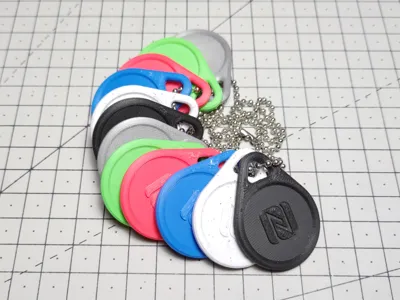
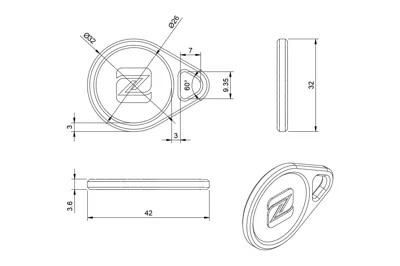
Simple teardrop shaped NFC tag keychain that encloses a 25mm NFC chip.
This model includes a 26 mm wide and 1 mm deep internal chamber where the chip should be placed when printing. This should make this model compatible with most 25mm NFC tags. It has been tested with:
- 25mm NTAG 215 PVC Cards (24.9 × 0.92 mm non-adhesive NFC coins)
- 25mm NTAG 215 Stickers (25 × 0.25 mm adhesive NFC chips)
The recess in the front of the blank version of the keychain can accommodate a 25mm round sticker if you want to print or add custom labels to your NFC tags.
Assembly
When slicing the model, a pause should be added just after the 2mm layer (see how to add a pause at a specific layer in Prusa Slicer here). When adding the pause in Prusa Slicer, make sure to select the layer just after it (2.20 at 0.20mm layer height, 2.10 at 0.10mm, …) as the pause happens at the start of the selected layer.
Once your print is paused (approximately 10min after it started when printing at 0.20mm layer height on a Prusa i3 MK3), you should be able to insert your NFC card or stick your NFC sticker in the recess at the center of the model. Once done, resume printing and your printer should then bridge over the gap left without any issue.
Printing
The model should be printed flat side down at 0.20mm layer height (the model was created so the pocket for the NFC tag and the logo are aligned with this value, 0.10 or 0.05 mm layer should still be fine though).
As said previously, a pause after the 2.00mm layer has finished printing should be added to let you insert your NFC tags.
I also recommend enabling Thick Bridges to make sure the gap over your NFC chip is printed cleanly.
- Raft: no
- Supports: no
- Layer Height: 0.20mm
- Infill: 100%
- Thick bridges: recommended
Changelog
- V1.0 (2022-07-12): Initial release
- V1.1 (2024-01-10): Added a 1.6mm and 2mm chamber variant
Boost Me (for free)
🚀 Love this model? Give it a Boost!
License



Comment & Rating (42)