
SWITCH LABO钢琴1.0-Nintendo switch LABO piano Ver1.0


Print Profile(1)

Description
This piano can only be used with Nintendo Switch and LABO game cartridges. It does not have the ability to produce sound itself.
Some parts are too large for the A1mini to fit.
The A1mini can attempt to slice large parts into two sections in the slicing software and glue them together after printing. I haven't tried this method, and it might not be successful due to a gap in the fit.
It is recommended to use 50% infill for the white keys and the default 0.2mm configuration for the other parts.
The parts in the image below are glued together, and glue is not recommended for the other parts. Pay attention to the direction of the joy-con slot.
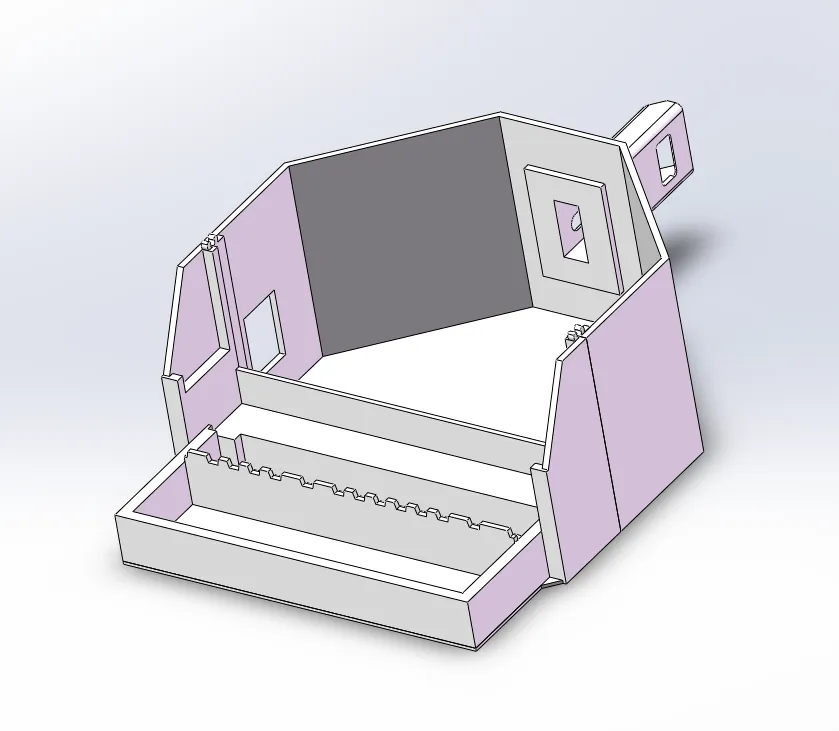
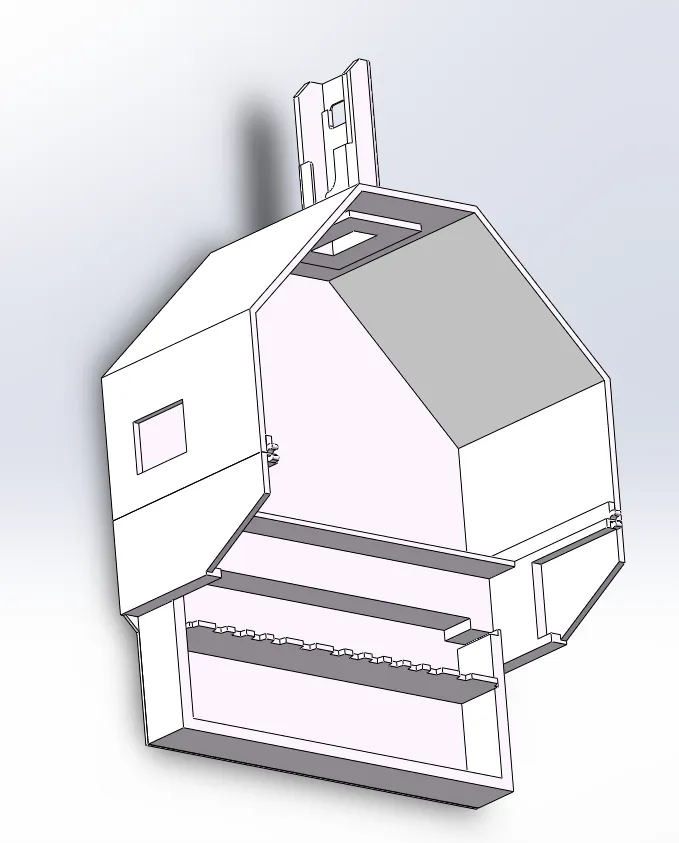
The following accessories are required.
1. Reflective stickers (preferably Nintendo LABO original, non-original ones should be bought with high brightness, otherwise it may not work).
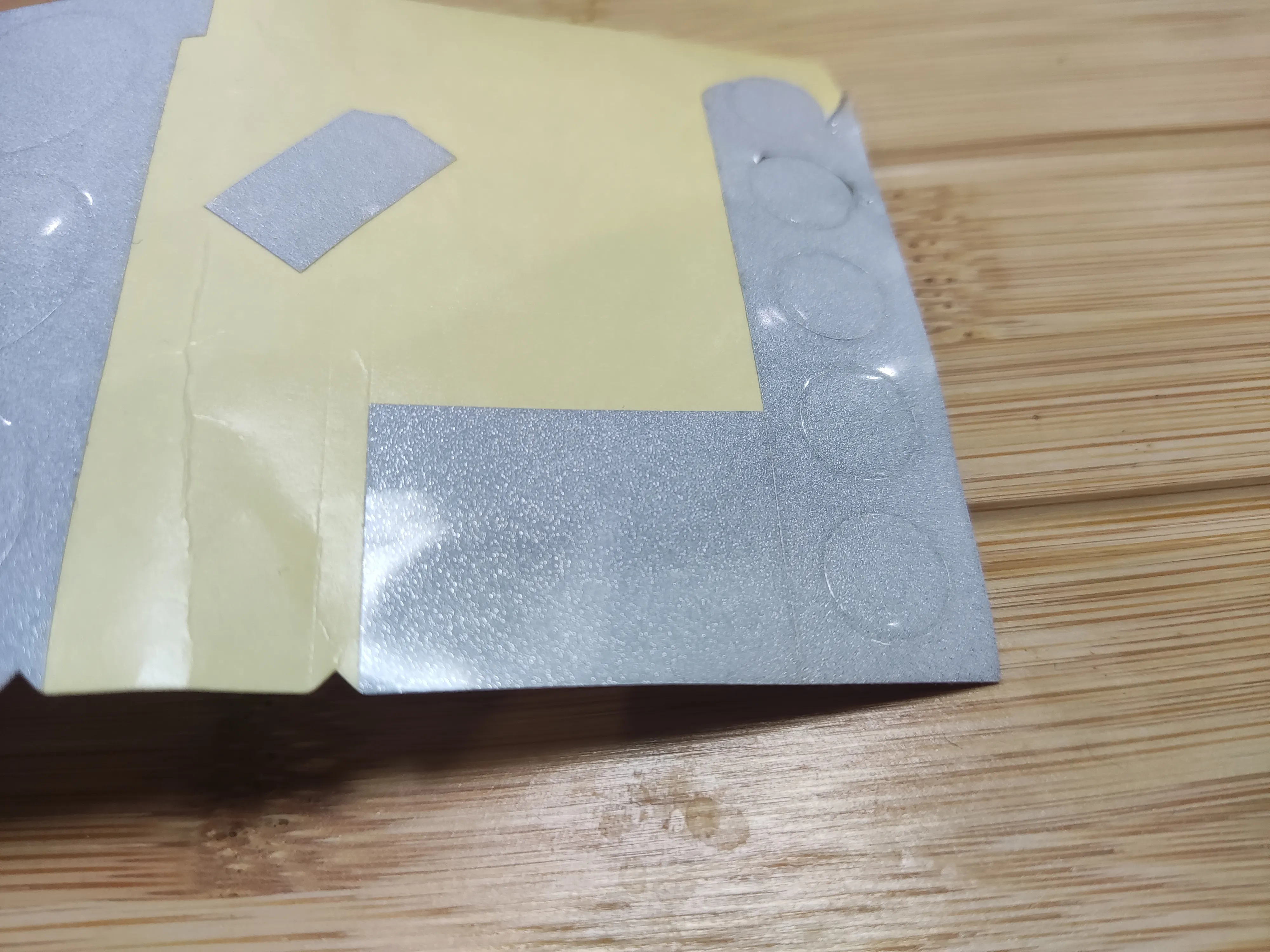
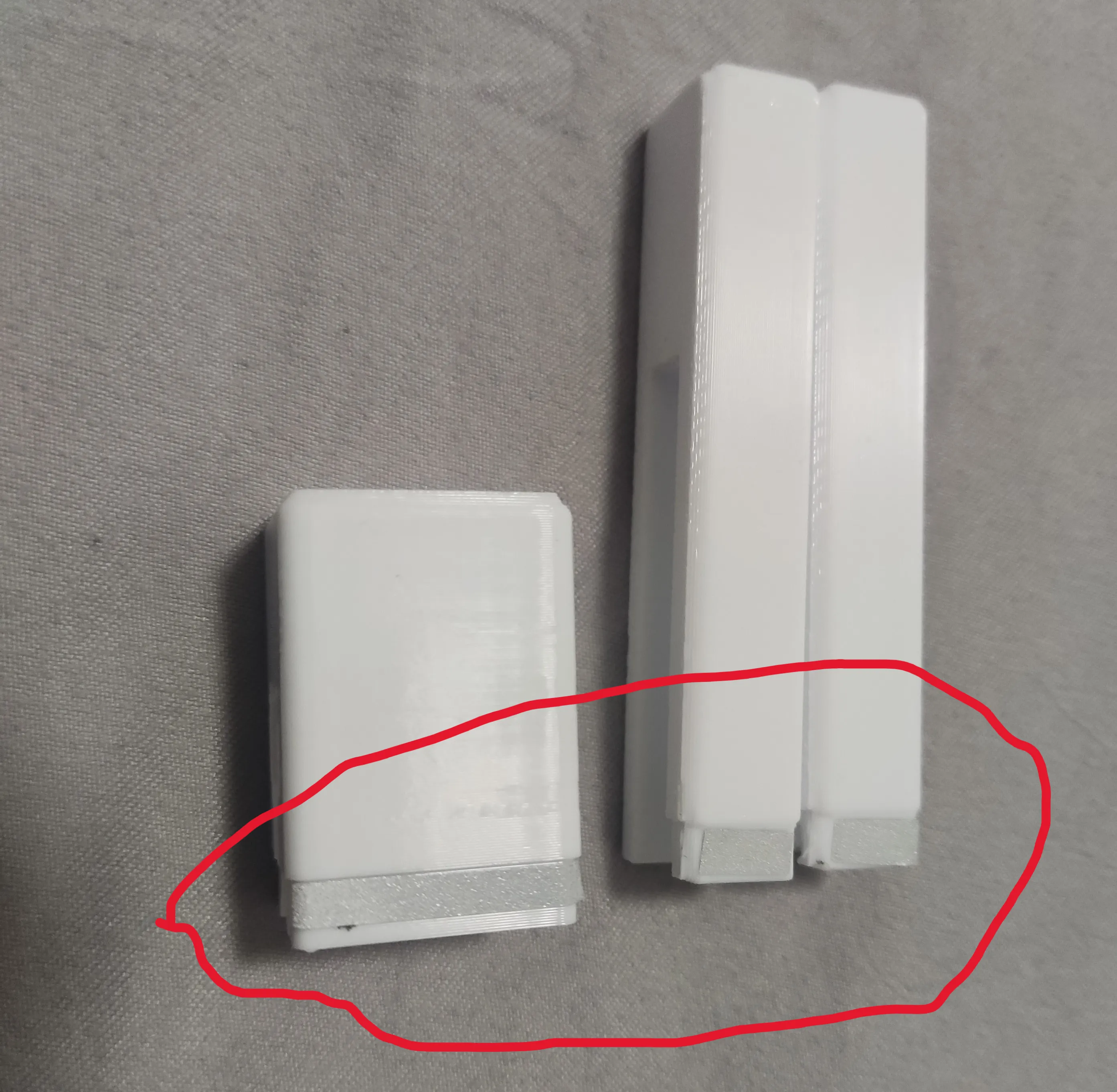
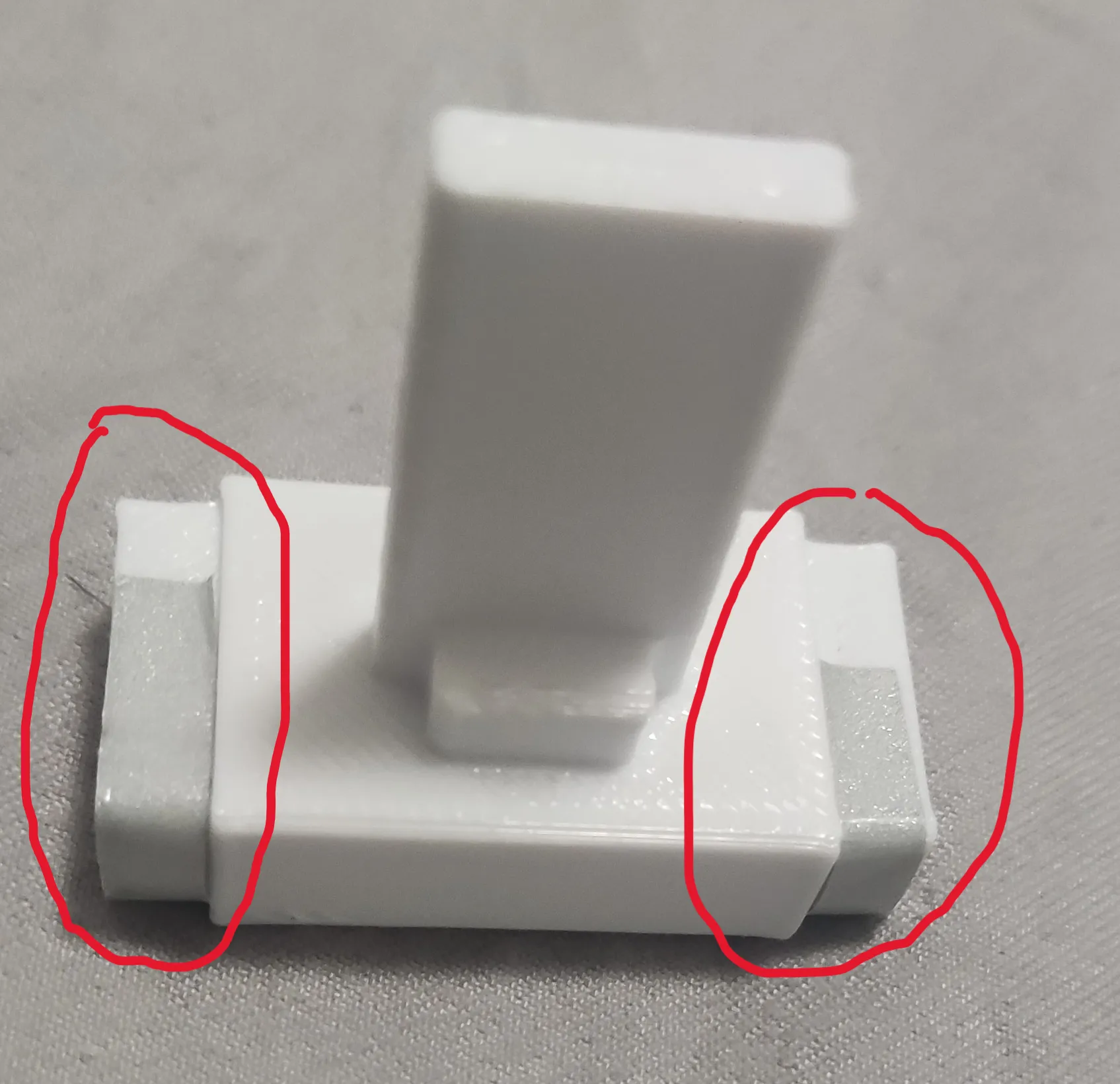
There are grooves on the back of the keyboard and knobs to indicate the sticker's position.
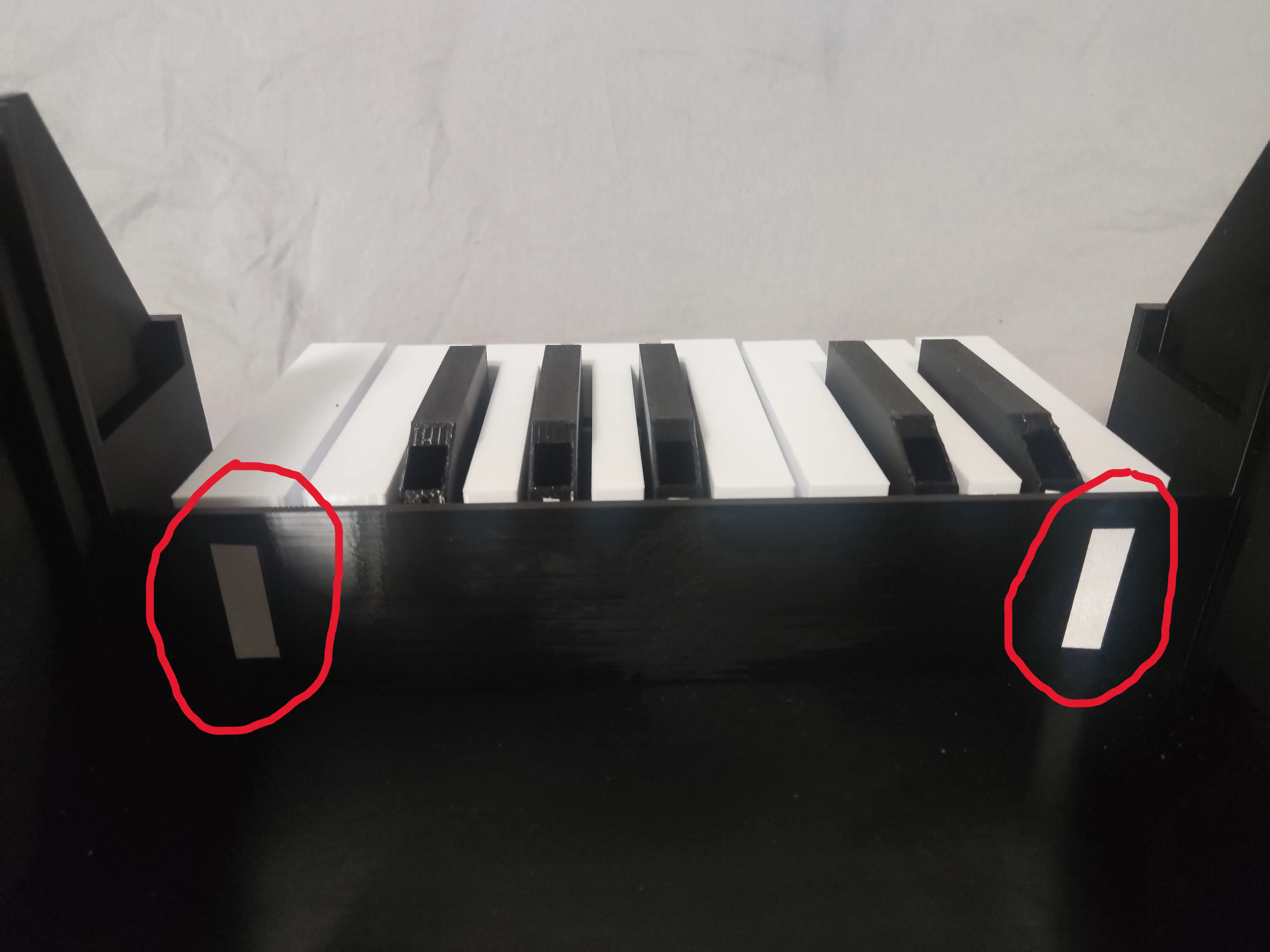
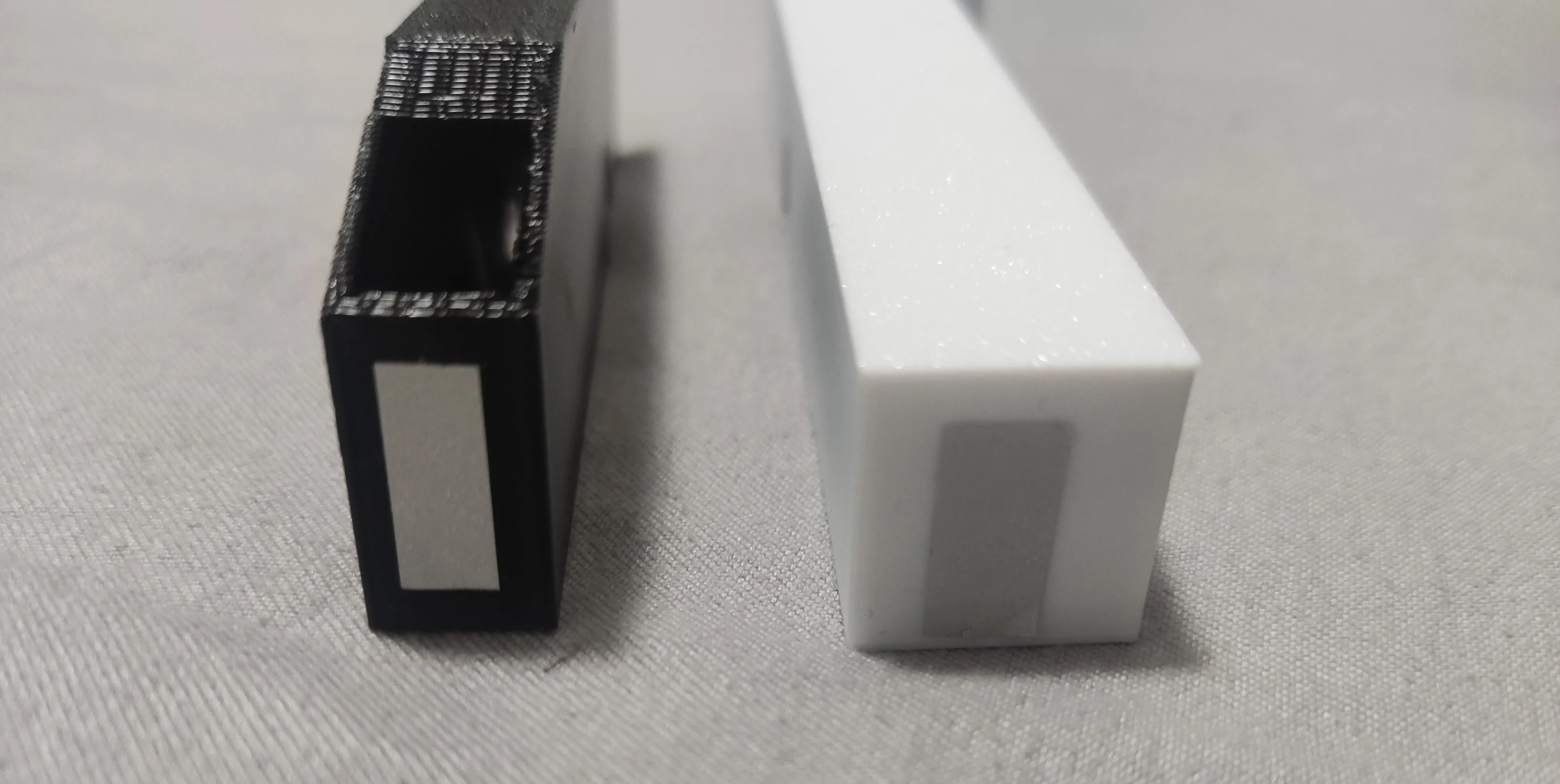
The stickers on the back of the keys need to be adjusted in-game to match the effects of use. For example, if pressing 3 triggers 4, you need to adjust the position of the sticker of 3 to the left.
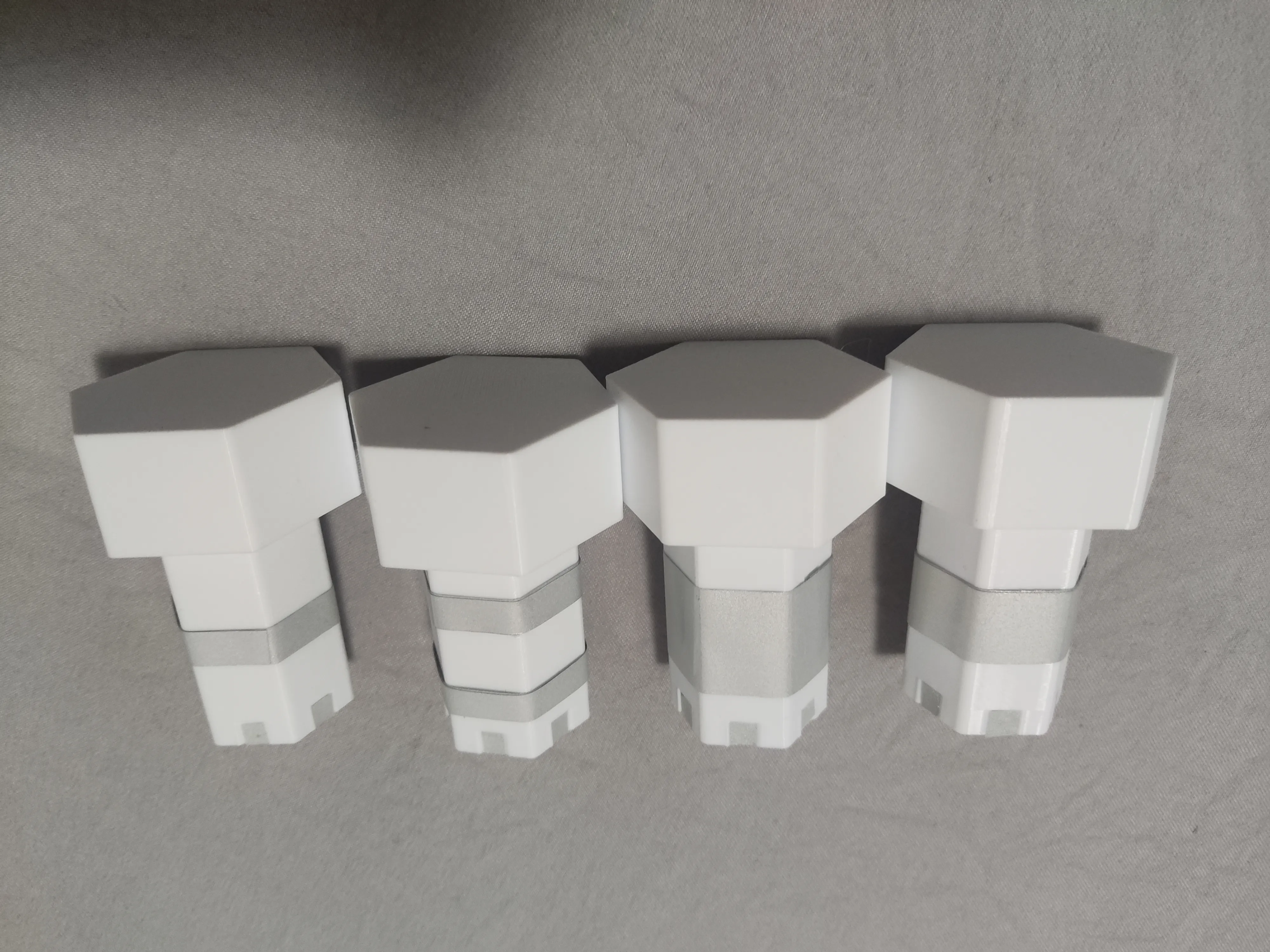
2. 4 rubber bands
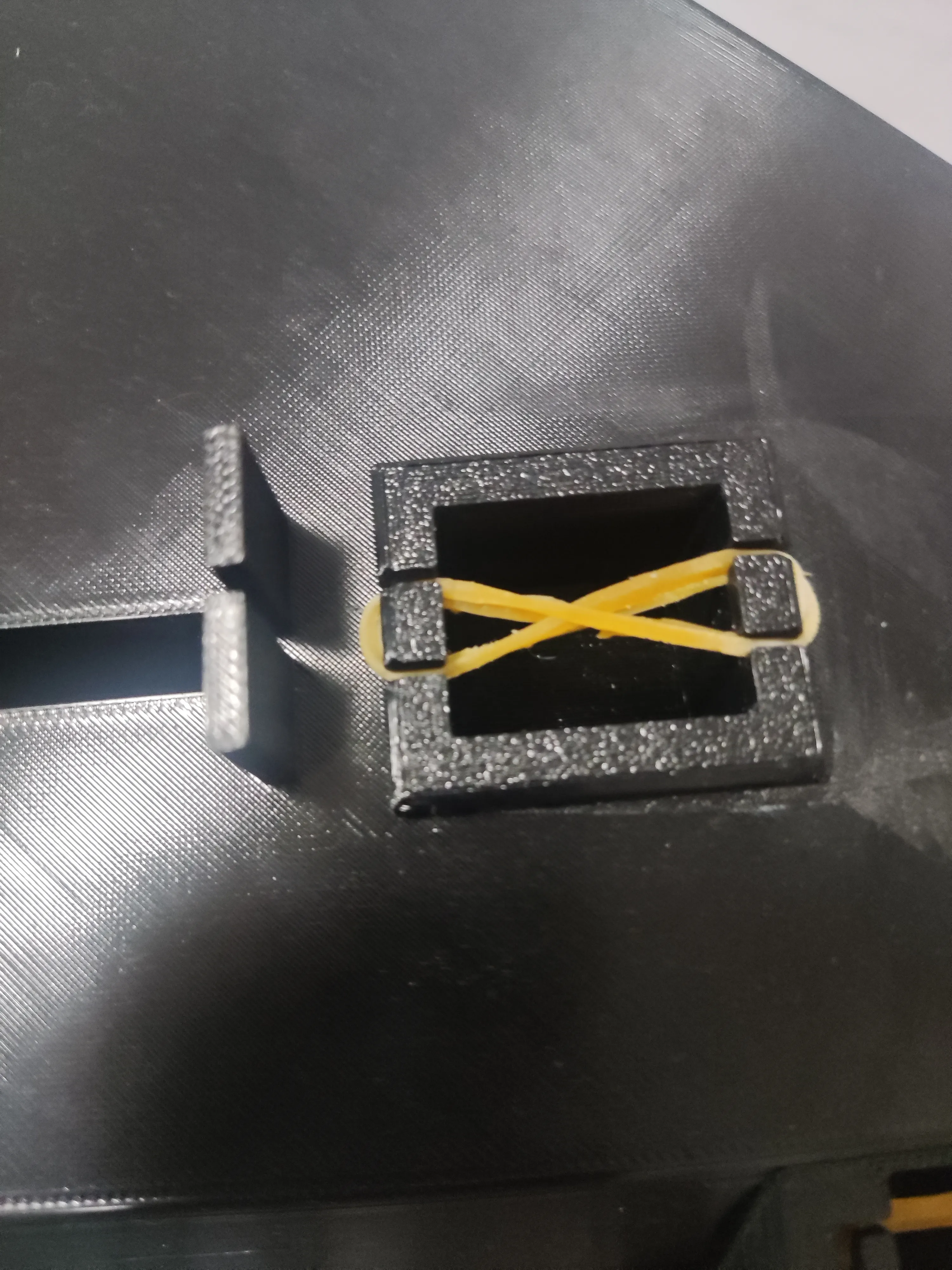
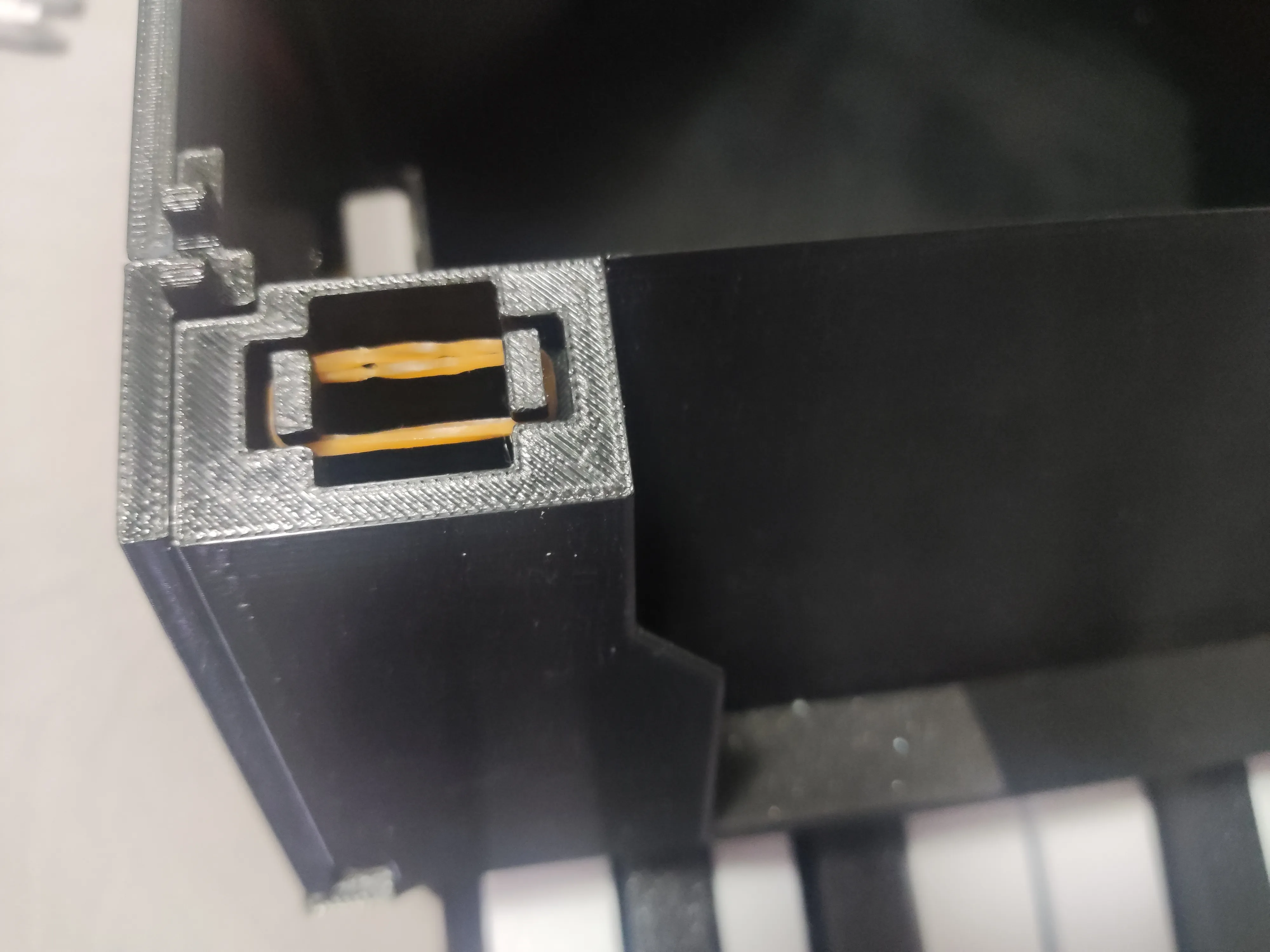
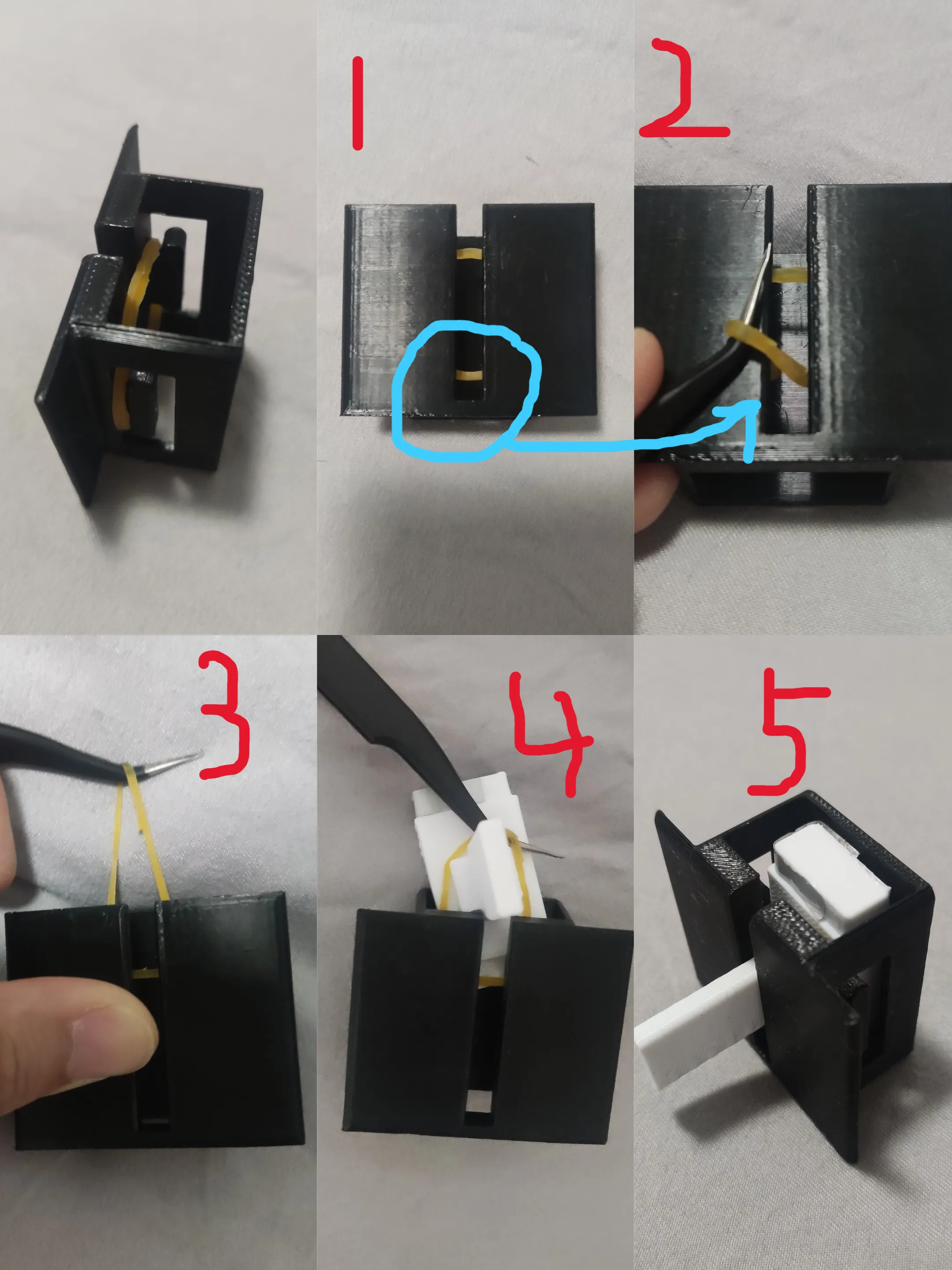
3. Sponge tape (it works to eliminate the friction sound when the keys are pressed)
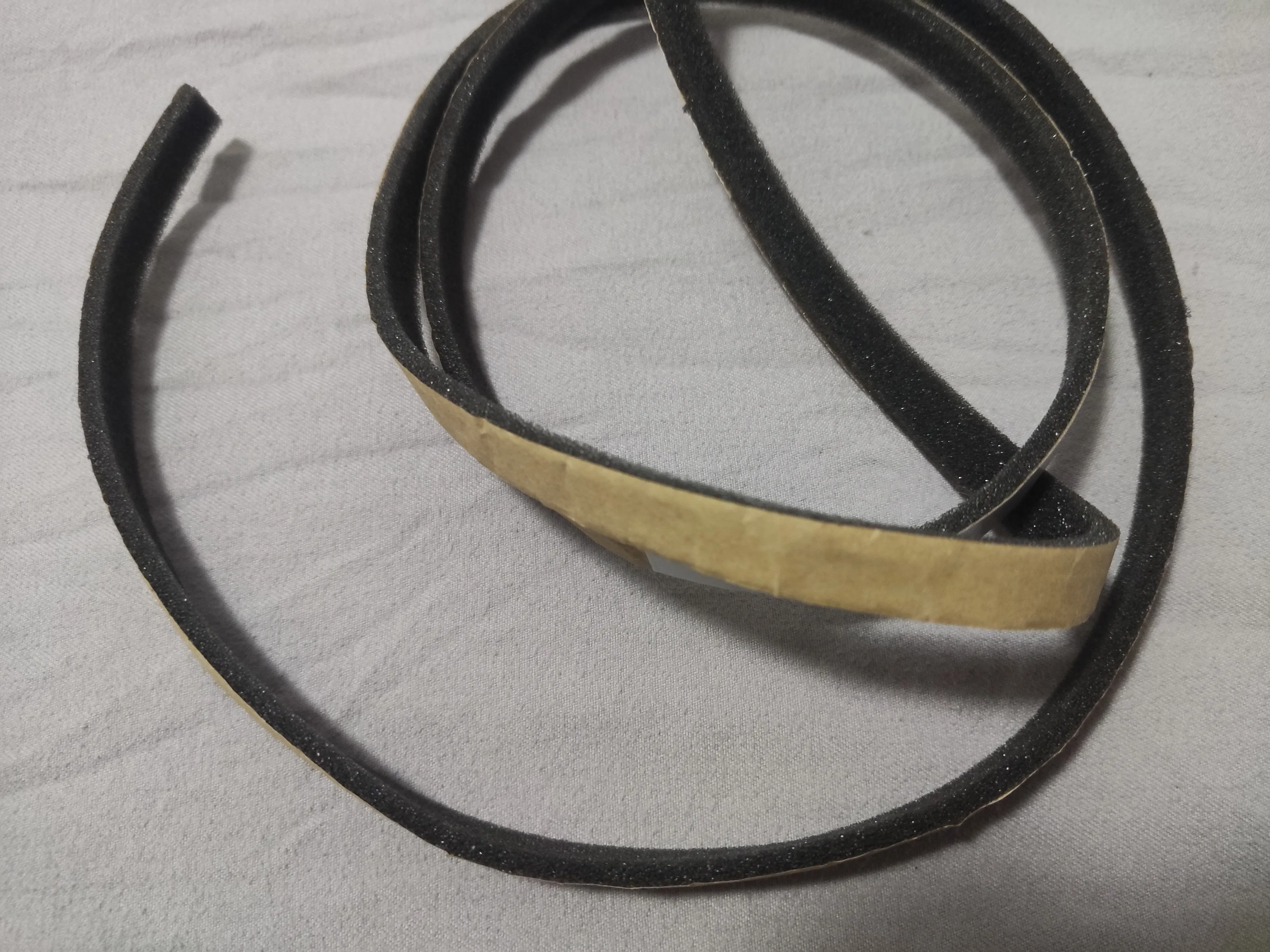
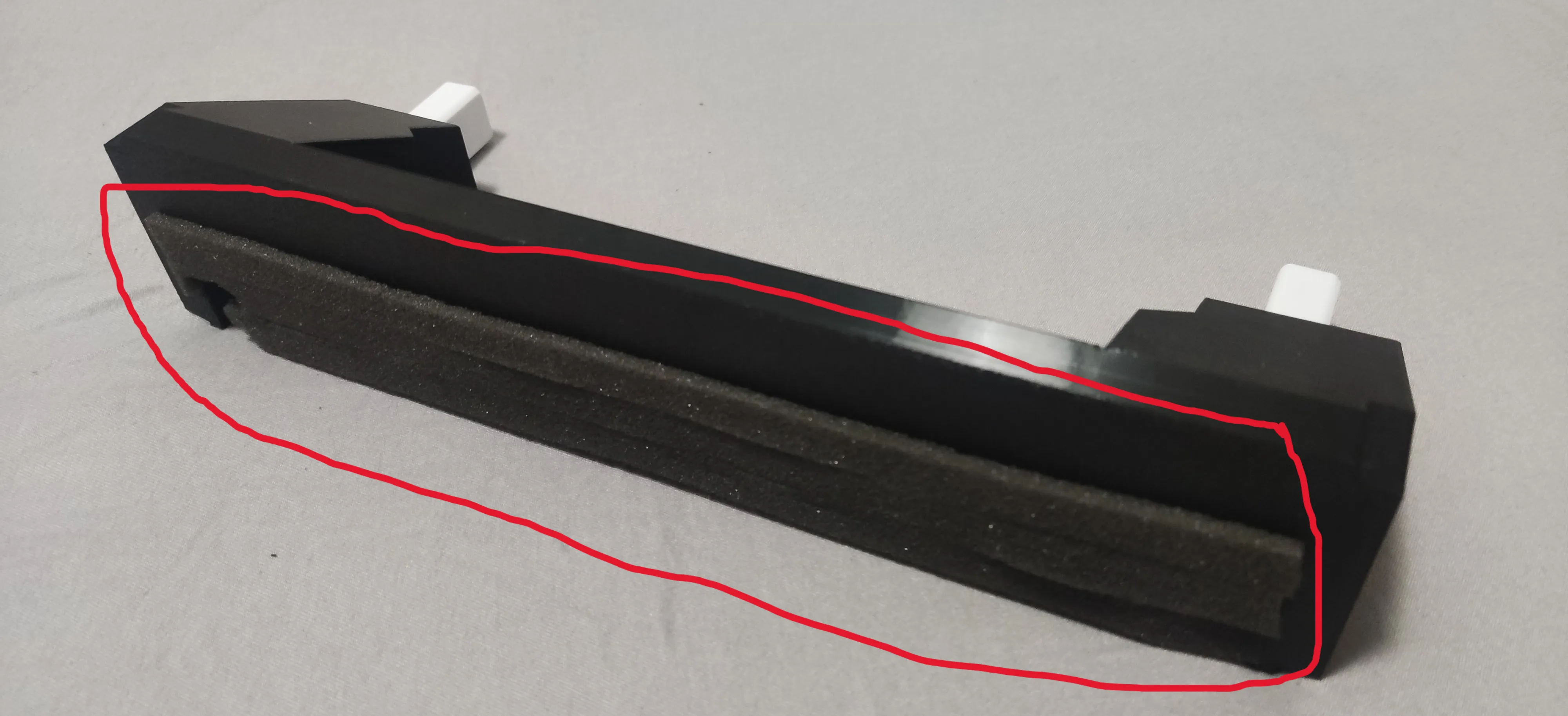
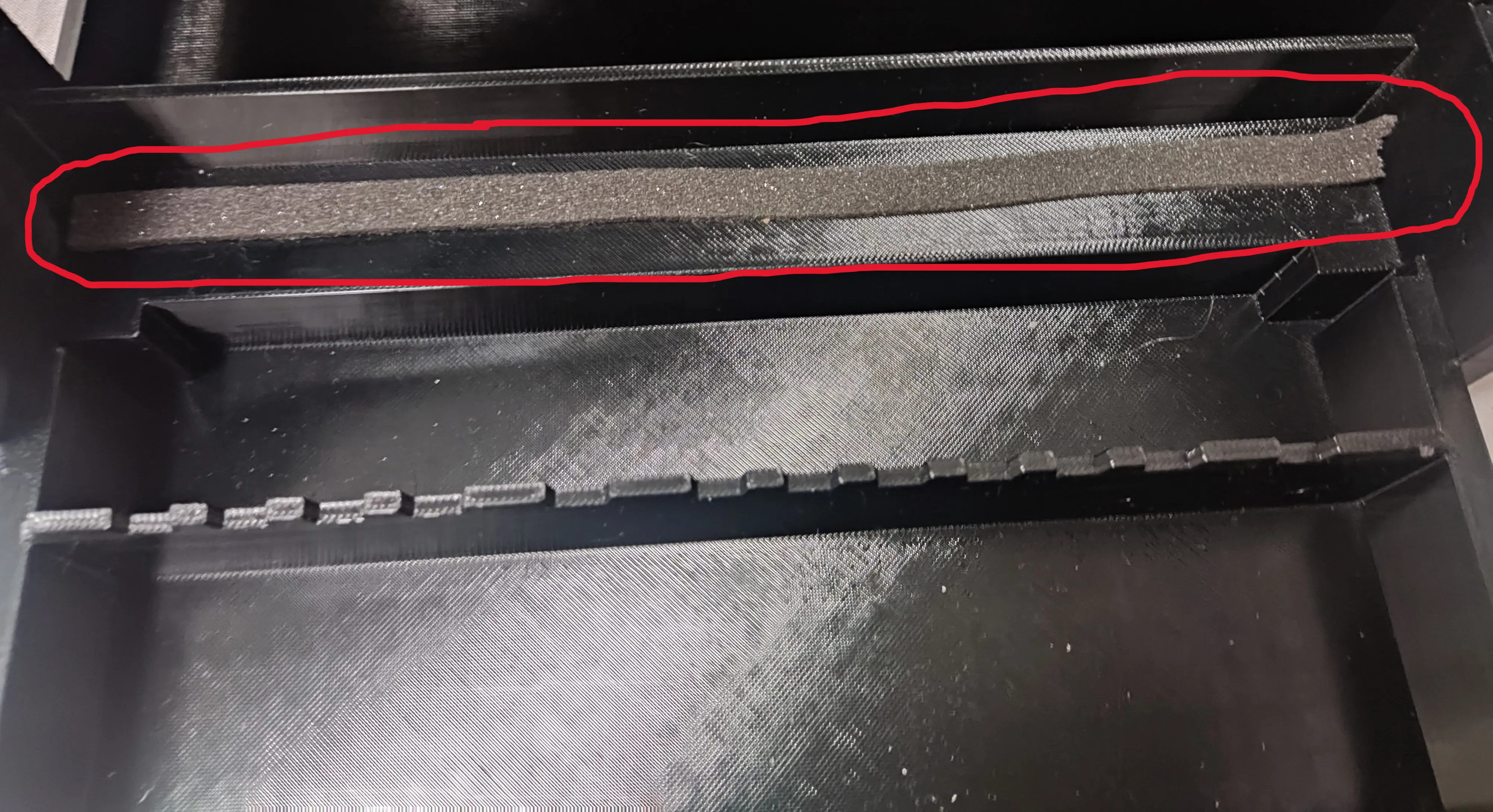
All white keys should be sponge taped, black keys are not.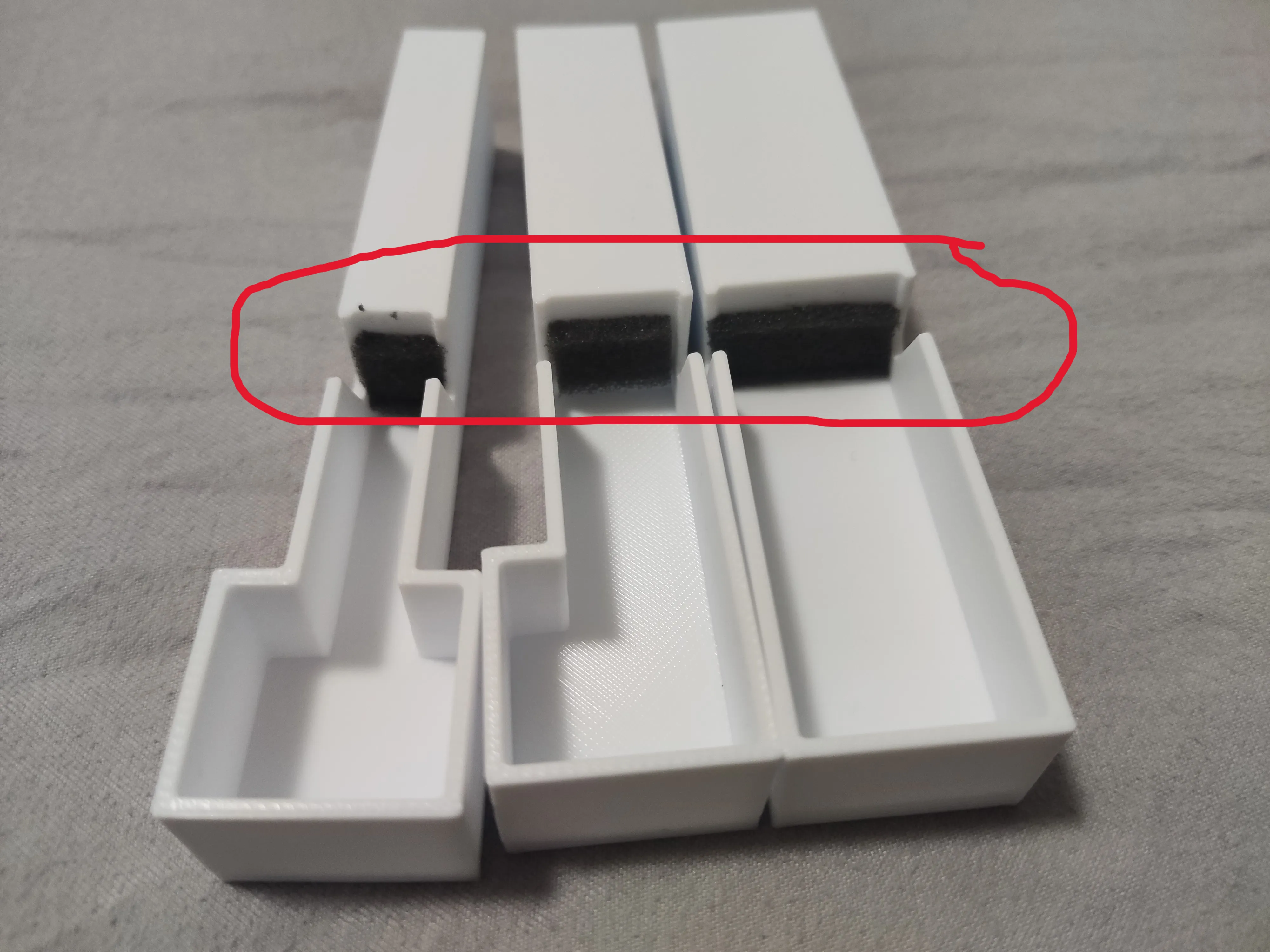
License



Comment & Rating (12)