
Vibration Pattern Customiser -Coasters/tiles
Print Profile(4)


Description
Description
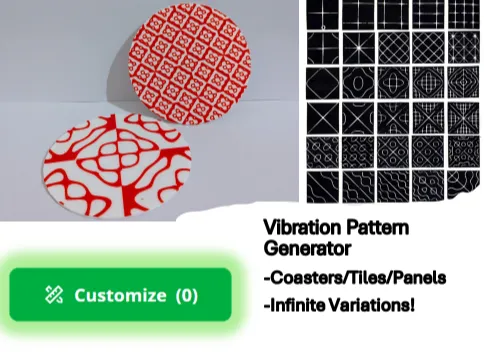
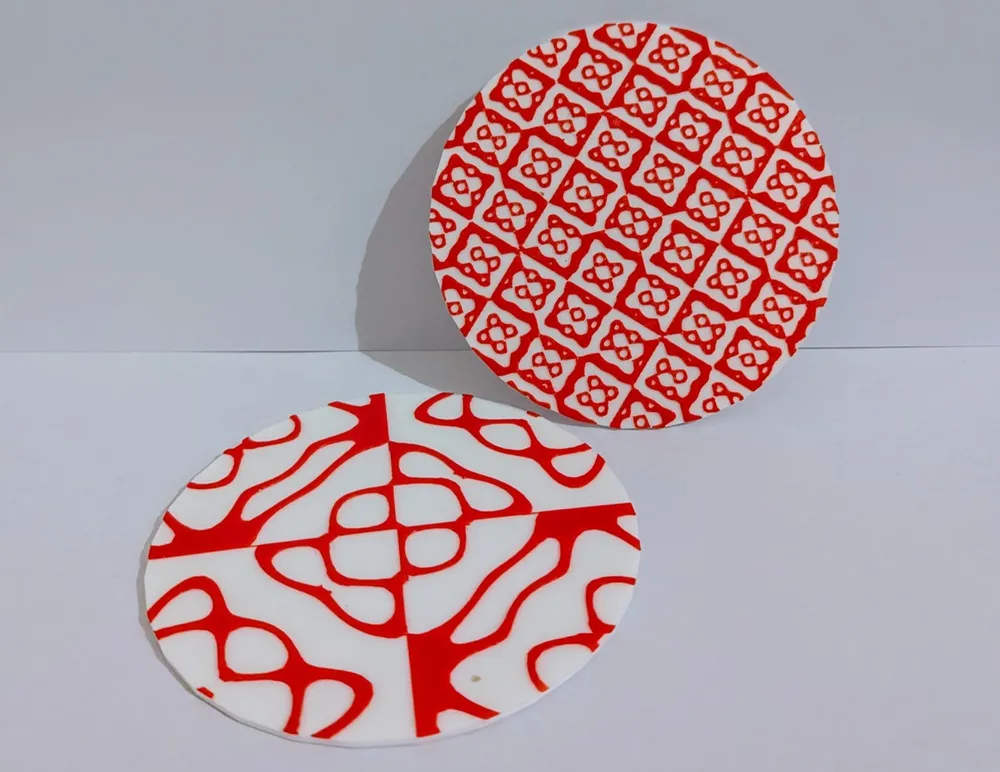
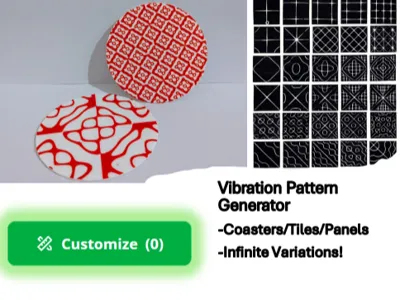
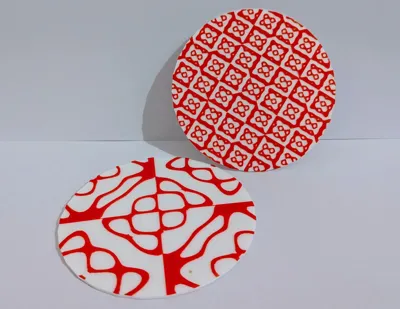
Create infinite varieties of intricate patterns based on natural vibration behaviour. Use for making attractive coasters or tiles - look great in 2 colours!
What is it?

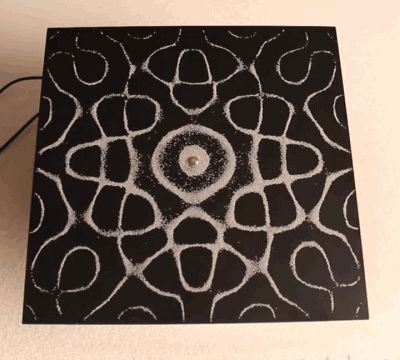
Many people will remember doing the famous “vibrating plate” experiment in physics at school. Pour sand onto a vibrating plate and watch the incredibly intricate patterns form as you change the frequency and amplitude of the vibrations. (I've added a gif of the experiment for those who haven't seen it)
The pattern the sand makes on a vibrating plate are called “Chladni patterns” after the German physicist who came up with the experiment Ernst Chladni - Wikipedia. It happens as based on the resonance frequency standing wave patterns form in the plate - and the sand naturally gathers along the “nodal lines” in between the peaks and troughs of vibrations where the amplitude is zero.
I've coded an OpenSCAD customiser that allows you to generate these patterns - and print them on either circular or square panels.
Technically modelling Chladni patterns accurately is extremely complex - so I've used an approximation of them but it is still largely accurate. The maths is explained here (not my site): Creating Digital Chladni Patterns (thelig.ht)
I think these patterns are beautiful and a great representation of a fascinating natural mathematical phenomenon. I think they make great coasters, place mats or simply pretty tiles to decorate things with,
Instructions:
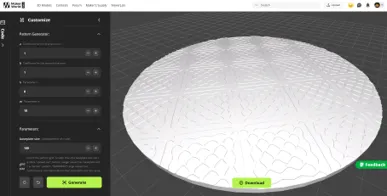
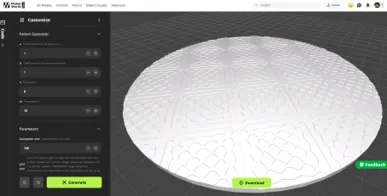
- Click “customise” to open the customiser
- Vary the 4 variables in “pattern generator” section to create your pattern. I recommend visualising the patterns here first to find ones you like Chladni | Desmos
- Vary the "parameters" to control the output e.g. whether you want a circle or square panel, how thick, what size etc.
- Hit download and slice the model - I really recommend printing in 2 colours - simply paint the model to put the pattern as a different colour to the base for a great effect.
- There are almost infinite patterns so have a play! If you find a pattern you think looks cool please upload a print profile of it for other (remember to state the pattern variables you used!)
Discussion
This is my second time designing using OpenSCAD and I've learnt alot. OpenSCAD is doing some quite complex modelling to generate these so had real problems trying to work out a way of doing it without my computer crashing. Credit to Kit Wallace (credited in customiser code) who's code I used in this which worked much quicker than my original attempts!
As always I love to hear feedback so any problems or feedback please just let me know :)
License



Comment & Rating (0)