
Print Profile(1)

Description
*** Edit *** I have a second parametric vertical that I just uploaded. Check my models if you are interested. It is a bit more stable as it uses less variables.
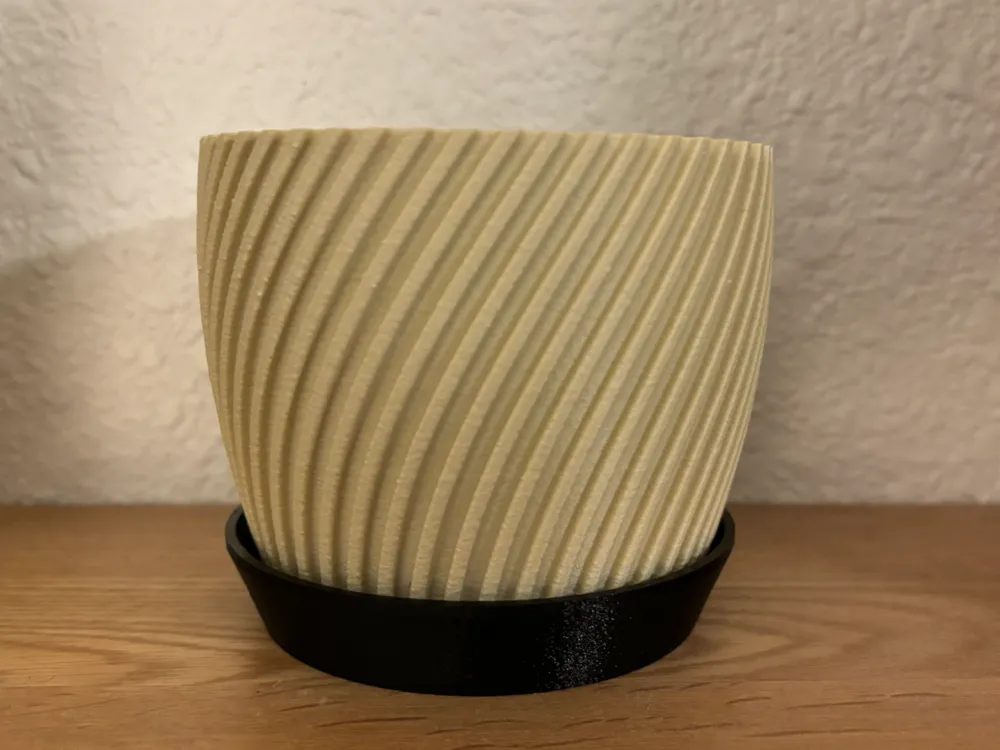
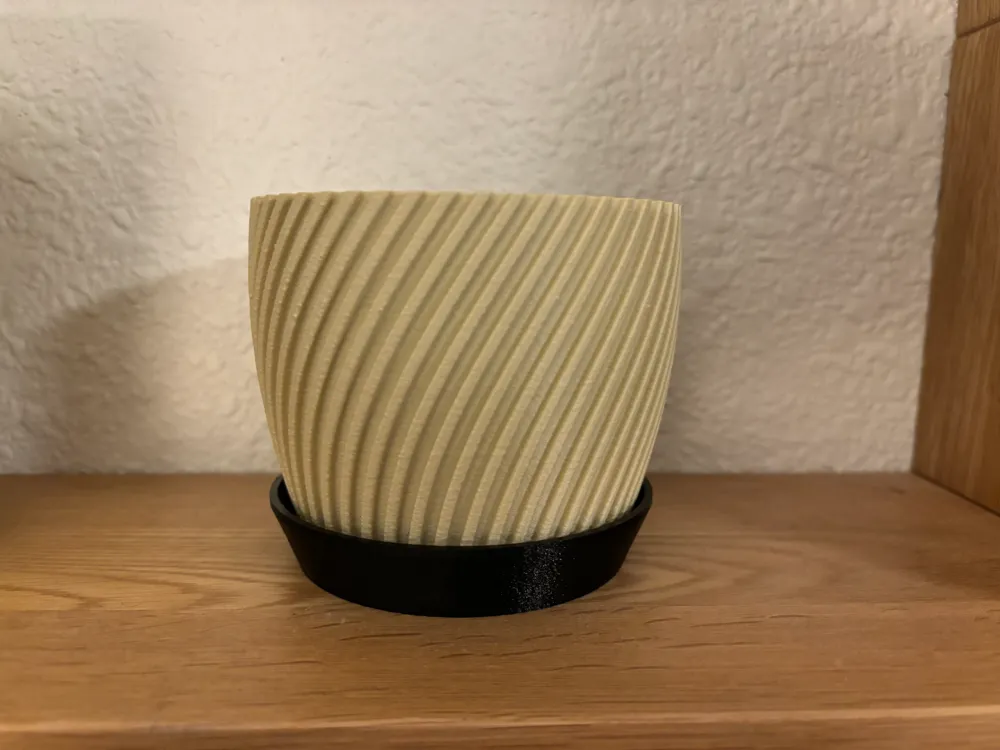
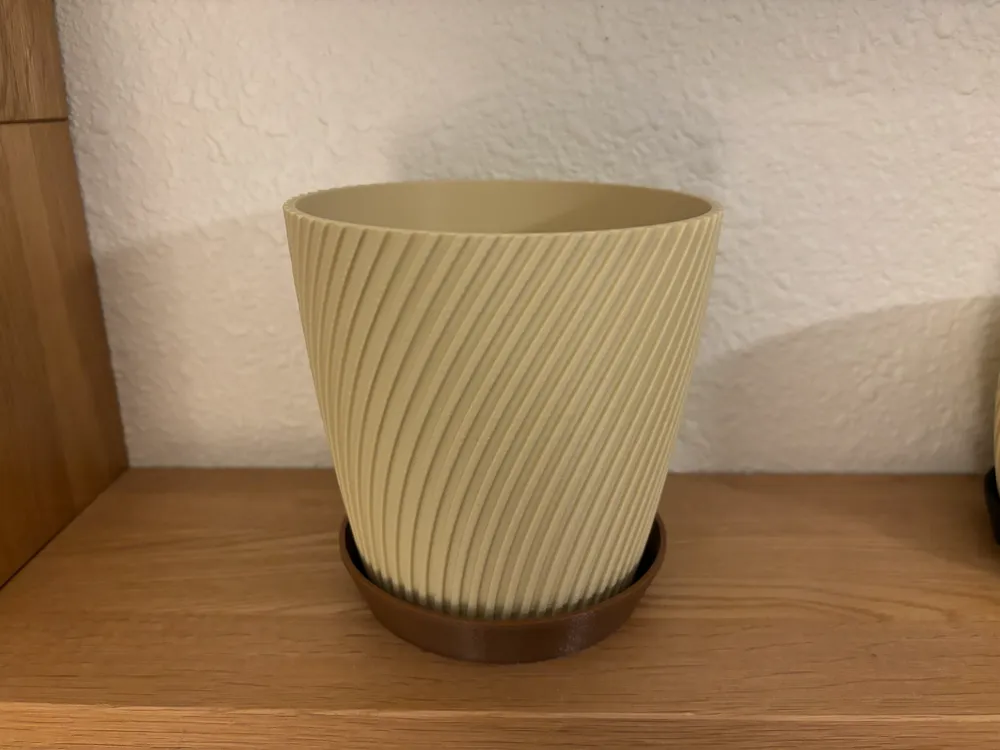
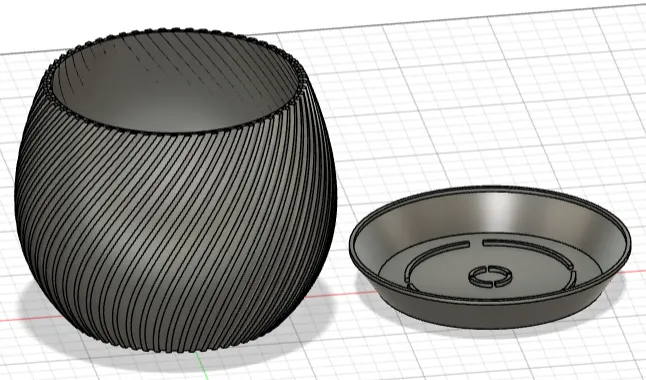
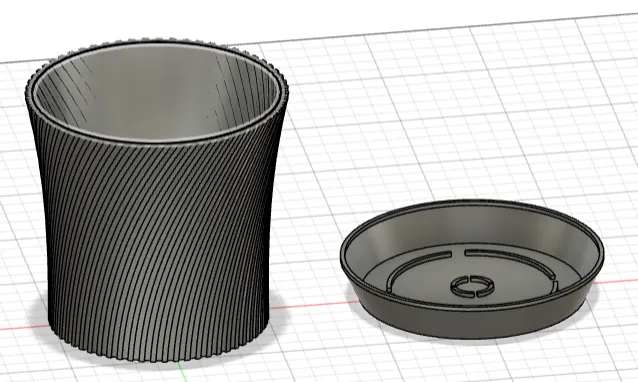
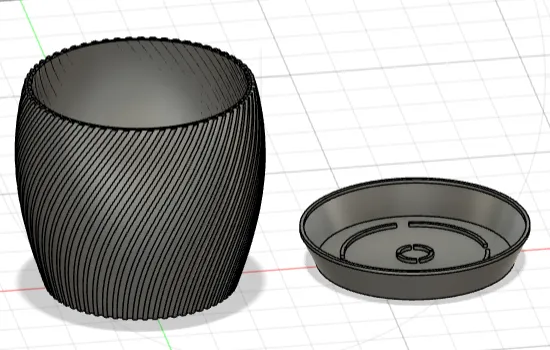
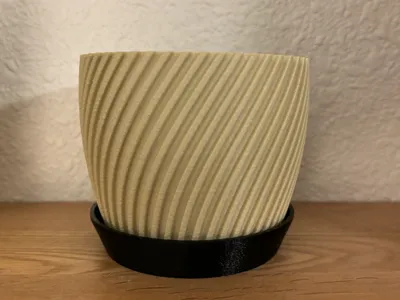
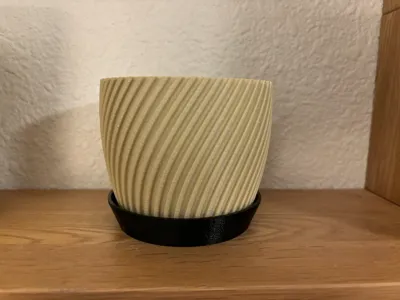
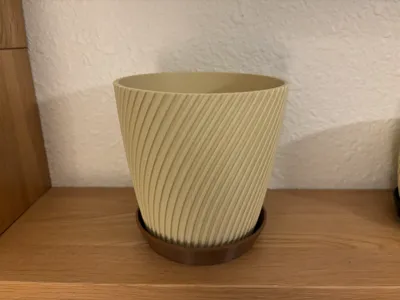
This is my first attempt at a single wave parametrically-generated planter pot and parametrically-generated matching drip tray. Before you print this model and to avoid wasting time and/or filament, read this completely before you proceed.
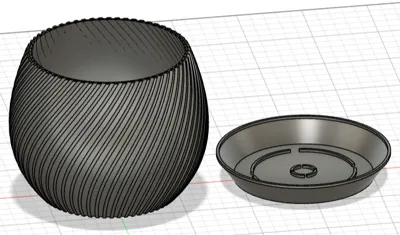
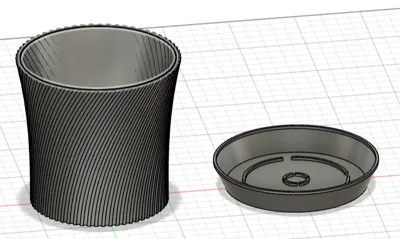
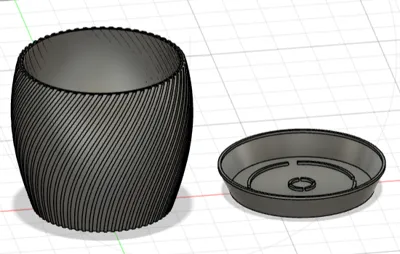
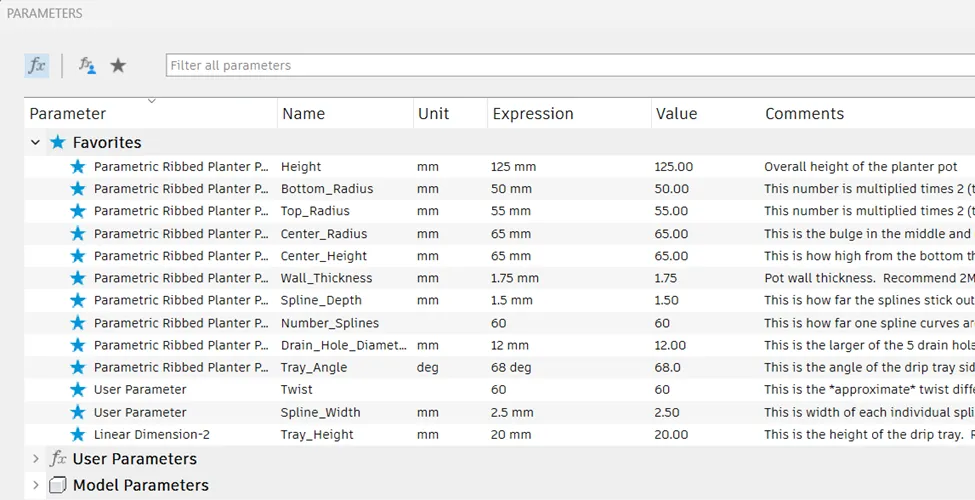
For this model, you can change the height, width at the top, width in the middle, width at the bottom, number of splines, width of the splines, depth of the splines, number of splines, the twist of the splines (minimum 3MM), pot wall thickness, drain hole diameter, height of the center bulge, the angle of the drip tray sides to match the pot and the overall height of the drip tray.
Parametric models regenerate based on variables that are input by the user. The more variables, the more complicated the calculations are and sometimes Fusion 360 gets it wrong if you try to make too big of a jump as it may not calculate in order or one of the variables is out of a manageable range with one parameter making a huge change. Feel free to search this on the web but it is a known phenomenon in F360. In this model, for example, let’s say you go from 100 to 140MM in height. If you make the jump all the way from 100 to 140 in one step it will crash. Instead, make SMALL incremental changes of 3-4MM per step and inspect the model. If you get an error, undo your change and then try a smaller interval. You can also break the model if you try to make out of proportion adjustments – i.e. setting the center width so it looks like a donut instead of a planter.
This model has been printed several times with various shapes but I have not tested dimensions beyond what will fit on an A1 mini bed. It is very possible that going really big may cause Fusion 360 to fail.
Lastly, you need to make a choice on how to deal with the final model to make it “whole”. As this is generated, it is not a single object. Each spline, for example, is a single object. You can either draw a box around the entire planter in Fusion 360 and choose the combine function before you export it to make one whole OR once you get the model in Bambu Studio, separate by object then move the drip tray away from the pot. Hold the shift key to drag a box over the entire pot, right click, and choose “Merge”. I suggest the latter as it is easier.
In Fusion 360, export as STL, separate into objects and put the pot on one plate and the drip tray on another. I personally like the fuzzy skin feature and set it to around .3 and .1 so it is subtle. You may want to use slightly higher if you aren’t using matte filament as I like to do as the matte reduces the fuzzy effect.
I’ve also uploaded 1 designs ready to go with a 1.75MM wall thickness and 3 walls for a bit more resistance to water. This is just one example size for those that don't want to download fusion 360 and if I have time I may upload some more “common” sizes and shapes. If you are having trouble with the model, please re-read above and then drop me a comment.
Pictures below on how to set the parameters in Fusion 360.
Open the f3d file and choose the modify drop-down menu:
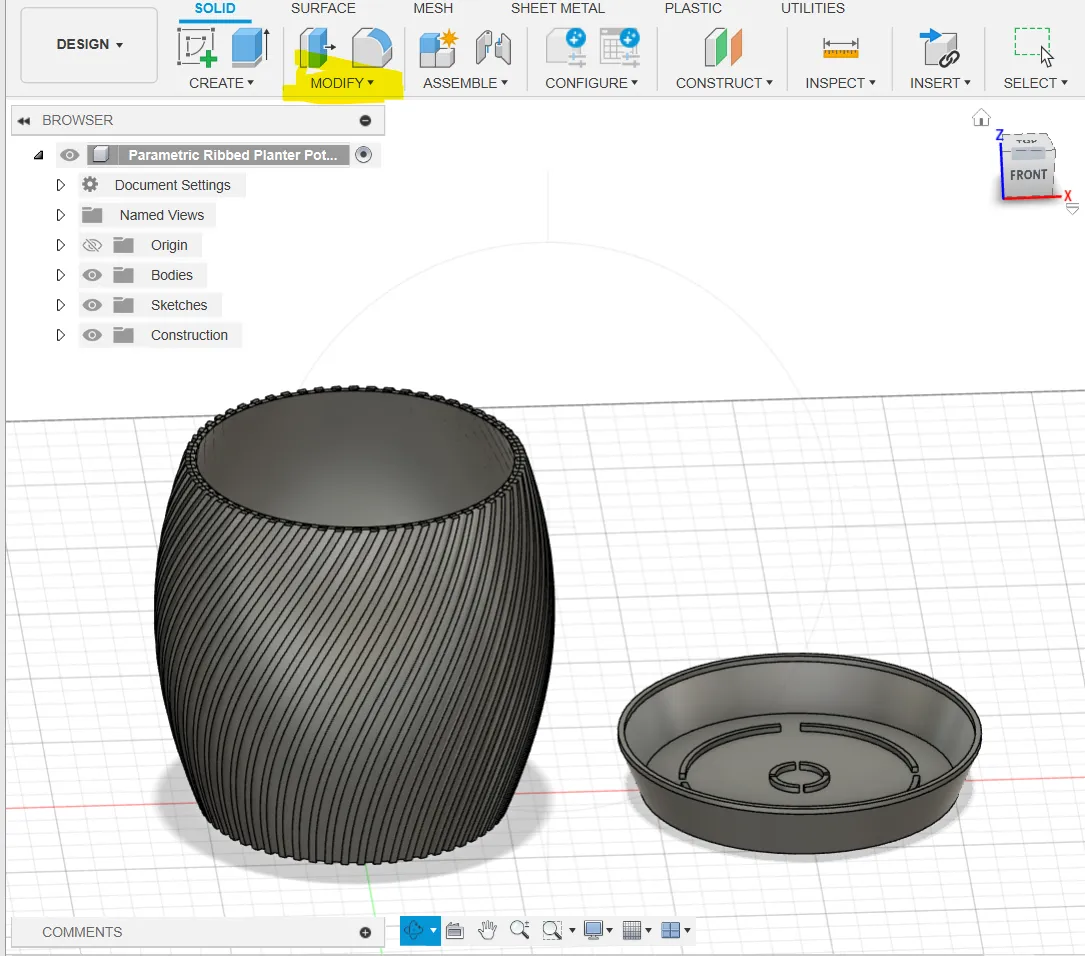
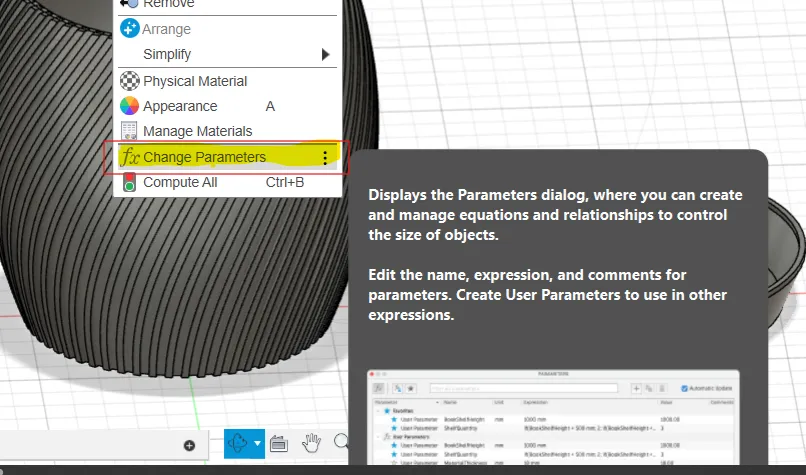
Once you are in the modify menu, choose “Change Parameters”
In the box that opens up, move it to the side so you can see the model change then make small changes ONLY in the FAVORITES section as below. Click on the number in the EXPRESSION column, change it, then click OK. If you get an error here, and you undo, it will undo all changes up until your last click of the OK. If you really get lost, don’t save it and re-open the file and start over. Read the comments before you modify as some are radius measurements and you have to double that number for the actual size of the top opening, the middle in/out contour, and the bottom of the pot base.
License

You shall not share, sub-license, sell, rent, host, transfer, or distribute in any way the digital or 3D printed versions of this object, nor any other derivative work of this object in its digital or physical format (including - but not limited to - remixes of this object, and hosting on other digital platforms). The objects may not be used without permission in any way whatsoever in which you charge money, or collect fees.


Comment & Rating (6)