
A1 Hotend Cable Guide
Print Profile(3)



Description
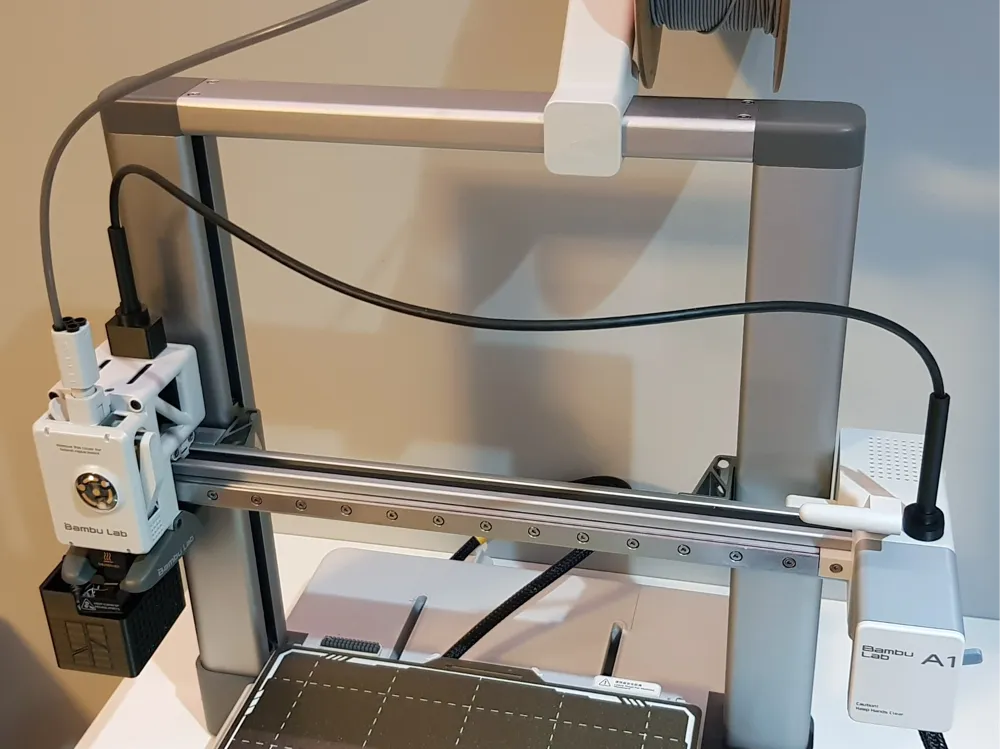
If for some reason the hotend cable is not attached to the PTFE Tube, it can, for example, catch on the screen. The cable guide will prevent this from happening.
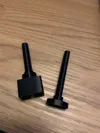
There are many solutions to this problem on the Maker World. However, I wanted one that would look like the original one, so I made my own. Maybe someone will find my project useful.
Boost Me (for free)
If you want to appreciate my work, you can give me a Boost, for which I will be very grateful. :)
License

You shall not share, sub-license, sell, rent, host, transfer, or distribute in any way the digital or 3D printed versions of this object, nor any other derivative work of this object in its digital or physical format (including - but not limited to - remixes of this object, and hosting on other digital platforms). The objects may not be used without permission in any way whatsoever in which you charge money, or collect fees.


Comment & Rating (190)