
Cable Duct Parametric

Print Profile(4)




Description
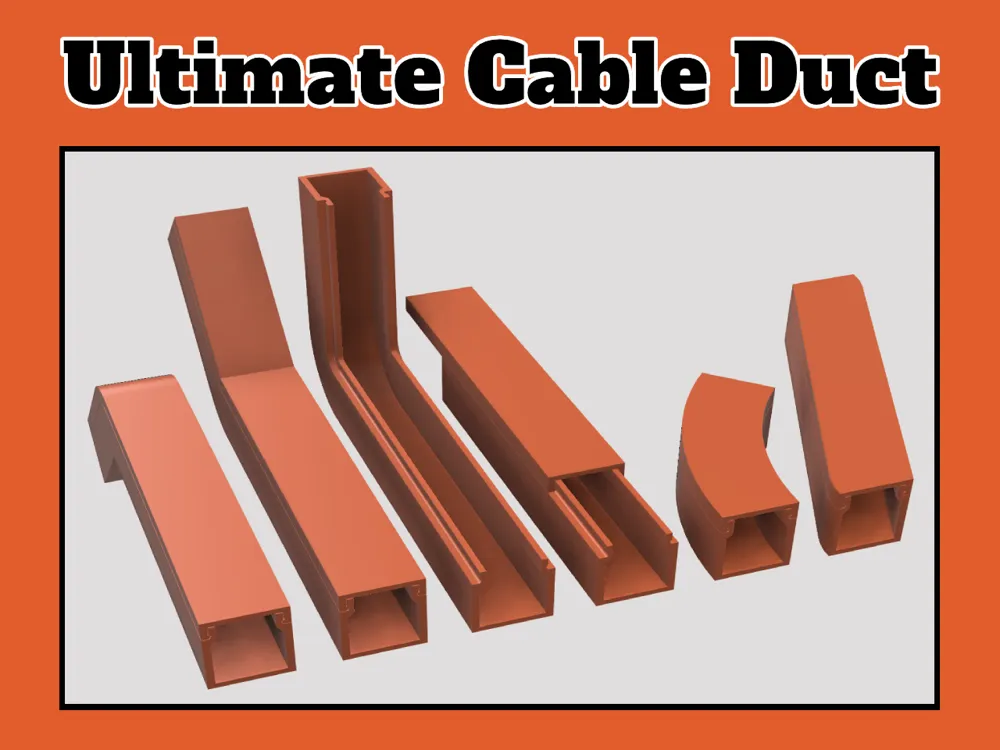
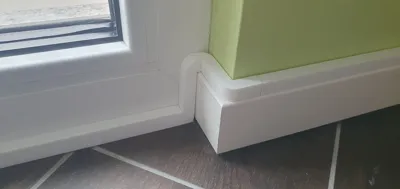
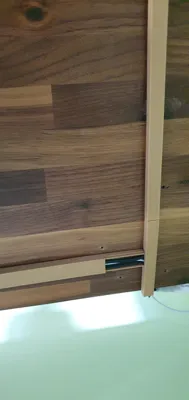
This fully parametric cable duct is designed to help you neatly hide your nasty cables.
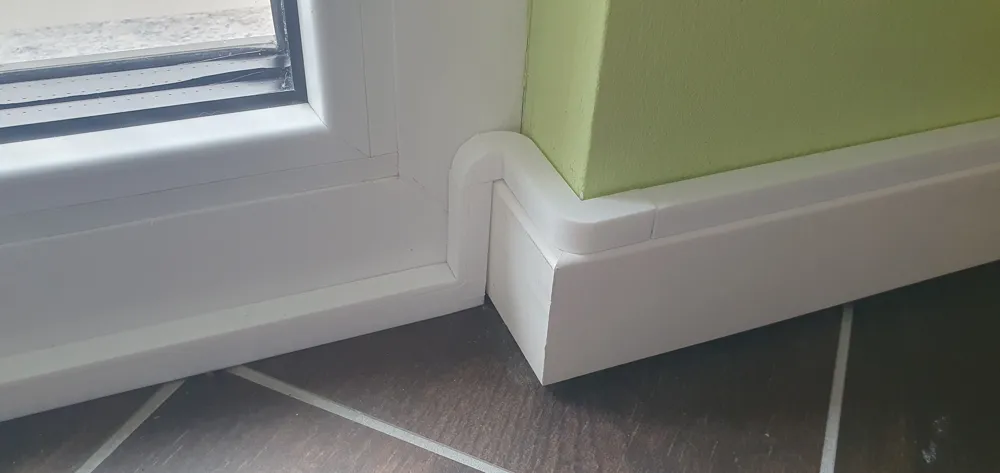
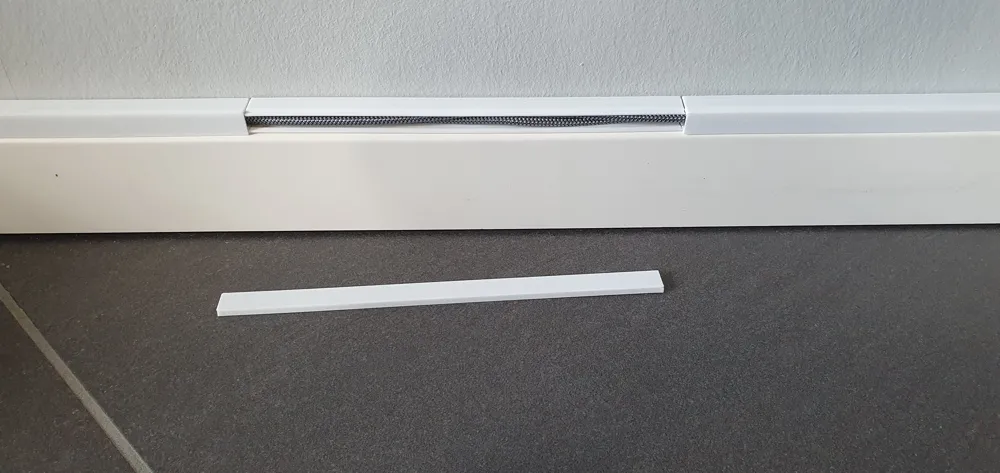
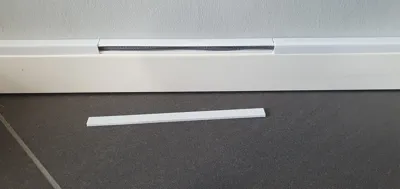
The cable duct consists of a base and a lid, which can either slide on from the side or simply snap on from above. The lid fits flush with the base, creating a very clean look.
I've uploaded sets in two different sizes: a set for a single cable and another set that can accommodate approximately four cables, depending on their thickness. These sets include all the essential components, however, additional parts are available in the Fusion360 file.
I have also uploaded two test files. These can be used to test the tolerances of the lids and the connector, as well as to ensure that the size of the cable ducts is sufficient for the cables.
For optimal customization, it's best to adjust the components with the Fusion360 file to suit your exact preferences.
Here is an overview of all customizable parameters:
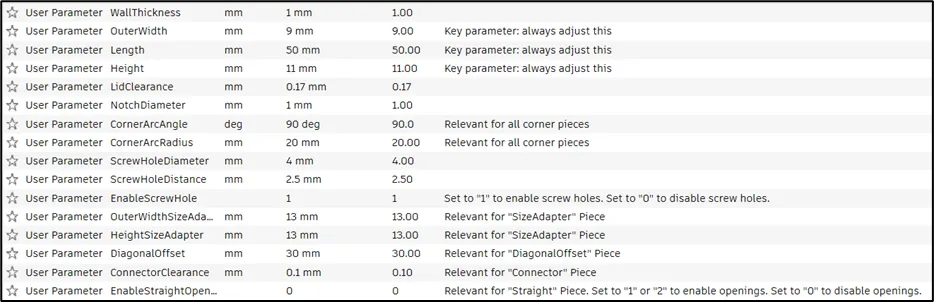
You can download a PDF file detailing the parameter settings for the two cable duct sets provided. If you've used the uploaded components and wish to create your own using the Fusion360 file, you can modify the parameters as described in the PDF to match the settings of the uploaded parts.

The connector is a joining piece that can be used to link individual parts together. For this purpose, the "EnableScrewHole" parameter must set to “1”.
Alternatively, the screw holes can be used to screw the cable ducts onto a surface.
The cable ducts can also be mounted with double-sided adhesive tape.

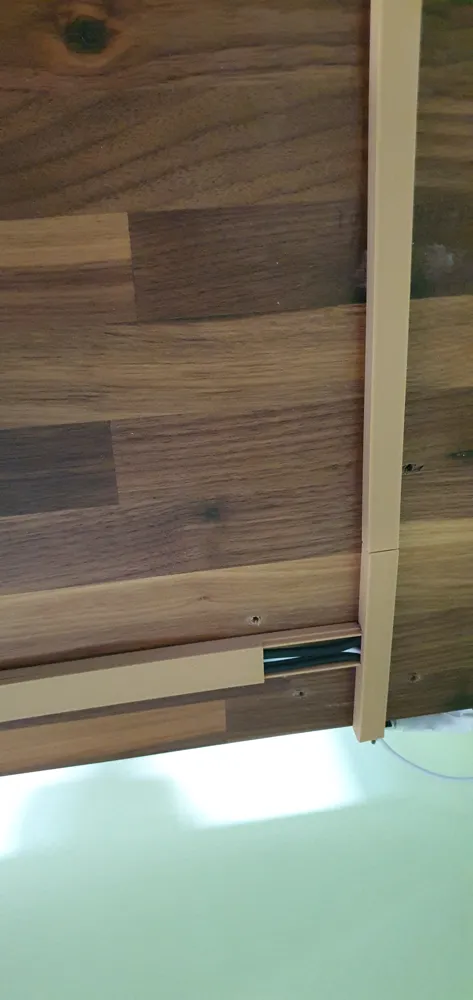
The parameter “EnableStraightOpenings” allows for the activation of one or two lateral openings on the "StraightBase" component. This feature enables the use of branches to either divert individual cables away or introduce new cables.
The downward and upward corner pieces may require supports for optimal printing. However, all other pieces can be printed successfully without supports.
If you print this cable duct, please post a make! I would love to see how it turns out and hear your feedback.
Thank you in advance for your support, and happy printing!
Documentation (1)
License



Comment & Rating (173)