
BambuSauna - BambuLab X1C/P1P/P1S Chamber Heater

Print Profile(1)

Description
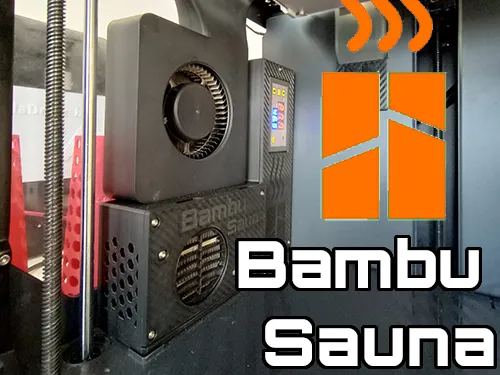
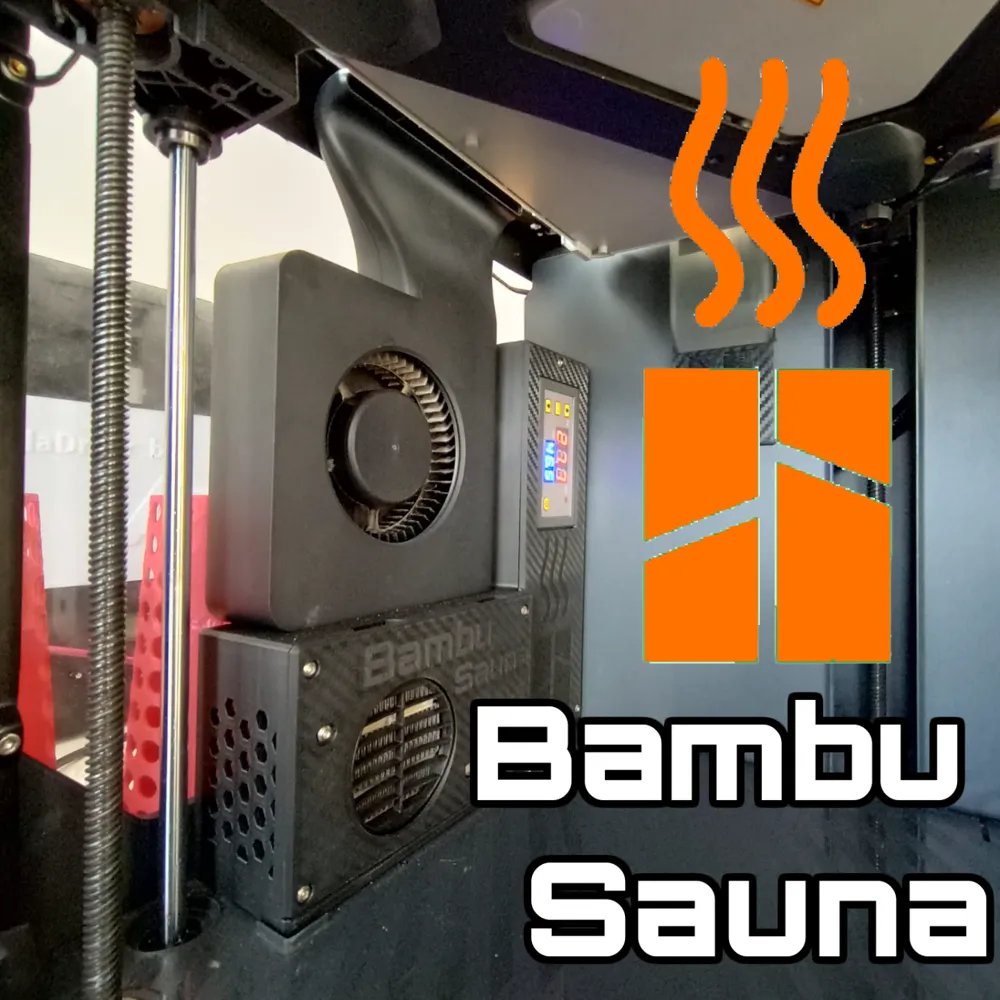
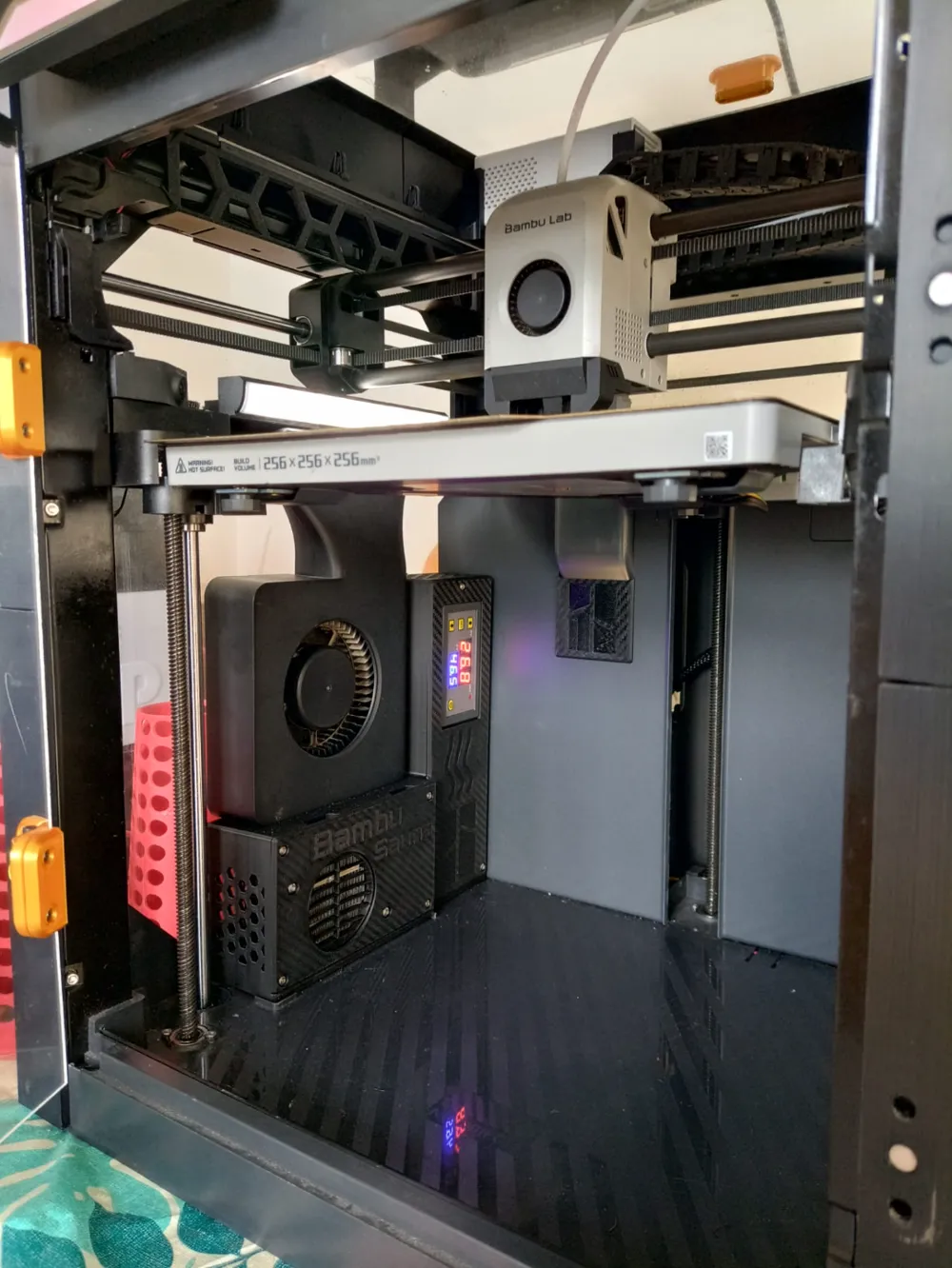
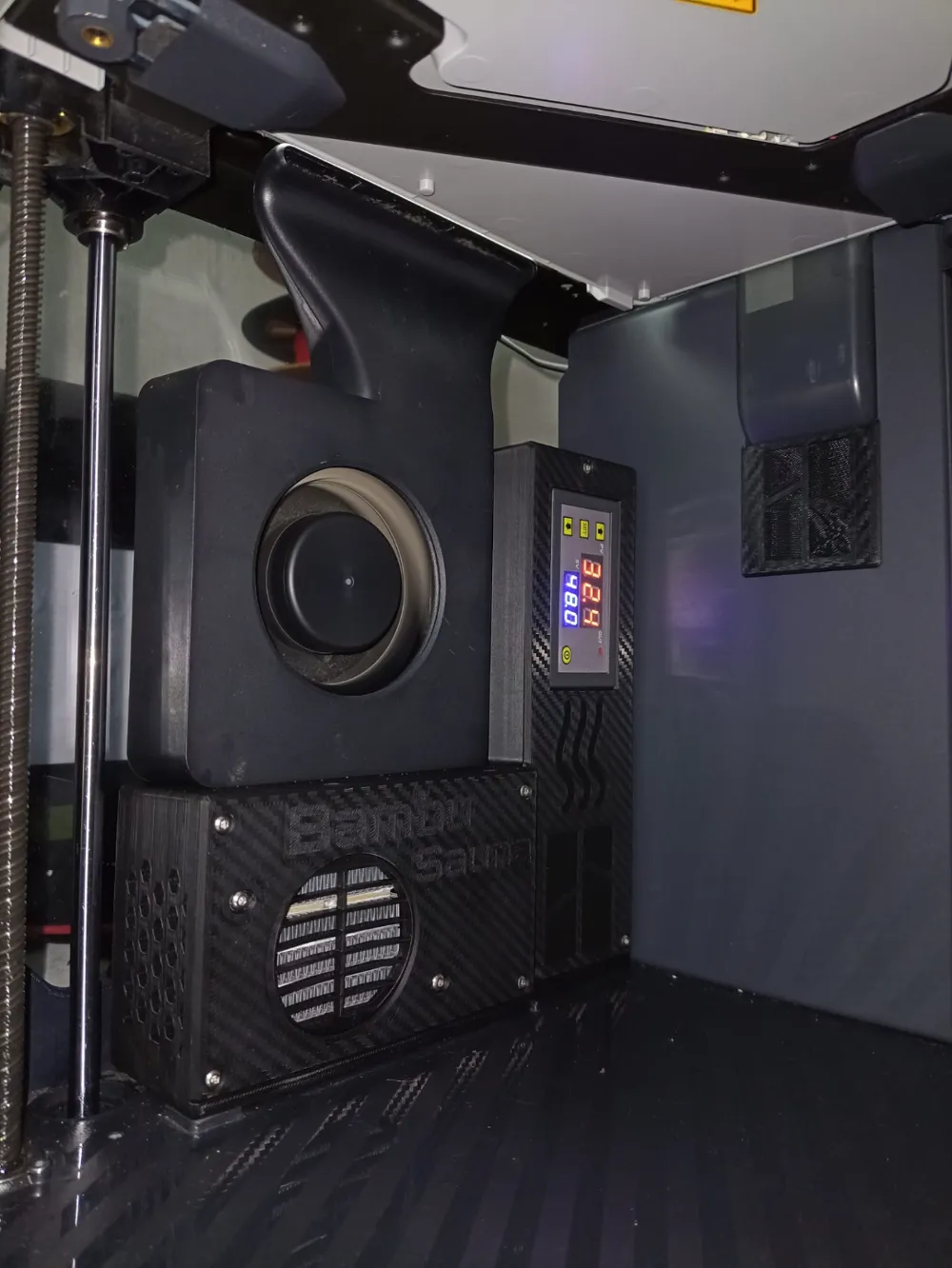
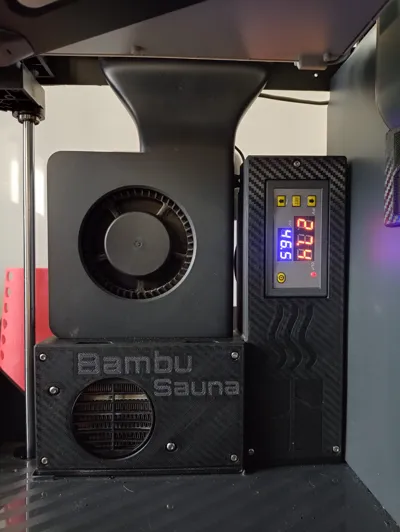
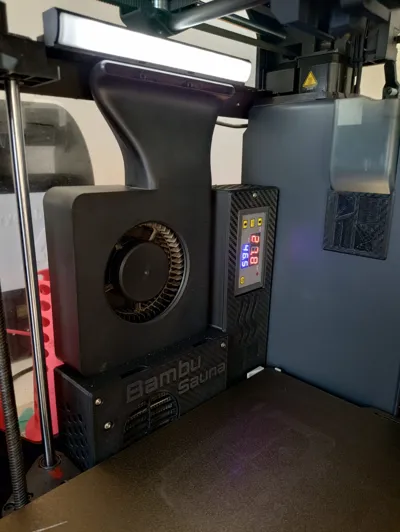
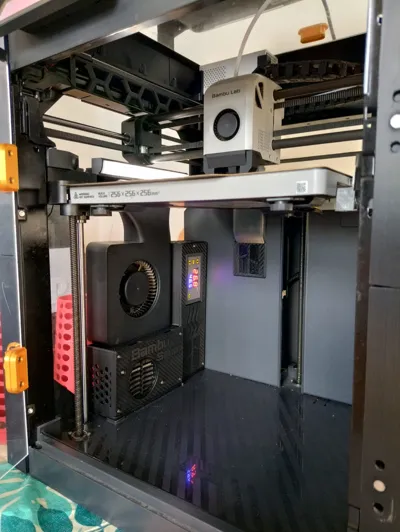
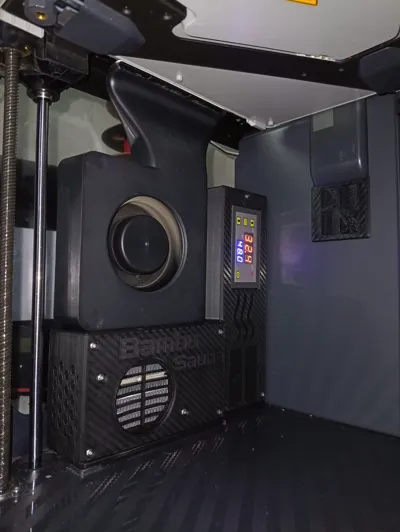
Welcome to the BambuSauna! The ultimate chamber heater for the BambuLab X & P Series. Level up and ease up your experience printing exotic materials!
Compatibility: X1, X1C, P1P, P1S.
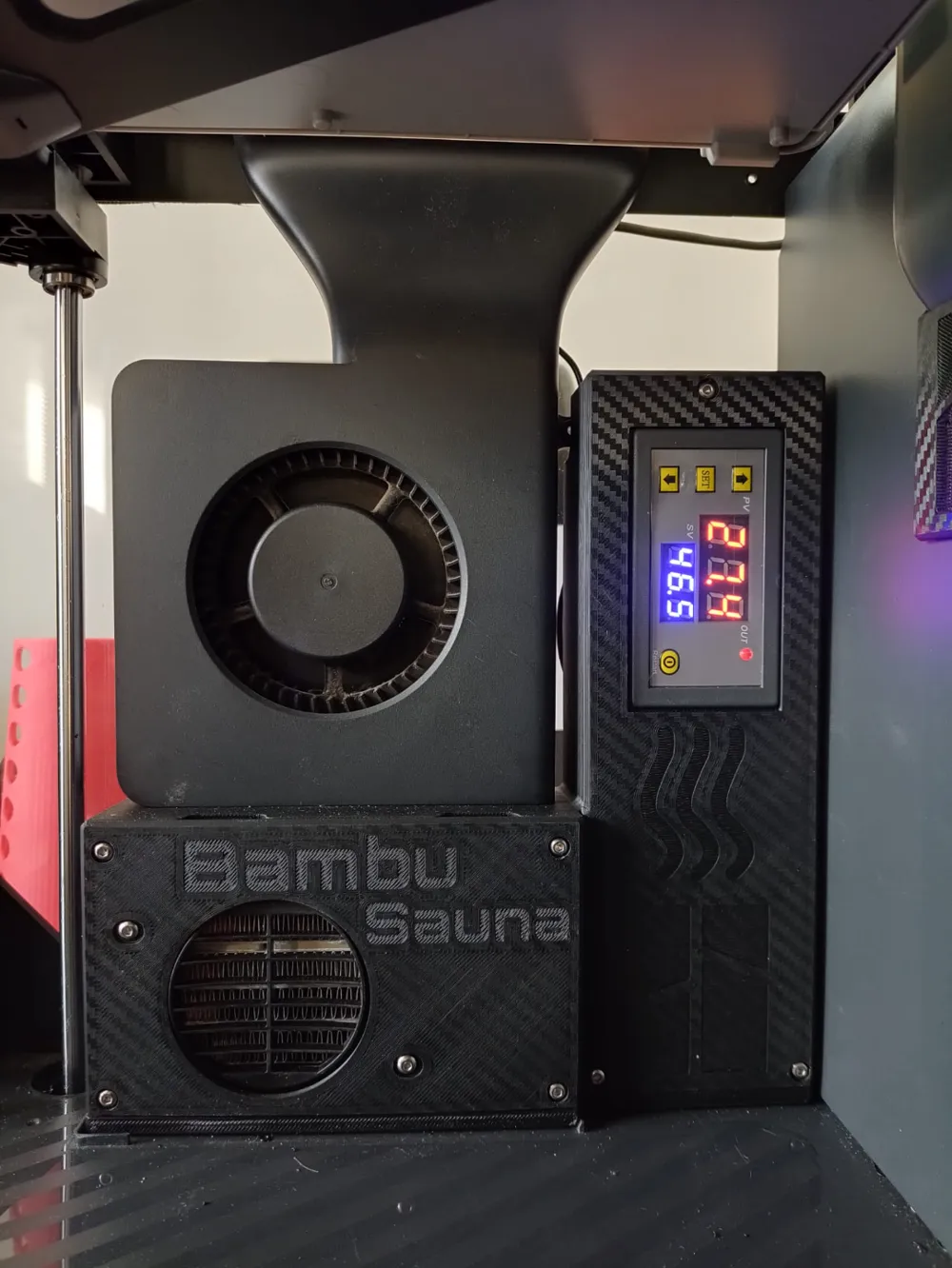
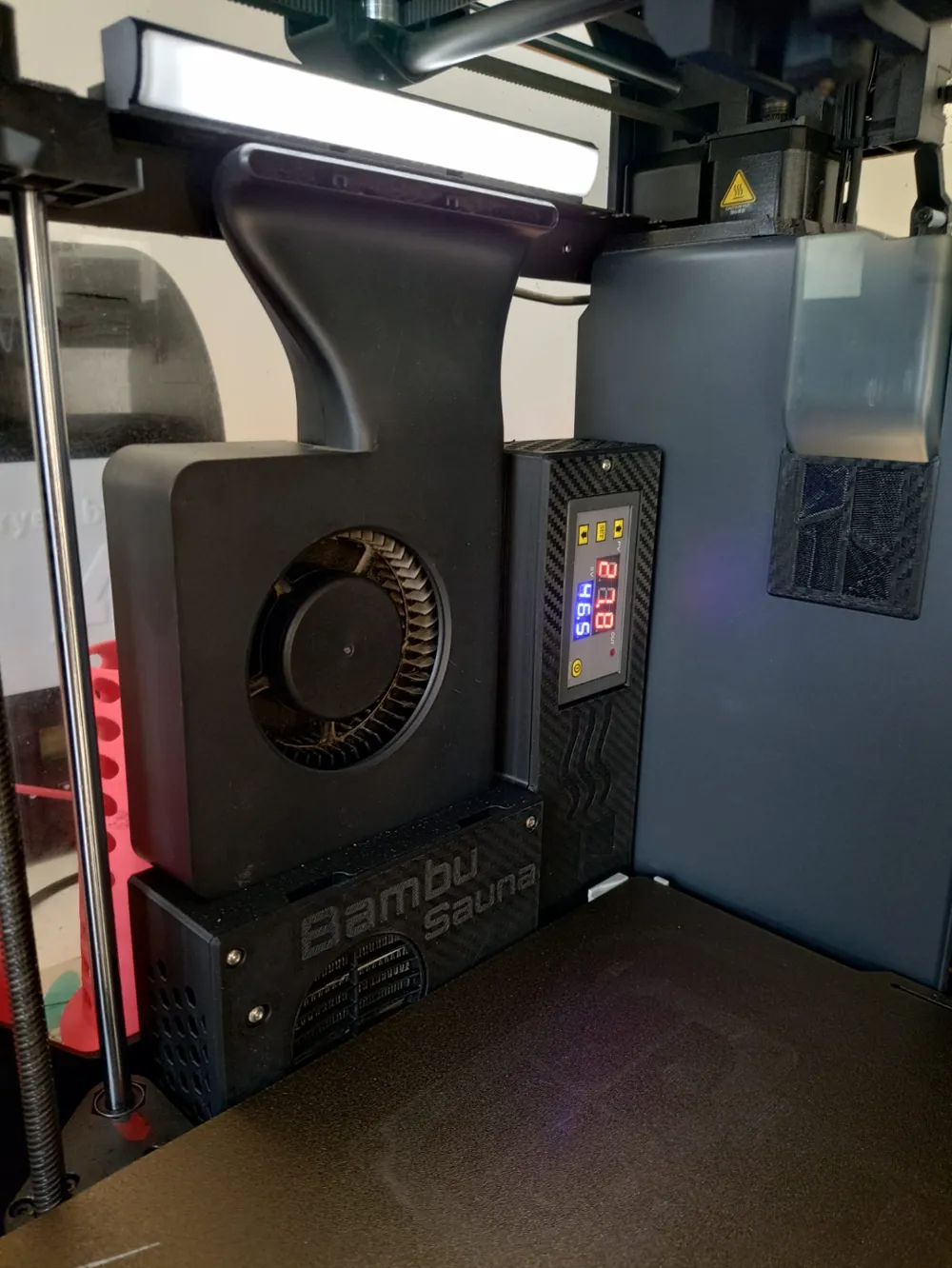
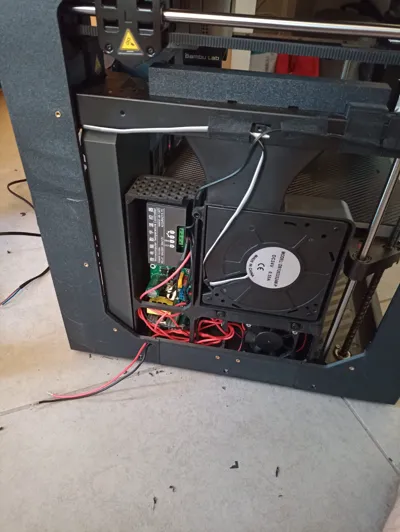
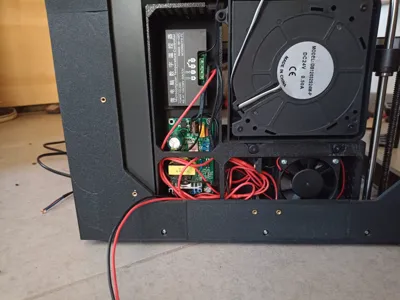
I designed this to improve the reliability and quality of ABS/ASA and Nylons. Since I also have a Bento box, there was not a lot of space left to put the chamber heater, so I set out to use the space beneath the auxiliary fan to create a a compact solution with “OEM look".
This chamber heater uses: (Complete BOM below)
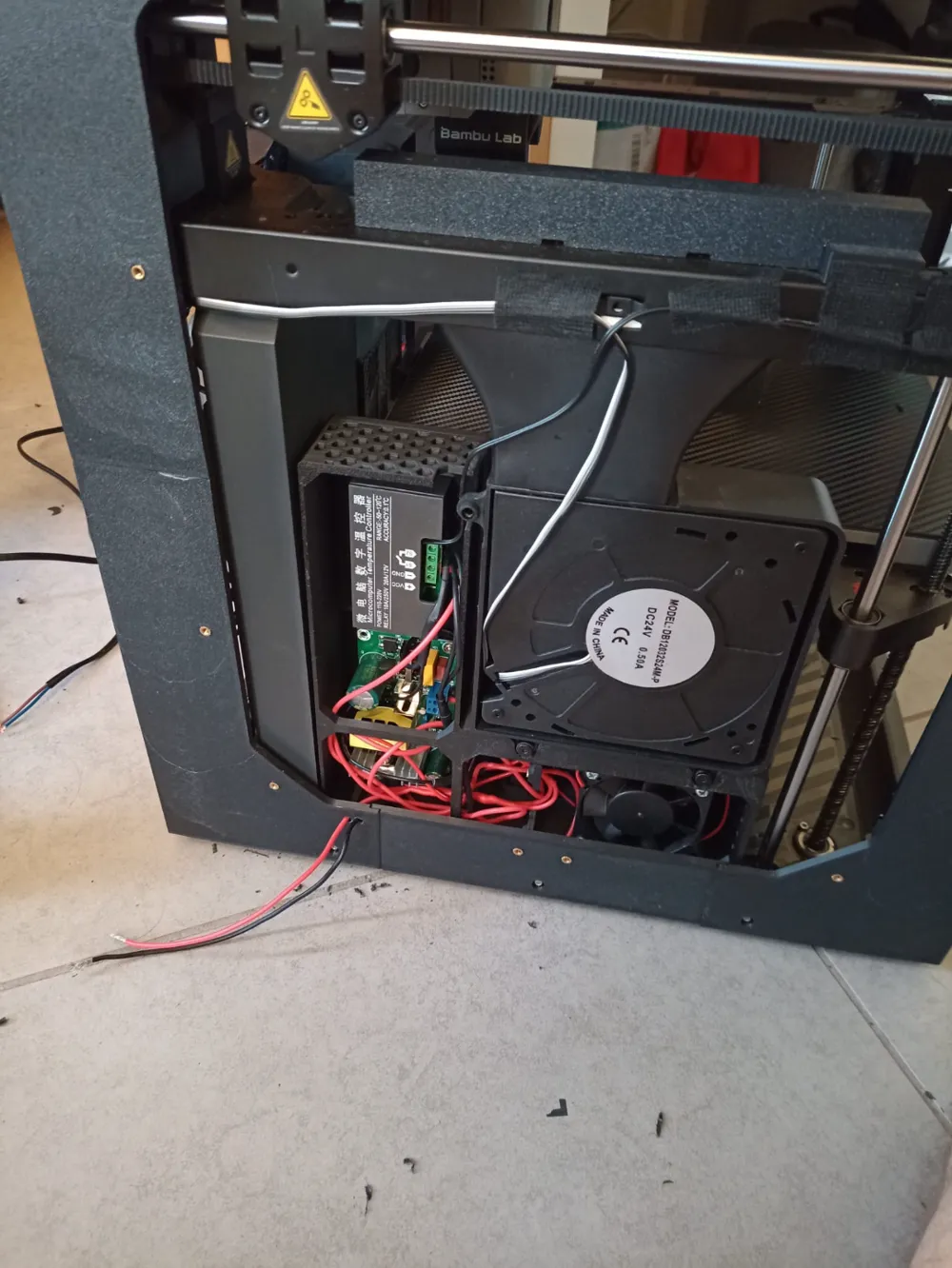
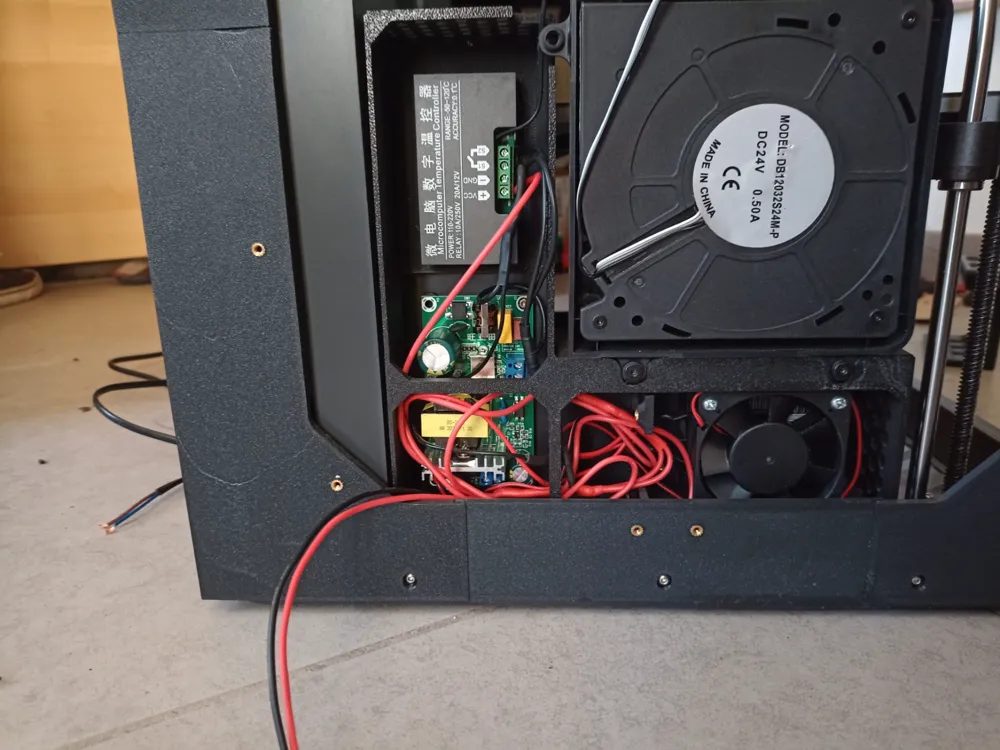
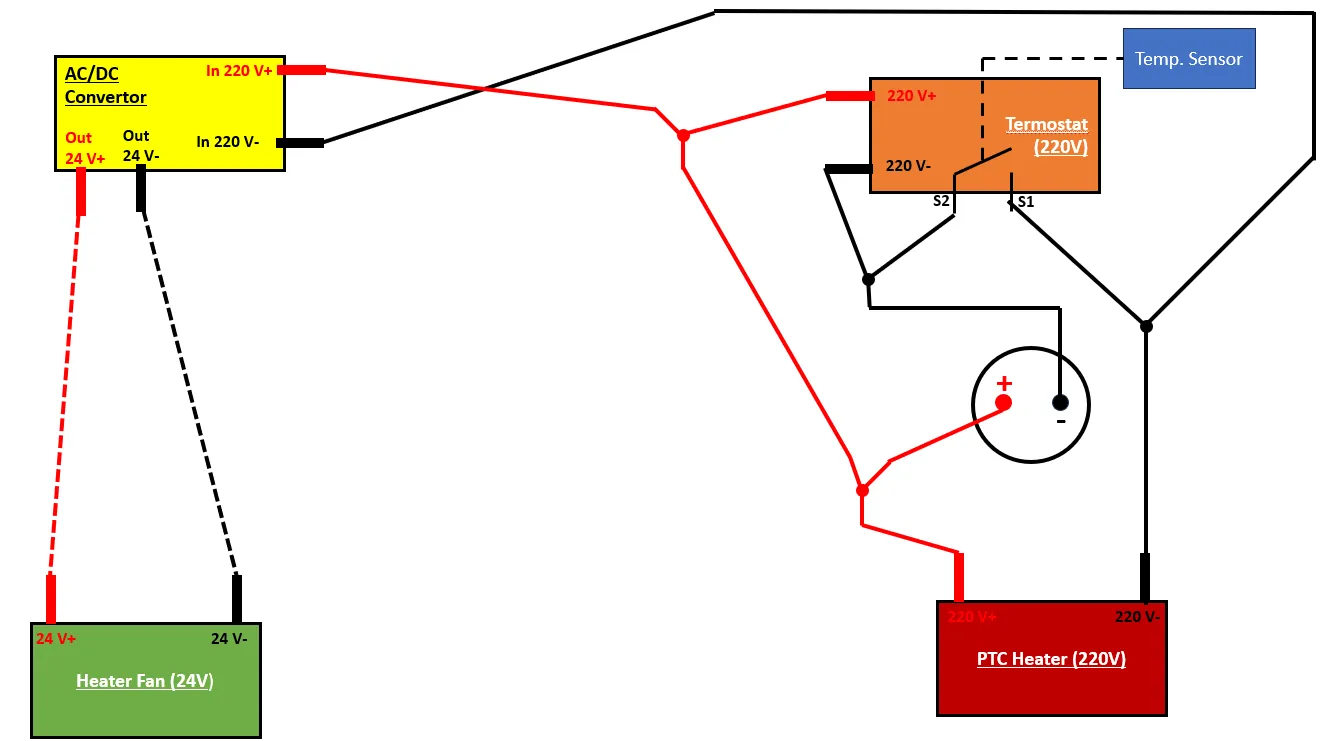
- 220V 350W (or 250W) PTC Heater w/ 24V fan - This will ensure that you're able to heat up the chamber up to your needs.
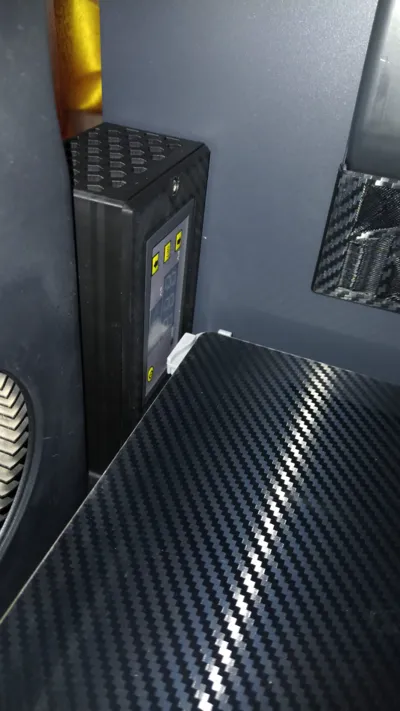
- 220V Thermostat with Temperature Sensor - This will allow you to turn off the PTC heater as soon as the desired temperature is achieved.
- AC/DC Converter (220V/24V) - This will allow you to power both the PTC (220V) and the PTC Fan (24V) from the same source, allowing both to be controlled by the thermostat (turn on/off at the same time).
Printing: You should at least ABS to print this part to avoid the plastic melting when heating up.
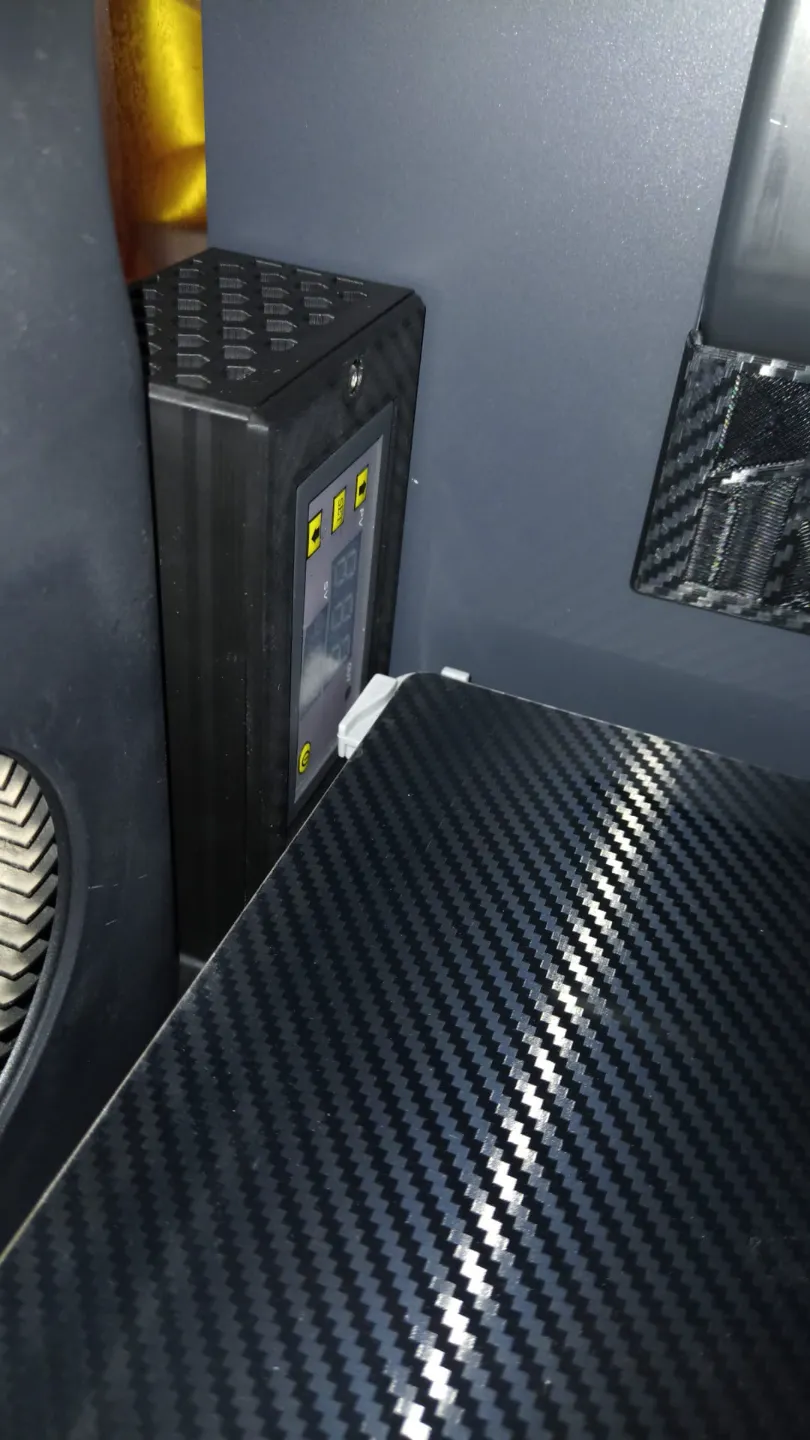
Temperature Sensor Location, place the temperature sensor inside the enclosure, preferably on front top right corner (when looking straight to the printer), this is where the embedded temperature sensor on the X1C is positioned, so this will be where the temperature reading will be as close as possible.
I used a 220V 350W PTC Heater (250W is also ok) connected externally so I'm able to control it externally easily using a Wi-Fi switch or smart plug (for example this one: https://s.click.aliexpress.com/e/_c4t7rBXF (EU) or https://s.click.aliexpress.com/e/_c4t7rBXF (USA) ). Also, I wanted to avoid to overload the printers PCU.
Wiring:
BOM:
•PTC Heater 220V (250W or 350W) w/ 24V Fan – I choose the 350W PTC (https://s.click.aliexpress.com/e/_DBtJT4n)
•AC 220V to DC 24V (1A or 2A) Converter (https://s.click.aliexpress.com/e/_DmMb8mn) – I choose the 2A because it comes with easy assembly terminals
•W3230 Thermistor 220V: https://s.click.aliexpress.com/e/_DD8l17d
•15x M3xD5xL3 Heated Inserts: https://s.click.aliexpress.com/e/_DCdGRYn
•2x Bambu Auxiliary Fan Screws (provided with the printer/auxiliary fan) – To hold fan to BambuSauna
•2x Bambu Auxiliary Fan Screws (provided with the printer/auxiliary fan) – To hold the BambuSauna to the printer
•13x M3x5 or M3x10 Screws (https://s.click.aliexpress.com/e/_DFsen3V)
•16 or 18AW Silicone Wire (https://s.click.aliexpress.com/e/_DBjIhoX)
•Generic Power Cord (example https://s.click.aliexpress.com/e/_DeKPJFz) – I chosen to scavenge this from an old appliance that I had laying around
If you don't want to source the parts yourself and would like to buy the complete Hardware Kit or a Electronics Kit, you can do it directly through our Partners:
TBA
If you liked this creation, please consider tipping or boosting:
Boost Me (for free)
If you liked this chamber heater, please consider contributing by boosting this model.
Documentation (1)
License



Comment & Rating (361)