
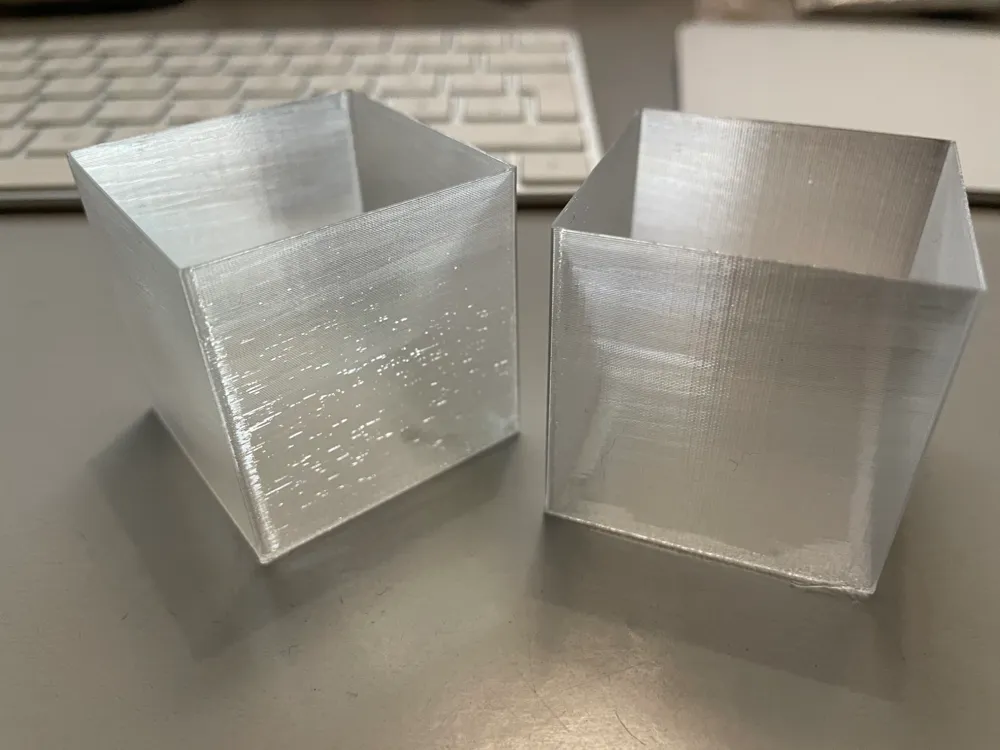
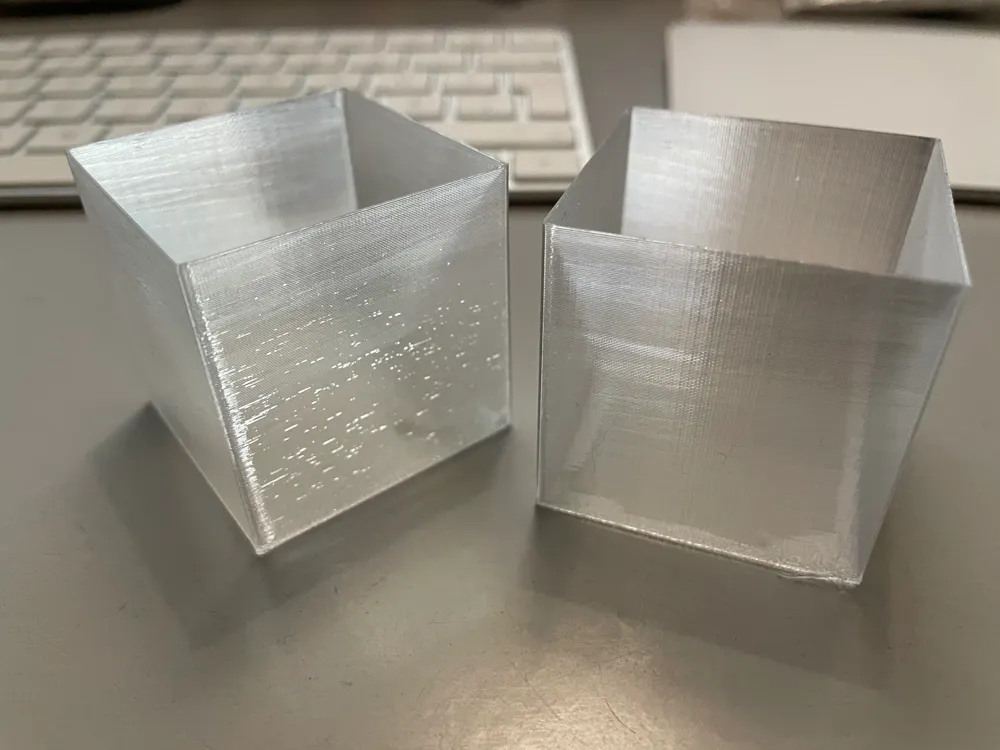
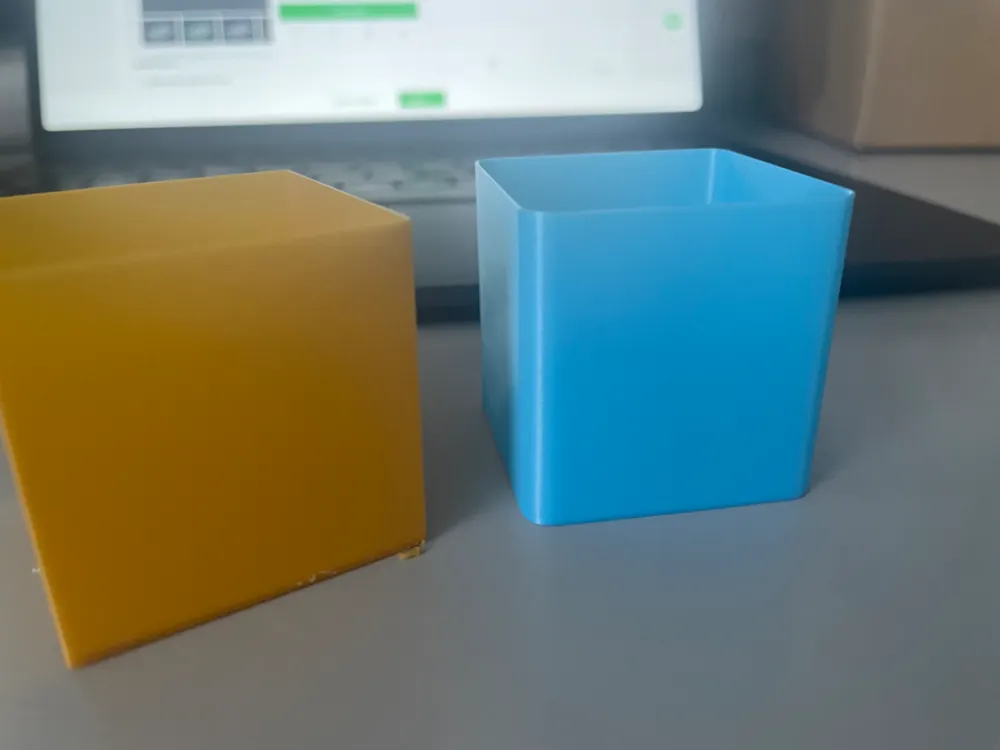
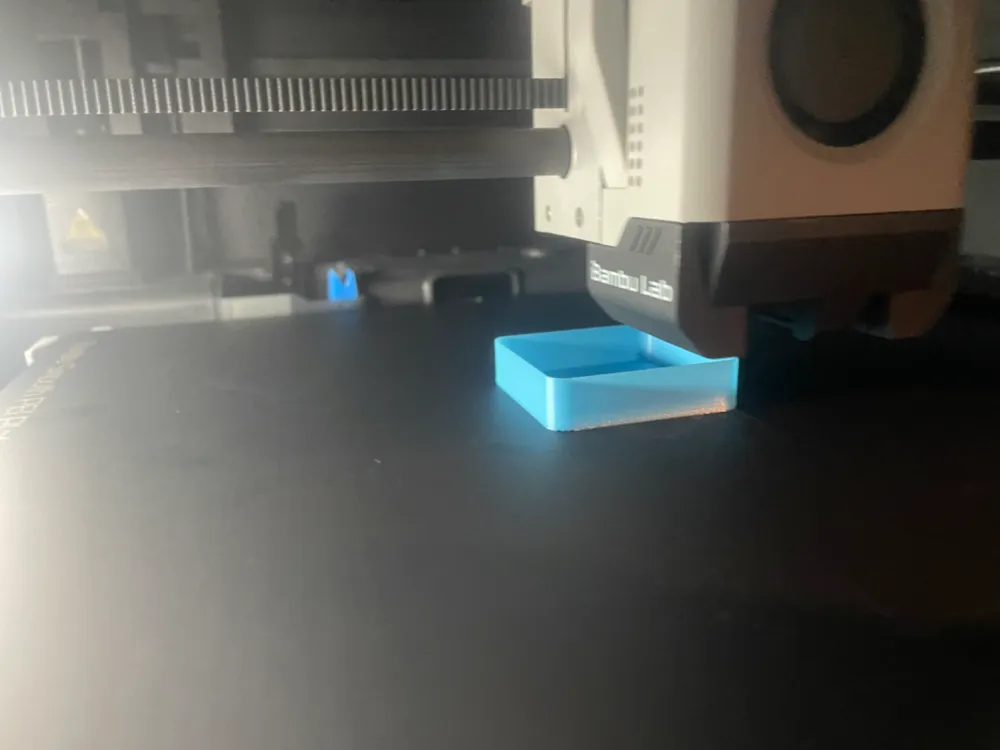
Calibration Cube for flow

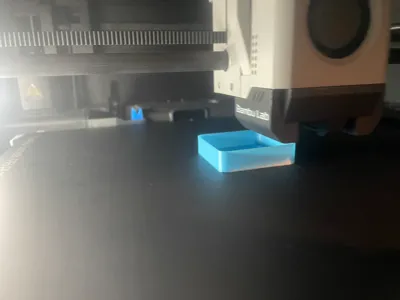
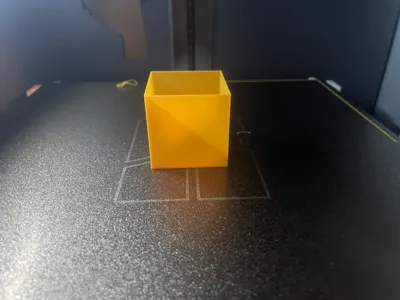
Print Profile(4)

![[182] 0.2mm layer, 1 walls, 0% infill](https://makerworld.bblmw.com/makerworld/model/US41b1915470abec/162498089/instance/2024-11-24_d4b82b4f943c28.webp?x-oss-process=image%2Fresize%2Cw_100%2Fformat%2Cwebp)


Description
Boost Me (for free)
Support my work with a Boost
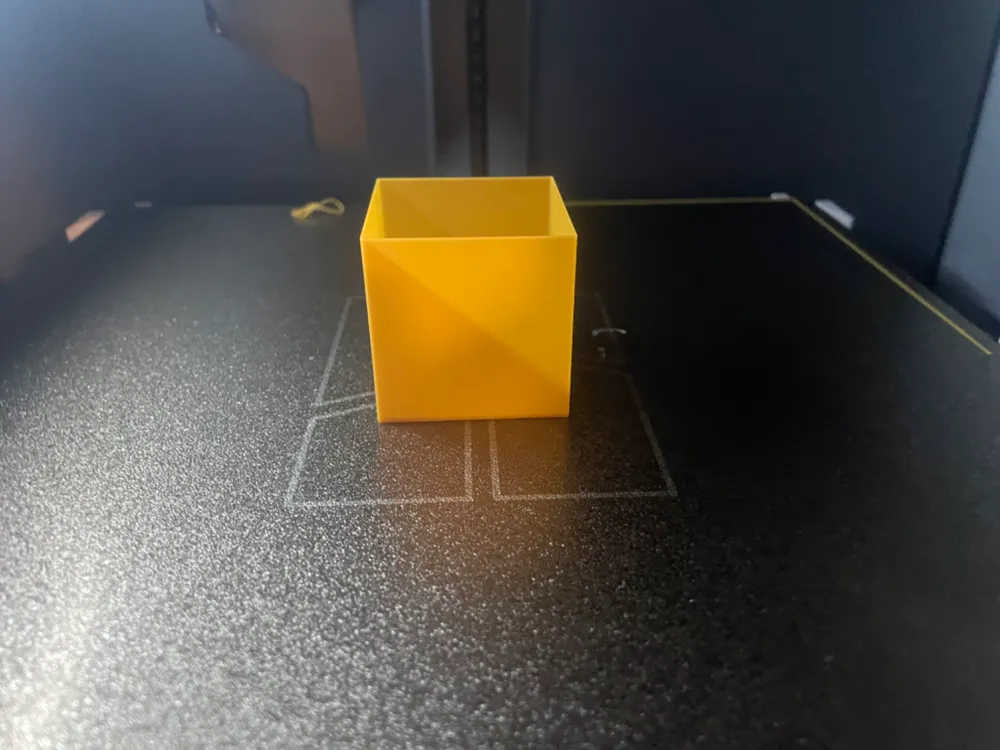
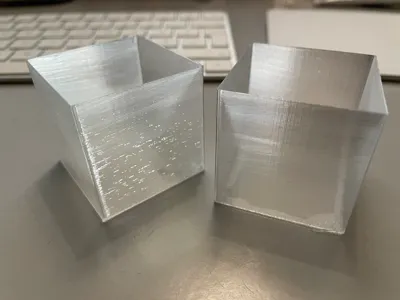
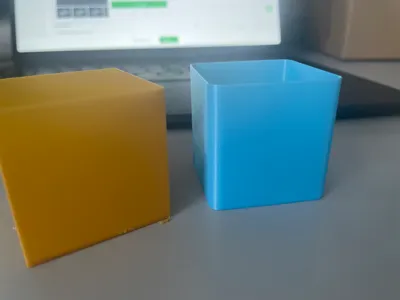
Calibration Cube
Nice idea from a viewer as a swatch version: https://makerworld.com/de/models/2562063-filament-swatch-roll#profileId-2823075
A viewer also designed a stand → https://makerworld.com/en/models/577426#profileId-498084
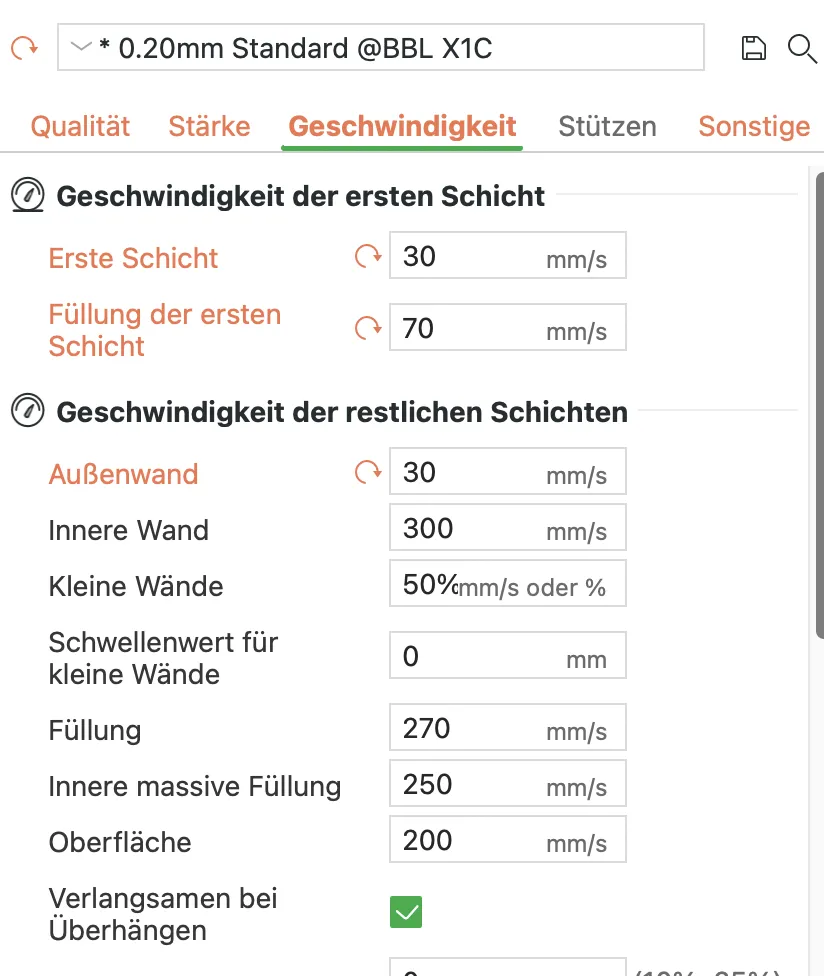
Since some had problems with speed, here is the solution:
Please note the following recommendations for good and meaningful results!
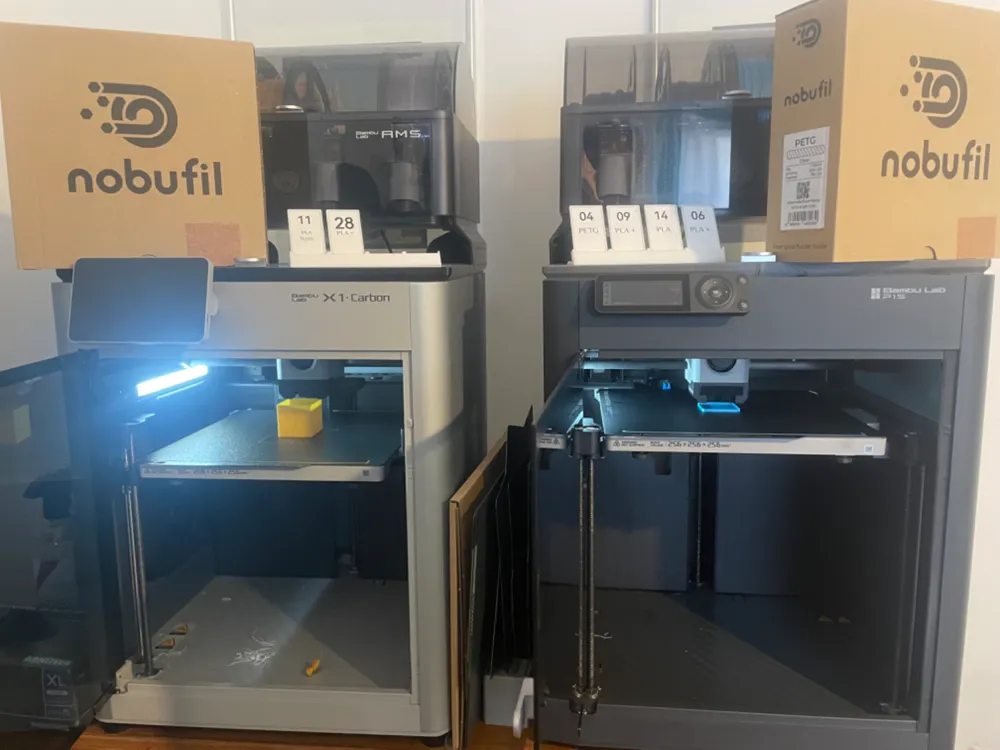
For the X1C and all other printers, the K-value must be calibrated!
For the X1C, LIDAR must be switched off!
The cube was designed with rounded corners. These are intentionally kept small, but make sure you do NOT measure in the rounded area!
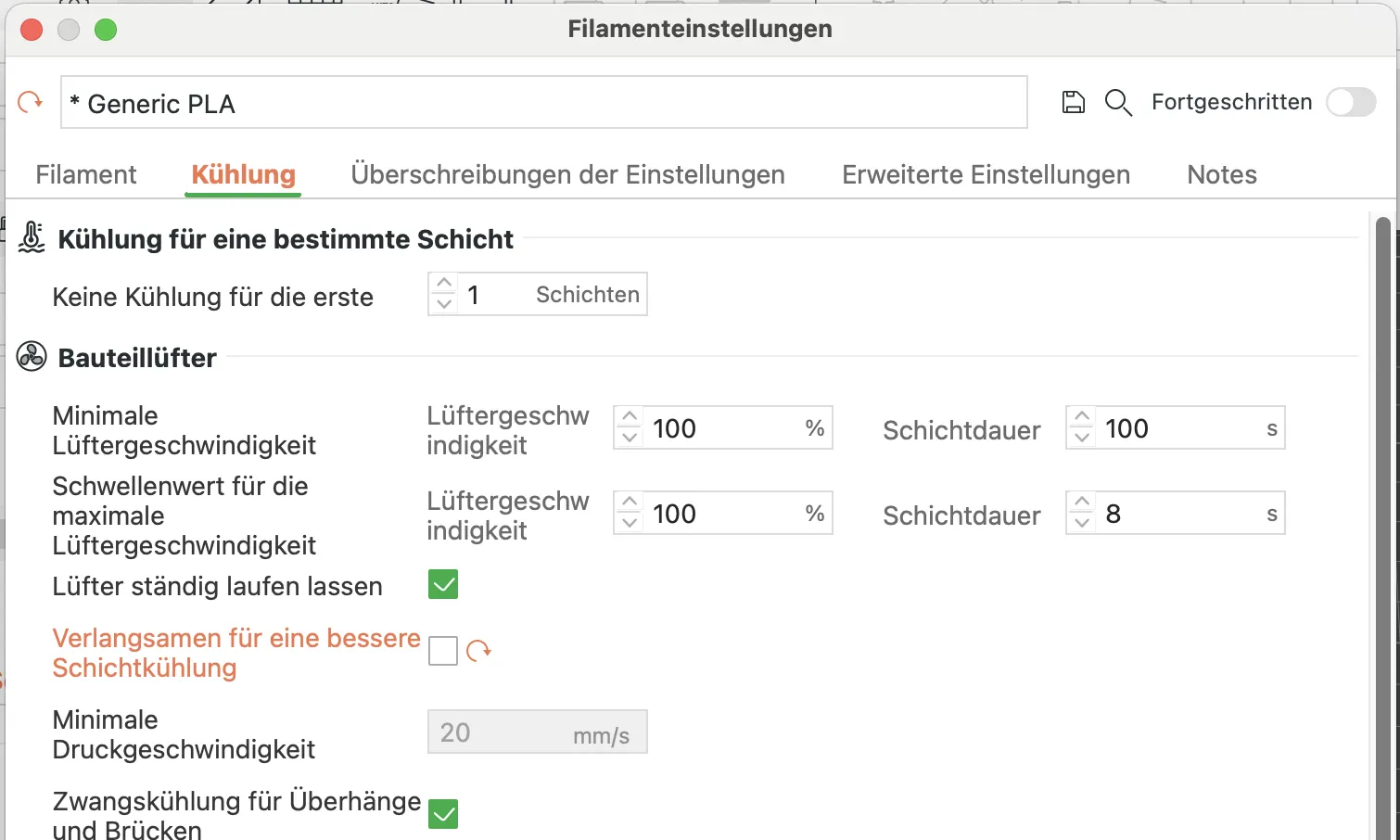
You must first deactivate the following option: "Slow down for better layer cooling"
This option does not need to be saved and is therefore active for the duration of the instance session
Printing should be done with the door open, if the filament type allows it!
To get reliable and presentable results, the speed for the outer wall MUST be reduced. 50mm/s or lower.
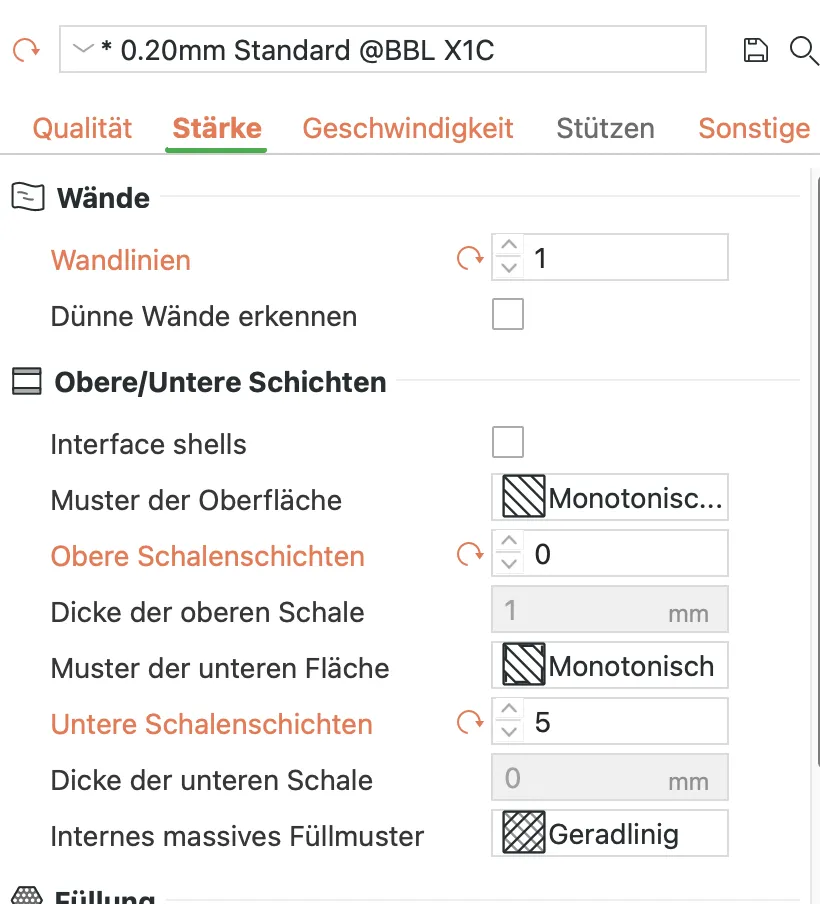
The value for lower "shell layers" can also be set to 2-3, except for highly adhesive filaments (PETG etc., TPU)!
Please note that the print time for TPU is still very high. In return, however, you will get a relatively clear result ;-)
License

You shall not share, sub-license, sell, rent, host, transfer, or distribute in any way the digital or 3D printed versions of this object, nor any other derivative work of this object in its digital or physical format (including - but not limited to - remixes of this object, and hosting on other digital platforms). The objects may not be used without permission in any way whatsoever in which you charge money, or collect fees.


Comment & Rating (665)