
Balisong aka Butterfly Knife new patterns and comb
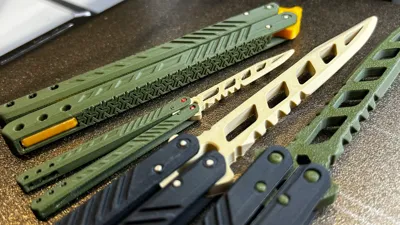
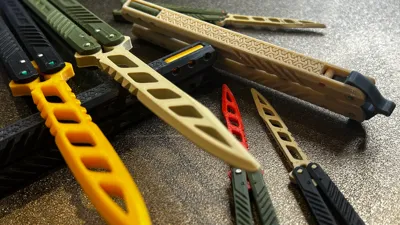
Print Profile(20)


Bill of Materials






Description
Check my crowdfunding project OE OTF RE: Redefine and Evolve
Also try this Ultimate OTF below. 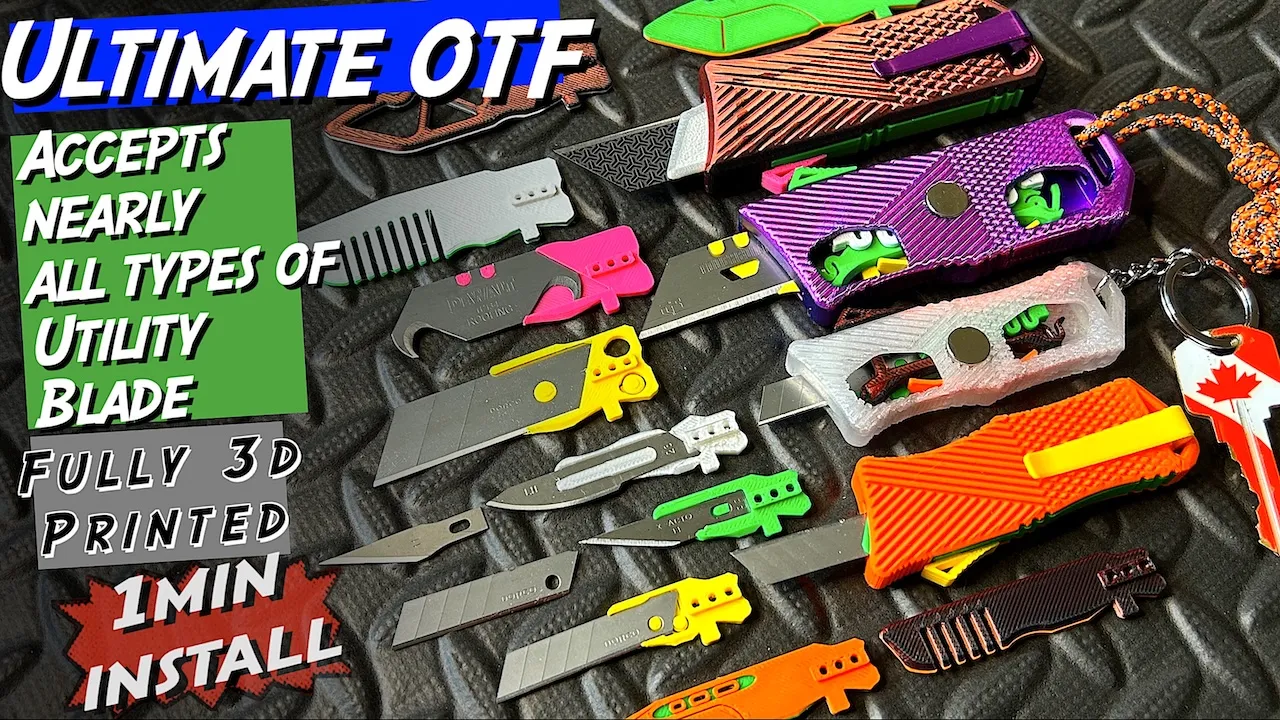 |

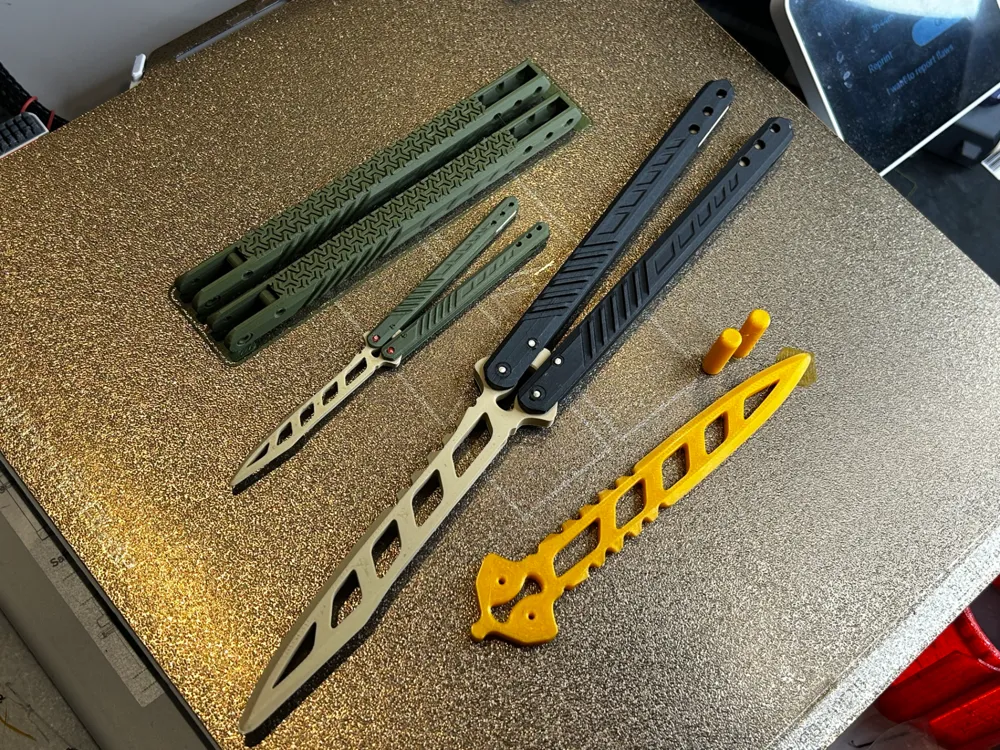
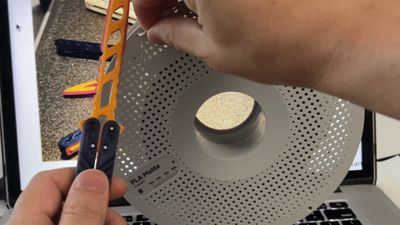
Use filament as pin.Two printed big pins are counterweight.You can use a printer nozzle, heat it up to 100c and melt the ends of the inserted filament. |
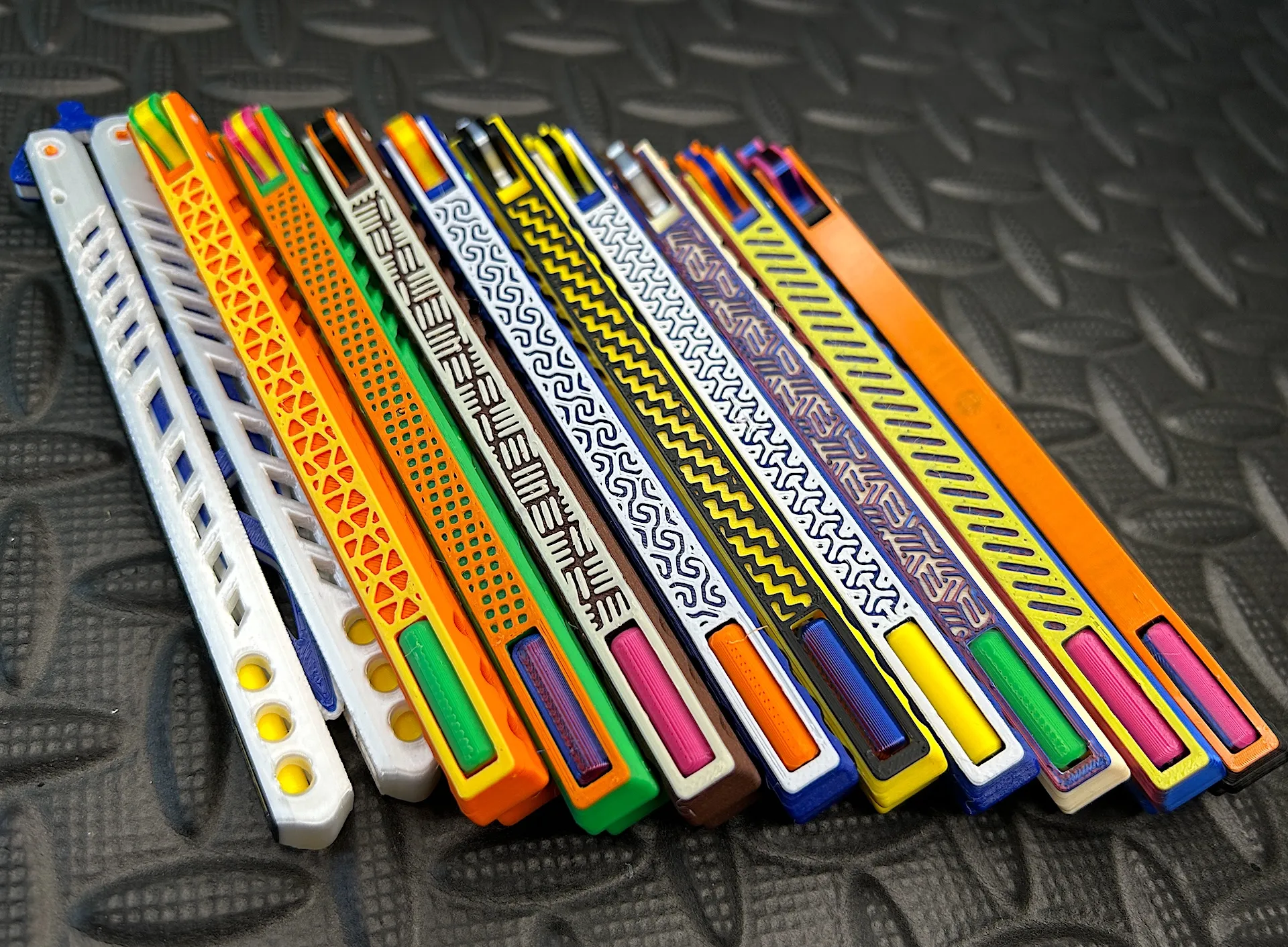

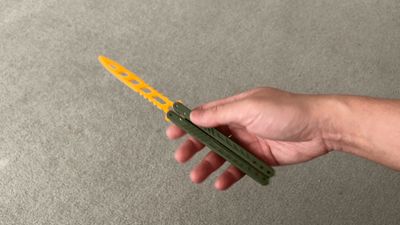
Have a knife day! Very good balance trainer! Easy print! Almost frictionless! The 3cm longer version works even better.
And the Mini version is so good too.
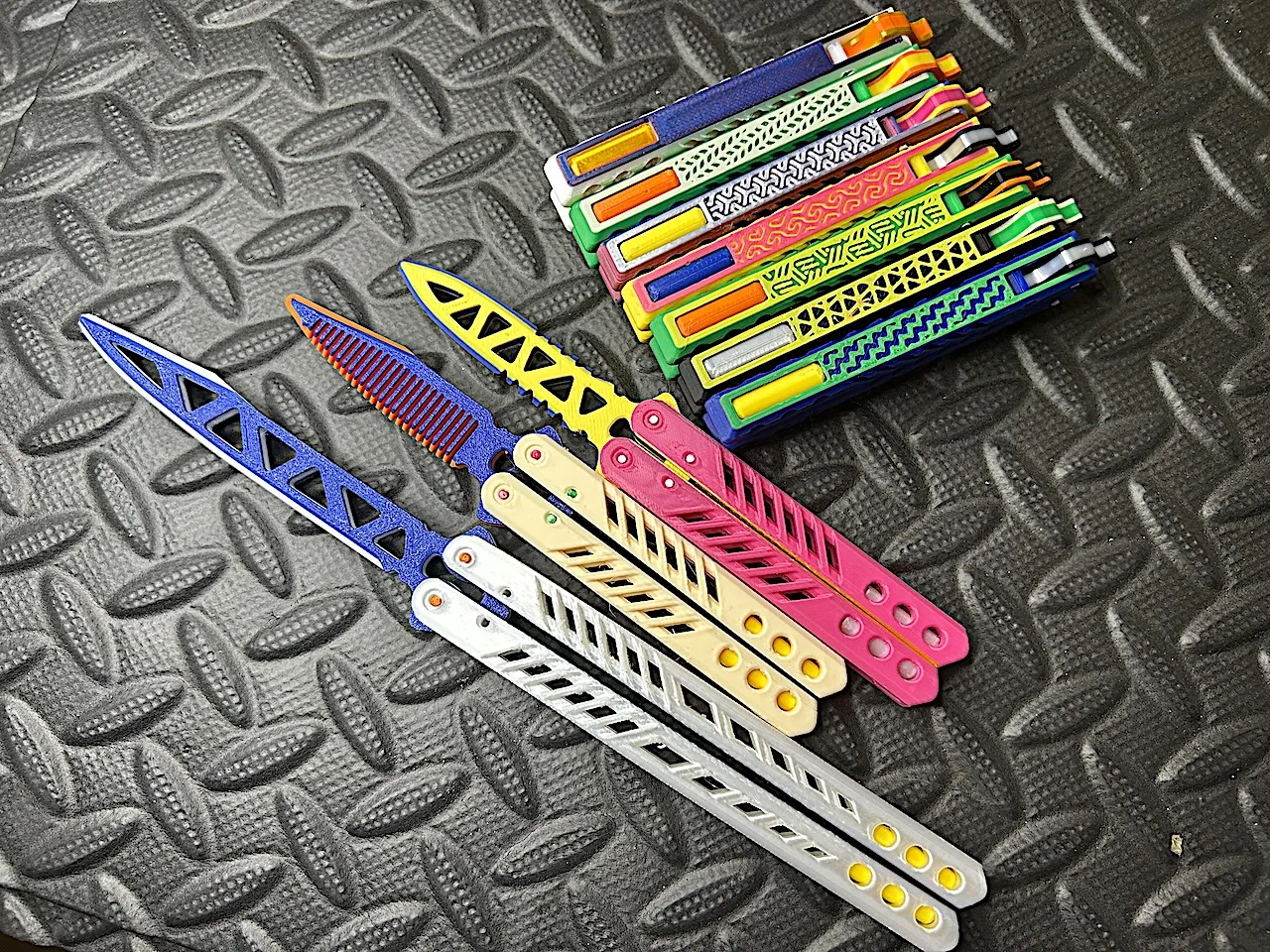
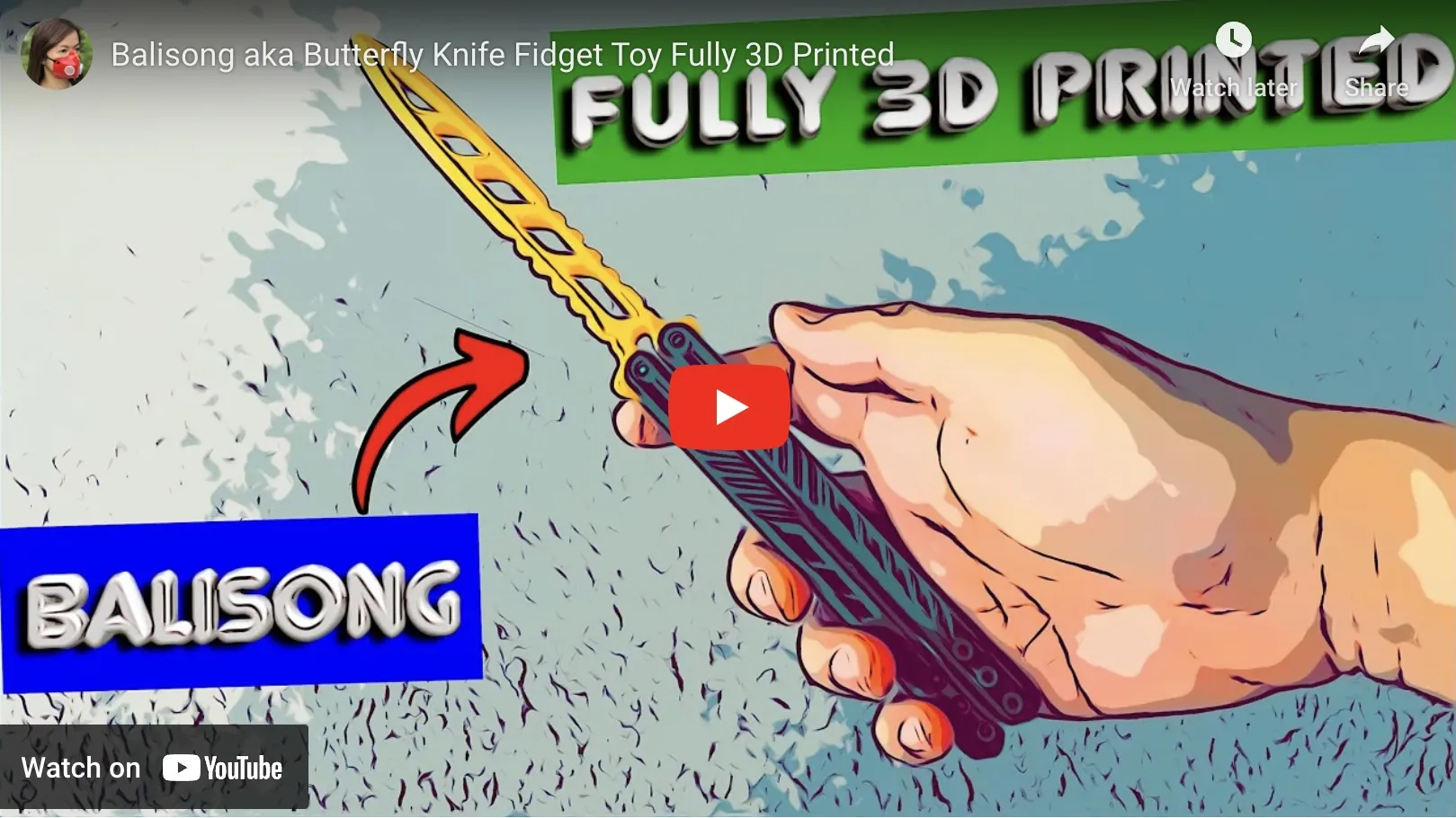
Build instruction video
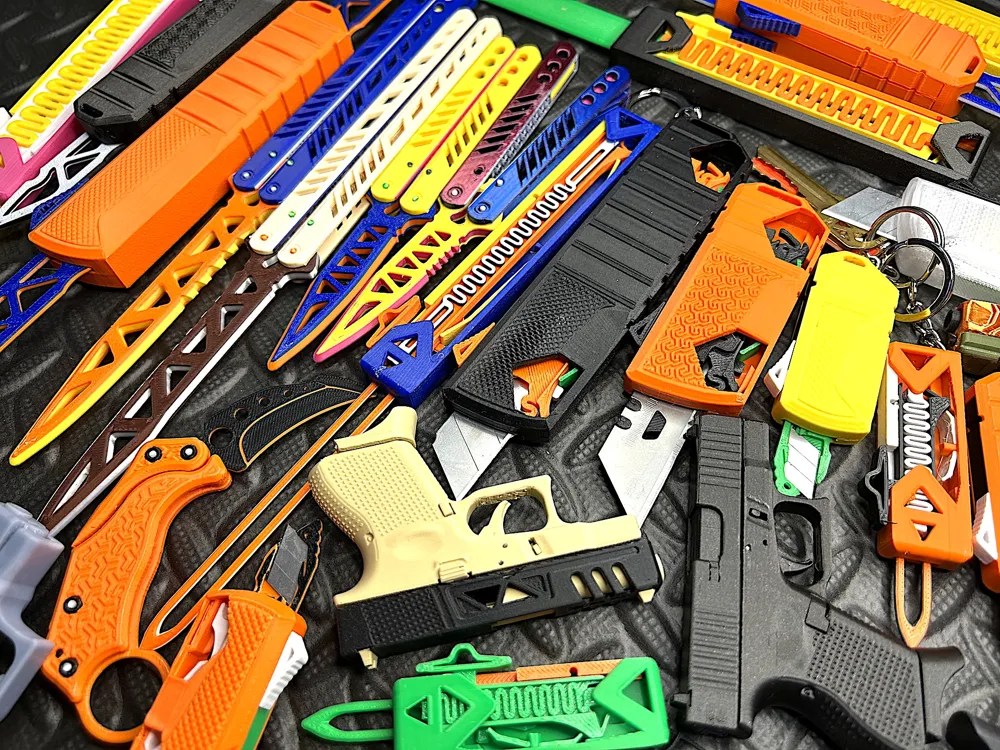
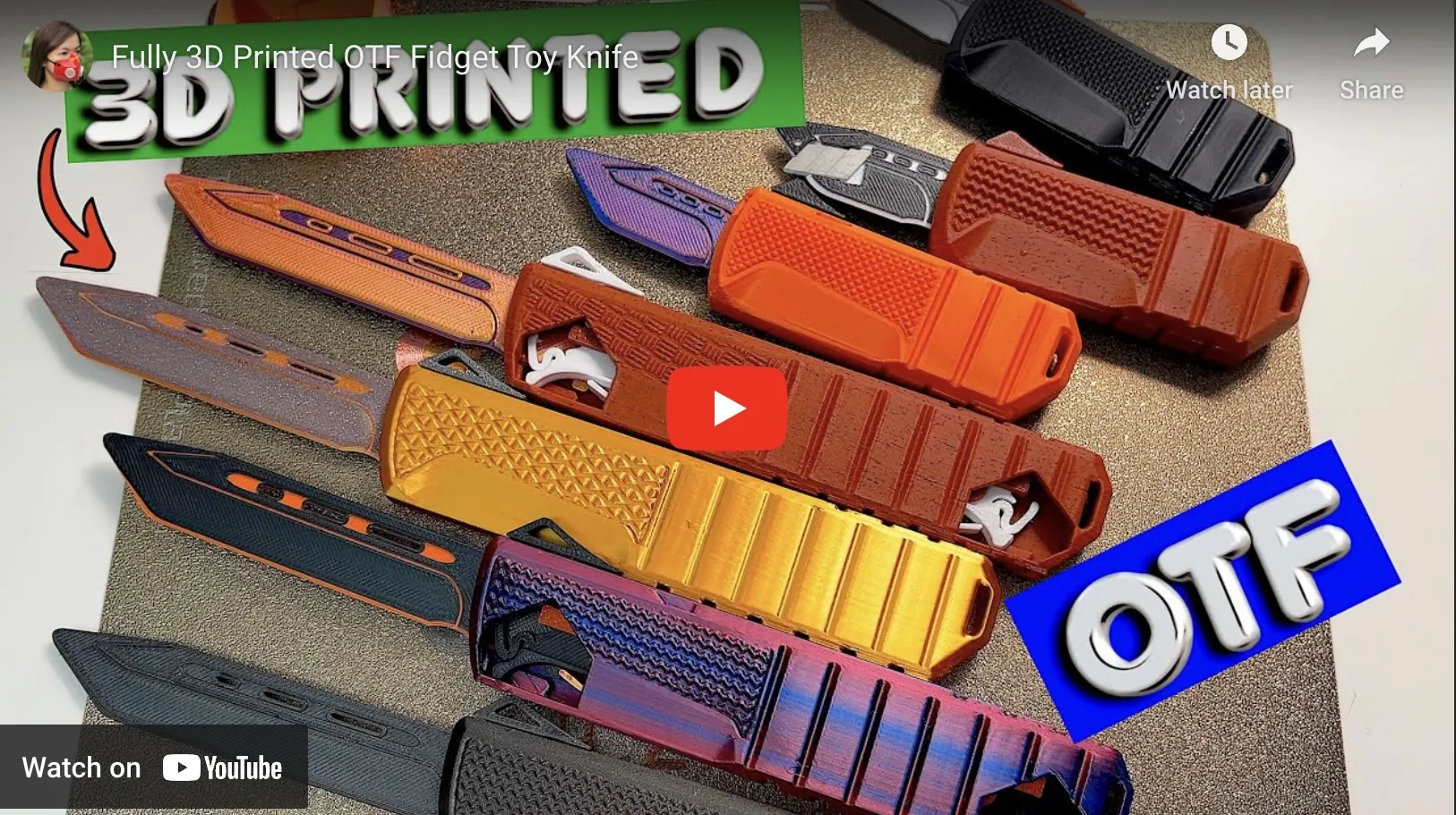
Also try this OTF Knife
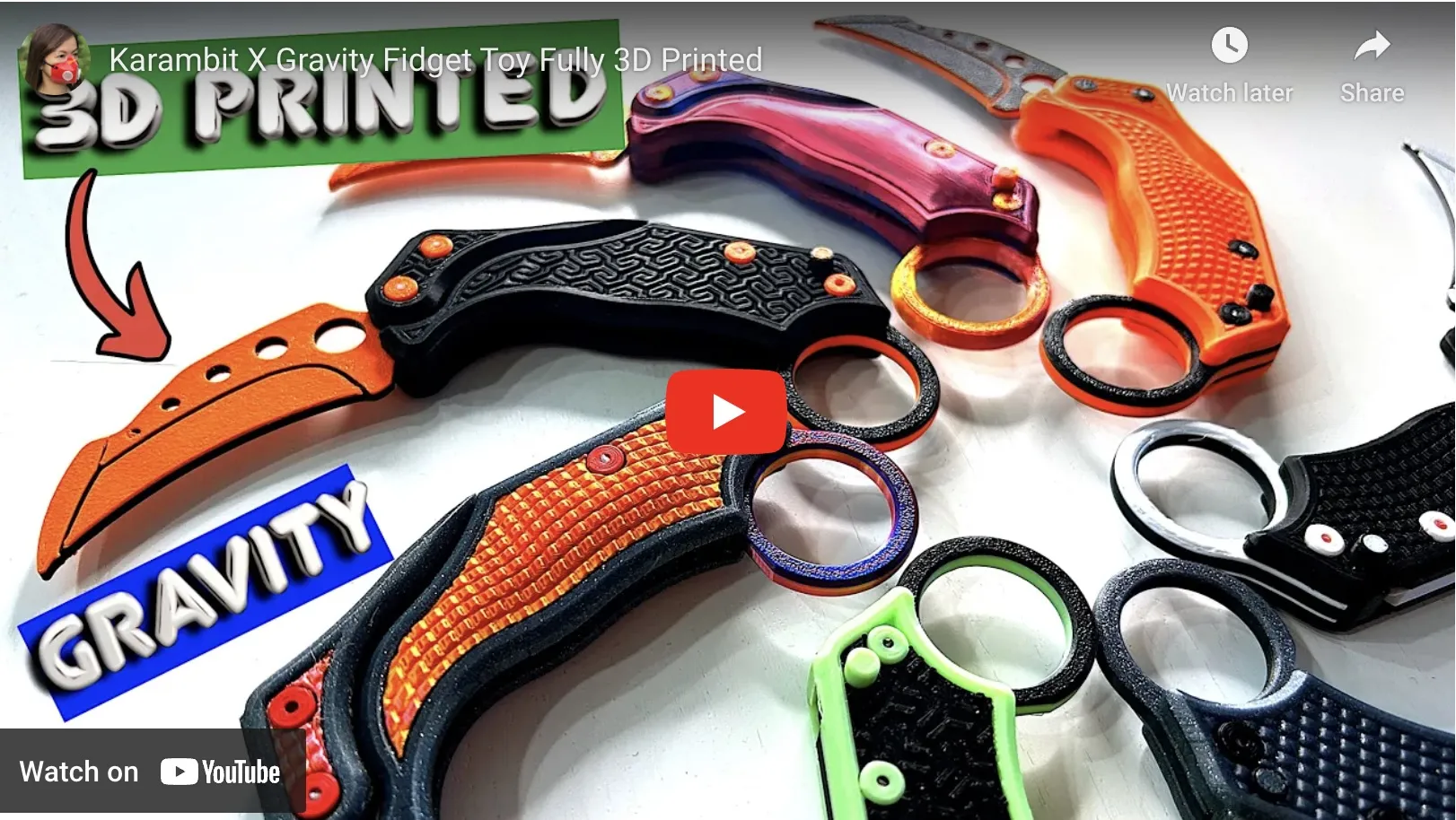
And this Gravity Knife

It is highly recommended use liquid glue, half the speed, increase the nozzle and bed temperature of the first layer.
Practice makes perfect! This props is good balance.

Let the 1.75 filament hinge break! That’s the beauty of this design! any metal hinge such as a paperclip = ayor. The reason is simple. Would you rather reprint the handle again or simply reinstall a new filament hinge?
1.75 pla to attach. Almost no friction. You can use a printer nozzle, heat it up to 100c and melt the ends of the inserted filament.


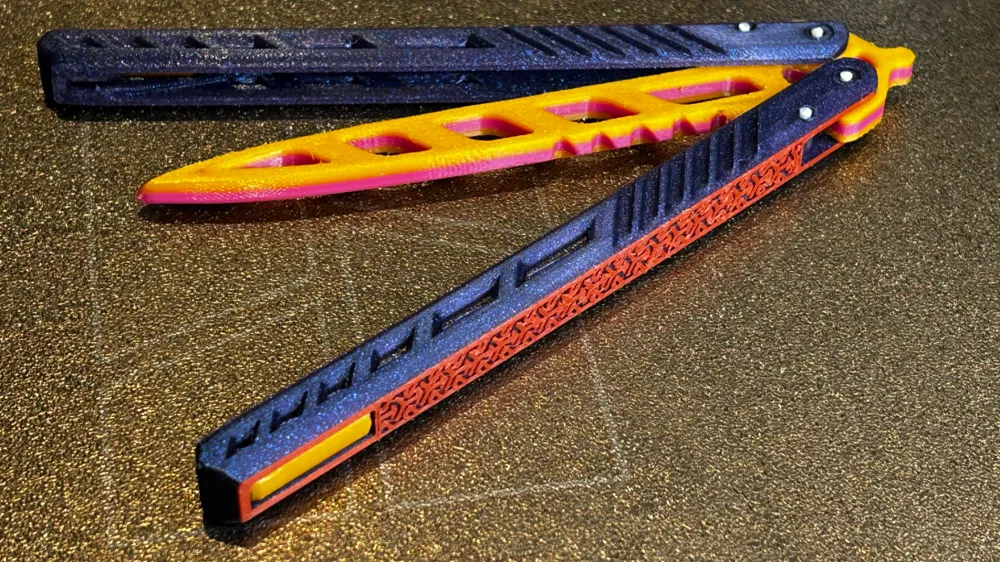
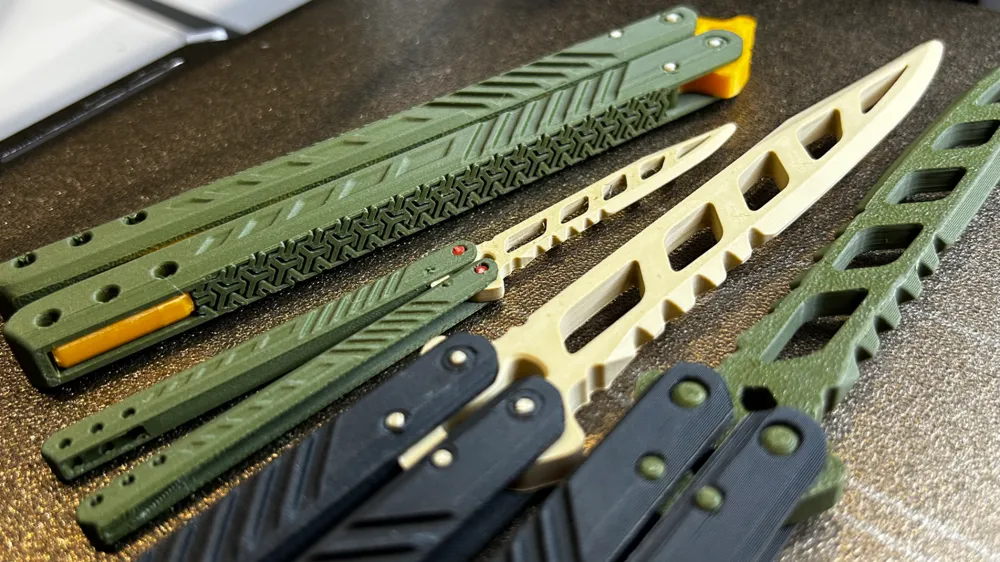
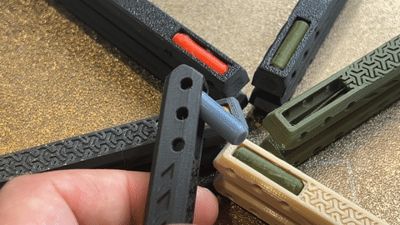
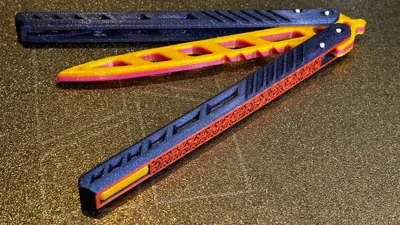
Weight slots and inserts.

For training only. Not intended for use in any illegal activities.
For training only. Not intended for use in any illegal activities.
For training only. Not intended for use in any illegal activities.

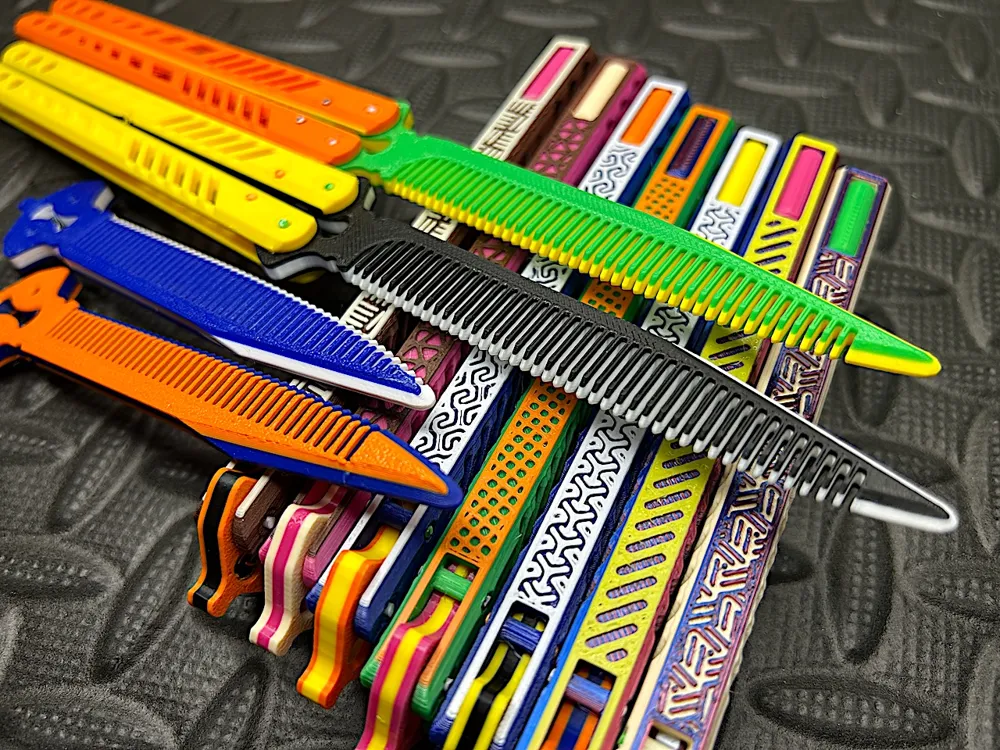
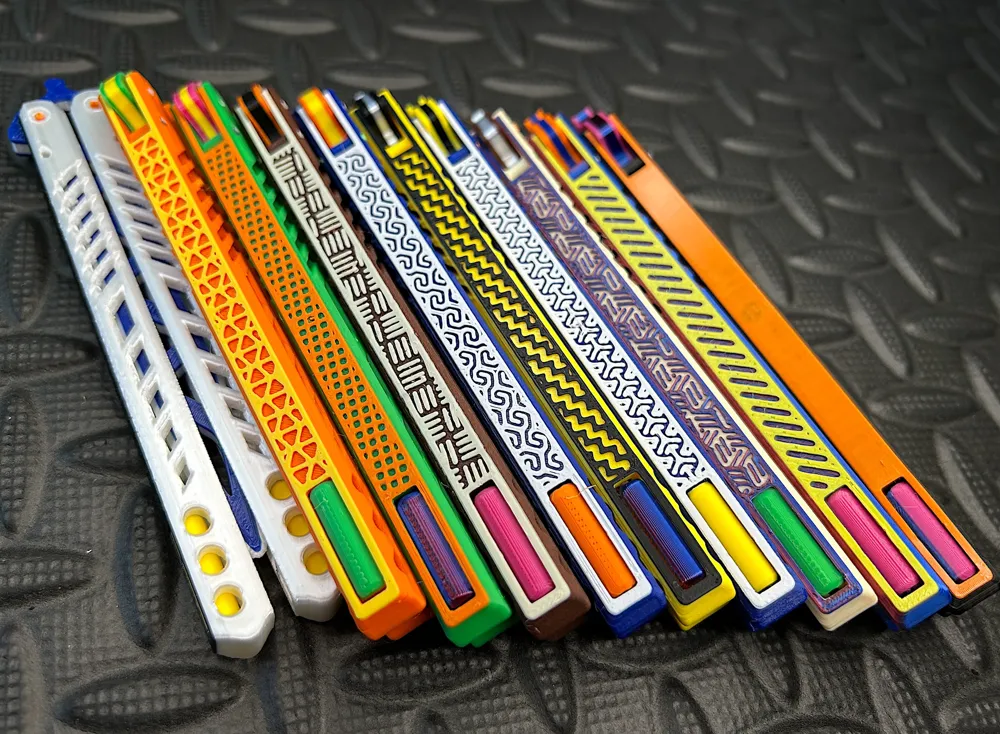
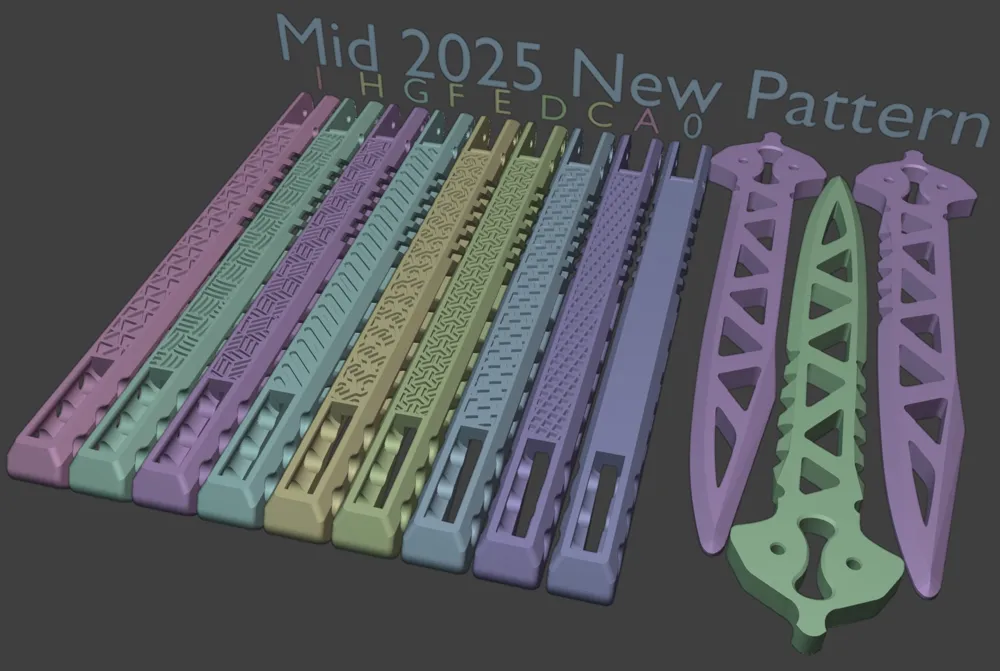
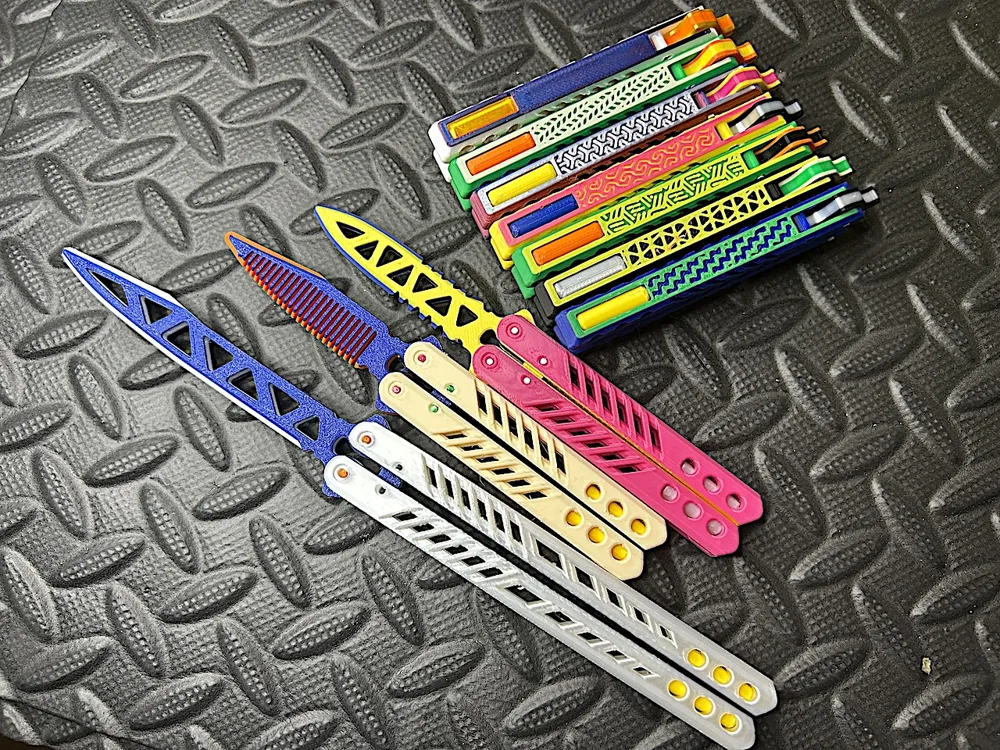
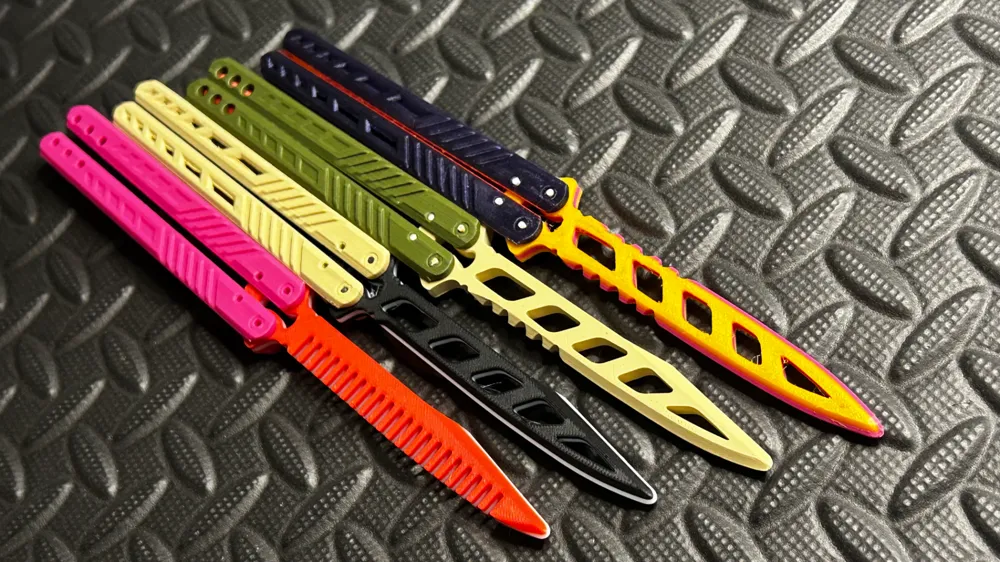
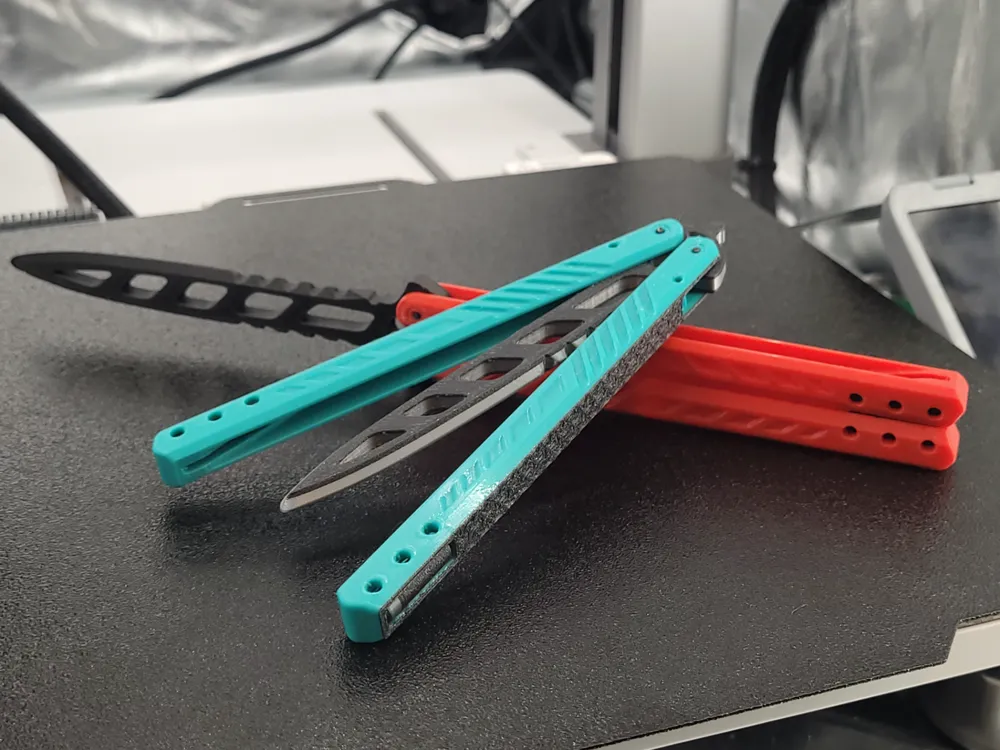
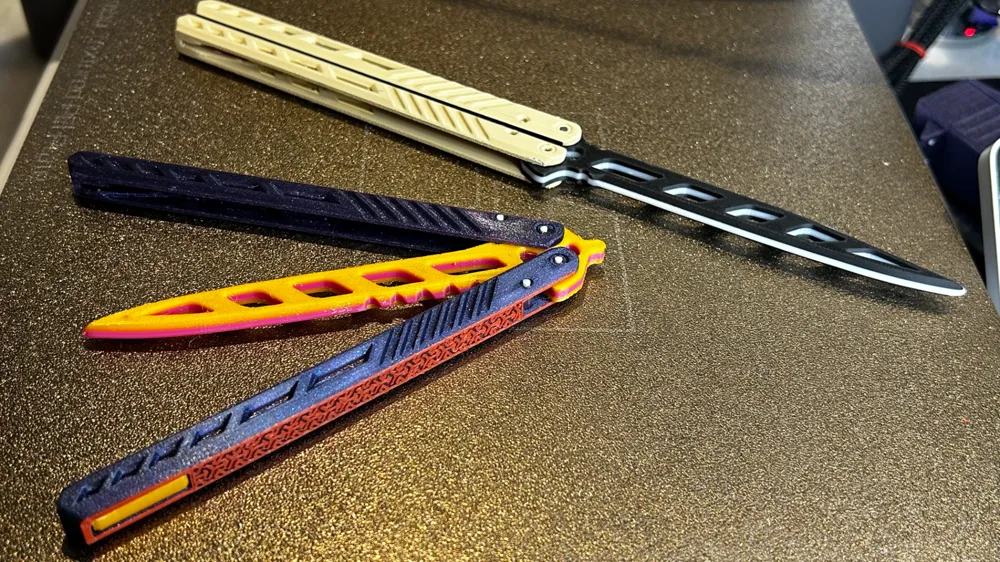
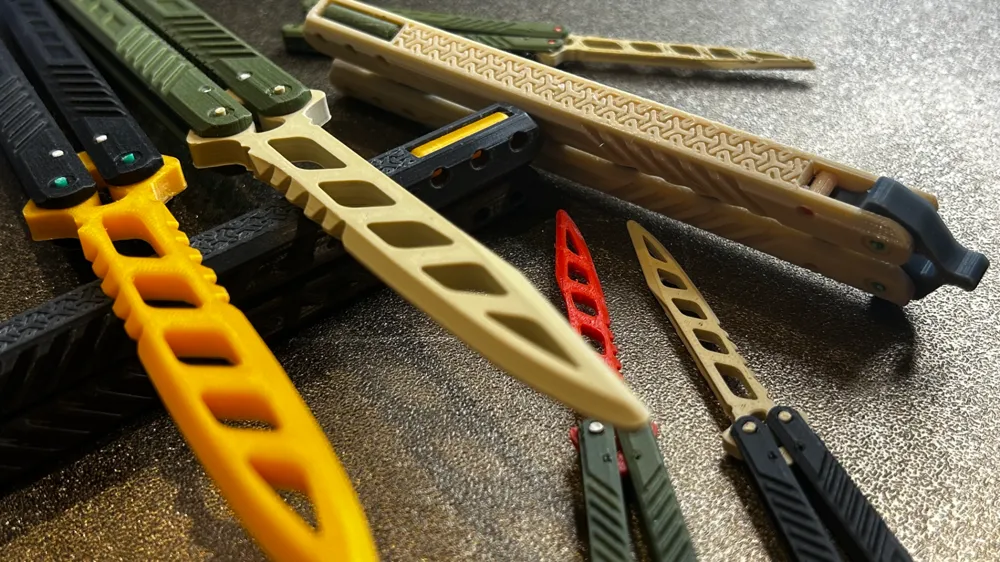
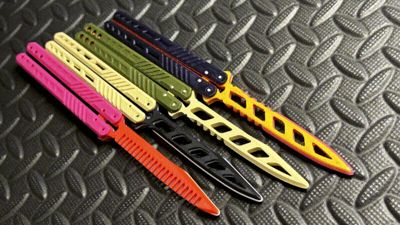
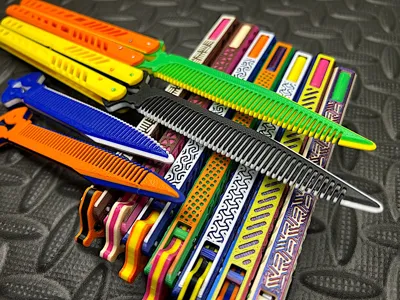
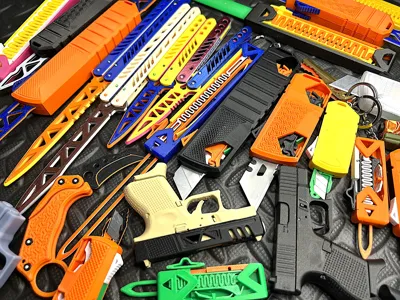
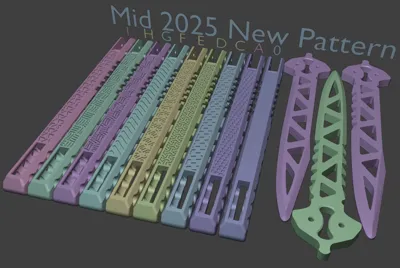
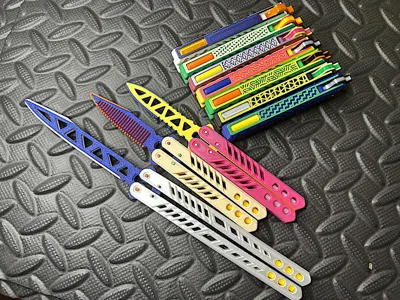
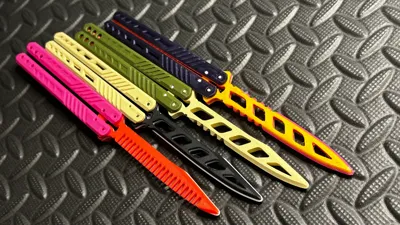
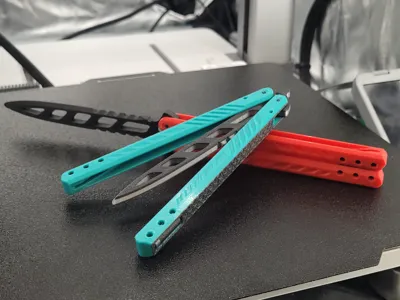
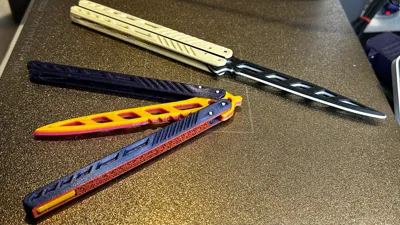
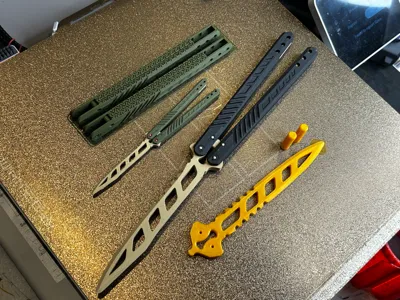
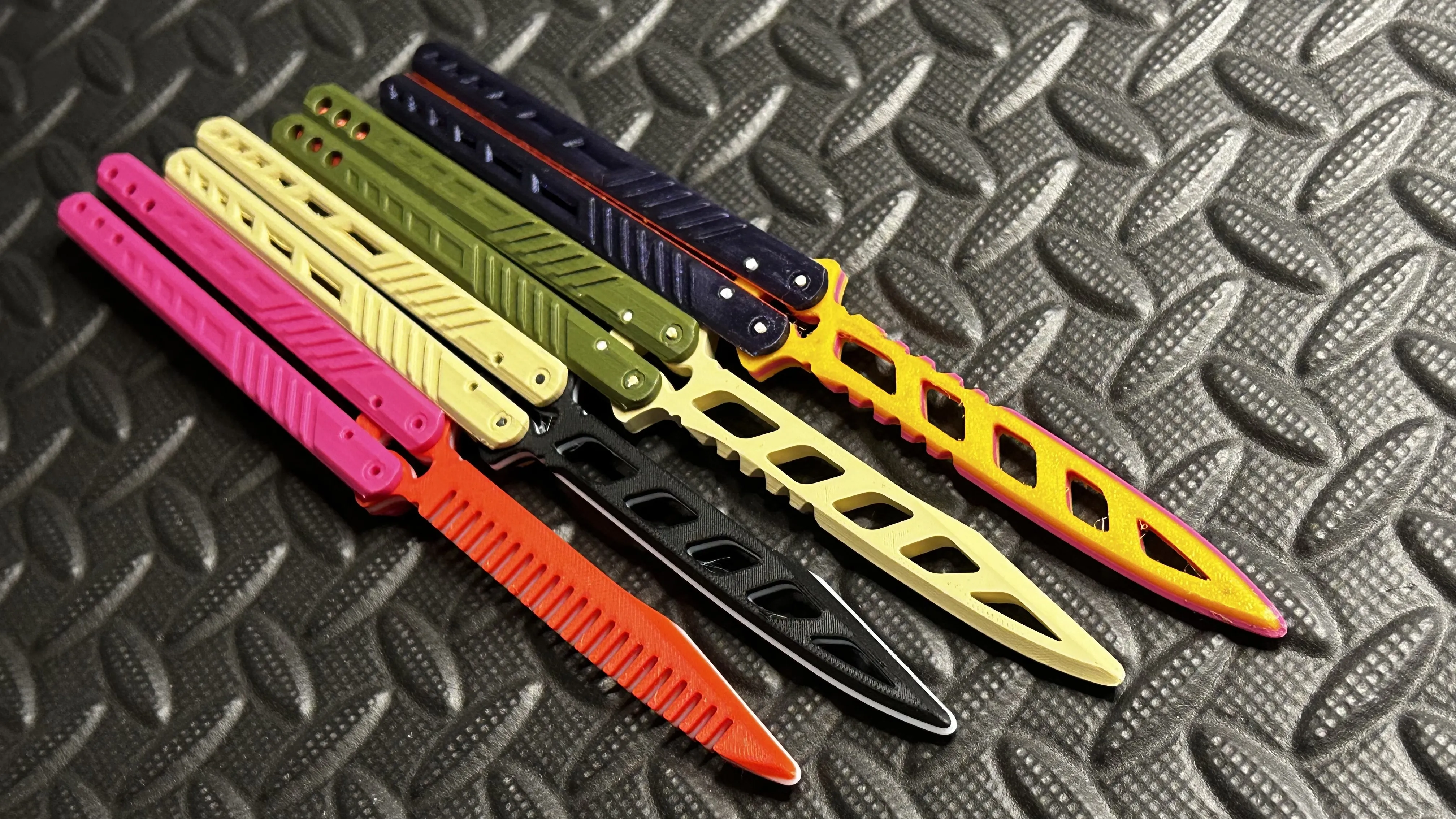
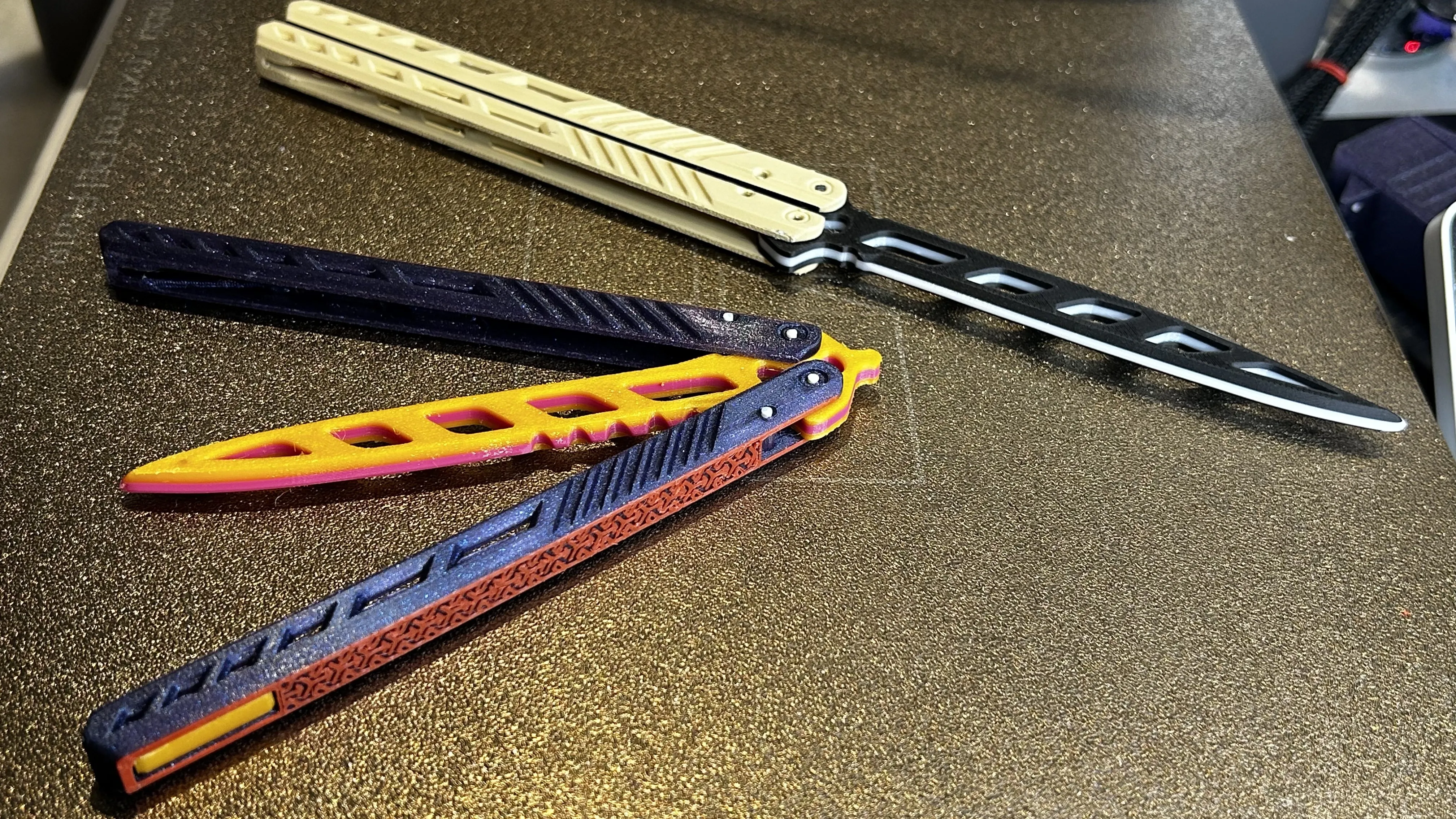
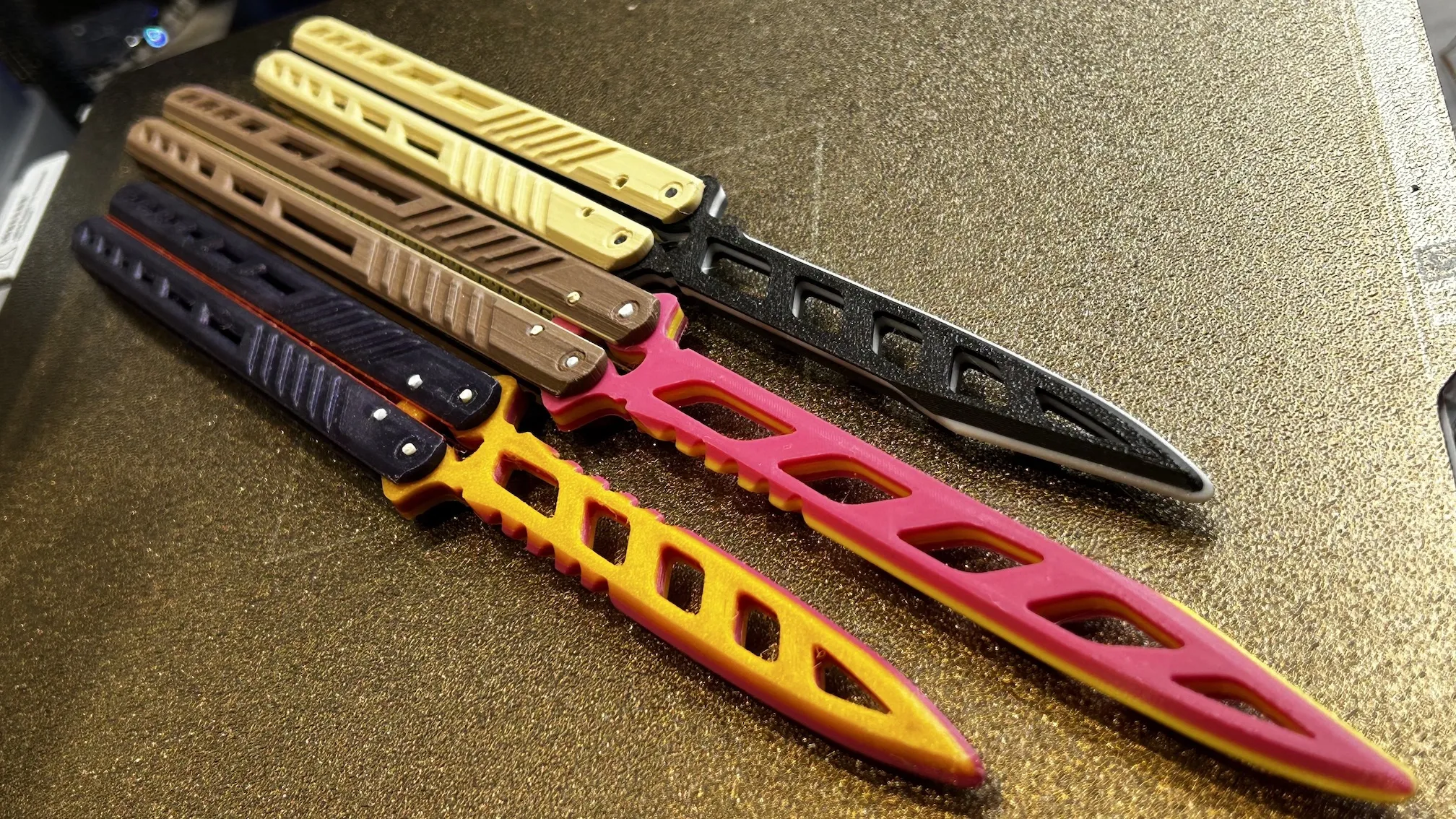
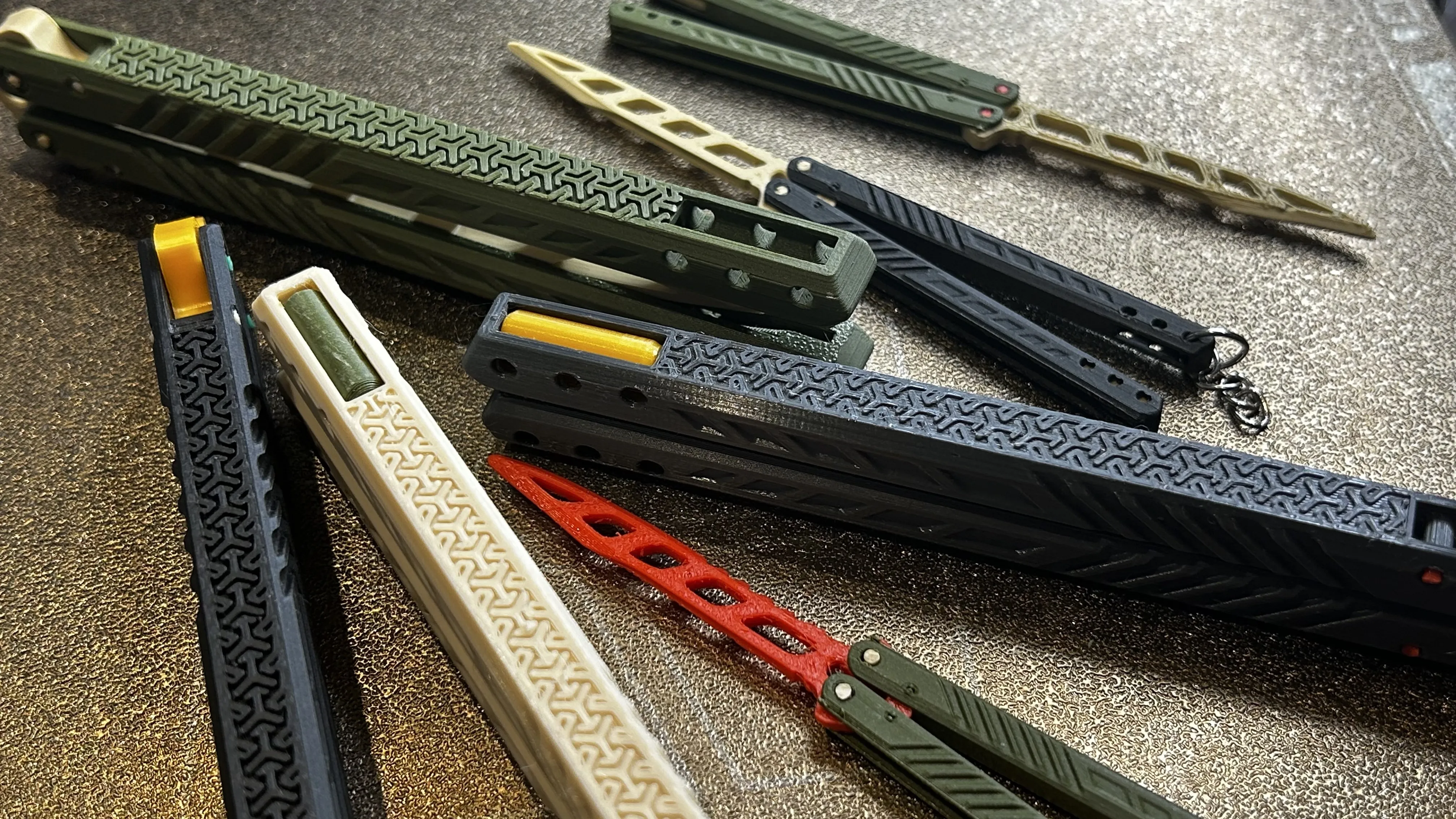
Four blade types. Three handles styles. Mix and match!
2 pieces of 1.75 filament to attach the handle and blade, so minimum friction.
Blade type from upper to lower. 10,11,12,13
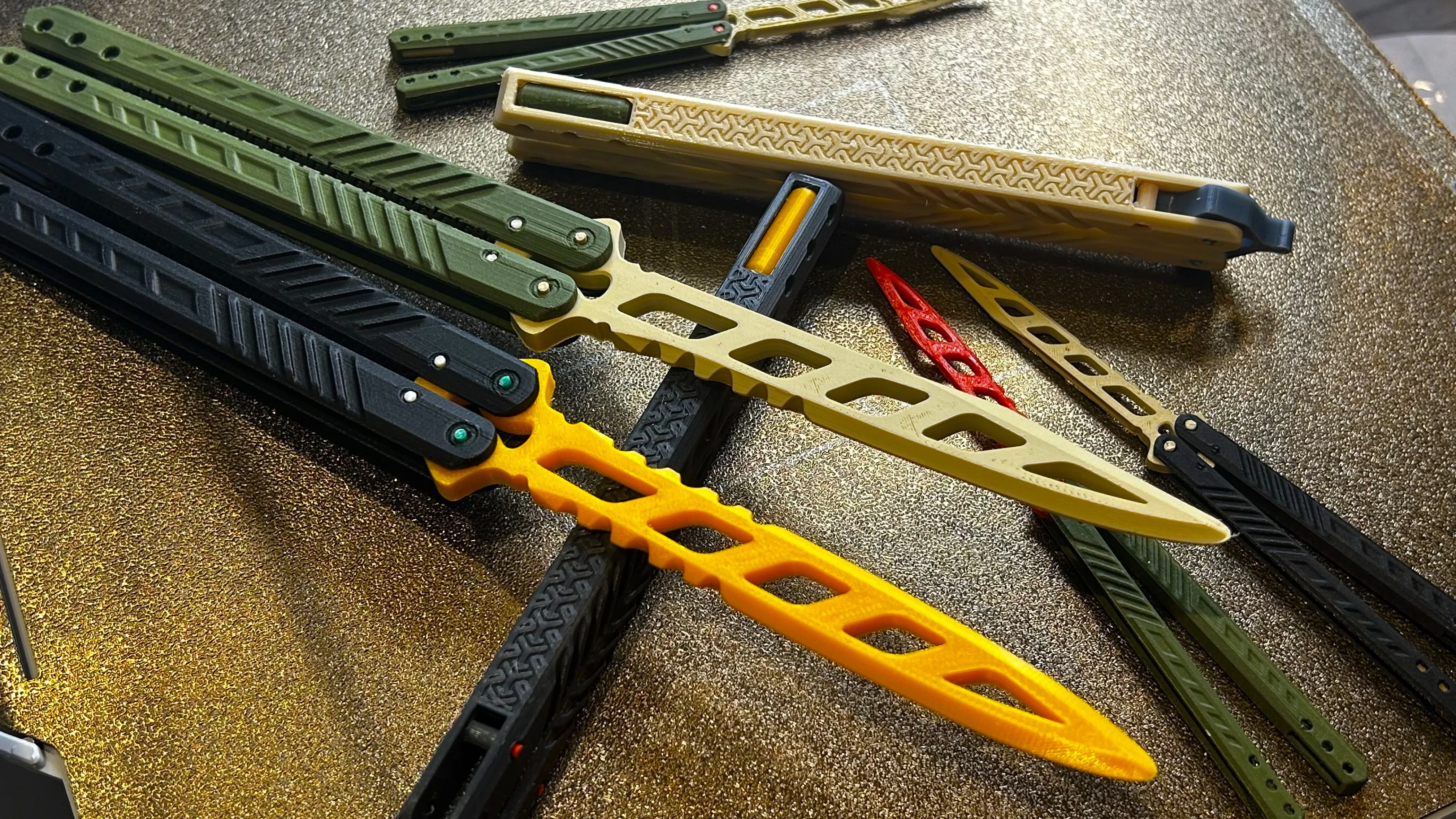
Two sized.
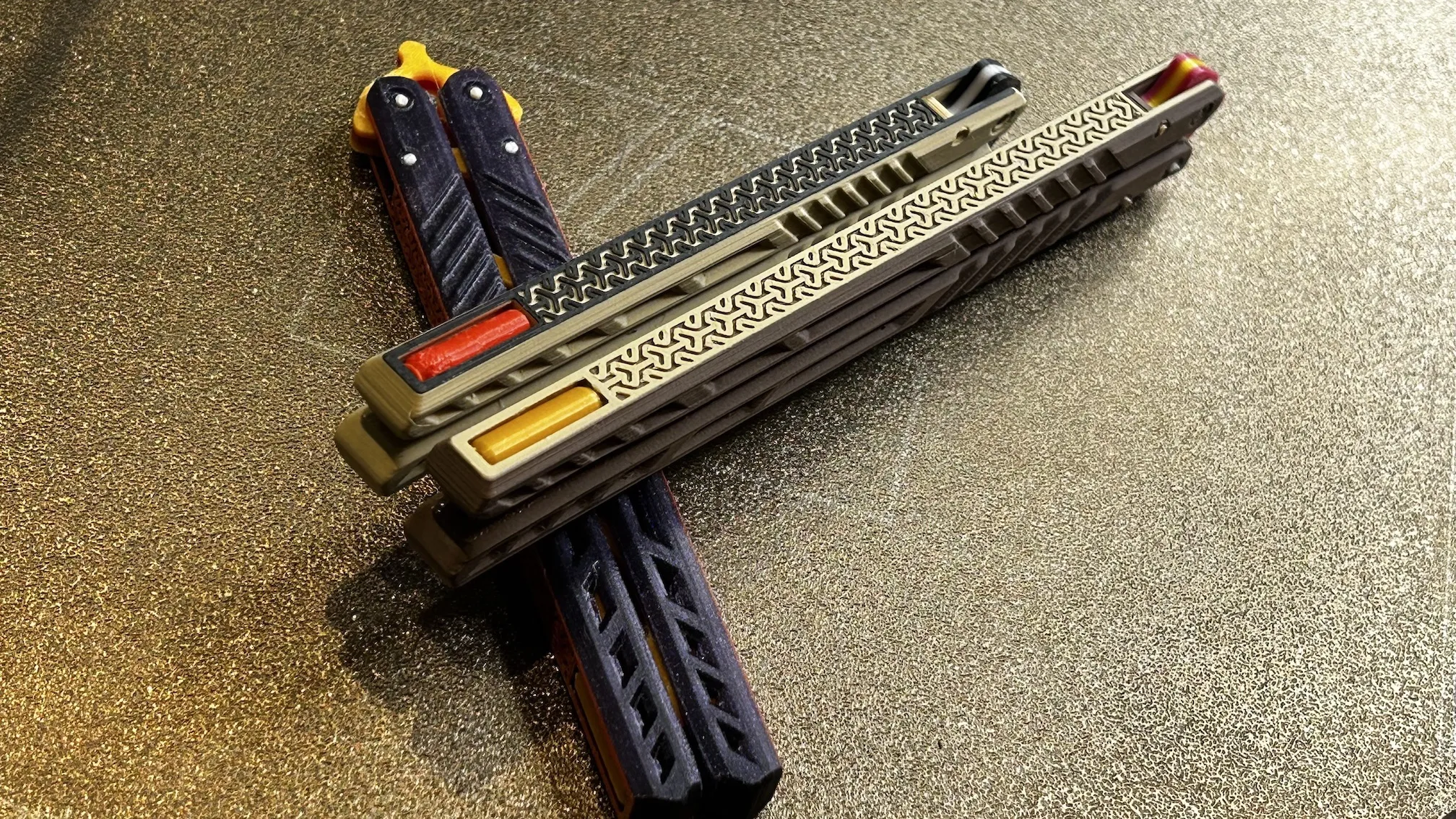
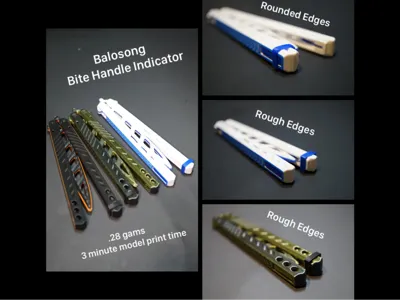
Unsharpen edges.
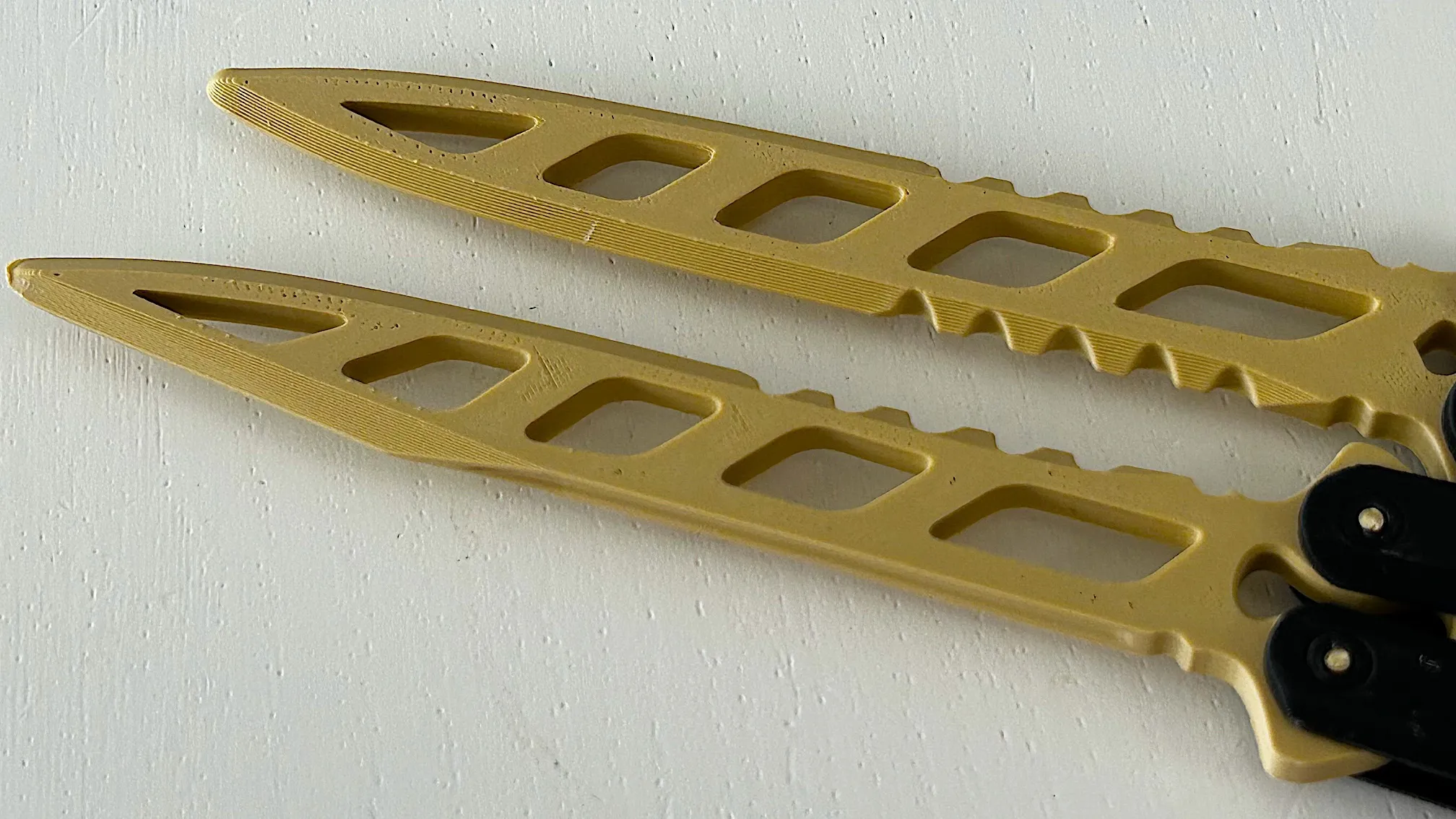
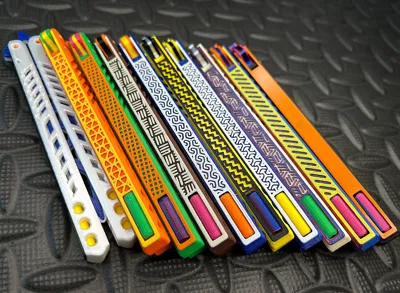
High detail grip pattern.
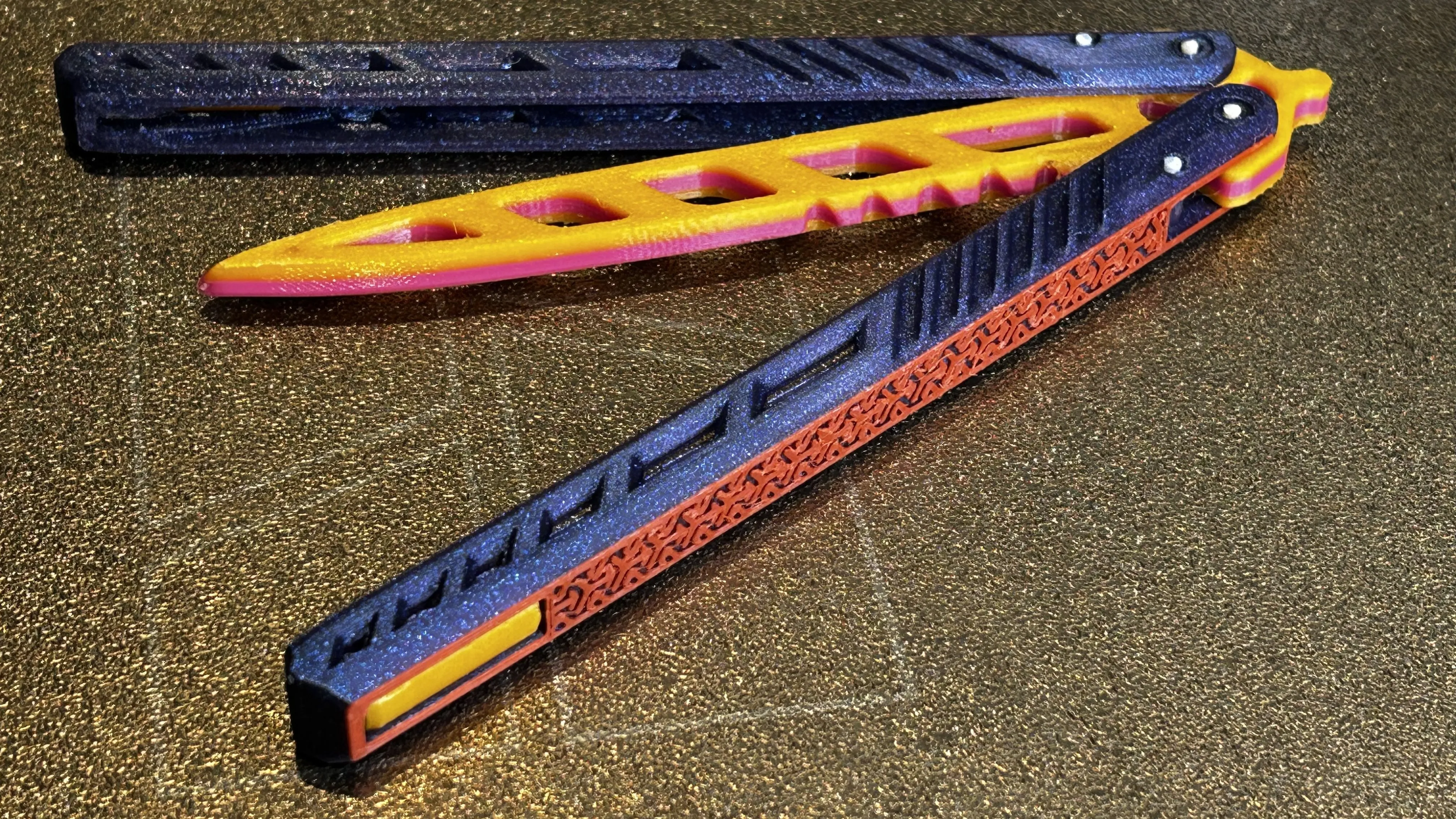
Multicolour print DI style.
If pla joint slip off, try squeeze the middle section before insert.
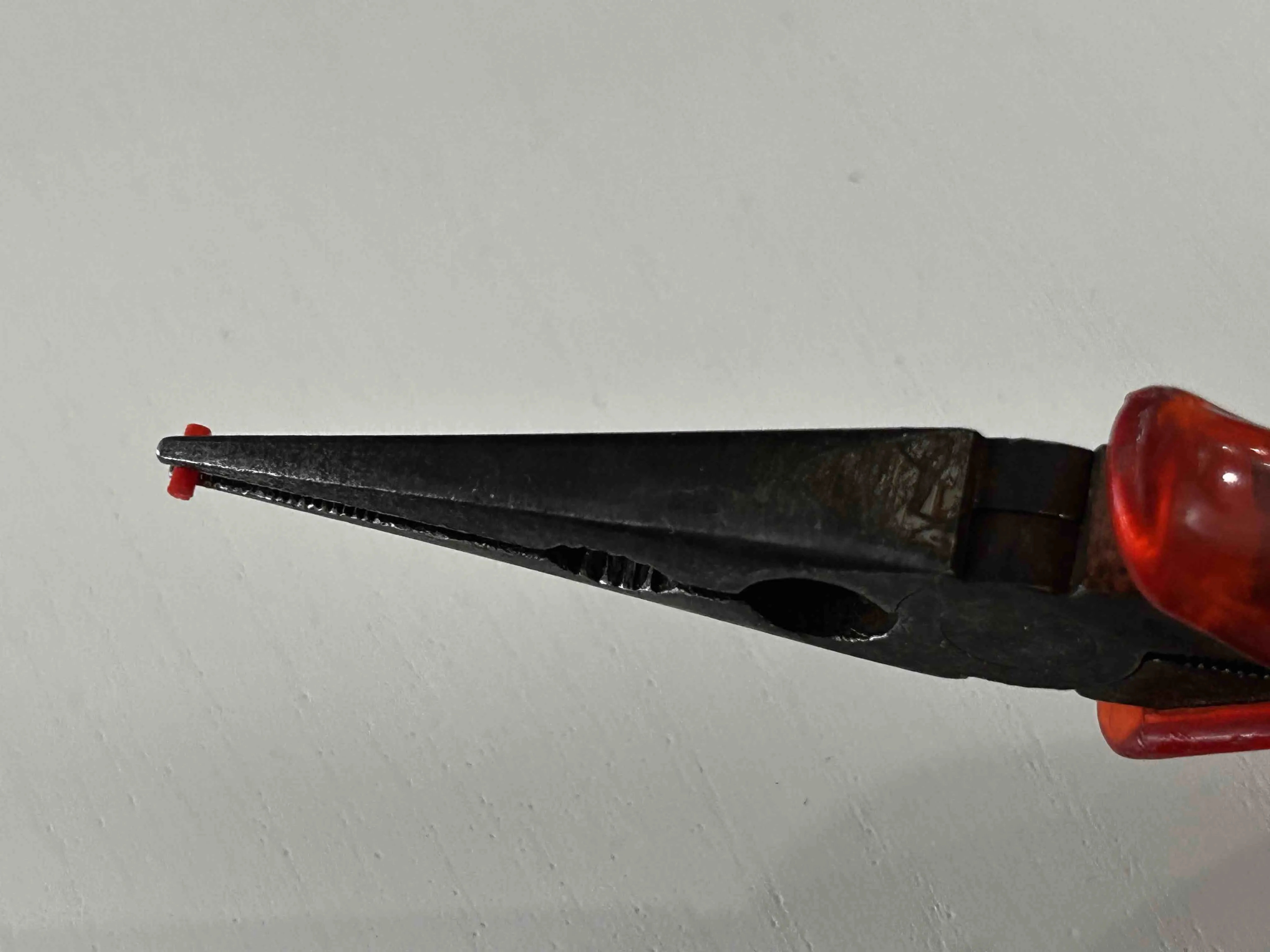
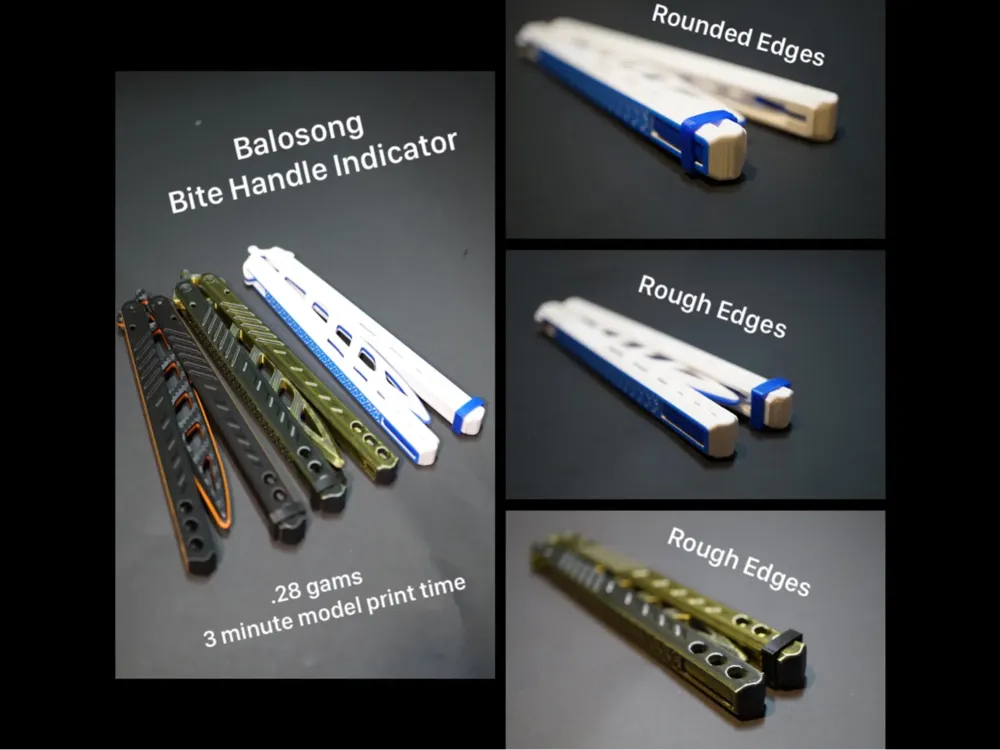
@SternPrinting Bite Handle Indicator
https://makerworld.com/en/models/809596
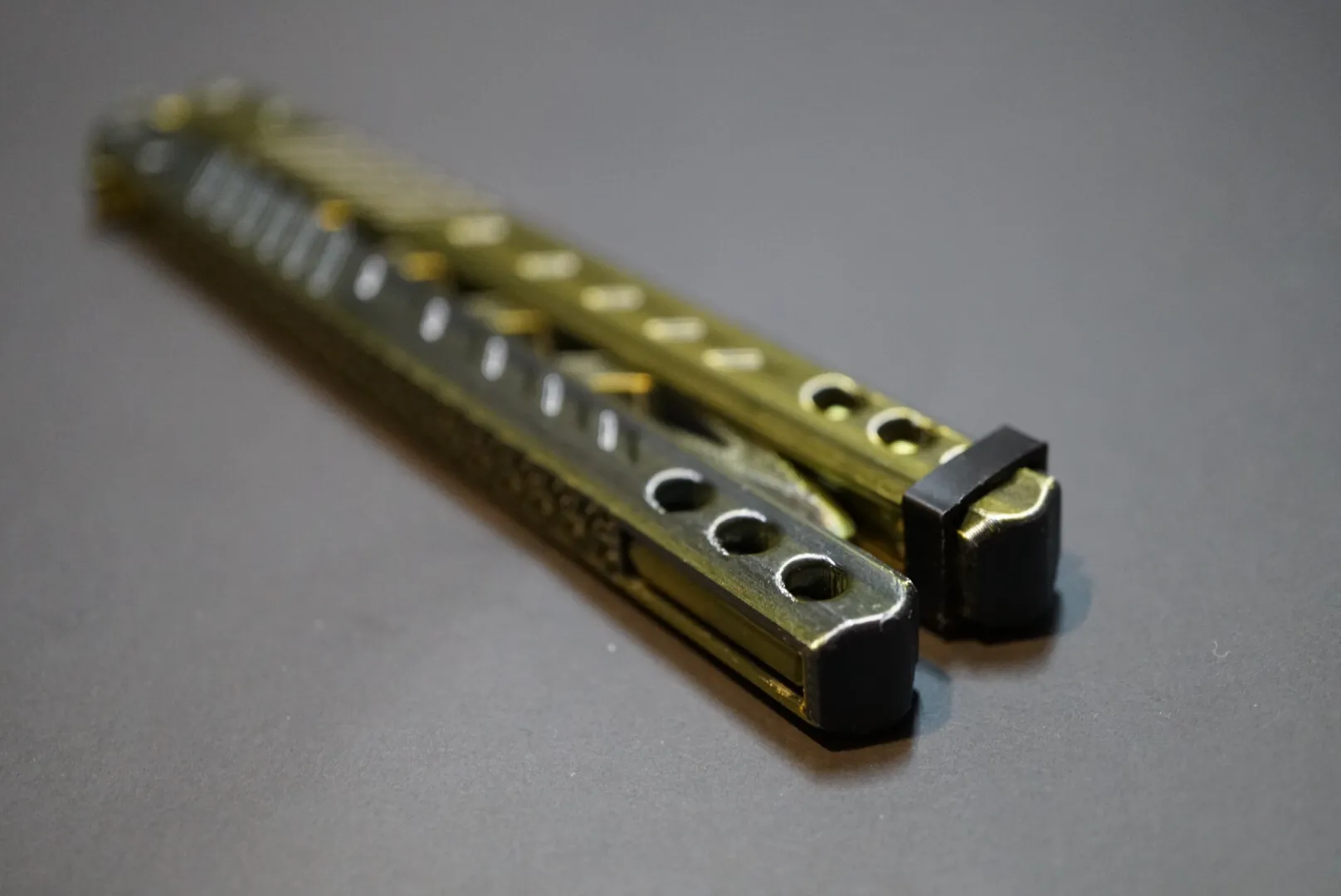
Good luck and good luck printing!
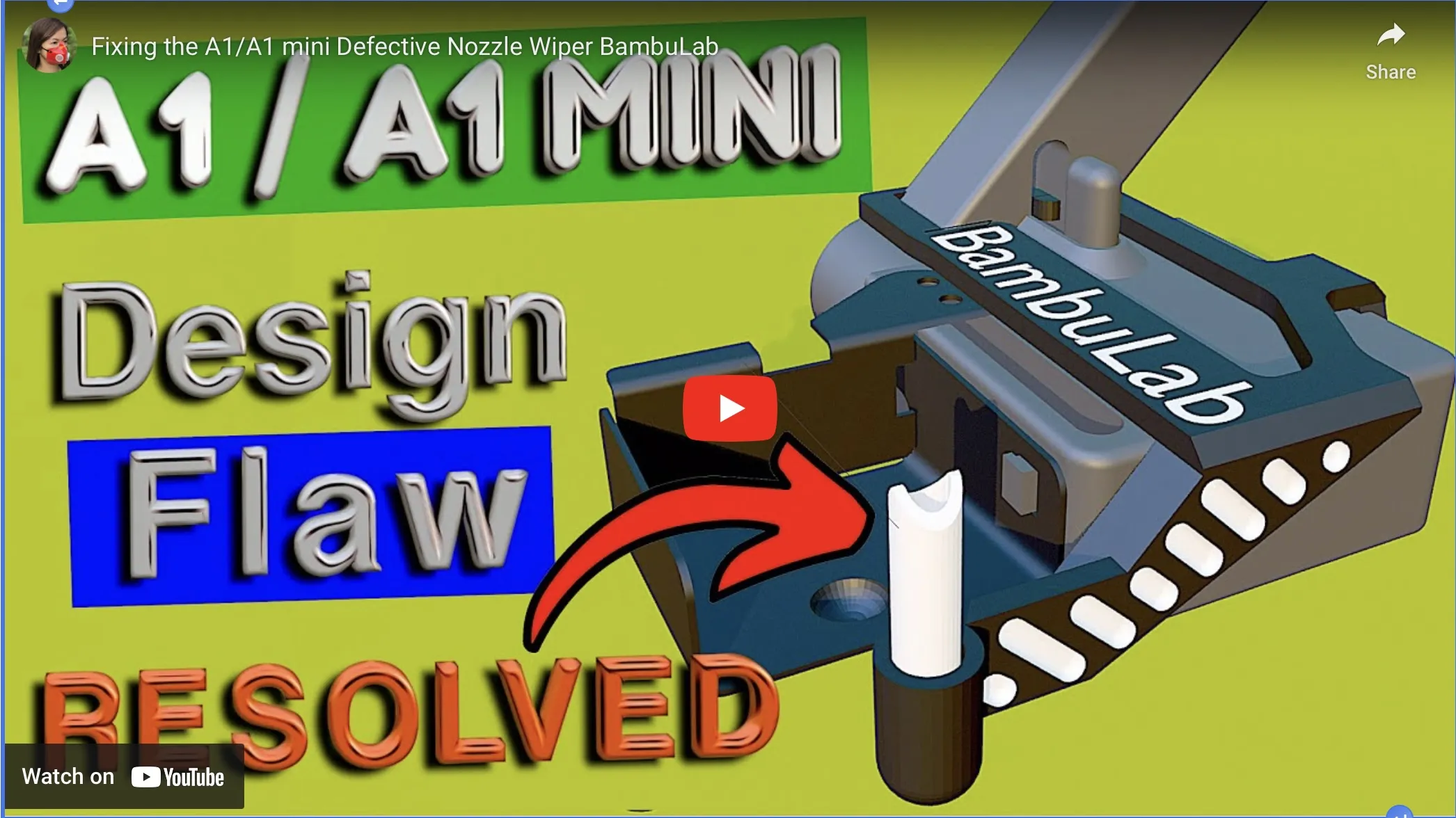
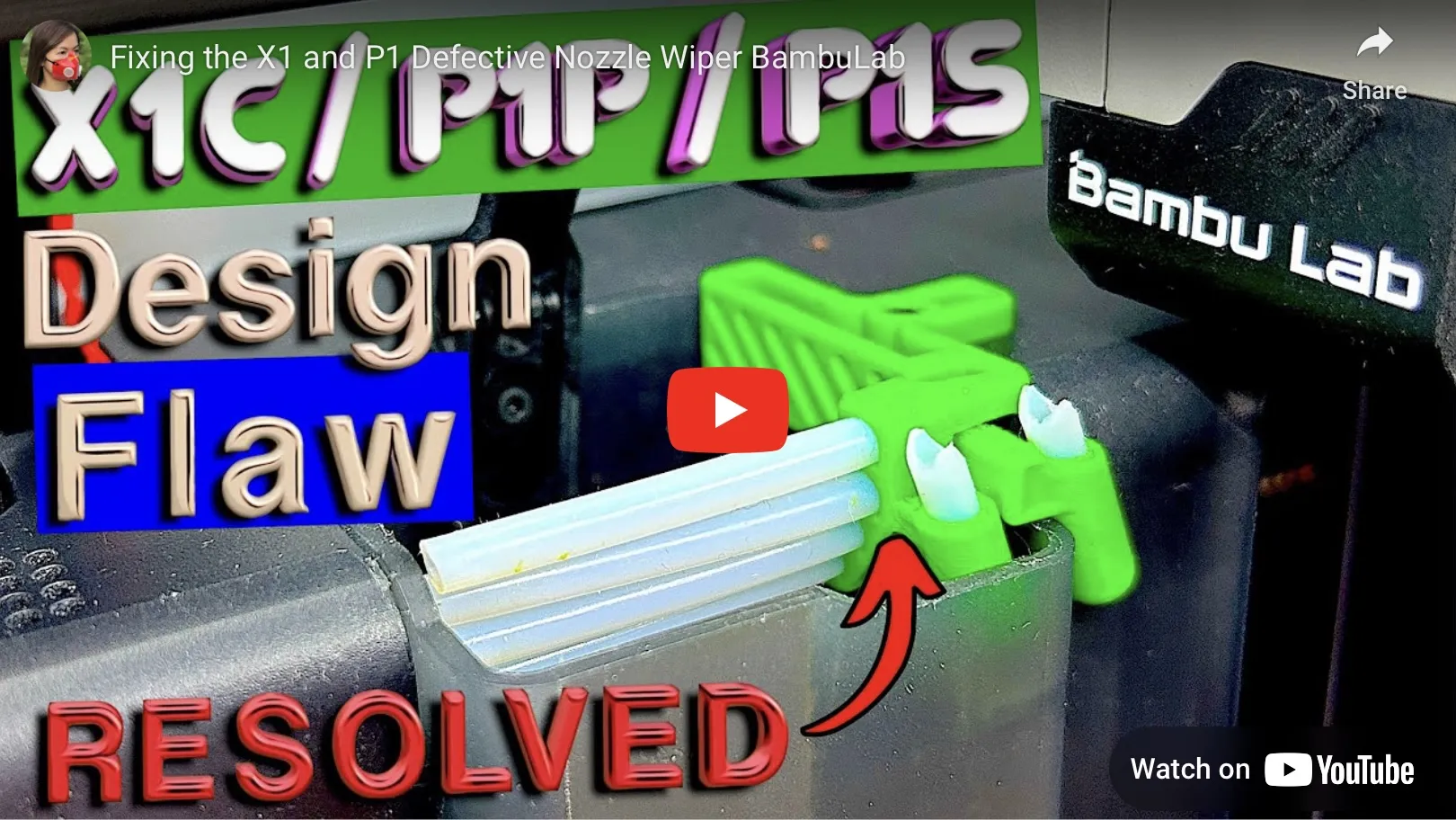
Try my nozzle wiper fix for X1/P1/A1.
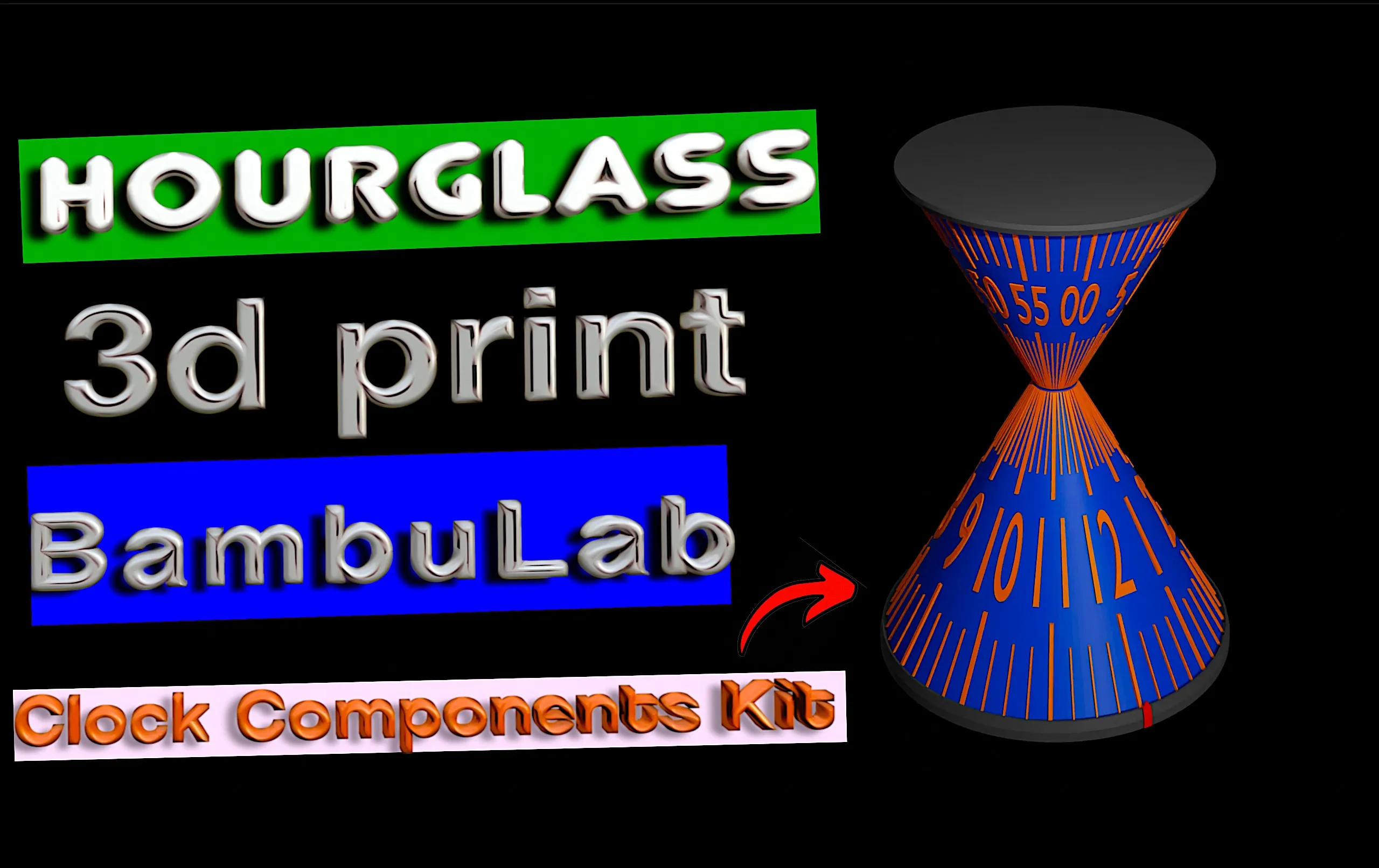
Try this hourglass clock!
Documentation (1)
License

You shall not share, sub-license, sell, rent, host, transfer, or distribute in any way the digital or 3D printed versions of this object, nor any other derivative work of this object in its digital or physical format (including - but not limited to - remixes of this object, and hosting on other digital platforms). The objects may not be used without permission in any way whatsoever in which you charge money, or collect fees.


Comment & Rating (9069)