
Filament Swatch System
Print Profile(8)


Description
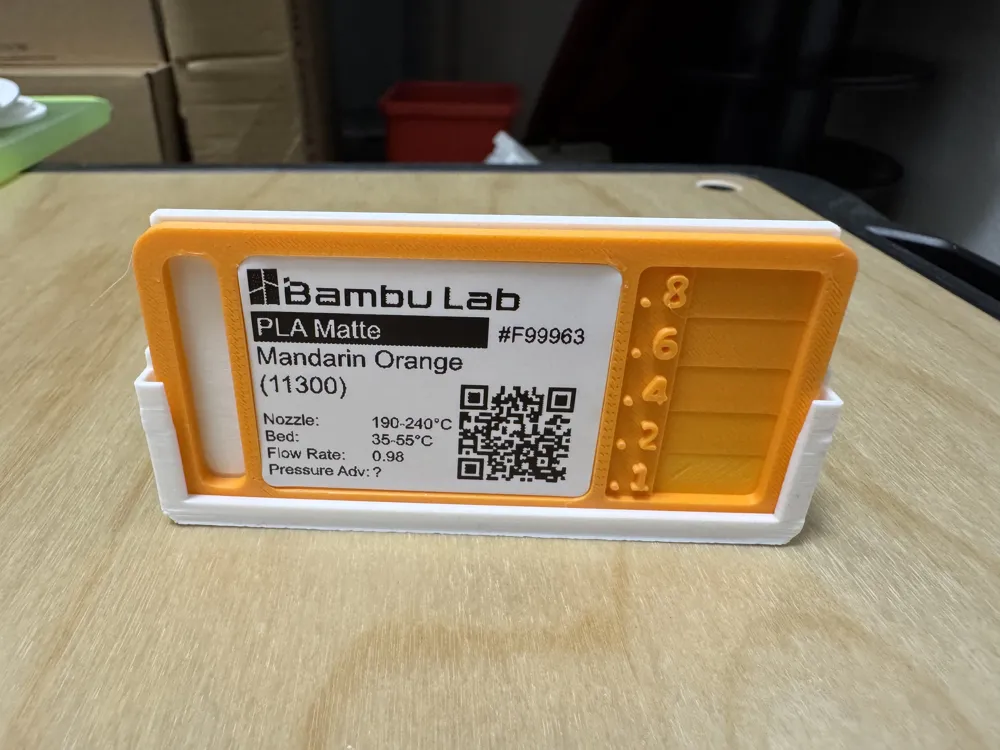
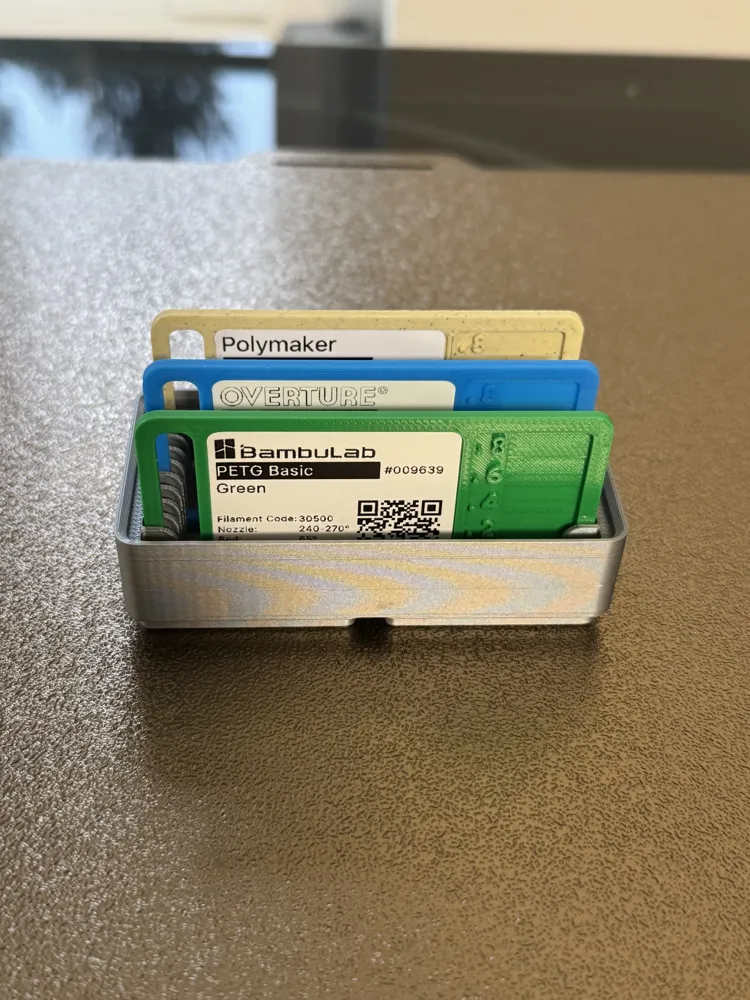
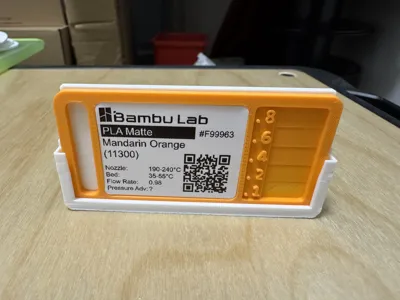
Filament Swatch System.
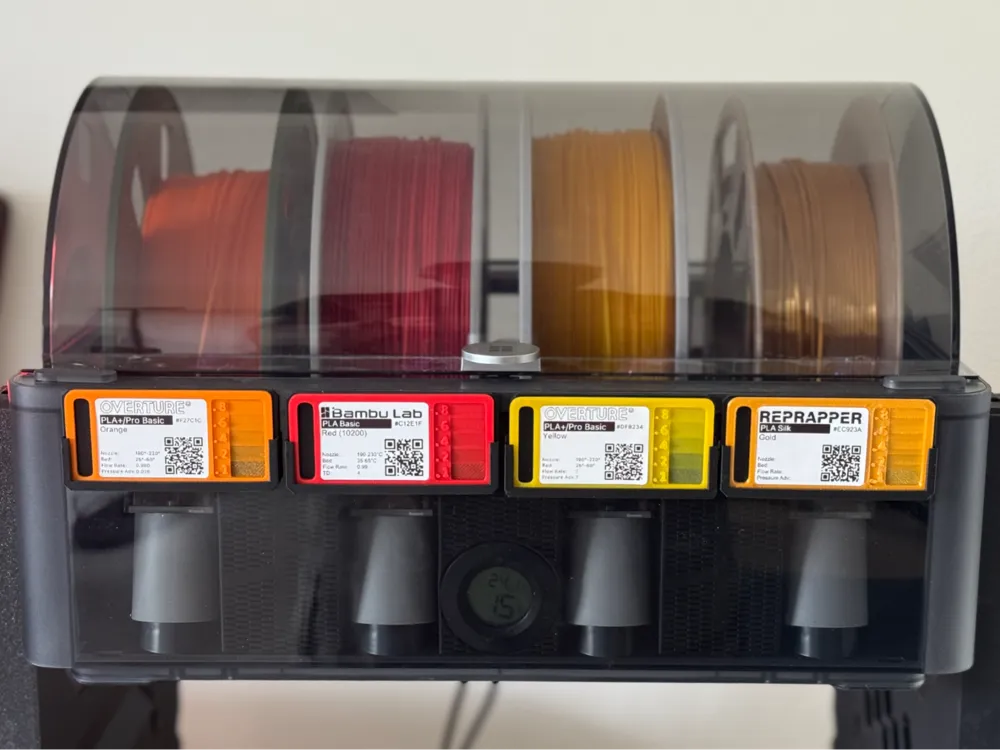
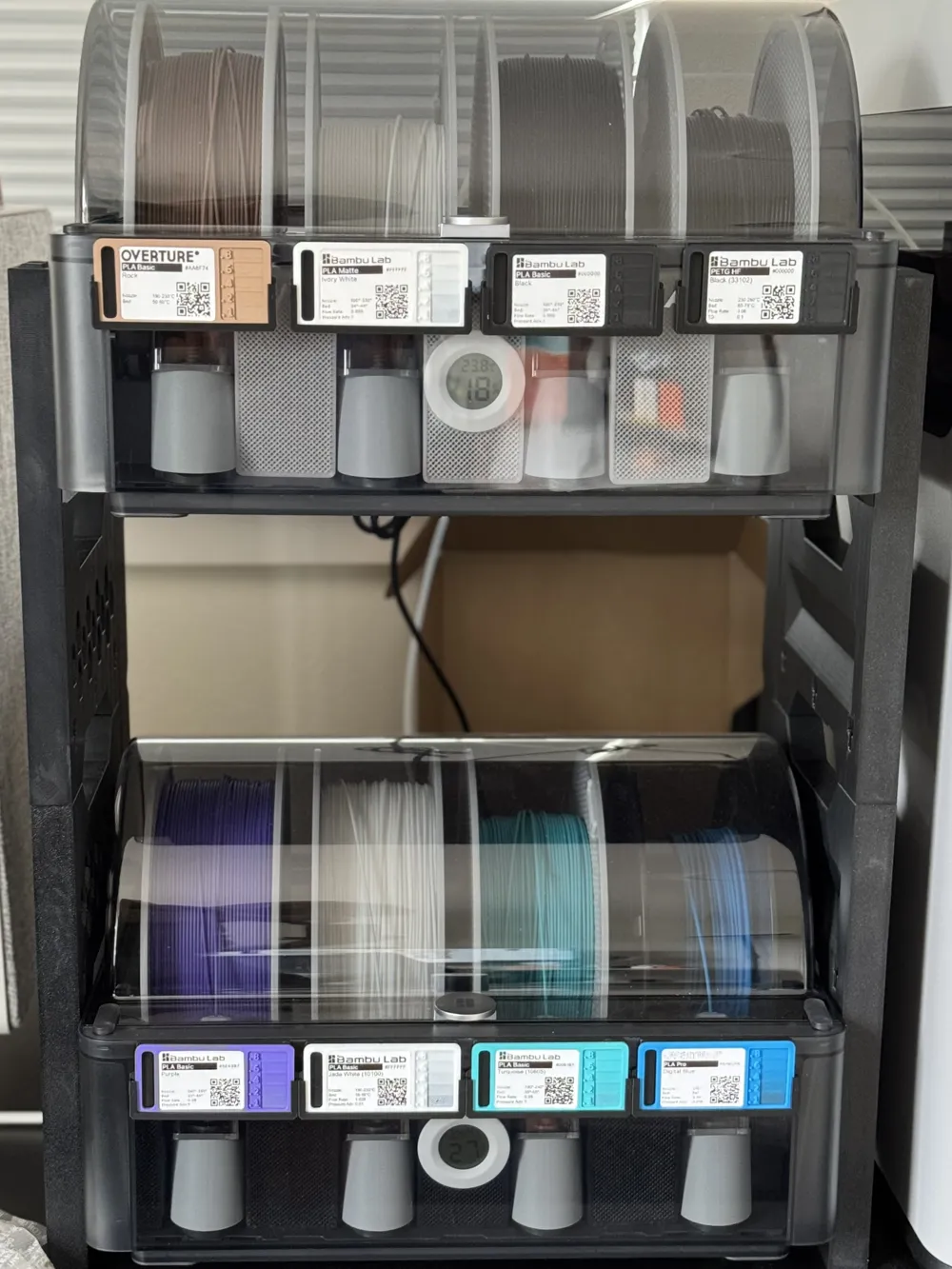
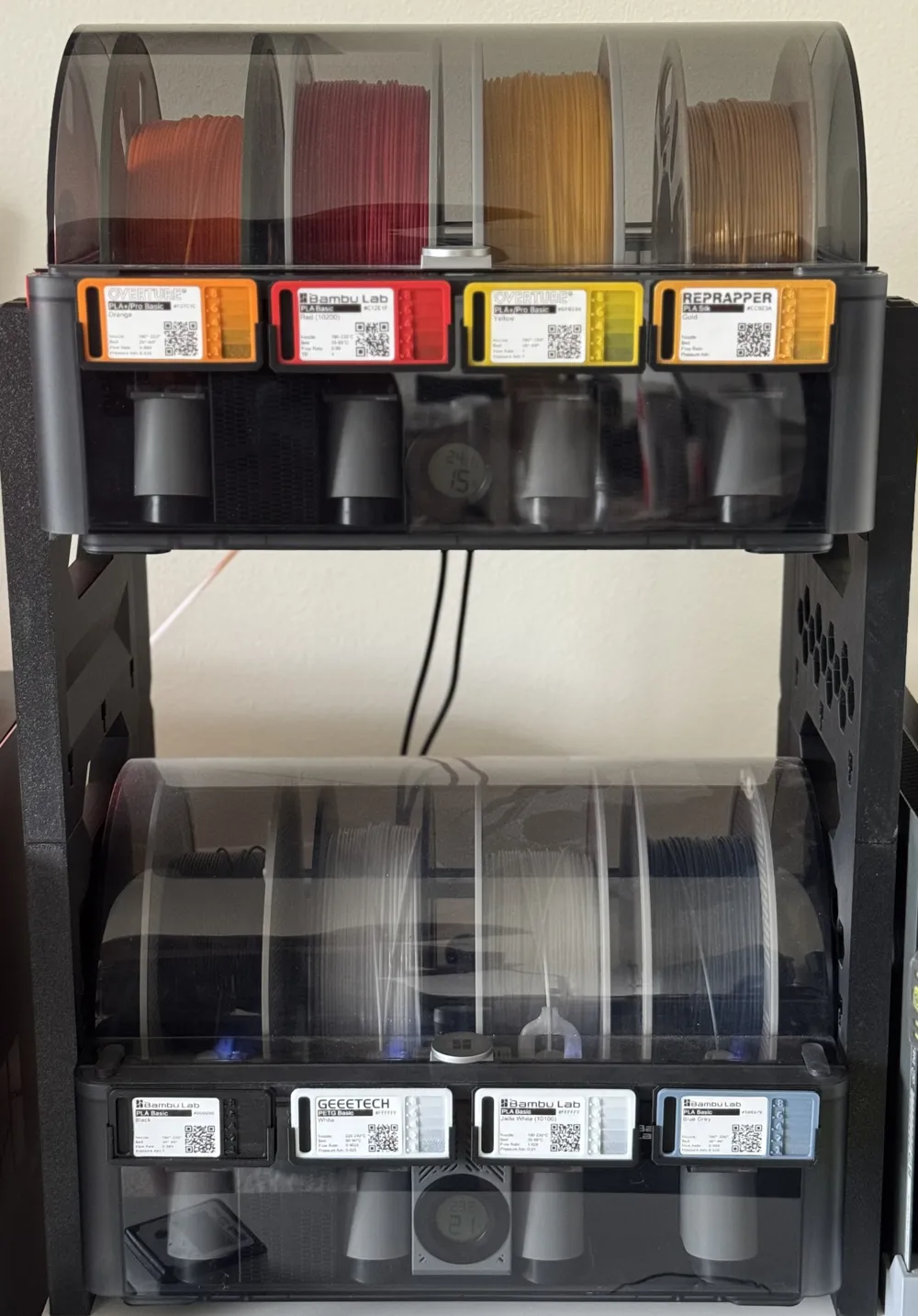
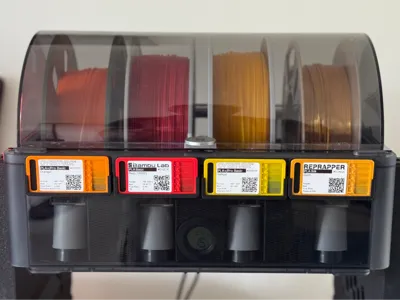
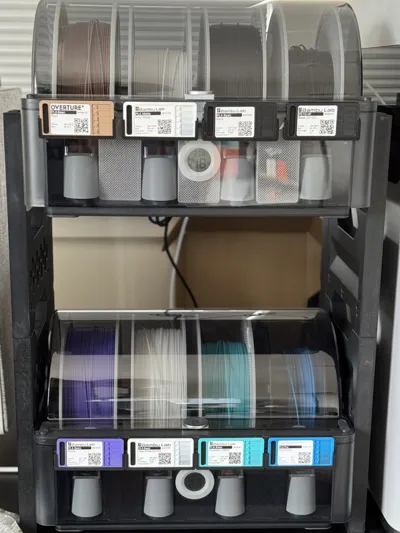
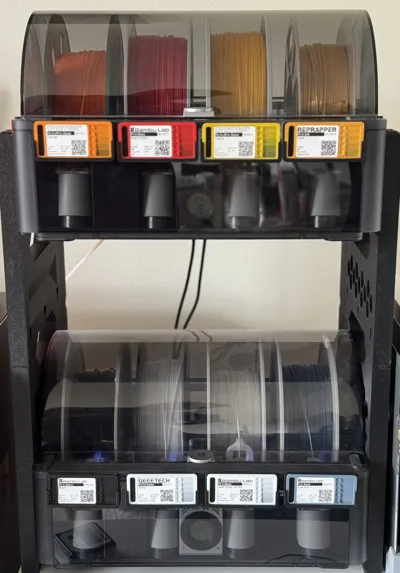
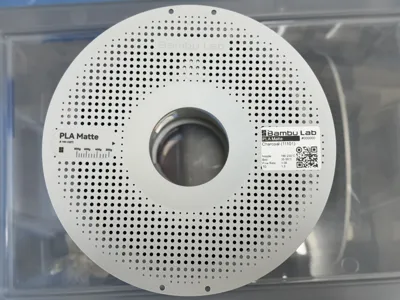
This is my Filament Swatch System that I have developed now that I have so many rolls of different filament. I really liked the filament swatch cards from 喵喵mya, especially the space for a 40x30mm label, so I built a system around it.
NEW
- Short swatch cards and holders
- Bambu Lab Invoice importer now live on https://3dfilamentprofiles.com
Steps
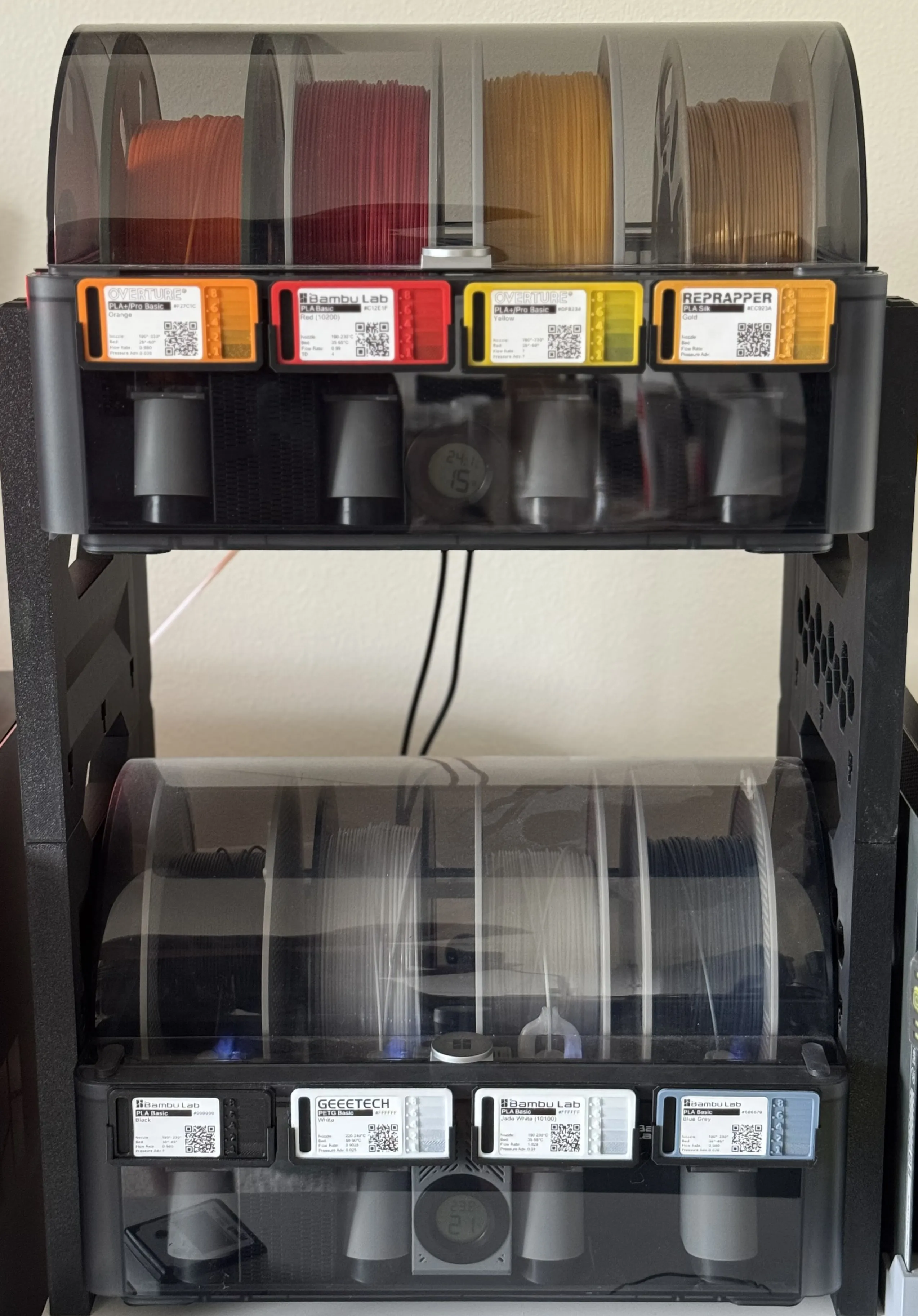
- When I get a new filament I print a swatch card.
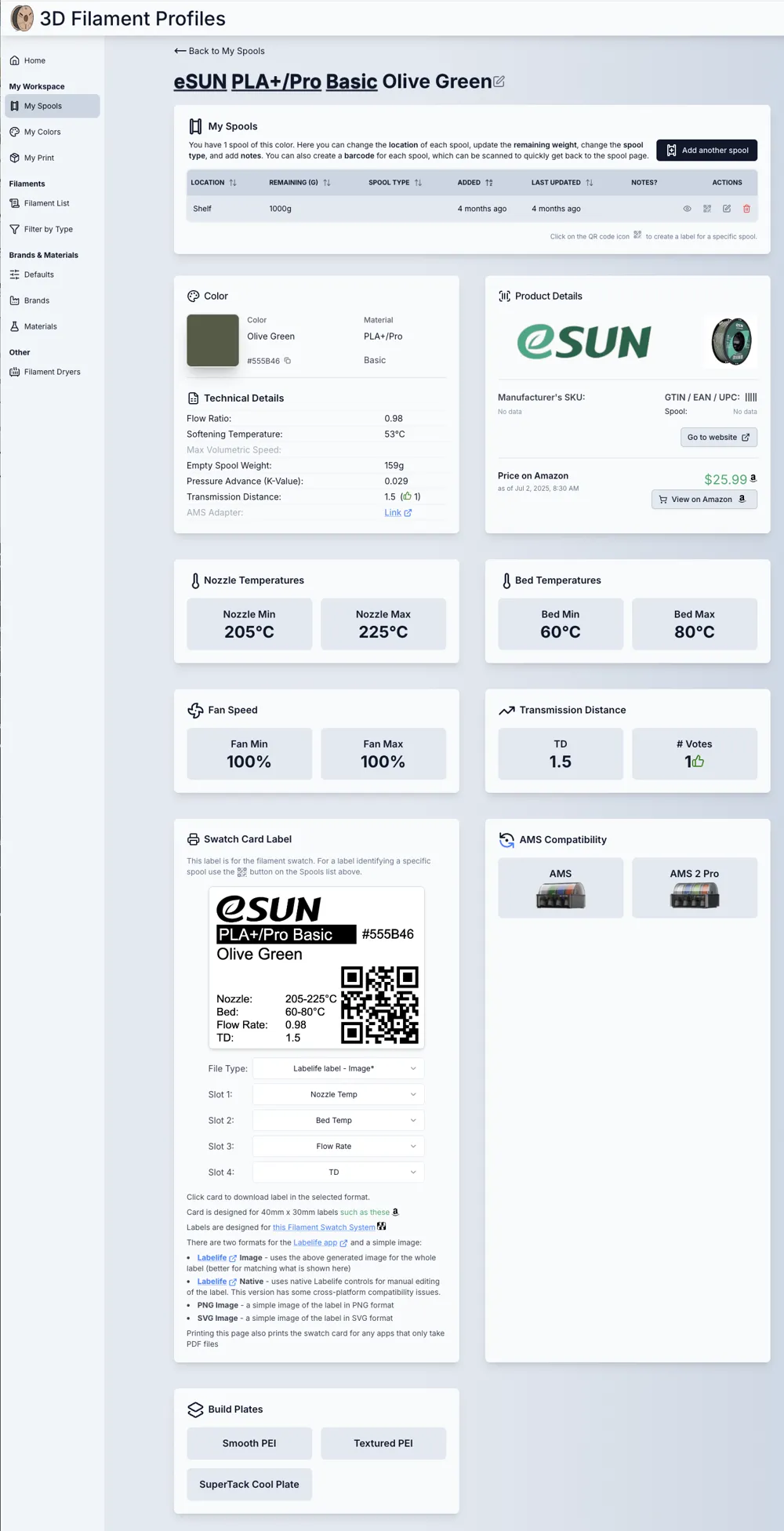
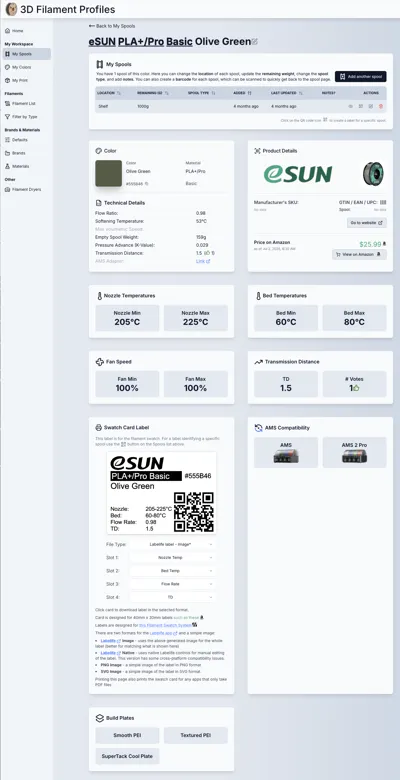
- I then go on to https://3dfilamentprofiles.com and find the profile for the filament I just bought (or create if it is not there yet). You can search by UPC code or by brand etc. or click Scan and scan the bar code on the box.
I then print out a label from the filament detail page and attach it to the swatch
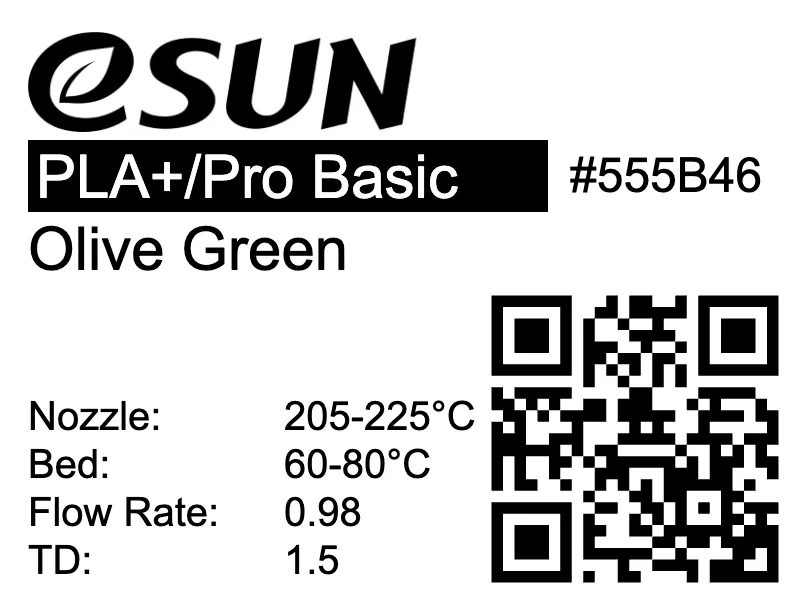
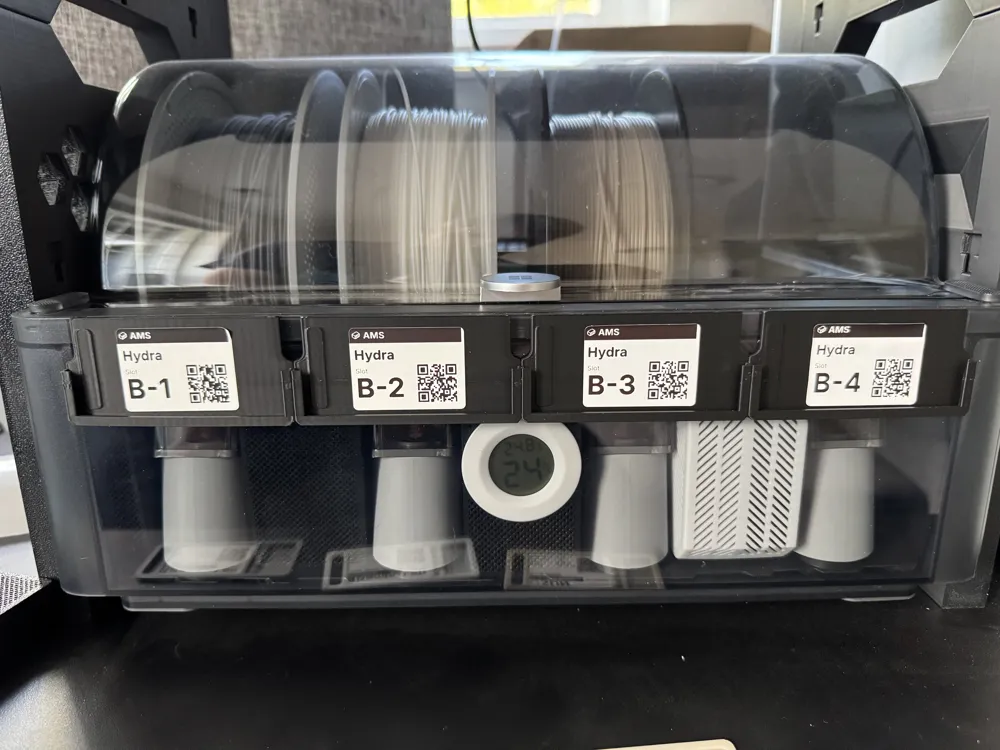
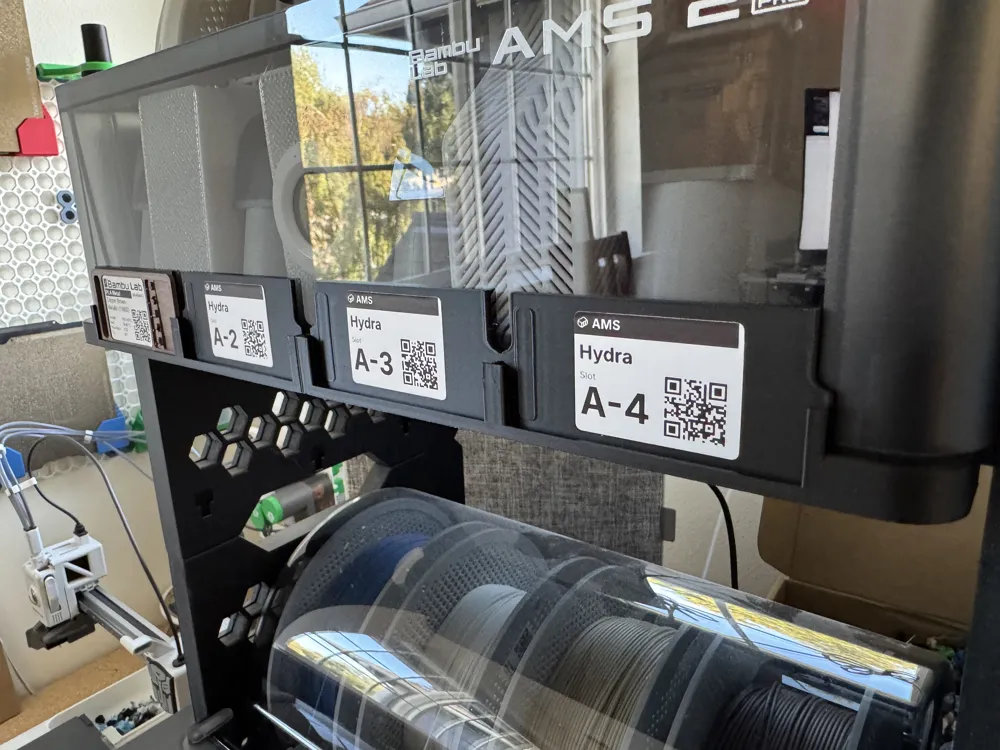
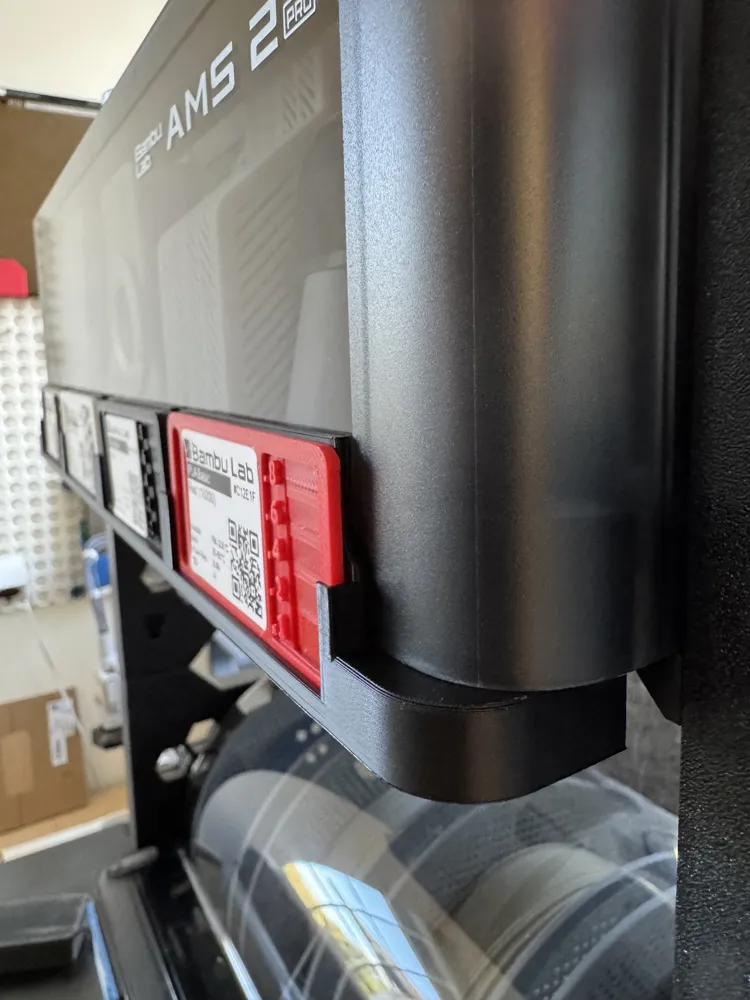
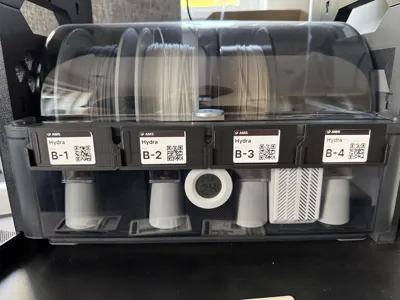
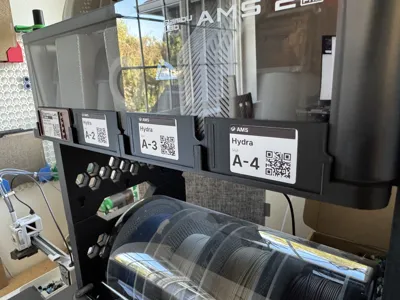
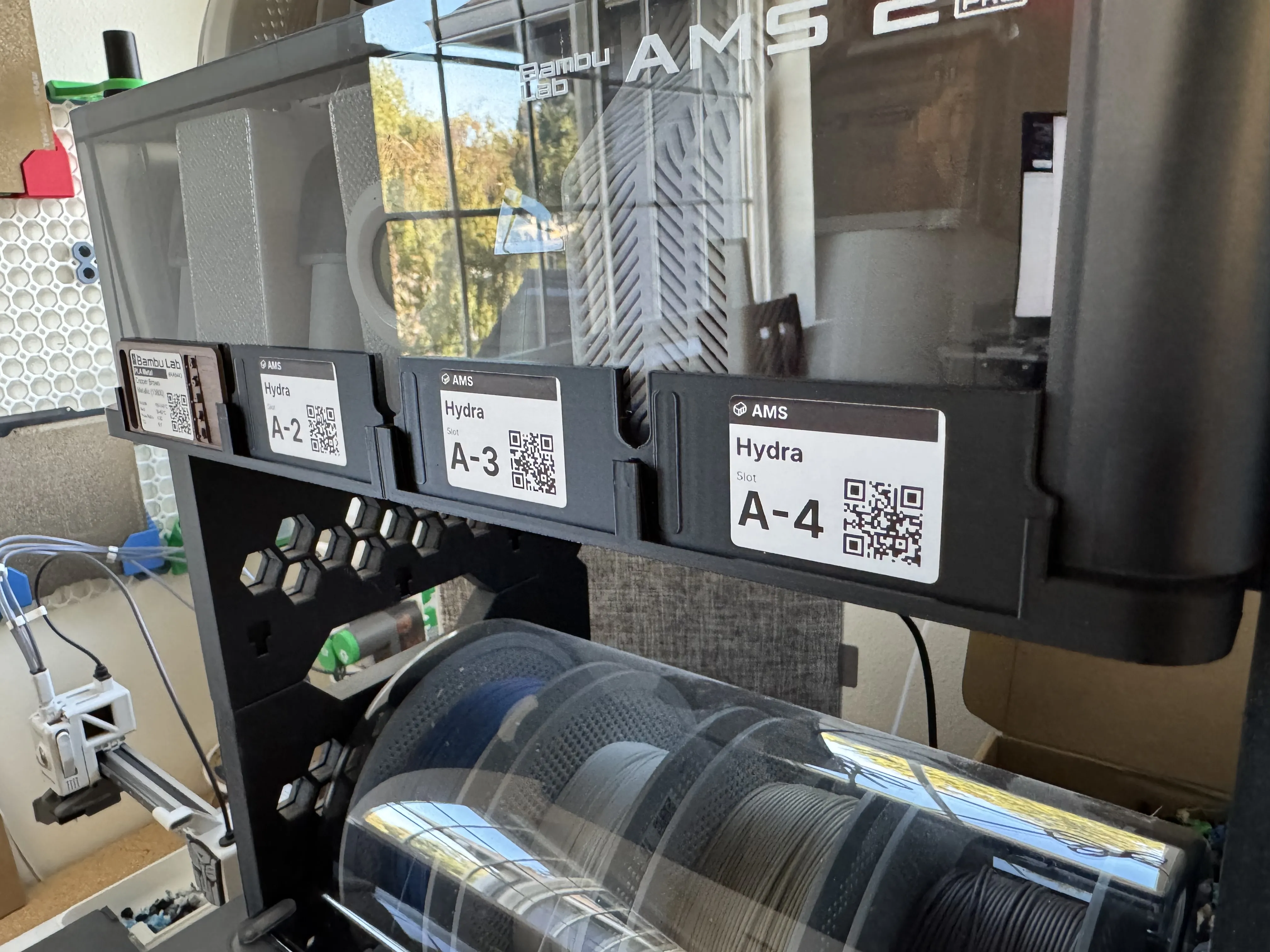
The swatch is then either put on the hanger for the container the filament goes in, or AMS slot if it is being used
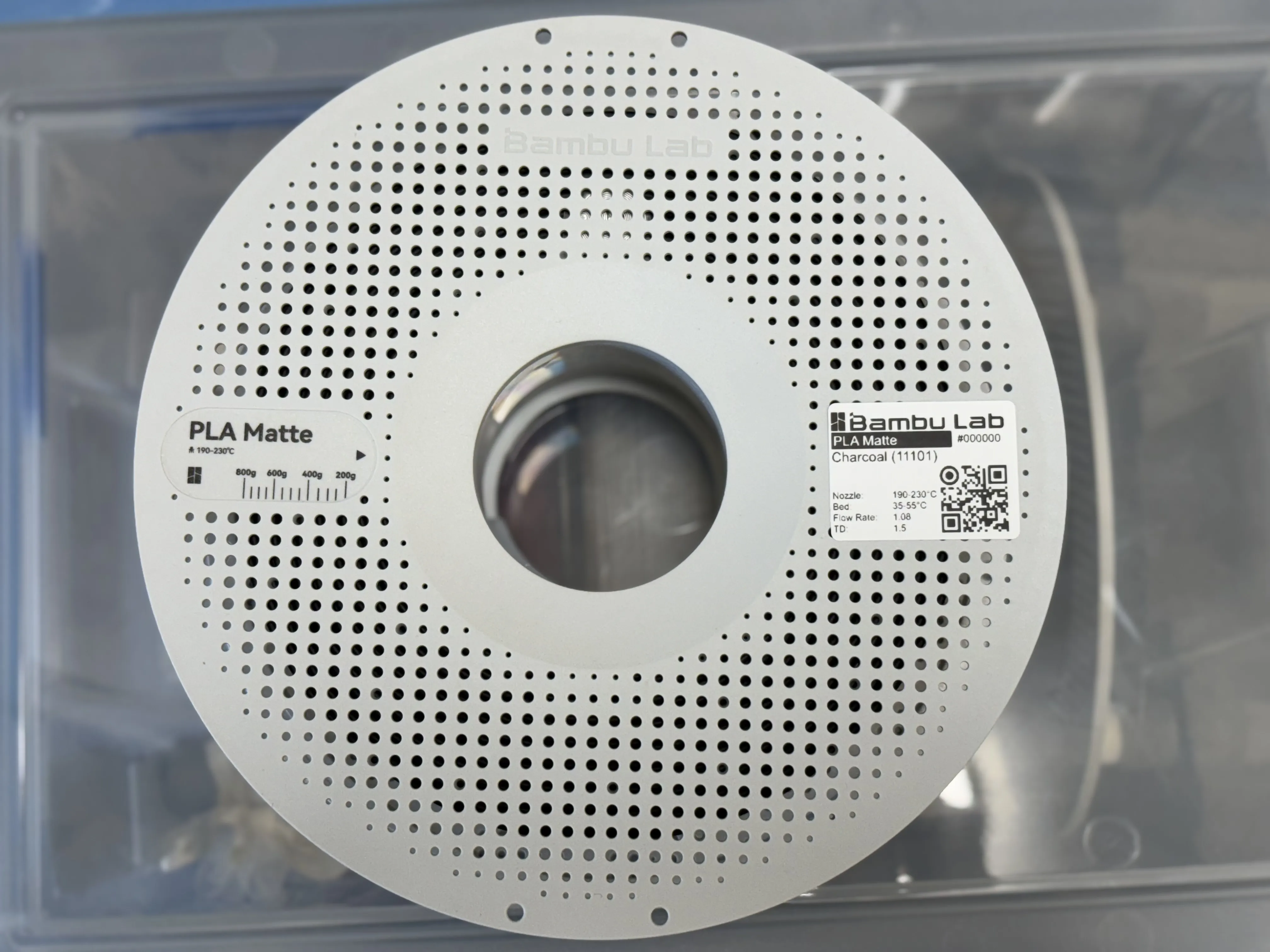
Now add the filament to your “My Spools” section on the web site.
From there you can print out second spool-specific QR code label that uniquely identifies that spool of filament. Stick that on the spool itself. It allows you to track the individual spool’s weight and location.
(Spool labels have a circle in the upper left of the QR code, as seen below)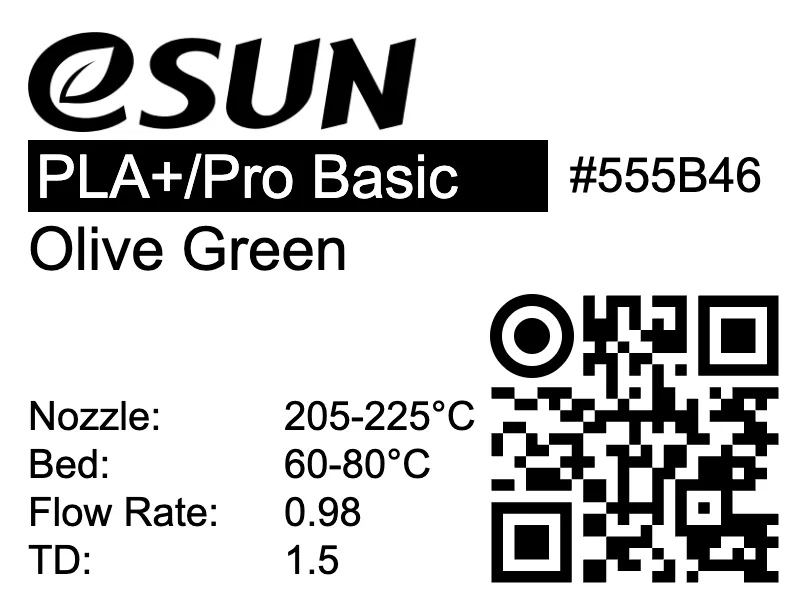
You can add the purchase date, price and other information, such as current weight, location and preferred settings for just that spool.
(There is also now a page to automatically deduct the amount of used filament by dropping the sliced print file onto the page)- LOCATIONS. Now we have support for printing location labels too. https://3dfilamentprofiles.com/my/locations
This makes updating the location of a spool as simple as
(i) Scan the QR code on the spool.
(ii) Click on the edit button on the page it takes you to.
(iii) Click Scan QR and scan the Location QR Code
The spool's location will now be updated in your My Spools list.
— OR —
QUICK SCAN - using the button on the top header bar
(i) Scan the QR code on the Location label
(ii) Scan the QR code on the Spool
Done! The spool is now assigned to that location
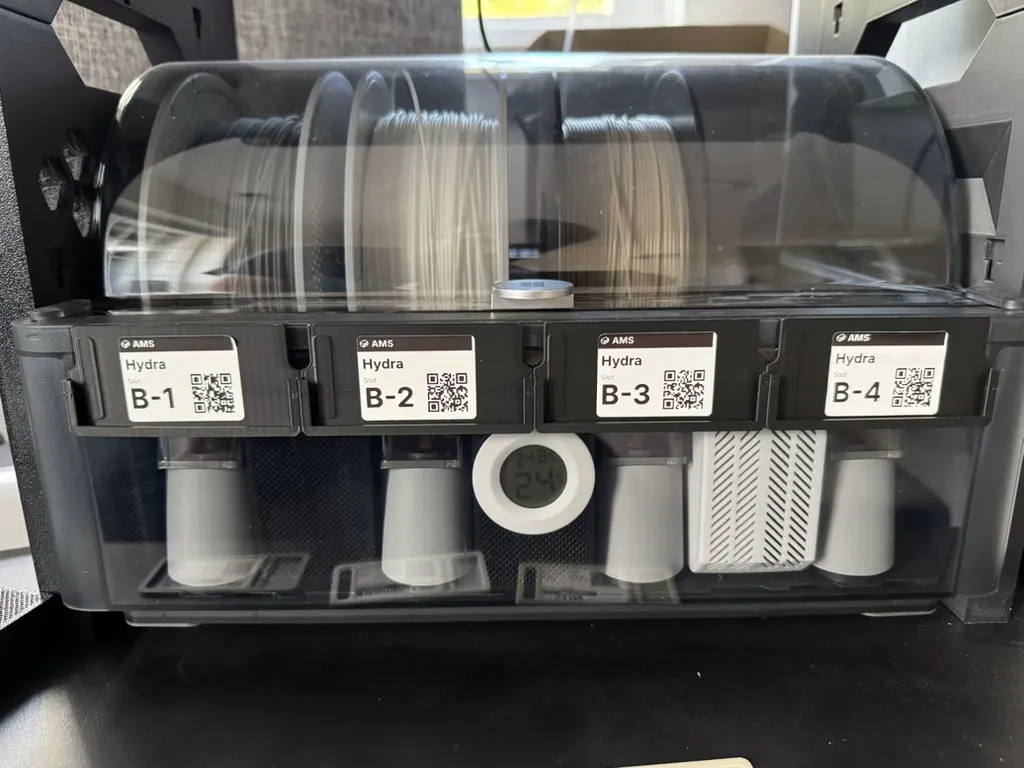
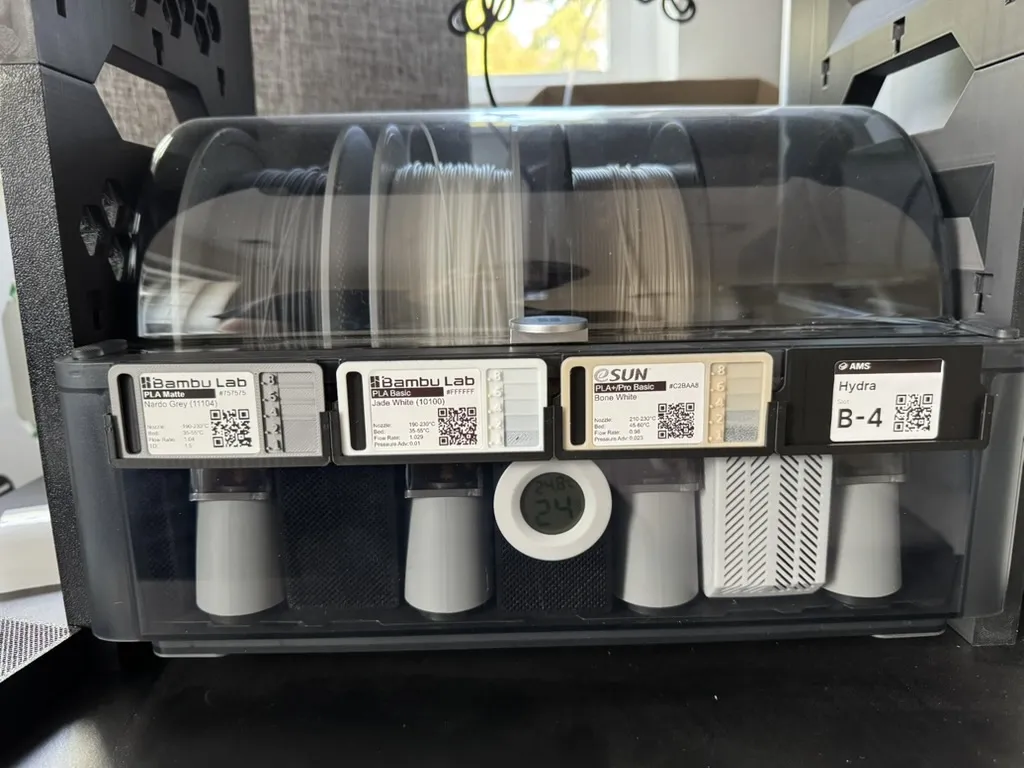
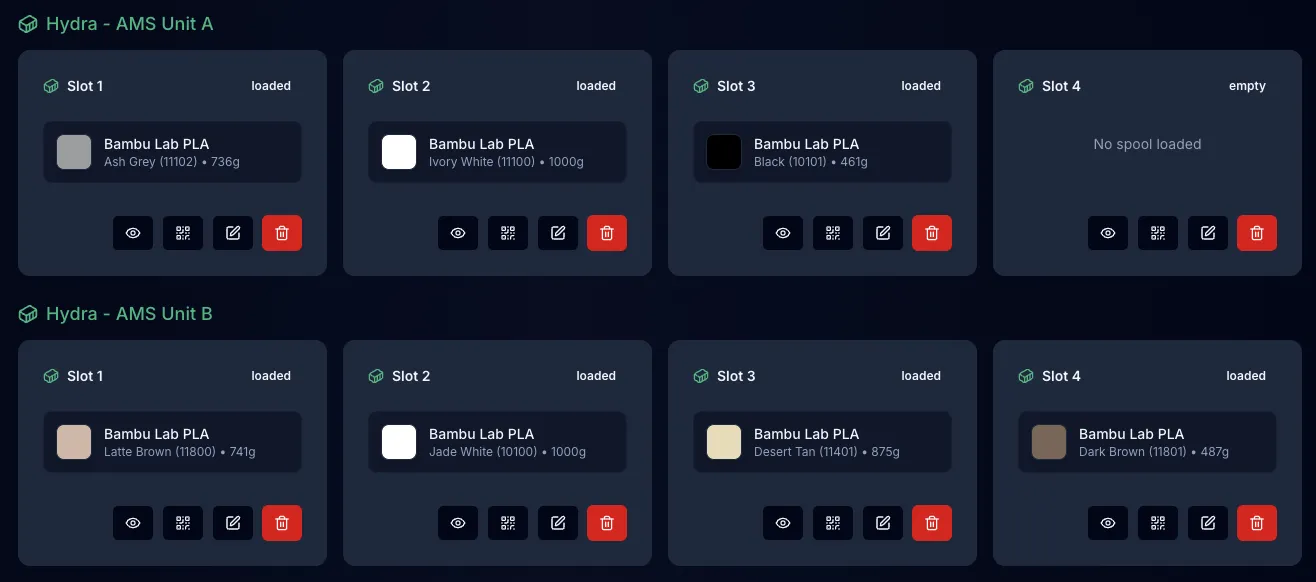
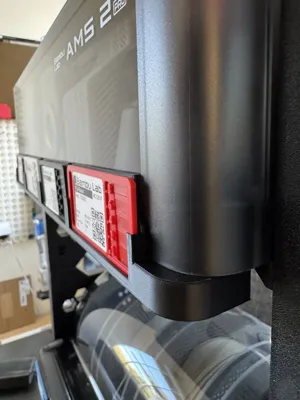
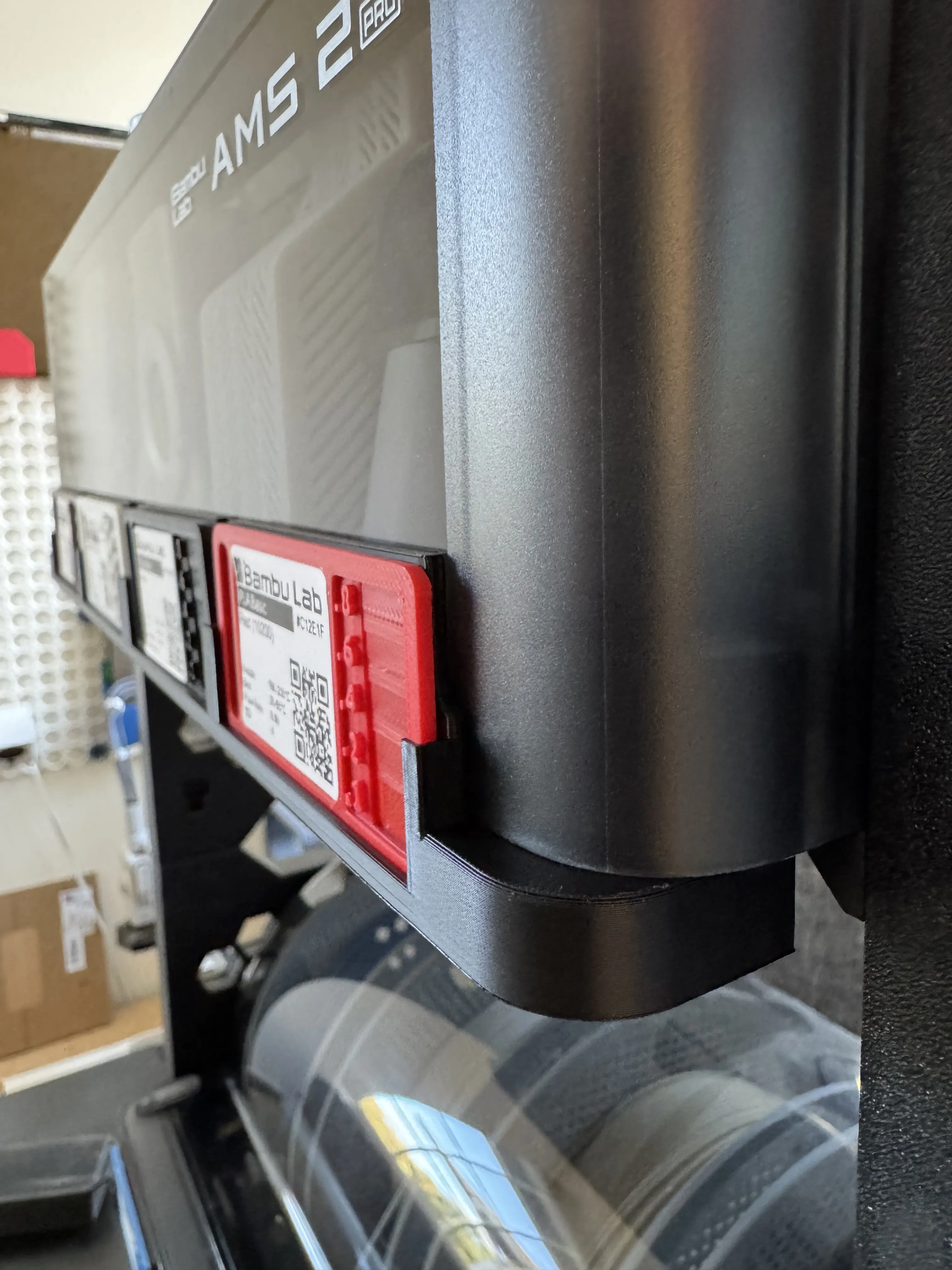
New: a four slot holder that clips in the bottom of the AMS 2 Pro.
Storage
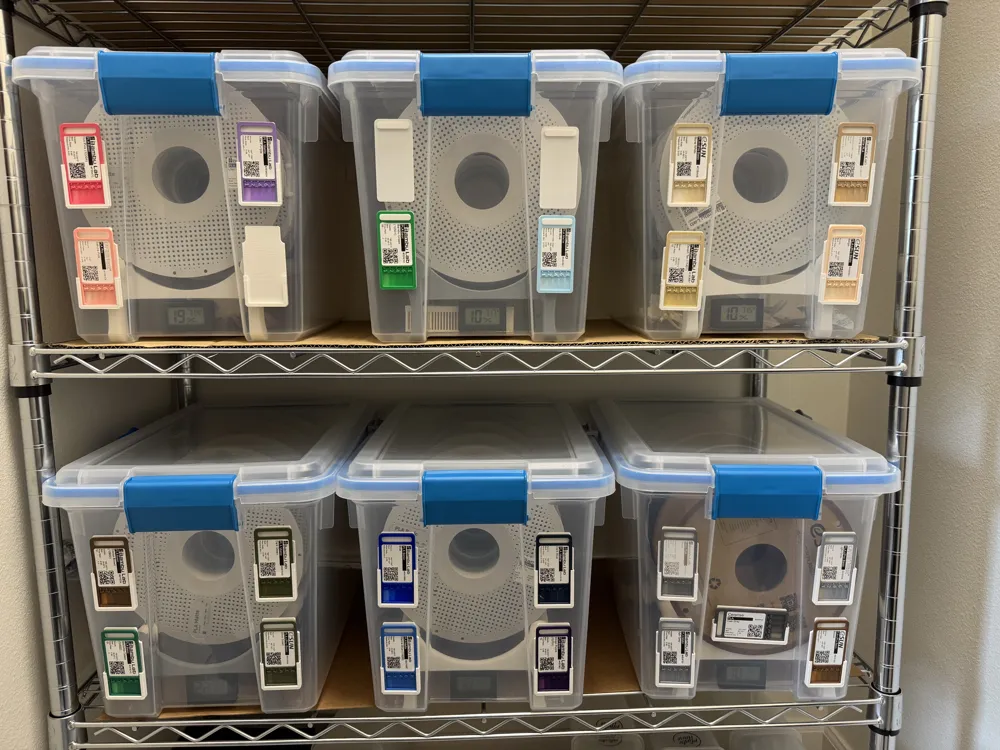
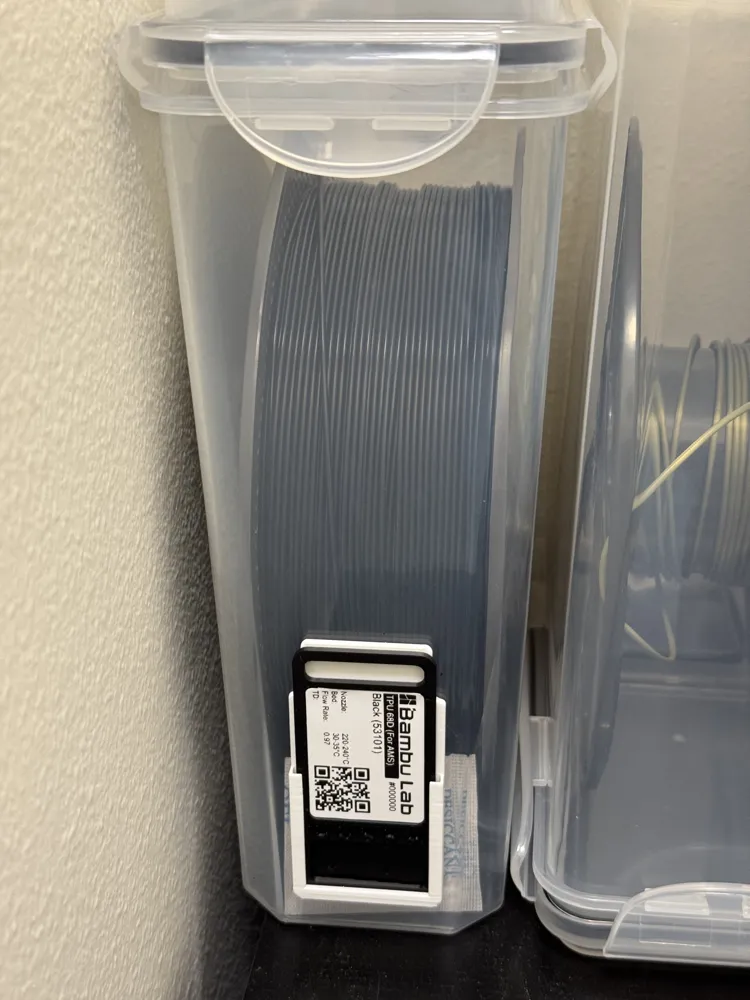
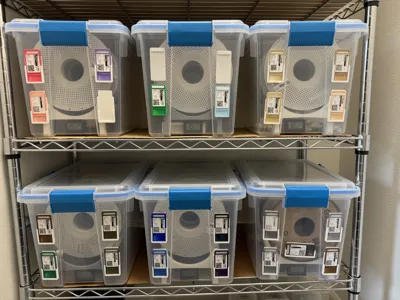
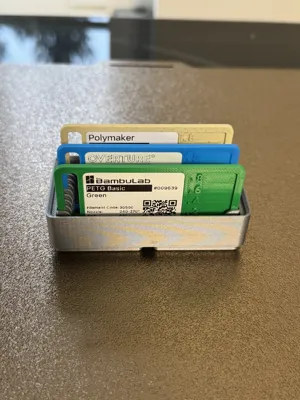
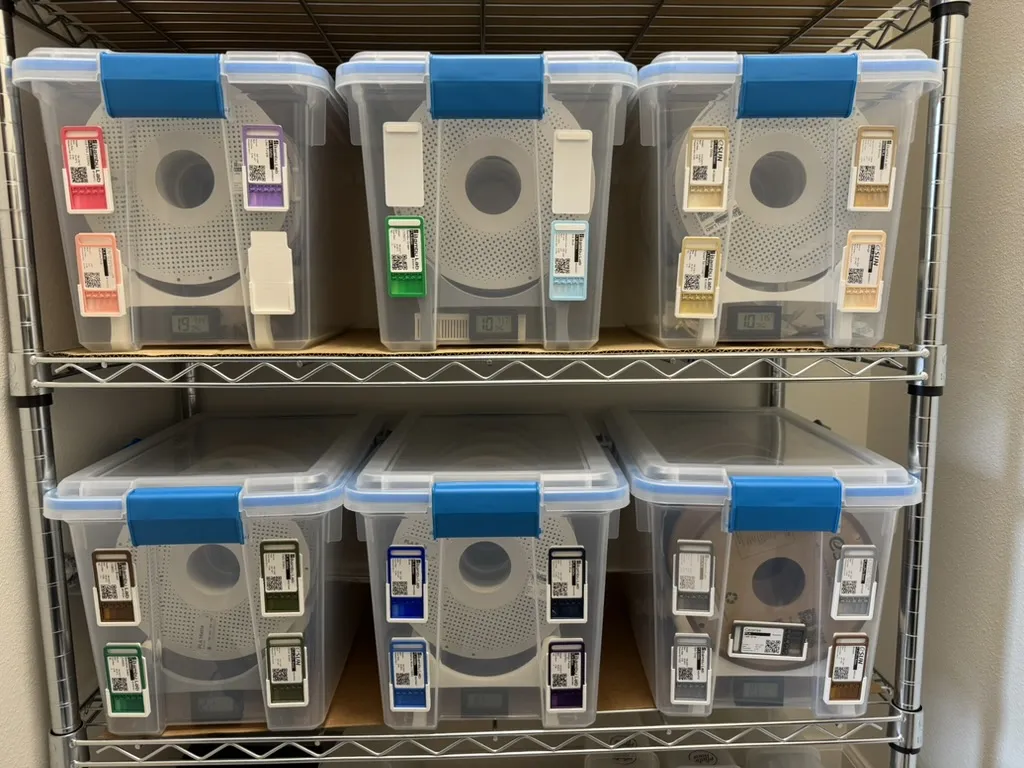
In the model file you will also find holders that you can attach to storage containers such as these Sterilite containers with double sided tape. Each Sterilite container holds 4-5 spools depending on width. The swatch card is simply pressed on to the hanger for whichever container that spool goes in.
Then when I load the filament into the AMS I simply pop off the filament swatch and insert it into the AMS holder. The hanger remains attached to the Sterilite.
Sterilite storage rack model is here: https://makerworld.com/en/models/478305
Label Printer
Labels are designed to fit 40mm x 30mm labels (Amazon Link) on thermal printers such as the Phomemo M200 (Amazon Link) although I'm sure other printers will work. The labels downloaded from https://3dfilamentprofiles.com are designed for the Labelife app which supports many printers I believe. There is also an option to download a PNG file of the entire generated label.
See https://3dfilamentprofiles.com/help#label-printing for more info.

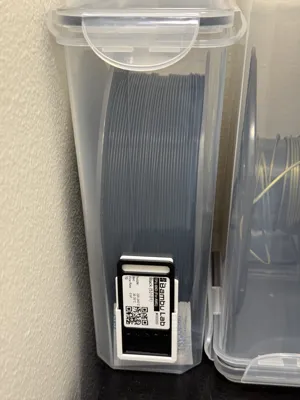
Vertical swatch holder
Due to popular demand I have designed a vertical version of the horizontal swatch holder with a similar slot-based design that holds the swatch securely as you lift the container down from your shelf.
Model is here: https://makerworld.com/en/models/785693#profileId-723237

Gridfinity Swatch Bins
I have uploaded three different sized Gridfinity compatible swatch bin that hold 10, 21 and 33 filament swatches for when you are not storing them in the AMS or Sterilite/Cereal containers.
Models here: https://makerworld.com/en/models/889430
Boost Me (for free)
All boosts go towards buying filament to add to the 3D Filament Profiles database, and of course, very much appreciated.
License

You shall not share, sub-license, sell, rent, host, transfer, or distribute in any way the digital or 3D printed versions of this object, nor any other derivative work of this object in its digital or physical format (including - but not limited to - remixes of this object, and hosting on other digital platforms). The objects may not be used without permission in any way whatsoever in which you charge money, or collect fees.


Comment & Rating (1799)